Conversation

 ajaynair
commented
ajaynair
commented
Mar 17, 2019
ajaynair
commented


|
|
|
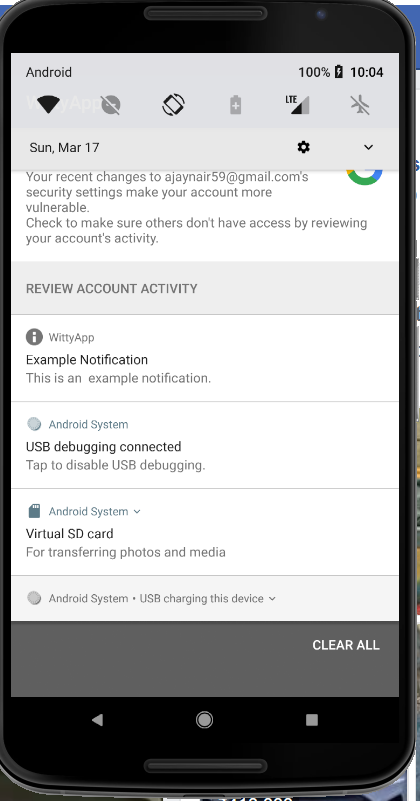
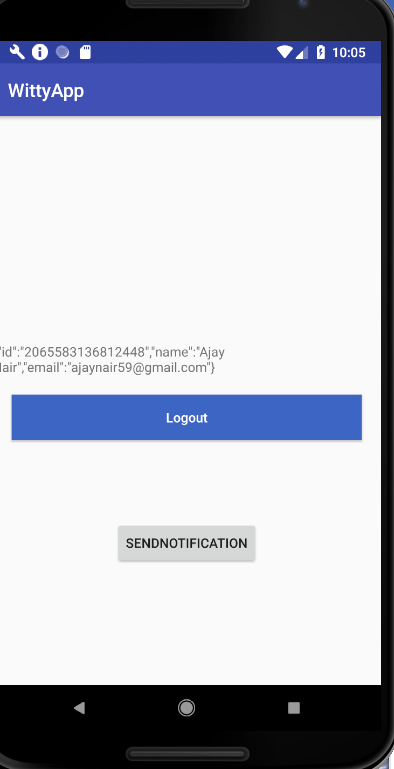
Clicking on 'SendNotification' button creates a notification. |

|
Crashed on my phone on clicking the 'sendnotification' button: |
|
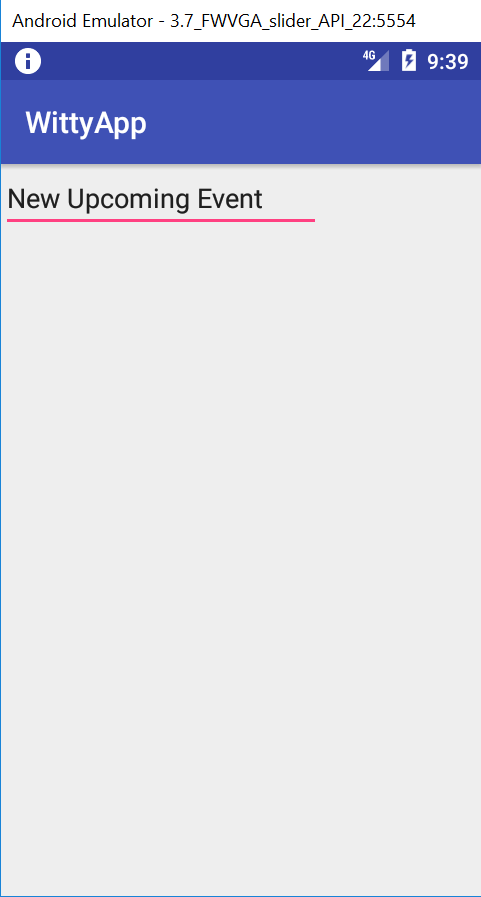
I can now see the notification, but when I tap on it (and the 'New Upcoming Event' page comes up), the notification itself doesn't go away. It still stays in the notification bar and I can tap it any number of times to go to the app. |
|
We need to look into session management for the app. After tapping the 'Log in with Facebook' button, the 'AuthenticatedActivity' shows up, with the 'sendnotification' button. Now I can tap the 'back' button (Android action), so we are back at the login page. Now, if there is a notification in the panel for WittyApp and I tap it, it will still open the 'New Upcoming Event' page. This should not happen. If the user logs out or is not authenticated, then no other pages of the app should be visible from any entry point. In any case, we will probably need to store the FB auth token (or some other unique identifier for the user) such that it is accessible globally to all activities/services in the app. We will need to use it for DB queries and/or REST APIs. |
|
Seen in logcat: We should do the FB login in a background async thread! |
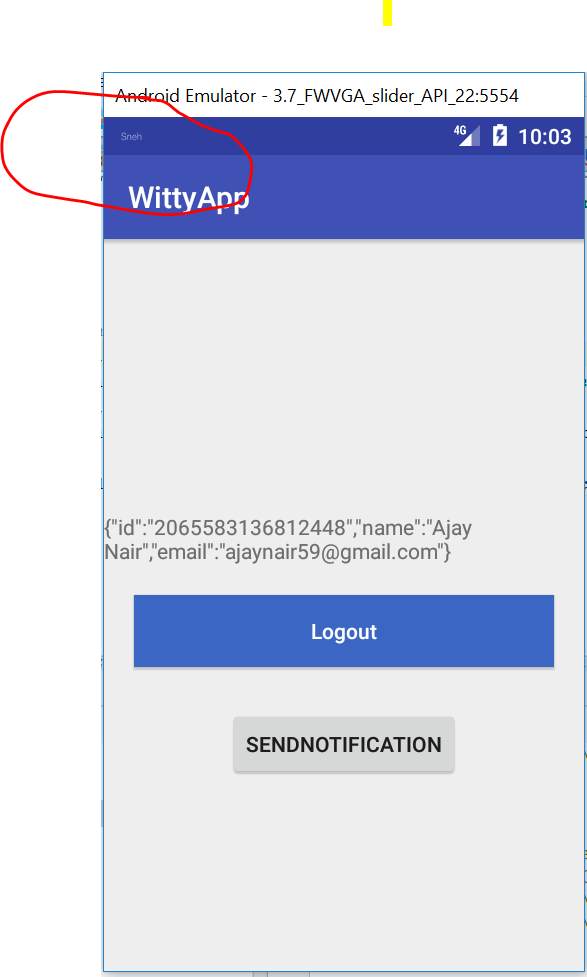
Changed App notification icon
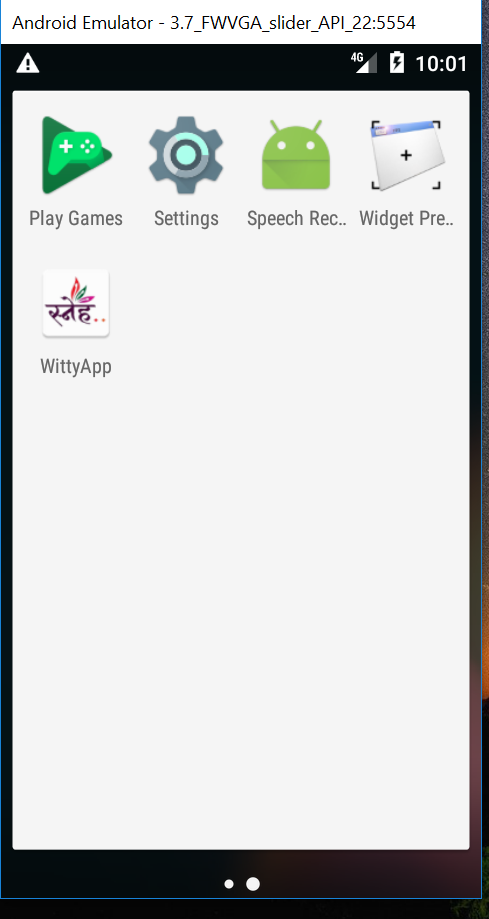
Changed App launcher icon
|
|

| .setSmallIcon(R.drawable.sneh_small_icon) | ||
| .setChannelId(channelID) | ||
| .setContentIntent(pendingIntent) | ||
| .addAction(R.drawable.sneh_small_icon, "Sign Me Up", |

There was a problem hiding this comment.
Can we skip the small icon on the action buttons? Just the text 'Sign me up' should be good enough.
| snoozePendingIntent) | ||
| .setAutoCancel(true) | ||
| .setStyle(NotificationCompat.BigPictureStyle() | ||
| .bigPicture(BitmapFactory.decodeResource(resources, R.drawable.sneh_large_icon)) |
There was a problem hiding this comment.
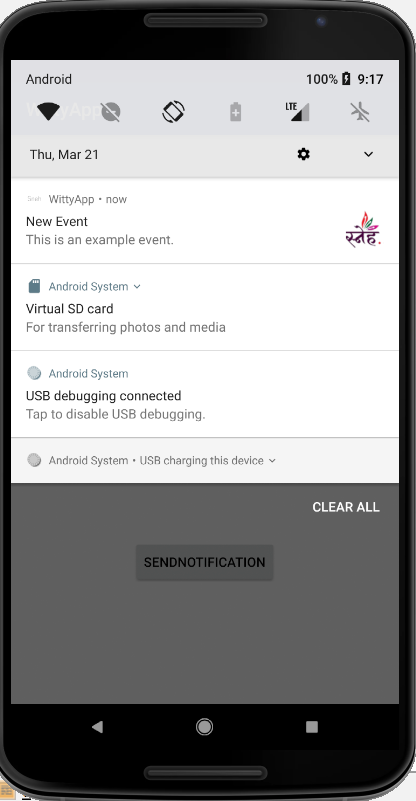
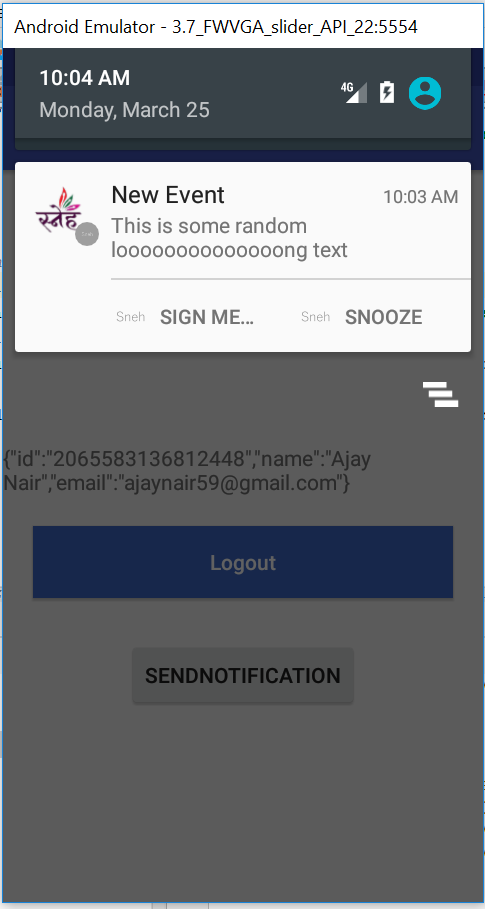
Is this the image/photo seen in the notification or the app icon on the left?
|
In the image below, did you try using the full logo? Does it not look good in the notification bar? |
|
In the image below, why is there a grey icon at the bottom right corner of the Sneh icon? It looks weird. |
2 participants

