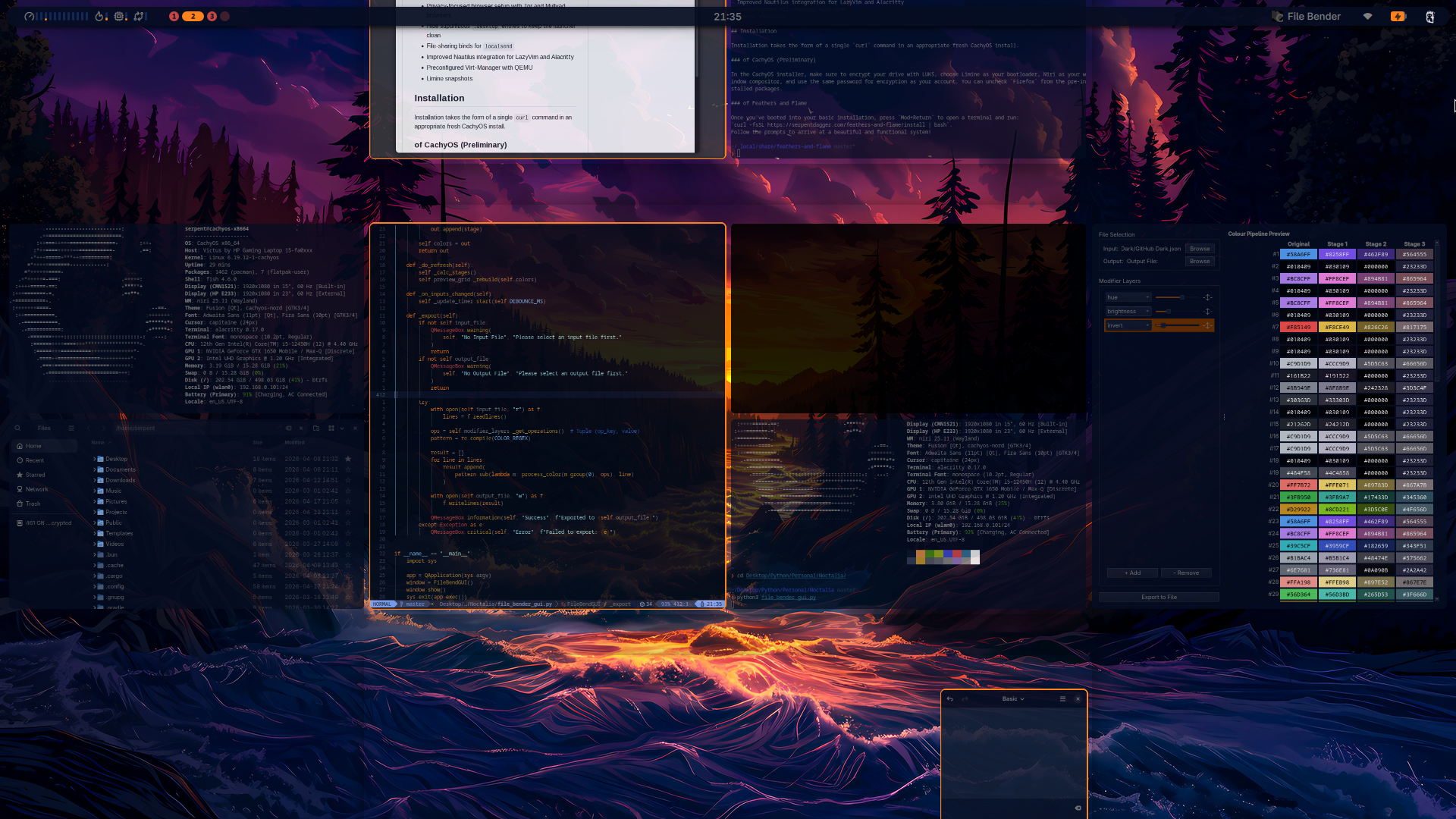
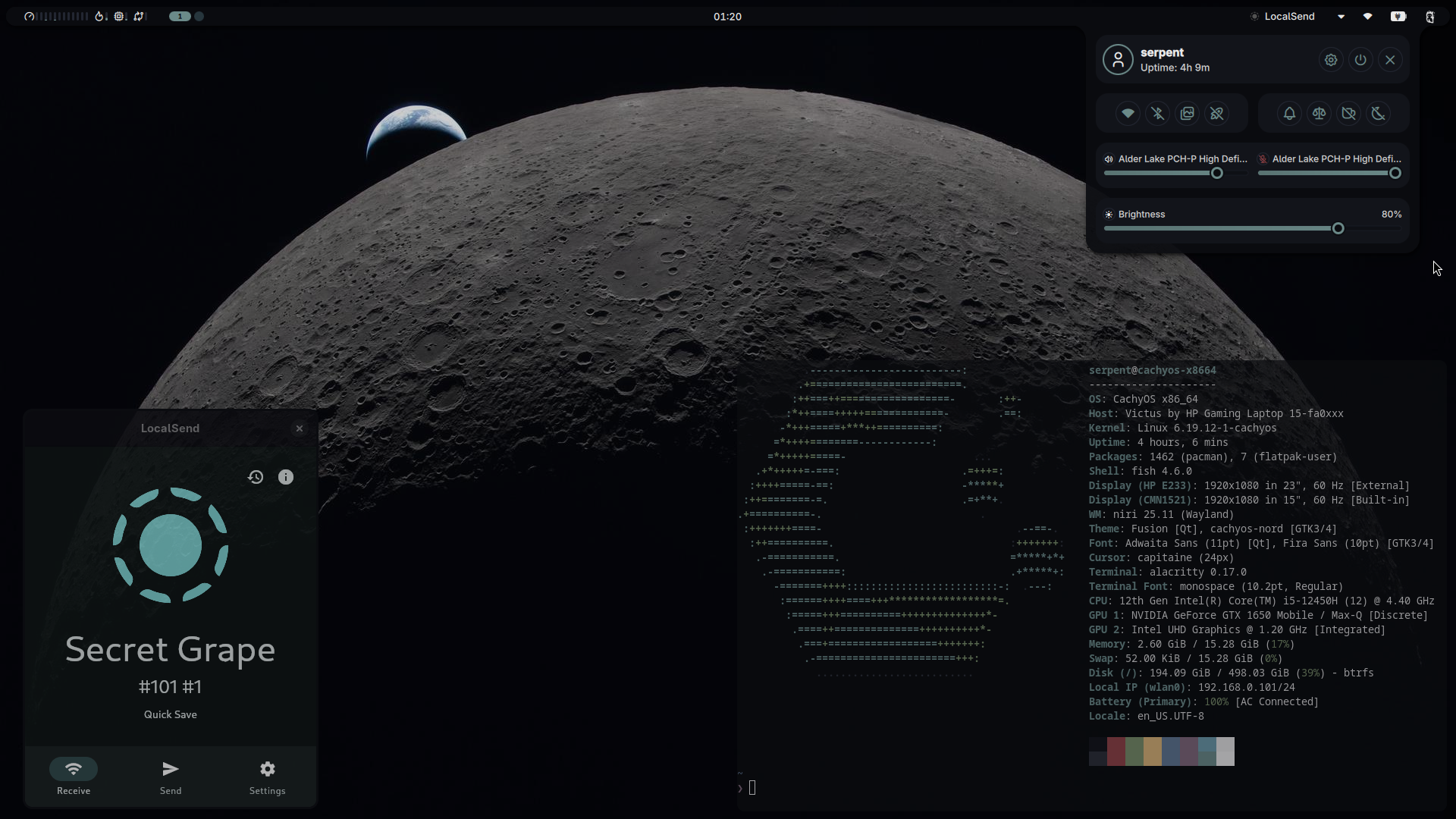
This setup combines the snappiness and good hardware support of CachyOS with the gorgeous minimalism of Niri and Noctalia Shell. It's completely modular; you can either breeze through the install menu, pressing 'Yes' to get a cohesive and well-configured system to start off with, or you can pick through selectively to avoid your particular raisins.
- Niri, Noctalia, CachyOS (obv)
- Comprehensive theming setup; colours chosen dynamically from wallpaper or specific theme per wallpaper
- Wallpaper keybinds for favourite groups: get a random wallpaper from any favourite category
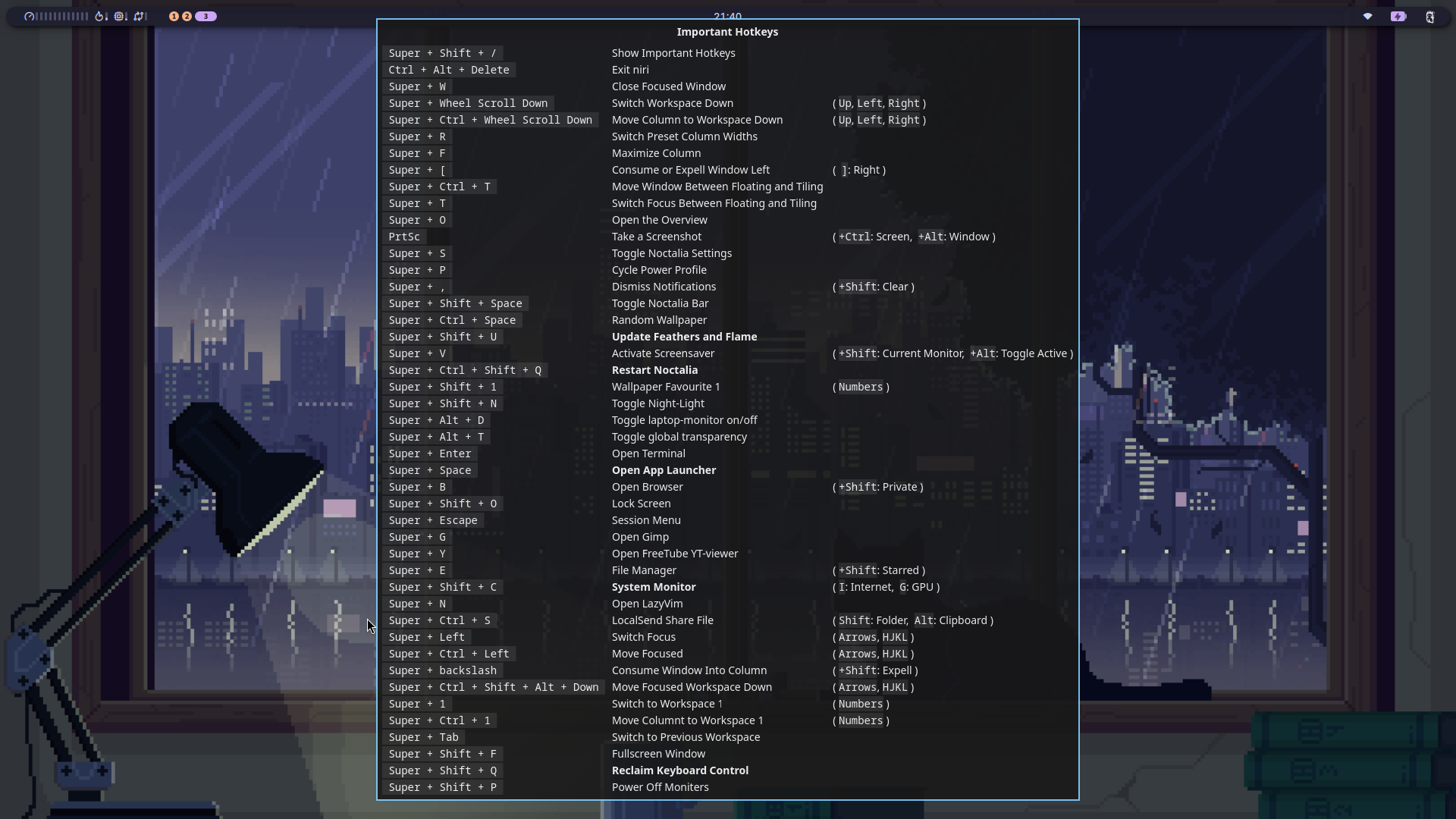
- Highly keyboard-driven with carefully thought-out bindings for most use
cbonsaiscreensaver- Night light with
wlsunset - Fine-tuned window rules and shell configuration; custom hot-swap rules
- LUKS-encrypted auto-login
- Refined LazyVim out of the box
- Advanced power-management with
tlp - Performance optimisations with
gamemode - Privacy-focused browser setup with Tor and Mullvad browsers
- Hide supurfluous
.desktopentries to keep the launcher clean - File-sharing binds for
localsend - Improved Nautilus integration for LazyVim and Alacritty
- Preconfigured Virt-Manager with QEMU
- Pre-set mimetypes
- Easy-installation of suggested programs
- Limine snapshots
Installation takes the form of a single curl command in an appropriate fresh CachyOS install.
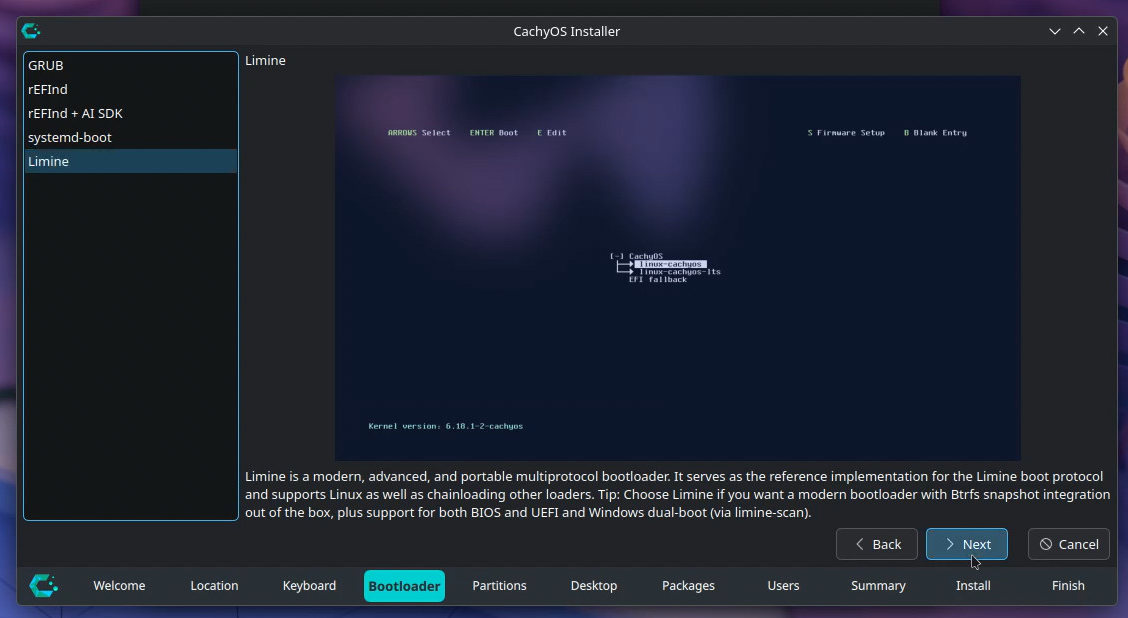
First, install CachyOS normally (from a flashed USB with their iso), subject to the following notes:
- Select
Limineas your bootloader. - Encrypt your drive by selecting
btrfsandEncrypt Systemin thePartitionssection. - Select
Niriin theDesktopsection. - You can uncheck Firefox in the
Packagessection, since Feathers can install Mullvad and Tor Browsers for you. - Choose the same password for your user login as you did for encryption.
- Reboot!
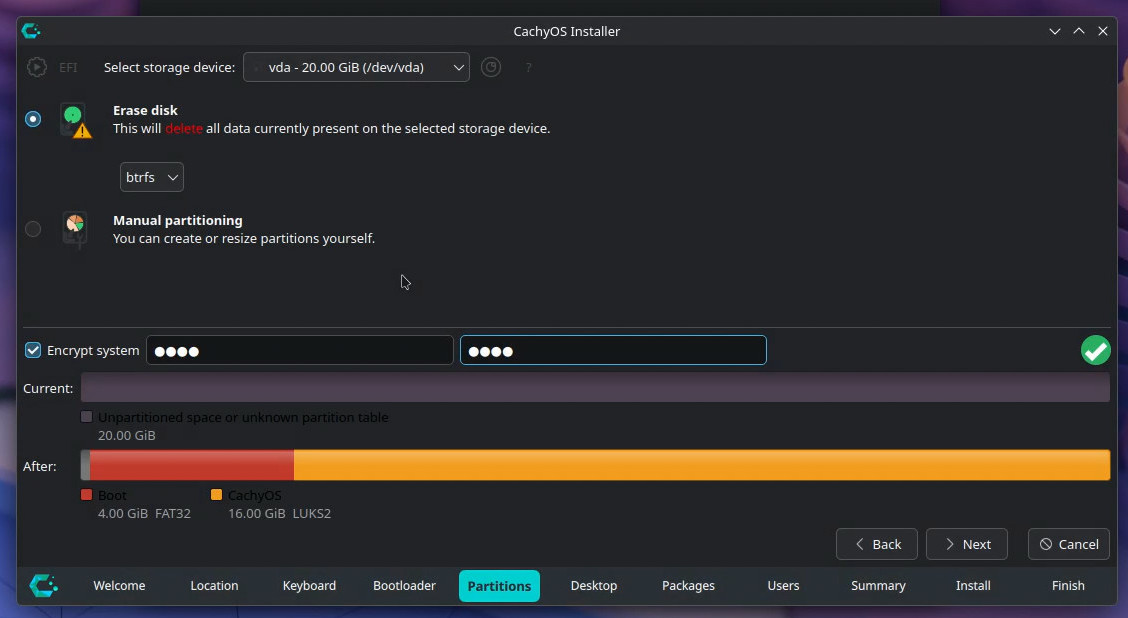
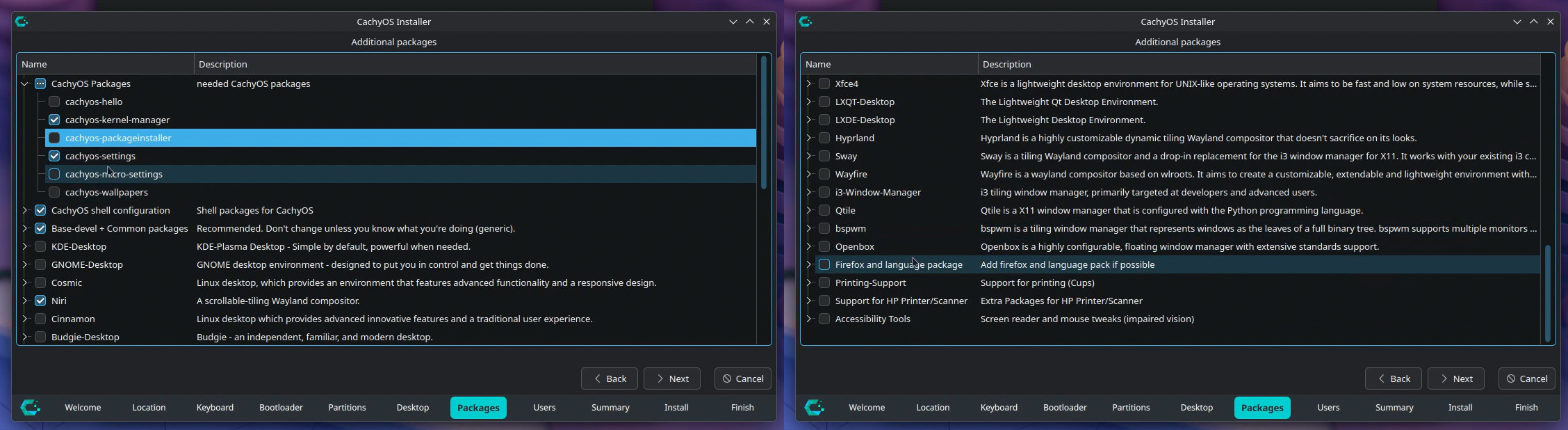
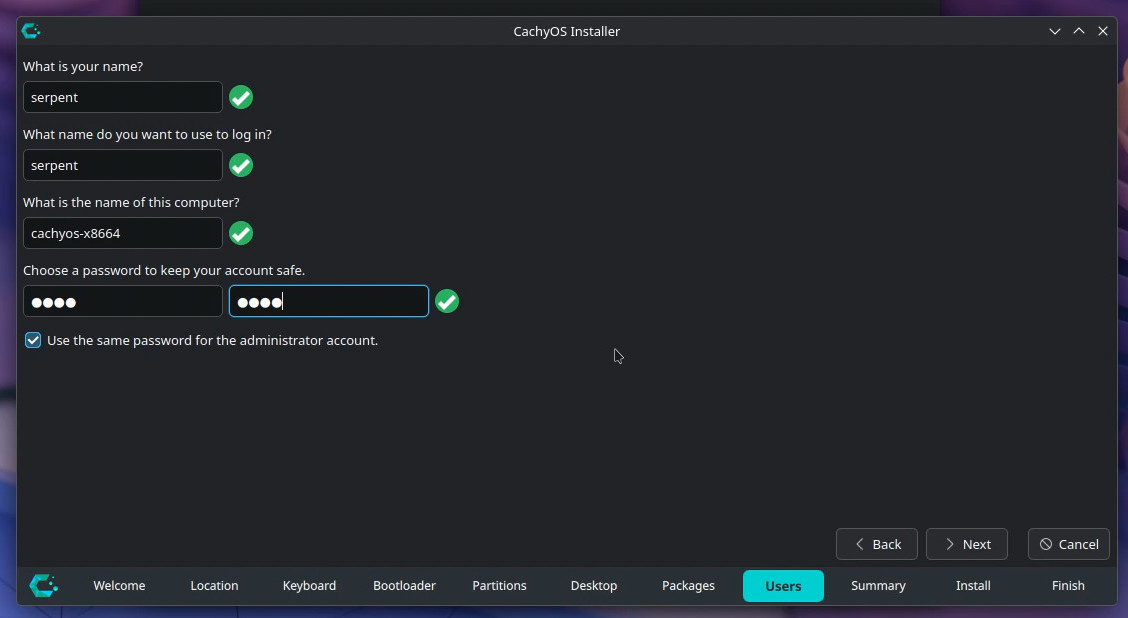
The setup may install properly on other Arch-based systems, or a 'dirty' CachyOs install, but testing is done on clean CachyOs installations. If you're unsure, feel free to ask in an issue, or test in a VM first.
- Once you've booted into your basic installation, press
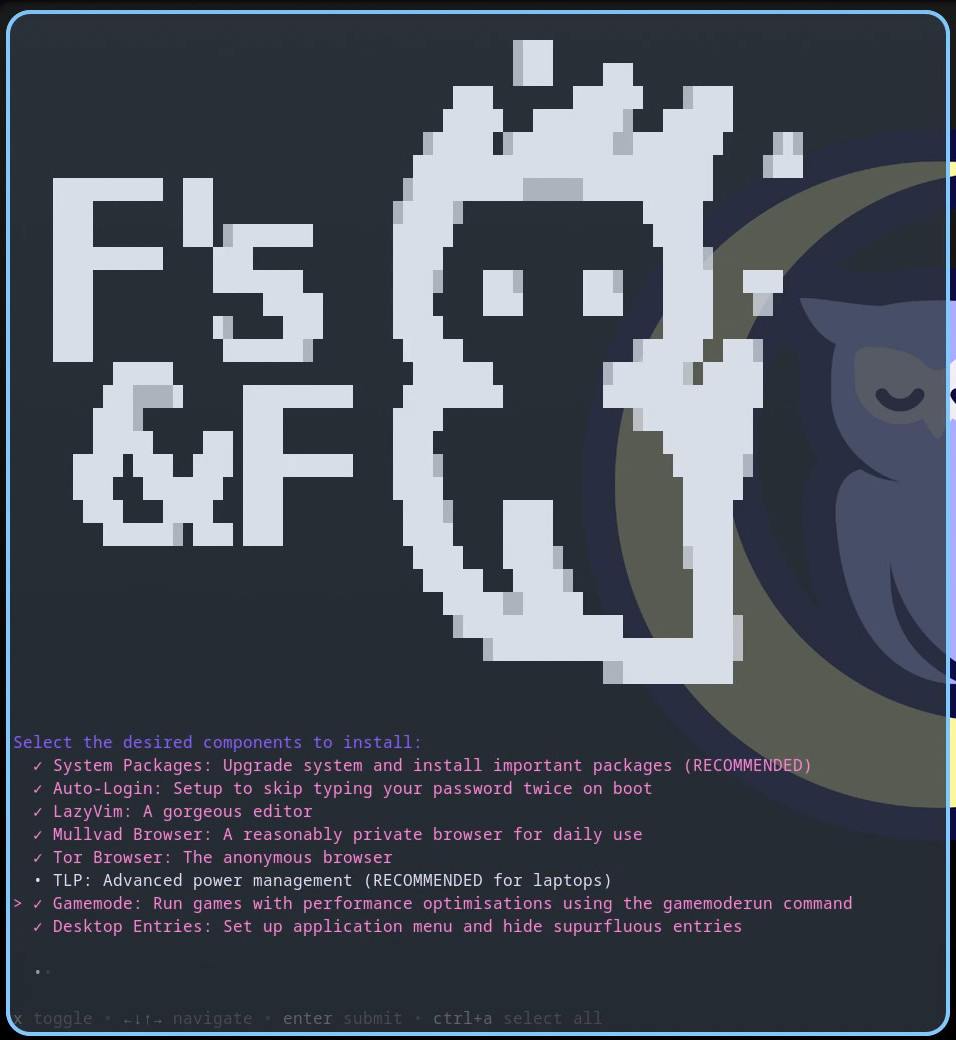
Mod+Returnto open a terminal and run:curl -fsSL https://serpentdagger.com/feathers-and-flame/install | bash. You'll be greeted by a flashy owl: - Select the components you want, or just
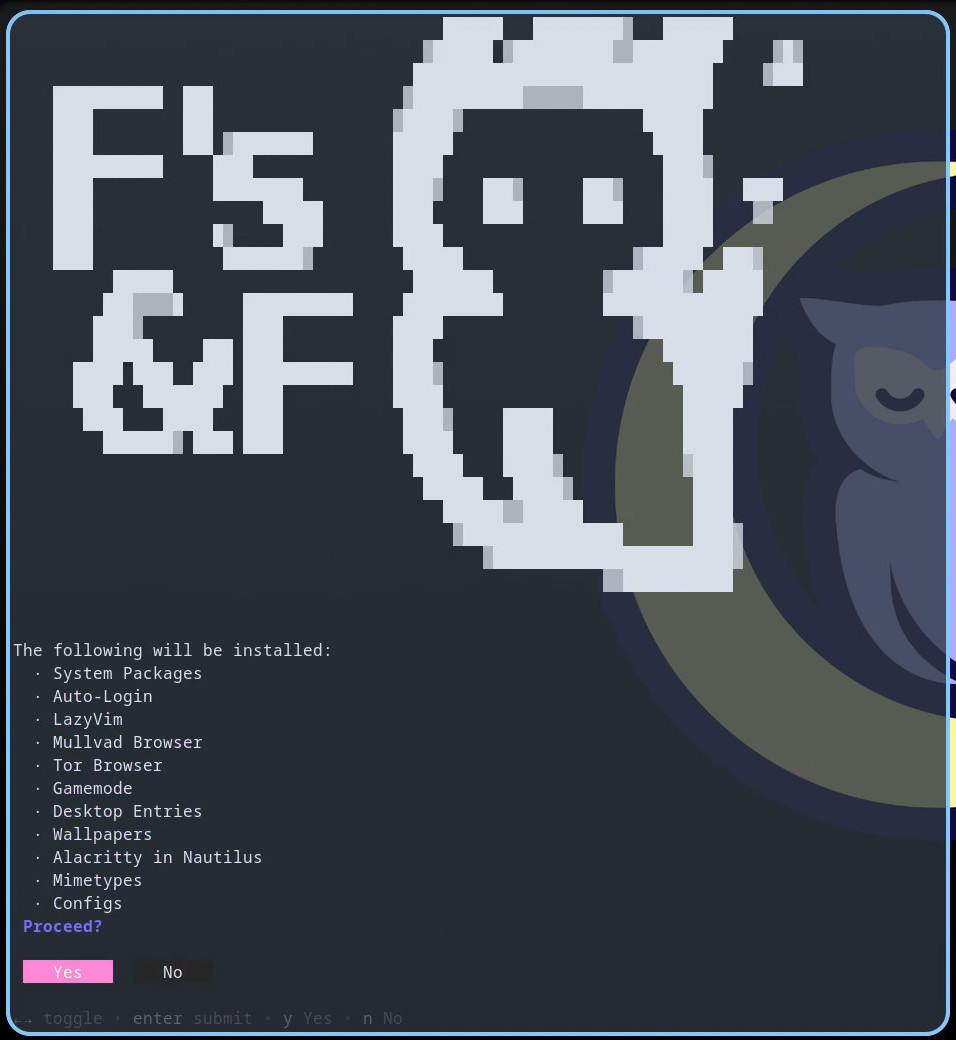
Ctrl + Afor all of them! - You will be asked for confirmation before installing:
- After pressing
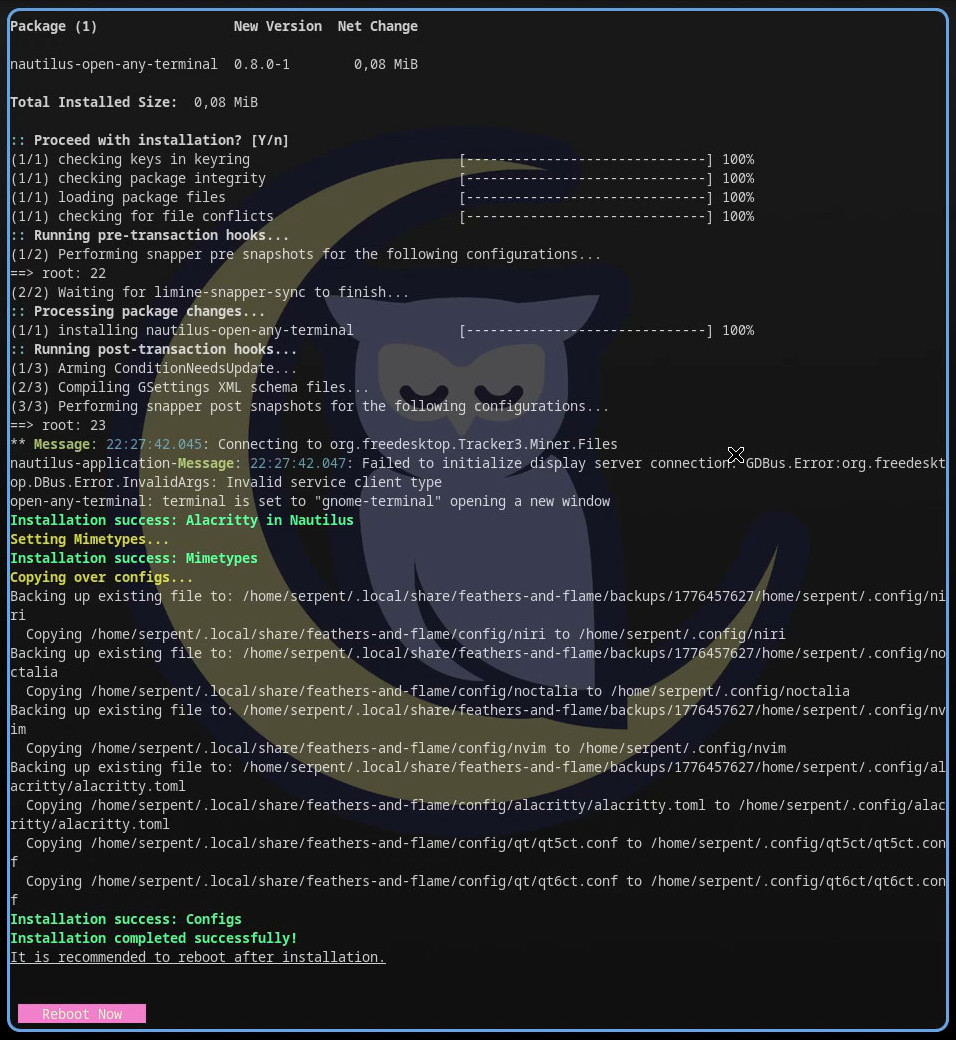
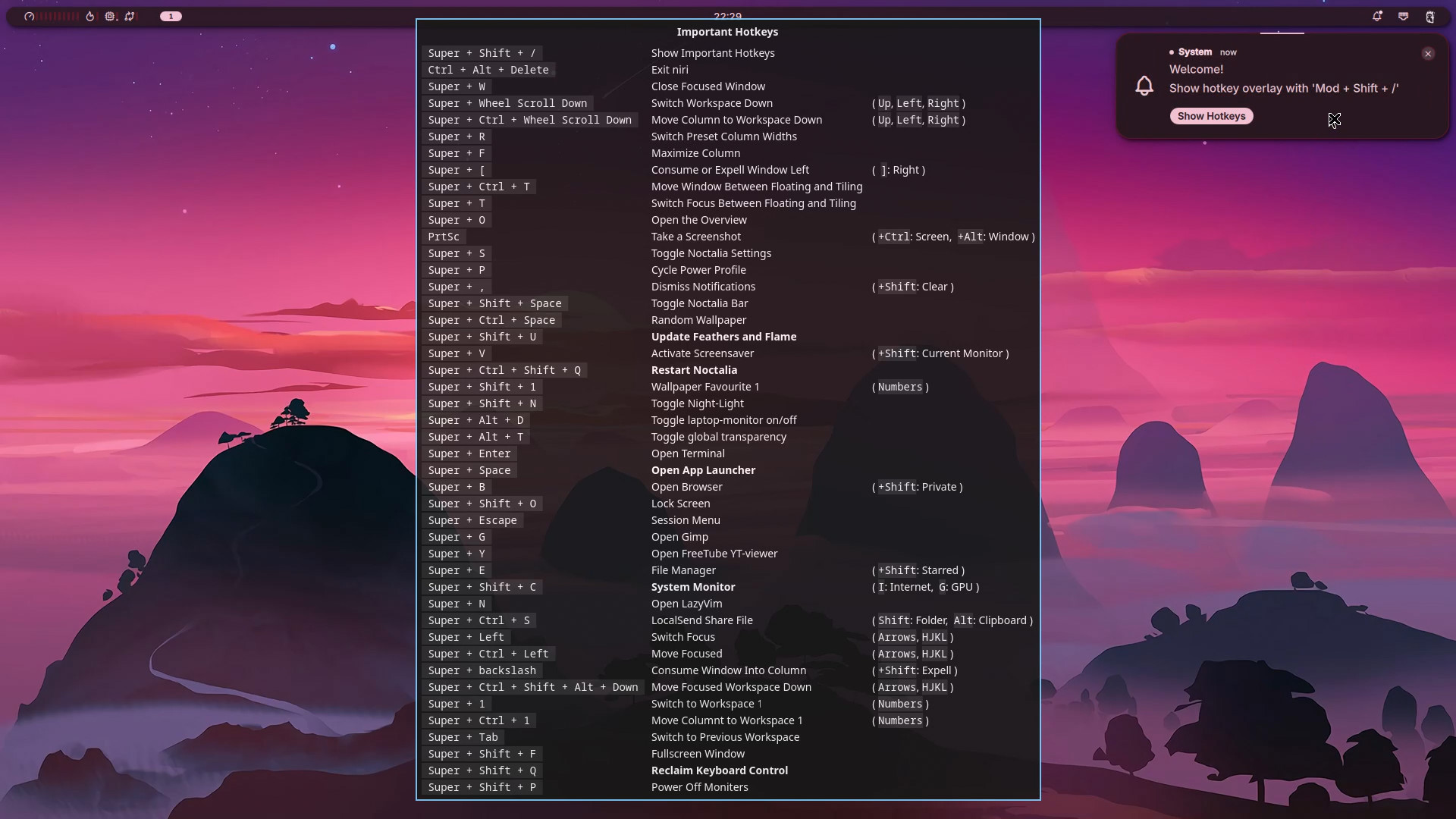
Yes, the installer will take a while to download and configure the system for you, depending on your bandwidth and hardware. After it's done, you will be prompted to reboot: - Once you've rebooted again, Feathers and Flame is ready for your enjoyment! I hope you have as great a time using it as I did setting it up!
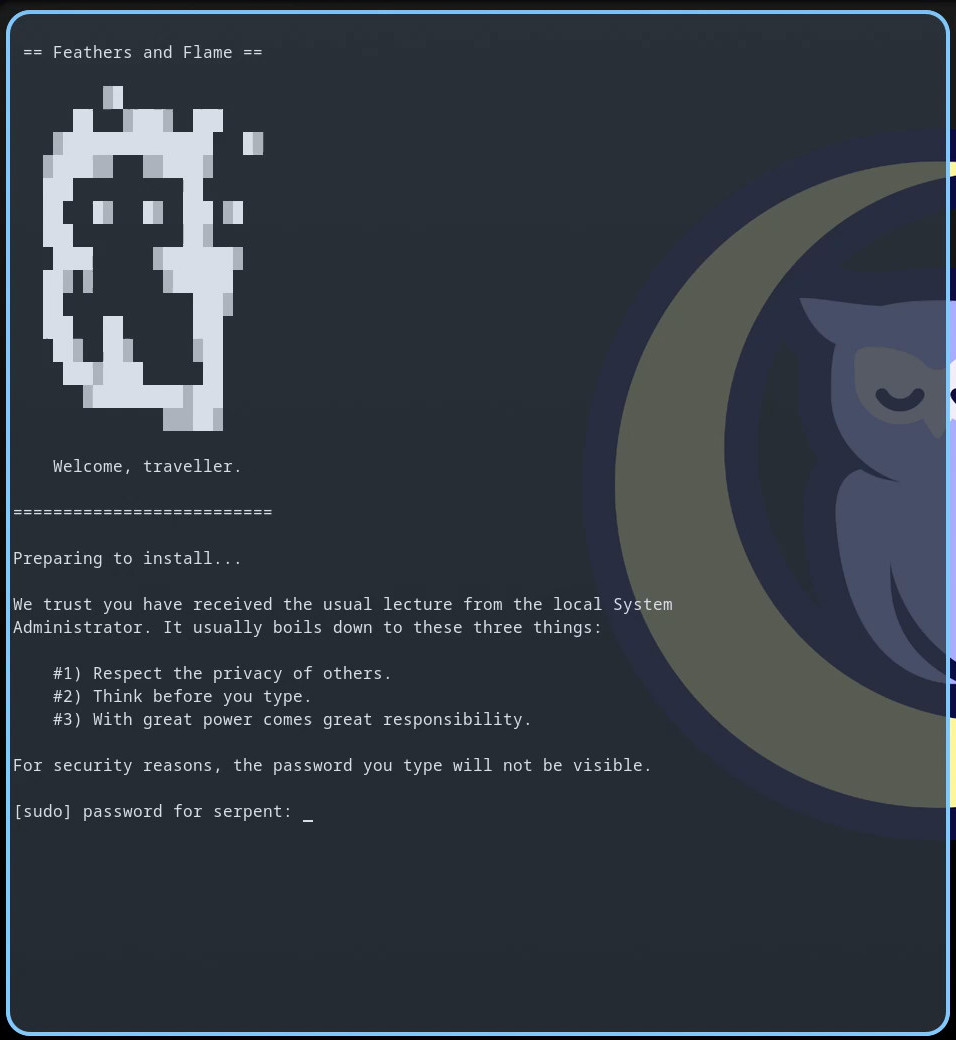
The installer keeps track of what components have been finished successfully, so if something goes wrong mid-install you can continue where you left off, or try again, by re-running the installer with bash ~/.local/share/feathers-and-flame/install.sh. It will ask if you want to pick up where you left off, or give you the opportunity to skip a component if it doesn't seem to work for some reason. This is also used later in the update script to avoid refreshing or installing unselected components on update.