Welcome to Horizon Driving – my masterpiece✨ - an adrenaline-pumping, fast-paced arcade game where you take the wheel and dive into intense chases. Evade traffic, outmaneuver the cops, and unleash your driving skills on a road where speed is your only ally. With multiple cars to choose from and slick animations that bring the menus to life, Horizon Driving is the dream game I have wanted to make for a long time :)
- High-Octane Gameplay: Engage in epic fast-paced driving.
- Multiple Vehicles: Choose from a variety of cars, each with its own unique feel. (More unique cars planned for future releases!)
- Stylish Animations: Enjoy smooth and dynamic menu animations that keep it fresh.
- Skill Levels: Easy to start with a really competitive skill ceiling.

Get the latest release of Horizon Driving from the Releases page.
Check out my video demo!
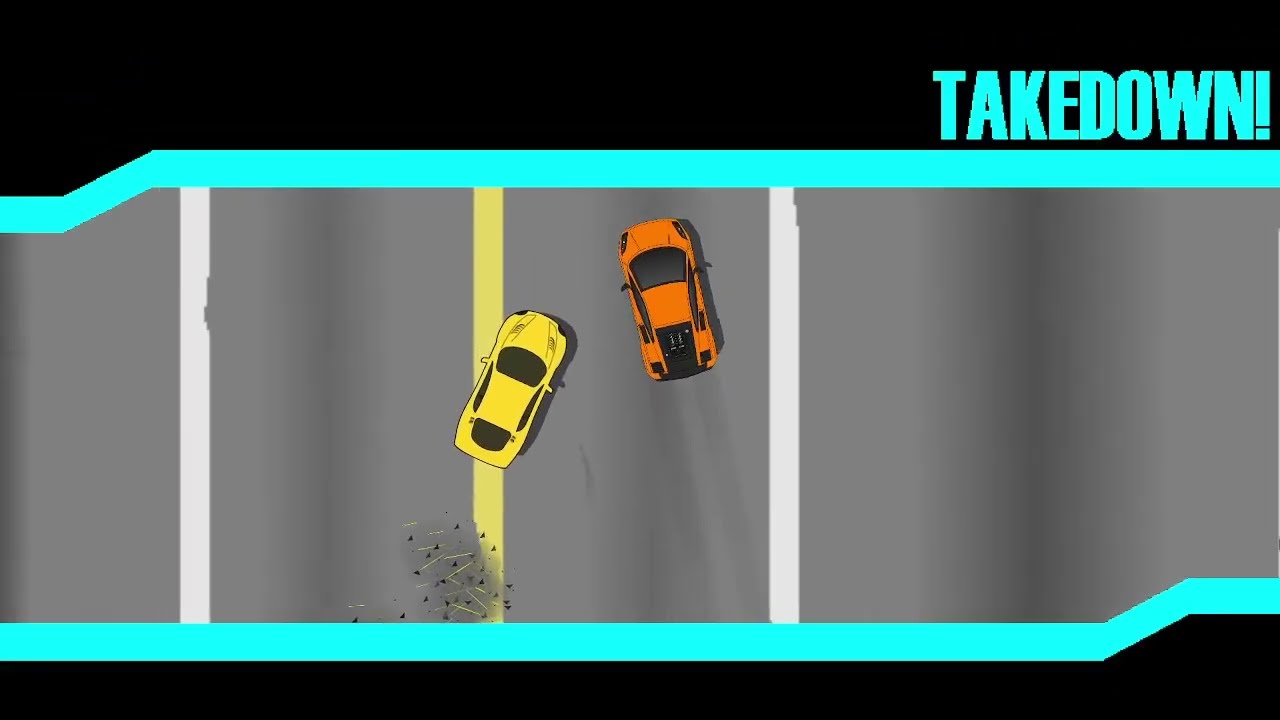
- Arrow keys for movement, "a" to use nitro.
- The green bar in the bottom left is your health.
- The blue bar in the bottom right is your nitro.
If you're interested in developing for Horizon Driving, you'll need to set up your development environment with a few essential libraries.
- LOVE2D: Ensure LOVE2D is installed. Download it here.
This project uses the following libraries:
- SUIT: An immediate mode GUI library for LOVE2D.
- HUMP: A toolkit for common game development tasks.
- HardonCollider: A simple collision detection library.
To install these libraries, follow these steps:
-
Clone the repository:
git clone https://github.com/Brushfire-257/Horizon-Driving.git
-
Navigate to the project directory:
cd Horizon-Driving -
Download and install the SUIT library:
git clone https://github.com/vrld/SUIT.git
-
Download and install the HUMP library:
git clone https://github.com/vrld/hump.git
-
Download and install the HardonCollider library:
git clone https://github.com/vrld/HardonCollider.git
-
Download and install the Splashes library:
git clone https://github.com/love2d-community/splashes.git
After setting up the environment and installing the required libraries, you can run the game with the following command:
love .or by dragging the game folder into love.exe!