


Roller Coasters is a personal playground where I experiment with modern Android development practices, libraries, and tools. It is a space to try new APIs, patterns, and approaches, especially around Jetpack Compose, without the constraints of production code.
The project is under active development and the codebase is not yet stable or nearly finished.
This project is built using modern Android development practices and libraries:
- Language: 100% Kotlin
- UI: Jetpack Compose for declarative UI.
- Theming: Material 3 (Material You) with dynamic color support.
- Navigation: Navigation Compose (Navigation 2) for screen transitions.
- Architecture: Follows Google's official "Guide to app architecture",
combining MVVM (Model-View-ViewModel) with
principles from Clean Architecture.
- UI Layer: State-driven UI using
ViewModel,State, andActions. ViewModels follow a declarative approach. - Domain Layer: (Optional) UseCases encapsulate specific business logic (e.g.,
GetFavoriteCoastersUseCase). - Data Layer:
Repositorypattern providing a single source of truth.
- UI Layer: State-driven UI using
- Asynchronicity: Kotlin Coroutines & Flows for managing background tasks and data streams.
- Dependency Injection: Hilt for managing dependencies throughout the app.
- Networking: Ktor Client for REST API communication.
- Serialization: Kotlinx.serialization for JSON parsing.
- Testing:
- Unit Tests: JUnit 4 & Mockk
- Screenshot Tests: Paparazzi
- UI Tests: Compose Test Rules
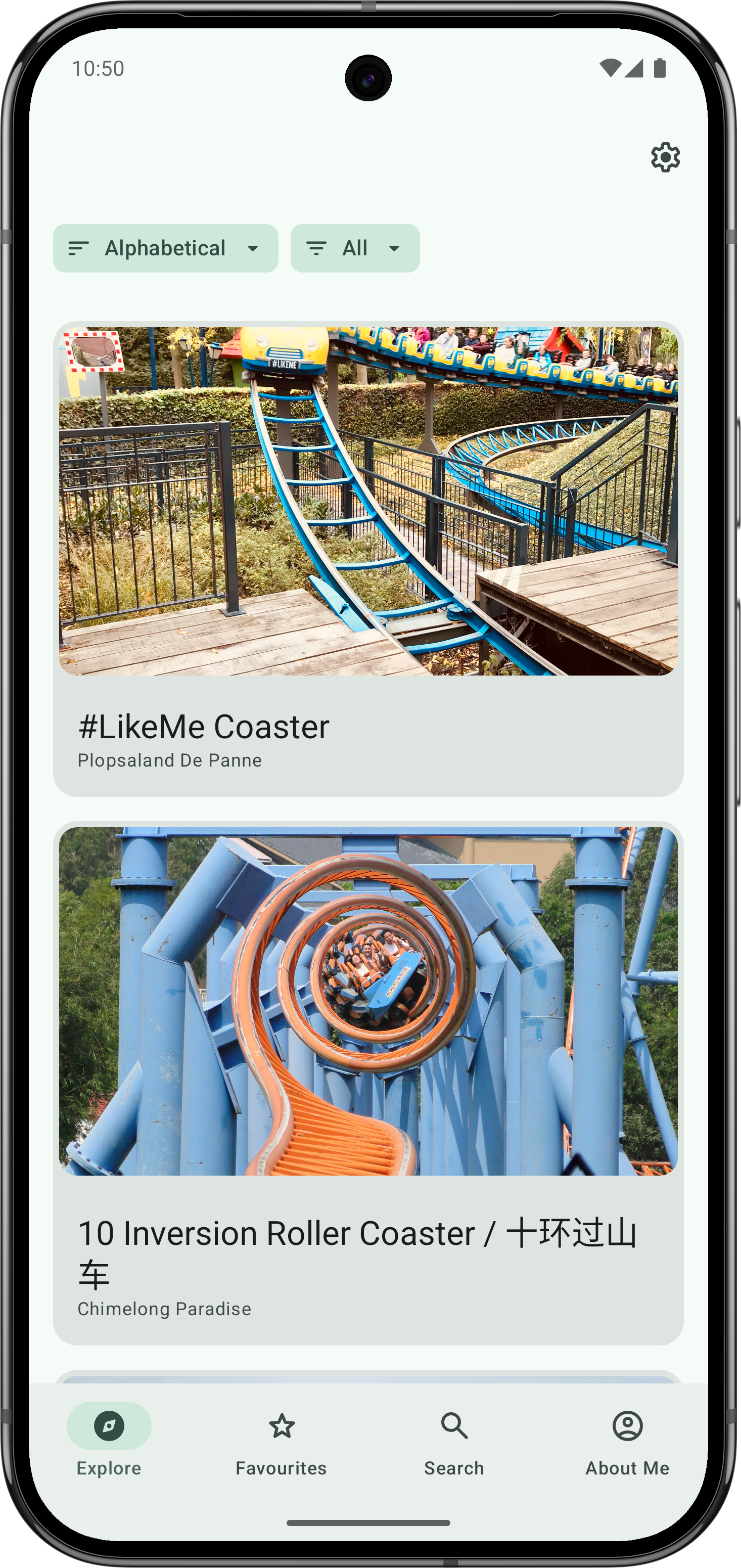
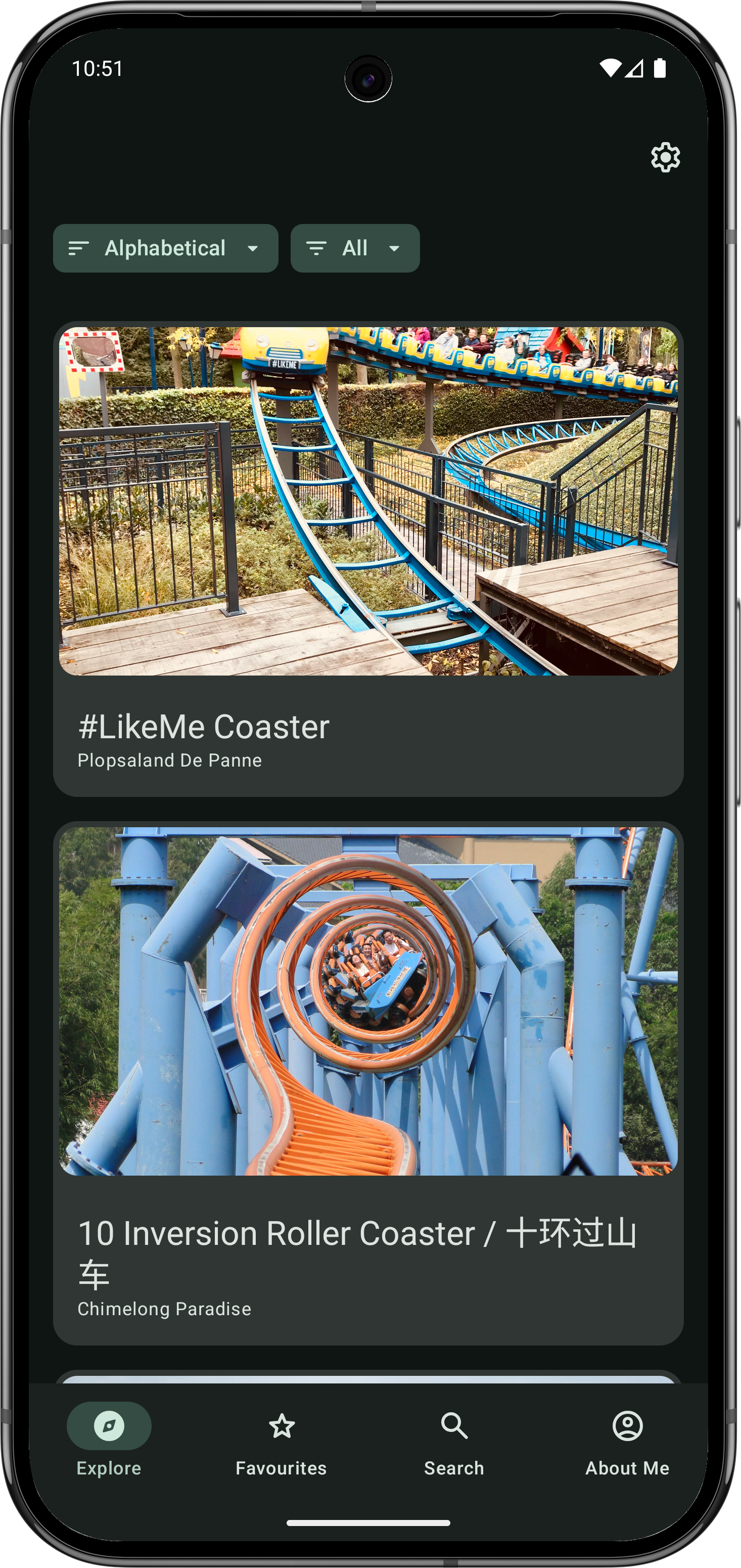
- Explore Feed: View roller coasters, filterable by various criteria (specs, materials, etc.).
- Favorites: Mark and view your favorite roller coasters.
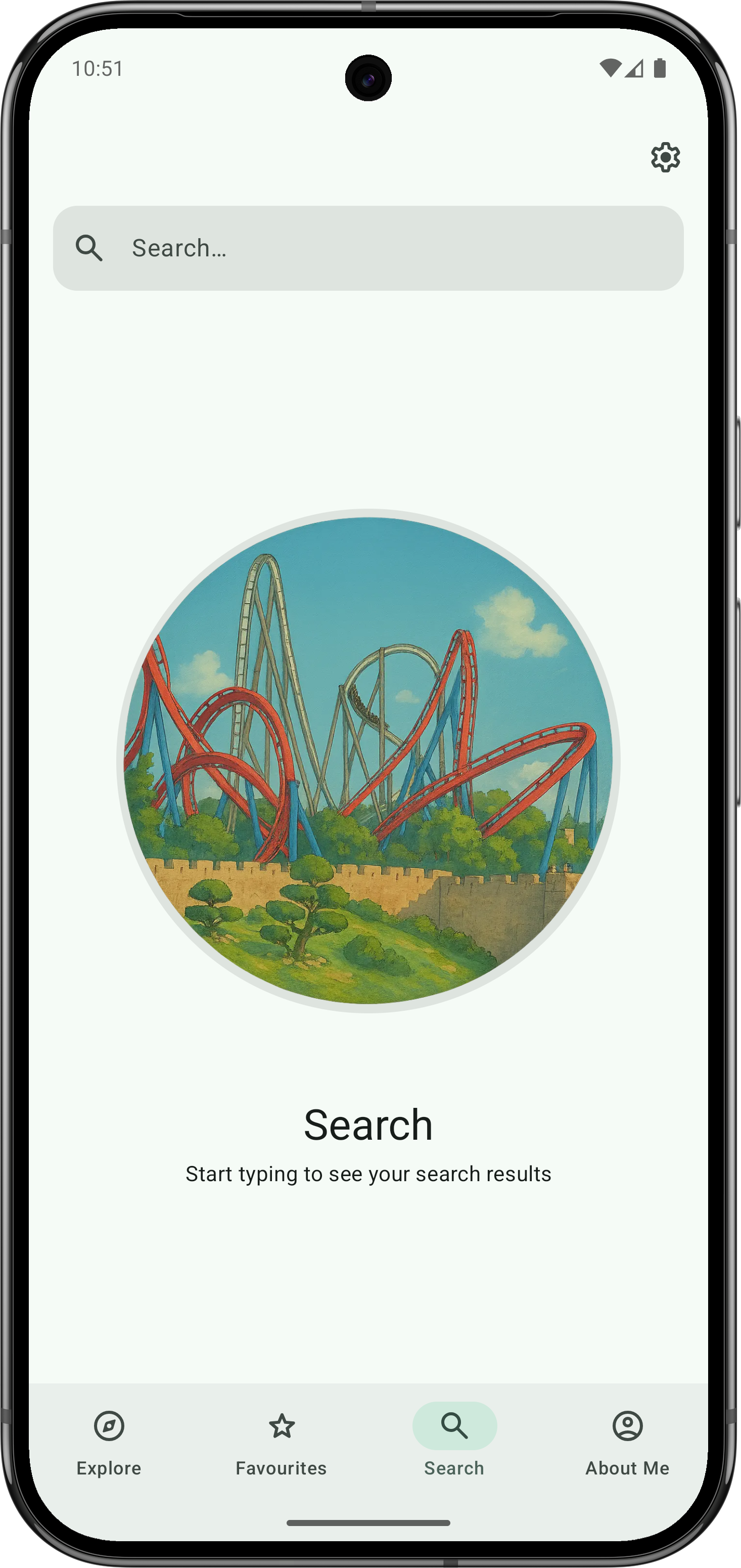
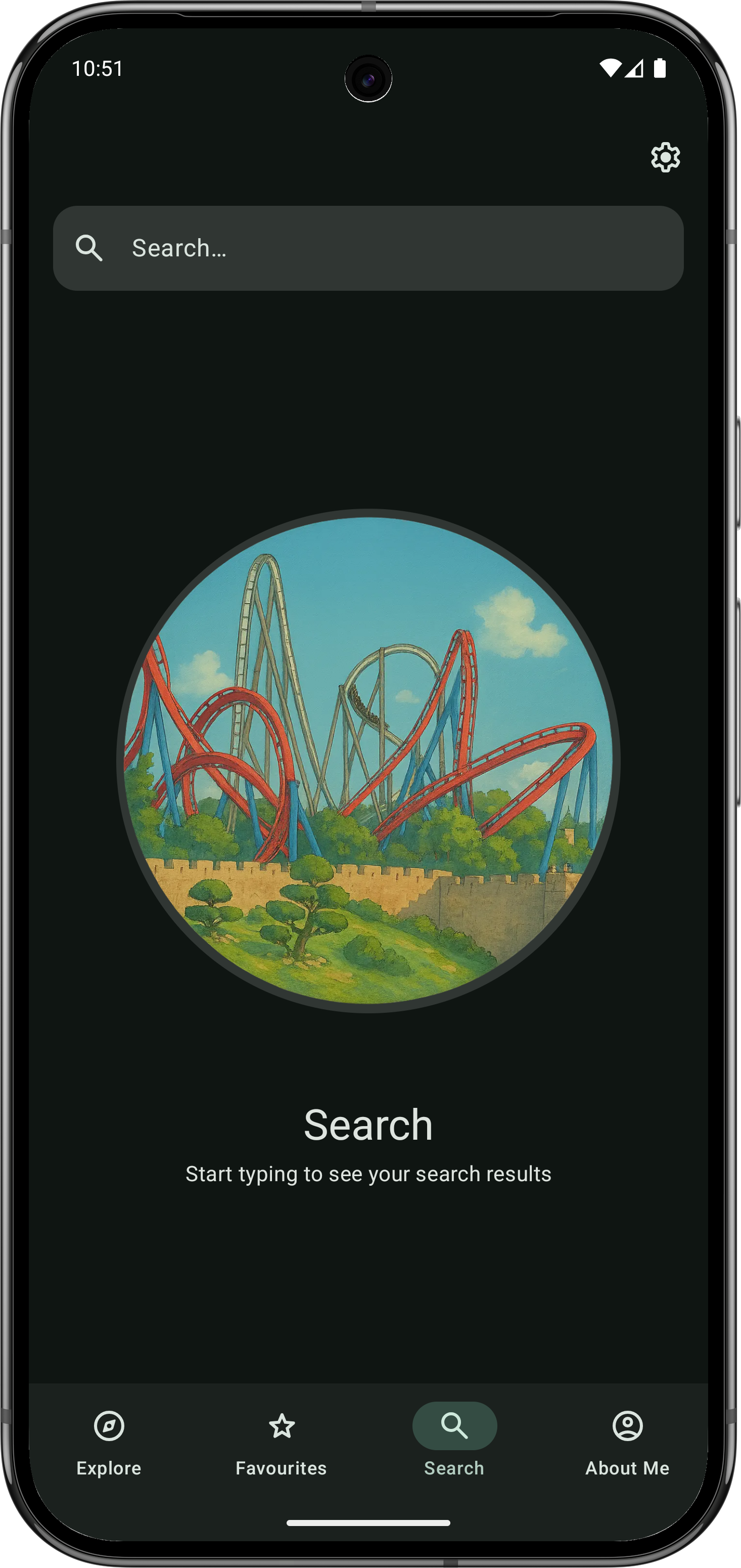
- Search: Find roller coasters by name.
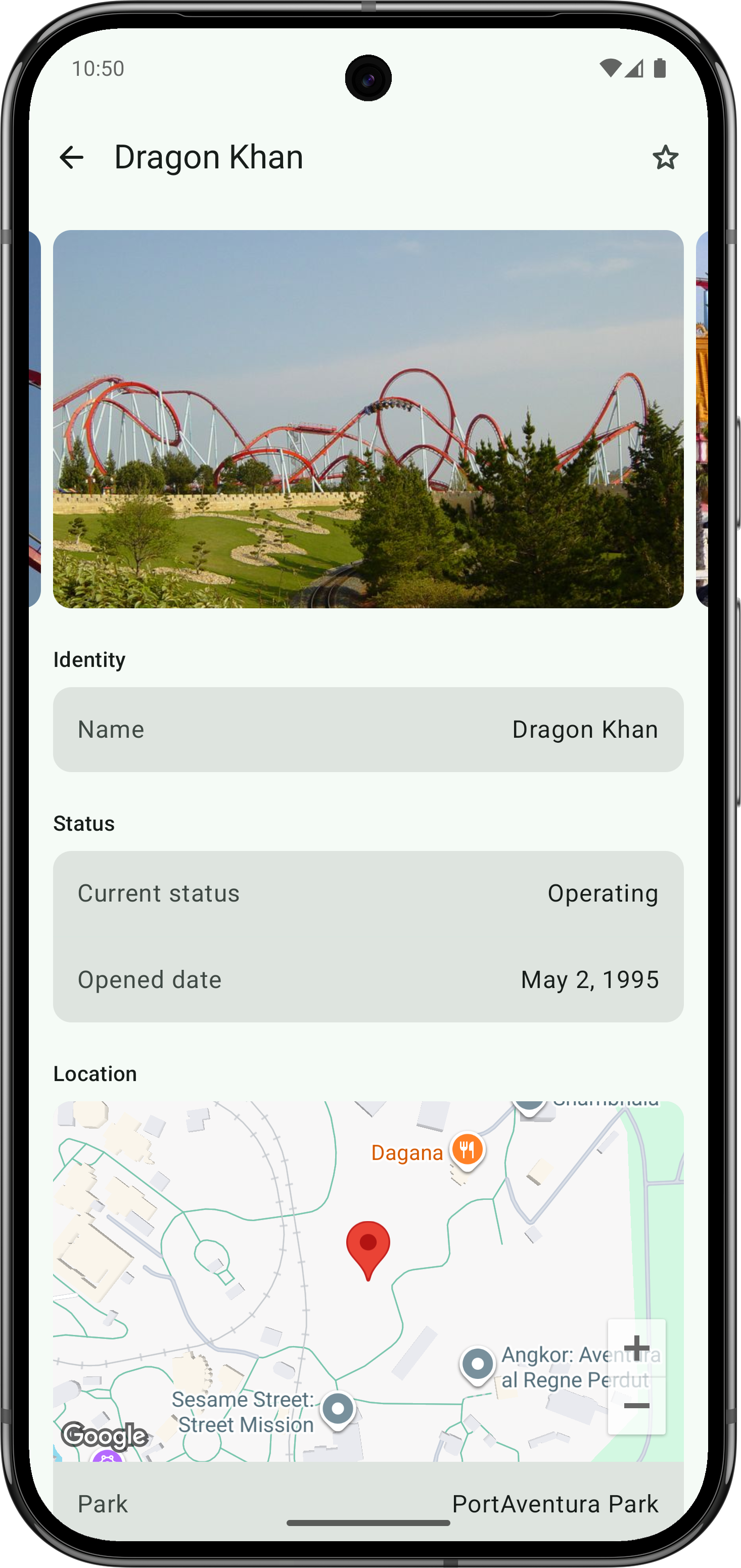
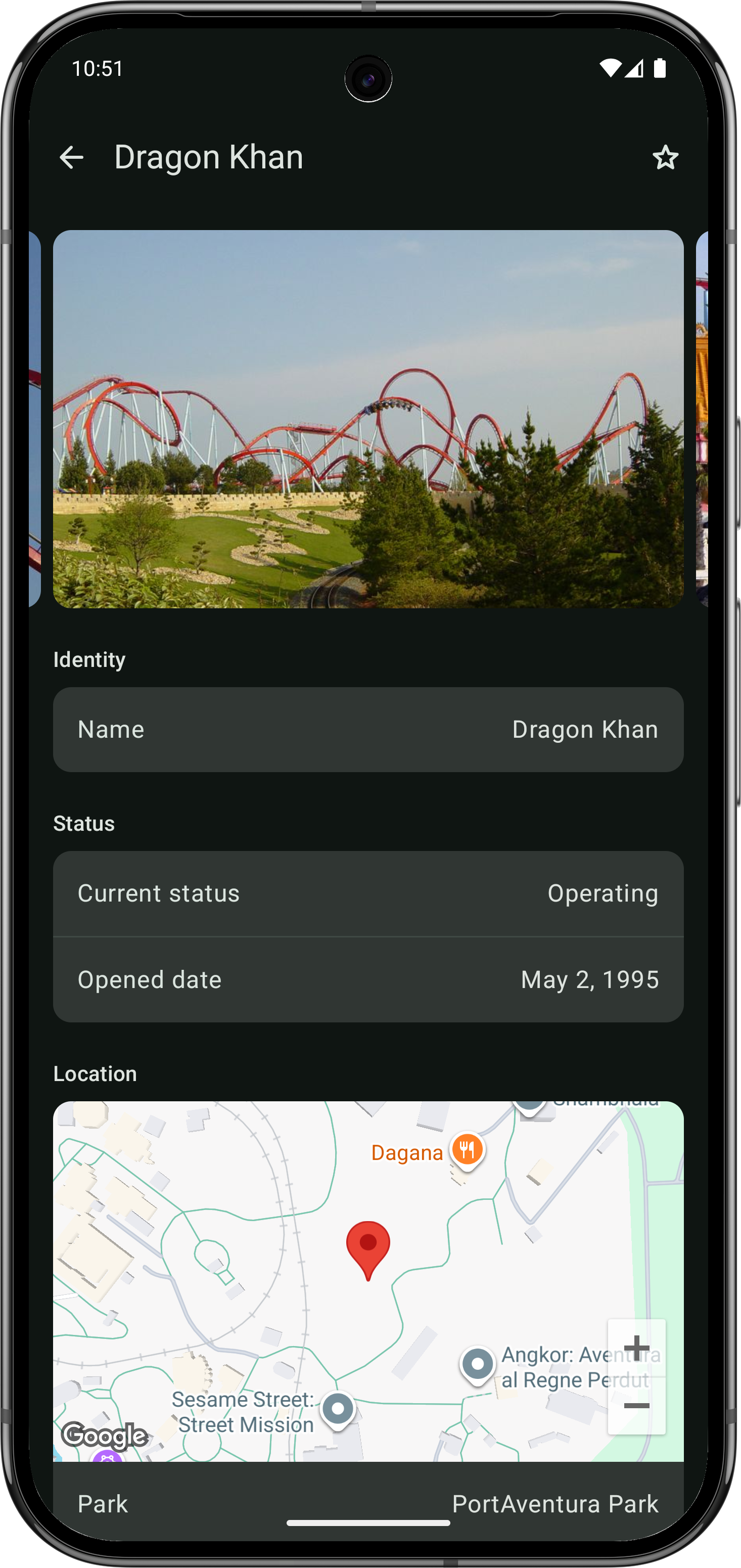
- Details Screen: See detailed information and images for each coaster.
- Settings:
- Customize theme (Light/Dark/System)
- Enable/disable dynamic color
- Adjust color contrast
- Change language (English, Spanish and Galician)
- Select measurement system (Metric/Imperial).
- Modern UI:
- Dynamic Theming (Material You).
- Support for multiple languages.
- Edge-to-edge display.
- Predictive back navigation.
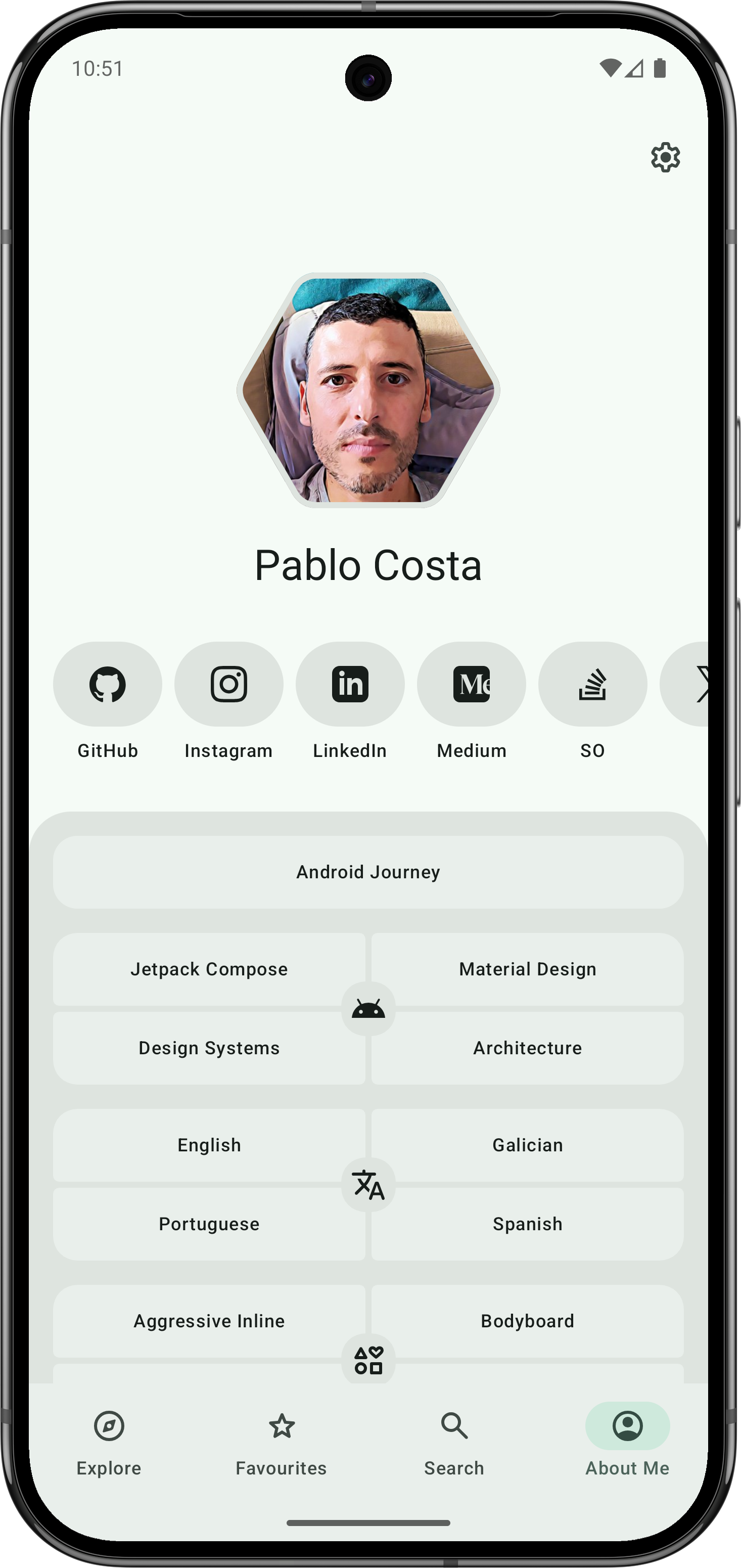
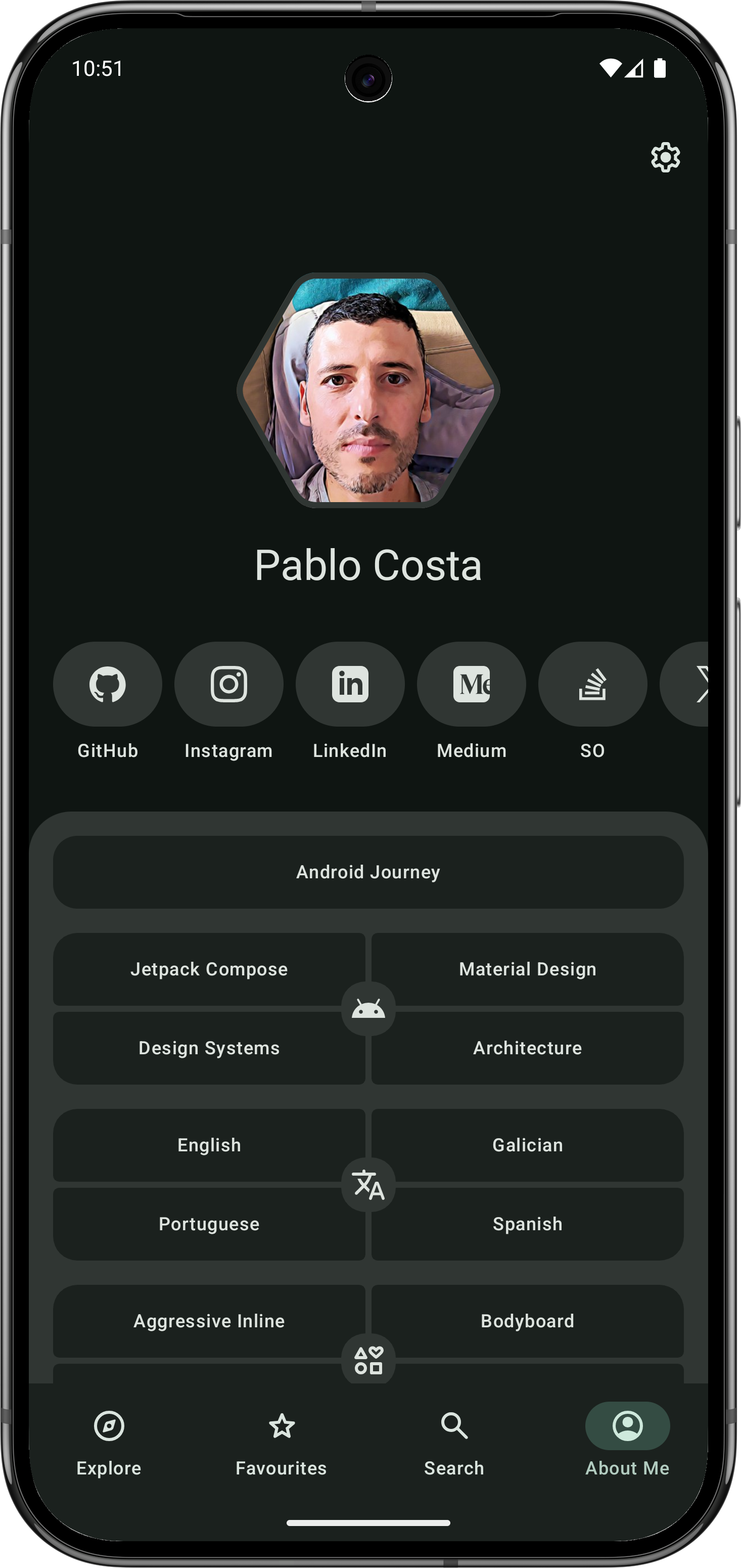
- About Screen: Information about the project/developer.
These instructions follow the default develop branch. Dependency versions are defined in
the version catalog.
- JDK 21, selected as the Gradle JDK in Android Studio or through
JAVA_HOMEfor command-line builds. - JDK 17, installed alongside JDK 21 for the Android and Kotlin/JVM compilation toolchains.
- Android SDK Platform 37.1 and Android SDK Platform-Tools.
- An emulator or Android device running API 26 (Android 8.0) or newer to run the app.
- Use the checked-in Gradle wrapper; a separate Gradle installation is not needed.
Clone the default branch and open the project root in Android Studio:
git clone --branch develop https://github.com/Sottti/RollerCoasters.git
cd RollerCoasters
Set the SDK location in the root local.properties file. Android Studio normally creates this file;
for command-line setup, create it with your own SDK path:
sdk.dir=/absolute/path/to/Android/sdk
MAPS_API_KEY=your_google_maps_api_key
The Maps key is used by the map previews and runtime maps. This file is ignored by Git.
Keep Gradle running on JDK 21. Install JDK 17 in a standard system location or download it with Android Studio so Gradle can detect it. Check that Gradle lists both JDK versions:
./gradlew -q javaToolchainsFor a JDK 17 installation in a custom location, add its path to your user-level
~/.gradle/gradle.properties:
org.gradle.java.installations.paths=/absolute/path/to/jdk17The project does not configure automatic toolchain downloads.
Sync the project, select the app run configuration, and choose a device.
Build the debug APK:
./gradlew :app:assembleDebugWith an emulator running or a device connected with USB debugging enabled, install the debug app:
./gradlew :app:installDebugOpen Roller Coasters on the device, or use Run in Android Studio to build, install, and launch it.
Run all local unit tests, including Android module tests and the plain Kotlin/JVM module tests:
./gradlew testFor a narrower run, target individual modules:
./gradlew :domain:roller-coasters:test :presentation:settings:testDebugUnitTestVerify the Paparazzi screenshots against the checked-in baselines without an emulator:
./gradlew verifyPaparazziDebugWhen a visual change is intentional, update the baselines and review the resulting image diff:
./gradlew recordPaparazziDebugDevice-based tests require a running emulator or connected device:
./gradlew connectedDebugAndroidTestThe CI workflow keeps the required Build and JVM Tests jobs.
Gradle and Paparazzi run on JDK 21; the runner image supplies JDK 17 for compilation:
| Check | Command |
|---|---|
| Module boundaries | ./gradlew checkModuleDependencyBoundaries |
| Static analysis | ./gradlew detekt lintDebug |
| JVM tests and coverage | ./gradlew test :koverXmlReport -PexcludeSnapshotTests=true |
| Screenshots | ./gradlew --no-parallel verifyPaparazziDebug |
| Debug build | ./gradlew assembleDebug |
Coverage reports aggregate the Android and Kotlin modules. A minimum coverage threshold has not been configured.
The app is split into Gradle modules by responsibility:
| Directory | Responsibility |
|---|---|
app/ |
Application entry point, startup, manifest, and app packaging. |
presentation/ |
Compose screens, ViewModels, navigation, the design system, previews, and screenshot-test support. |
domain/ |
Models, repository contracts, and use cases. |
data/ |
Repository implementations, local storage, network access, settings, and background synchronization. |
di/ |
Dependency wiring across the app's layers. |
utils/ |
Shared lifecycle and date/time utilities. |
See settings.gradle.kts for the complete module list.
- Parks: Add information about amusement parks.
- Enhanced Discovery: More filtering options (manufacturer, park, etc.).
- Robustness: Improved error handling and empty state displays.
- UI/UX: Add animations; improve support for large screens and foldables.
- Navigation: Migrate from Navigation Compose (Navigation 2) to Navigation 3.
This project is licensed under the MIT License - see the LICENSE file for details.