
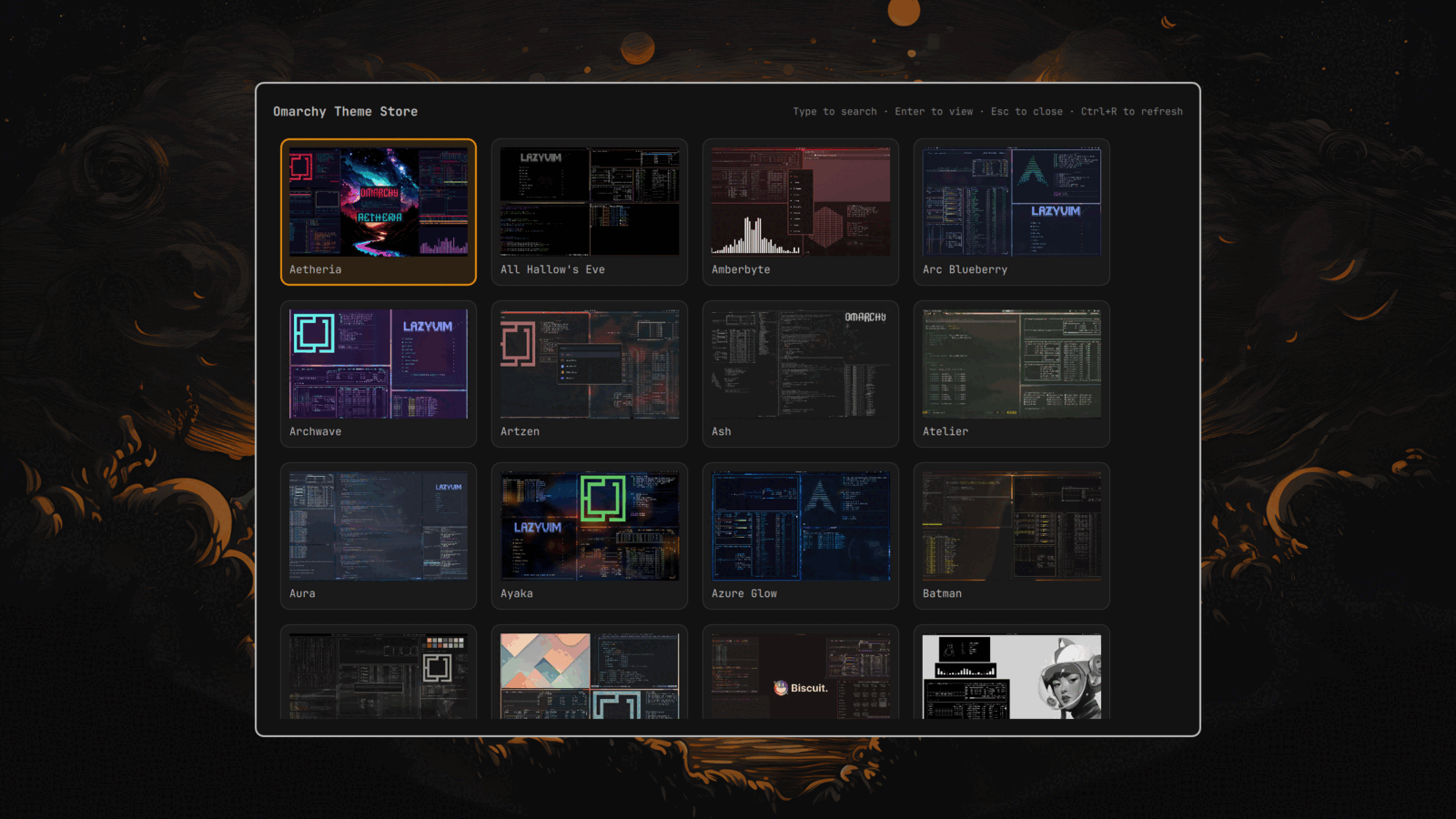
Omarchy with Quickshell plugin support. No additional dependencies.
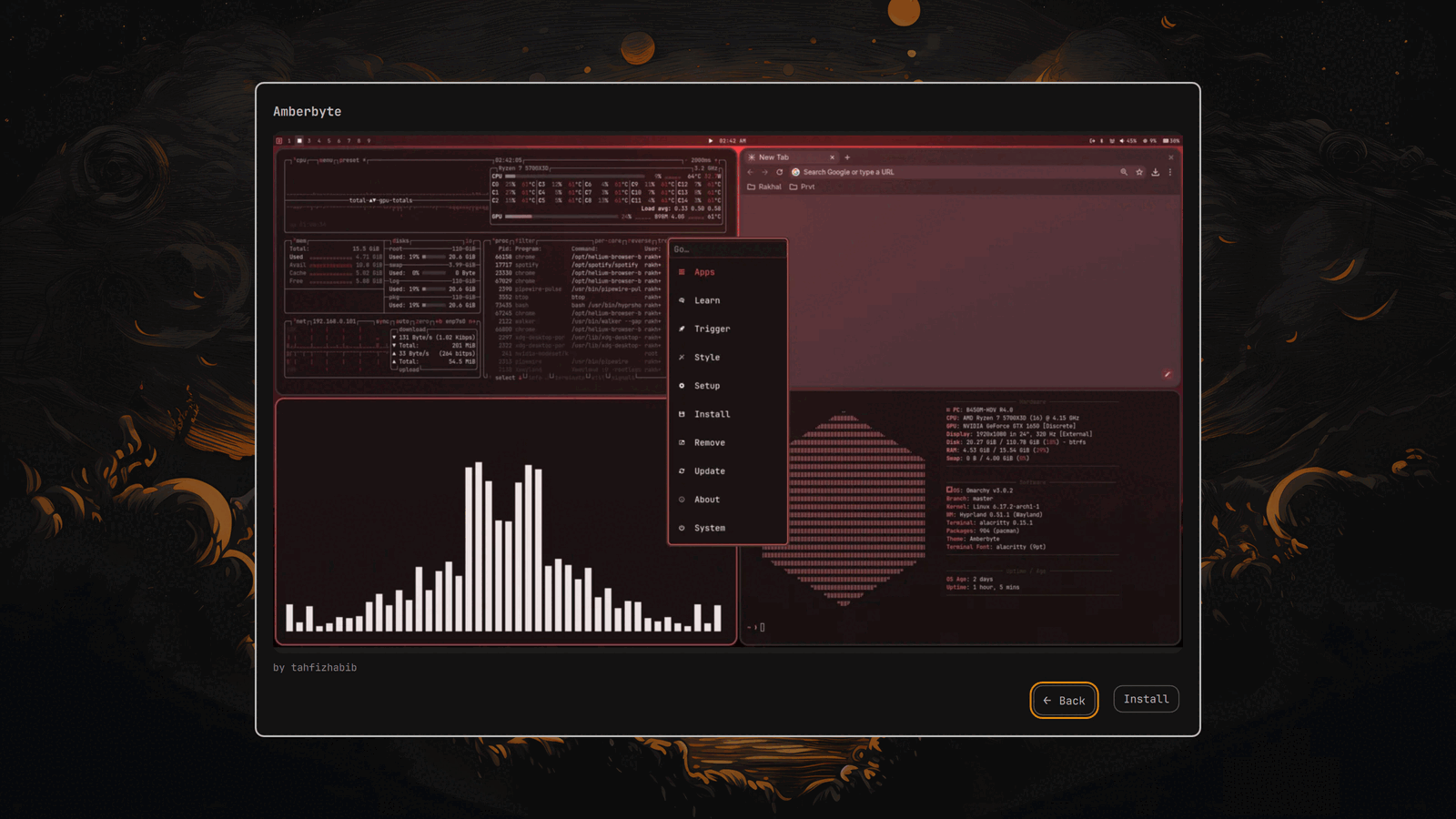
A Quickshell plugin for Omarchy that turns omarchy.org/themes into a gallery to remove all the annoying extra steps that go into installing themes in Omarchy. One simple interface to view all available themes in a gallery view. Selecting a theme presents you with a closer look and a 'back' and 'install' button. Selecting Install then automates the install script so that you don't need to run omarchy-theme-install manually in terminal.
bin/omarchy-theme-store-fetchscrapes omarchy.org/themes/ (it's static HTML, no API) and caches the parsed catalog + thumbnails under~/.cache/omarchy/theme-store/, refreshing at minimum once every 24h (OMARCHY_THEME_STORE_TTLenv var to change that) unless a stale cache is all that's available.ThemeStore.qml/ThemeStoreModel.jsis the plugin itself: a Quickshell `overlay'.- Installing a theme opens an install script the same way
omarchy-theme-installscript does. - Navigate through the themes and select one that you like press enter and then select install.
- The theme will be installed and immediately enabled.
omarchy plugin add https://github.com/stizzy-98/Omarchy-Theme-Store.git --enableUsing omarchy's own plugin installer — it clones the repo straight into
~/.config/omarchy/plugins/community.theme-store, validates and enables it.
The first time it loads it registers its own "Super + Space > Install > Omarchy Theme Store" menu entry.
- Open Omarchy Theme Store by pressing Super + Space > Install > Press Enter on Omarchy Theme Store.
- Filter for specific theme names by typing.
- Press
CTRL + Rto refresh gallery. - Press
Enteron a theme to see a full-size preview - Press
BackorESCto return to the main view - Press Install to install the theme.
omarchy plugin update community.theme-storeomarchy plugin remove community.theme-store