A terminal RSS reader — keyboard-driven, distraction-free.


Built with Ratatui · 24 built-in themes (17 dark + 7 light) · Full RSS/Atom support
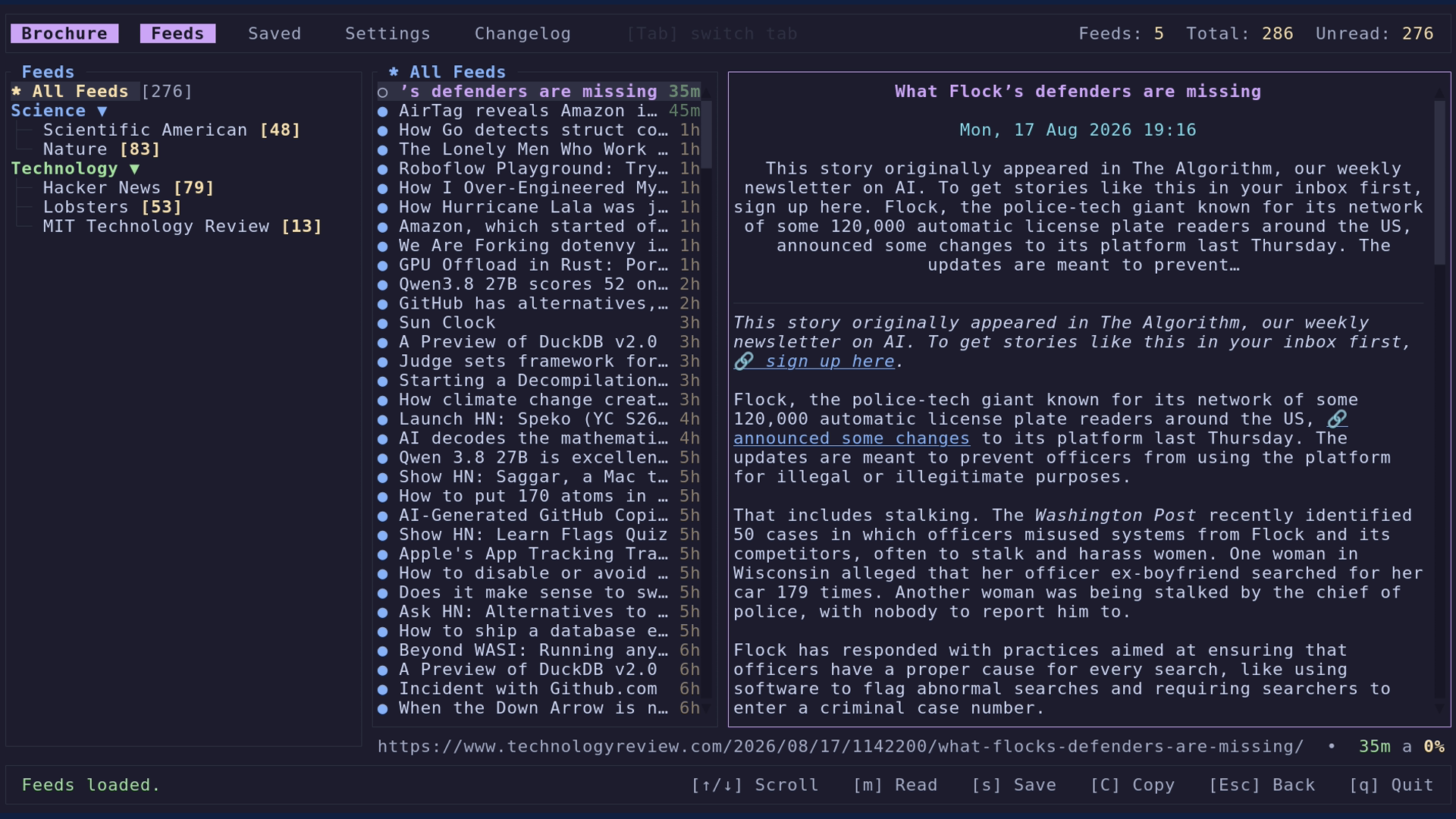
- RSS & Atom — both feed formats supported out of the box
- 24 themes — 17 dark and 7 light built-in colour themes, plus custom TOML themes with live preview
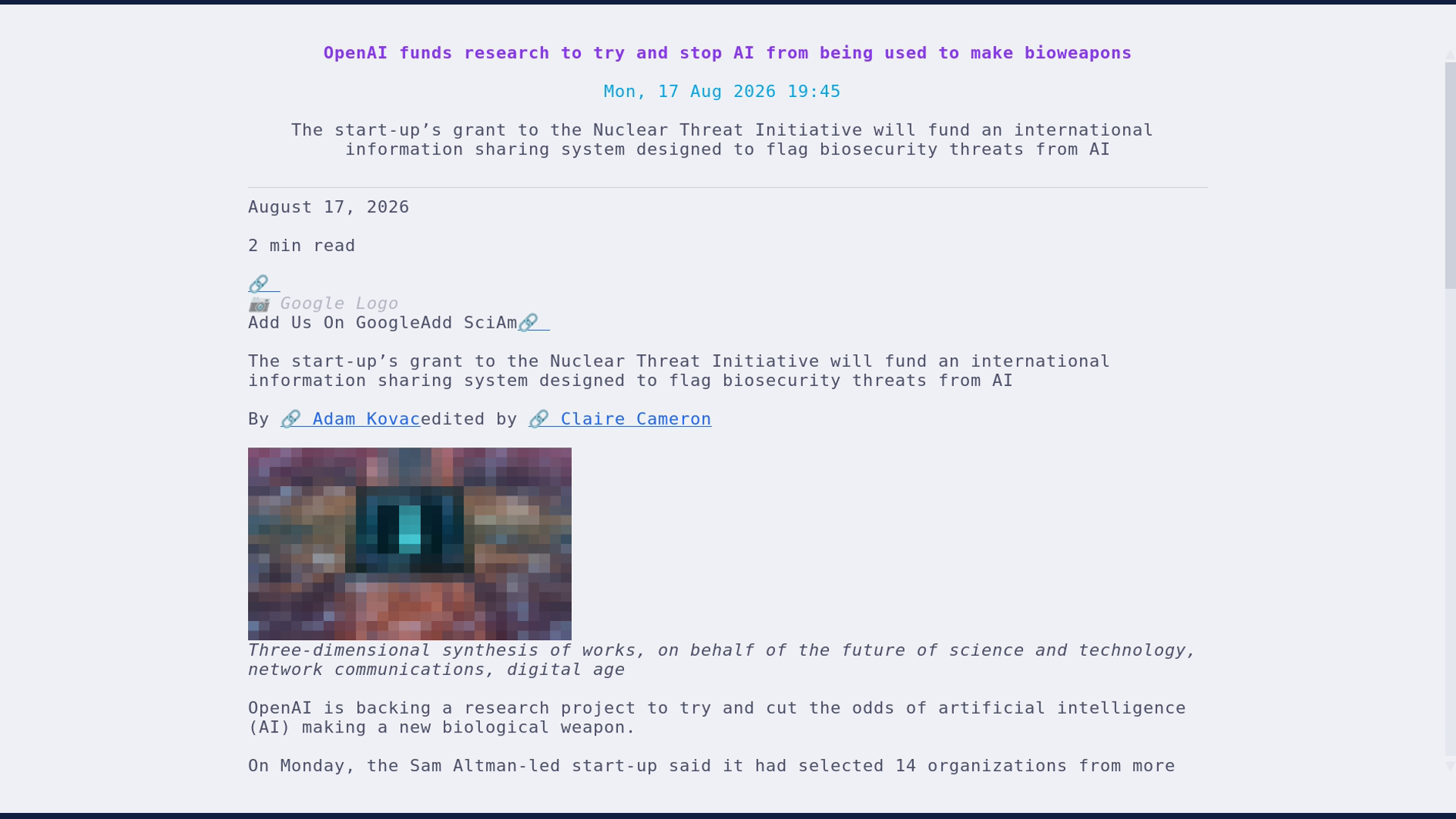
- Zen mode — distraction-free full-screen reading view that hides all chrome, configurable content width
- Inline images — PNG, JPEG, and SVG images rendered directly in article content
- Categories — organise feeds into collapsible groups (state remembered across restarts)
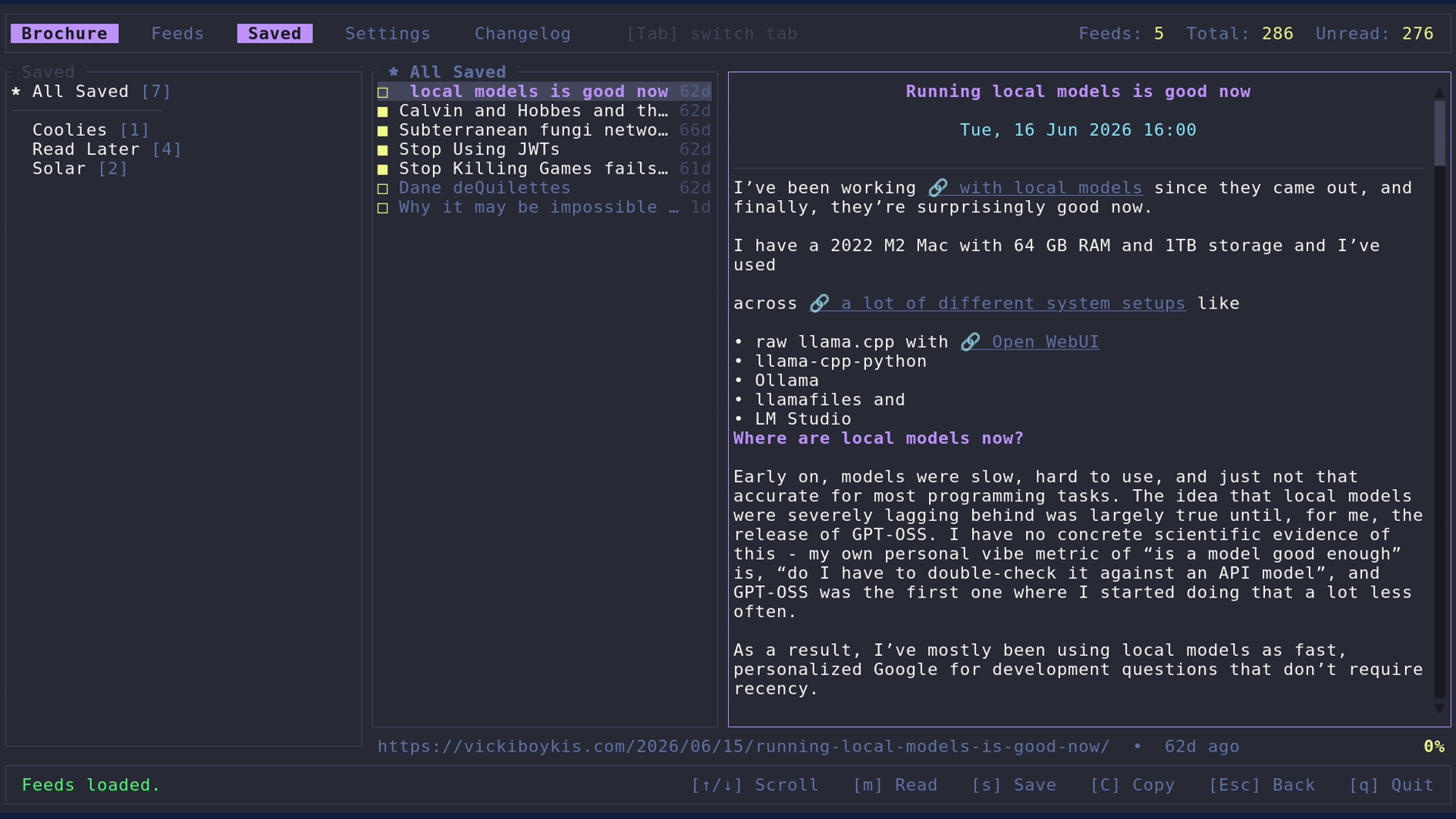
- Saved articles — star any article and group saves by source
- OPML import/export — bring your existing subscriptions in, or take them out
- Readability fetch — pulls full article body when the feed only provides a summary
- Fetch policy — choose when brochure refreshes: on start, every hour, every day, or never
- Feed editor — rename, move, and delete feeds and categories without leaving the TUI
- Clipboard copy — copy article or feed URLs with a single keypress
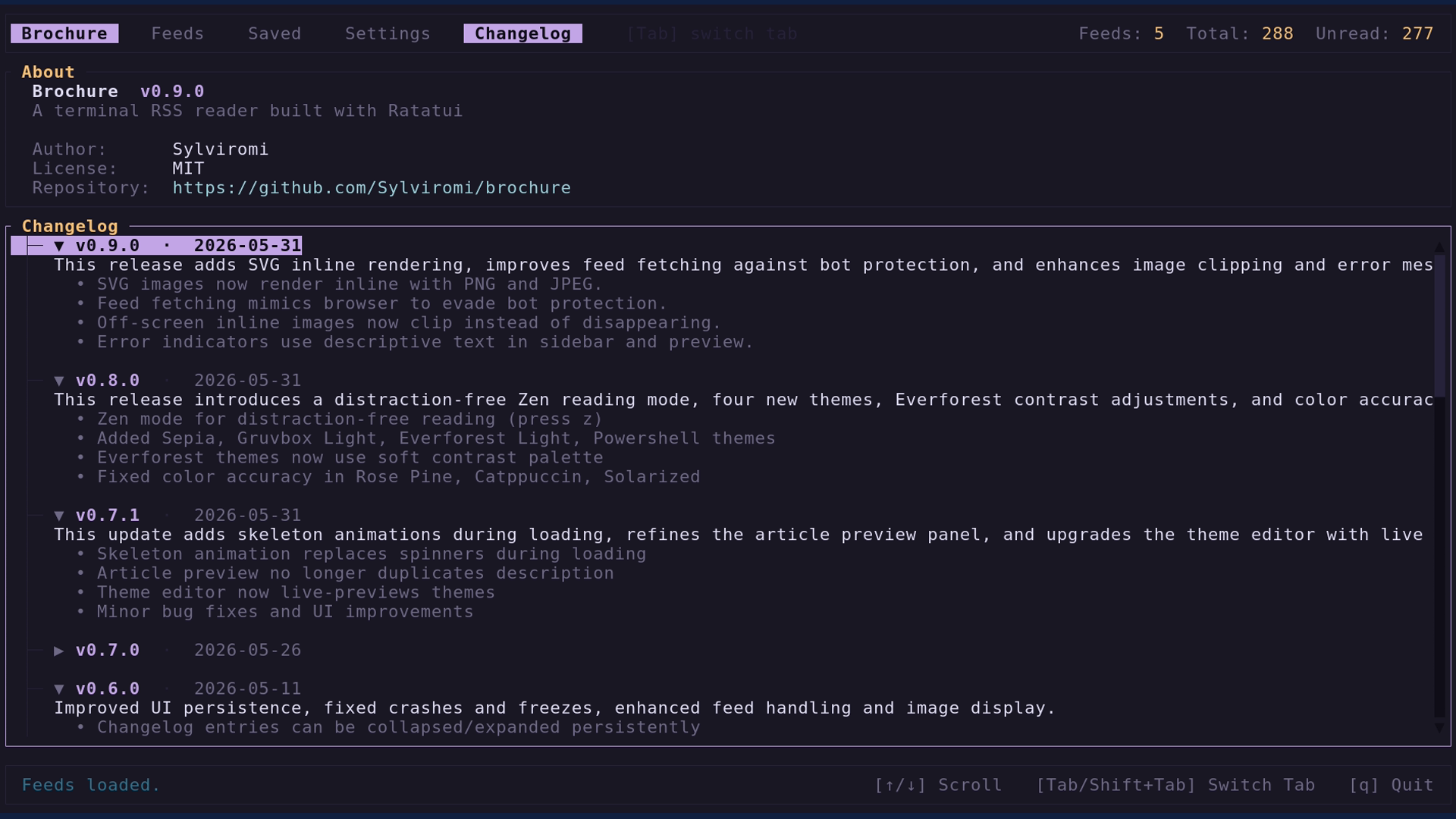
- Changelog viewer — browse release notes from within the app
- Skeleton animation — noise-pattern placeholder while articles and feeds load
| Key | Action |
|---|---|
q |
Quit |
j / k, ↓ / ↑ |
Move selection |
Enter |
Open feed, category, or article |
Esc |
Back / close popup |
Tab / Shift+Tab |
Switch between Feeds · Saved · Settings · Changelog |
r / R |
Refresh selected feed / all feeds |
g |
Jump to top of feed list |
C |
Collapse / expand all categories |
Space |
Collapse / expand category |
e |
Feed editor (rename, move, delete, add) |
y |
Copy feed URL |
In the article list / reader:
| Key | Action |
|---|---|
Enter |
Open article |
m |
Toggle read / unread |
s |
Save article (pick a category) |
z |
Zen mode — full-screen, distraction-free reading |
O |
Open article in browser |
C |
Copy article link |
n / p |
Next / previous article (zen mode) |
PgDn / PgUp, Home / End |
Scroll the article |
cargo install brochure --lockedThen launch with:
brochureRequirements: Rust 1.95 or later. Install via rustup if needed.
brochure stores all data in the platform data directory — no config files to manage manually.
| Platform | Path |
|---|---|
| Linux | ~/.local/share/brochure/ |
| macOS | ~/Library/Application Support/brochure/ |
| Windows | %APPDATA%\brochure\ |
Files: feeds.json, articles.json, categories.json, user_data.json.
OPML exports go to your Downloads folder by default.
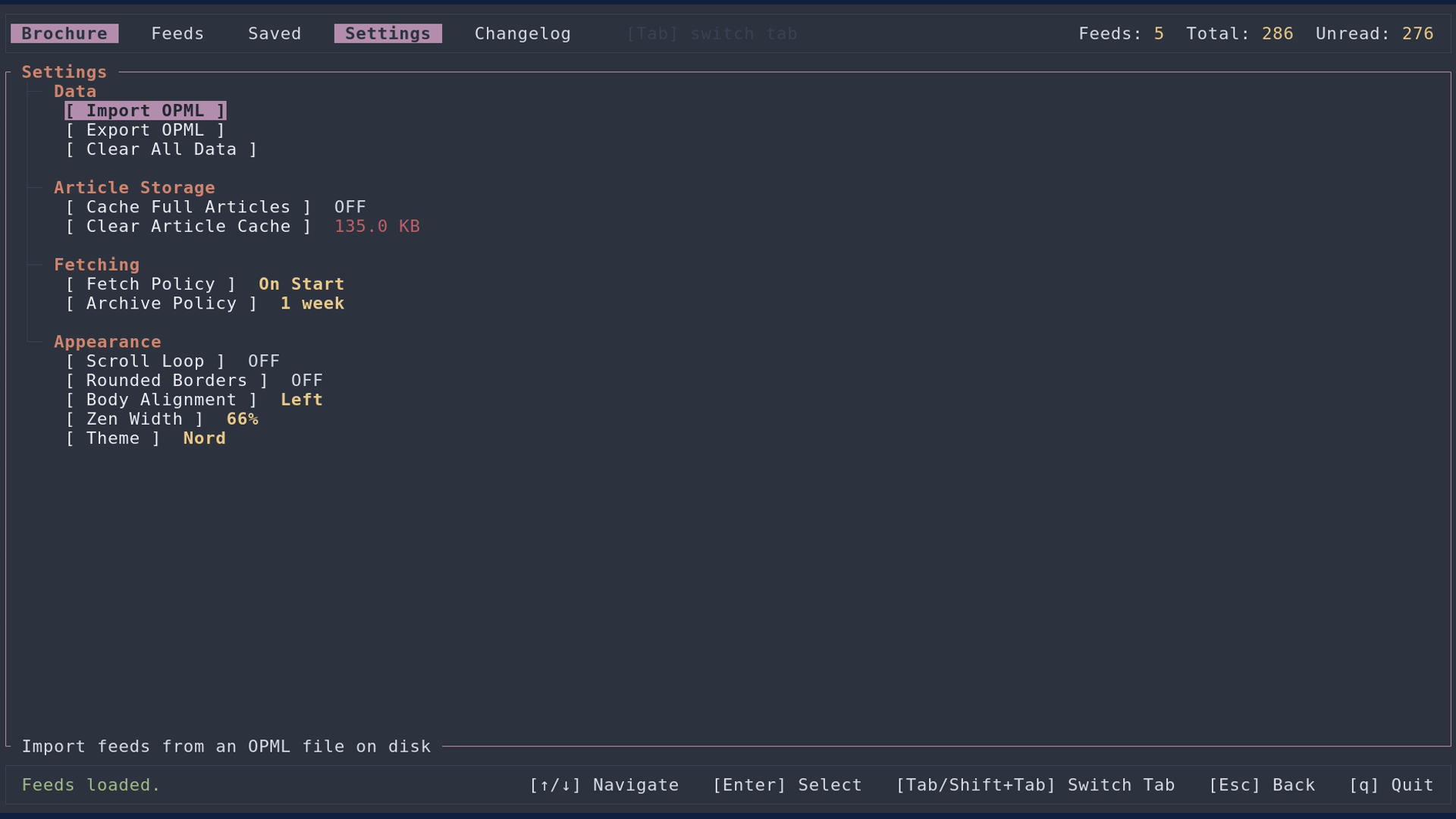
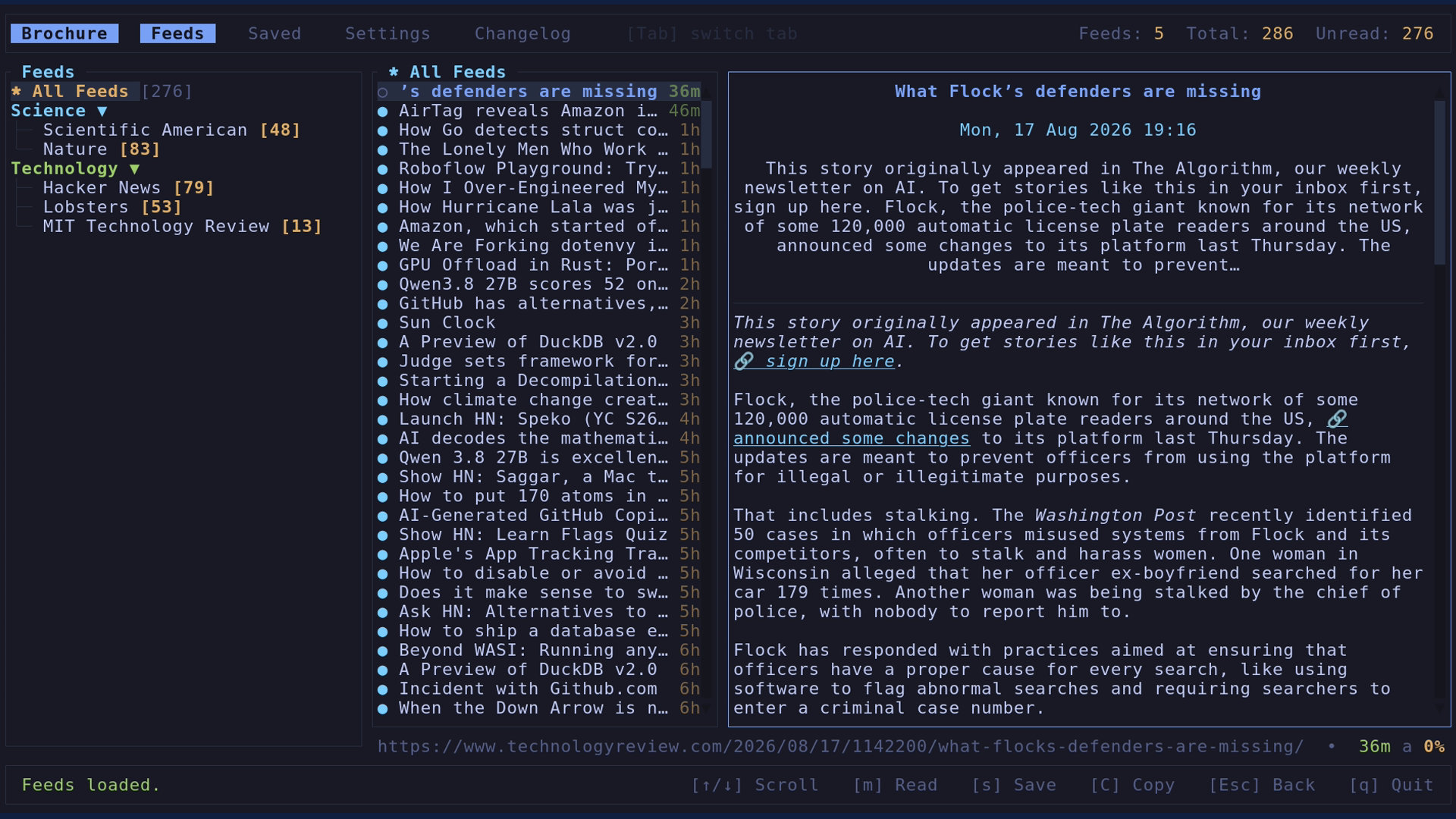
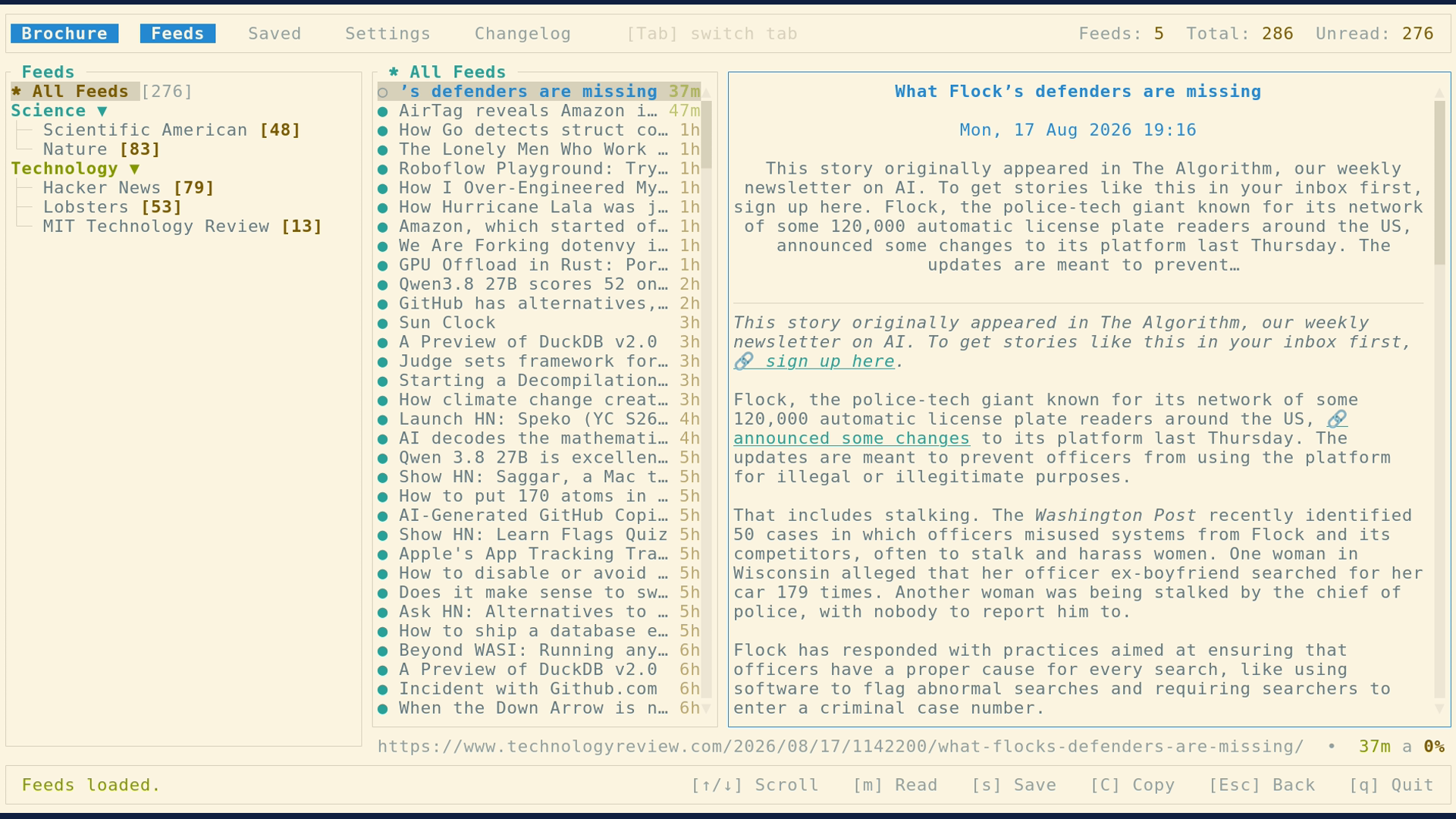
brochure ships 24 built-in themes (17 dark + 7 light), open from Settings → Theme. Themes include Catppuccin, Rose Pine, Dracula, Tokyo Night, Nord, Gruvbox, Everforest, Solarized, Monokai, and more.
Scroll through the list to live-preview each theme before committing. You can also create custom themes by cloning
any built-in or existing custom theme and editing its colours. Custom themes are stored inline in user_data.json.
Import and export are supported via .toml files.
name = "My Theme"

[colors]
accent    = "#cba6f7"   # focused borders, selected items, active highlights
link      = "#89b4fa"   # links and inline highlights
success   = "#a6e3a1"   # read articles, positive indicators
header    = "#fab387"   # section headers, popup titles
bg        = "#1e1e2e"   # main panel background
bg_dark   = "#181825"   # tab bar, footer, sidebar chrome
text      = "#cdd6f4"   # article titles and body text
muted     = "#a6adc8"   # timestamps, secondary info
border    = "#313244"   # panel dividers, unfocused panel borders
warning   = "#f9e2af"   # unread count badges, star icons
code      = "#94e2d5"   # code block foreground
sky       = "#89dceb"   # article metadata, dates
pink      = "#f5c2e7"   # category accent (sidebar color rotation)
error     = "#f38ba8"   # error messages, delete confirmations
selection = "#313244"   # list item selection background
code_bg   = "#181825"   # inline code / code block background
All 16 keys are required. Custom themes are stored inline in user_data.json — no external file needed after import.
You can have any number of custom themes.
Bug reports and feature requests are welcome — open an issue.
Pull requests are also welcome. Please run cargo fmt && cargo clippy before submitting.
MIT — see LICENSE.