

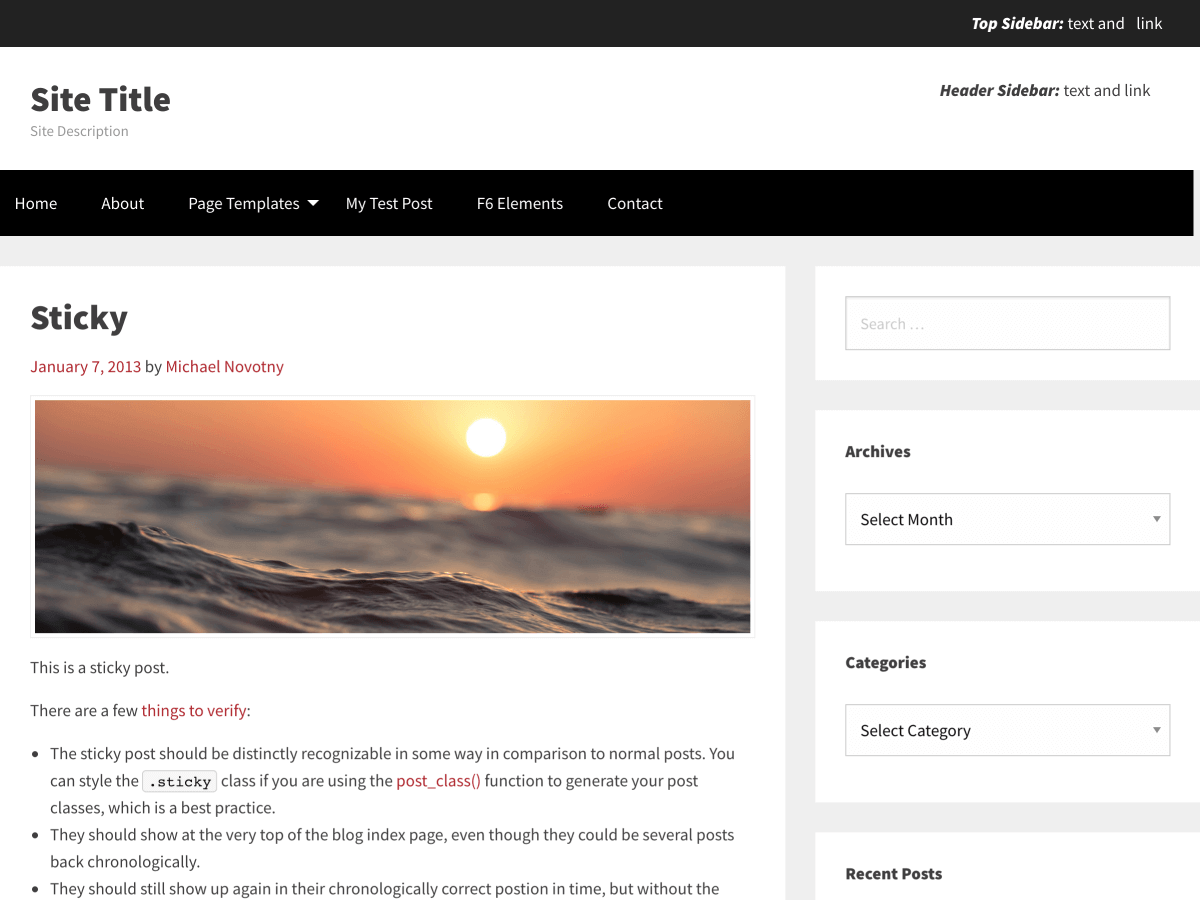
Theme Name: TotalPress
Tags: blog, one-column, two-columns, three-columns, right-sidebar, left-sidebar, footer-widgets, custom-background, flexible-header, custom-menu, editor-style, featured-images, full-width-template, microformats, post-formats, sticky-post, translation-ready, theme-options, custom-logo, custom-colors
Donate: TotalPress Project
Requires at least: 5.1
Tested up to: 5.1
Stable tag: 6.5.3
License: GNU General Public License v3.0
License URI: http://www.gnu.org/licenses/gpl-3.0.html
My name is TotalPress! I'm a WordPress Foundation for Sites theme based off _s (Underscores). This means I'm responsive and look good on any device. I have a lot of hooks and filters, 10 widget areas and 6 different sidebar page templates. I use the Kirki plugin for the theme customizer and the Meta Box plugin for post and page metaboxes. Did I mention that I work really well with page builders like Elementor and Header Footer Elementor. Download me today and take me for a spin.
Installing theme from within WordPress
- Go to
Appearance > Themes > Add New. - Search for
TotalPress. - Click the
Install Nowbutton to install the theme. - Click the
Activatebutton to activate the theme.
Installing theme manually
- Unzip the download package.
- Upload
totalpressto the/wp-content/themes/directory. - Activate the theme through the
Themesmenu in WordPress.
Additional Installation Notes
- Once you have activated TotalPress, you will be promted to install the Kirki Plugin, as well as the the Meta-Box Plugin. You will see the following message: "This theme requires the following plugins: Kirki Plugin and Meta Box".
- When you have installed and activated the Kirki Plugin, go to
Appearance > Customizer > TotalPress Optionsand start customizing your site. - Once you have installed the Meta-Box plugin, you will see an additional metaboxes in the post/page editor.
- If you do not install either one of these plugins, you will not see the
TotalPress Optionssection in the customizer and you will not see the metaboxes in the post/page editor.
ThemeAwesome.com, a site focused on building WordPress themes with Foundation for Sites.