

DevLens is an AI-powered assistant for developers working in VS Code.
It helps you understand unfamiliar codebases faster by summarizing files directly in your editor — powered by OpenAI's GPT-4o.
🧠 Whether you're onboarding to a new repo or reviewing old code, DevLens gives you a head start.
If it's your first time using DevLens, you'll be prompted to enter your OpenAI API key when you run any command like Ask DevLens.
You can also set it up manually:
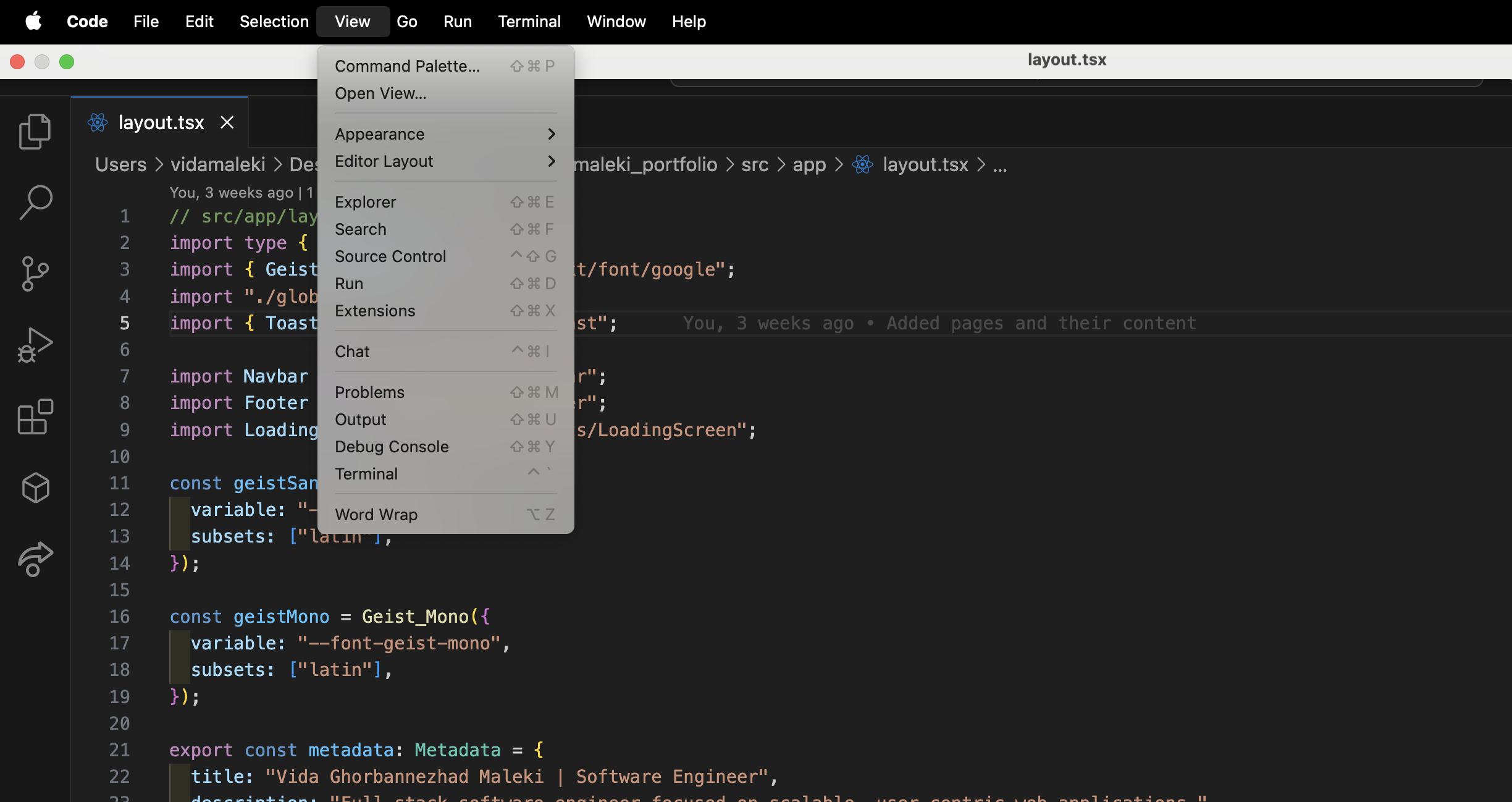
- Open the Command Palette (
Cmd/Ctrl + Shift + P) - Run:
DevLens: Set or Update API Key - Paste your OpenAI API Key
✅ Your key is securely stored using VS Code's SecretStorage — it is never exposed.
Once your API key is set, you're ready to go!
- Open any
.ts,.js,.jsx, or.tsxfile in VS Code - Press
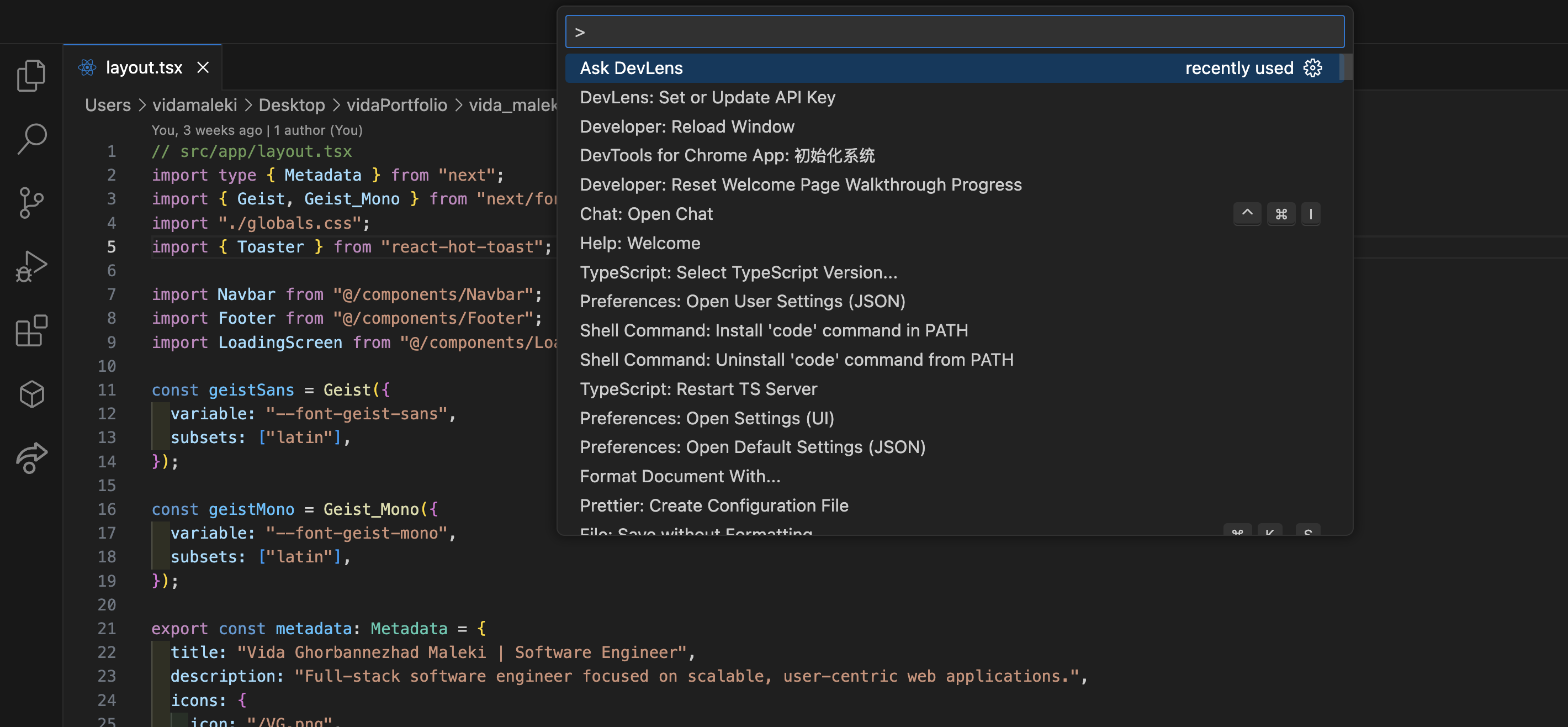
Cmd/Ctrl + Shift + Pto open the Command Palette - Type
Ask DevLensand select the command - Wait a few seconds while DevLens analyzes the file
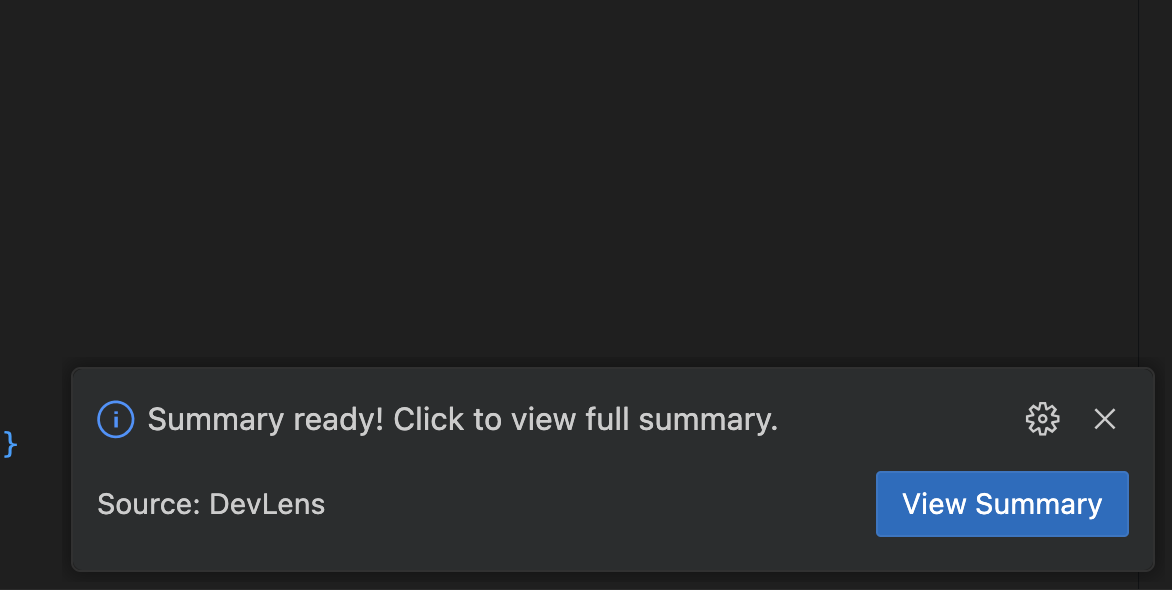
- You'll see a popup: "Summary ready! Click to view full summary."
- Click "View Summary" — a markdown file will open with the result ✨
- Ask DevLens: Summarize any
.ts,.tsx,.js, or.jsxfile - Secure API Key Storage: Uses VS Code’s SecretStorage
- Runs locally in your VS Code environment
- Coming Soon: Codebase-wide Q&A — “Where is login handled?”
Vida Ghorbannezhad Maleki