
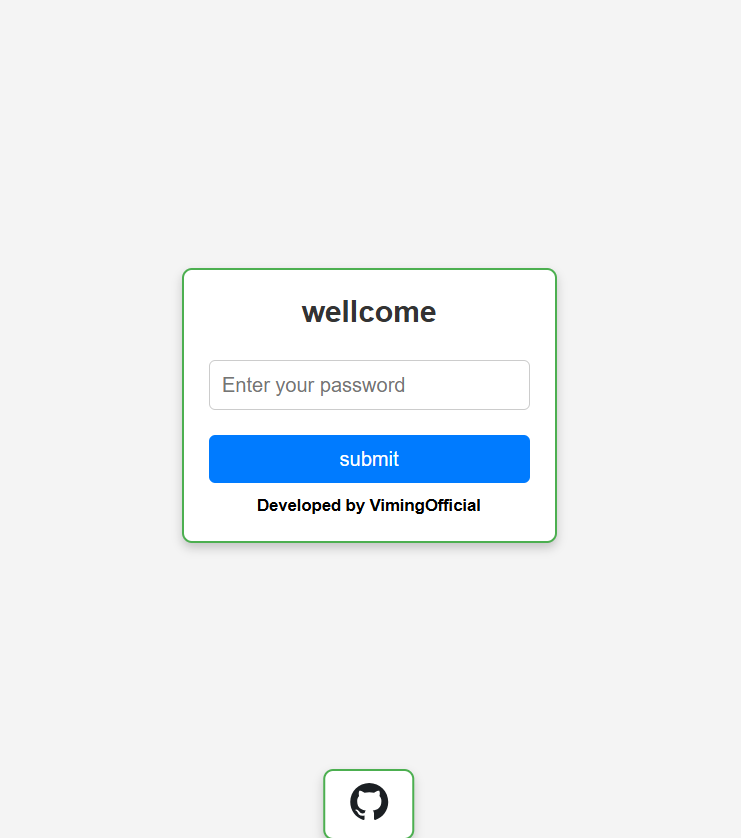
This project is a Cloudflare Worker that serves password-protected images, This project leverages Cloudflare’s edge network, ensuring fast and secure delivery without the need for a traditional backend server.
- simple image viewer
- password protection
- serverless
- image converted to base64
- download the
worker.jsfile from this repository - go to Cloudflare website and signup/login
- on the sidebar find worker and pages, choose create and write a name for your worker then click on deploy
- click on Edit code, and delete the default code (hello world js codes)
- right-click and choose upload and upload the
worker.jsfile you downloaded, then click on deploy and wait for the version saved notification
- go to base64 image website
- for conversion, upload your photo and wait for converting, then click on show code
- after a few minutes, it shows you a code like (data:image/png;base64,iVBORw0KGgoAA......), save it, and go to the next part
⚠️ NOTE: Base64 code is a long code, so make sure you save it completely
- on the sidebar look for Storage & Databases and choose KV
- create a KV with a name you want then choose it and go to KV pairs tab
- fill the
keyinput with thisimage(key= image), forvaluefill the part with thebase64 codeyou saved then click on add entry
🚨 IMPORTANT: key=image and value=data:"YOUR-BASE64-CODE"
- back to your worker page and go to the settings tab
- go to the Bindings part and click on Add then choose KV namespace, you should fill
Variable namewithData, and on theKV namespacechoose theKVyou made from the list then deploy
🚨 IMPORTANT: Variable name=Data and KV namespace="YOUR-KV-NAME"
- for setting a password, go to Variables and Secrets part and fill the
Variable namewithPASSWORDthen fill theValuewithyour own password
🚨 IMPORTANT: Variable name=PASSWORD and KV namespace="YOUR-PASSWORD"
Done, open the link and use