
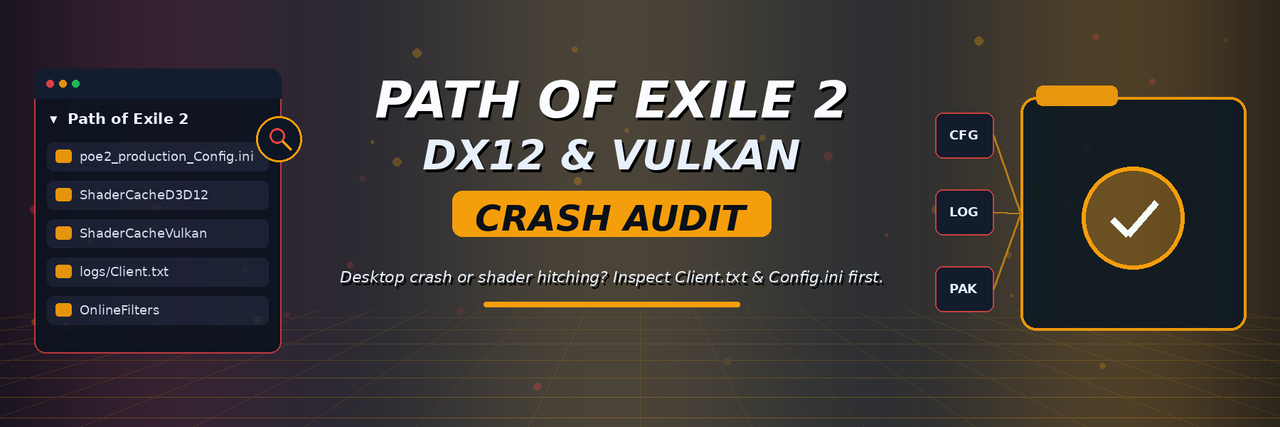


Path of Exile 2 crashing to desktop when entering towns or maps? Heavy frame spikes when new skills trigger, or graphics settings resetting after closing the game? Check your renderer config, shader caches, and Client.txt logs before reinstalling.
PoE 2 Renderer & Crash Audit focuses on the local Windows bottlenecks that trigger desktop crashes in Path of Exile 2: DirectX 12 vs. Vulkan device-removed errors, read-only or OneDrive-locked poe2_production_Config.ini files inside Documents\My Games\Path of Exile 2, and corrupted shader cache directories.
This project is aimed at Path of Exile 2 on Windows (Steam and Standalone). It covers renderer settings, shader-cache directories, and Client.txt error inspection—not game automation, overlay injection, or modifying client files.
| Symptom / Error | Likely Cause | Recommended Check |
|---|---|---|
Crash to desktop (DXGI_ERROR_DEVICE_REMOVED) |
GPU driver timeout under DirectX12 when entering towns/maps |
Inspect logs\Client.txt and test renderer_type=Vulkan |
| Heavy frame spikes when new skills trigger | Blocked or full ShaderCacheD3D12 / ShaderCacheVulkan folder |
Verify shader cache folder permissions and disk space |
| Graphics or keybind settings revert on exit | Windows OneDrive locking Documents\My Games\Path of Exile 2 |
Check whether poe2_production_Config.ini is synced by OneDrive |
| Audio crackling or thread stalls in dense packs | High software audio channel count overloading CPU threads | Inspect audio settings in poe2_production_Config.ini |
Download PoE2CrashAudit.zip — Latest GitHub Release (Windows x64)
View All Releases & Changelog · Report an Issue
- Detects whether
Documents\My Games\Path of Exile 2is local or synced via OneDrive. - Reads
poe2_production_Config.inito display activerenderer_type(DirectX12vs.Vulkan). - Inspects
ShaderCacheD3D12andShaderCacheVulkanfolders for file counts and write access. - Scans the tail of
logs\Client.txtforDEVICE_REMOVED,Exception, or asset errors.
[PoE2CrashAudit] Inspecting Path of Exile 2 configuration & Client.txt...
[OK]   My Games Path    : C:\Users\Player\Documents\My Games\Path of Exile 2 (Local, non-OneDrive)
[INFO] Active Renderer  : renderer_type=DirectX12
[OK]   ShaderCacheD3D12 : 1,284 cached pipeline files
[ERROR] logs\Client.txt : Line 48912 - [D3D12] DXGI_ERROR_DEVICE_REMOVED detected
The release ZIP is named PoE2CrashAudit.zip; the Windows executable inside is named PoE2CrashAudit.exe.
- Close Path of Exile 2 before moving or checking game files.
- Click Download PoE2CrashAudit.zip above.
- Right-click the downloaded archive and choose Extract All.
- Open the extracted folder and run
PoE2CrashAudit.exe. - Review the reported locations and status checks before making any changes to your files.
- Restart Path of Exile 2 and verify behavior after applying any recommended fixes.
Requirements: Windows 10 or 11 (64-bit), a Steam or Standalone Windows installation of Path of Exile 2, and access to Documents\My Games.
- Read-only & standard user permissions:
PoE2CrashAudit.exeruns without administrator rights and does not modify game binaries, system registry keys, or Windows Defender settings. - Windows SmartScreen: Because this is an independent open-source utility without a commercial EV code-signing certificate, Windows SmartScreen may show "Windows protected your PC" on first launch. Click More info → Run anyway after verifying the release checksum on the Releases page.
Certain GPU driver and Windows build combinations hit DXGI_ERROR_DEVICE_REMOVED under DirectX12. Inspecting Client.txt and testing renderer_type=Vulkan in poe2_production_Config.ini quickly isolates renderer-specific crashes.
Path of Exile 2 stores compiled pipelines in ShaderCacheD3D12 and ShaderCacheVulkan inside My Games\Path of Exile 2. If disk space is low or permissions block writes, shaders recompile repeatedly during combat.
When Windows OneDrive syncs Documents, file locks on poe2_production_Config.ini can prevent the game from saving updated settings cleanly on exit.
High software audio channel counts or background capture hooks can spike CPU frametimes during heavy particle effects.
On Windows, configuration files, loot filters, and shader caches live under your user Documents folder:
%USERPROFILE%\Documents\My Games\Path of Exile 2\
Inside that structure, key files and subdirectories typically look like this:
Documents\My Games\Path of Exile 2\
├── poe2_production_Config.ini
├── ShaderCacheD3D12\
├── ShaderCacheVulkan\
└── *.filter
If OneDrive Backup is active on your PC, Windows may redirect Documents to %USERPROFILE%\OneDrive\Documents\My Games\Path of Exile 2\. Client logs (logs\Client.txt) reside inside the game's installation folder.
If your issue still persists, work through these checks in order:
- Exit Path of Exile 2 completely. Confirm
PathOfExileSteam.exeorPathOfExile.exeis no longer running in Task Manager. - Back up
poe2_production_Config.ini. Copypoe2_production_Config.inito a dated backup folder before editing renderer or audio lines. - Check
logs\Client.txtfor crash signatures. Inspect the end ofClient.txtforDEVICE_REMOVED,Exception, or shader compilation errors. - Test switching between
DirectX12andVulkan. Changerenderer_typeinpoe2_production_Config.ini(or in-game Options) and test the same town/map instance. - Verify OneDrive sync status on
My Games. EnsureDocuments\My Games\Path of Exile 2is not locked or conflicted by OneDrive cloud sync. - Verify game pack files. Run Verify integrity of game files in Steam (or
PackCheck.exefor Standalone) if asset exceptions appear inClient.txt. - Restart the client and observe the shader bar. Use the in-game F1 performance graph to confirm shader compilation settles after loading into town.
Keep an untouched copy of poe2_production_Config.ini and any custom .filter files before clearing ShaderCacheD3D12 or ShaderCacheVulkan.
A thorough audit identifies which Documents path is active (local vs. OneDrive), reads the configured renderer_type, checks shader cache folder health, and extracts recent error lines from Client.txt without exposing personal account details.
Where is poe2_production_Config.ini located on Windows?
It is stored in %USERPROFILE%\Documents\My Games\Path of Exile 2\poe2_production_Config.ini (or inside OneDrive\Documents if OneDrive folder backup is enabled).
Should I use DirectX 12 or Vulkan in Path of Exile 2?
DirectX 12 is the default on Windows, but switching to Vulkan often resolves GPU driver crashes on specific NVIDIA/AMD driver releases.
Where is Client.txt located?
Inside the game installation folder under logs\Client.txt (e.g., steamapps\common\Path of Exile 2\logs\Client.txt).
Does clearing ShaderCache fix low FPS permanently?
No. Clearing the cache forces shaders to rebuild from scratch, which temporarily increases stuttering until areas are visited again.
Can this tool recover lost trade items or server rollbacks?
No. Server-side character state is managed exclusively by Grinding Gear Games.
Are any game files or third-party tools included?
No. This repository provides documentation and release packaging instructions only.
- Stalker2-ShaderCacheGuard — S.T.A.L.K.E.R. 2 DX12 shader compilation &
C:space check - MHWilds-ShaderFrameDoctor — Monster Hunter Wilds
shader.cache2&CrashReportaudit - CrimsonDesert-ShaderFrameDoctor — Crimson Desert DX12 shader cache & save diagnostics
- Helldivers2-ShaderCacheGuard — HELLDIVERS 2
shader_cache&user_settings.configcheck
Independent community project. Not affiliated with Grinding Gear Games, Valve, or Steam. All trademarks belong to their respective owners.