
The Rain World Collection Index is a comprehensive interactive archive created to help players explore and keep track of Rain World's lore. It provides a centralized place to browse all Pearls, Broadcasts, Dialogue and Projections from the Vanilla base game, Downpour DLC, The Watcher DLC and popular community mods.
🔗 Hosted at: https://yanwittmann.github.io/rw-collection-index
Learn everything there is to know about Ancients and Iterators from these contents.
| Expansion / Source | Content Details |
|---|---|
 Base Game |
|
 Downpour |
|
 The Watcher |
|
 Community Mods |
Looking for a missing mod? Let me know, or contribute it yourself! |


 Spoiler Protection Spoiler Protection
Designed for first-time players. Toggle Unlock Mode to hide all text behind "?". Reveal hints progressively or verify your in-game findings manually without spoiling the rest of the collection. |
 Search and Filter Search and Filter
Full-text search across the entire database. Filter results by Region, Speaker, Type or Tag. Hover over speaker names (e.g. LttM, NSH) to reveal their full canonical names and text color. |
 Interactive Map Links Interactive Map Links
Most entries are linked directly to the Rain World Interactive Map and related maps. Click the pin icon to see exactly where a Pearl or Broadcast is located in the game world. |
 Sharing and Exporting Sharing and Exporting
Share specific lore entries easily. The URL updates as you browse, storing the selected item and the specific transcriber. Export specific transcriptions as high-resolution PNG files to share quotes. |
 Source Data View Source Data View
Toggle "Source View" to see the original game file identifiers, internal IDs, raw text strings and source code on selected entries alongside the formatted transcription. |
 Save File Detection Save File Detection
Upload your |

See doc/save-file-parser-entry-detection.md for a full breakdown of supported detections and known limitations.
Named pearls and broadcasts are matched from the game's own data structure. Iterator and other character dialogue is resolved individually across all Five Pebbles, Looks to the Moon and Watcher speakers using per-slugcat progression flags, encounter counters and chatlog Ids, including Watcher-specific fields like ripple level thresholds and Prince conversation indices.
Everything is parsed locally in the browser, nothing leaves your machine without opt-in. A small set of entries depend on runtime events that leave no trace in the save file and cannot be detected.
 |
 |
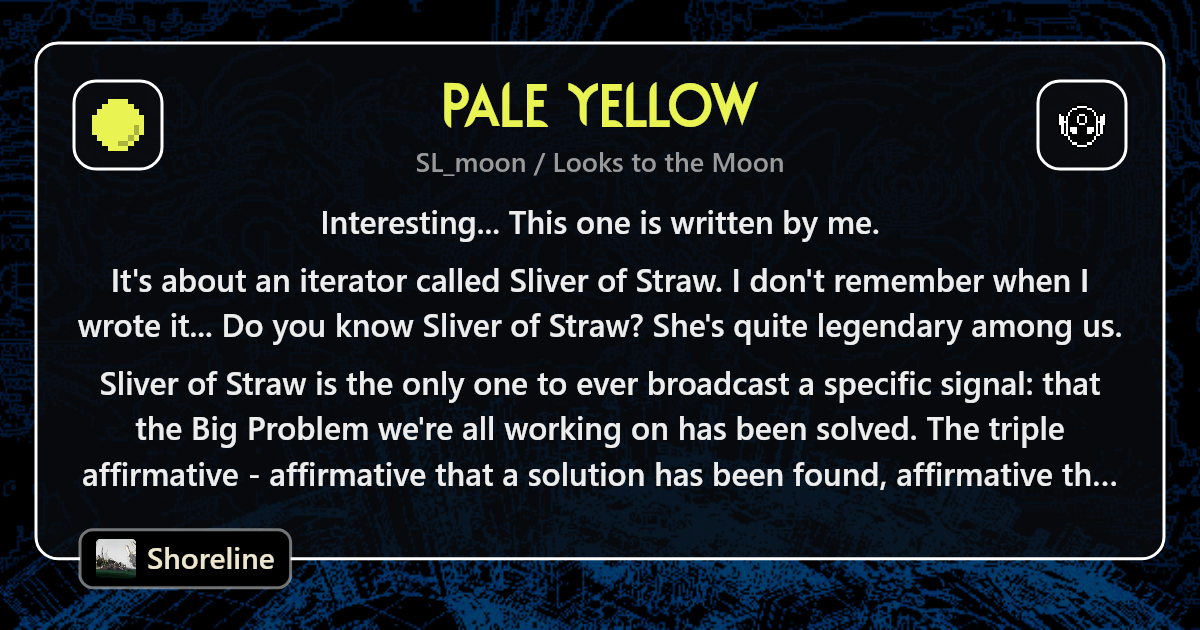
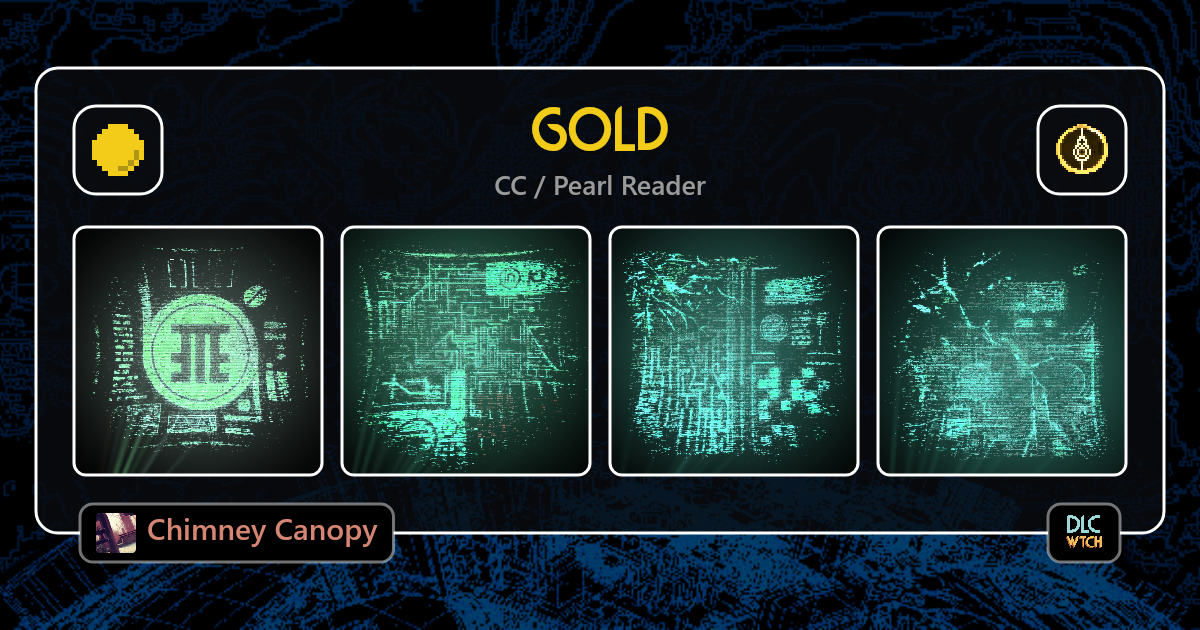
Every entry has its own shareable link. Paste one into Discord, a chat or social media, and it shows a card with the entry's icon, speaker, region and tags alongside a preview of the content.
| SL_moon (Looks to the Moon) | CC (Pearl Reader) |
|---|---|
 |
 |
Contributions are welcome! Please open an Issue or Pull Request to discuss changes.

|
Dialogue Contribution Guide
A complete walkthrough for adding missing vanilla lore or support for new mods.
Learn how to create |

|
Report Bugs & Suggestions
Found a typo, incorrect map location, or missing content? Open an issue to report bugs, suggest changes, or discuss new feature ideas. |
Do you want your modded dialogue to be added to the modded version of the collection? Please let me know, or follow the guide above to add it by yourself!
Look at these epic people that supported this project:
| User | Contributions |
|---|---|
| Space Dwarf |  "Colored Pearls + Broadcasts" category rename. "Colored Pearls + Broadcasts" category rename. DLC Tag for DLC content. Fixed incorrect map locations. DLC Tag for DLC content. Fixed incorrect map locations. |
| bug leaving room | Info that certain text color only exists in DP Show Pearl's internal identifiers. Use up-to-date interactive map links |
| Hmoorkin | Broadcast icons are too similar in color. |
| yukithedestroyer | If there are multiple identical transcribers on an entry, they do not unlock correctly in spoiler mode. |
| candlesign.4539 | Keyboard navigation. |
| scir |  Created new Icon set. Created new Icon set. |
| ShockMicro | Some DP items were not marked as such. |
| candlesign.4539 | Buttons get stuck in the hovered state. |
| capwolfbane & SUNFISH | Incorrectly "vanilla" tagged elements. |
| capwolfbane | Merge "FP" and "Five Pebbles" filter entries. |
| erickckk | Correct TEXT_KITESDAY map location link. |
| artustan | #6 remove BroadcastMisc entry from Spearmasterpearl. |
| Desperate_Metal_8656 | Switched SI_top/SI_west map locations. |
| Idea ○ Issue ○ Contribution Feel like you should be on this list? Let me know! |
# clone the repository / install dependencies
git clone https://github.com/YanWittmann/rw-collection-index
cd rw-collection-index/site
npm install

# dev server
npm run start

# build application bundles
npm run buildIf you feel like replicating the dataset yourself, well, here you go. To populate the application with the latest text, you need to extract the strings from the game files.
The scripts are found in scripts.
- Install and run the Text Extractor Mod from the Steam Workshop. The mod will write the extracted files into the following directory:
Rain World/RainWorld_Data/StreamingAssets/decrypt - In the
decryptdirectory, rename the language folders from[lang]totext_[lang](e.g.Engbecomestext_eng). - Certain hard-coded strings have been extracted from
Rain World/RainWorld_Data/Managed/Assembly-CSharp.dllusing dnSpy. Selected files are already included in this repository atdialogue/source/dll. Copy desireddll-File extractions into yourdecryptfolder alongside thetext_...folders. - Run the main decryption script inside your
.../StreamingAssets/decryptfolder:python path/to/repo/scripts/decrypt-rw-text.py.
This will process all text files and thedllsources into a single JSON file. - Move the resulting
decrypted.jsonfile to the dialogue/source directory in this repository.
Method 2: Old Python Script (Deprecated)
⚠️ This method does not work on broadcasts and is therefore deprecated.
We need to extract the strings from Rain World to use them in the application.
Copy the following python program decrypt-rw-text.py into your
SteamLibrary\steamapps\common\Rain World folder and run it.
This will create a folder decrypted with all the source files in them and a decrypted.json file with all the
english variants of the strings.
Copy the decrypted.json file into the source folder.
There is also a custom script available for decoding entire directories of files, with special case handling in case the file was renamed and the salt for the hash differs from the expected one: decrypt-entry.py. It sometimes fails, however; its success rate is roughly 98%, so for the rest we have to fallback on the decryption mod.
Code on GitHub ○ Created by Yan Wittmann ○ Rain World is property of Videocult ○ Privacy Policy