

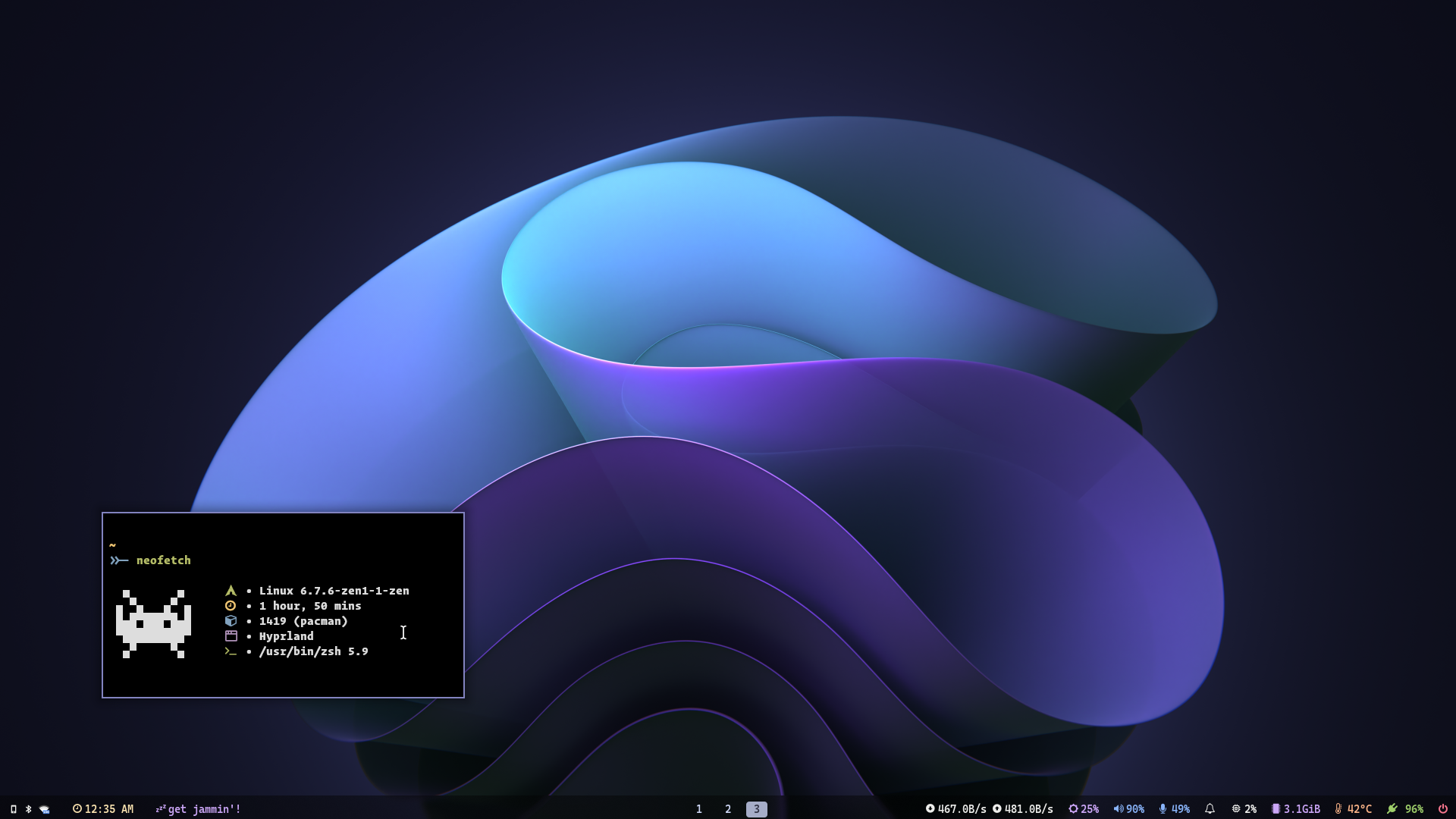
Thanks for dropping by! This is my personal repository of my dotfiles.
The setup section will guide you through a step-by-step installation process.
Here are more information about my setup:
- Window Manager: bspwm
- Terminal: kitty
- Shell: zsh
- Bars: polybar
- Compositor: picom
- Editor: neovim
- Notification Daemon: dunst
- File Manager: thunar
- Browser: firefox
- Application Launcher: rofi
Dotfiles are managed with stow make sure to have stow.
fs
$ pwd
/
└ home
  └ aayush
    └ dotfiles
      └ configs
Clone the repository with
git clone https://github.com/aayushrathor/dotfiles.git dotfilesFor installation run stow to symlink everything
cd ~/dotfiles && stow */ -t ~For any particular config file
stow <package_name> -t ~| Keys | Action |
|---|---|
| super + Return | Open terminal (kitty) |
| super + shift + Return | Open terminal (alacritty with tabbed) |
| super + e | thunar(file manager) |
| super + {t,shift + t,s,f} | set the window stat |
| super + space | rofi application menu |
| super + shift + R | centred floating terminal |
| super + {w,shift + w} | kill active window |
| super + d | eww widgets |
| super + x | Run powermenu |
| super + shift + S | flameshot |
| super + r | screen recorder |
| super + {1,2,3,4,5,6,7,8} | Change workspace/tag from 1 to 9 |
| ctrl + shift + L | Run lockscreen |
| alt + shift + {h,j,k,l} | open scratchpads |
| super + shift + D | floating bottom scratchpad |
| super + semicolon | open left floating scratchpad |
| super + apostrophe | open right floating scratchpad |
| super + h | Change focus to the left container |
| super + l | Change focus to the right container |
| super + k | Change focus to the upper container |
| super + j | Change focus to the lower container |
| super + shift + h | Move container to the left side |
| super + shift + l | Move container to the right side |
| super + shift + k | Move container to the upper side |
| super + shift + j | Move container to the lower side |
| super + shift + {1,2,3,4,5,6,7,8} | Move active container to repective workspace/tag |
| super + escape | Reload Keybinds(sxhkd) |
| super + alt + r | Reload bspwm |
| super + alt + q | kill bspwm |
all keybinds are available in sxhdrc config file
👻 Appearance
Install the following theme, icon pack, cursor and fonts for overall appearance.
- GTK Theme : Qogir theme
- Icon Theme : Papirus icon theme
- Cursor Theme : Oreo cursor theme
- Fonts : JetBrains Nerd Fonts, Fira Code, and CaskaydiaCove Nerd Fonts
💻 Program list
| Program | Name |
|---|---|
| Window Manger | bspwm |
| Bar | polybar |
| Compositor | picom-jonaburg-fix |
| Launcher | rofi |
| Wallpaper manager | feh |
| Music Visualizer | cava |
| Lockscreen | i3lock-color |
| Terminal Emulator | Alacritty |
| Shell | zsh |
| Notification daemon | dunst |
| Scratch pad | tdrop |
list of all programs I use can be found here program-list
