


npm download statistics can lag behind package publication.
Documentation and source version: 0.4.0. Review the selected release and registry metadata before installation. Dated preparation and validation records are in VALIDATION.md; release procedures are in RELEASING.md. SSH endpoints require the same TypeScript client version; 0.3.6 and 0.4.0 refuse each other’s SSH preflight.
0.4.0 handoff scope: opt-in native observation is limited to exact Codex 0.160.1/0.162.1 on macOS arm64; explicit operator_confirmed receipts use supported POSIX ledgers. Linux/Windows native observation and automatic ACK collection remain unsupported.
Find and message running Claude Code and Codex sessions, locally or over SSH.
A Node.js client that runs without Python. Package and command: session-peer.
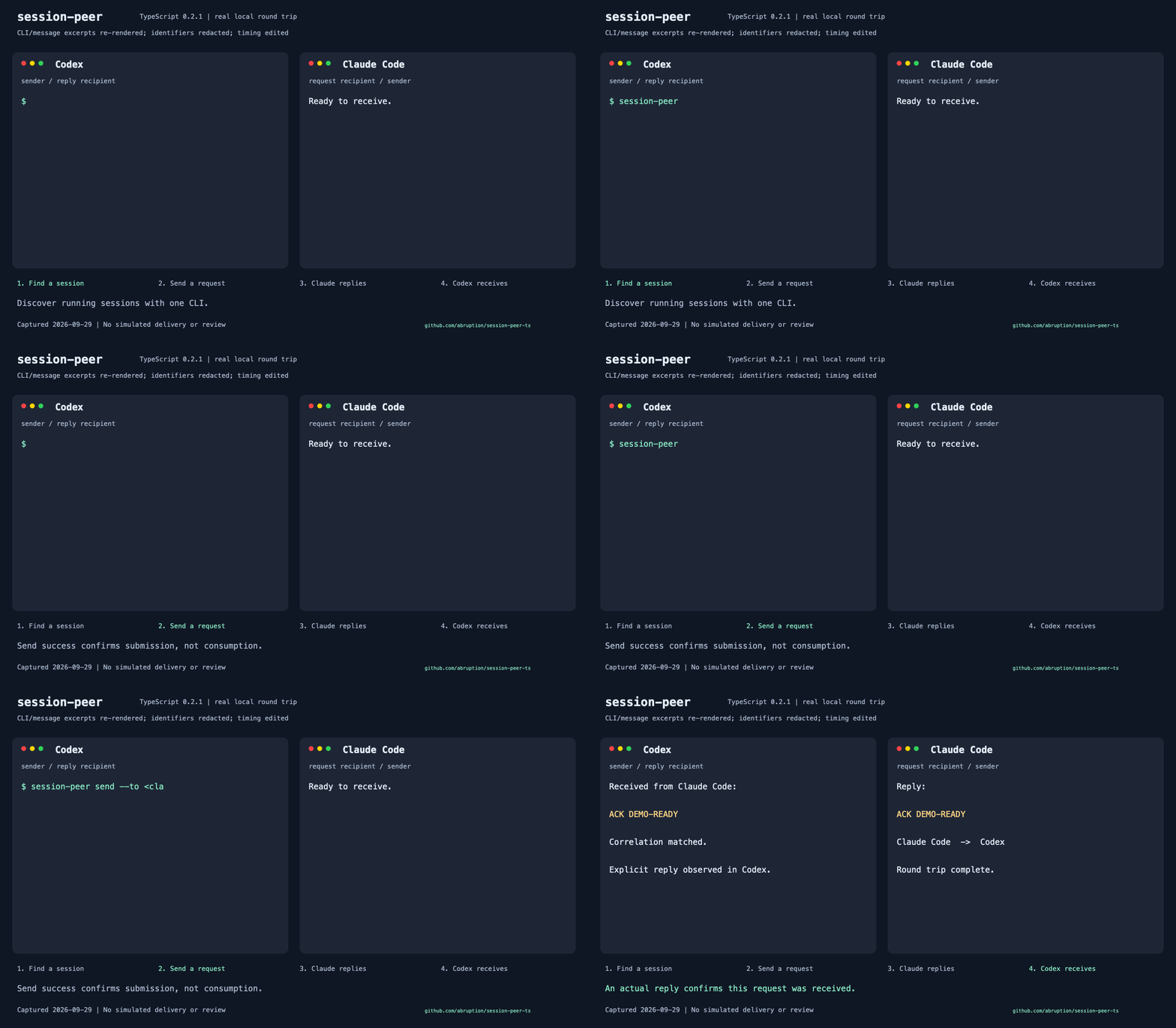
Actual local request and explicit ACK DEMO-READY reply using npm 0.2.1. CLI/message excerpts are re-rendered, identifiers redacted and timing edited; this is not a screen recording. Submission alone is not an ACK.
After installation, list sessions and replace CLAUDE_PID with the exact PID you selected:
session-peer list --agent claude --json
session-peer send --to CLAUDE_PID --message 'Please review the API contract and reply.' --dry-run --json
--dry-run validates without submitting. To send, run the command once without
--dry-run. Ask for an explicit reply when you need acknowledgement.
posted / queued means submitted, not consumed or ACKed. unknown
(submitted:null), no reply or a target exit must not trigger automatic retries.
consumptionConfirmed is always false; verify a reply in the receiver’s TUI.
Requires macOS, Linux or Windows, Node 22.13+ within 22.x or 24.x, and a
matching native prebuilt dependency (x64/arm64). Claude needs a live TUI inbox;
Codex needs its CLI and a verifiable writer (also lsof/ps on macOS/Linux).
SSH requires existing key/host trust and the same TypeScript client version
on both machines. See the guide for platform requirements and inactive queueing.
The Python CLI uses the same command.
Check type -a session-peer on macOS/Linux or Get-Command session-peer -All
in PowerShell before installing. Choose the intended PATH entry; do not use
--force to overwrite another manager’s files.
Version 0.4.0 installation: check registry availability and review the chosen release before running the npm install/update examples. If that version is unavailable, use the reviewed source build.
npm view session-peer@0.4.0 version dist.integrity
npm install --global --ignore-scripts session-peer@0.4.0
session-peer --version
Expected: session-peer 0.4.0 (typescript). For isolated installation, source
builds, Windows and removal, see the detailed guide below.
Optional sp shorthand ships with 0.3.0 and later (not 0.2.1 or earlier) and is
never enabled automatically. See explicit activation and collisions.
Use npm for an npm-managed installation. Check the available tags and review
the target version, then install that exact version; this example updates an
older npm installation to the selected 0.4.0 release. The CLI does not install updates;
session-peer update --check only reports them.
npm view session-peer dist-tags
npm install --global --ignore-scripts session-peer@0.4.0
session-peer --version
The companion skill is installed and updated separately; npm installation does not install a skill. Review its pinned-source instructions in the guide.
-
User guide — CLI options, discovery, Codex homes, SSH, replies, installation variants and skill setup.
Licensed under the MIT License.
For usage questions and reproducible bugs, open an issue. For vulnerabilities, use private reporting or support@abruption.dev. Read SECURITY.md and redact credentials, messages and personal paths.