Persistent desktop information banner for Windows 10/11 workstations and Windows Server 2019/2022/2025.
AA-HUD displays a continuous, always-on banner at the top of every monitor showing user identity, system information, and organizational context - designed for enterprise environments that require persistent visual awareness at the desktop level.
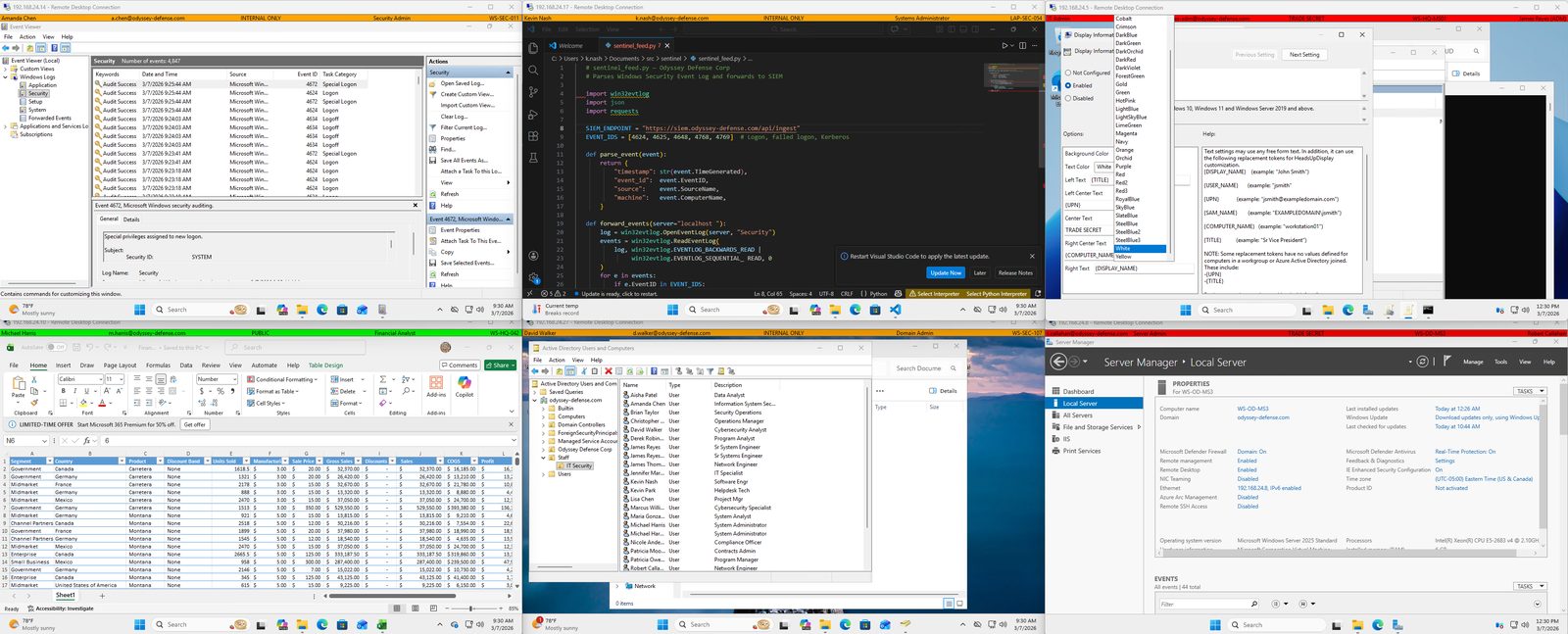
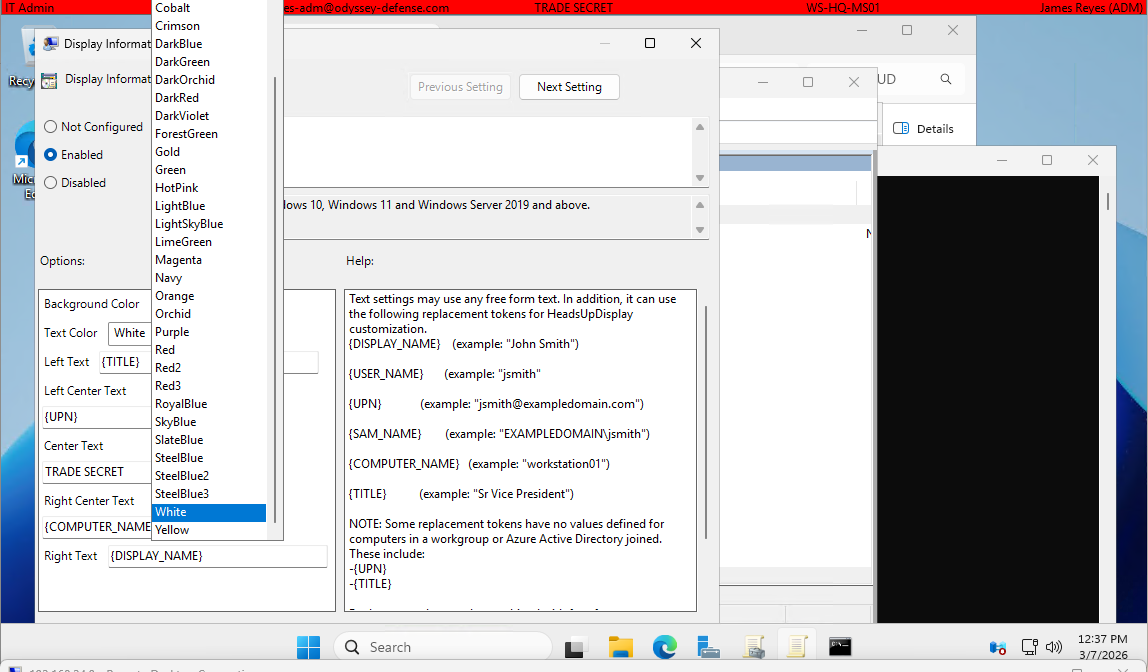
Includes signed MSI installer and Group Policy templates (ADMX/ADML).
| Feature | HUD Personal (Free) | HUD Enterprise |
|---|---|---|
| Always-on persistent banner | ✅ | ✅ |
| Multi-monitor support | ❌ | ✅ |
| Settings dialog (GUI configuration) | ✅ | ❌ |
| Authenticode signed installer | ✅ | ✅ |
| Windows Task Scheduler integration | ✅ | ✅ |
| Active Directory token substitution | ❌ | ✅ |
| Group Policy managed (ADMX/ADML) | ❌ | ✅ |
| Tamper-resistant process hardening | ❌ | ✅ |
| winget install | ✅ | ❌ |
| MSI installer | ✅ | ✅ |
HUD Personal is free for individual use and requires no Active
Directory. Install via winget install AcaciaAve.HUD.
HUD Enterprise is designed for domain-joined enterprise and government environments with GPO deployment, AD token substitution, and tamper resistance.
The requirements below apply to HUD Enterprise. A free, standalone HUD Personal edition is also available for individual users and does not require Active Directory.
- OS: Windows 10 (22H2+), Windows 11, or Windows Server 2019/2022/2025 - x64
- Domain: Active Directory domain-joined workstation or server (HUD Enterprise only)
- Prerequisite: Microsoft Visual C++ 2015-2022 Redistributable (x64). The installer will warn if not present. Download from Microsoft
Proprietary - see EULA for full terms.
Acacia Avenue LLC | www.acaciaave.com
Frequently sought by organizations migrating from legacy Windows classification banner tools, including NetBanner, and those implementing USGCB or STIG-compliant desktop configurations.