
Altair is a elegant, customizable and has vivid colors just for Tabby (formerly Terminus).


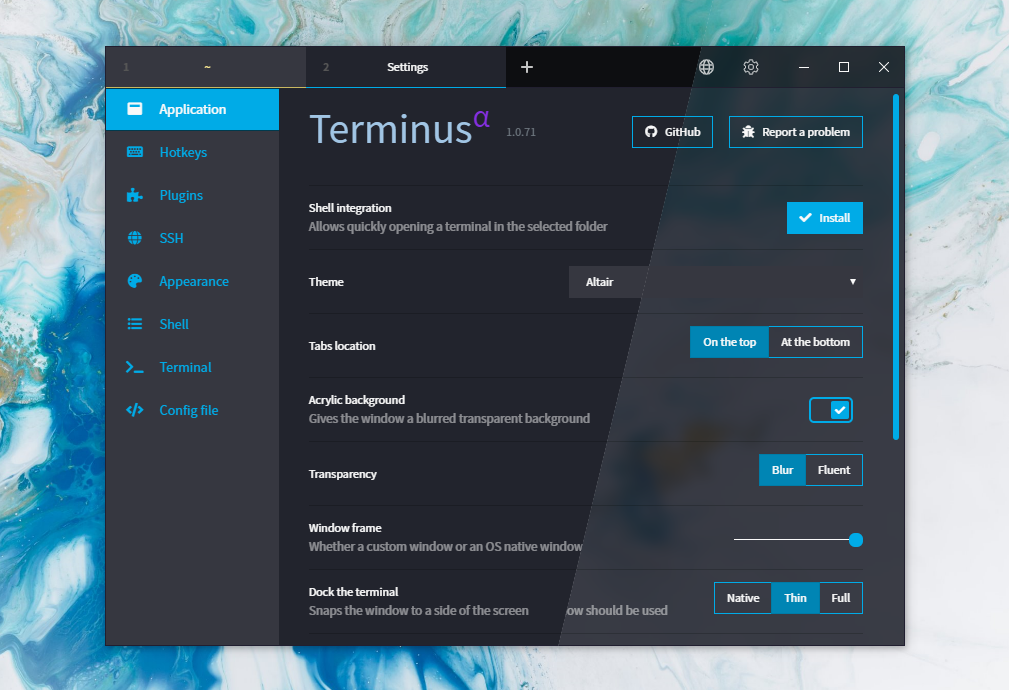
To install Altair on Tabby:
- Go to Plugins in Settings.
- Install
terminus-altairin the available plugins and restart. - Select Altair in Theme settings.
- Taddaa! Enjoy.
- hyper-altair - Hyper version
- terminus-altair - Terminus version
- vscode-altair - VS Code version
Altair is based on Bootstrap 4, styles are located in the theme.scss file
Clone this repository and run:
npm install
Start Webpack in the watch mode:
npm run watch
Changes to the styles will be built automatically.
MIT © yxuko