
Website · Documentation · Contact
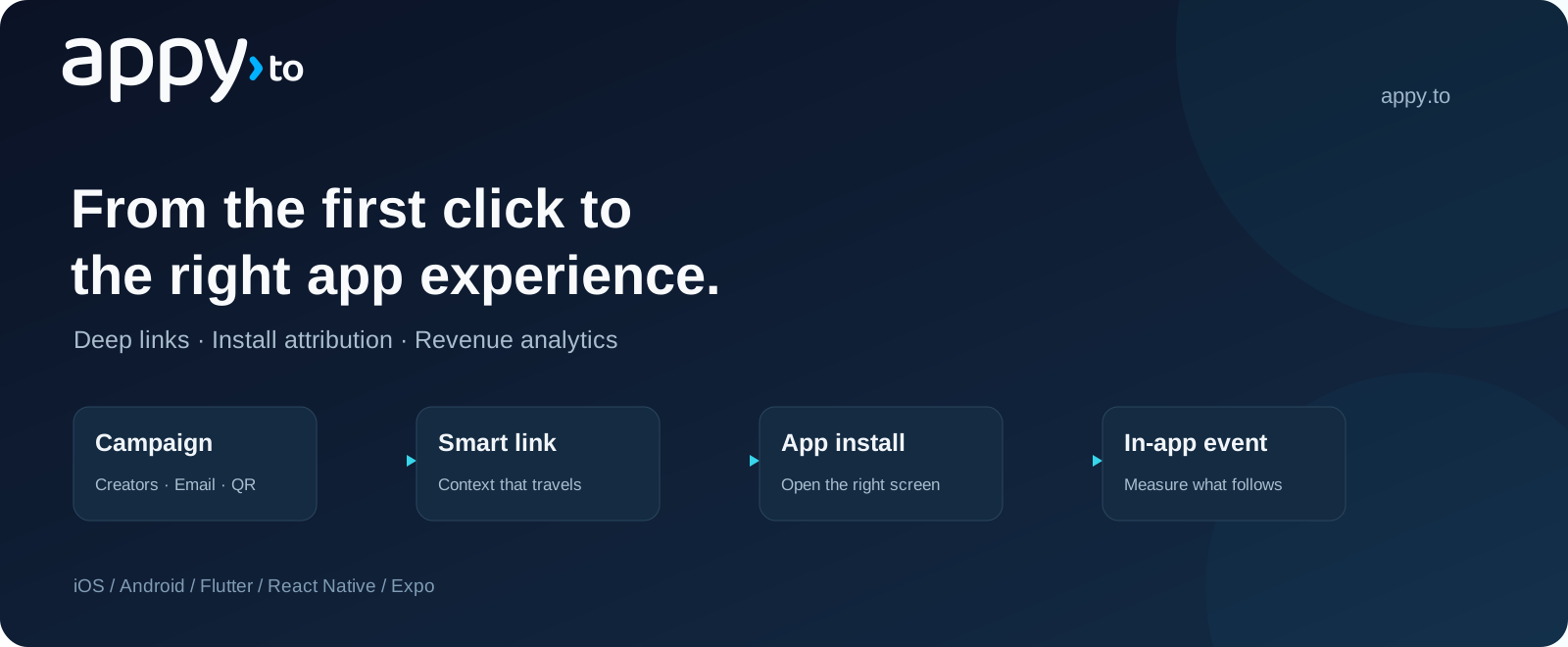
Appy connects campaign links to the right app experience, and helps teams measure the installs, in-app events and revenue that follow. Build with smart links, dynamic QR codes and mobile SDKs.
| Platform | Repository | Start here | Availability |
|---|---|---|---|
| iOS · Swift | appy-ios-sdk | Quickstart | 1.0.0 · Swift Package Manager |
| Android · Kotlin / Java | appy-android-sdk | Quickstart | 1.0.0 · Maven Central |
| Flutter · Dart | appy-flutter | Quickstart | 1.0.0 · pub.dev |
| React Native · Expo | react-native-appy | Quickstart | 1.0.0 · npm |
iOS / Swift Package Manager: in Xcode, choose File → Add Package Dependencies…, enter https://github.com/appy-to/appy-ios-sdk.git and select Up to Next Major Version from 1.0.0.
Android / Gradle: include google() and mavenCentral() in your dependency repositories, then add to your app module:
implementation("to.appy:appy-sdk:1.0.0")Flutter:
flutter pub add appy_sdkReact Native / Expo:
npx expo install react-native-appyThe Flutter and React Native packages resolve the public native SDKs automatically. React Native apps require Expo modules and a development build. Follow your platform's quickstart to configure app links and initialize the SDK.
- Open Apps & SDK in the Appy dashboard and register your own app.
- Copy its Publishable key and Link domain from SDK setup.
- Follow your SDK's quickstart above, then test a link on your device.
Your app keeps its own name and identifiers; Appy is the library you add to it. Understand the example values.
- Open the right screen from campaigns, QR codes, email and social links.
- Recover link context after installation where a supported match is available.
- Connect installs, in-app events and revenue to acquisition campaigns.
- Integrate backend workflows through the REST API or use the link API without an SDK.
SDK source is MIT-licensed. Hosted SDK features require an Appy Enterprise plan. All four SDKs are available at version 1.0.0 through Swift Package Manager, Maven Central, pub.dev and npm. Follow the quickstart for your platform.
For integration questions, read the selected SDK guide, open an issue in its repository, or email support@appy.to.