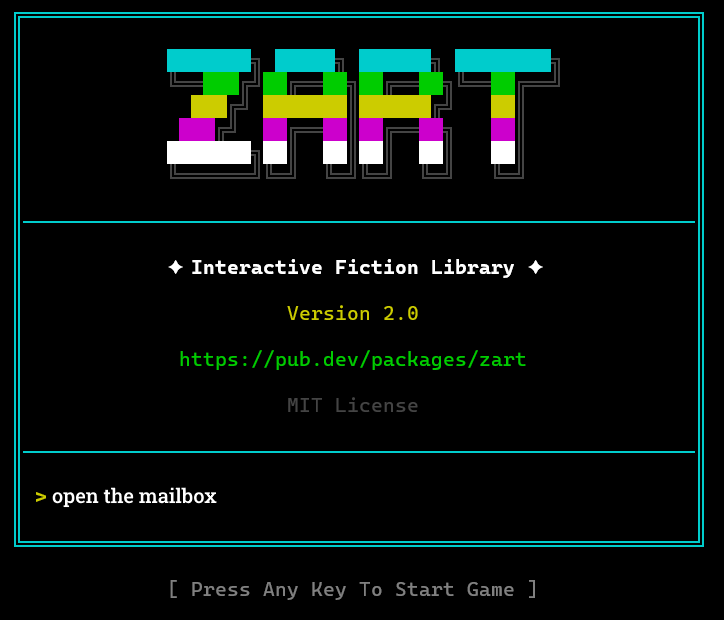
The CLI player is a full-featured terminal player that supports modern quality-of-life features while remaining true to the original experience:
- Custom key bindings (macros)
- Color selection
- Zart bar visibility and color customization
- Quick-save/restore
- Text scrolling with mouse wheel support.
For more information, see the CLI Player README.
You will need the Flutter/Dart SDK installed on your system to use the CLI player. You can download it from Dart SDK Download or Install Flutter. Flutter comes with the Dart SDK.
You can then install the zart CLI player and run it to play games from the command line:
> dart pub global activate --source git git@github.com:atebitftw/zart_cli.git
> zart minizork.z3
The source code for the CLI player is included in this package, in either the bin/ or example/ directories.