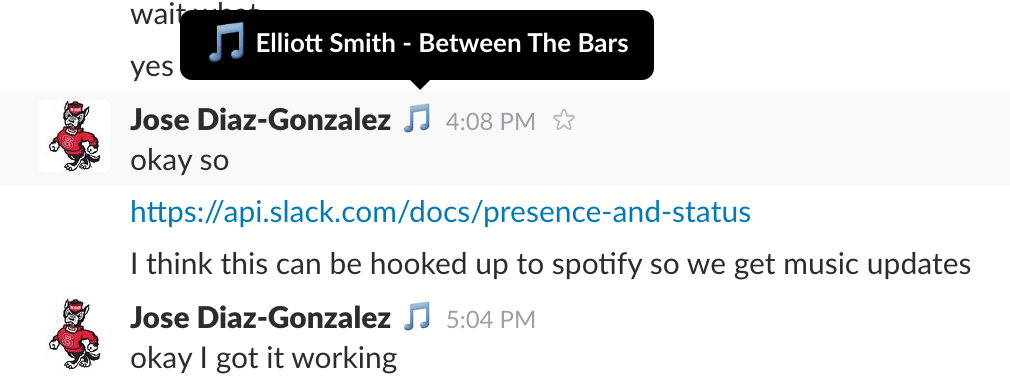
send slack music notifications from itunes or spotify
- OS X
- iTunes or Spotify
Using PIP via PyPI:
pip install slack-tunes
Using PIP via Github:
pip install git+https://github.com/josegonzalez/python-slack-tunes.git#egg=slack-tunes
Export a SLACK_API_TOKEN, as shown on their tokens page, and then execute the binary:
export SLACK_API_TOKEN="YOUR_TOKEN"
slack-tunes
Slack tunes will run in the foreground, and can be terminated at any time. It will update the status at most every 10 seconds, and will clear your status if no music is playing.
You can also specify multiple tokens via comma-delimiter. This is useful for notifying multiple slack teams.
export SLACK_API_TOKEN="YOUR_TOKEN,YOUR_OTHER_TOKEN"
slack-tunes