Electronic Monkey is an Online buy and sell application, built with Spring Boot for the backend and Angular for the frontend.

- Java 11
- Maven -3.x.x
- MongoDB 5.0
- MySQL 8.0
-
Clone the application git clone https://gitlab-cgi.stackroute.in/cgi-canada-wave1-capstone-projects/onlinebuyandsell.git
-
Start MySQL service and MongoDB service in your local machine (the password for My SQL should be password by default otherwise you can set it in the file application.properties in userservice)
-
Build and run the backend app using maven with IntelliJ IDEA :
-
If it is the first run, then run `mvn clean install`. -
Run eureka-service. It will start at http://localhost:8761/. -
Run api-gateway-service. It will start at http://localhost:8080/. -
Run userservice. It will start at http://localhost:8090/. -
Run orderservice. It will start at http://localhost:8880/. -
Run catalogservice. It will start at http://localhost:8800/.
-
-
Run the frontend app using npm with VSCode
-
cd webApp -
npm install -
Run
ng serve -ofor a dev server. Navigate to http://localhost:4200/. The app will automatically reload if you change any of the source files.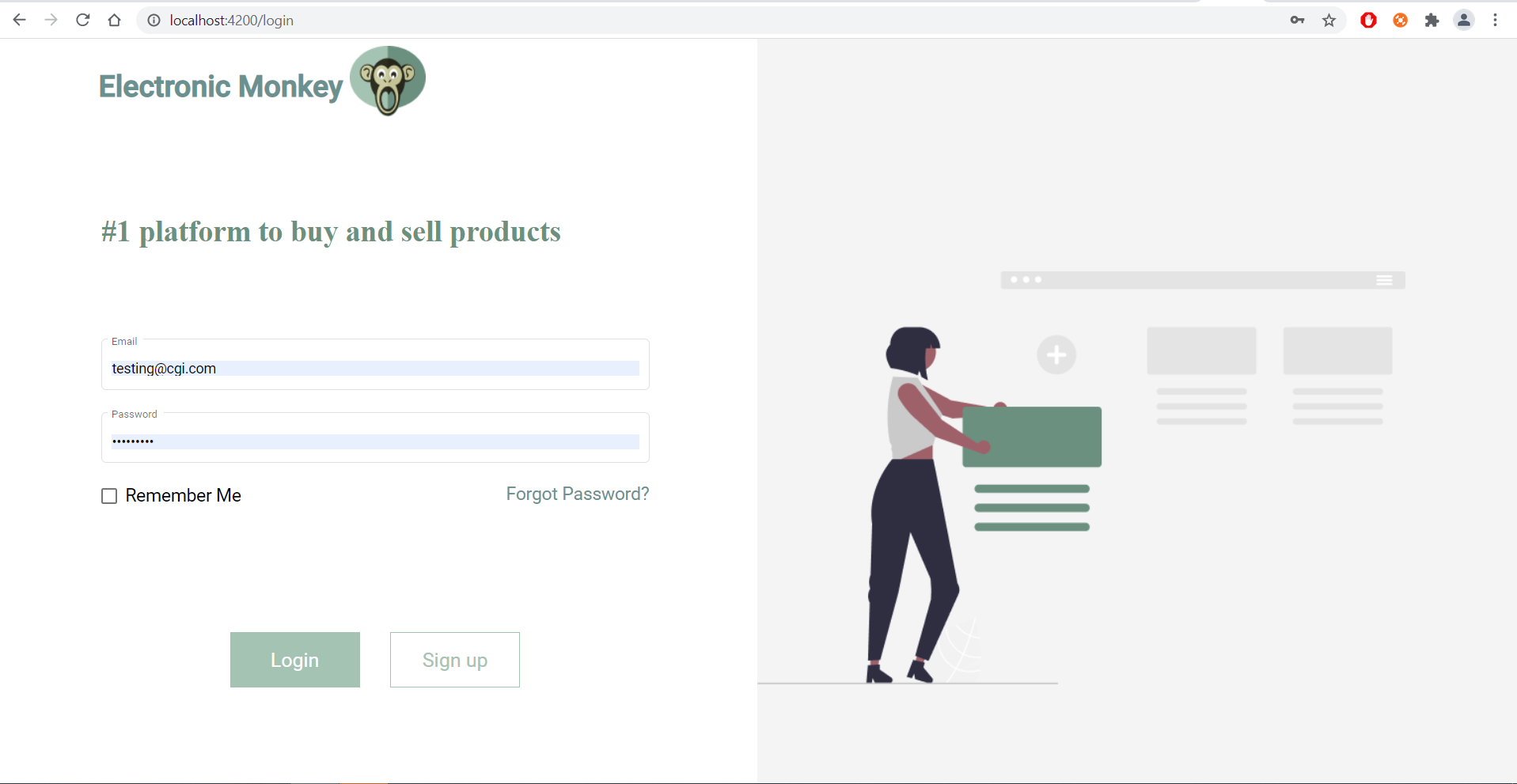
-
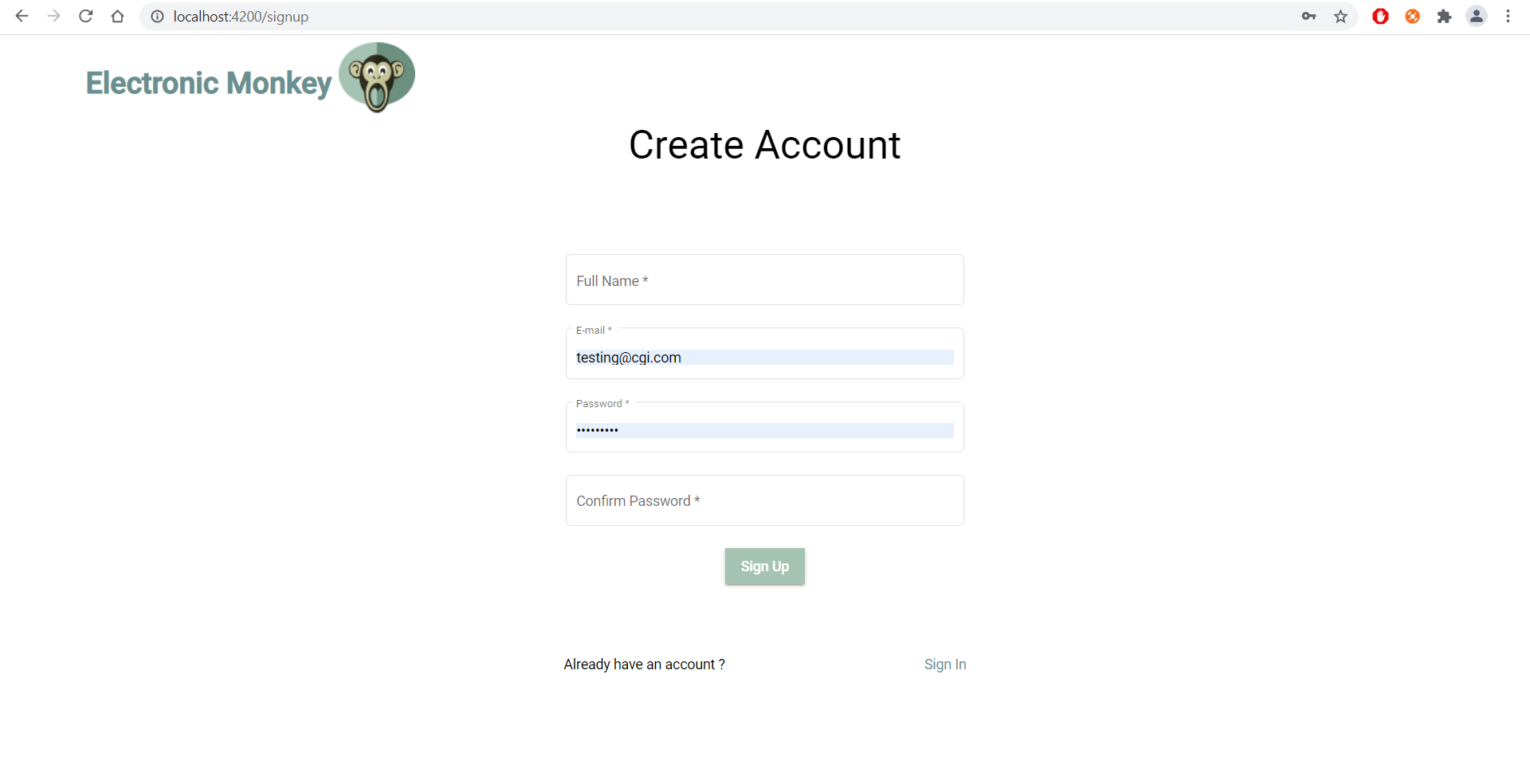
Click the sign up button and fill the form to create an acount.
-
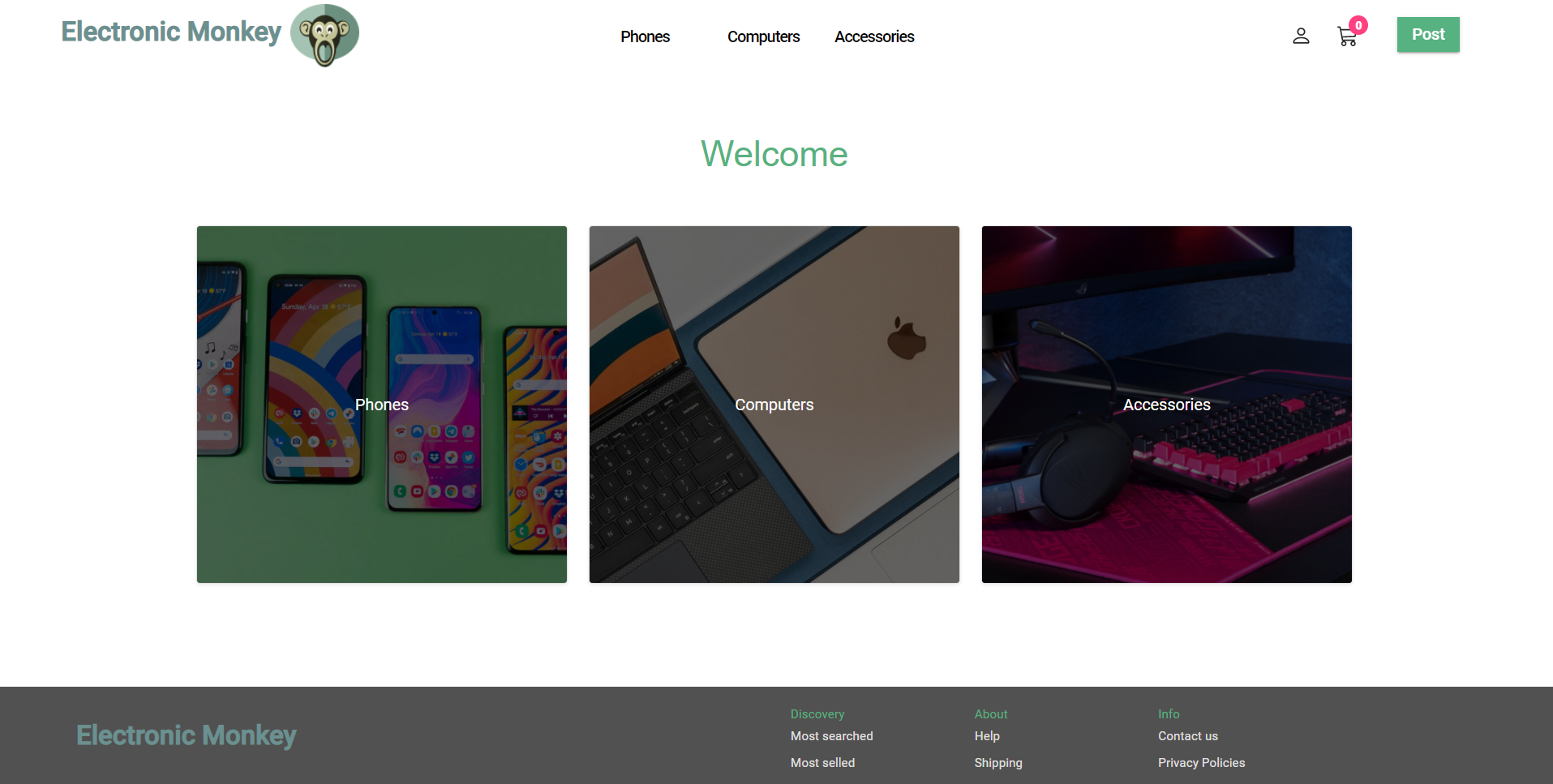
login in with the new account to use the app !
-
For API Documentation and direct interactions with the backend app using Swagger, navigate to http://localhost:xxxx/swagger-ui/
xxxx is the port number for the microservice you want to interact with.