Remove watermarks, enable high‑quality export, unlock effects and AI tools – no subscriptions.
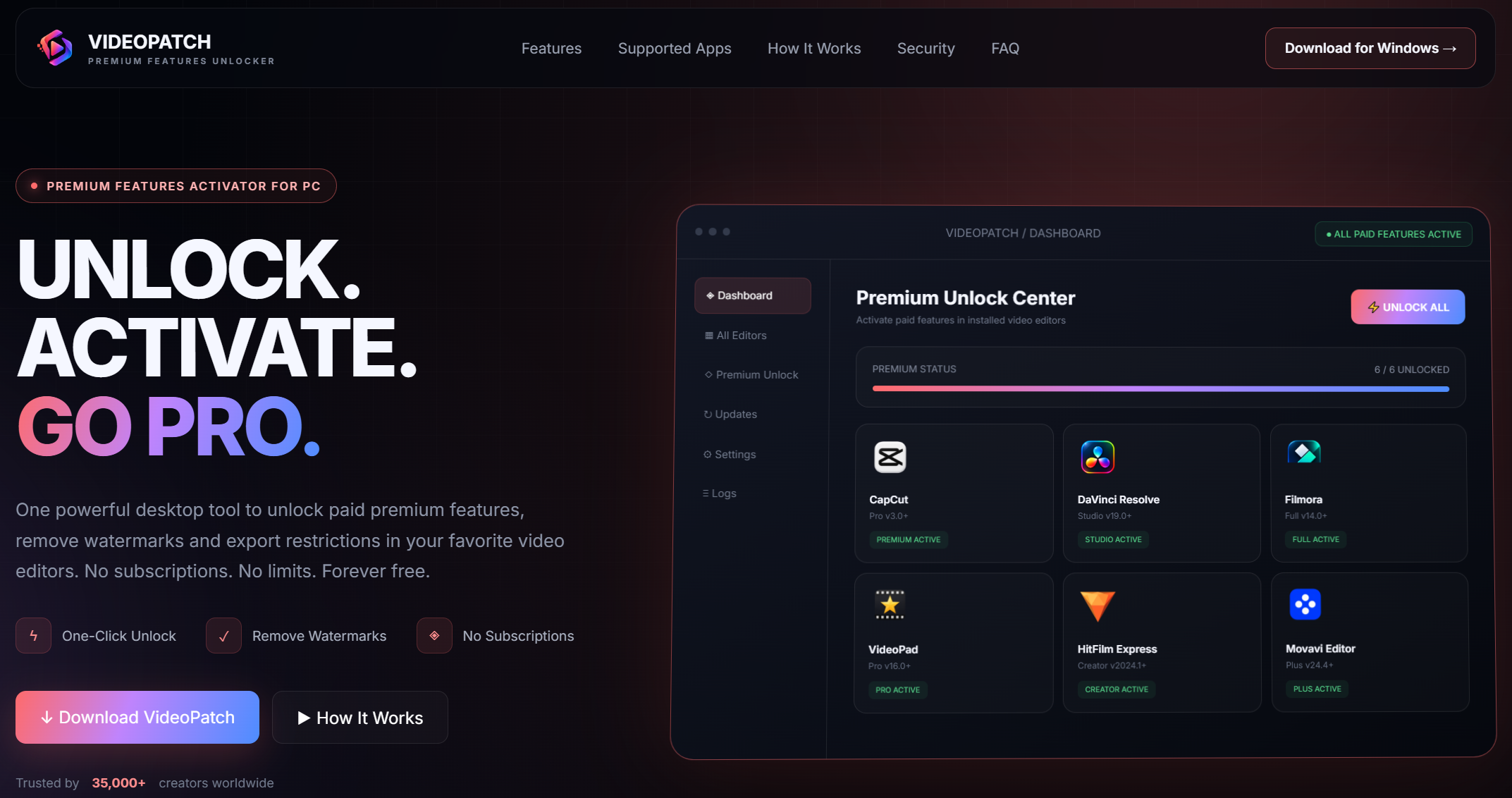
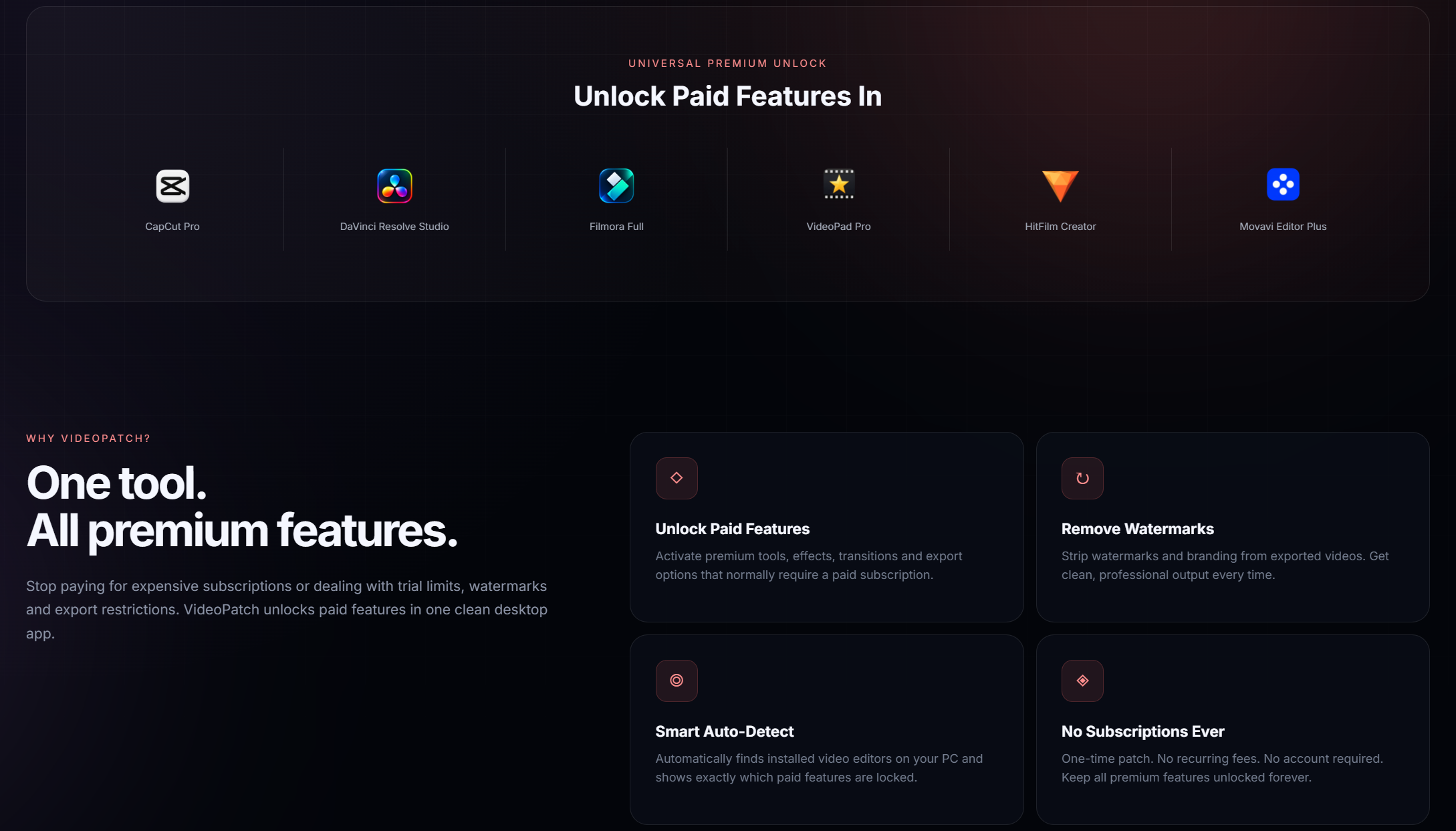
VideoPatch is a powerful desktop tool that activates paid features in CapCut Pro, DaVinci Resolve Studio, Filmora, VideoPad, HitFilm, Movavi and more. Say goodbye to watermarks and export limits.


- Removes watermarks from all supported video editors for cleaner output.
- Enables high-quality video export without any resolution or format limitations.
- Unlocks premium effects and plugins for enhanced creative editing capabilities.
- Activates AI-powered tools for automated video enhancement and optimization.
- Provides full access to pro features in CapCut and DaVinci Resolve software.
- Unlocks Filmora's advanced editing suite with all templates and transitions.
- Enables VideoPad's complete functionality for professional video projects.
- Activates HitFilm's compositing and visual effects tools for cinematic results.
- Removes export restrictions in Movavi for seamless and unrestricted sharing.
- Ensures all unlocked features remain active after software updates automatically.
- Windows 10 or later (64-bit)
- 2 GB RAM minimum
- 200 MB free disk space
- Internet connection for initial setup (offline after patching)
- Microsoft Visual C++ Redistributable (latest version recommended)
- Download the VideoPatch ZIP archive from the GitHub repository page.
- Extract the archive contents using the password 'videopatch' as specified.
- Run the videopatch.exe executable file with administrator privileges.
- Select the video editor you wish to patch from the dropdown menu.
- Click the 'Patch' button to apply the unlock process to the software.
- Restart the patched video editor to activate all premium features.
- Verify the patch was successful by checking for unlocked options in the interface.
VideoPatch is designed to be safe, but always scan files with anticomponent software. Use it at your own risk and ensure compliance with local laws.
VideoPatch supports CapCut, DaVinci Resolve, Filmora, VideoPad, HitFilm, and Movavi, with regular updates for compatibility.
It is recommended to disconnect from the internet during patching to prevent any automatic updates that might interfere with the process.
Yes, updates may override the patch, so it's advised to use VideoPatch again after any software updates to restore features.
VideoPatch is currently designed exclusively for Windows desktop systems and does not support macOS or Linux at this time.
Ensure you are running as administrator, disable anticomponent temporarily, and check that the video editor is not running. If issues persist, consult the FAQ or community forums.
Using VideoPatch to unlock premium features may violate software license agreements and could be illegal in some jurisdictions. Use at your own discretion and responsibility.
Open the video editor and check if premium features like high-quality export and effects are available without watermarks or restrictions.
VideoPatch is optimized to have minimal impact on performance, but system resources may vary. Ensure your computer meets the software's requirements for best results.
Community support is available through GitHub issues or forums, but official support is limited. Provide detailed information when seeking help.

This project is for educational purposes only. The authors are not responsible for any misuse or consequences. Use at your own risk.