Skip to content

computervisionpro/OCR-and-translation

Folders and files

NameName
Last commit message
Last commit date

Latest commit


History

16 Commits


Repository files navigation

OCR & Translation

This program will open an image and perform image processing to remove noise from the image. Then it will use tesseract software to performing OCR and Translate library to translate the word.

Video Demo
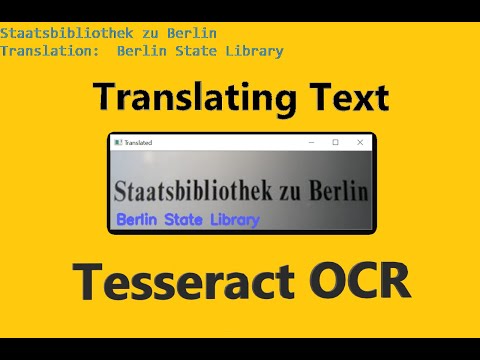
IMAGE ALT TEXT HERE

Requirements:

  • Translate
  • OpenCV
  • Tesseract
  • Pytesseract

Steps to run:

  1. Open command prompt/terminal and cd into the directory
  2. Run python 1.loc_text_translate.py --image gmn.jpg -l de -c 50

References:

PyimageSearch Translate Tessetact Pytessetact

About

No description, website, or topics provided.

Resources

Stars

Watchers

Forks

Releases

No releases published

Packages


Contributors

Languages