A high-performance molecular viewer for Python and Rust, powered by a unified Rust core. It supports both in-notebook visualization and native desktop rendering, with smooth playback for scientific animations.




COSMol-viewer is a compact, cross-platform renderer for molecular and geometric scenes. Unlike purely notebook-bound solutions such as py3Dmol, COSMol-viewer runs everywhere:
- Native desktop window (Python or Rust) via
egui - Jupyter / IPython notebook via WASM backend
- Rust applications
All implementations share the same Rust rendering engine, ensuring consistent performance and visual output.
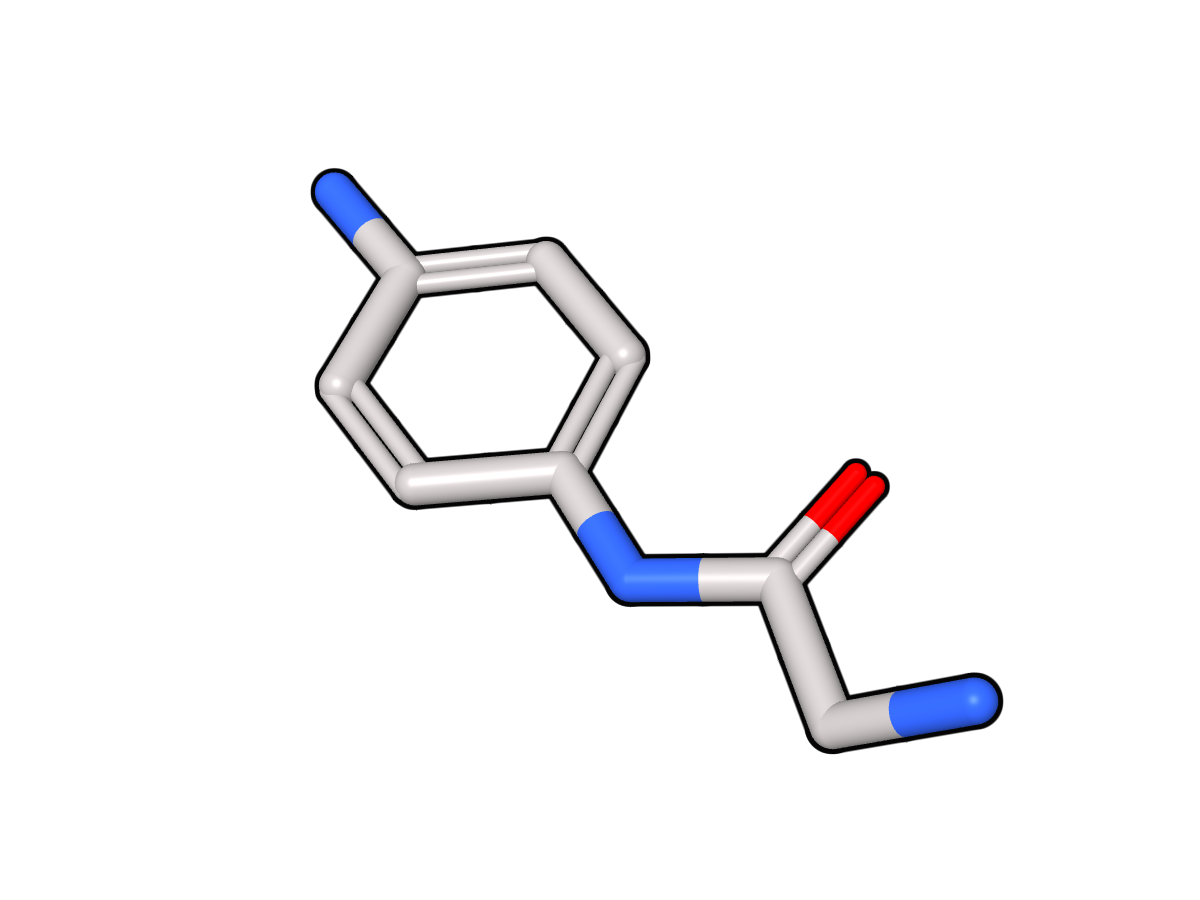
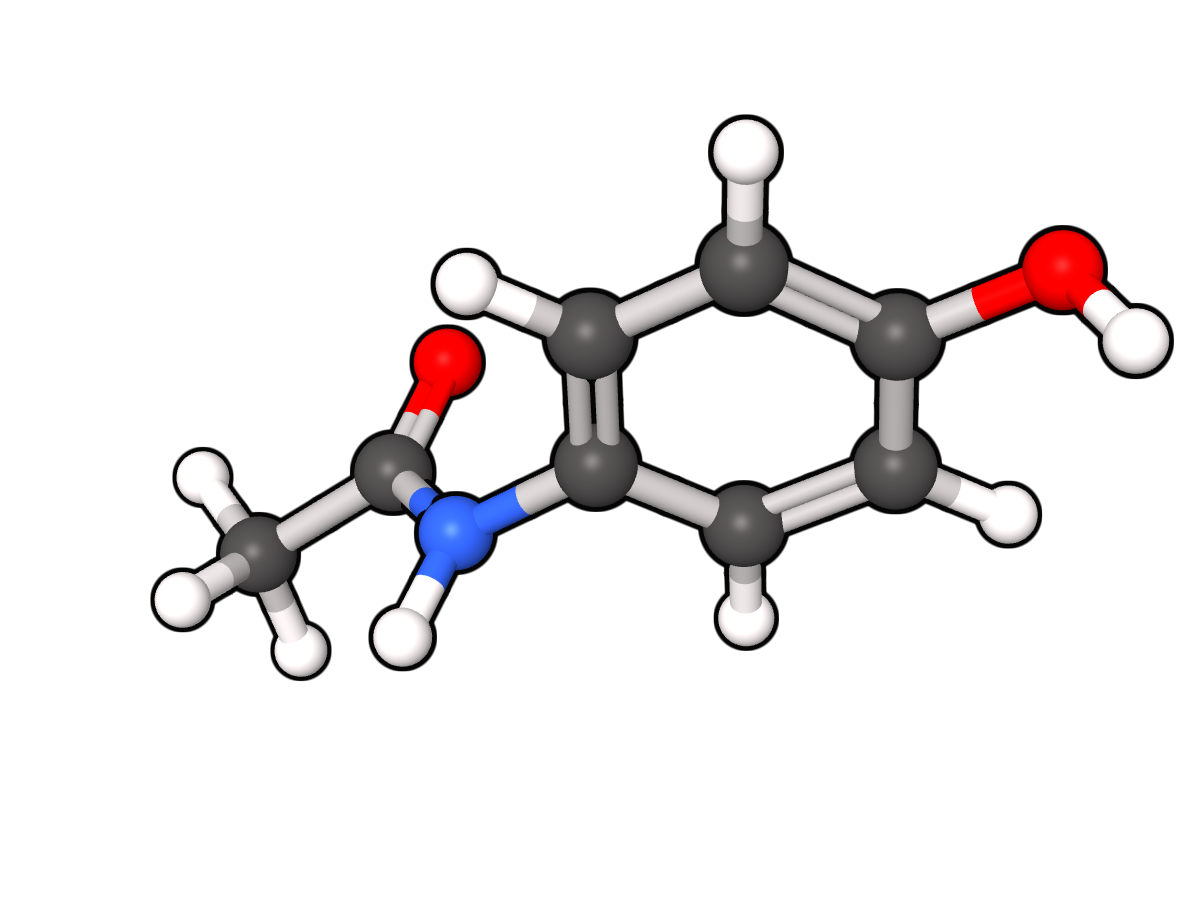
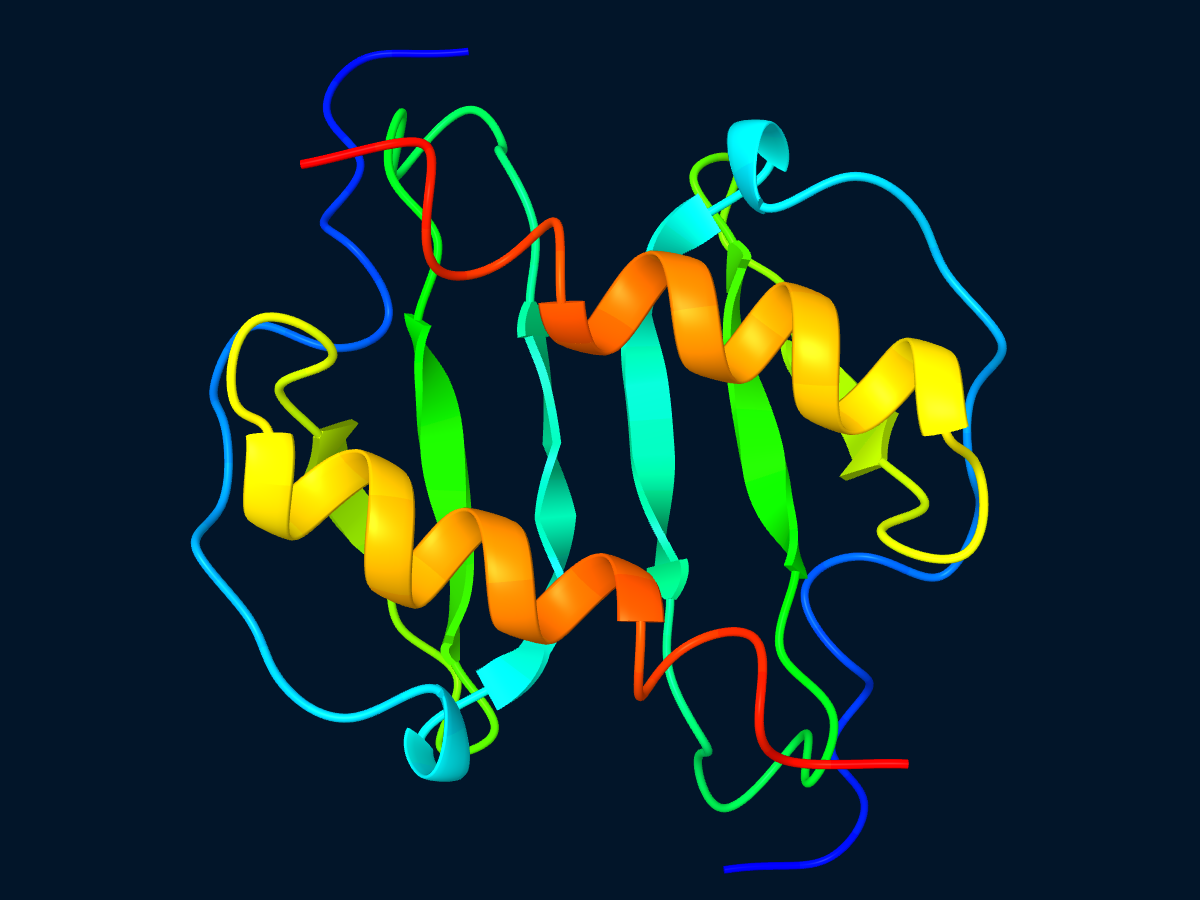
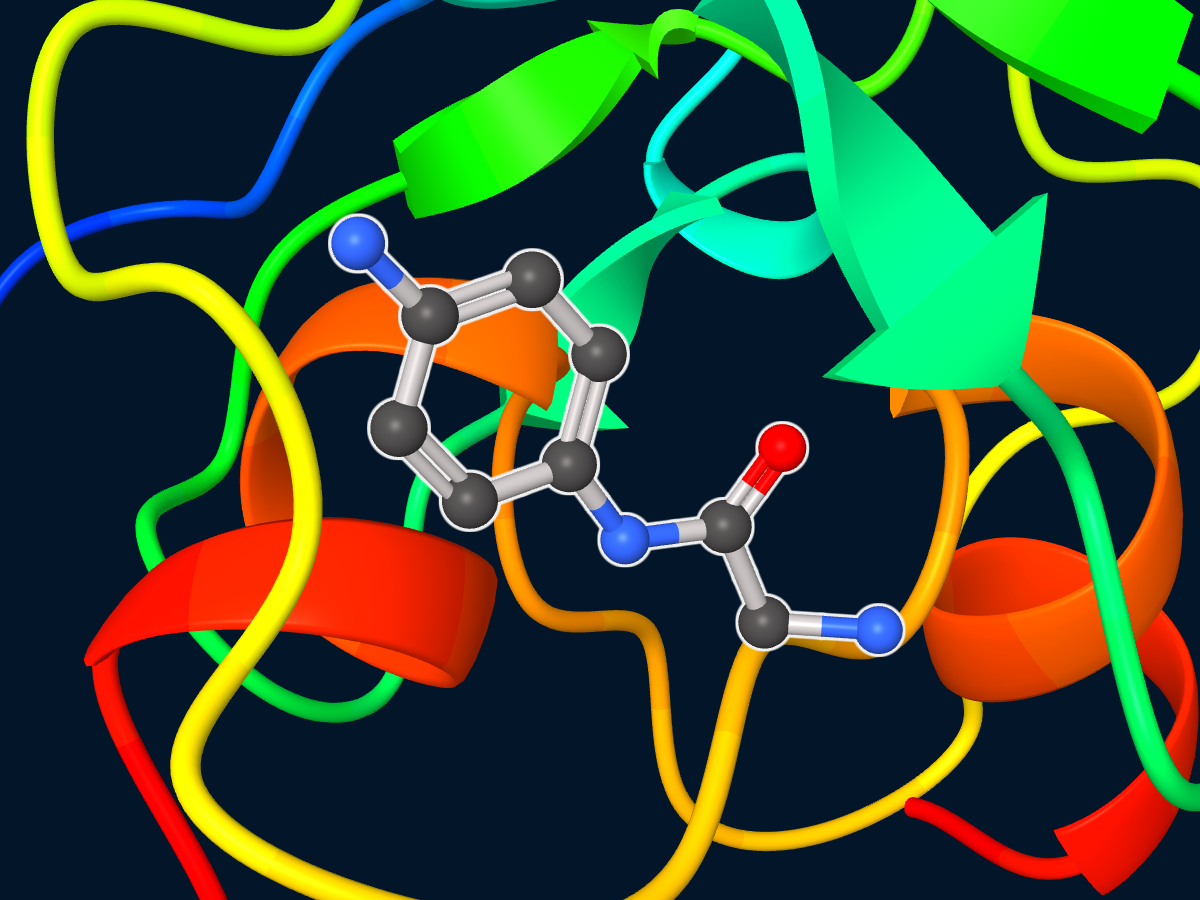
- Scene: container for shapes (molecules, proteins, spheres, etc.).
- Viewer.render(scene, ...): create an interactive viewer in a native window or notebook canvas.
- scene.save_image(path, ...) / scene.to_png(...) / scene.display(...): render the scene directly to a static PNG at any requested resolution. This is independent of notebook JavaScript or browser canvas readback.
- scene.set_camera_view(...) / scene.rotate_camera(...): set the reproducible camera used by both static exports and newly created viewers.
- viewer.update(scene): push incremental changes after
Viewer.render()(real-time / streaming use-cases). - Animation: An Animation object containing frames and settings.
- Animation(interval, loops, interpolate): stores precomputed frames and playback settings.
- Viewer.play(animation, width, height): recommended for precomputed animations and demonstrations. The viewer takes care of playback timing and looping.
Why prefer play for demos?
- Single call API (hand off responsibility to the viewer).
- Built-in timing & loop control.
- Optional
interpolatemode between frames for visually pleasing playback even when input frame rate is low.
Why keep update?
updateis ideal for real-time simulations, MD runs, or streaming data where frames are not precomputed. It provides strict fidelity (no interpolation) and minimal latency.
See examples in Google Colab.
Install with pip install cosmol-viewer
from cosmol_viewer import Molecule, Scene

mol_data = open("molecule.sdf", "r", encoding="utf-8").read()

mol = Molecule.from_sdf(mol_data).centered()

scene = Scene()

scene.set_scale(1.0)

scene.add_shape_with_id("molecule", mol)

scene.set_camera_view(azimuth=35, elevation=20, distance=32, fov=18)
scene.save_image("rendered_scene.png", width=1600, height=1000)
Static exports and native interactive viewers both bootstrap native GL on
desktop. save_image / to_png first try the fast in-process offscreen path;
on platforms with a headless GL path, this avoids creating a GUI event loop. If
the in-process path cannot be created after a native viewer has already run,
they automatically retry in an isolated Python subprocess. Set
COSMOL_VIEWER_RENDER_ISOLATED=1 to force that isolated path.
For an interactive native window:
from cosmol_viewer import Viewer

viewer = Viewer.render(scene, width=800, height=500)

print("Press Any Key to exit...", end='', flush=True)
_ = input()
In a notebook, use a static PNG display when you do not need interaction:
scene.display(width=1200, height=800)
scene.display(width=1200, height=800, background="transparent")
For an interactive notebook canvas, enable a transparent scene background before rendering:
scene.set_transparent_background()
scene.set_zoom_disabled()
scene.set_auto_rotate()
viewer = Viewer.render(scene, width=800, height=500)
For static exports, omit background to use the scene background, pass a color
such as "#ffffff" or [255, 255, 255], or use "transparent" for a PNG with
a transparent background.
from cosmol_viewer import Scene, Viewer, Molecule, Animation

anim = Animation(interval=0.05, loops=-1, interpolate=False)
for i in range(1, 10):
    with open(f"frames/frame_{i}.sdf", "r") as f:
        mol = Molecule.from_sdf(f.read())

    scene = Scene()
    scene.add_shape(mol)
    anim.add_frame(scene)

Viewer.play(anim, width=800, height=500) # loops=-1 for infinite repeatfrom cosmol_viewer import Protein, Scene, Viewer
mmcif_data = open("protein.cif", "r", encoding="utf-8").read()
protein = Protein.from_mmcif(mmcif_data).centered().rainbow_residues()
scene = Scene()
scene.add_shape_with_id("protein", protein)
viewer = Viewer.render(scene, width=800, height=500)Protein.from_mmcif() and Protein.from_pdb() use COSMolKit's protein
reader, then the viewer core assigns secondary structure before rendering a
ChimeraX-style cartoon ribbon mesh. Use
.rainbow_residues() for ChimeraX-style residue rainbow coloring, or .color("#10ACBF")
for a uniform cartoon color.
more examples can be found in the examples folder:
cd cosmol_viewer
python .\examples\render_protein.pyInstall with cargo add cosmol_viewer
see examples in examples folder:
cd cosmol_viewer
cargo run --example render_proteinPlease check out our documentation at here.
For any questions, issues, or suggestions, please contact wjt@cosmol.org or open an issue in the repository. We will review and address them as promptly as possible.