Firedog is a 2D game built from scratch with over 65k lines of code (+39k for tests) and over 1275 different assets (987 images and 288 audio files).
This game was created by using HTML Canvas and pure JavaScript without relying on external frameworks except for Electron, which was utilized to transform it into a Desktop application.
Embark on a thrilling quest as Firedog to recover the stolen Cryptic Token, pilfered by an enigmatic thief!
This story-driven game features 10 maps (7 main story maps + 3 bonus maps), over 92 different enemies, and 3 bosses.
Your objective on each map is to eliminate as many enemies as you can, gathering sufficient coins to advance to the next stage of your journey!
Your progress, unlocks, and settings are saved automatically.
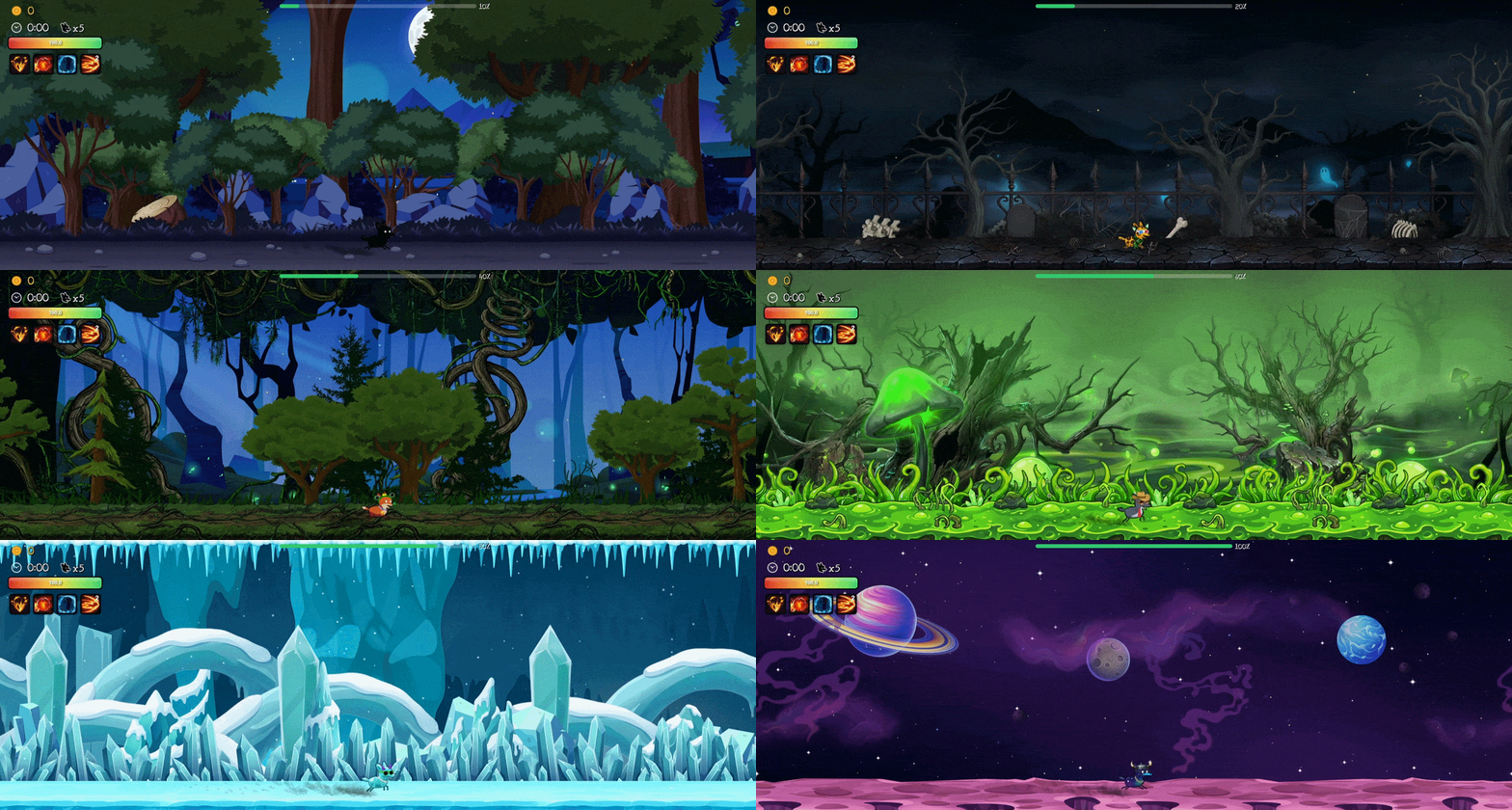
Videos
menuPreview.mp4
gameplayPreview.mp4
Images (171)
-
Menus (44)
-
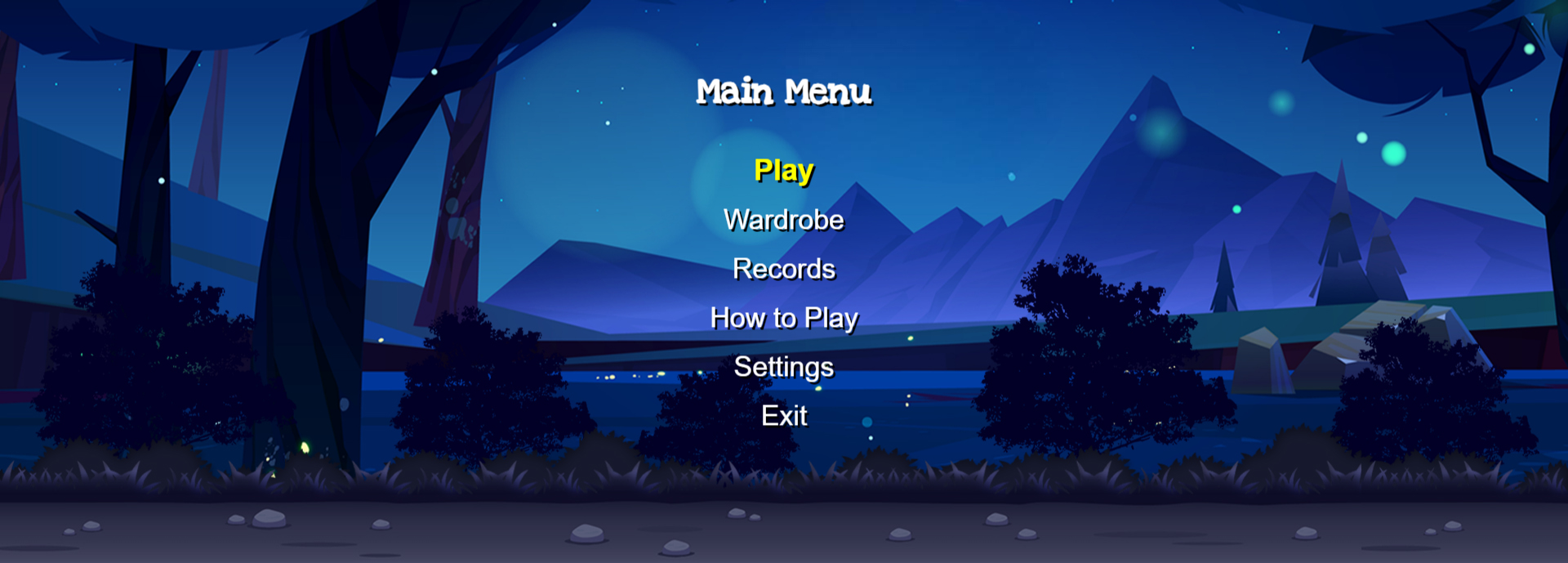
Main Menu (1)
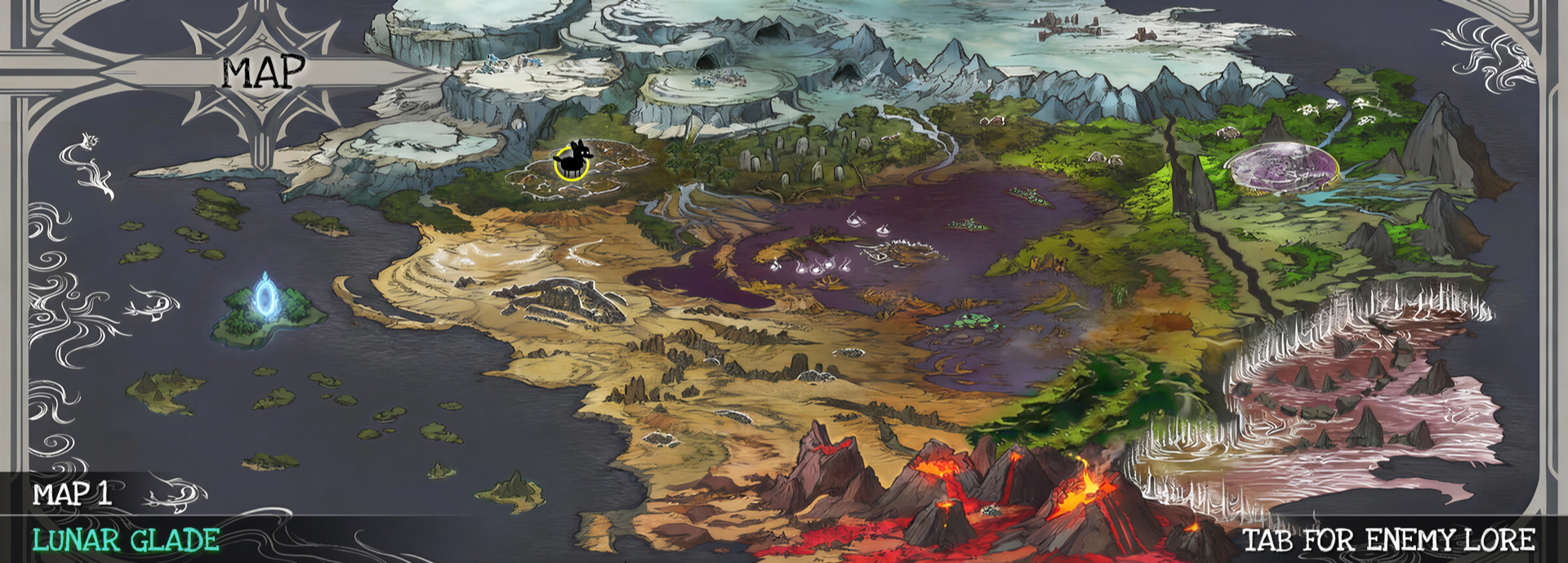
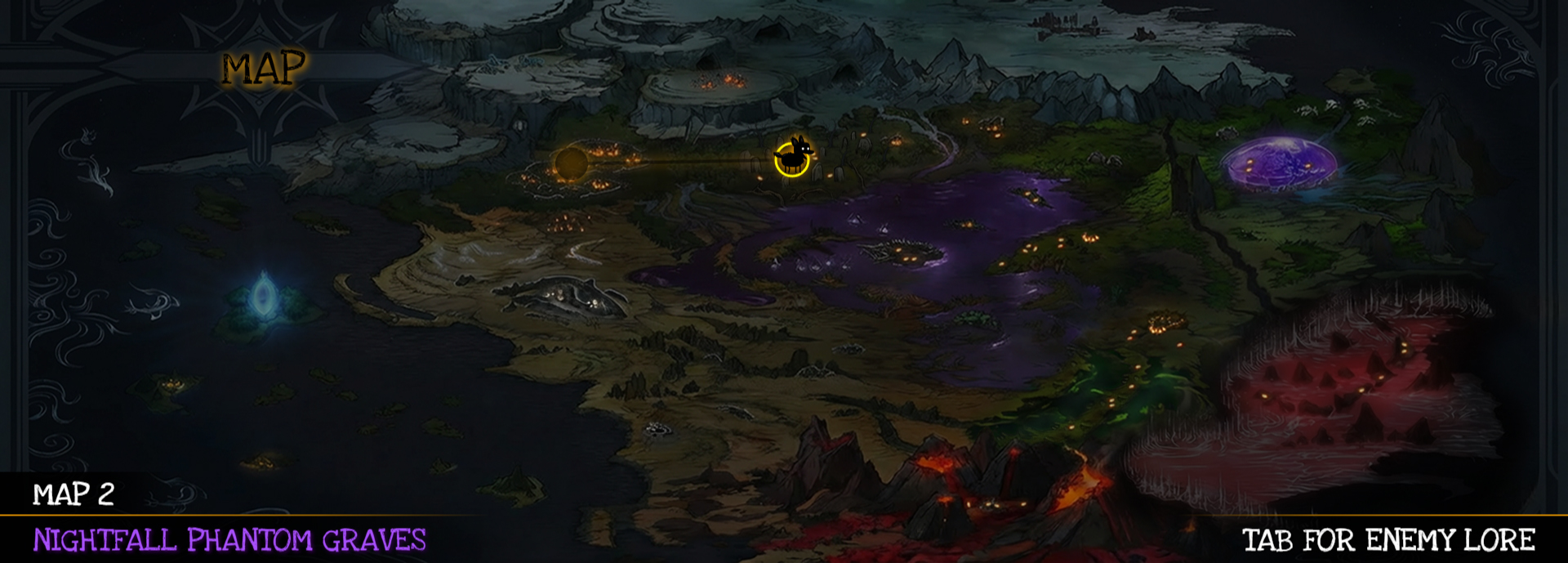
Map (5)
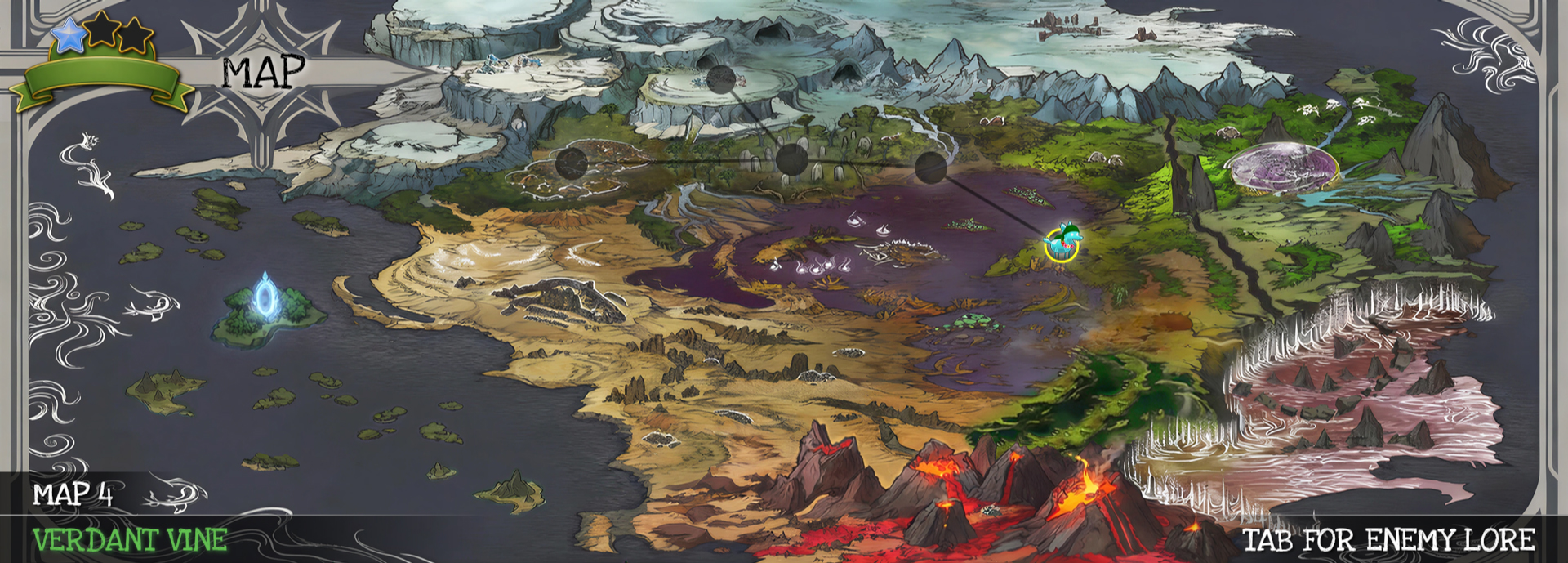
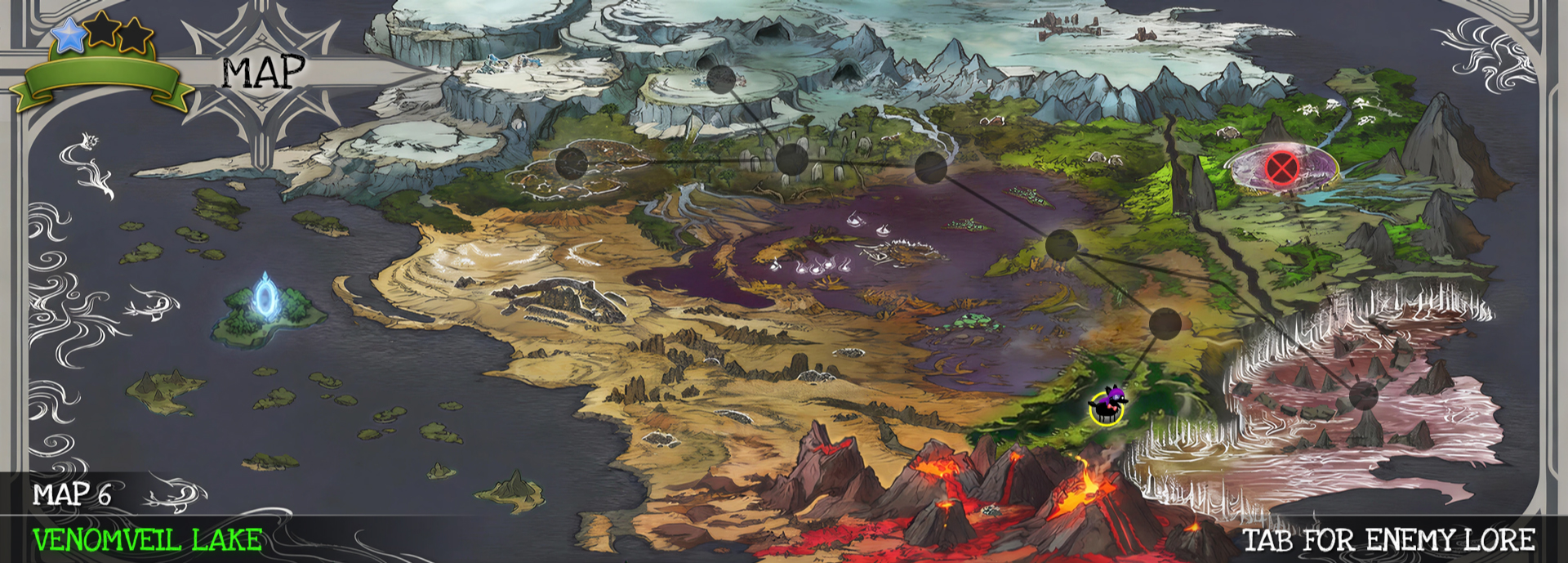
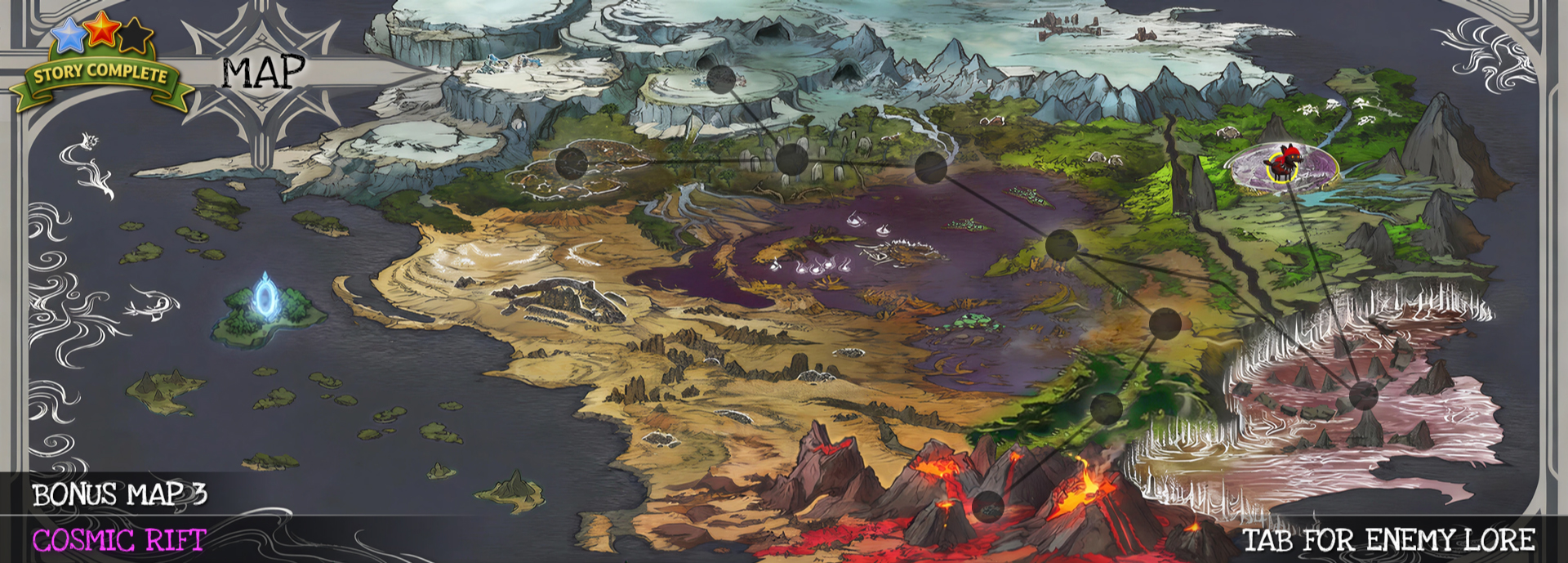
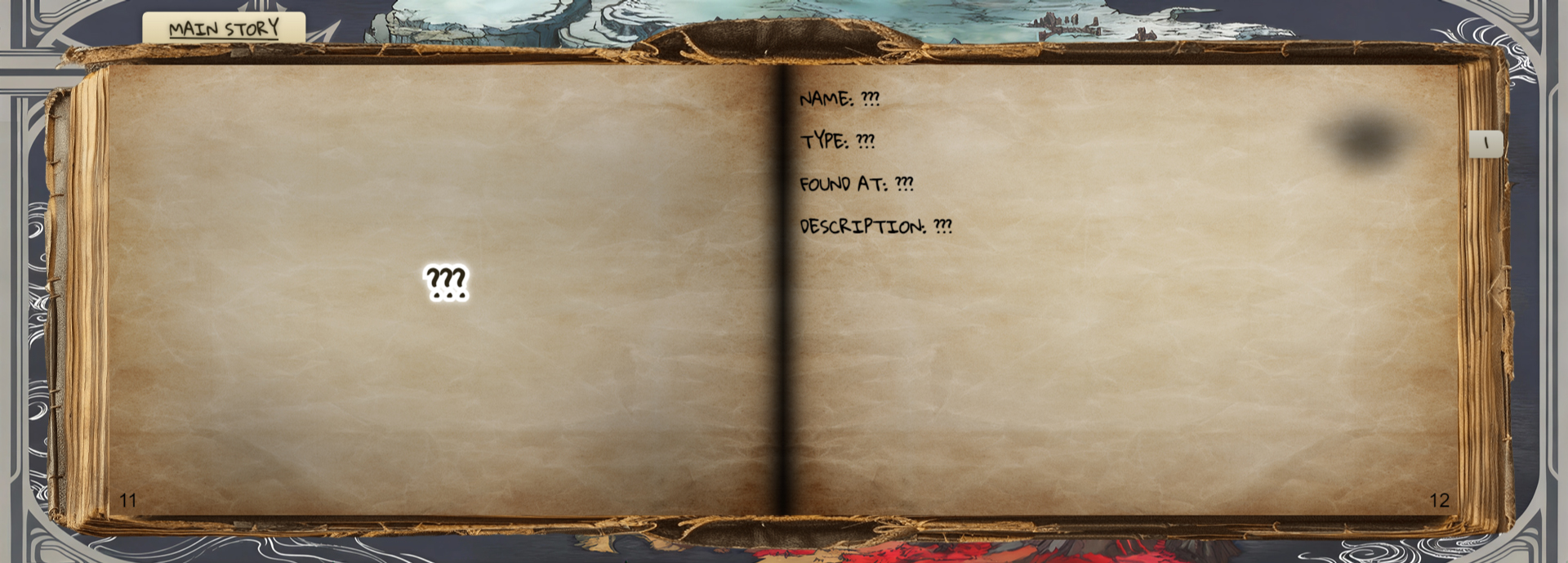
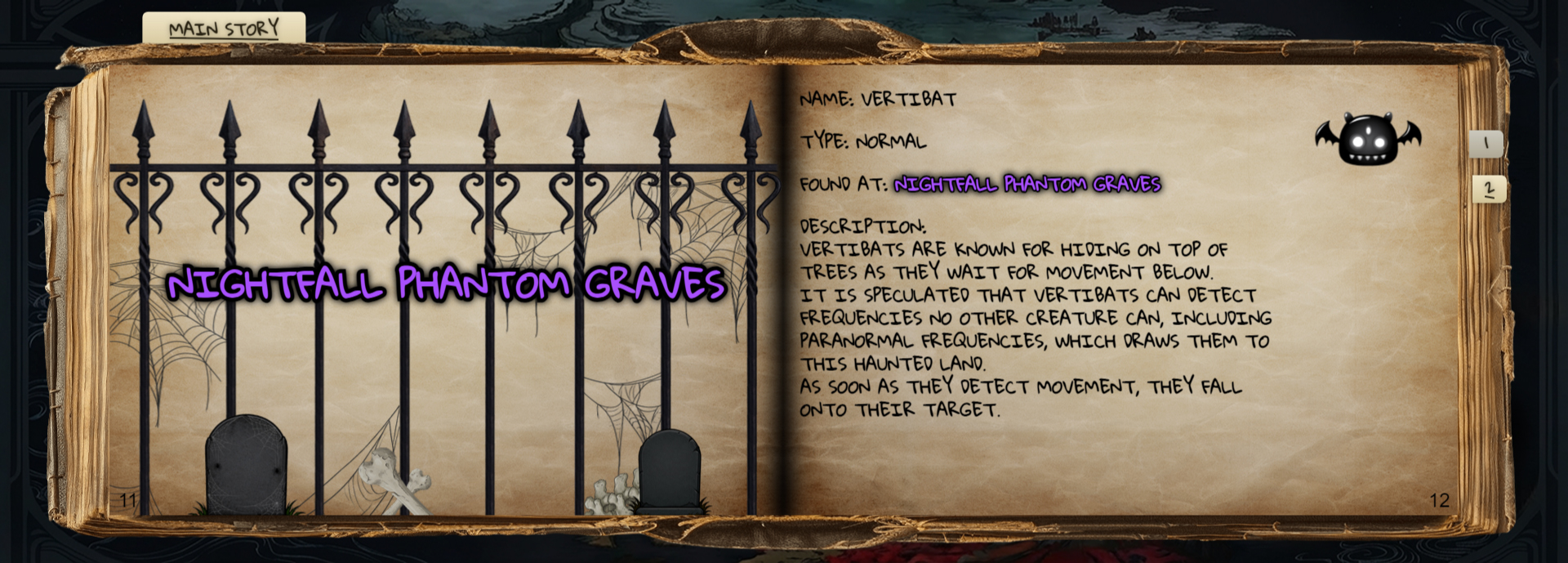
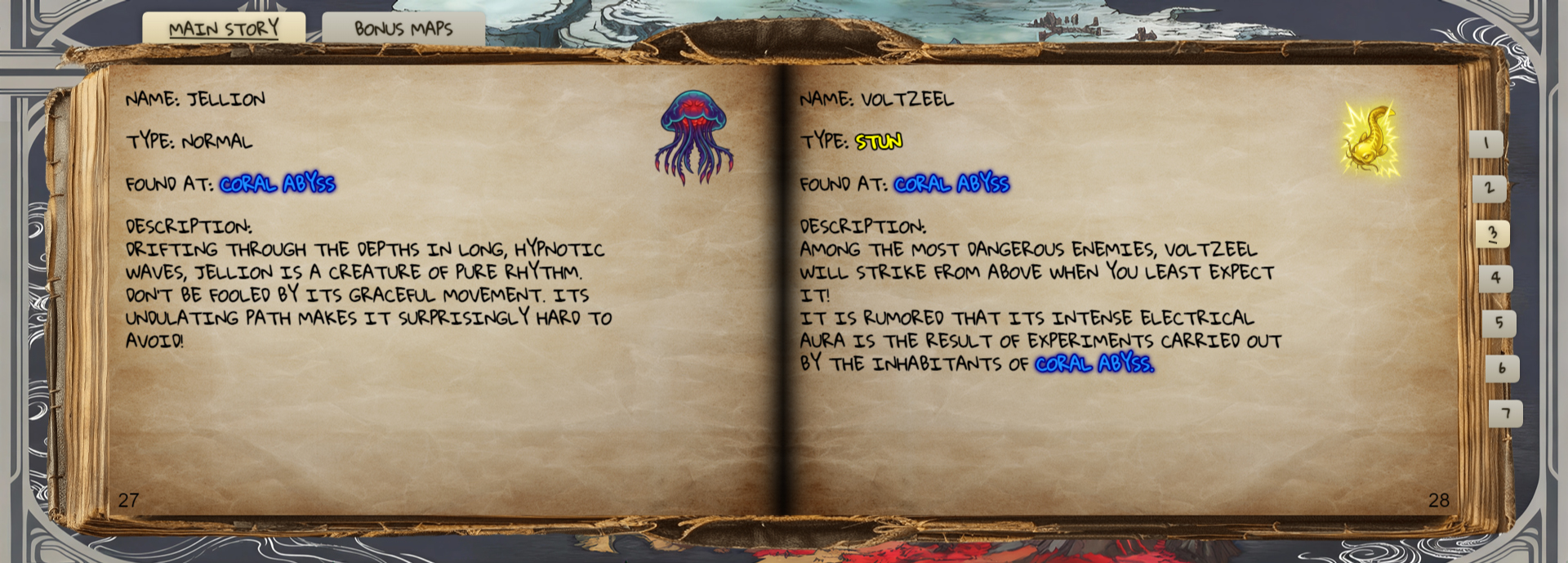
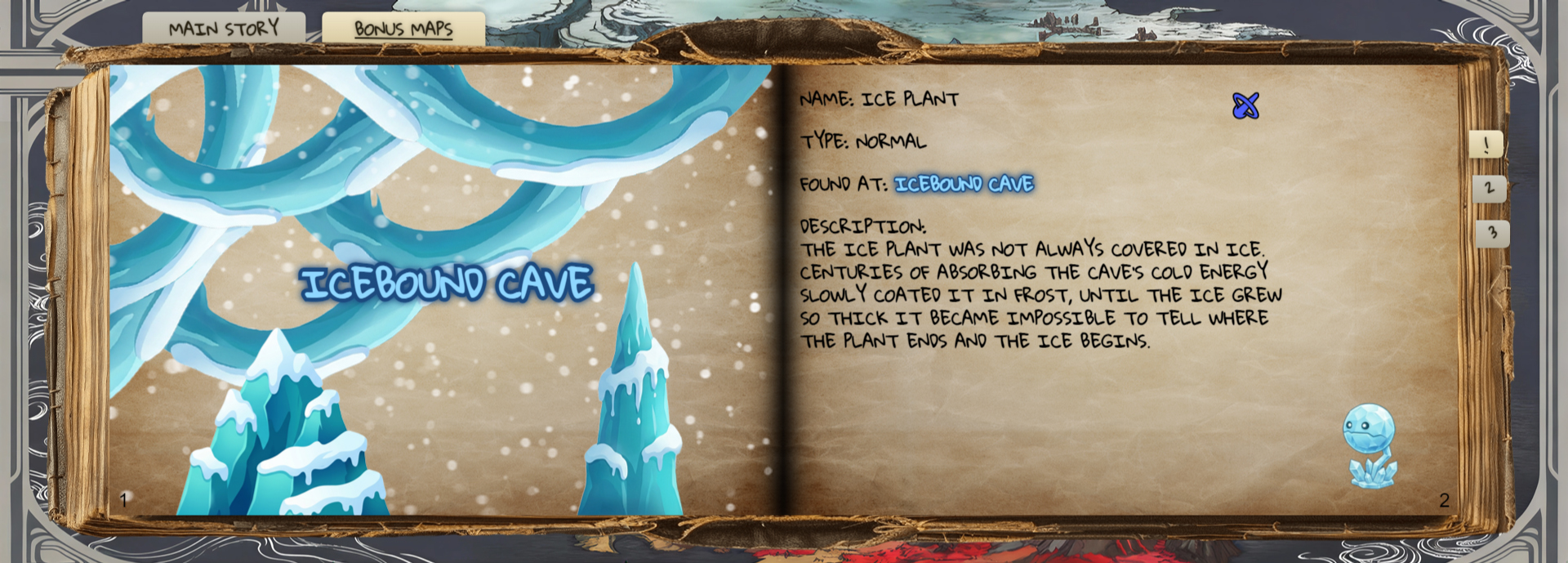
Enemy Lore (5)
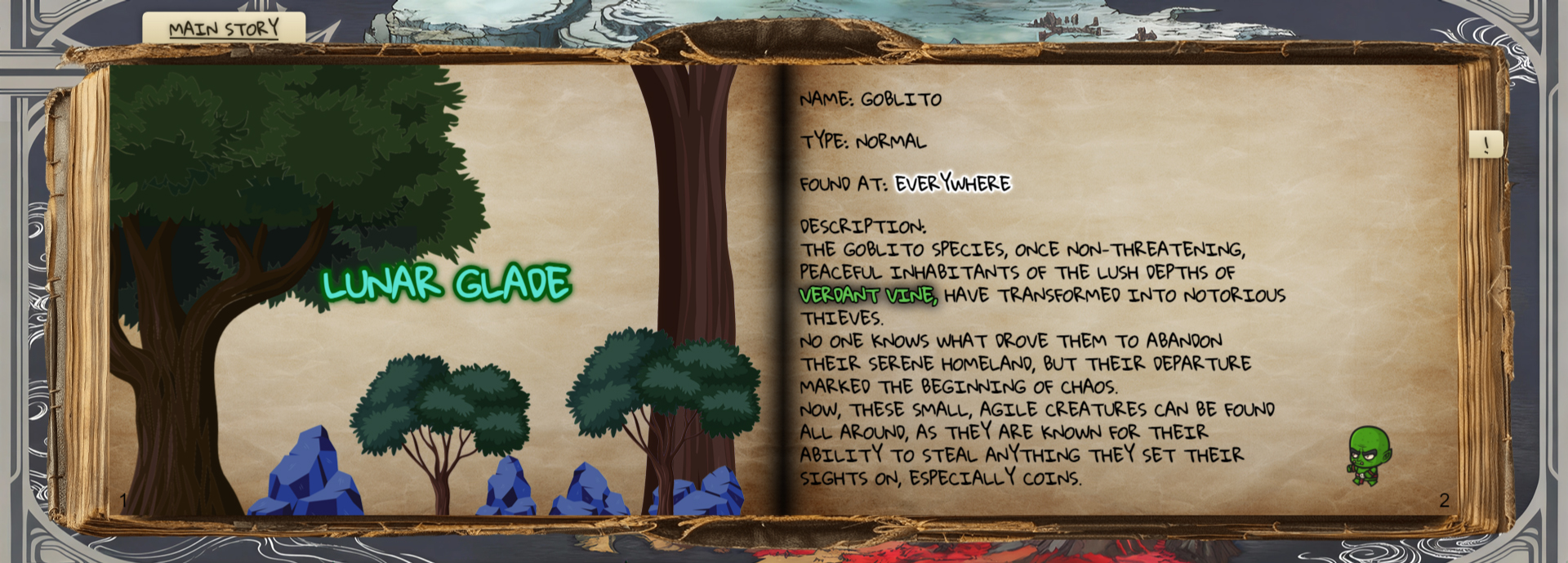
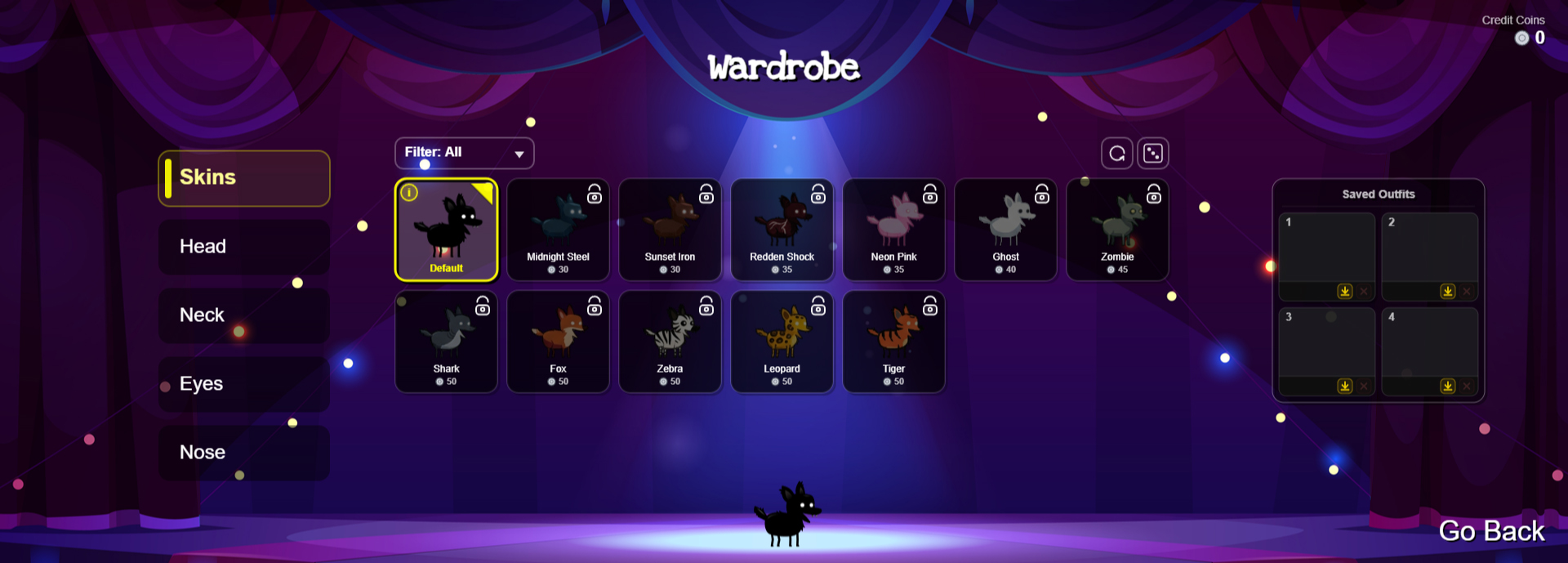
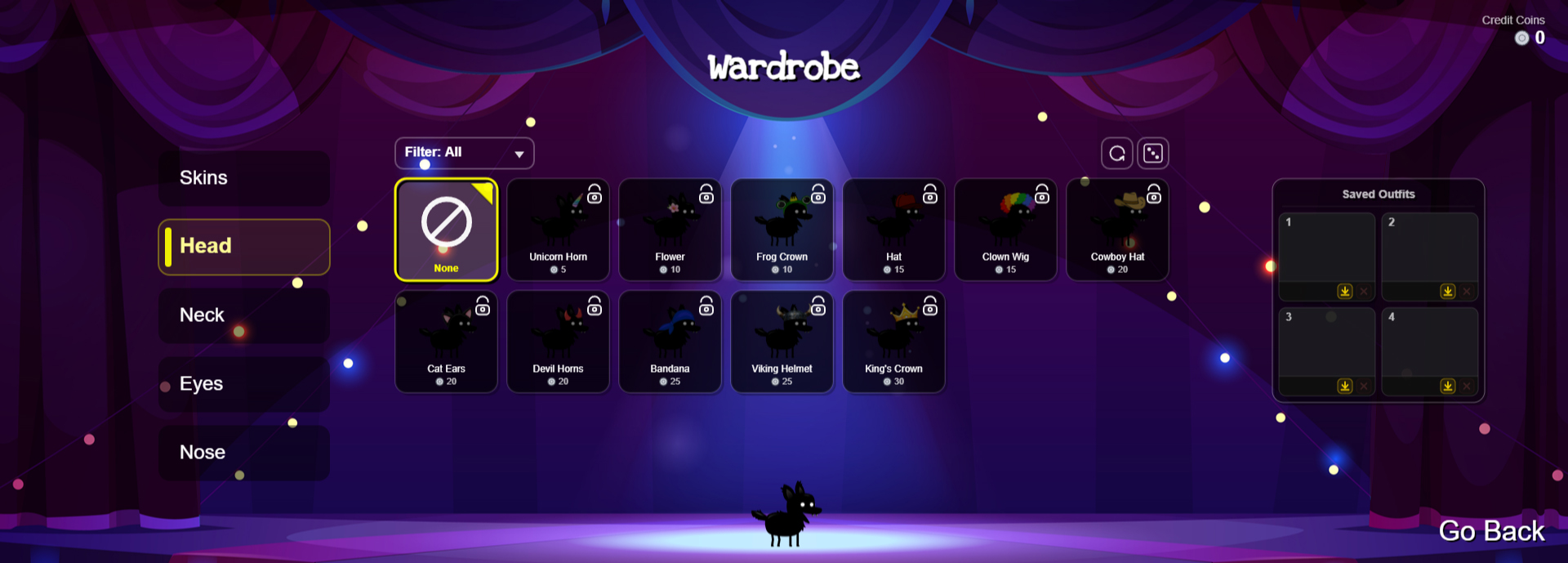
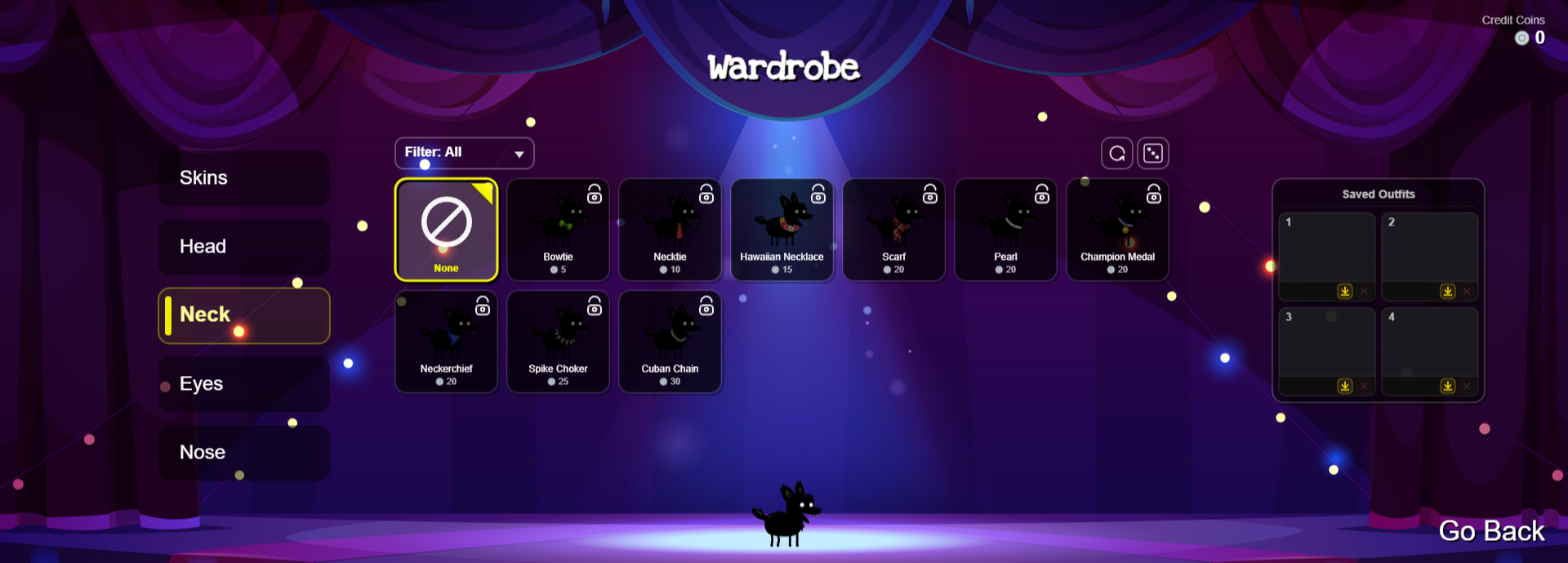
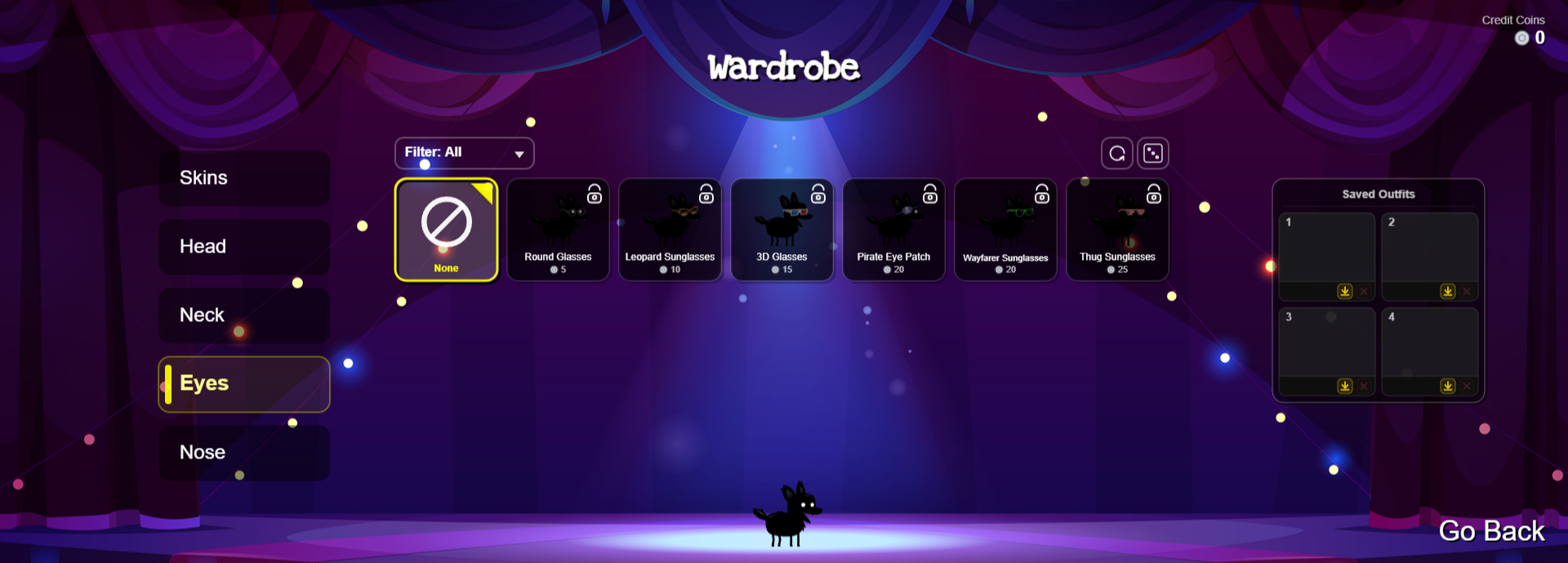
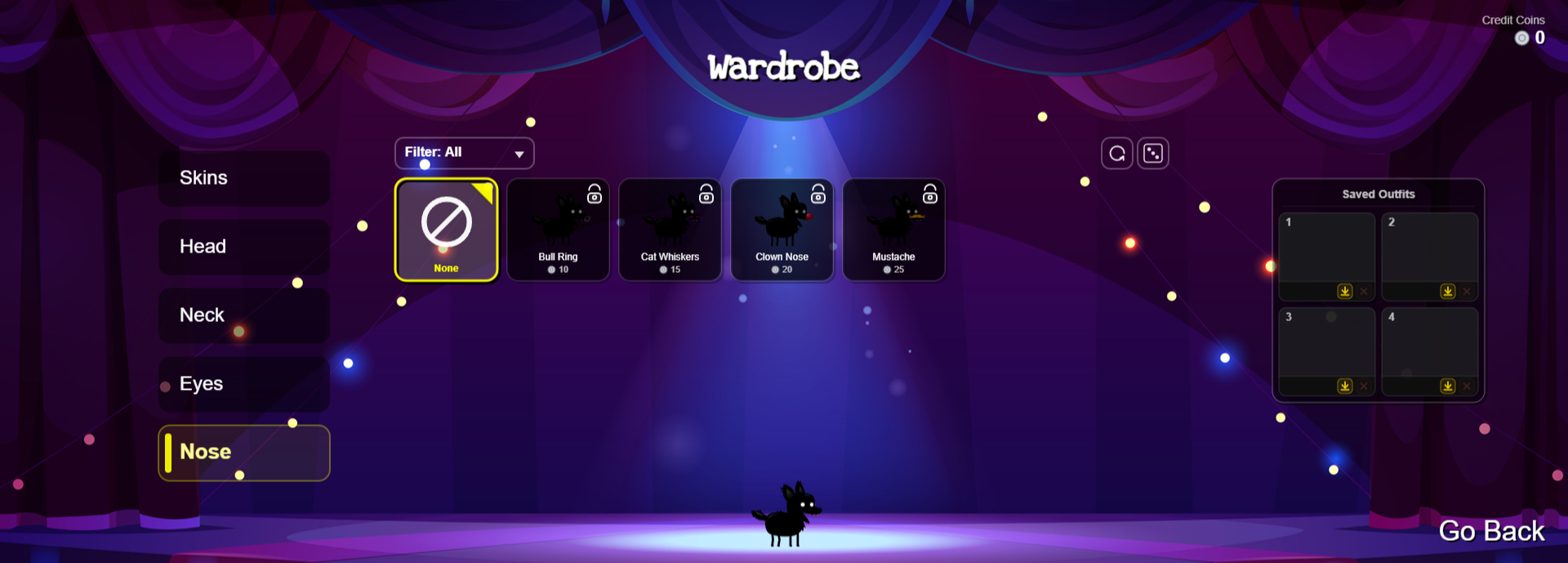
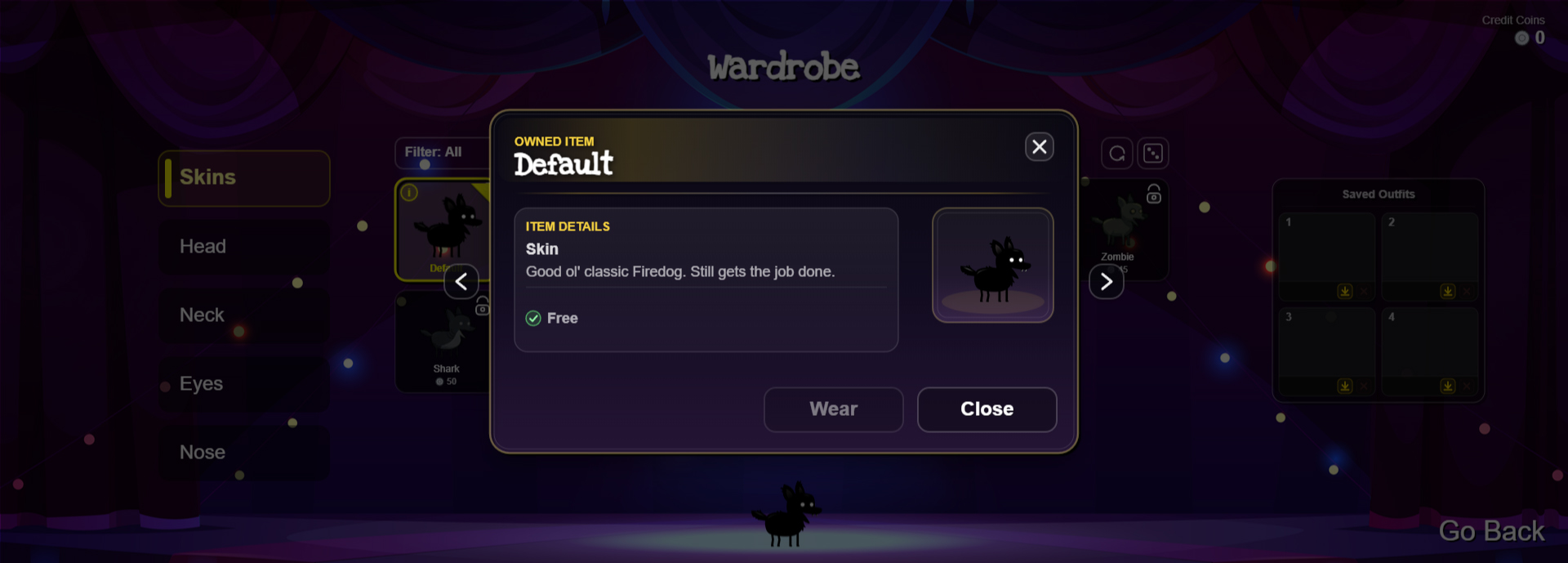
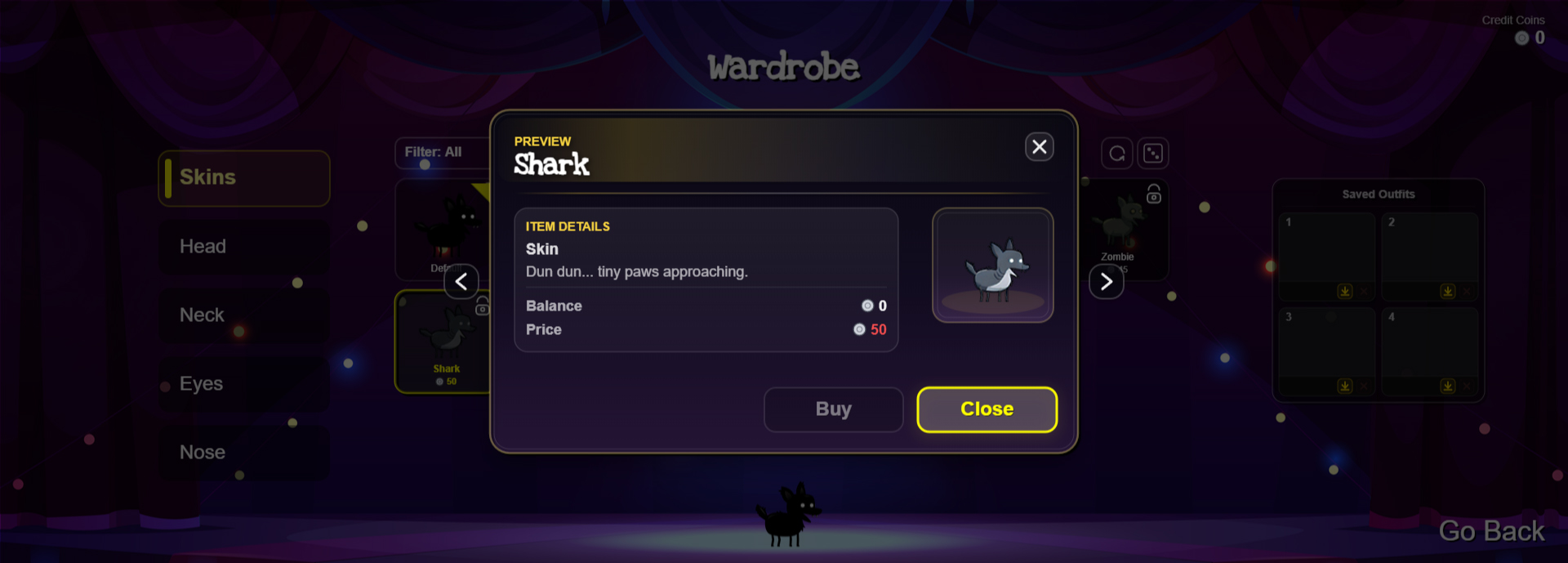
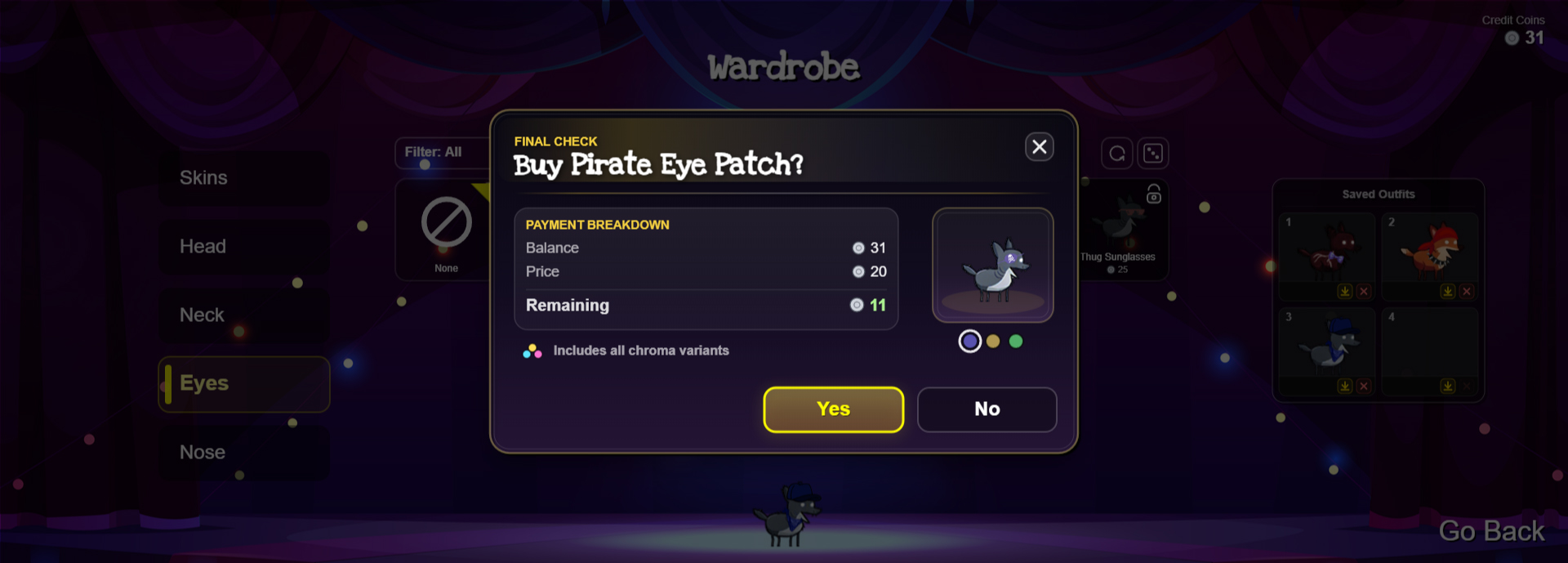
Wardrobe (11)
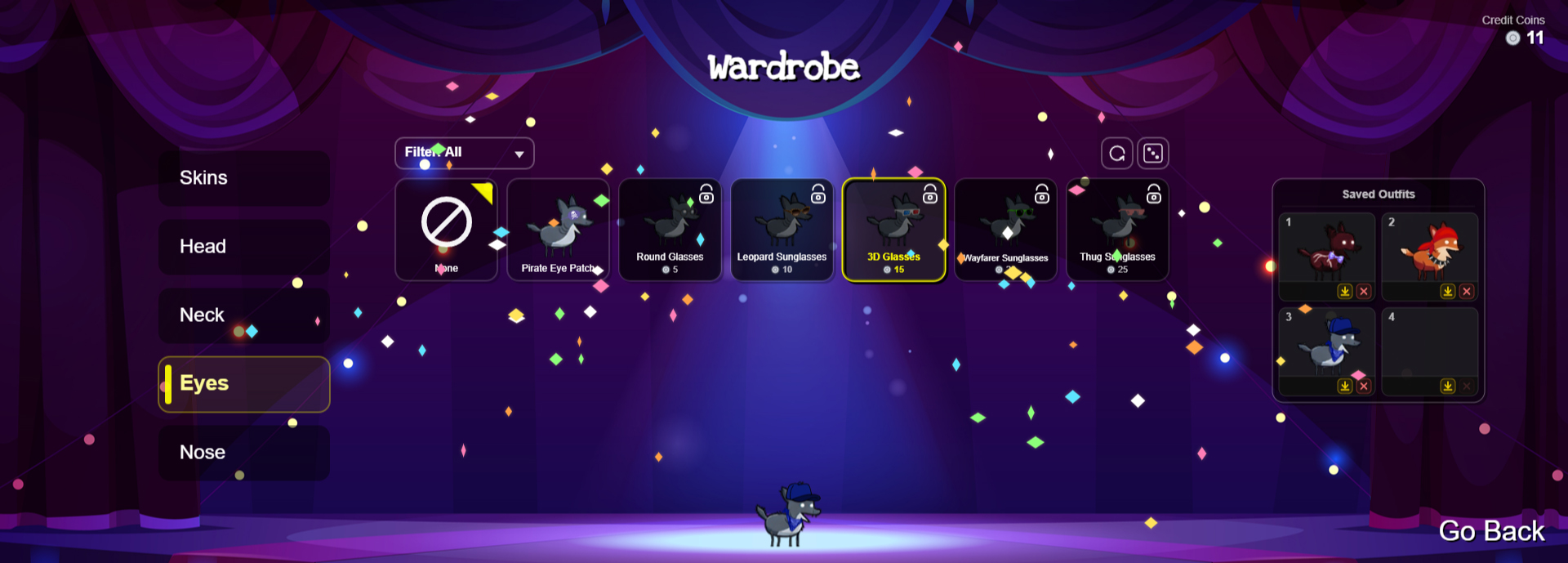
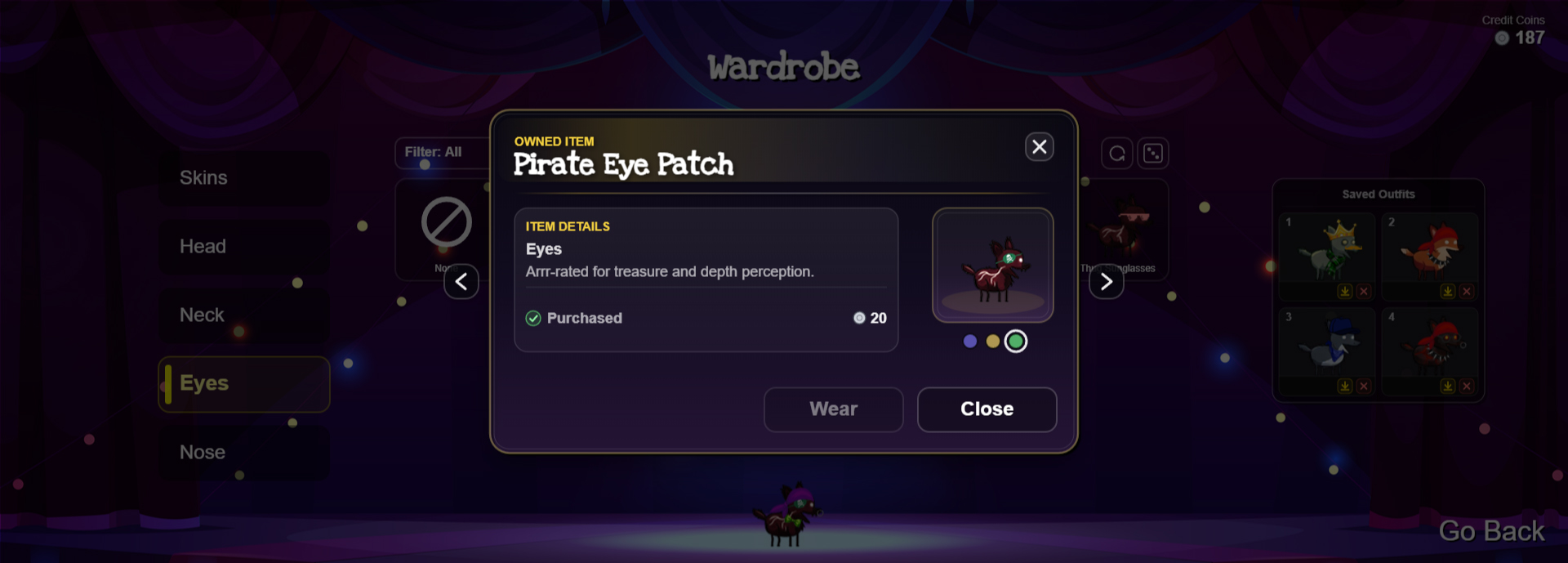
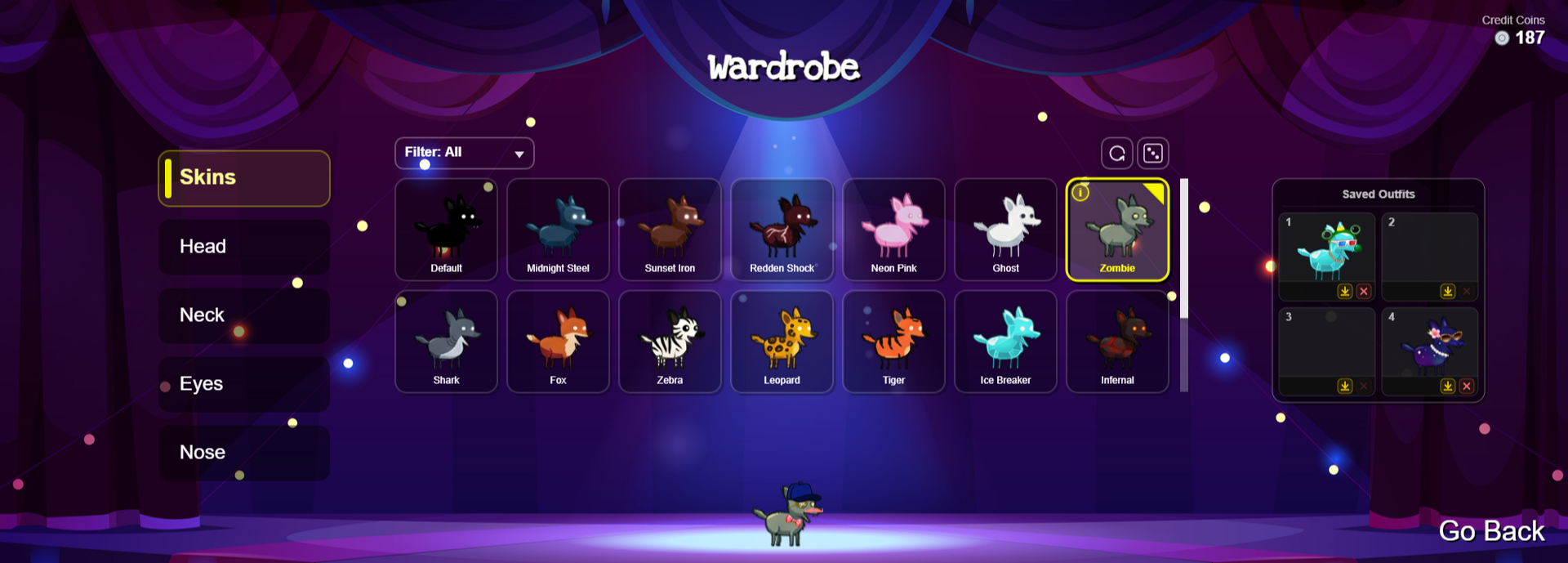
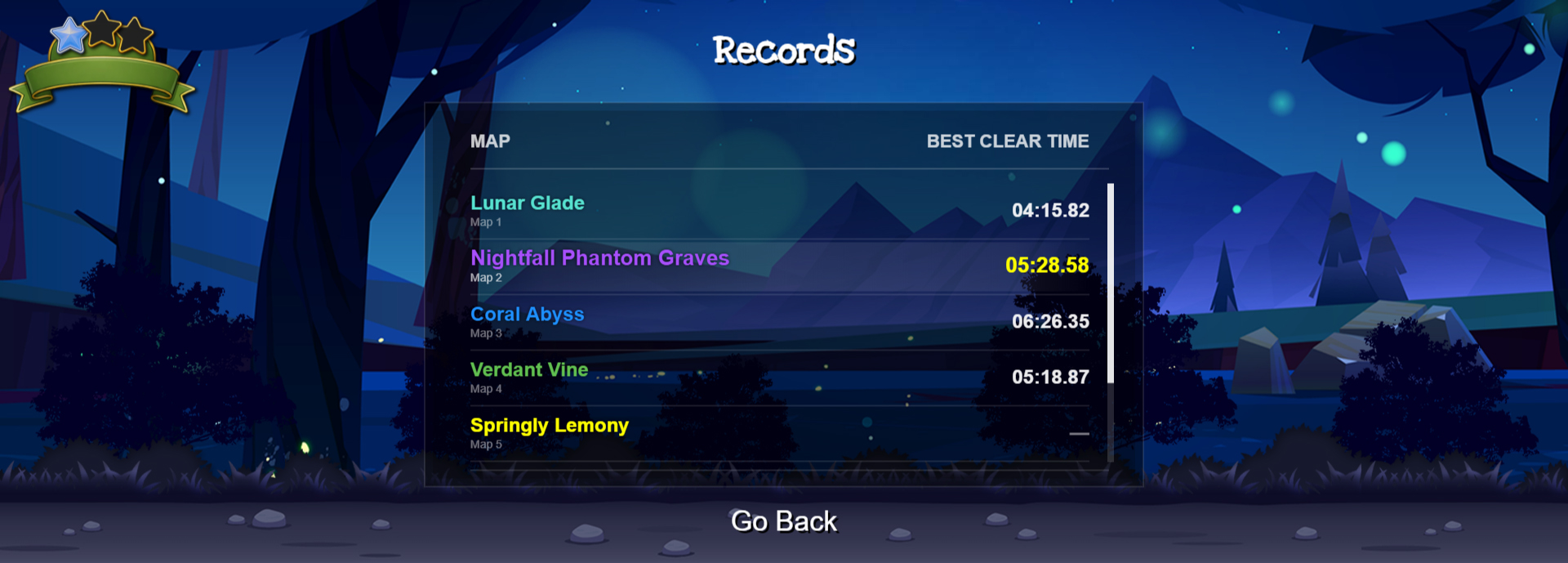
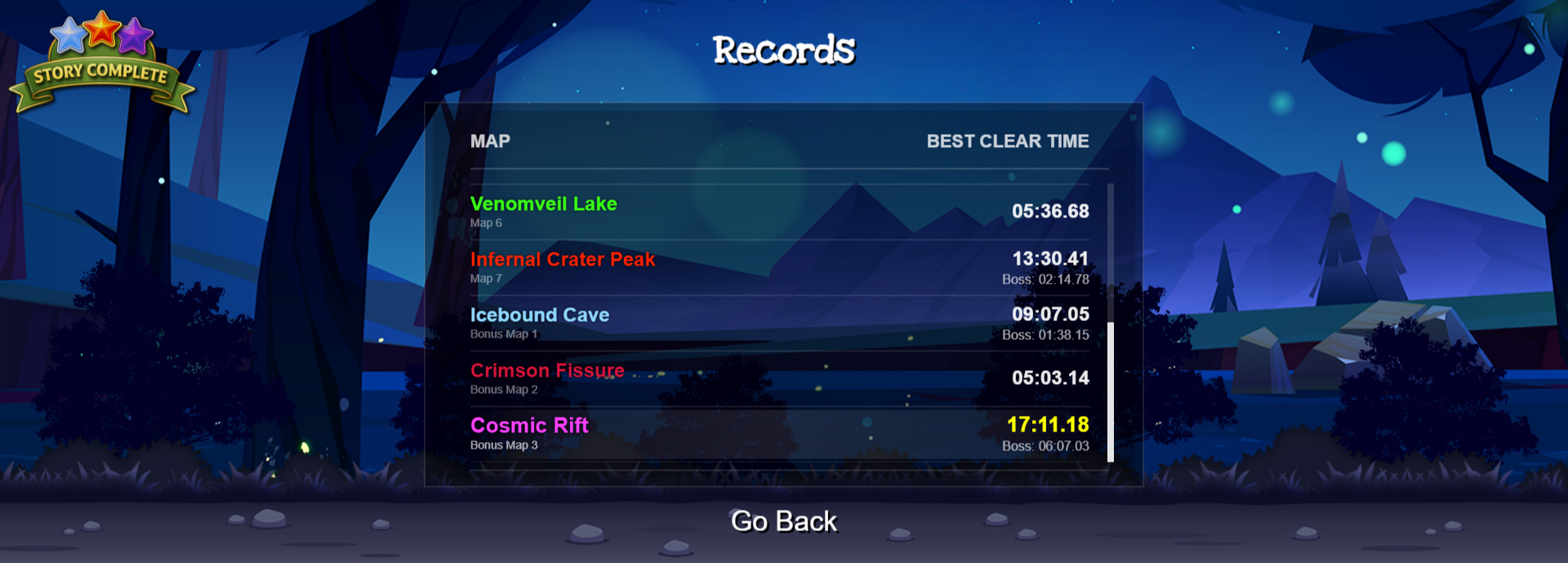
Records (3)
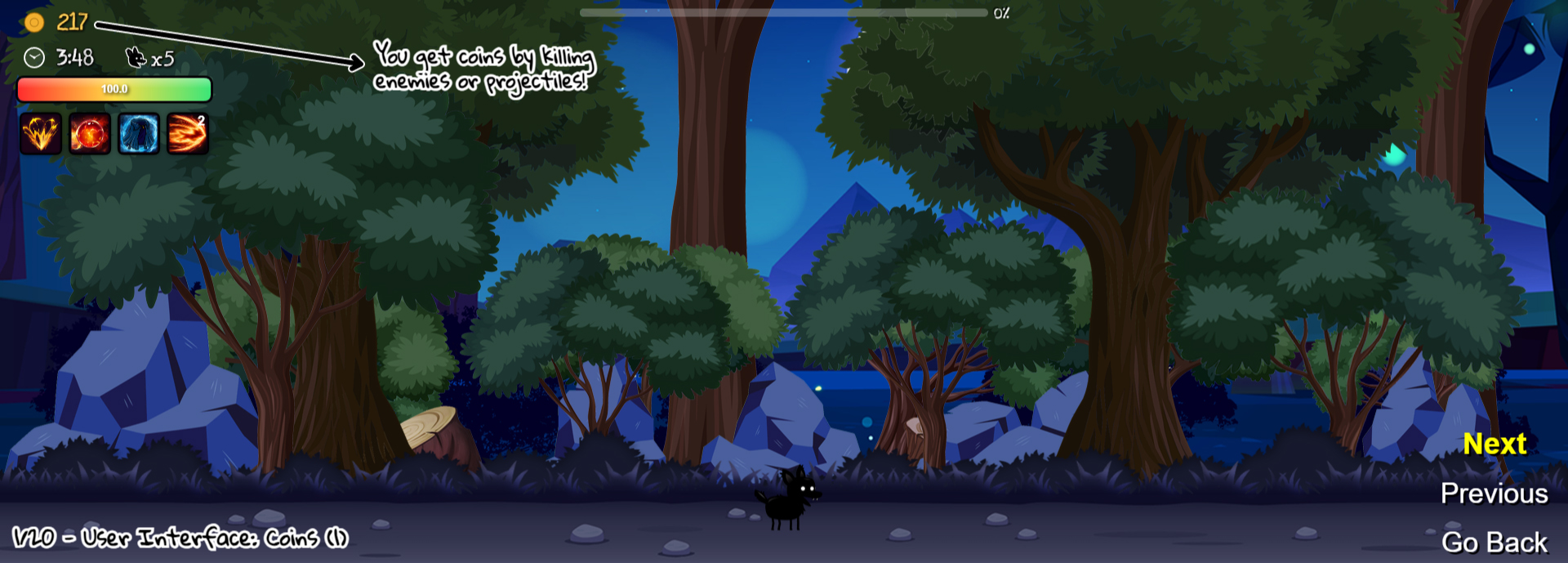
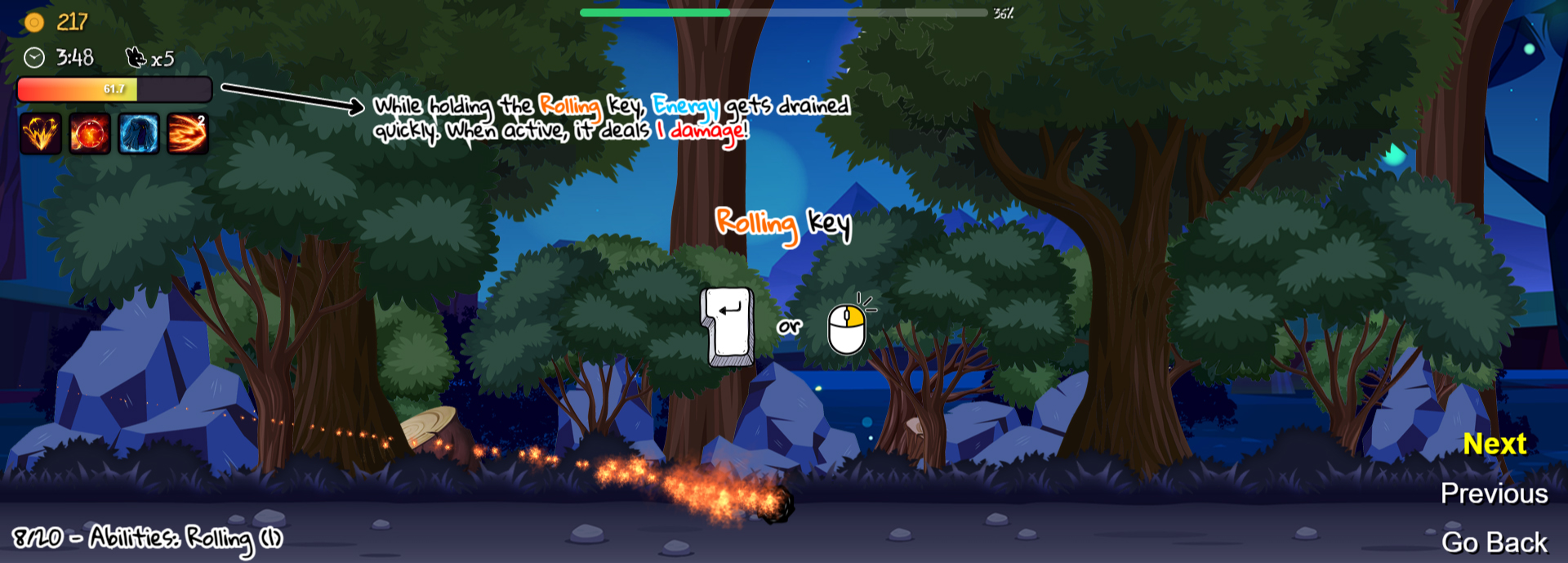
How to Play (4)
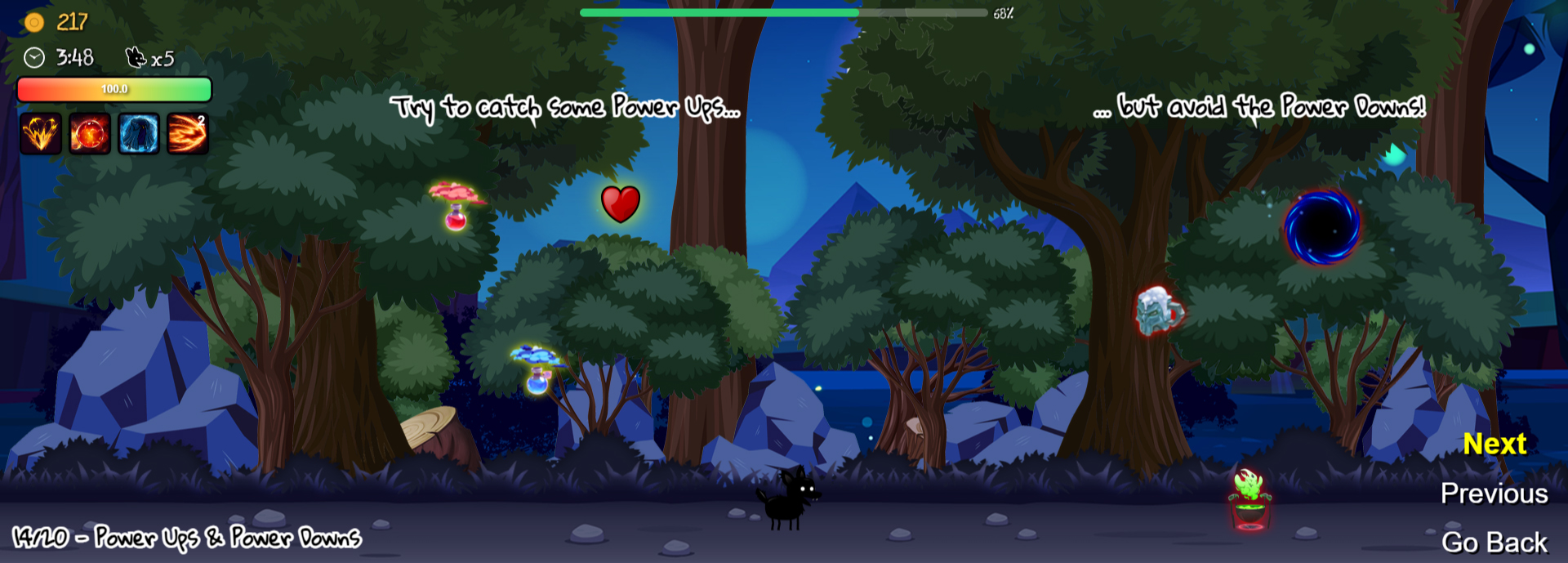
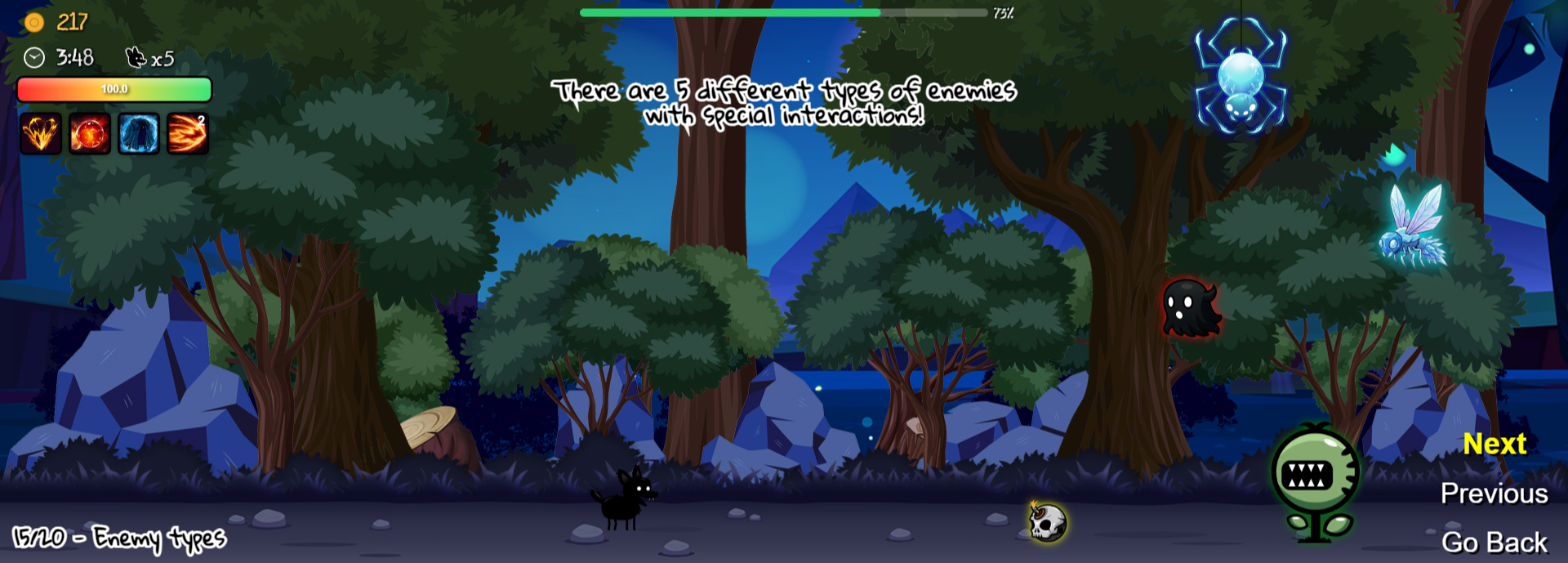
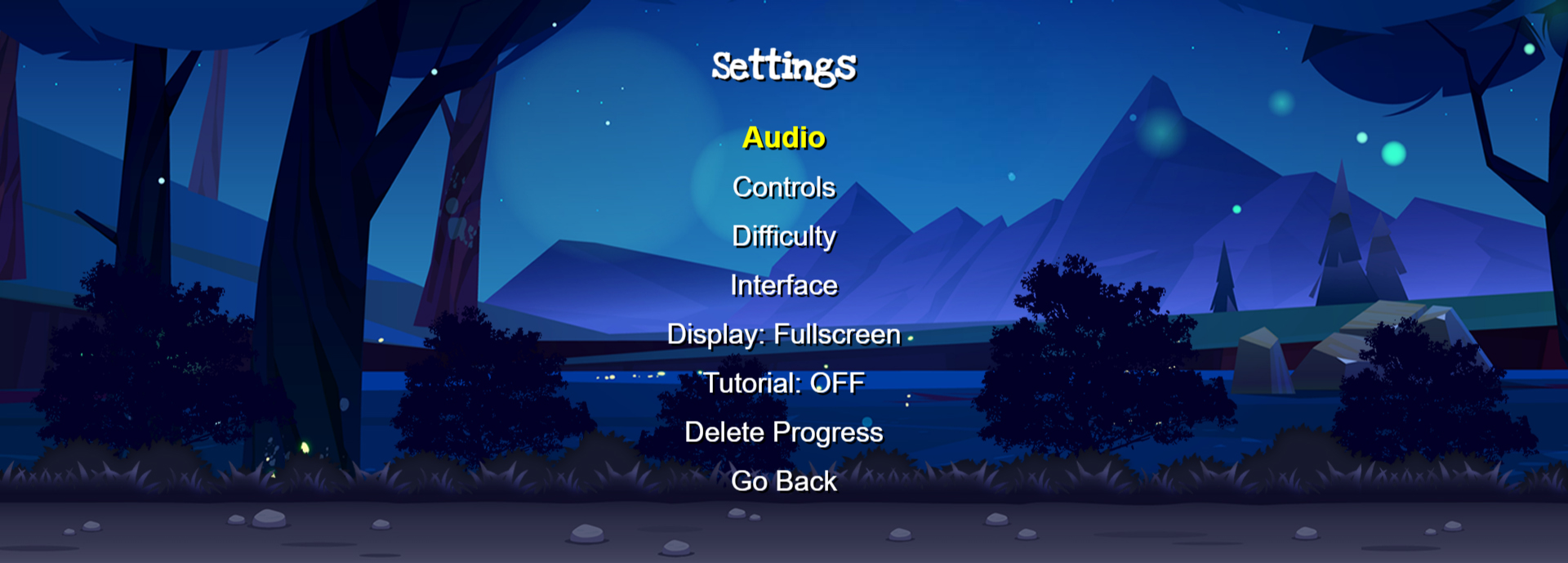
Settings (1)
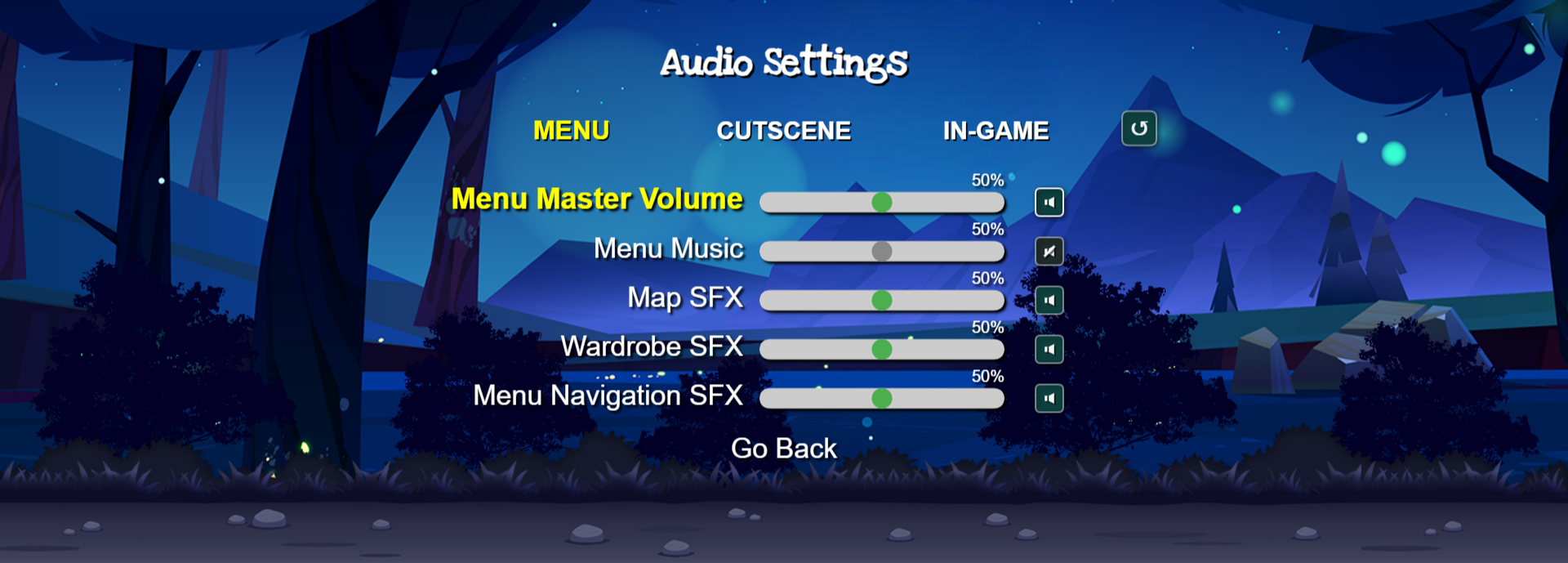
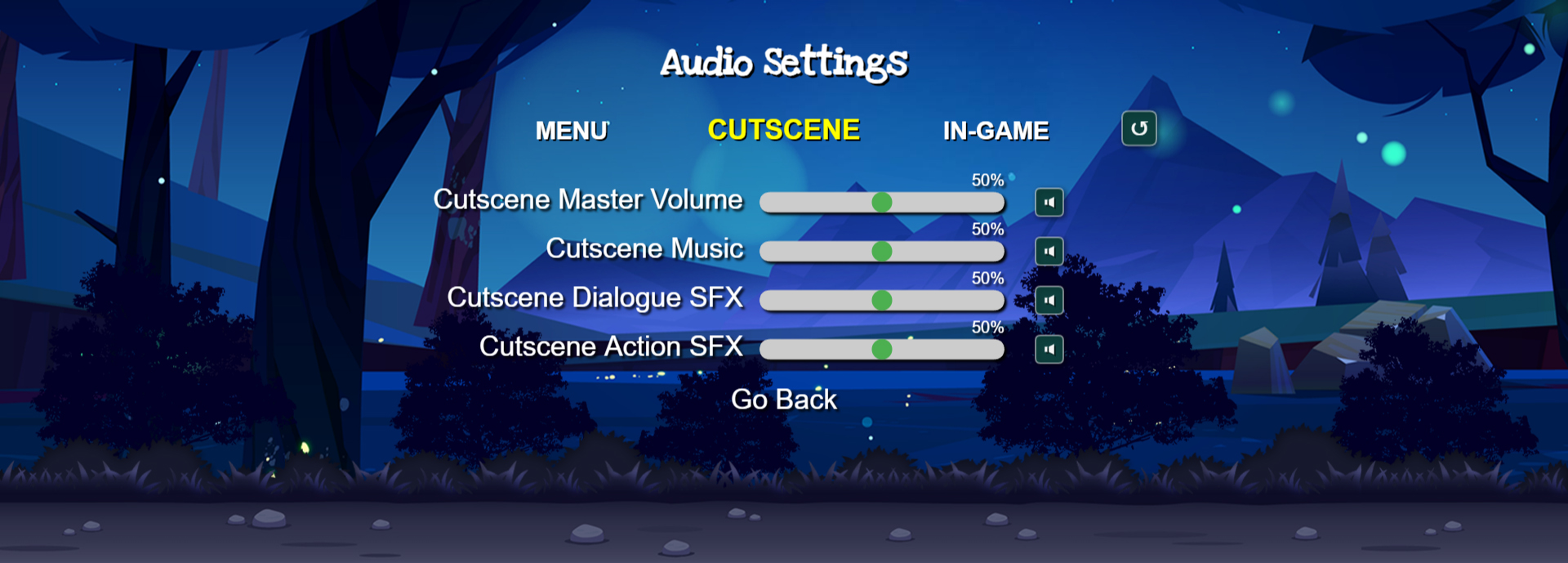
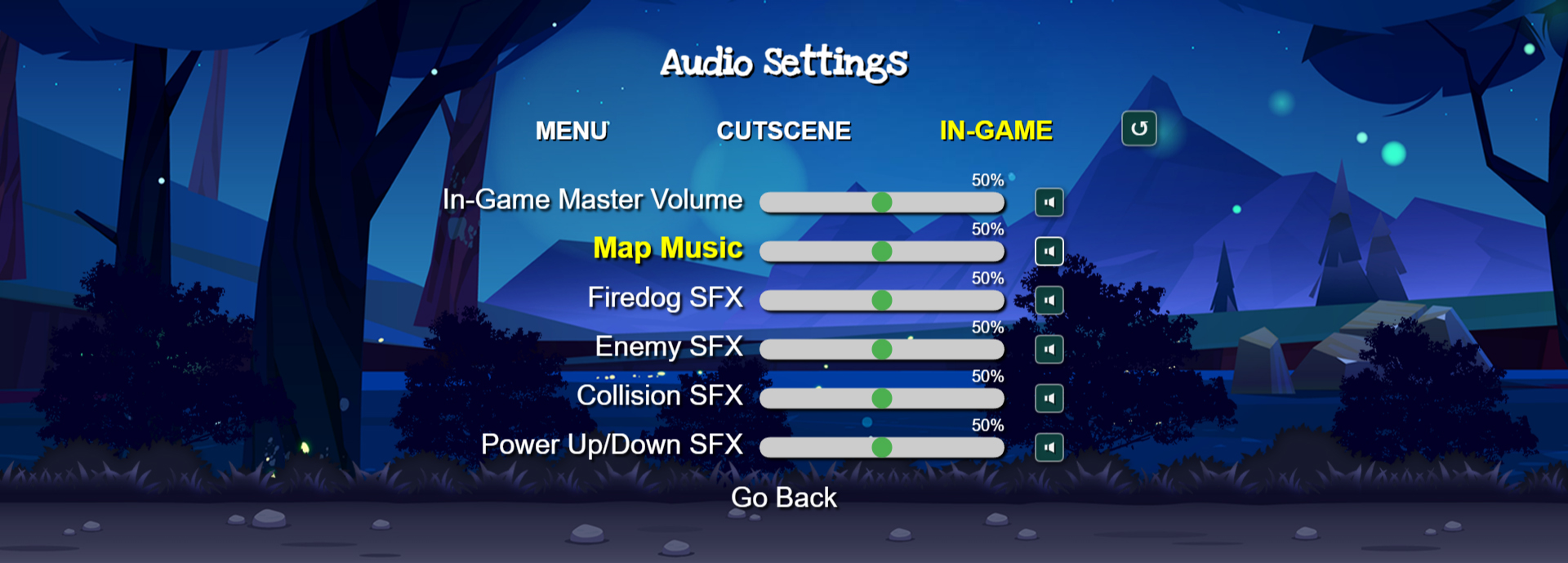
Audio (3)
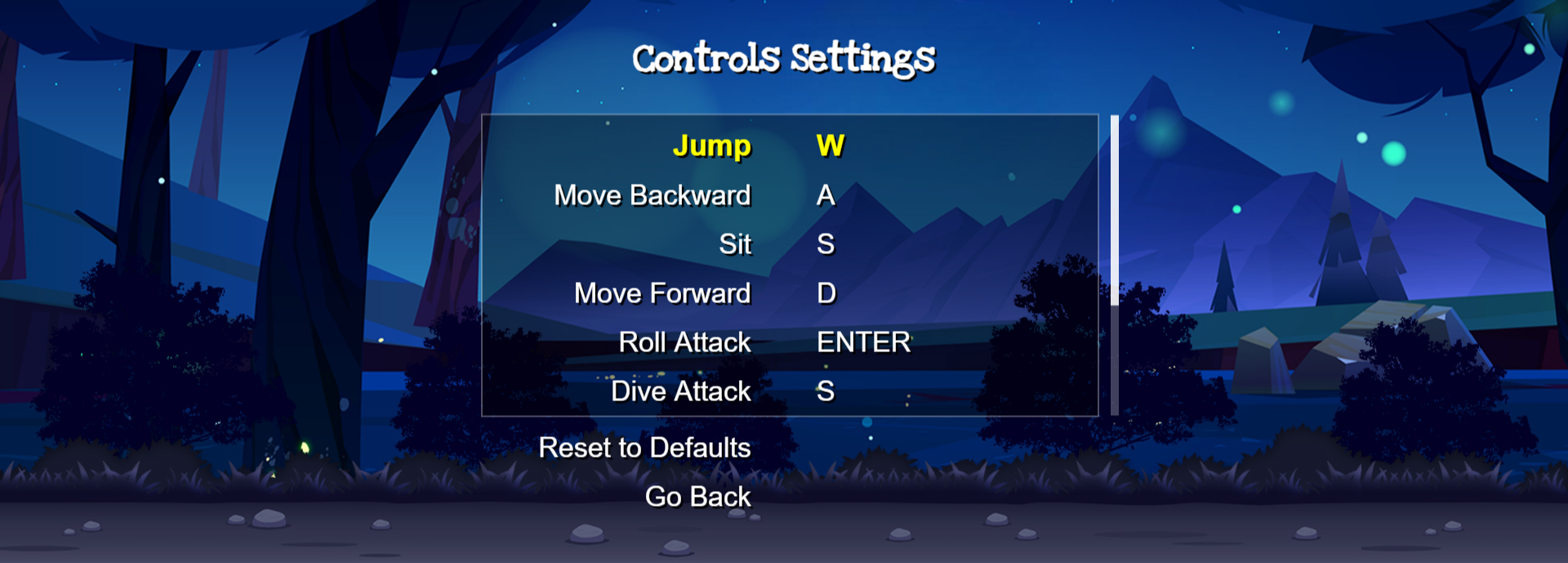
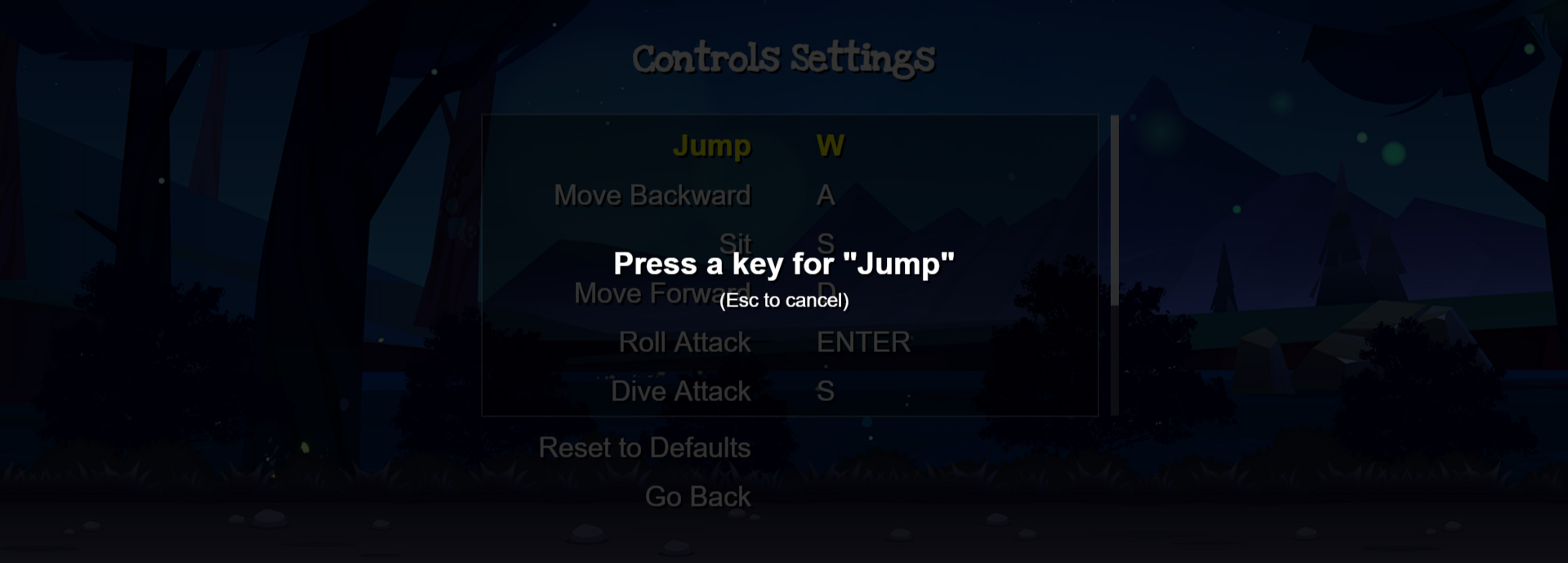
Controls (3)
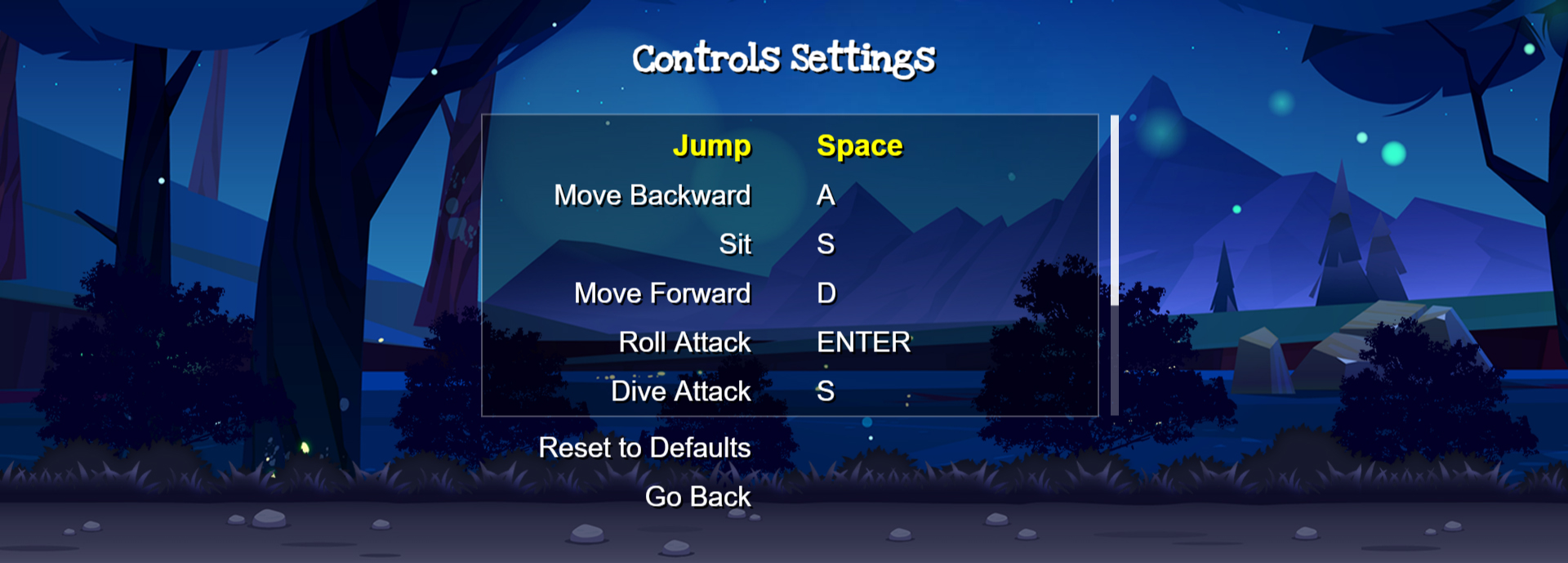
Difficulty (1)
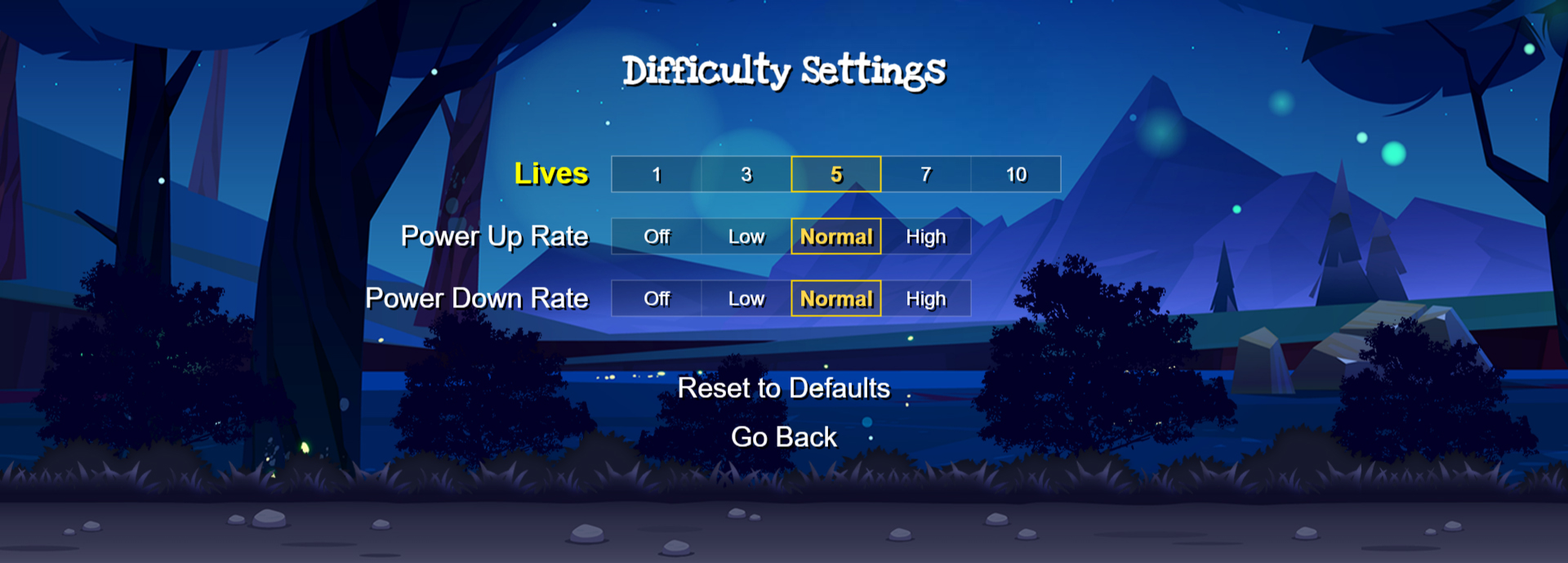
Interface (1)
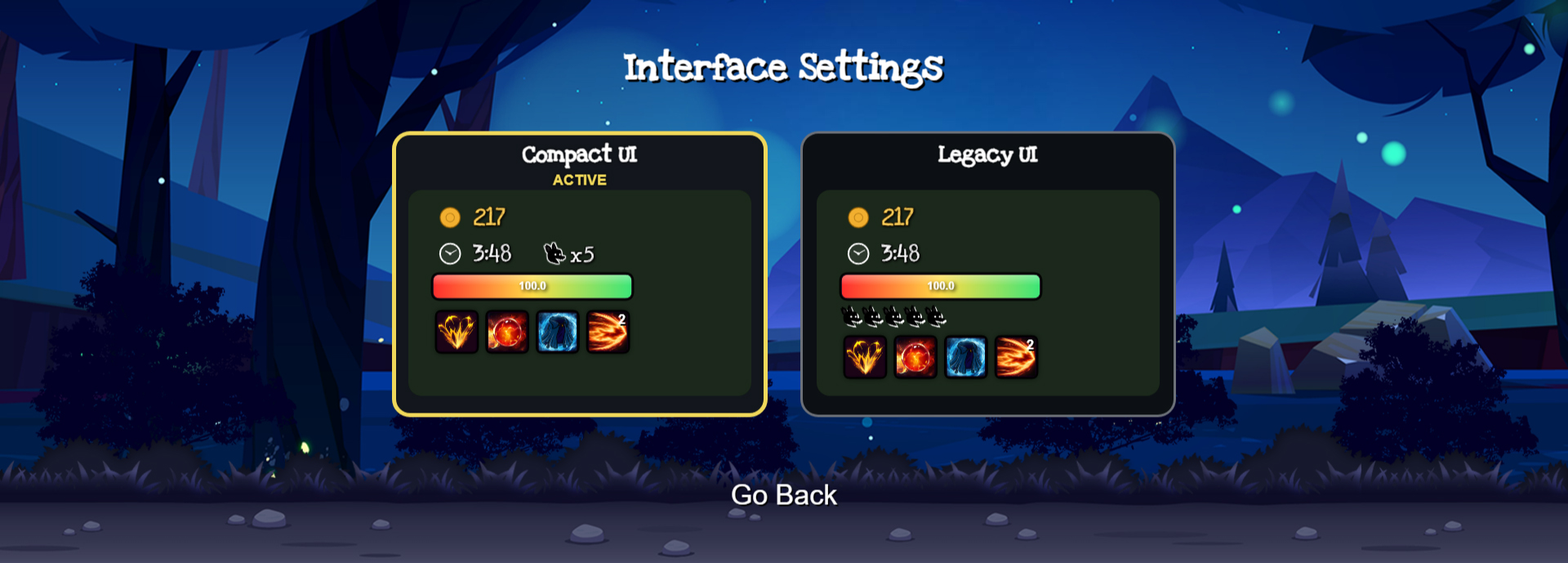
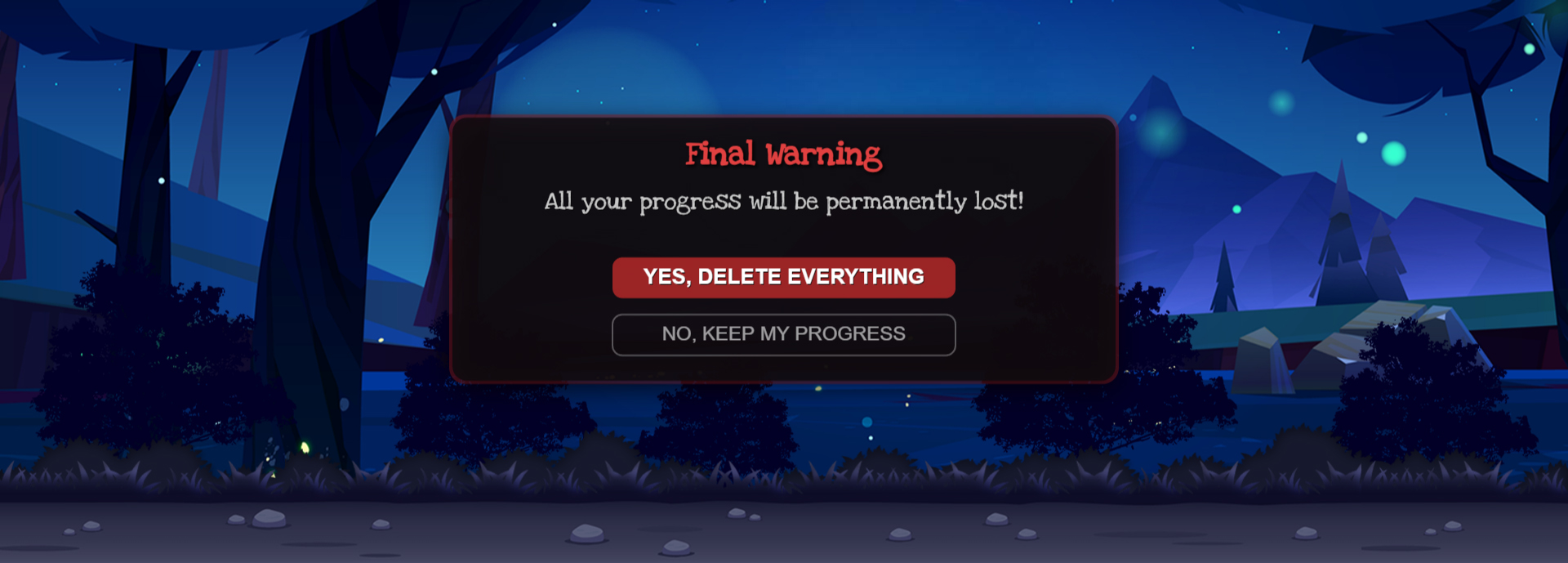
Delete Progress (2)
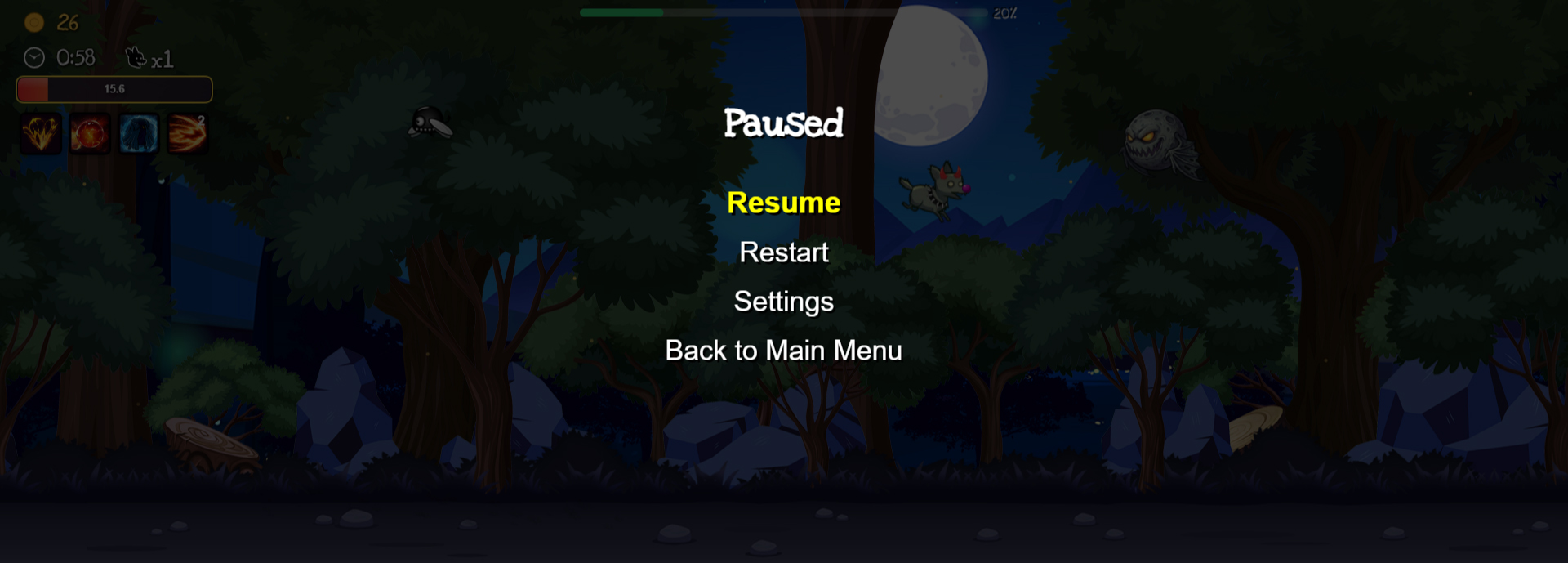
Pause (2)
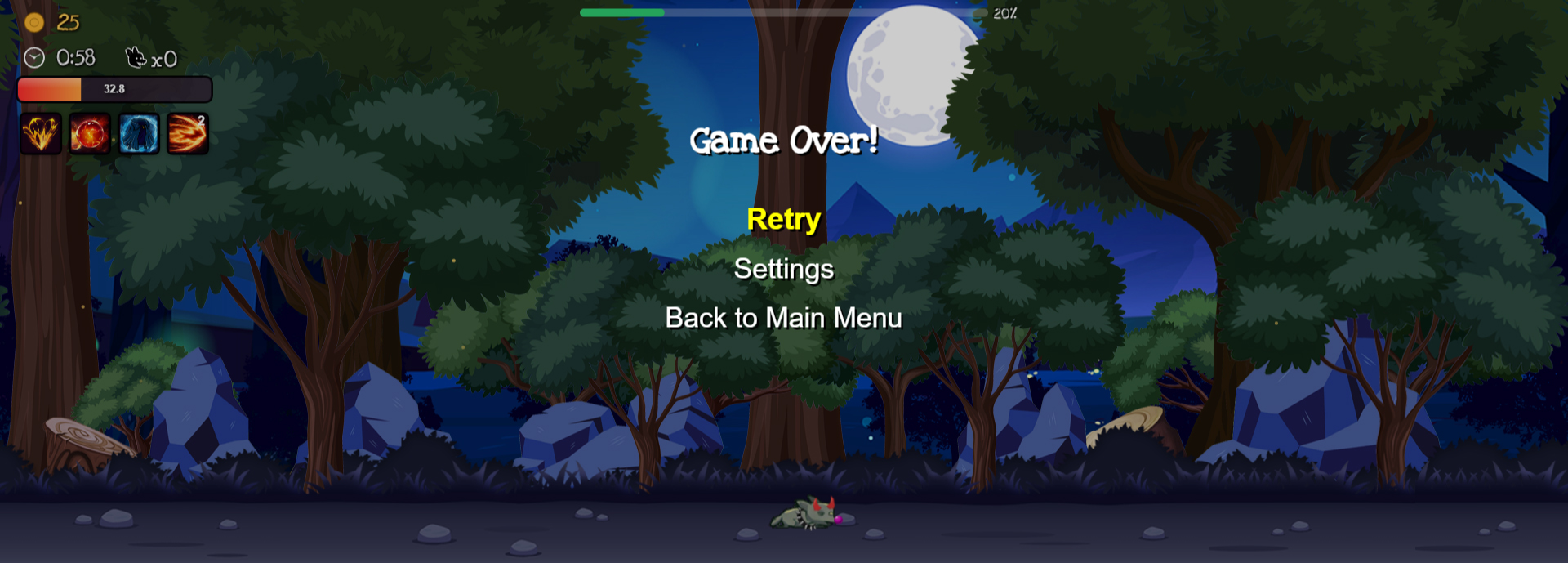
Game Over (2)
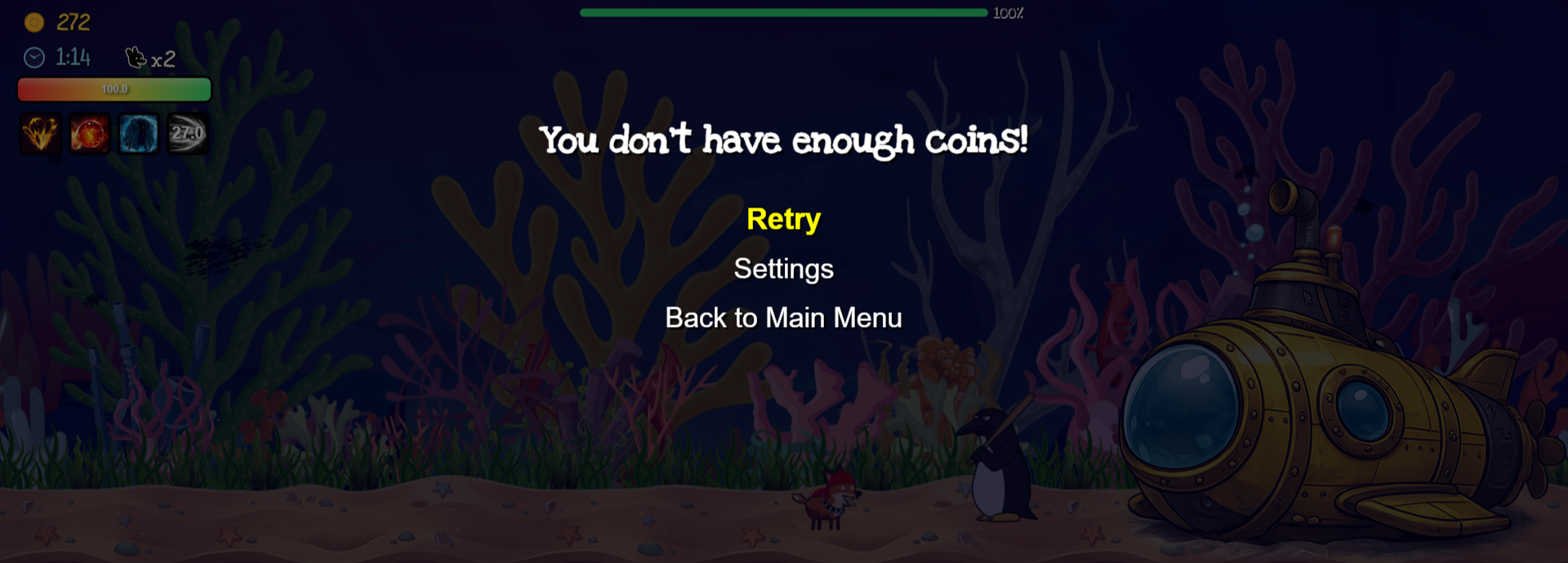
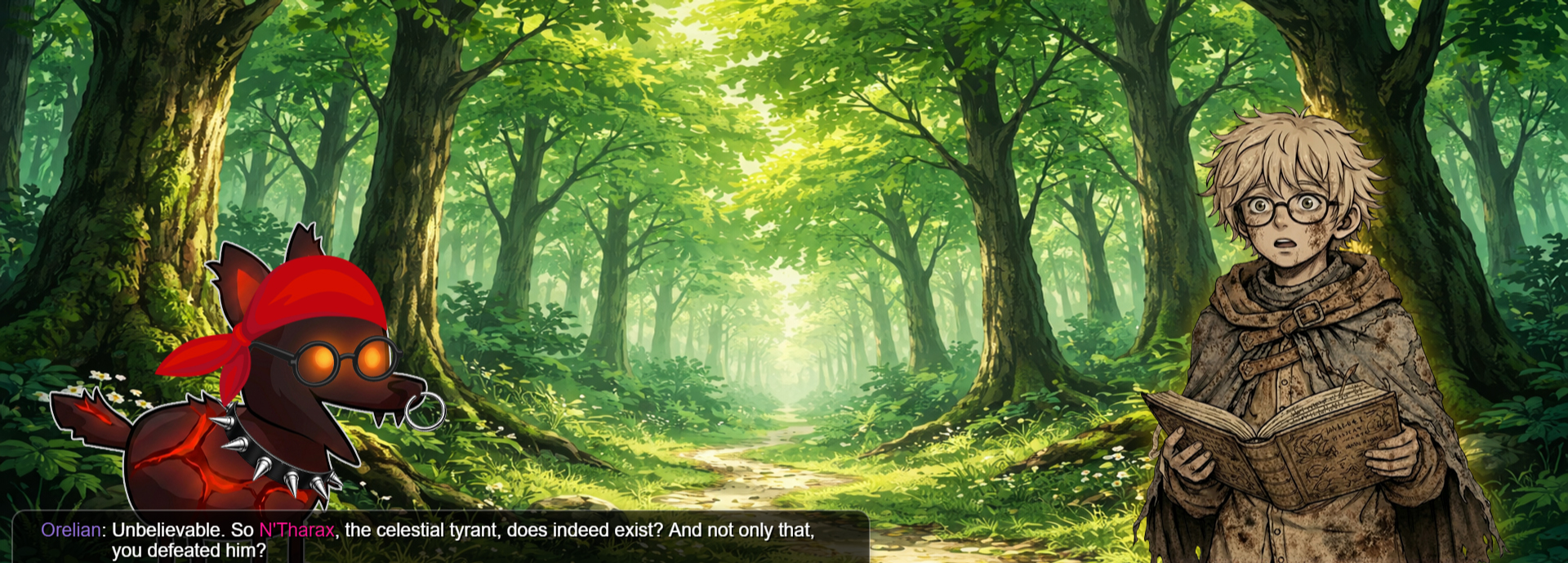
Cutscenes (70)
-
Map 1 (7)
-
Chapter (1)
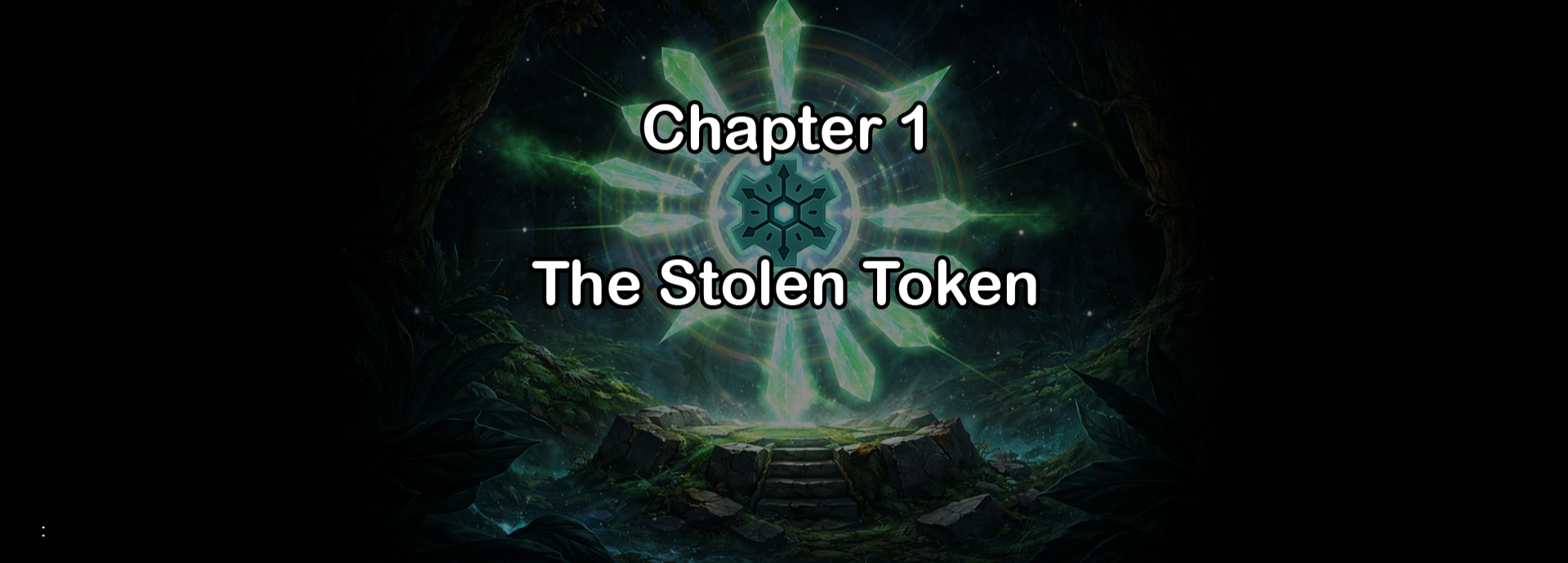
Start Cutscene (3)
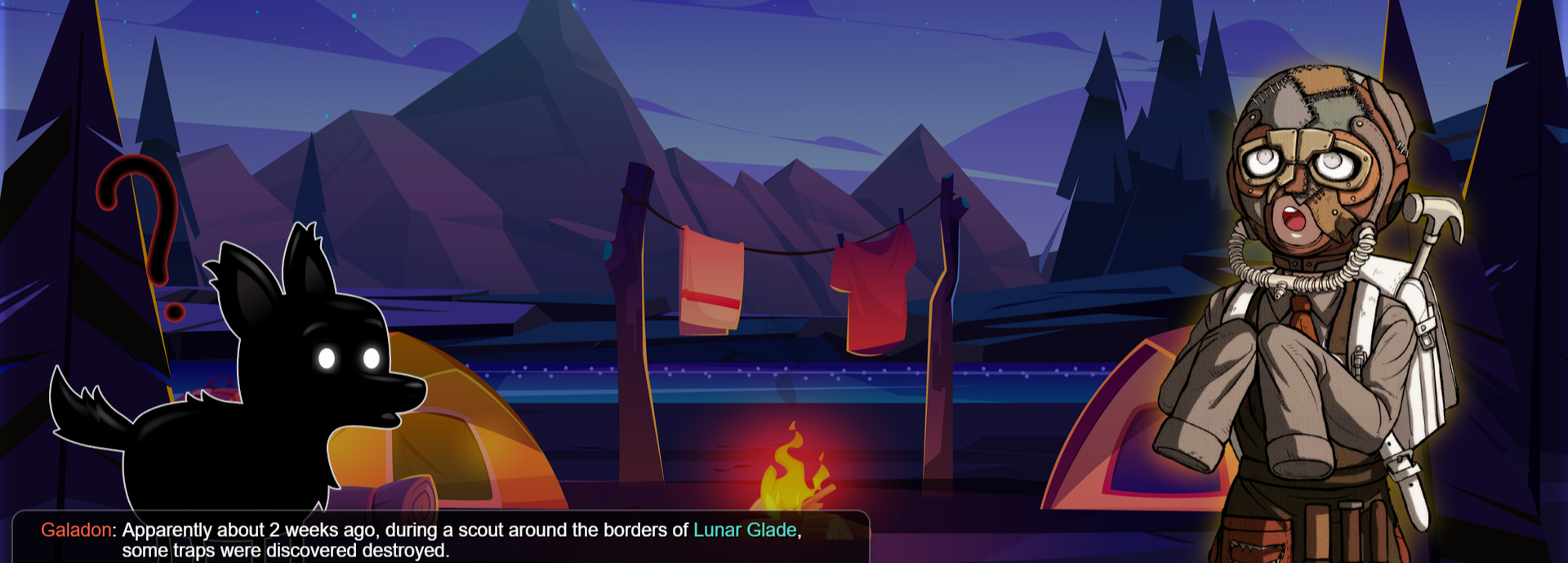
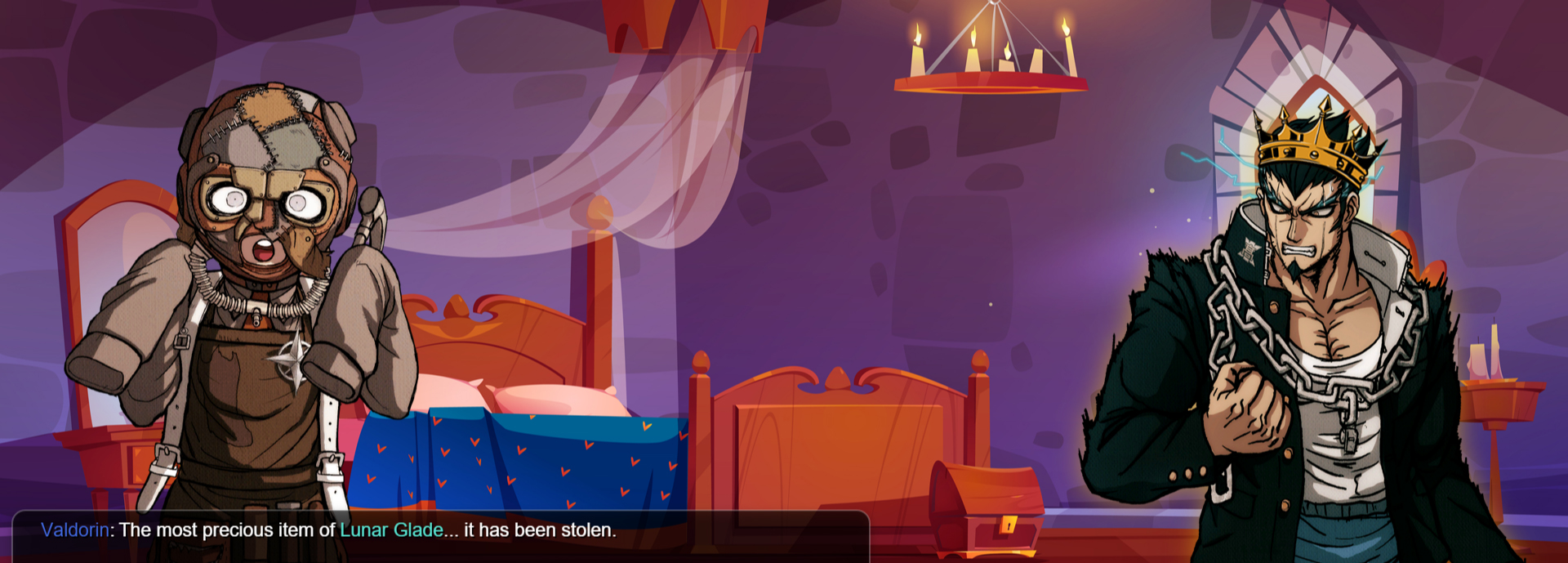
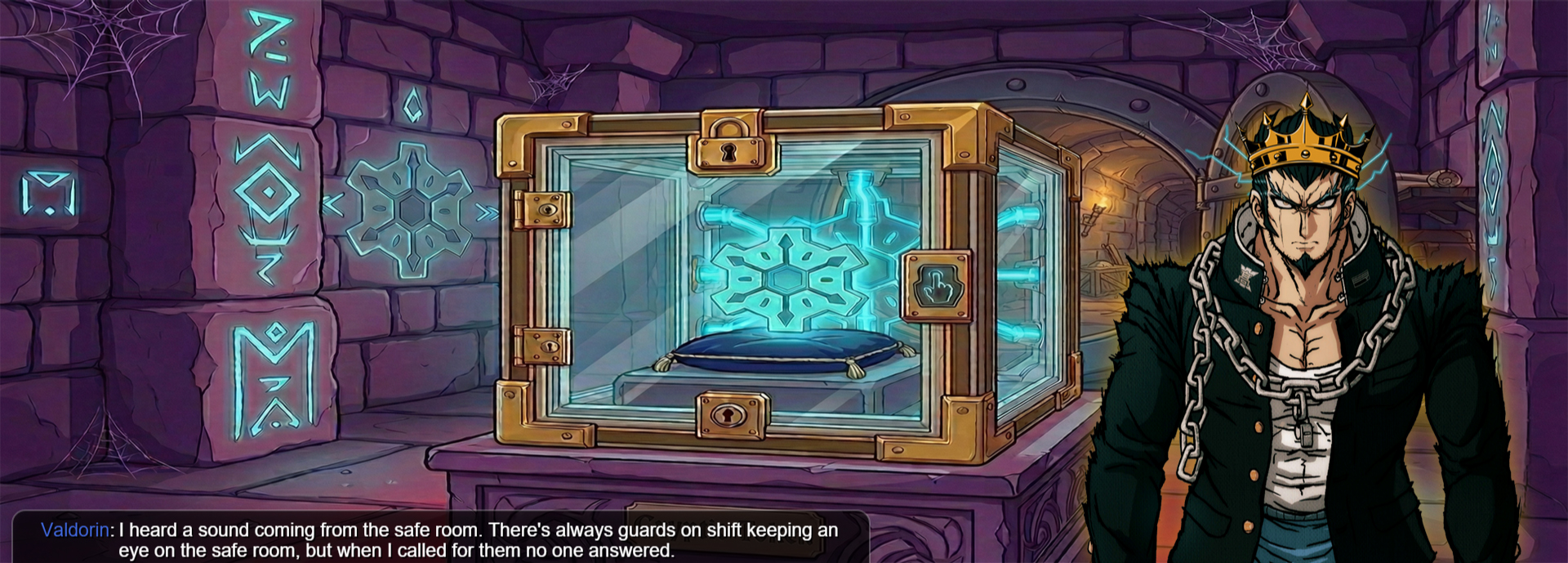
End Cutscene (3)
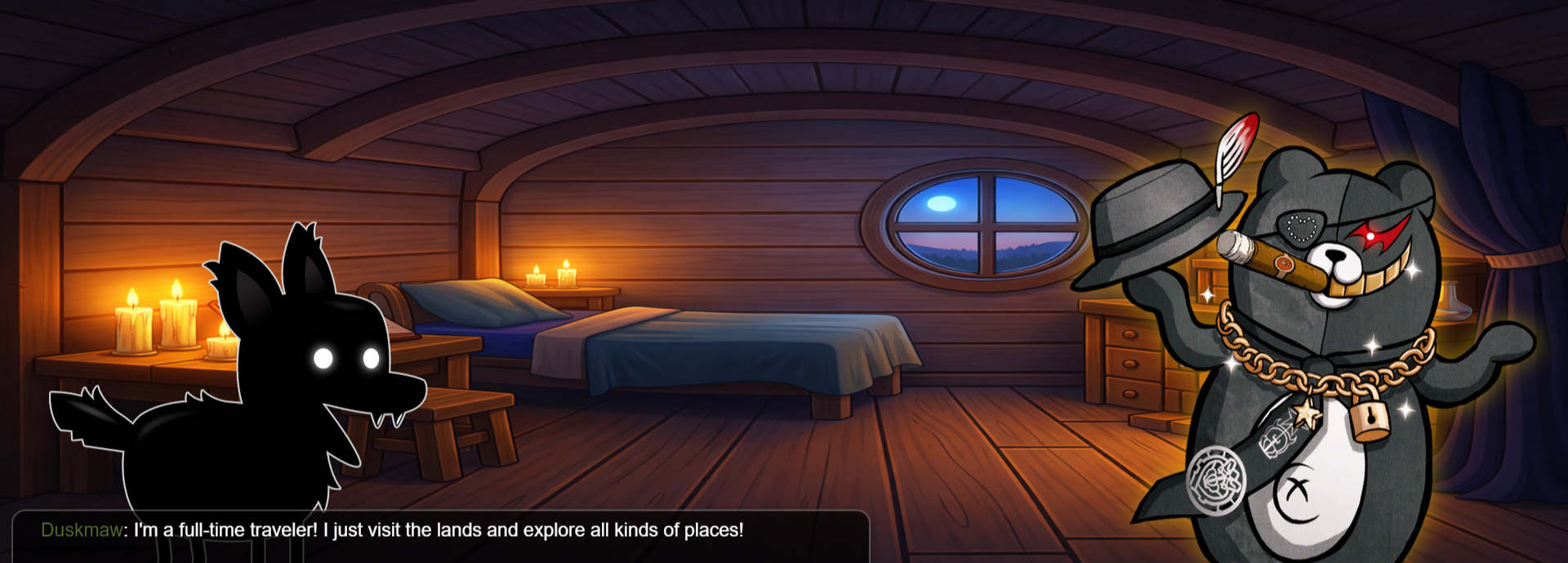
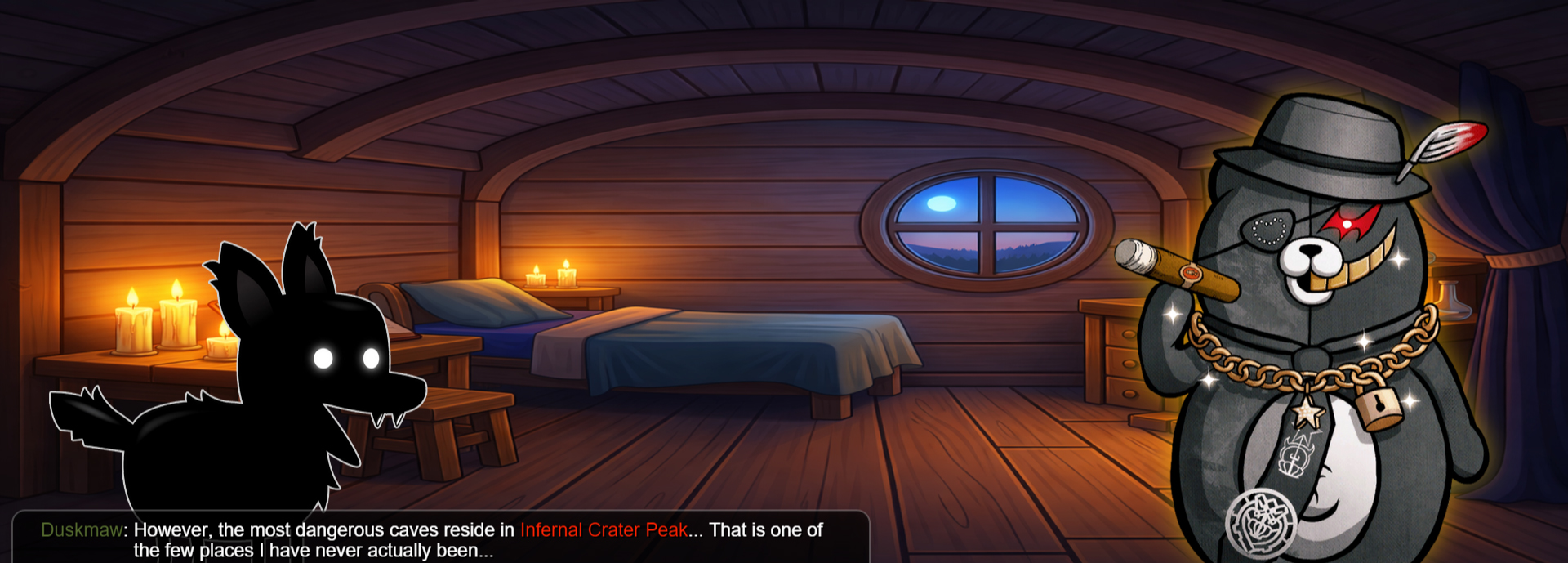
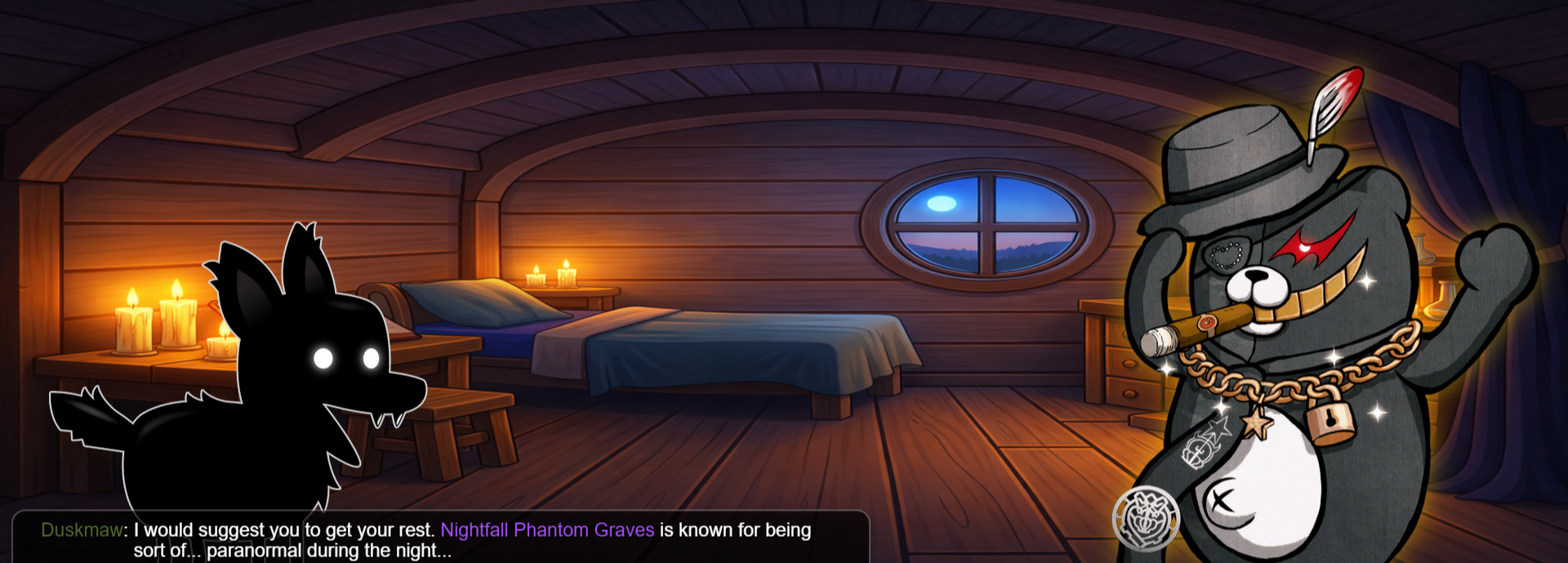
Map 2 (7)
-
Chapter (1)
Start Cutscene (3)
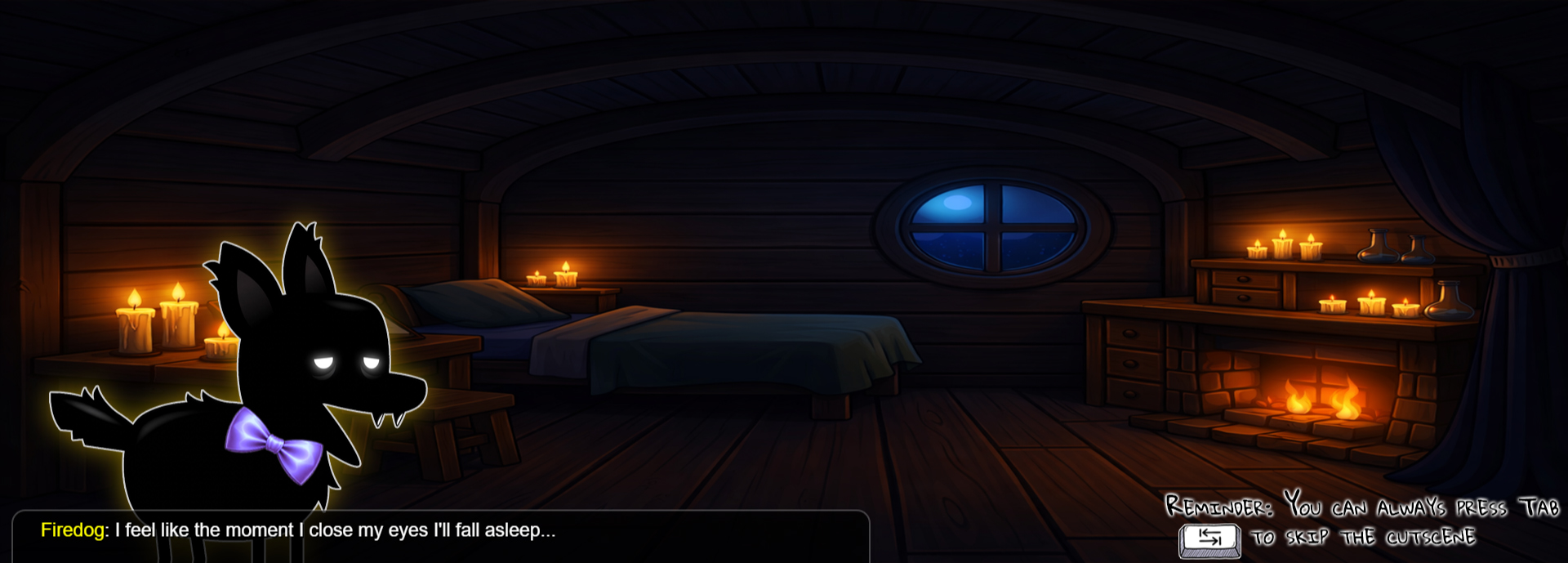
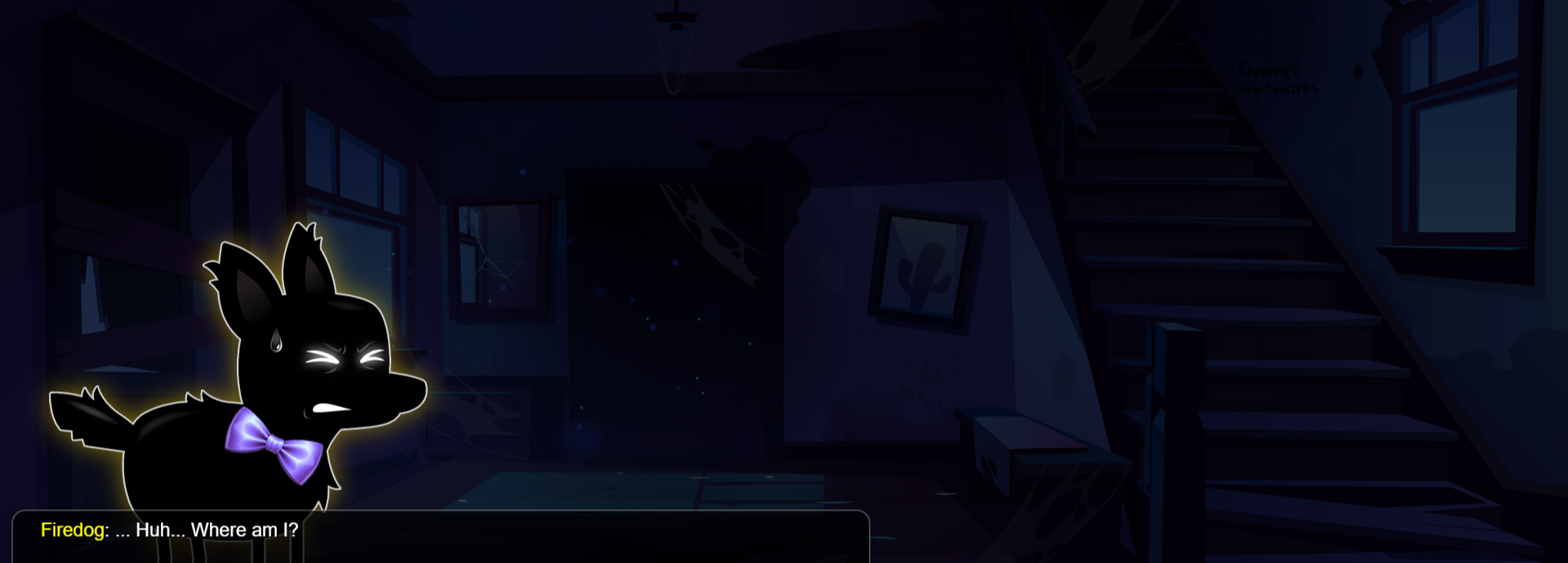
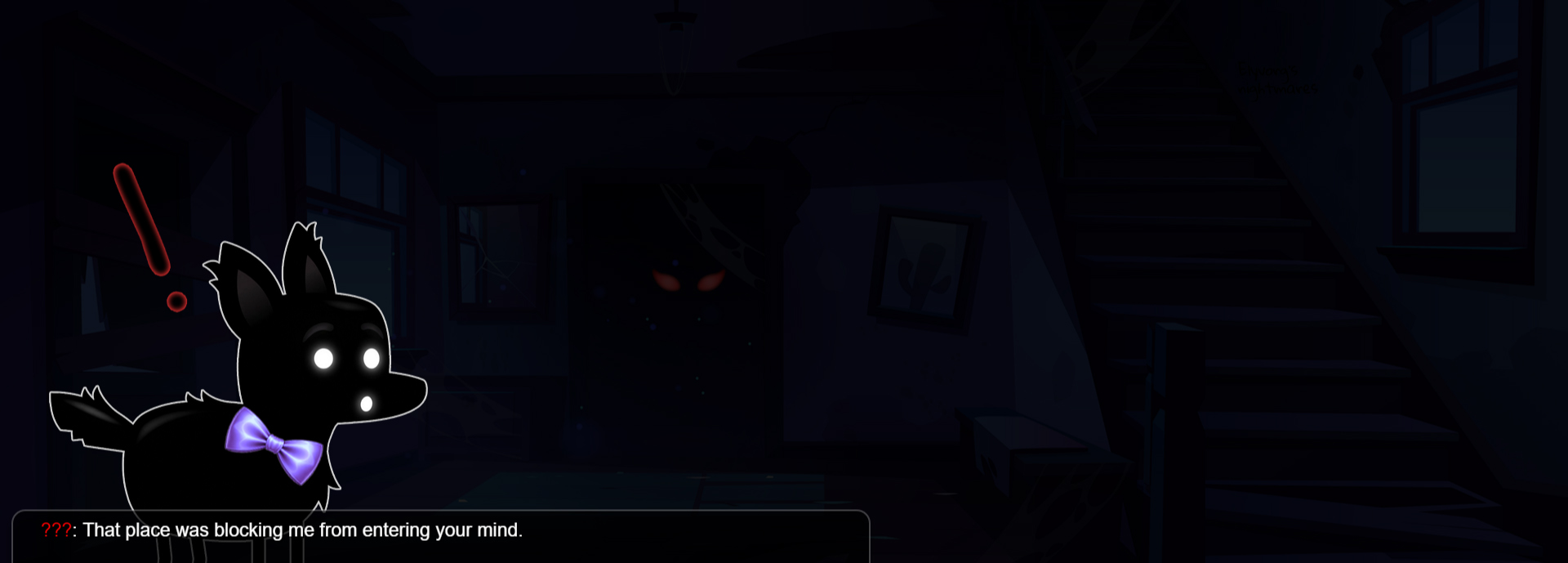
End Cutscene (3)
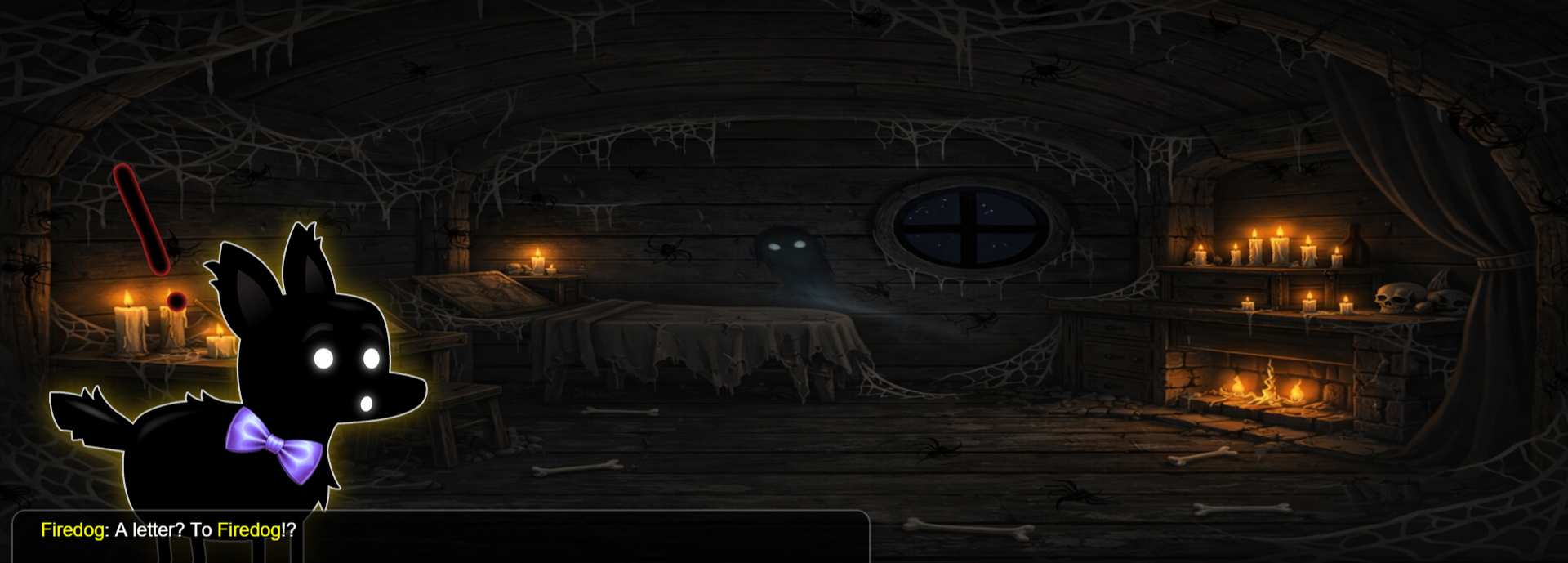
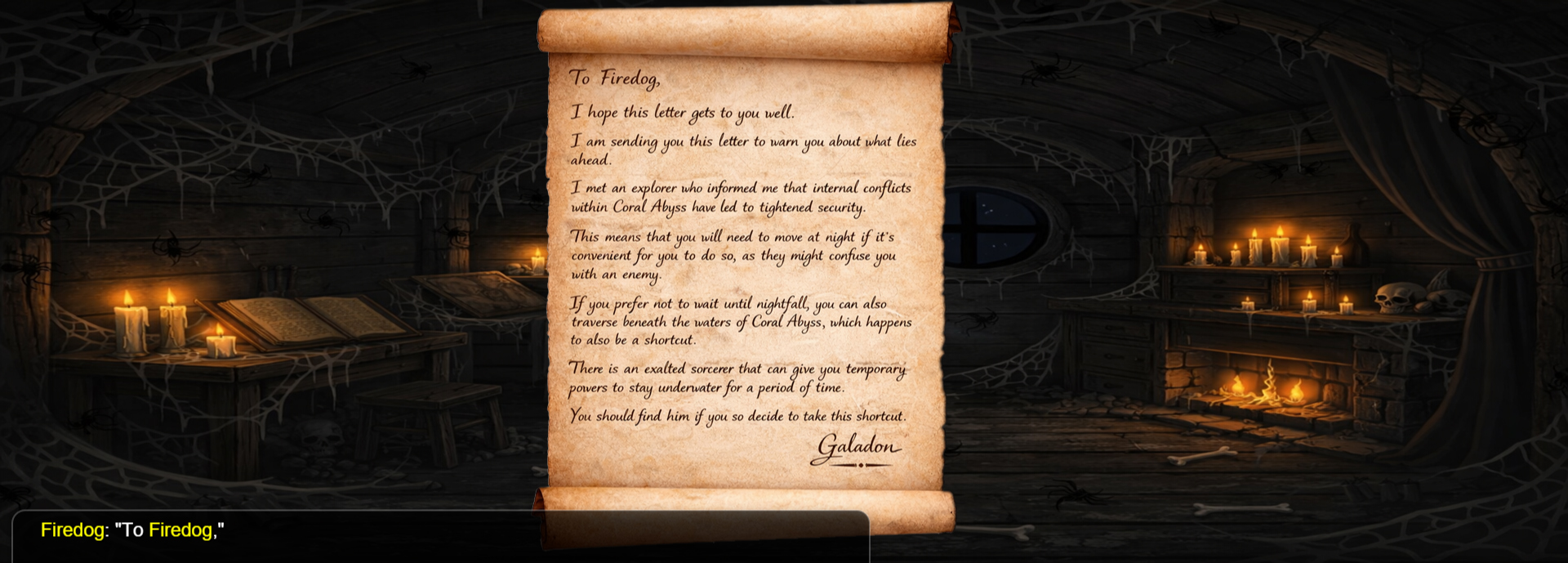
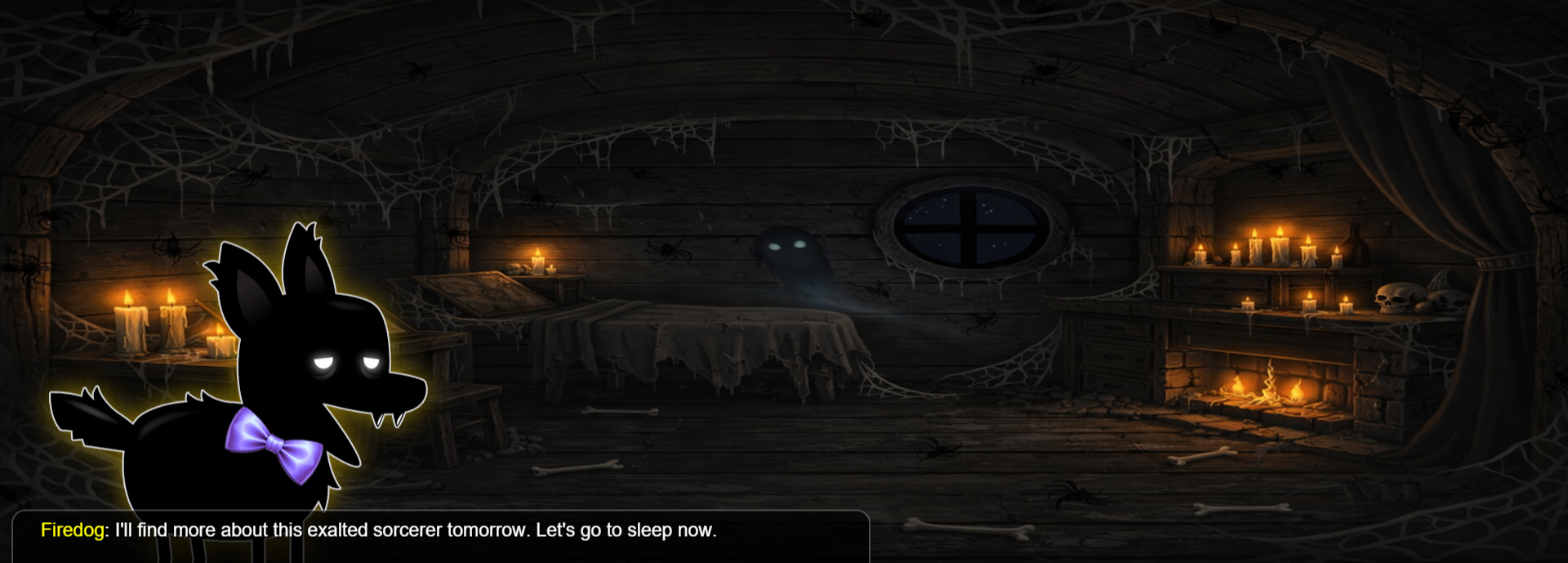
Map 3 (7)
-
Chapter (1)
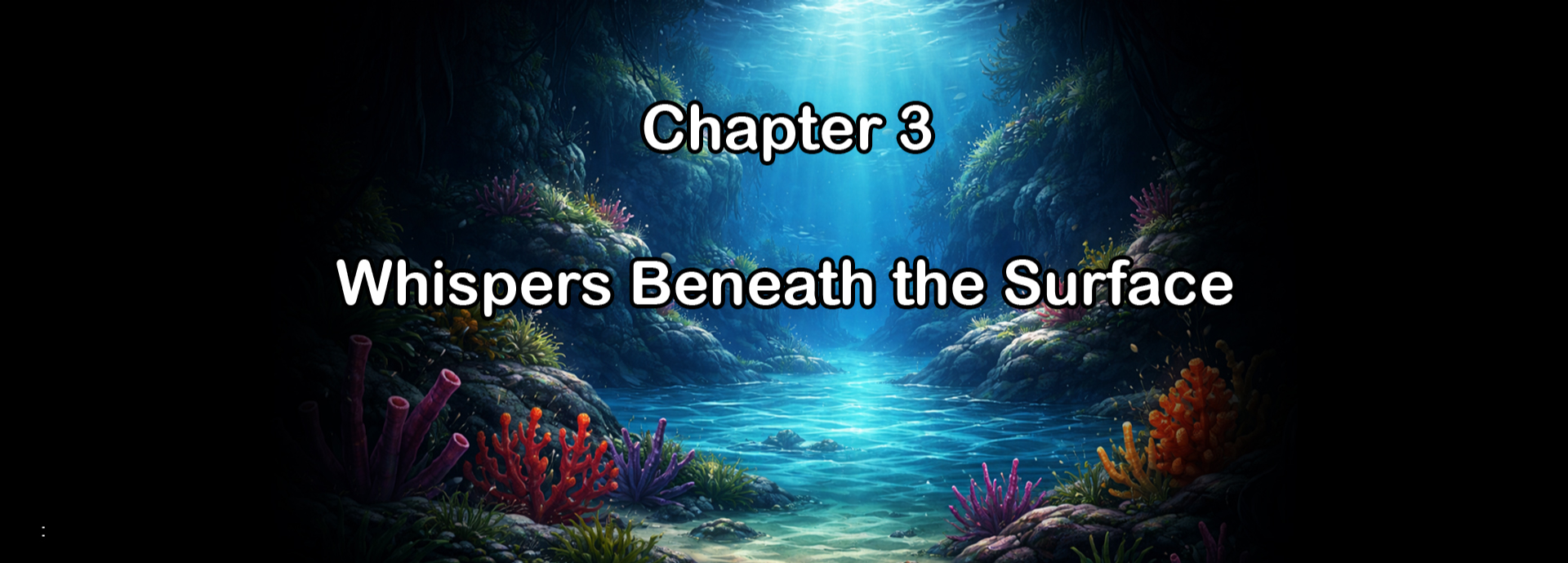
Start Cutscene (3)
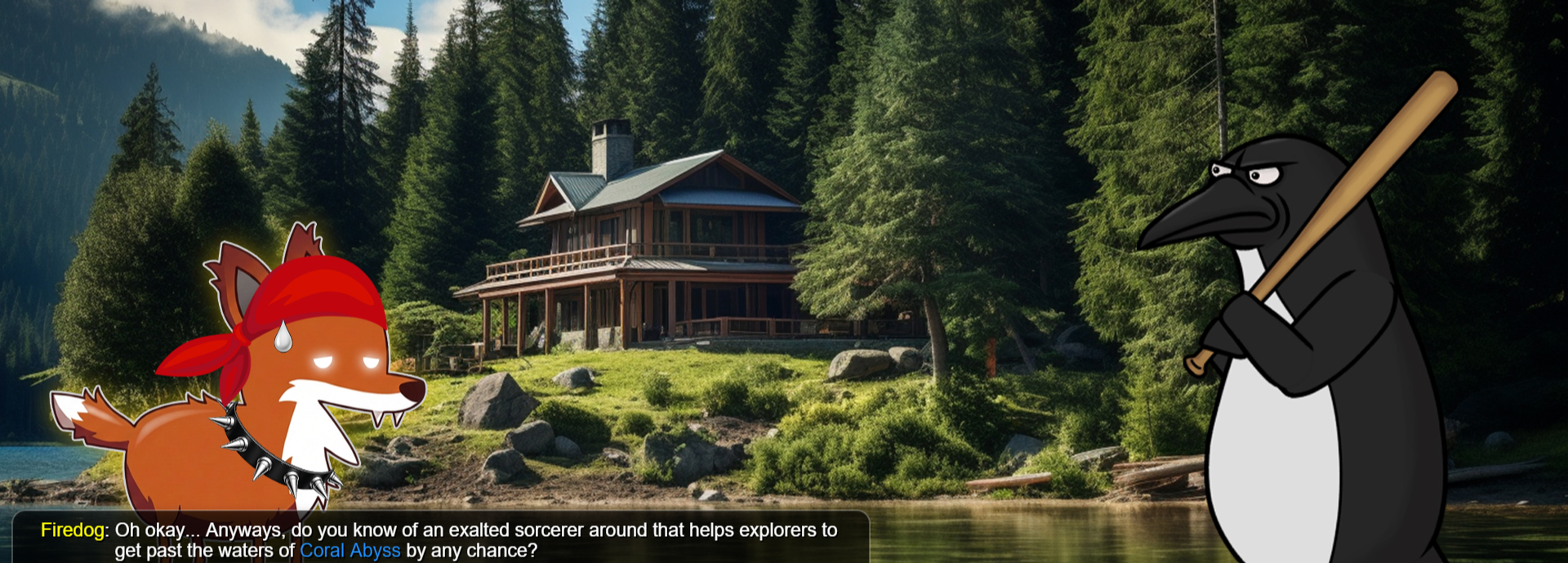
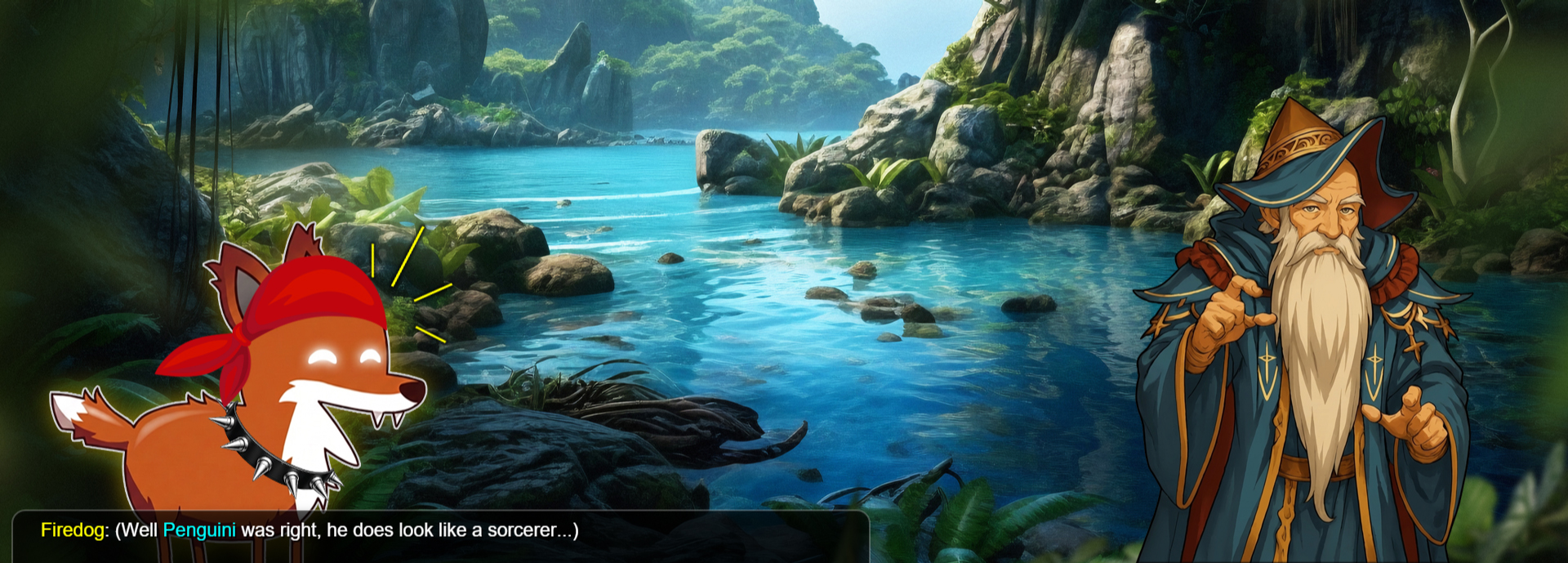
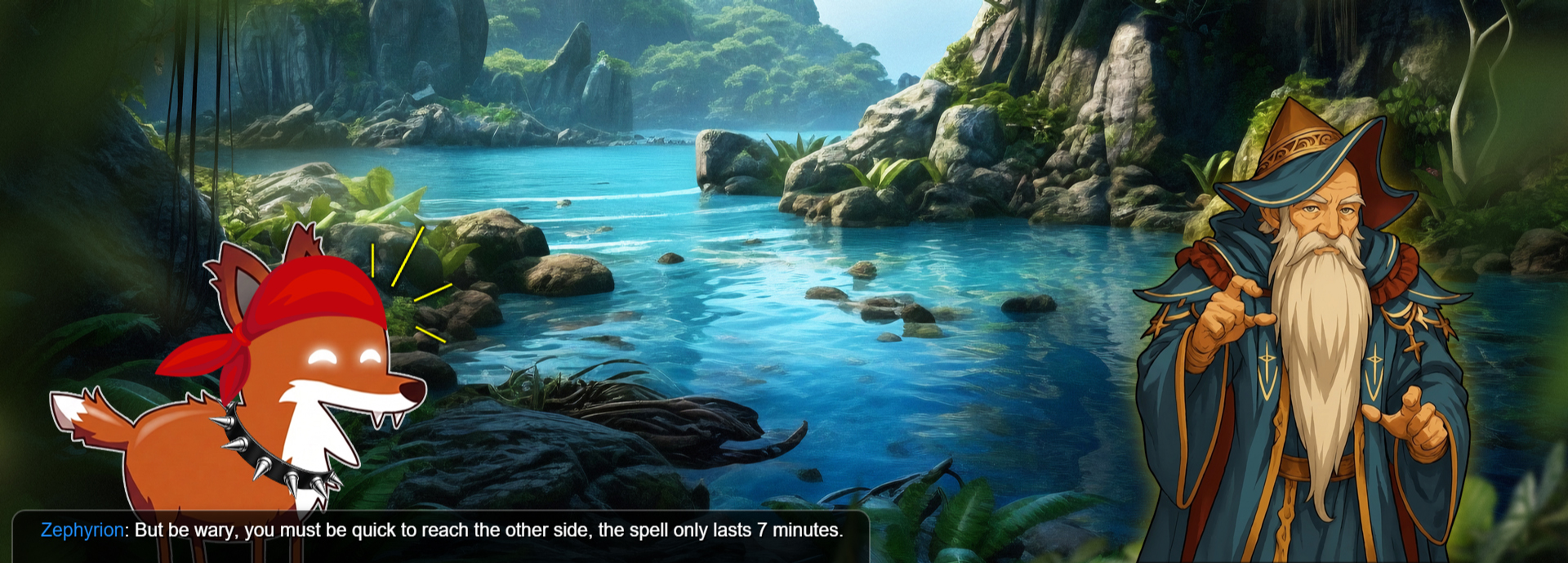
End Cutscene (3)
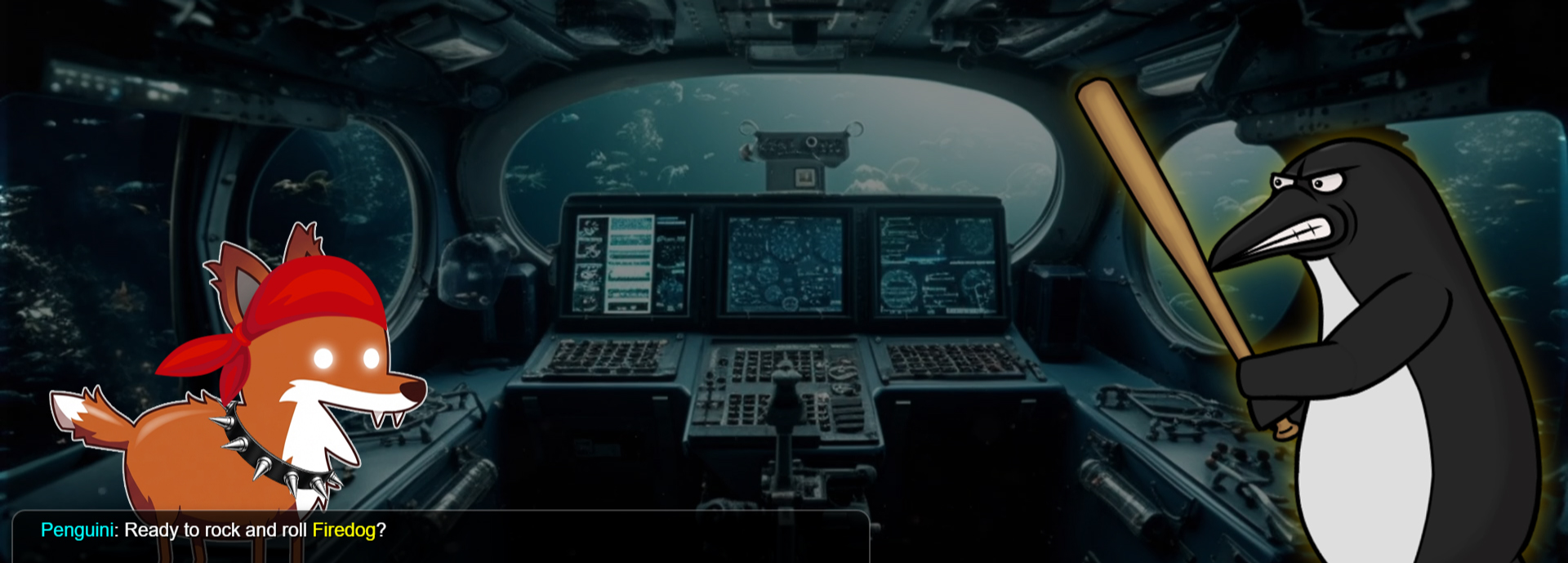
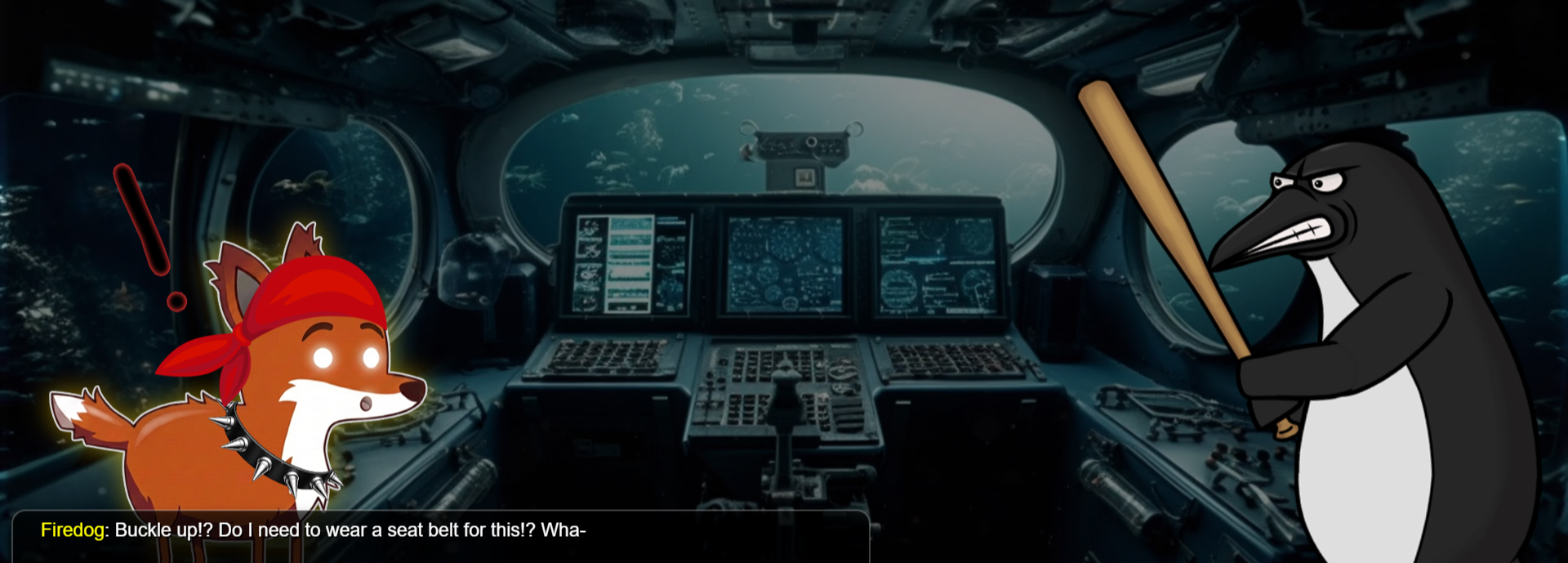
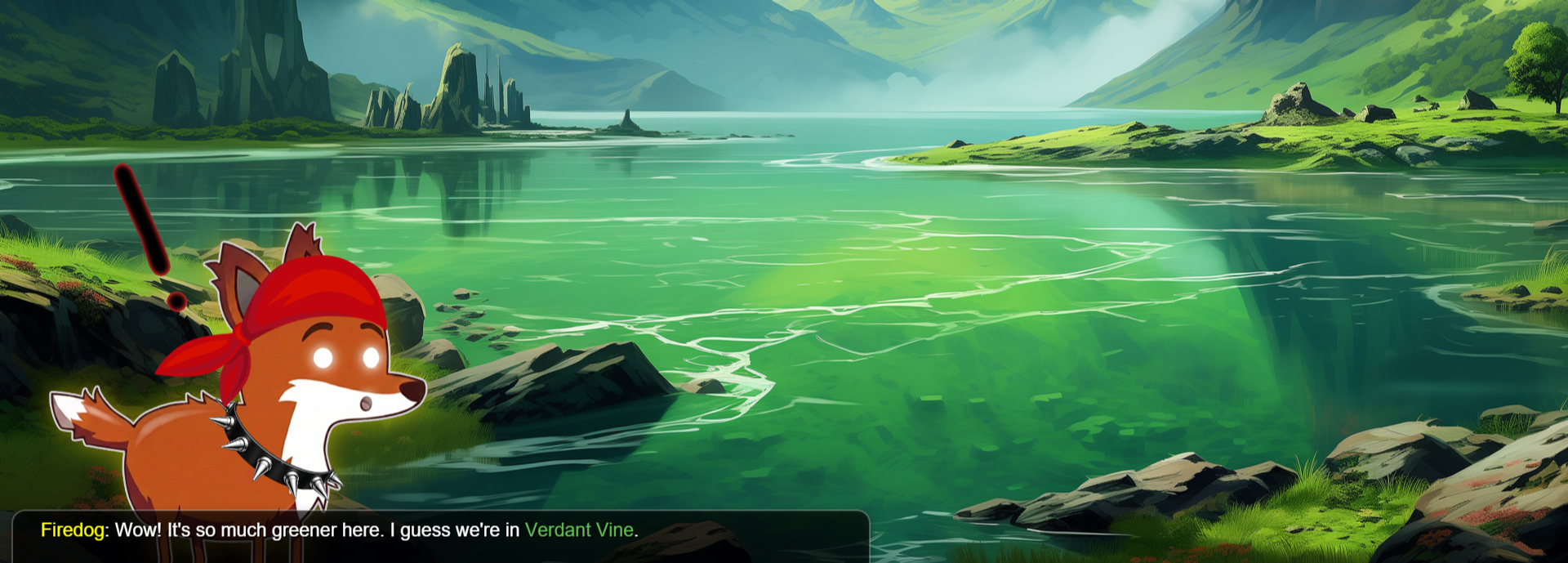
Map 4 (7)
-
Chapter (1)
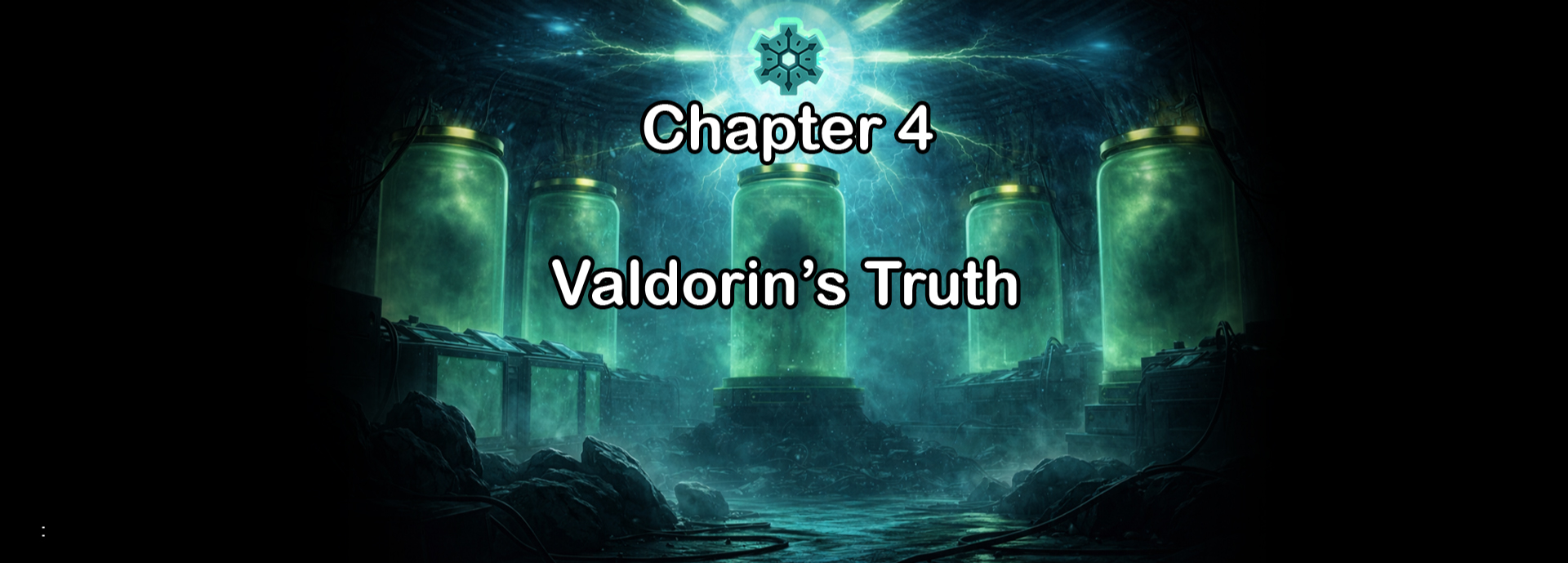
Start Cutscene (3)
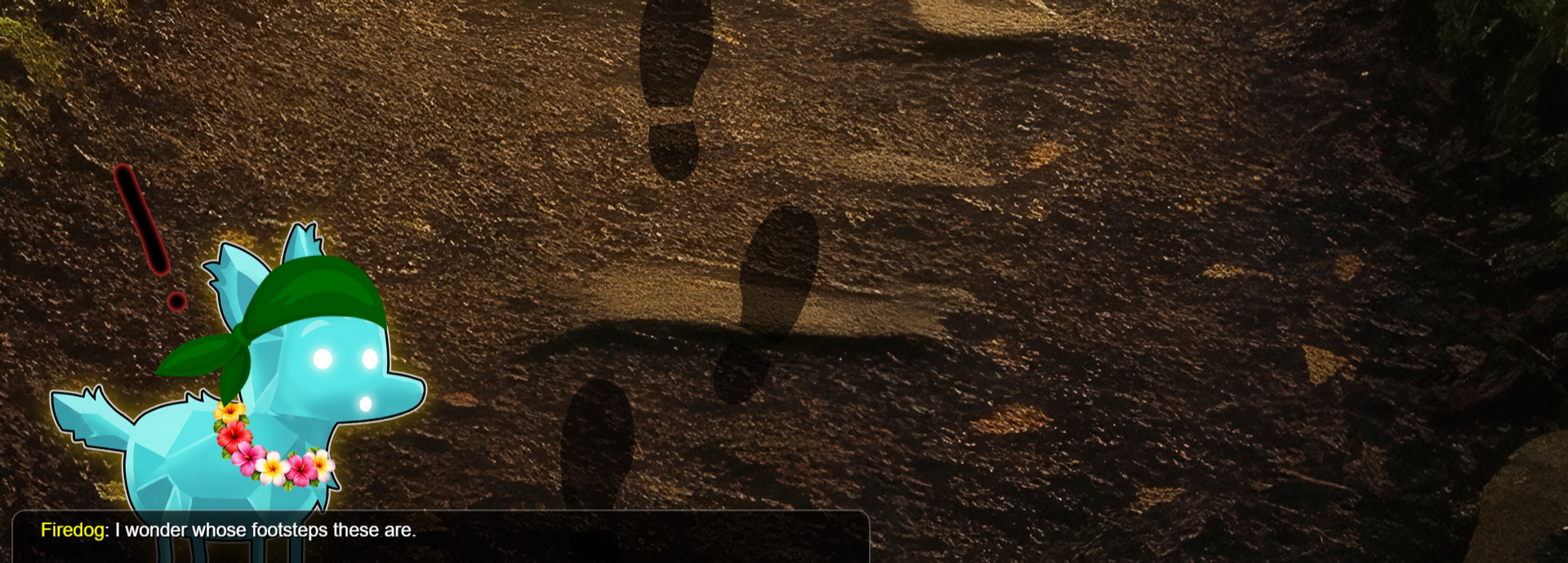
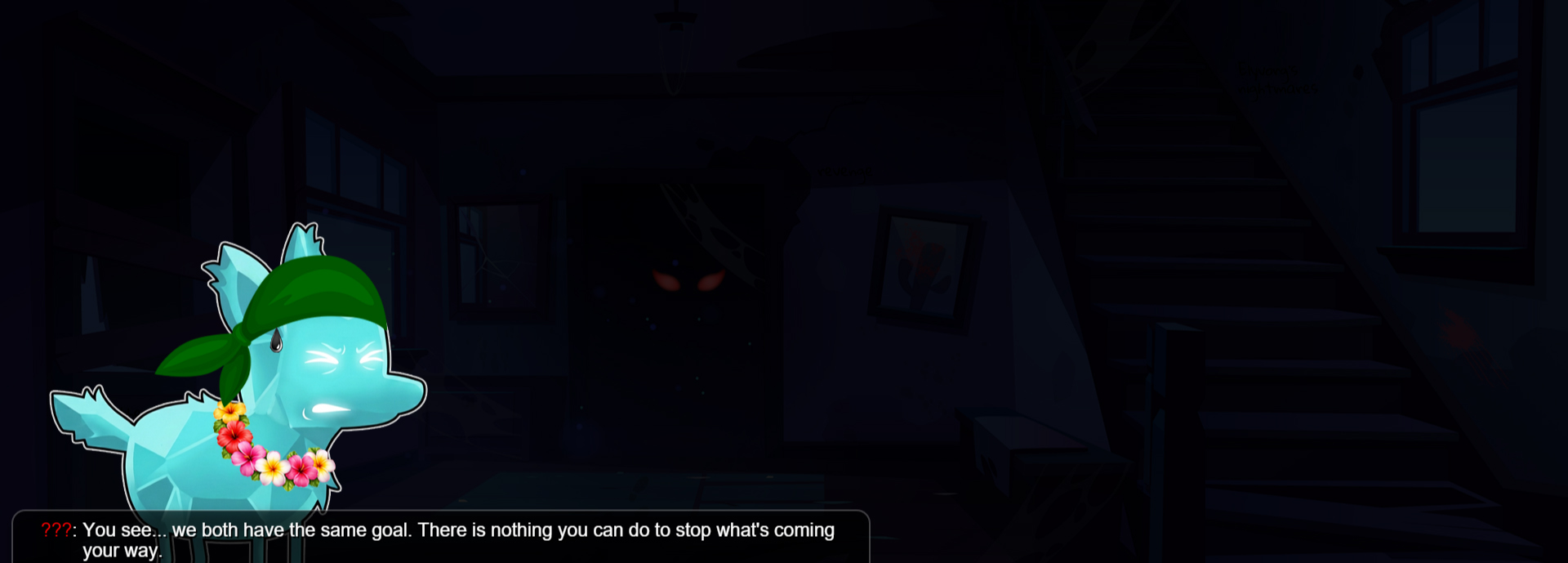
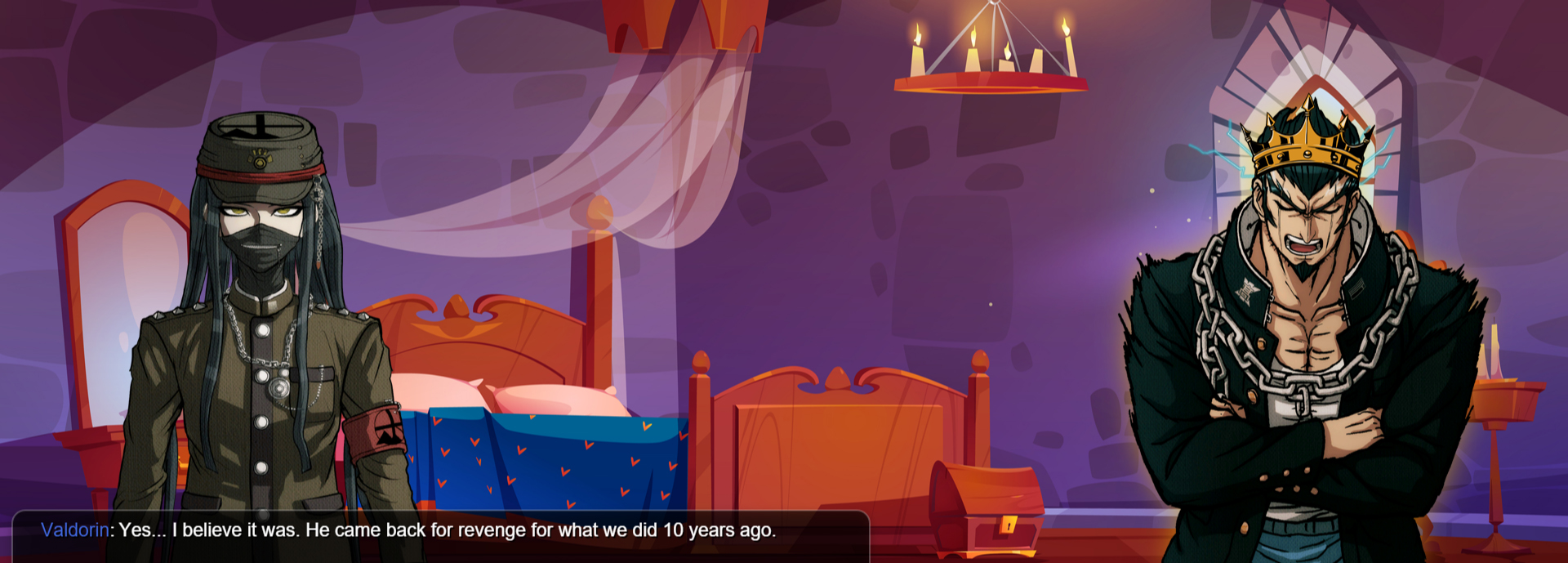
End Cutscene (3)
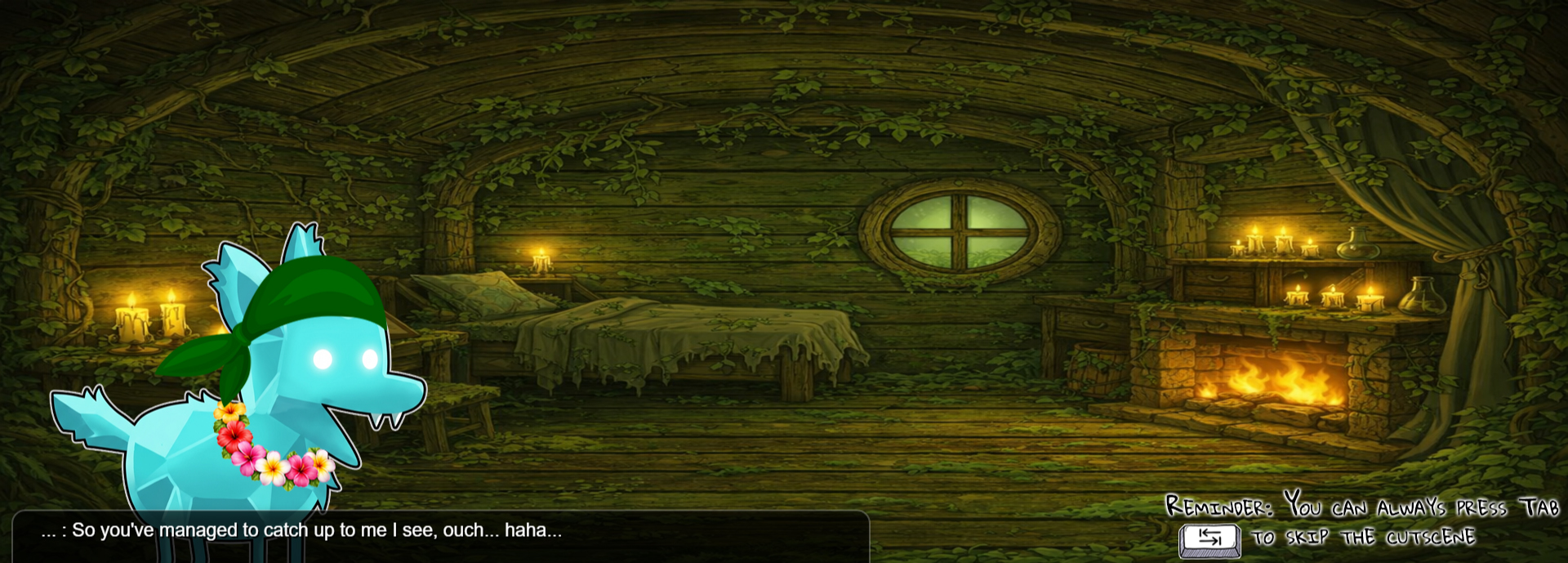
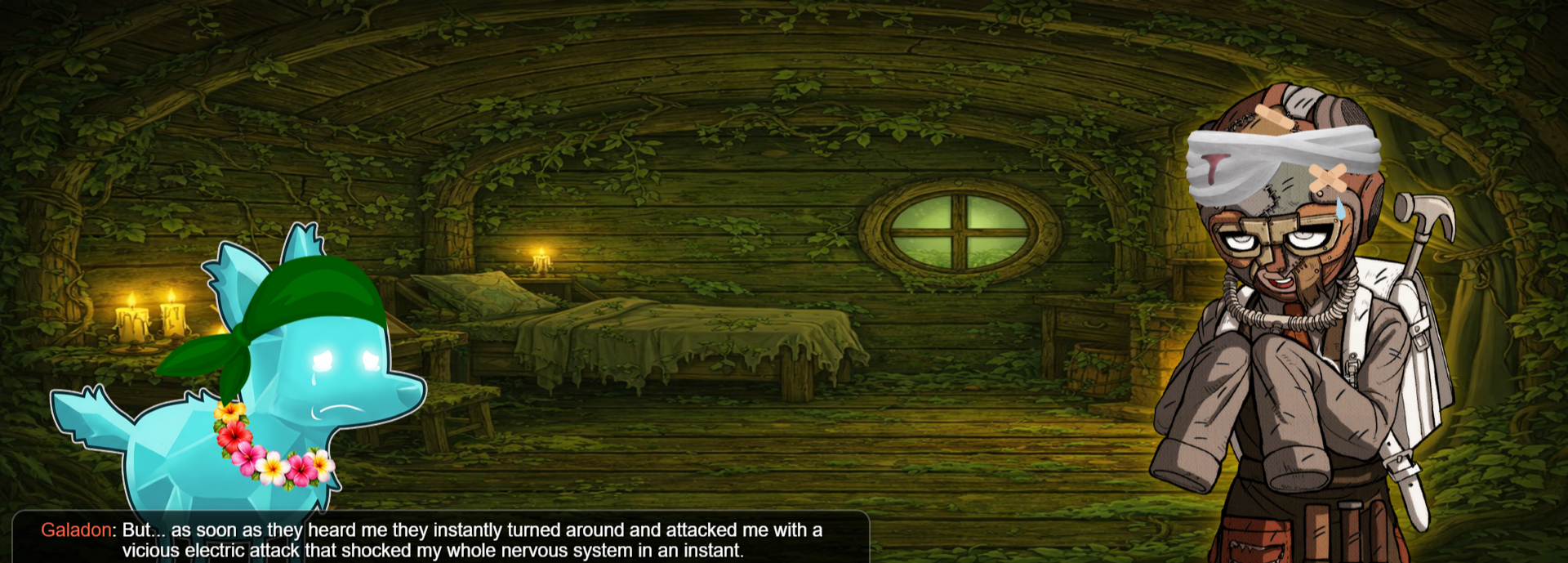
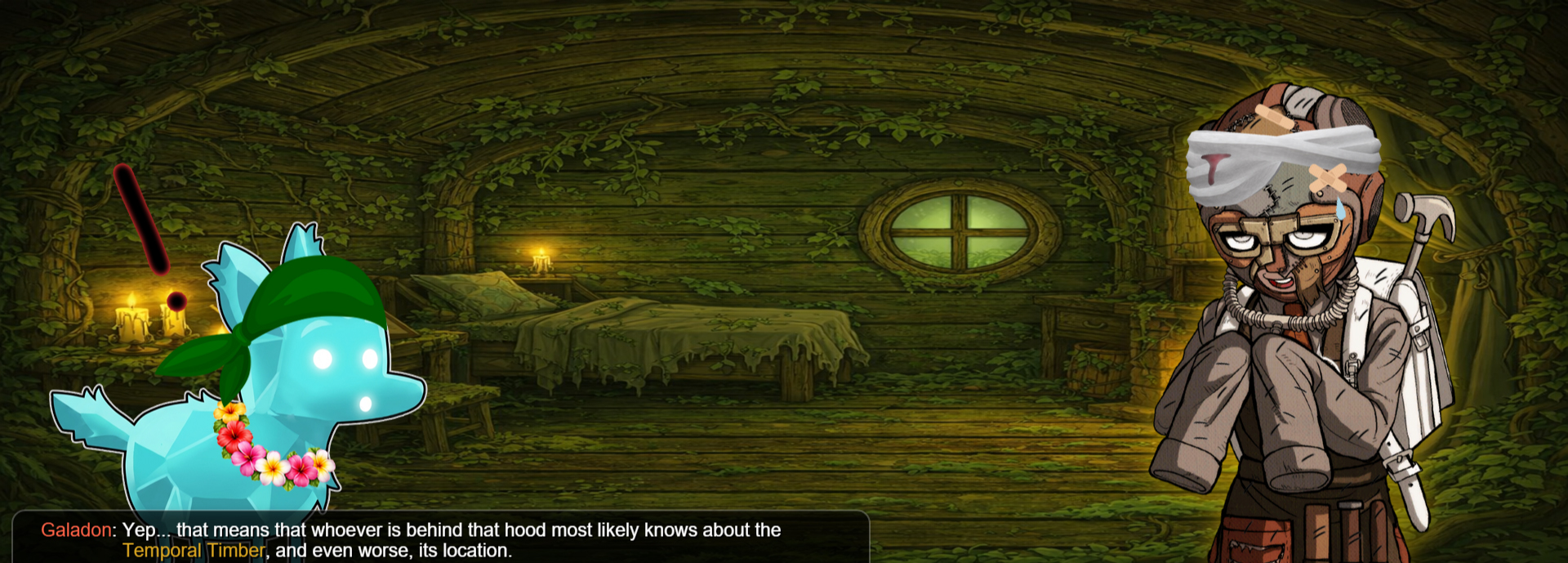
Map 5 (7)
-
Chapter (1)

Start Cutscene (3)
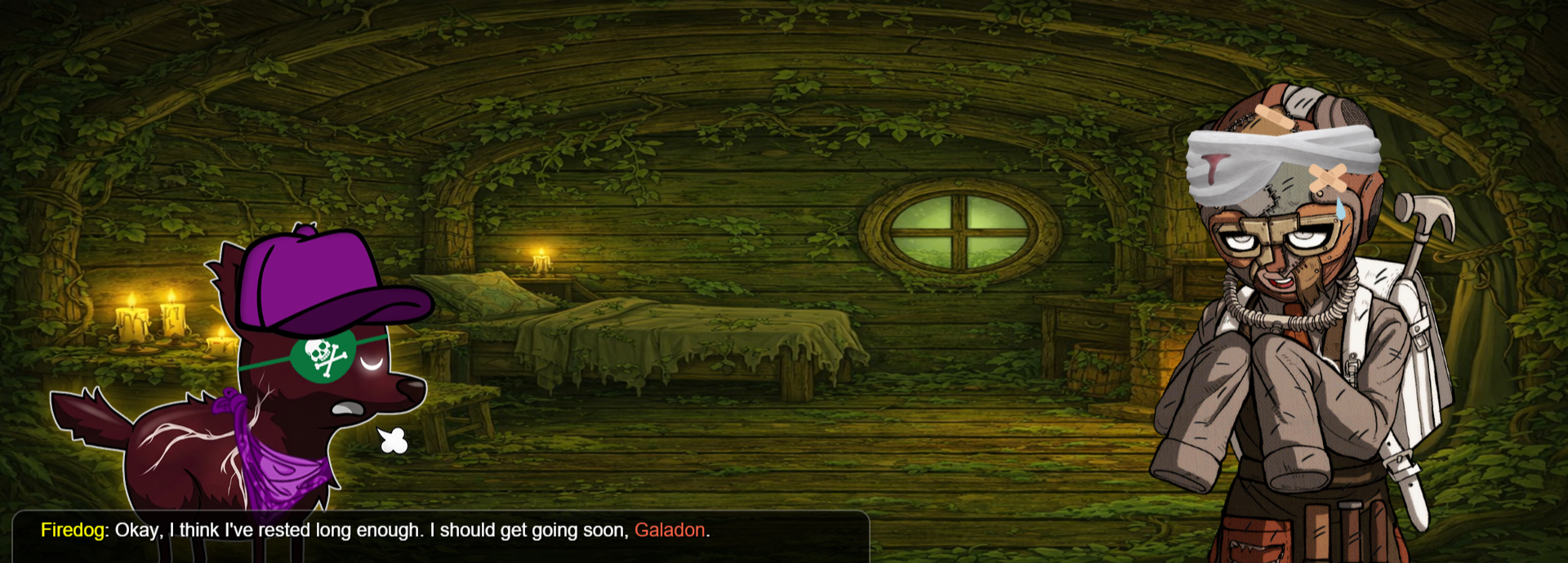
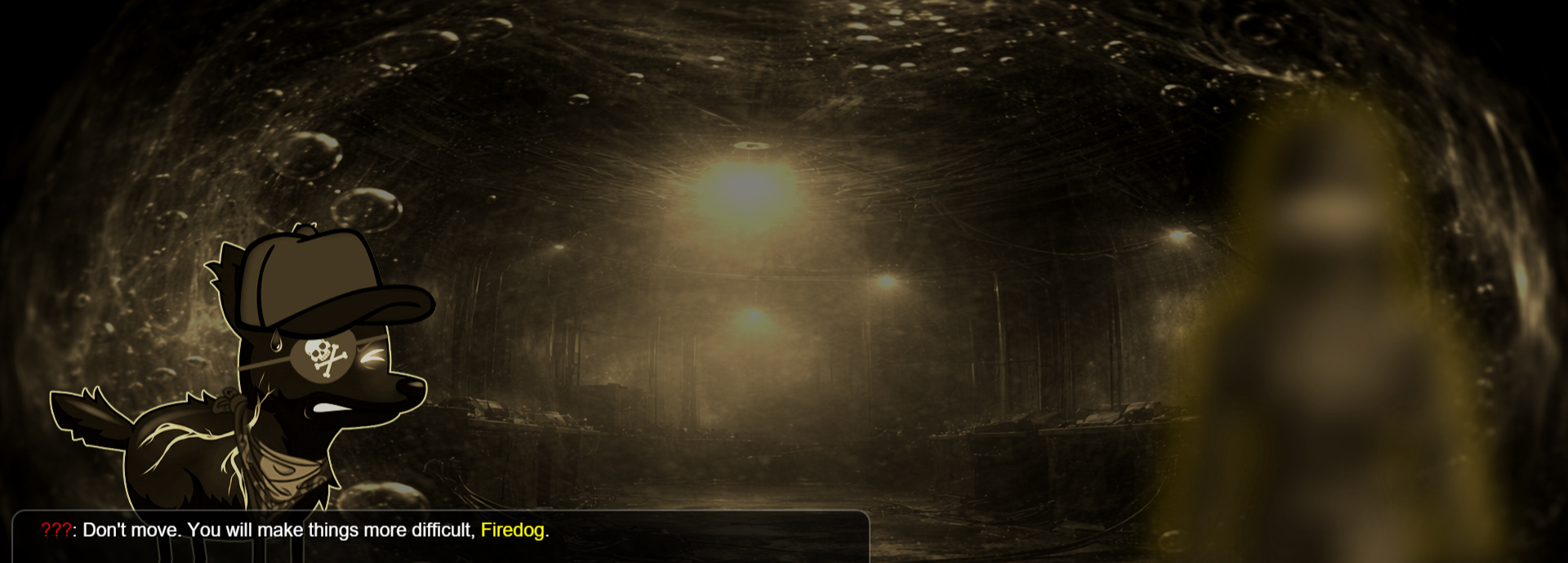
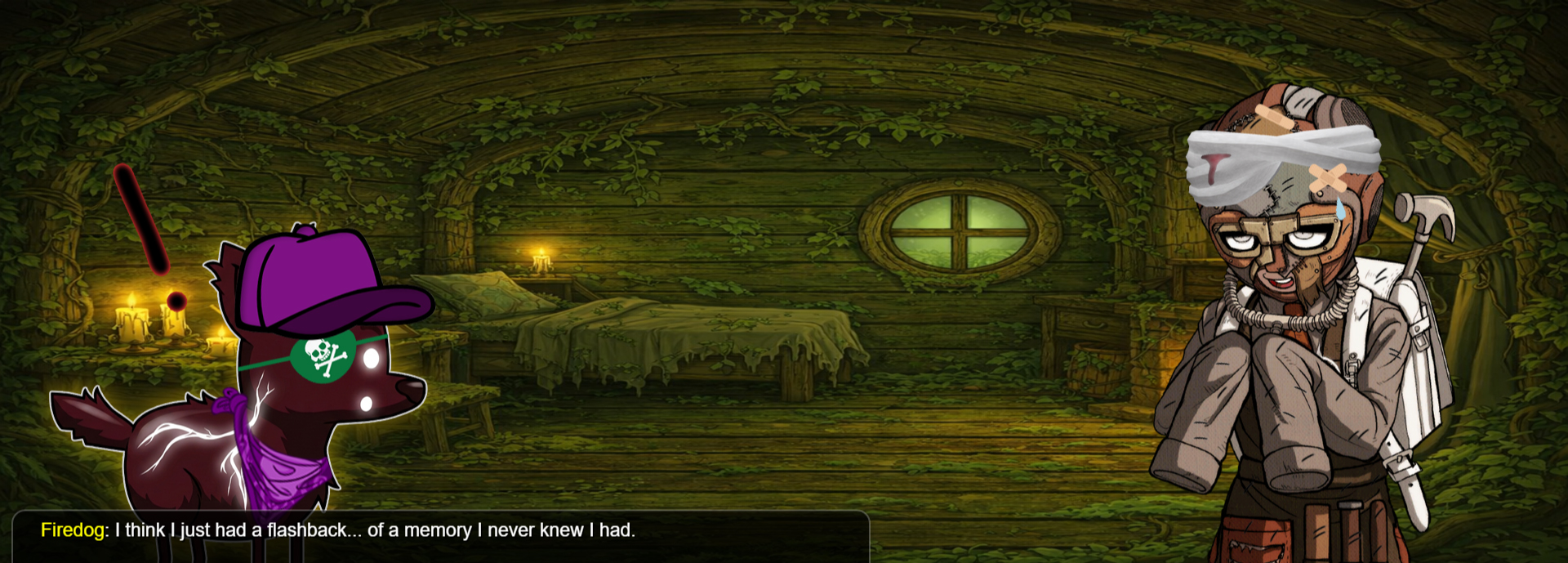
End Cutscene (3)
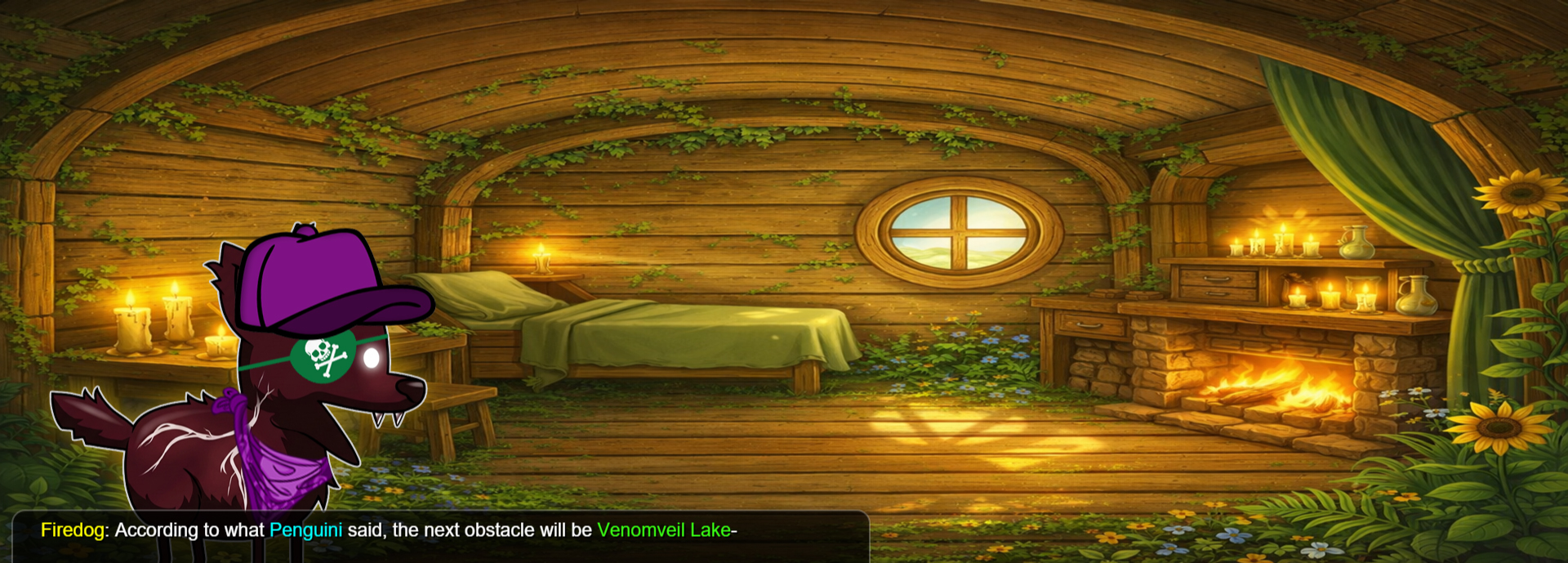
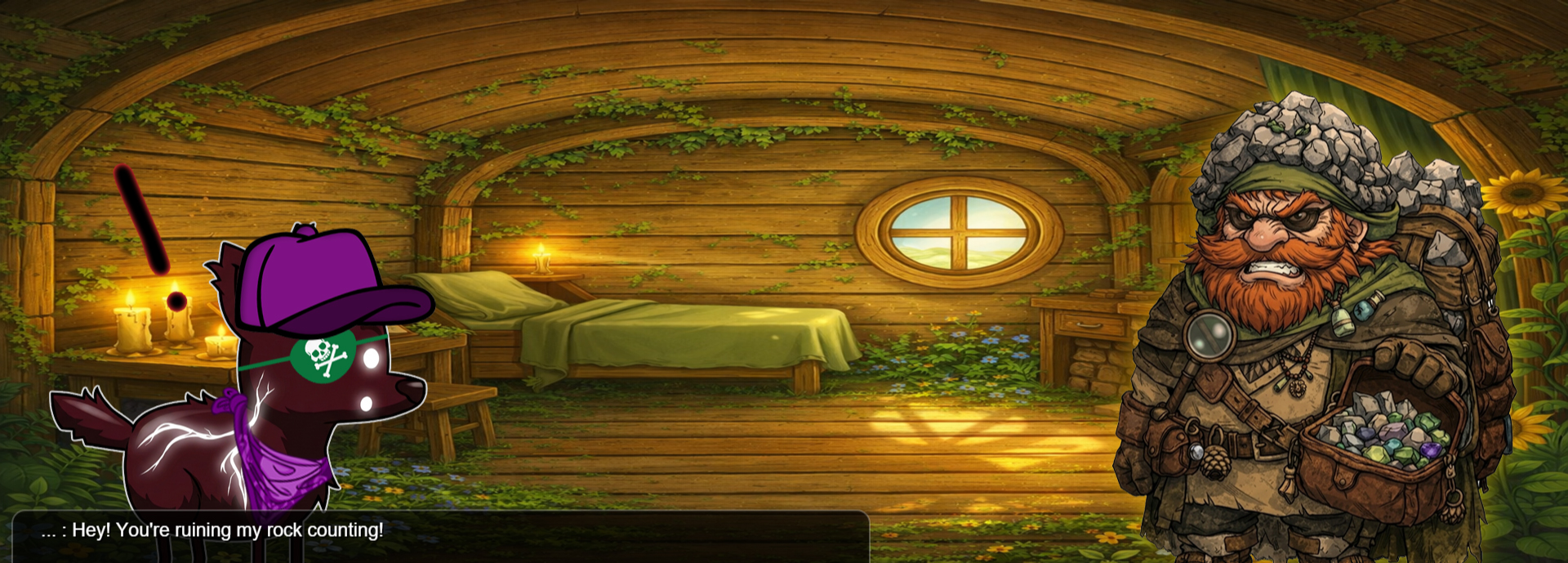
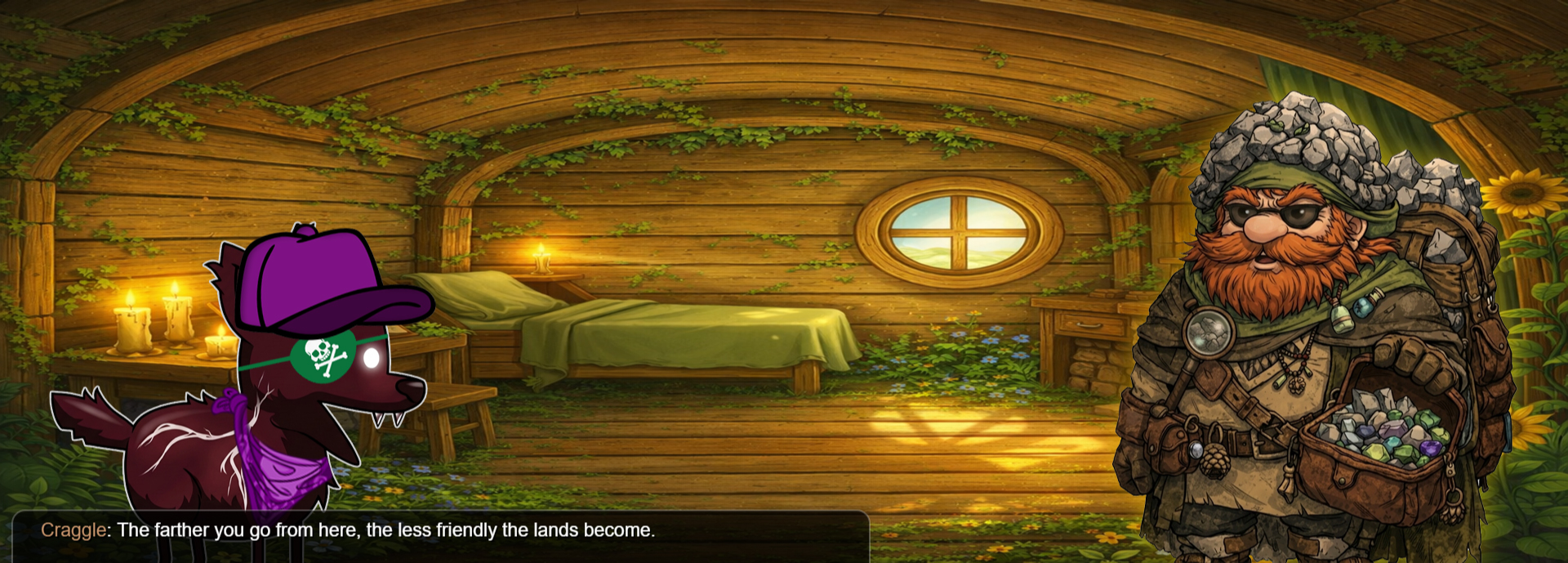
Map 6 (7)
-
Chapter (1)
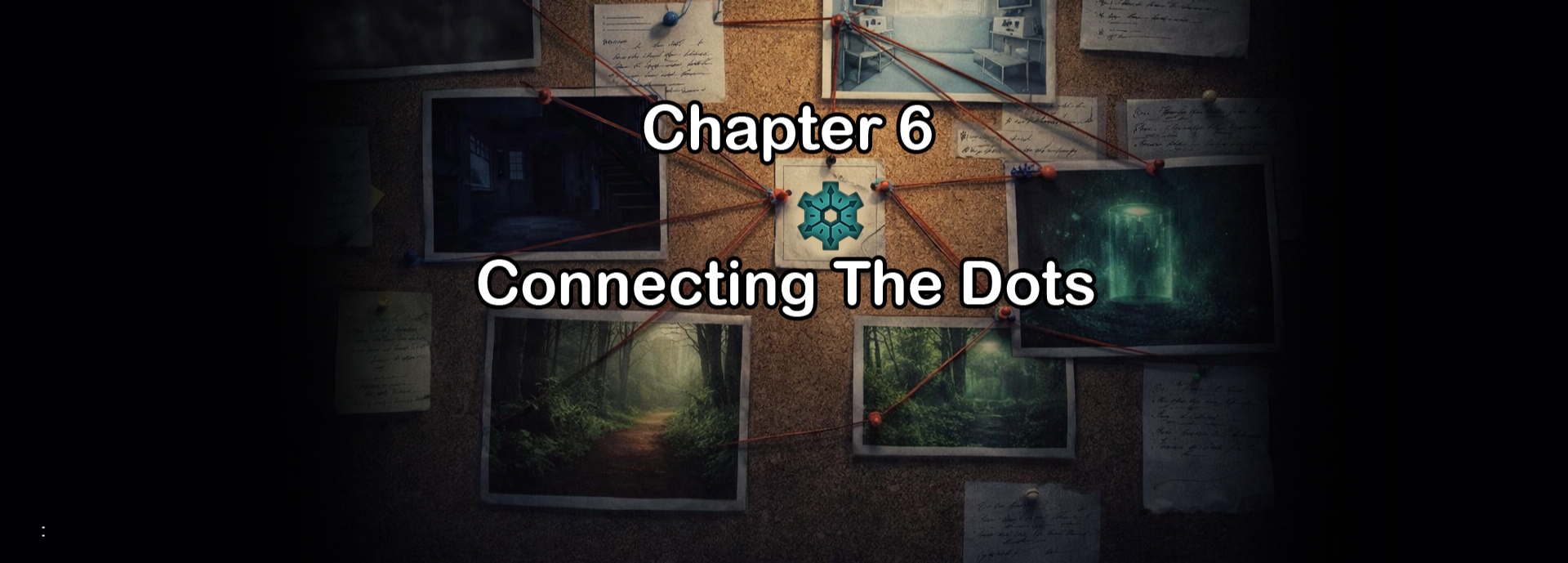
Start Cutscene (3)
End Cutscene (3)
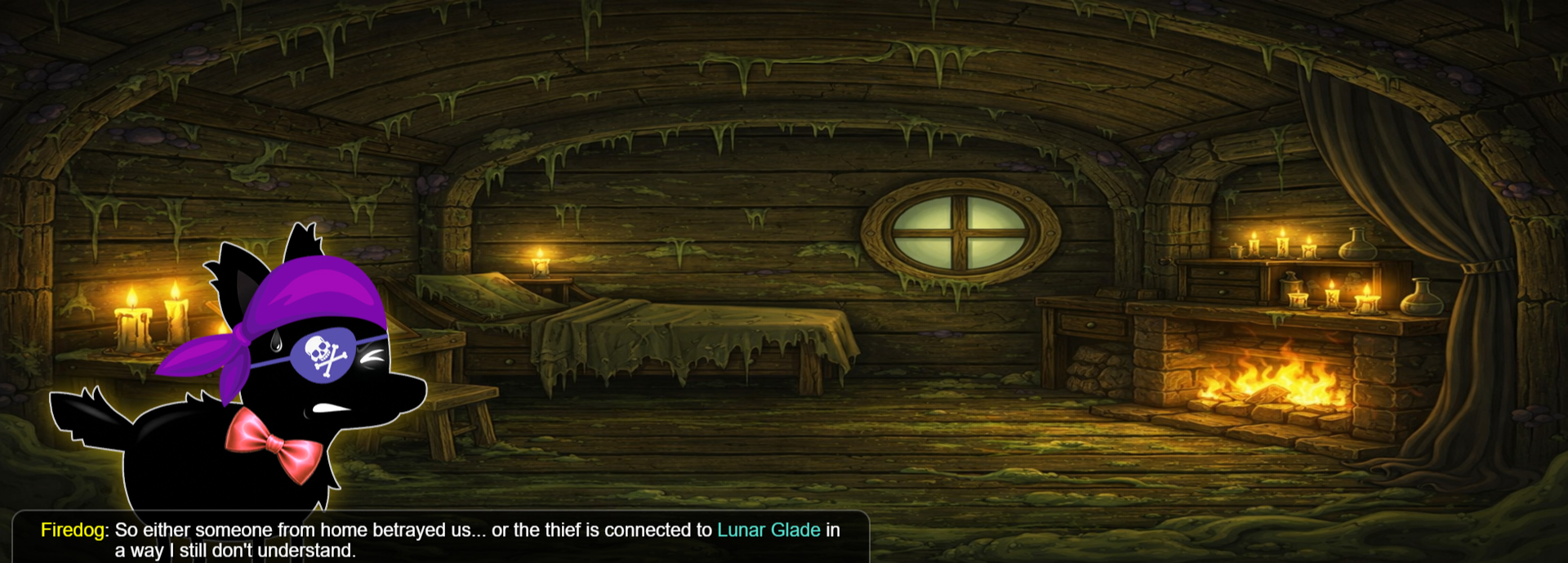
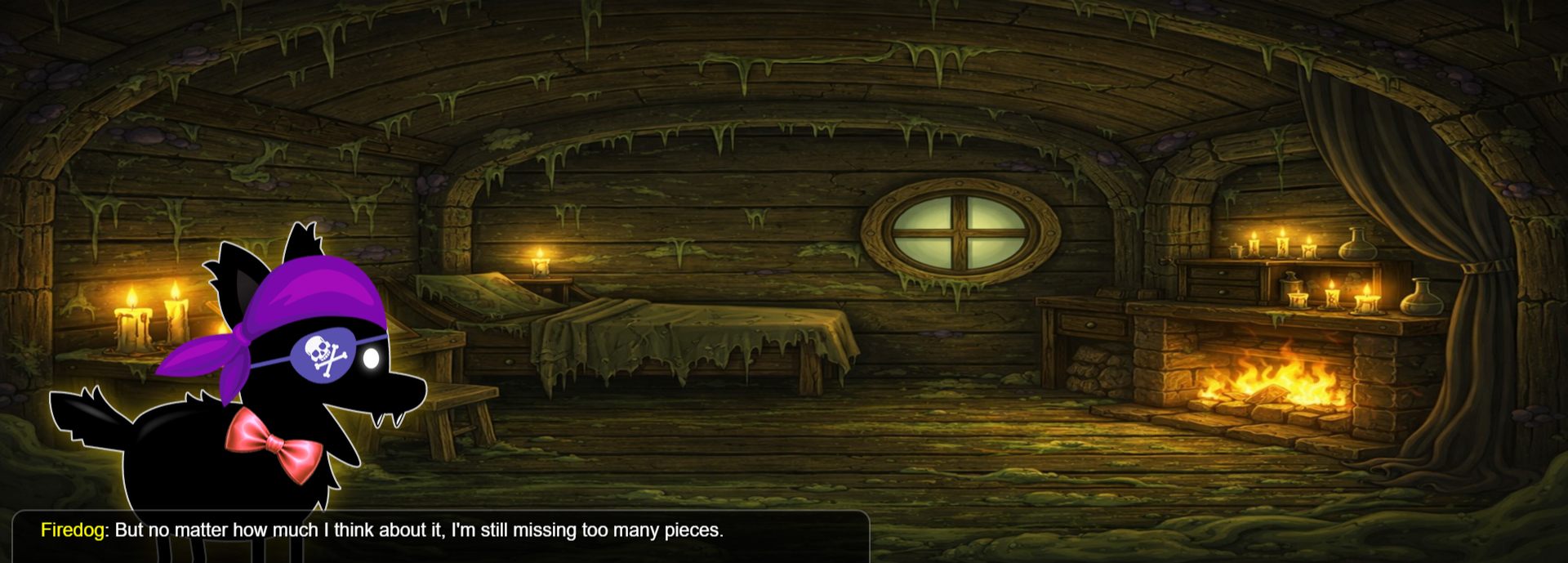
Map 7 (7)
-
Chapter (1)

Start Cutscene (3)
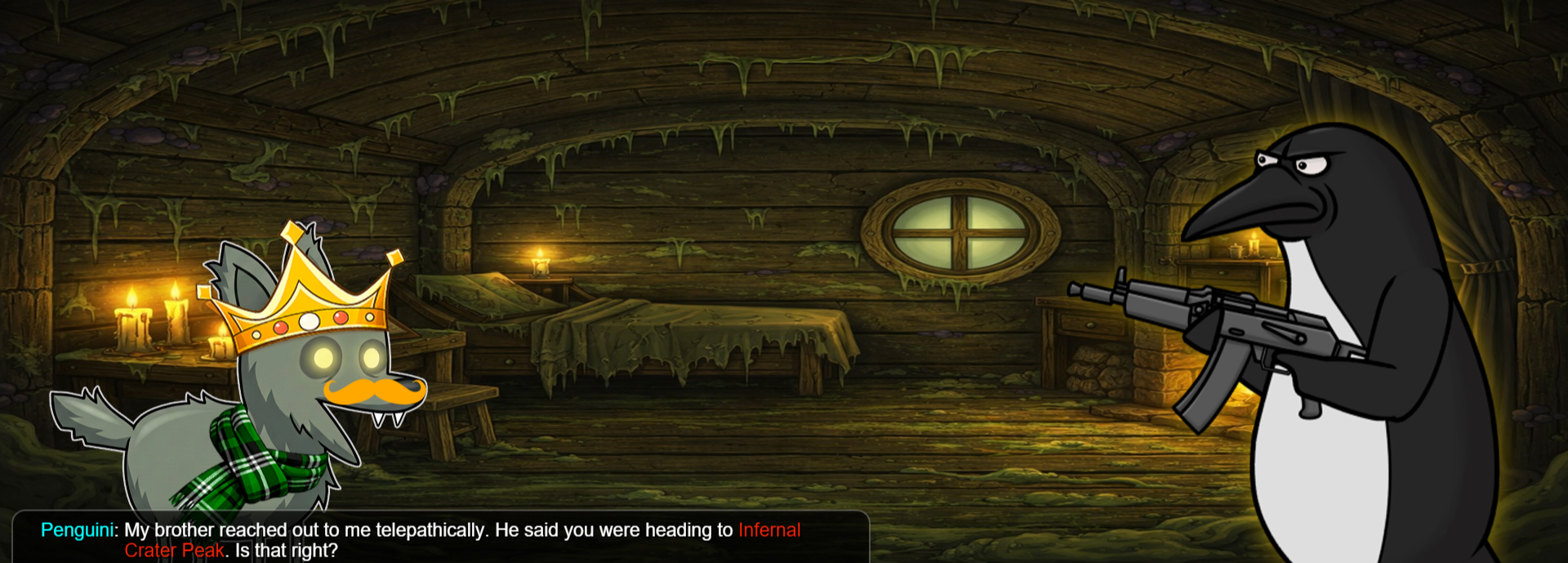
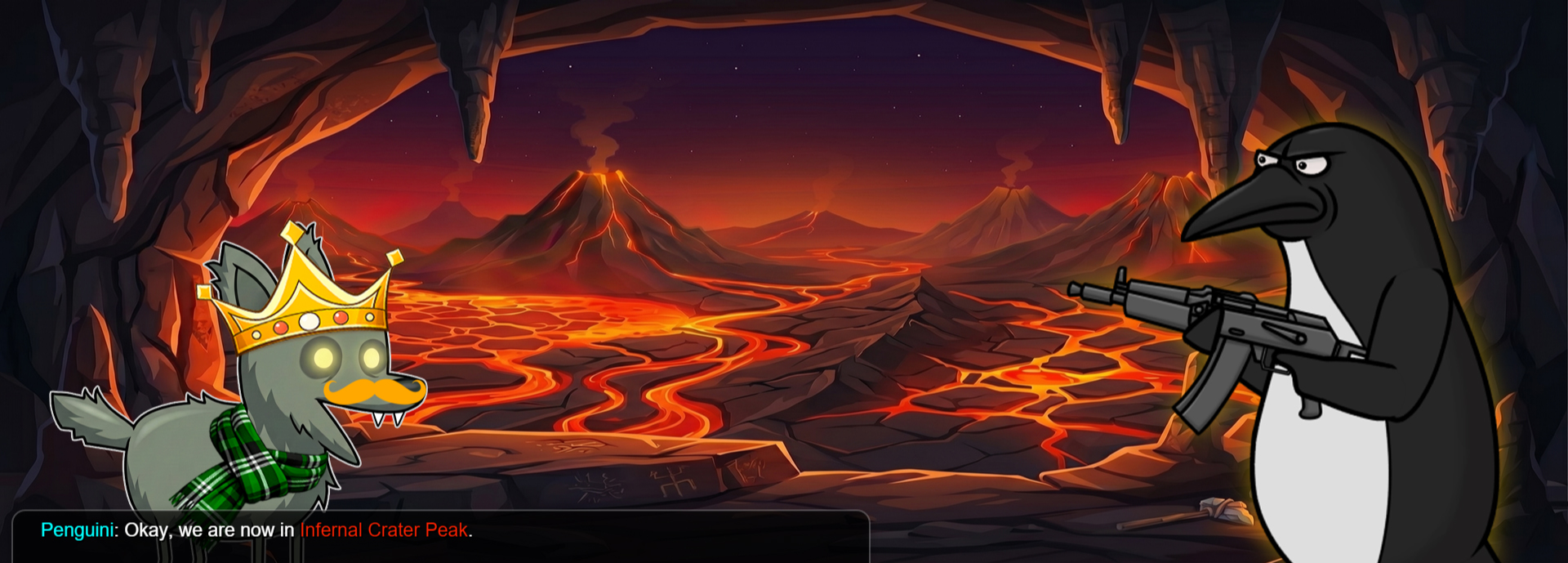
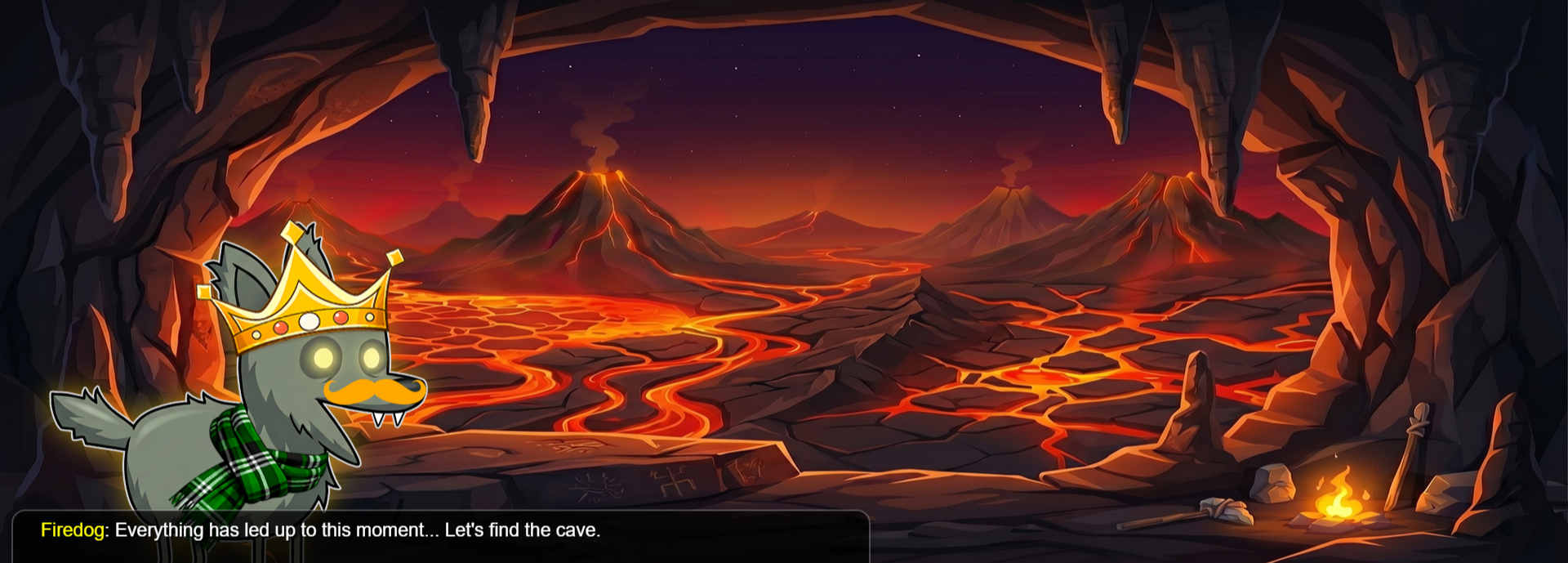
End Cutscene (3)
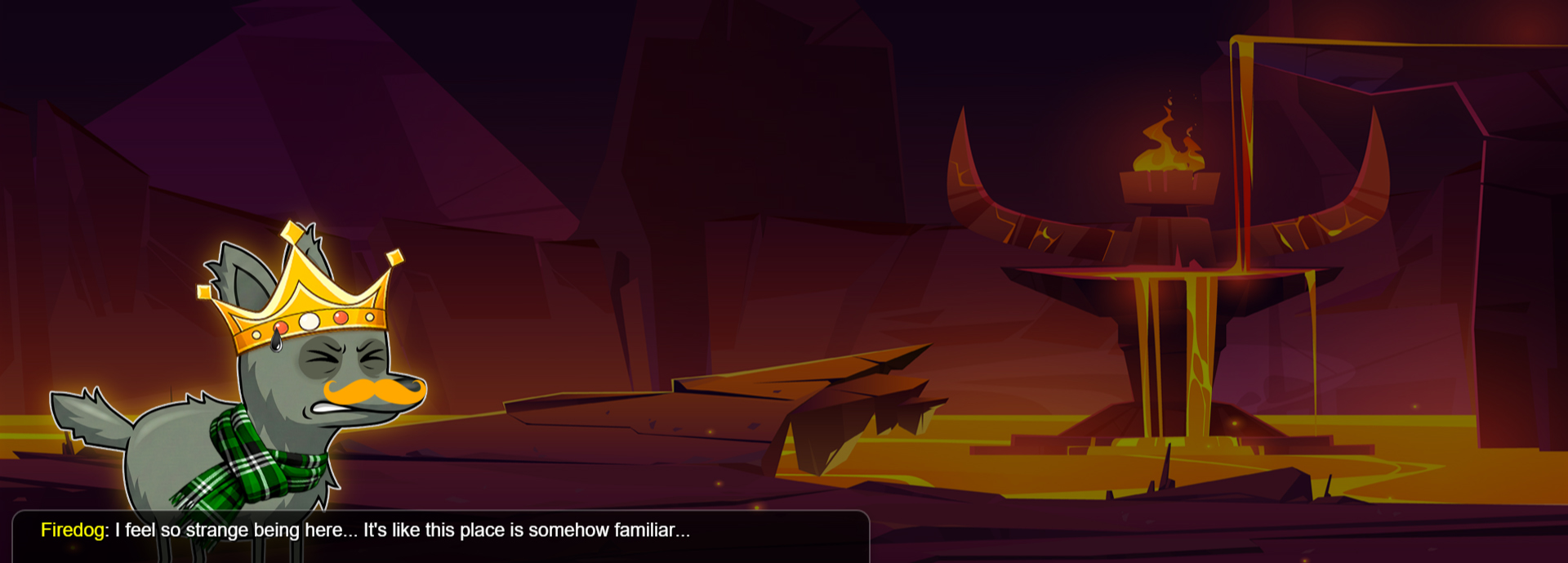
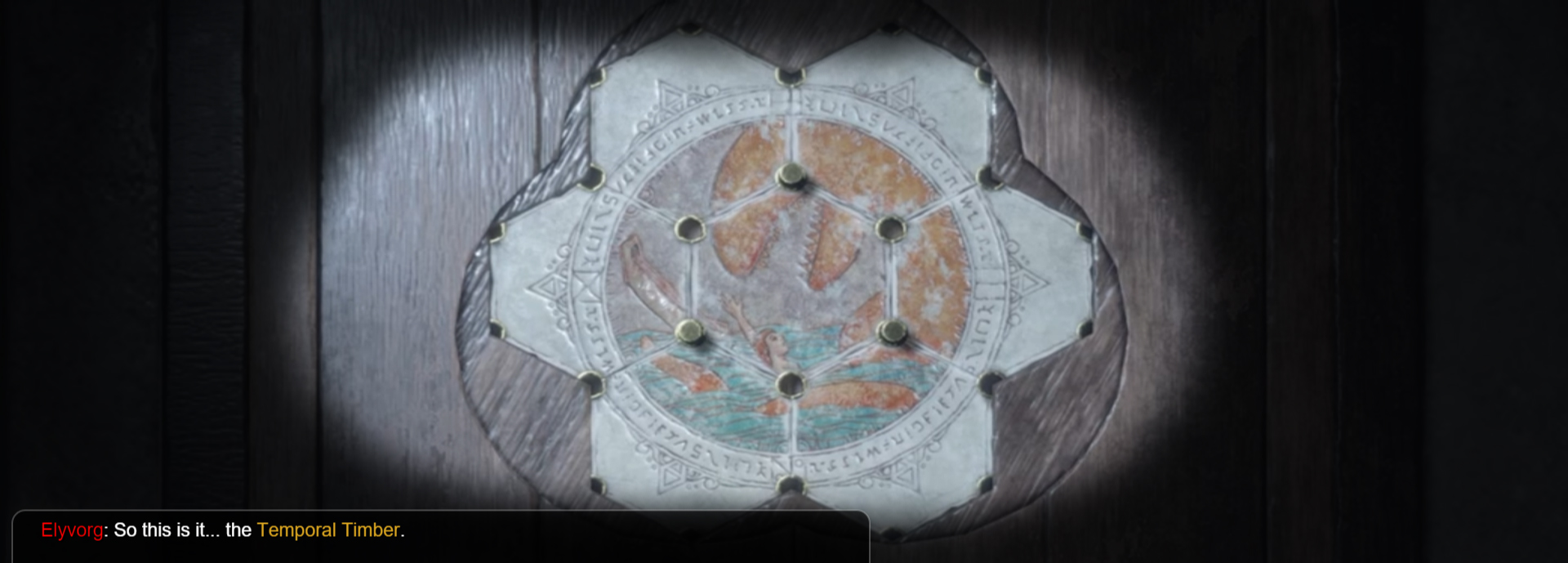
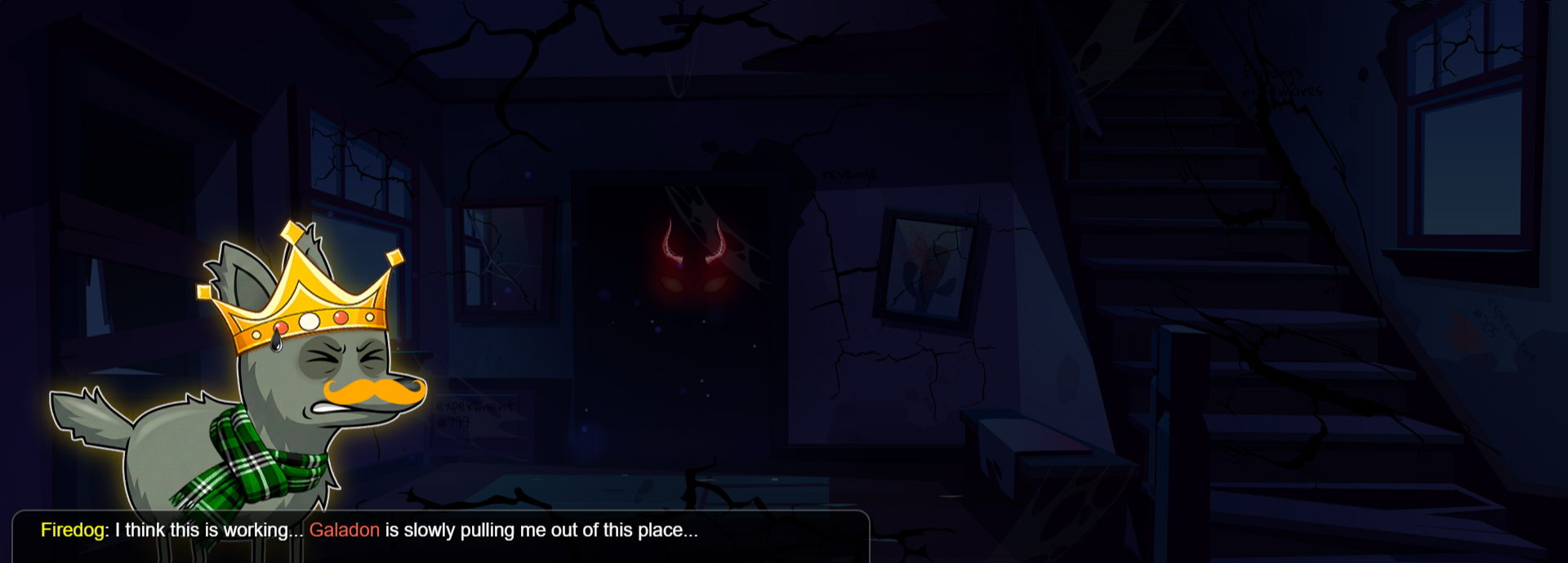
Bonus Map 1 (7)
-
Chapter (1)
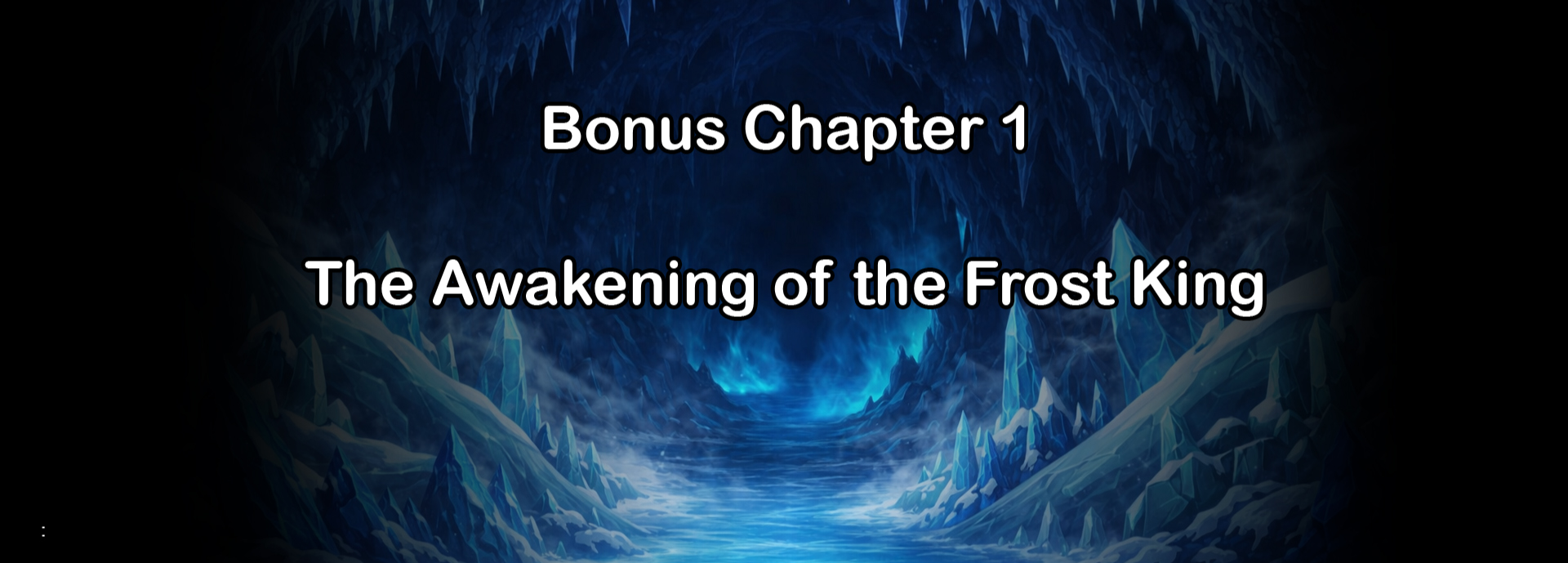
Start Cutscene (3)
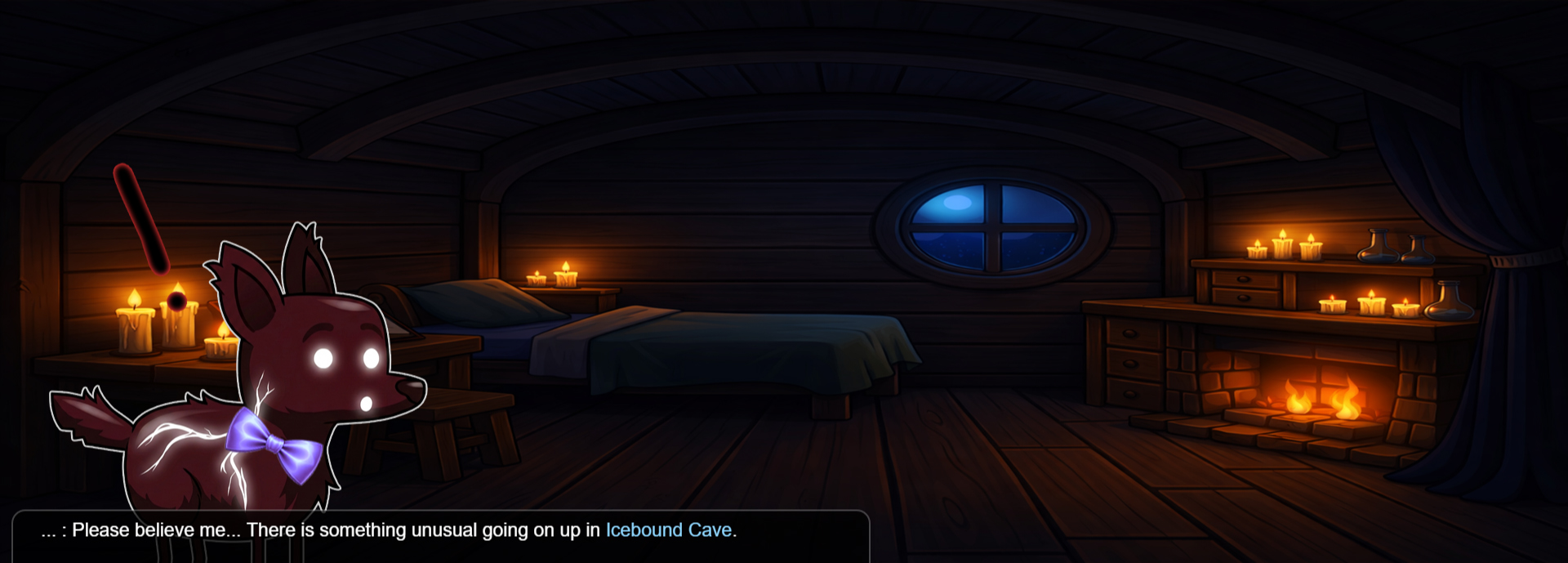
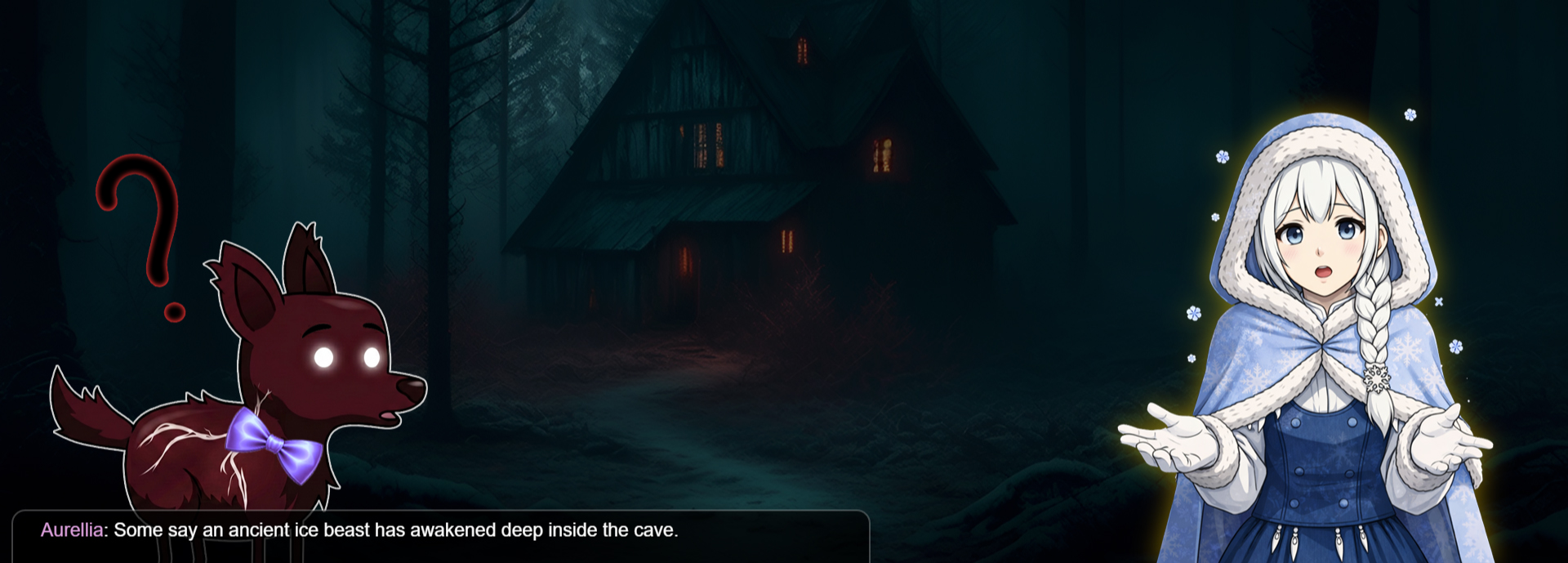
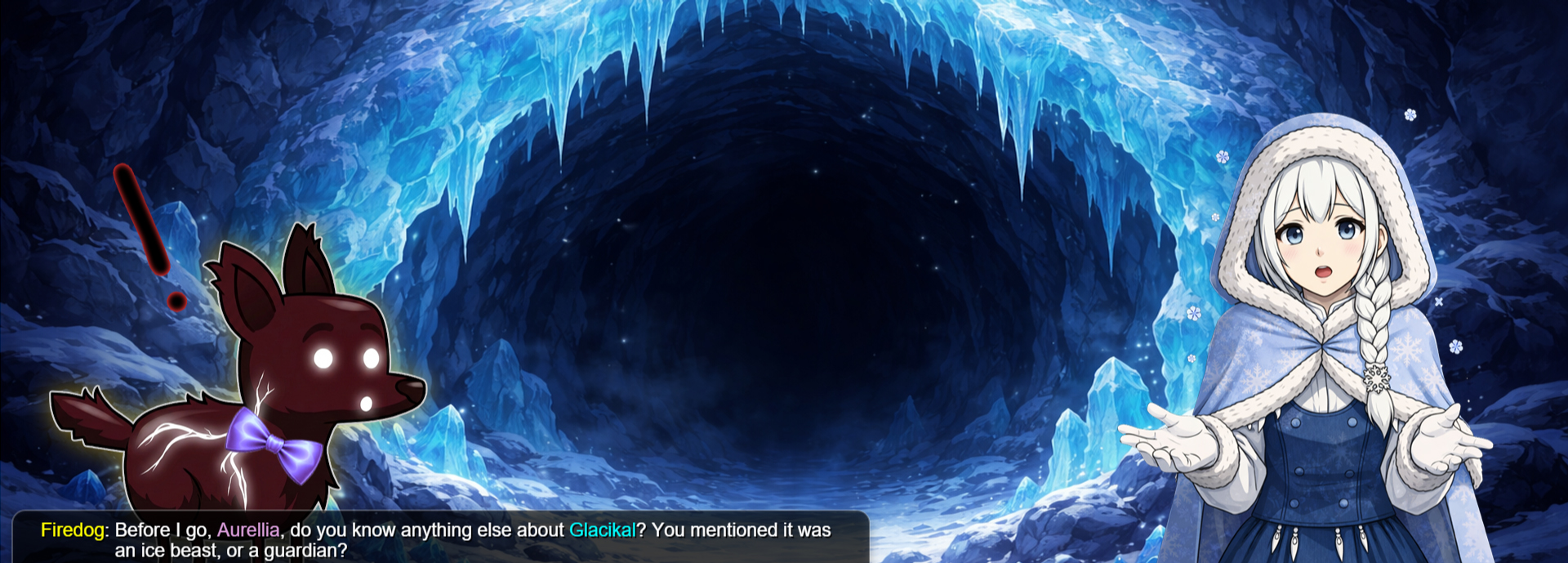
End Cutscene (3)
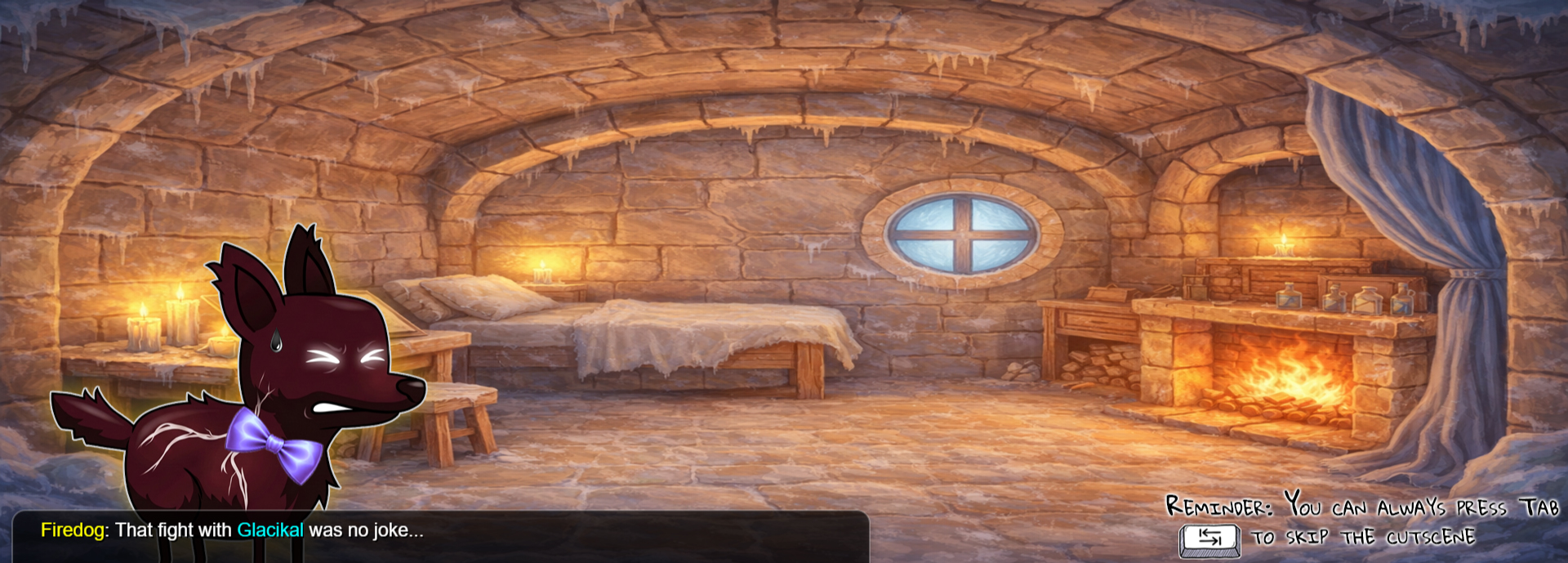
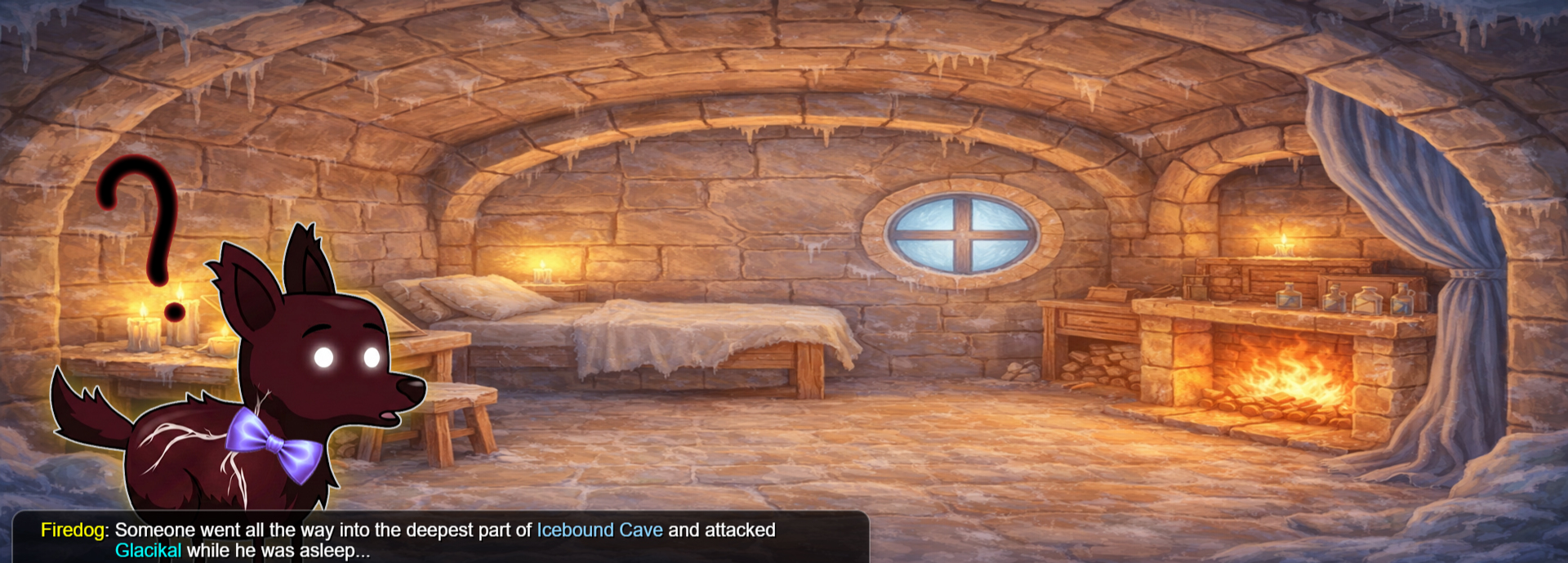
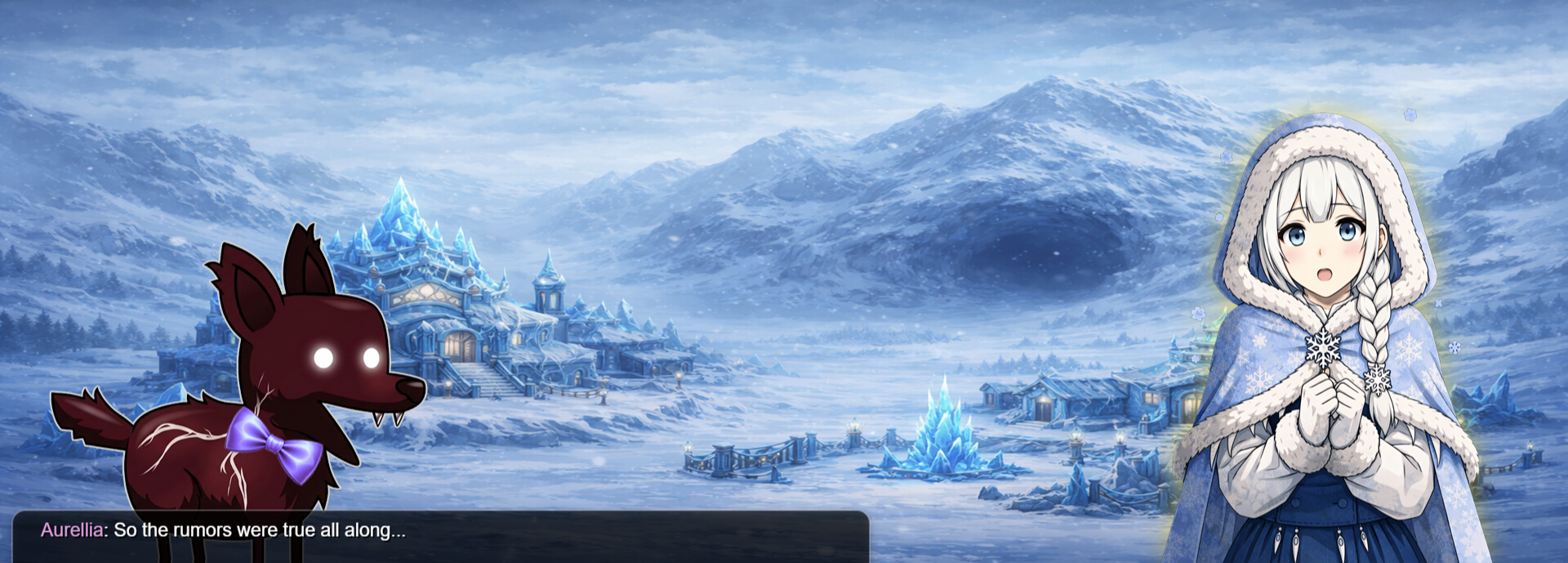
Bonus Map 2 (7)
-
Chapter (1)
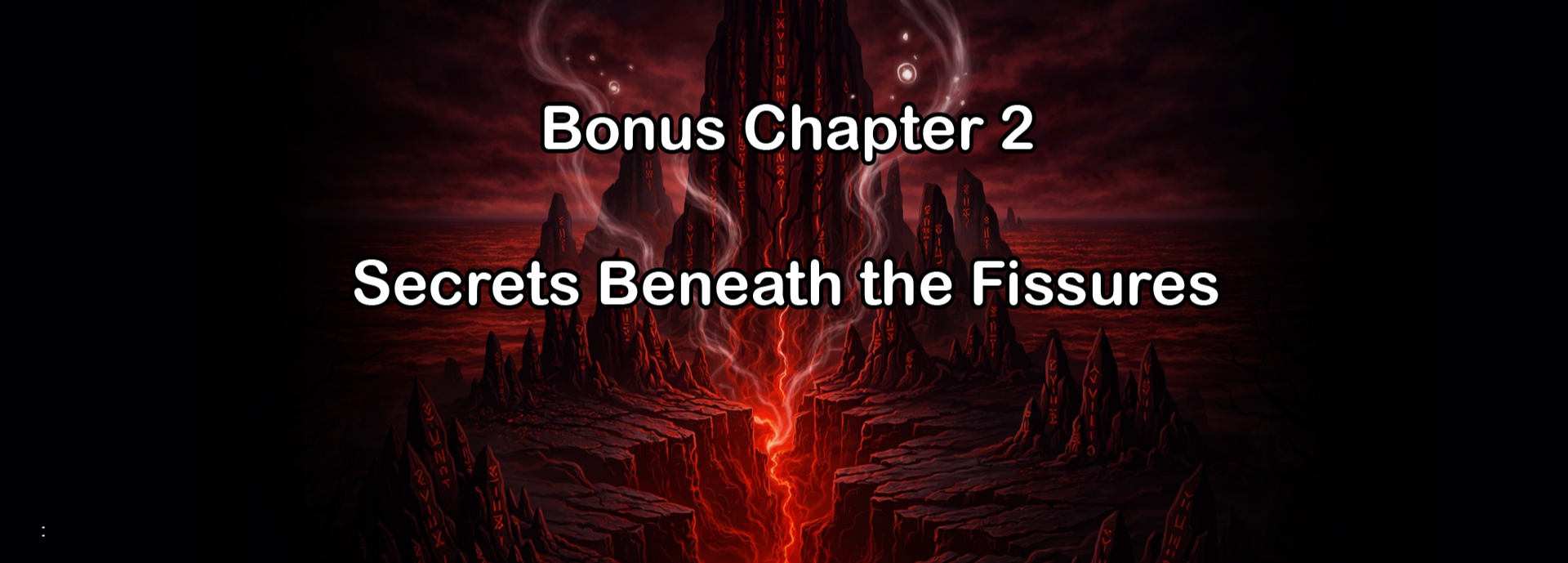
Start Cutscene (3)
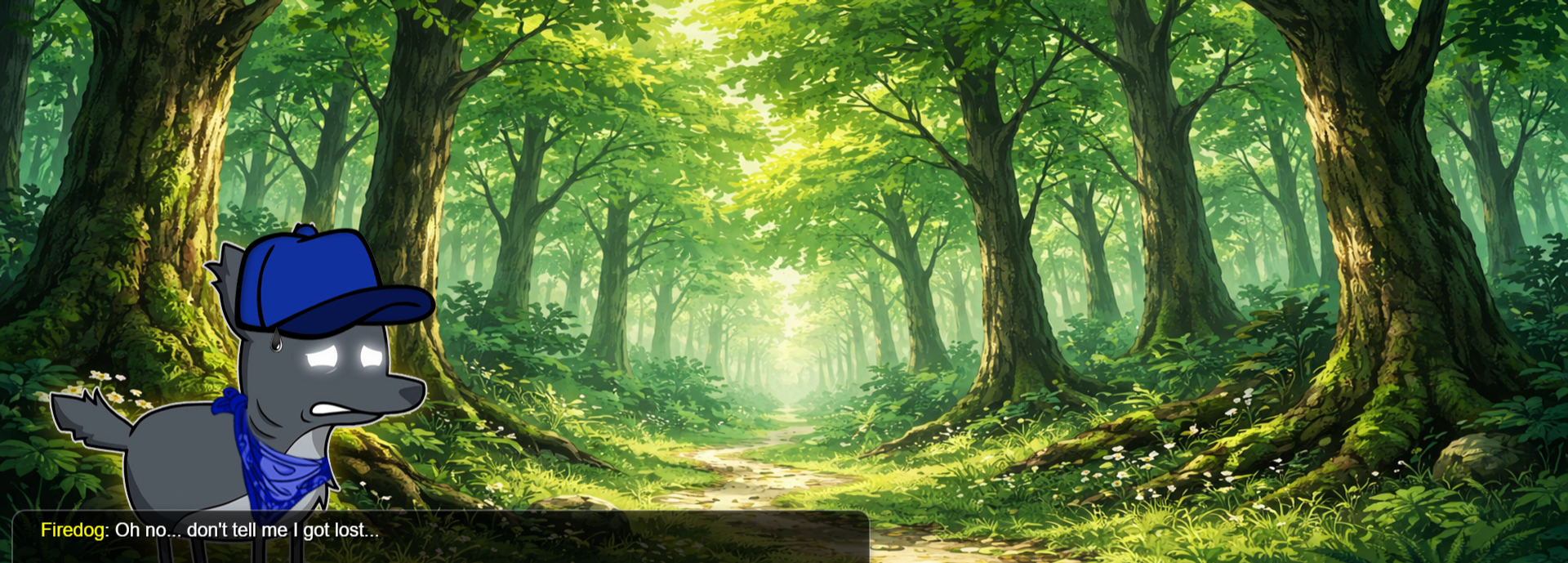
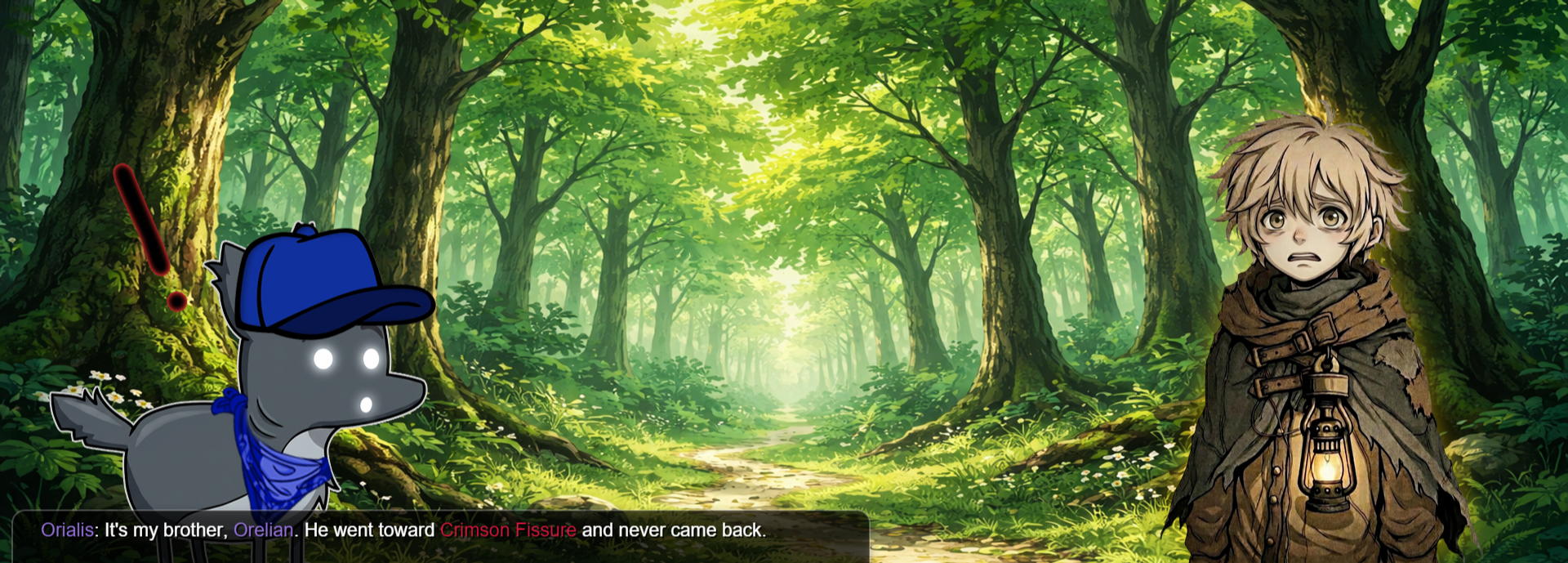
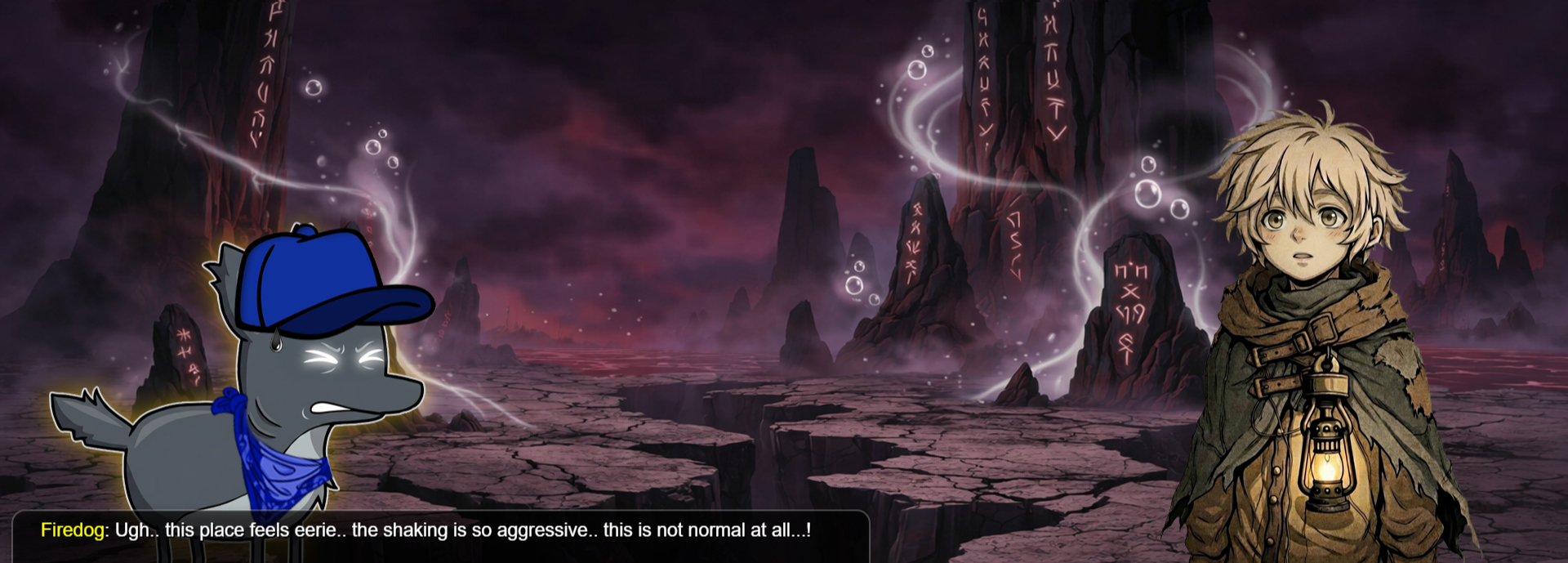
End Cutscene (3)
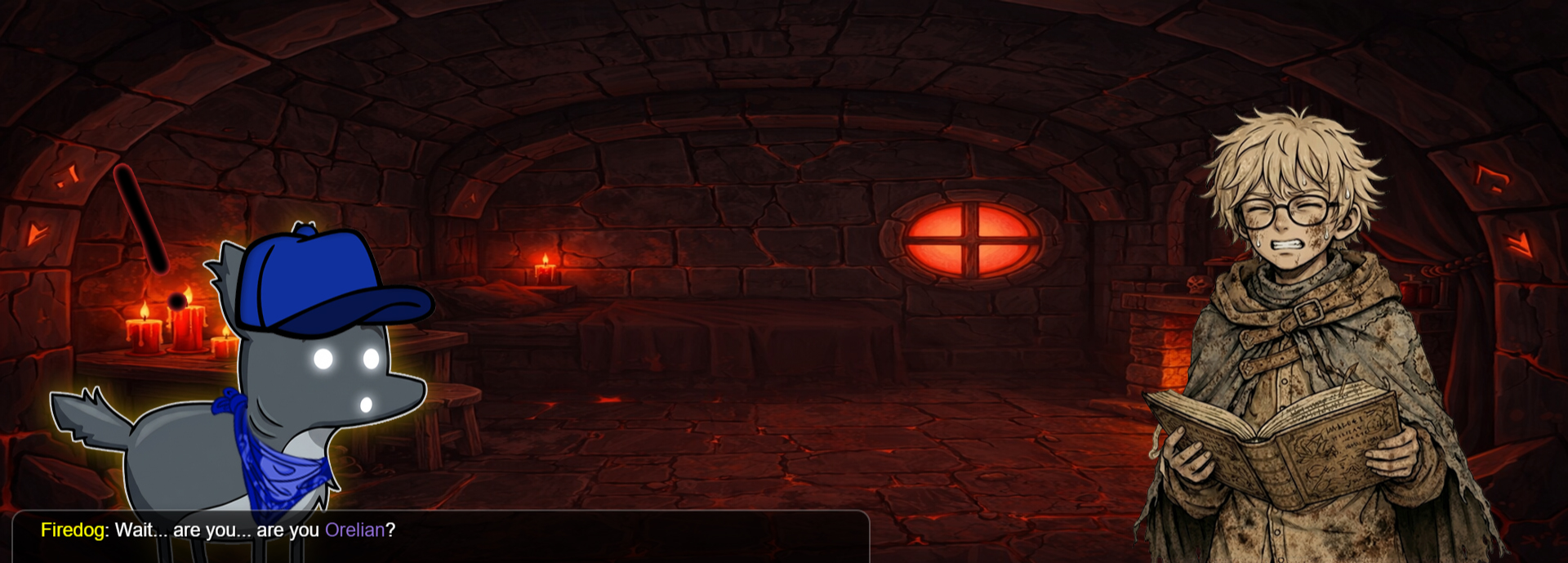
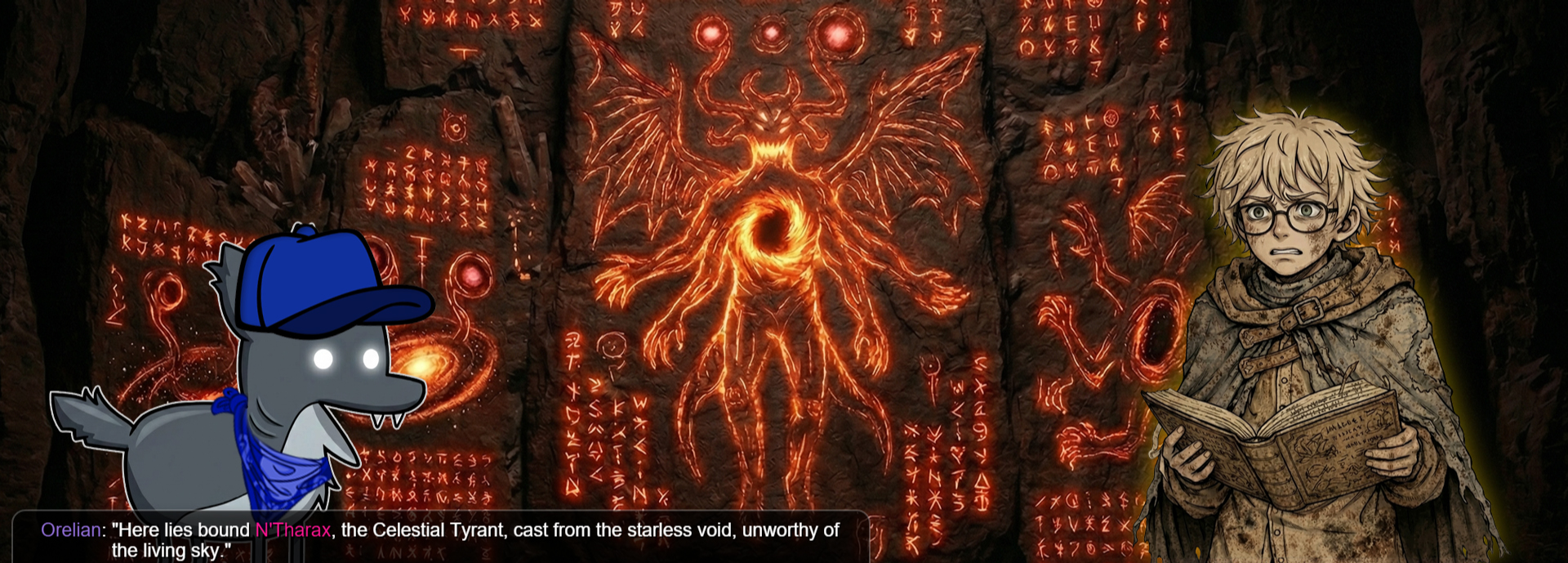
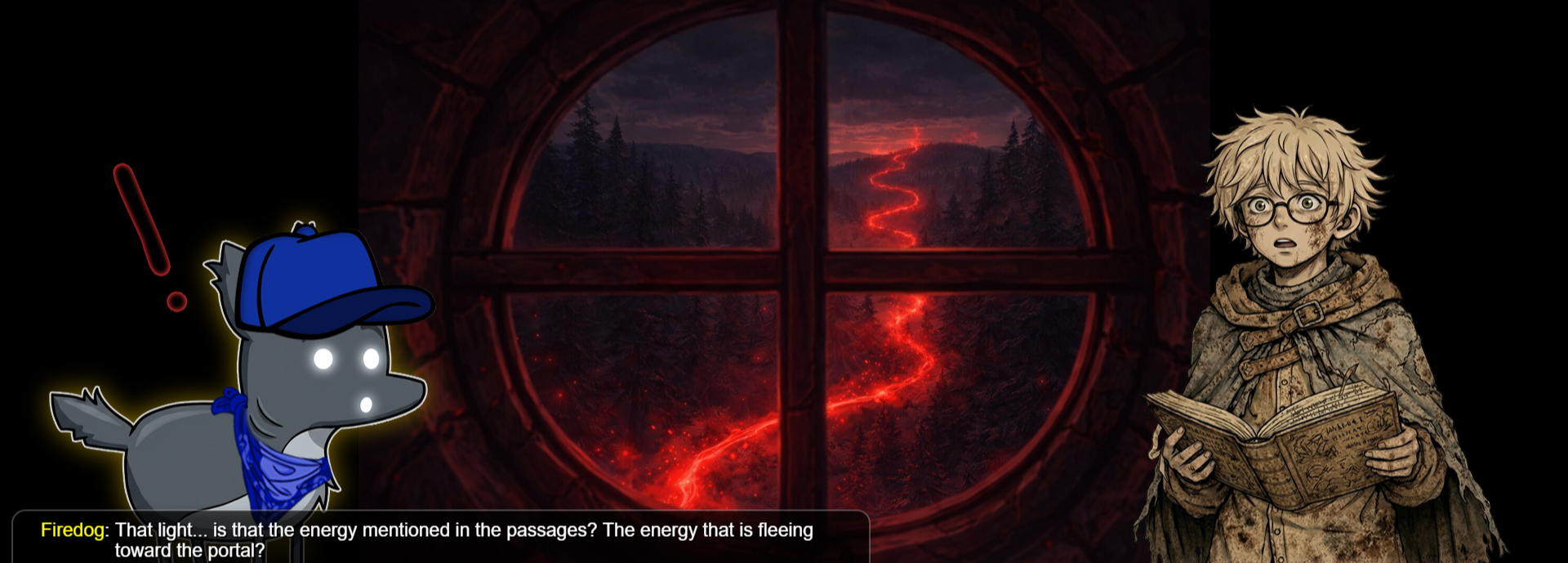
Bonus Map 3 (7)
-
Chapter (1)
Start Cutscene (3)
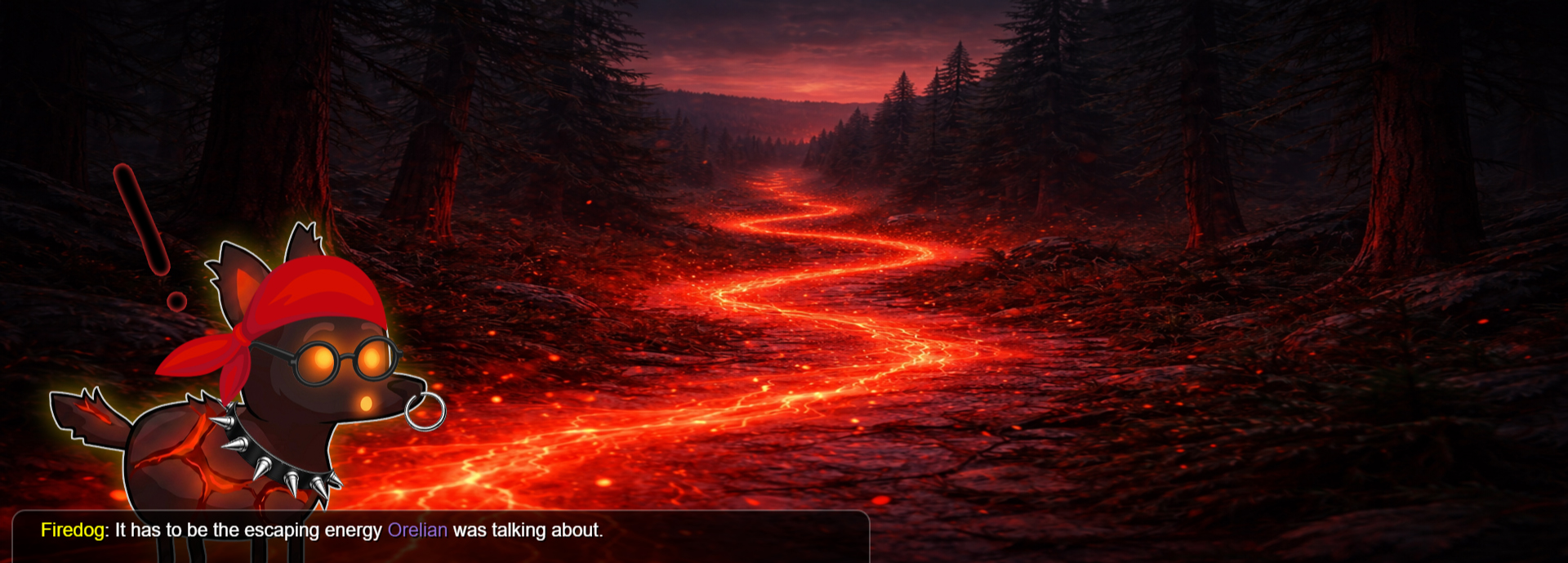
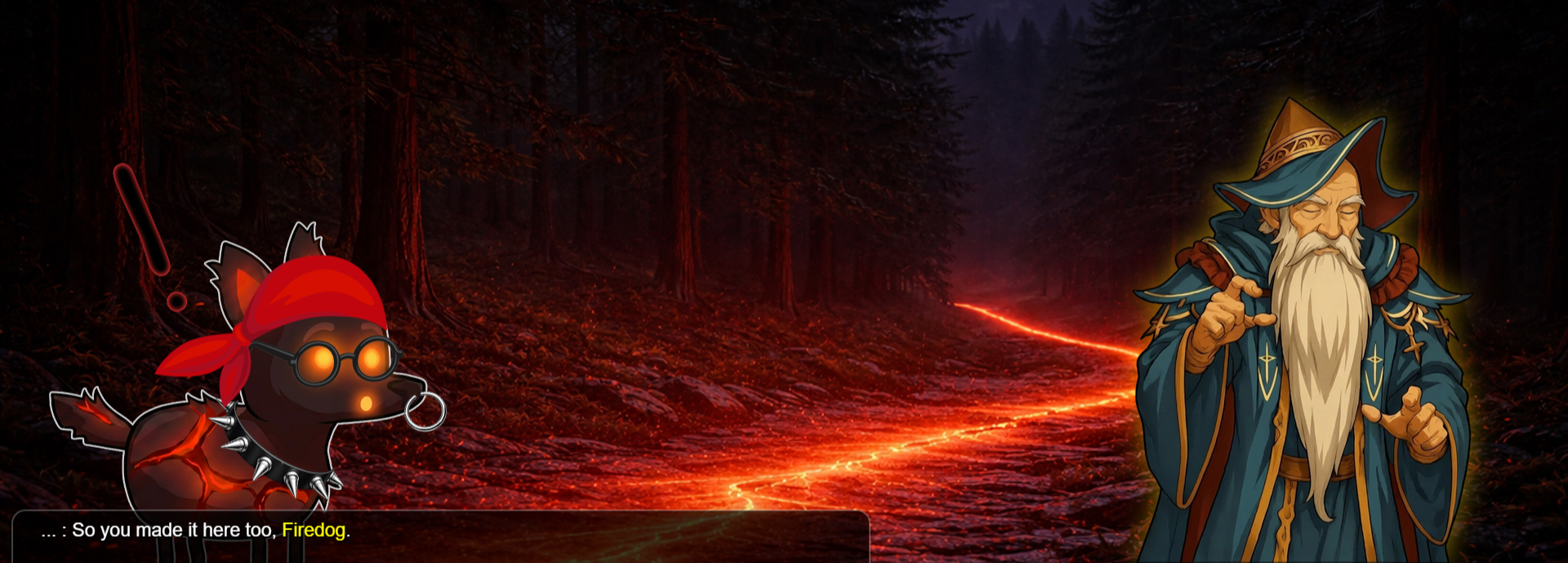
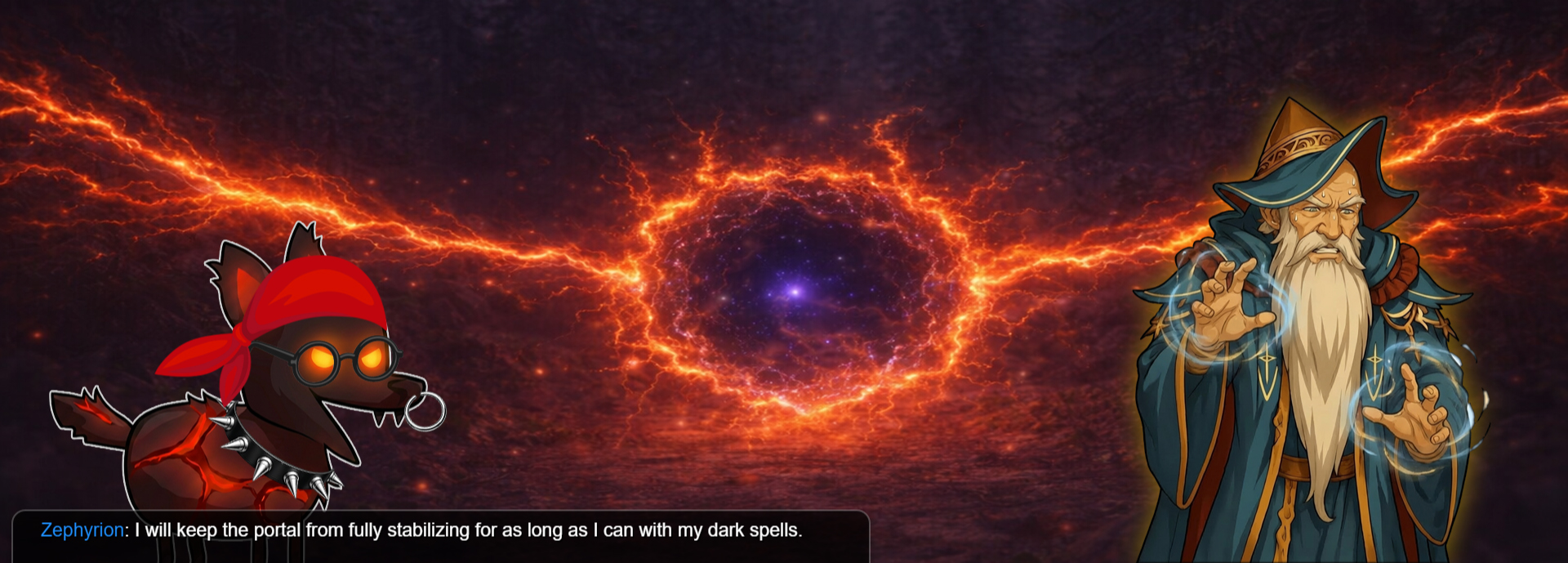
End Cutscene (3)
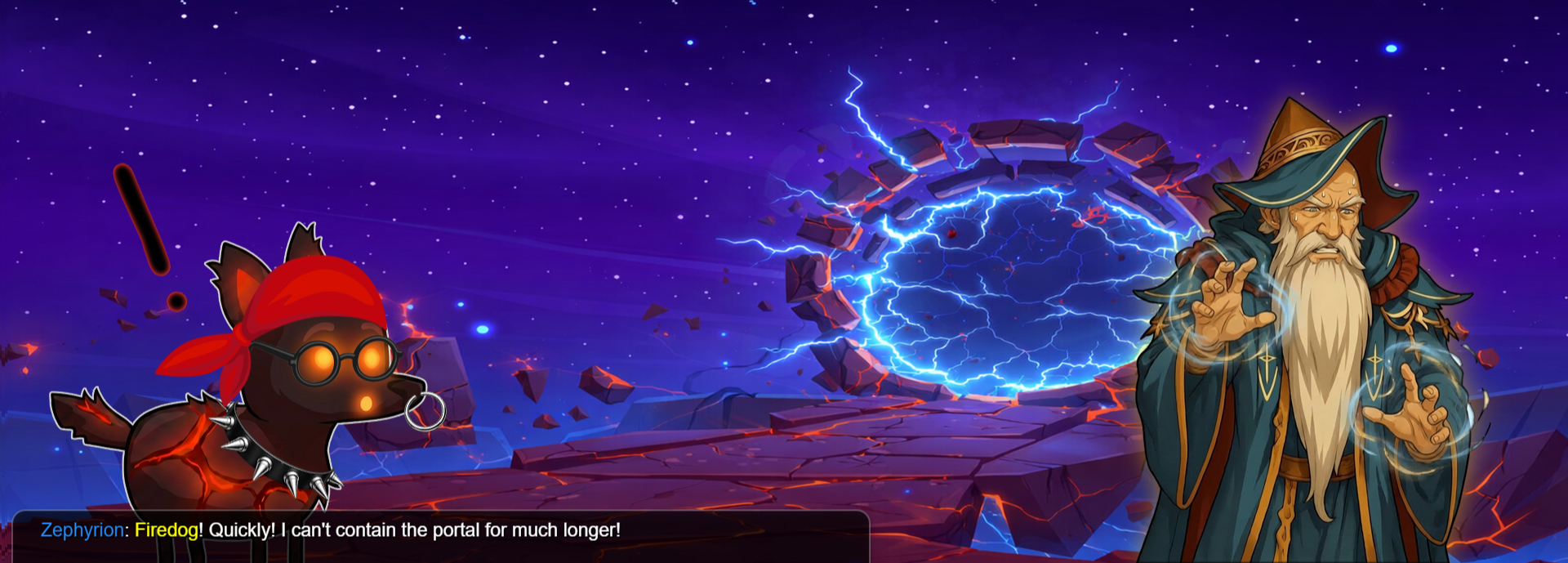
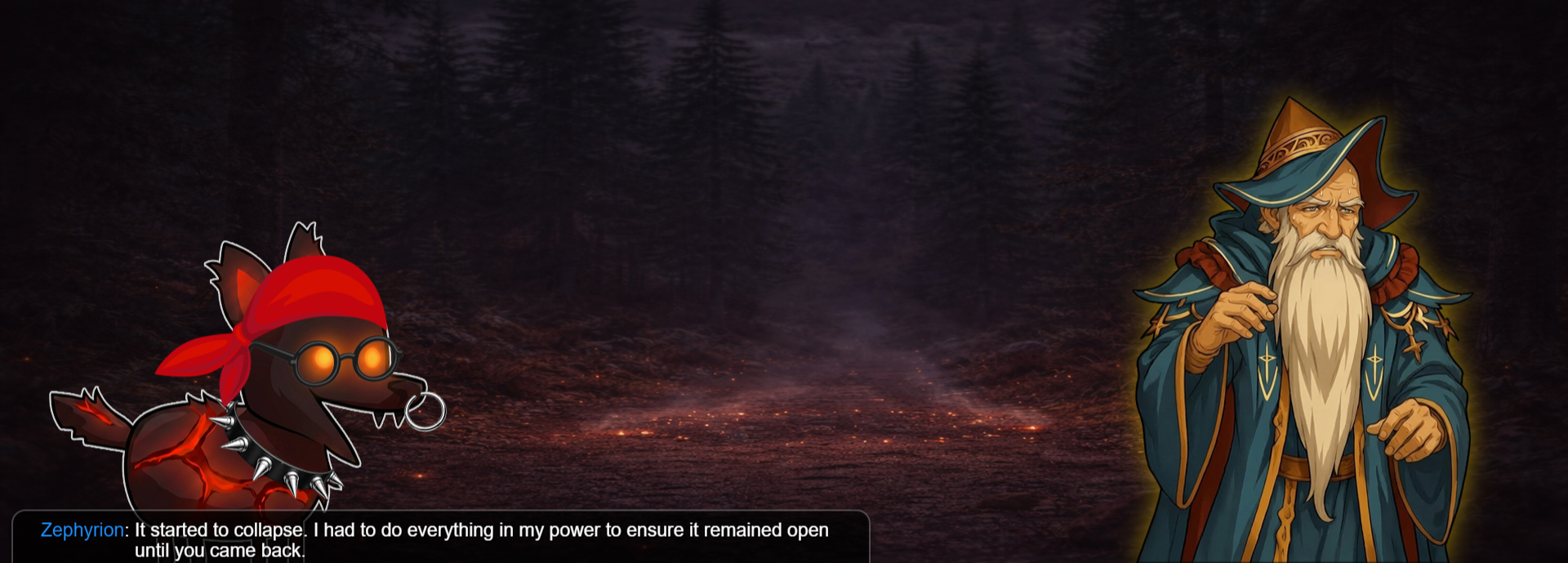
-
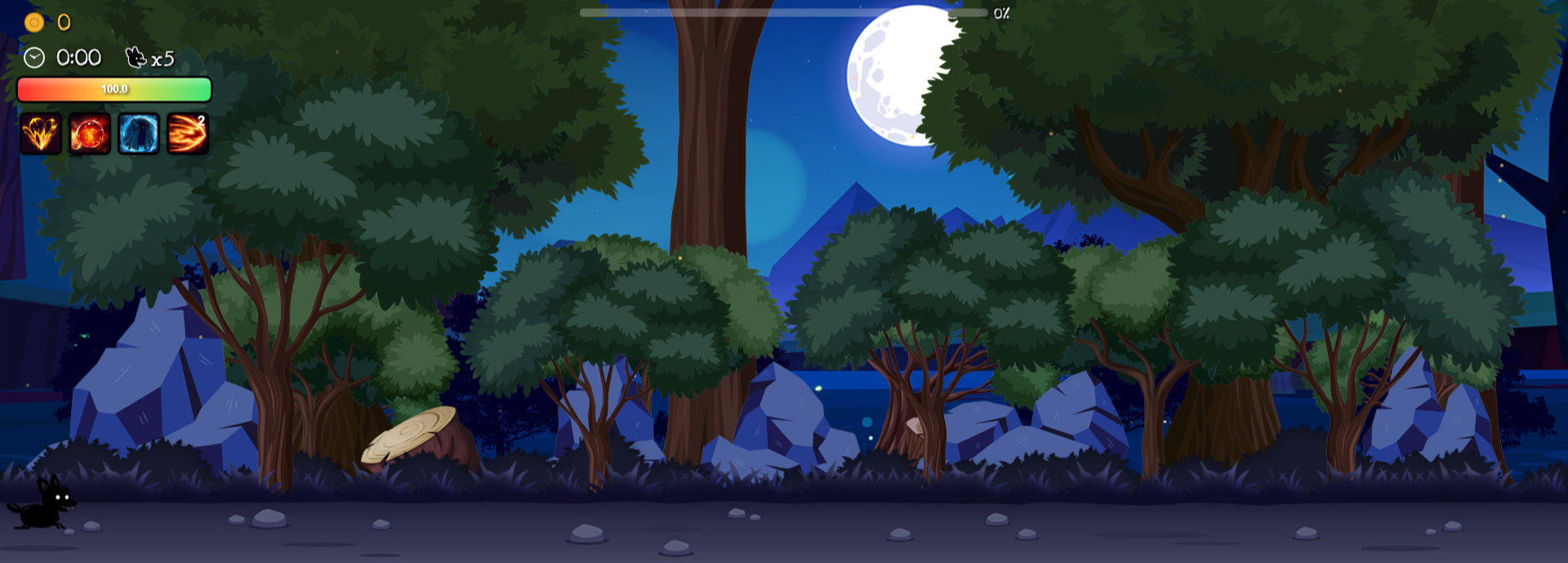
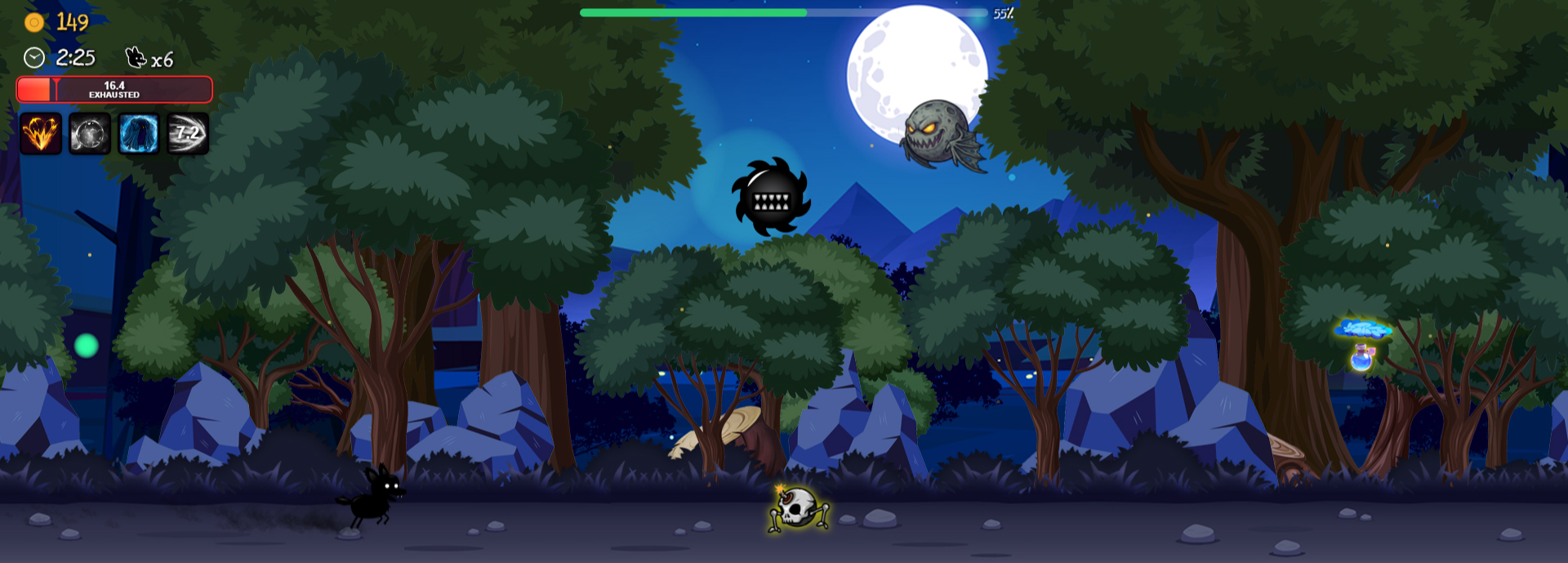
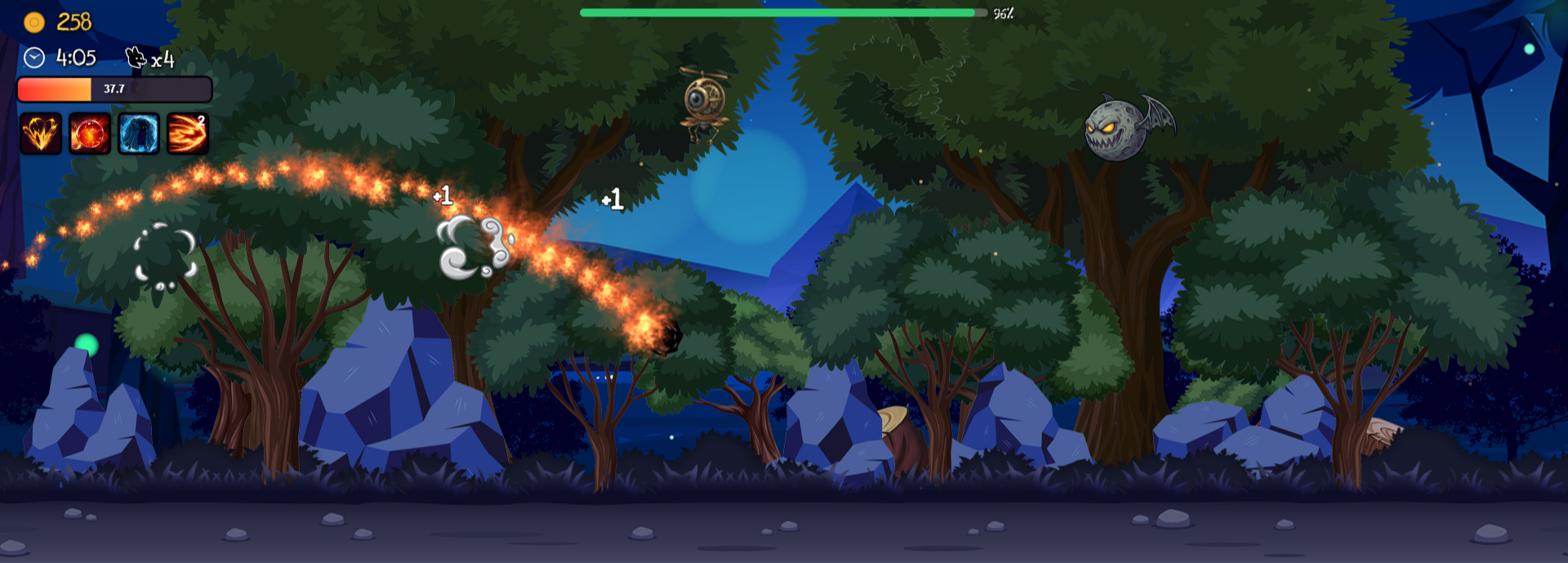
Maps (40)
-
Map 1 (4)
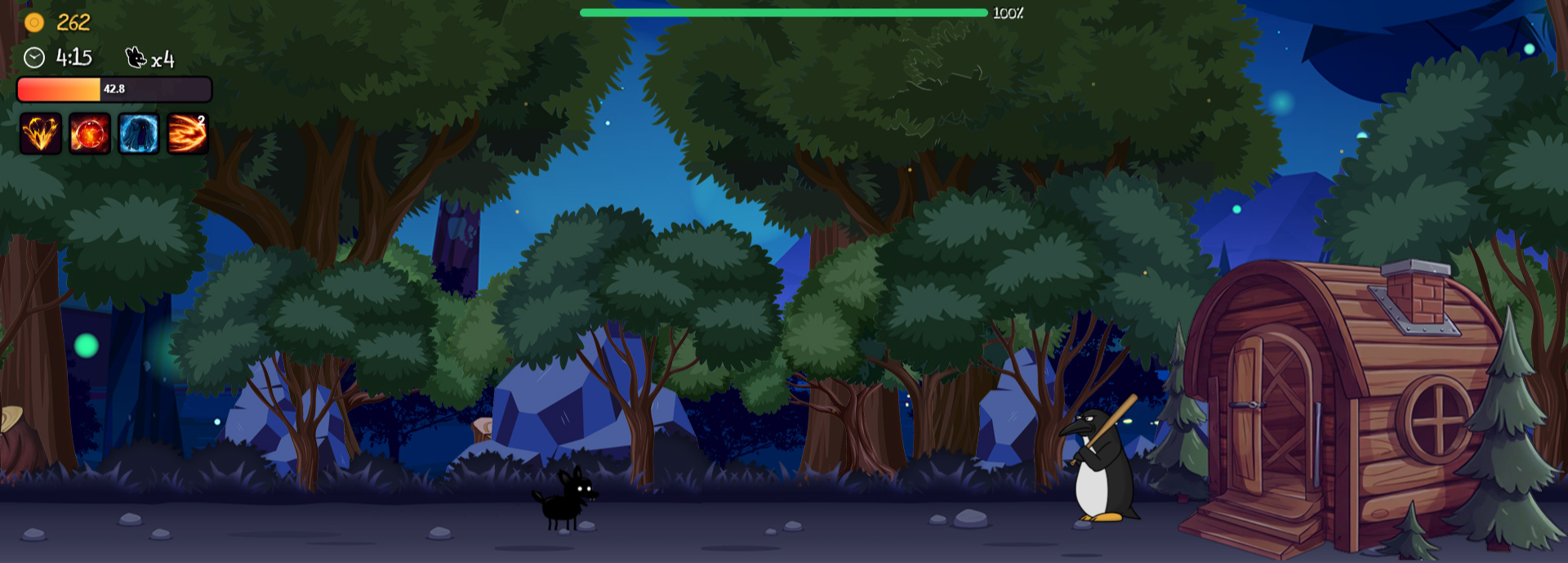
Map 2 (4)
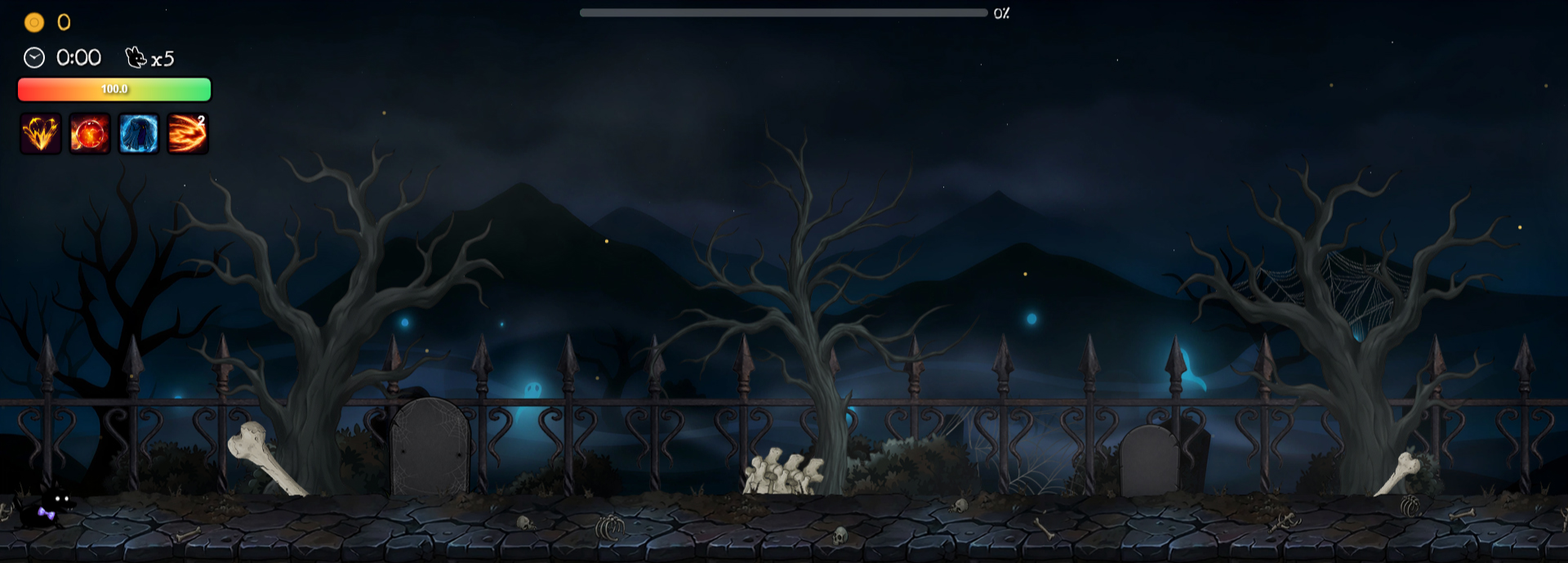
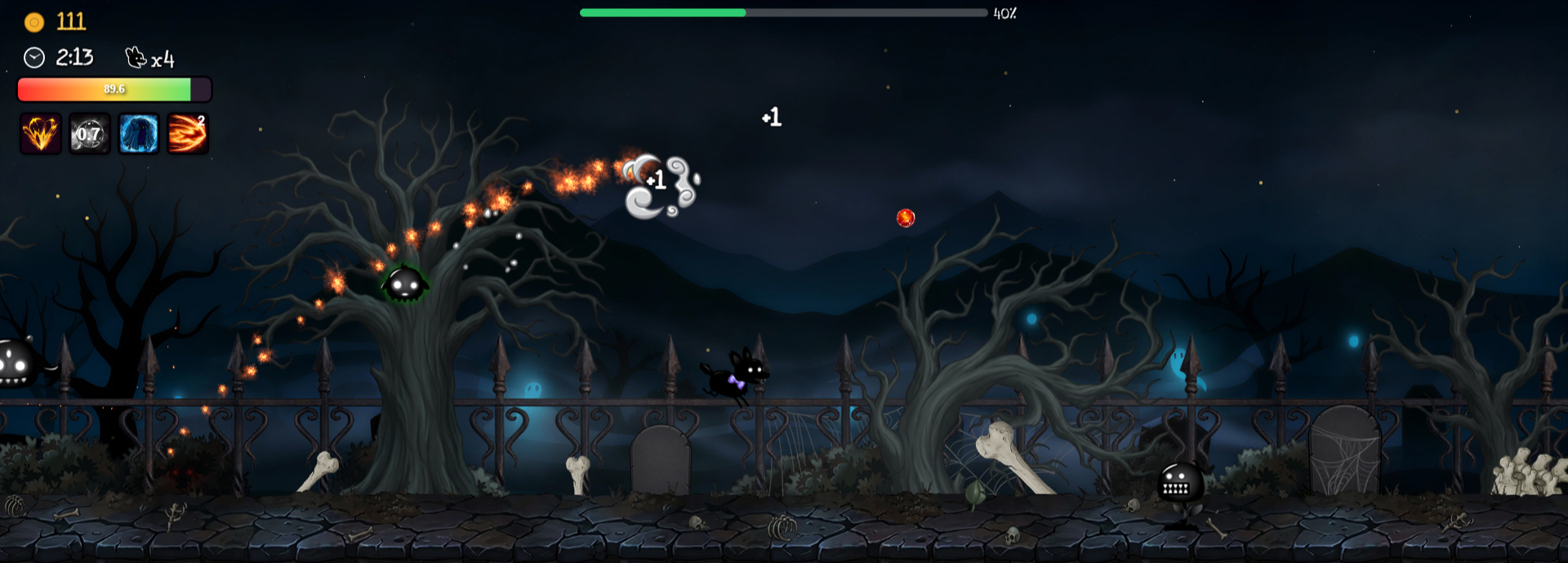
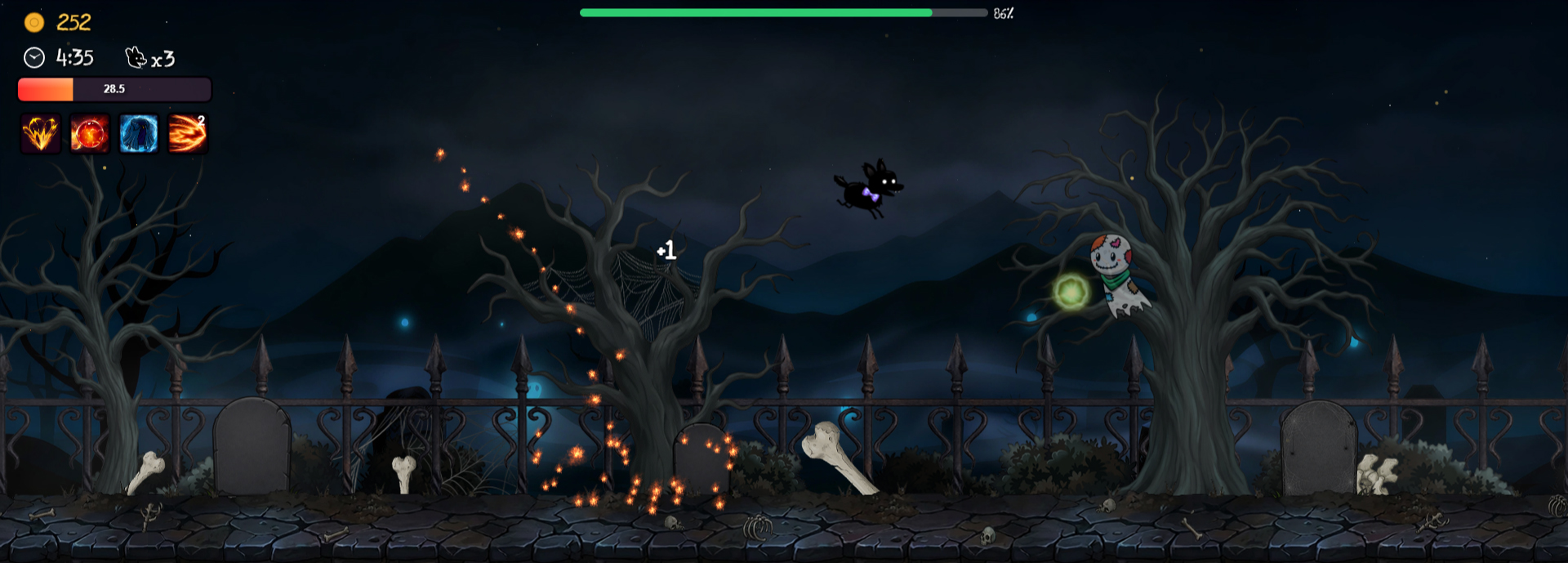
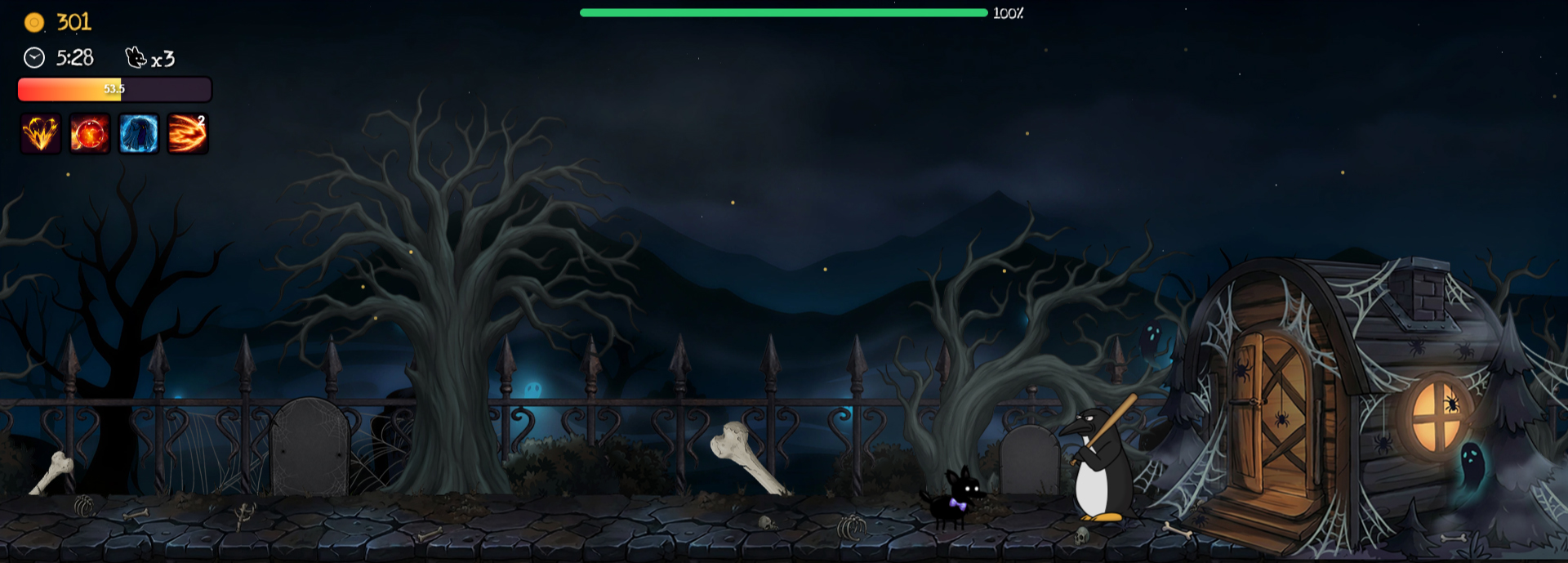
Map 3 (4)
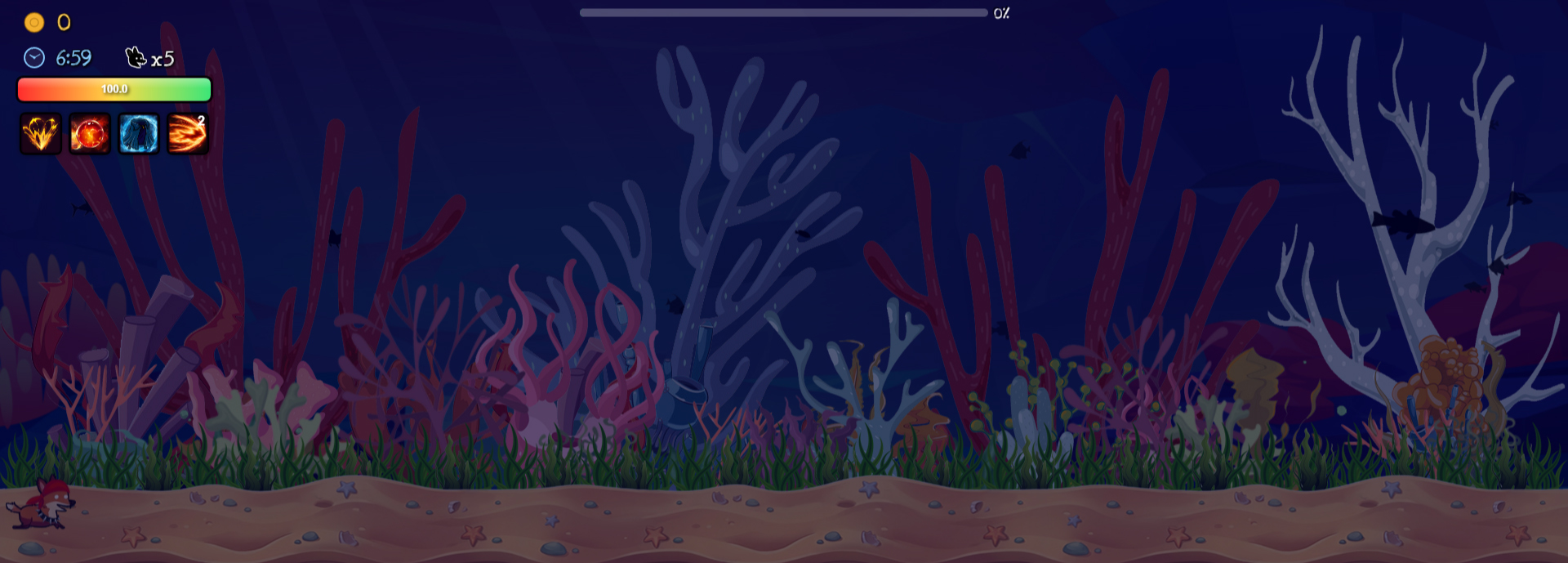
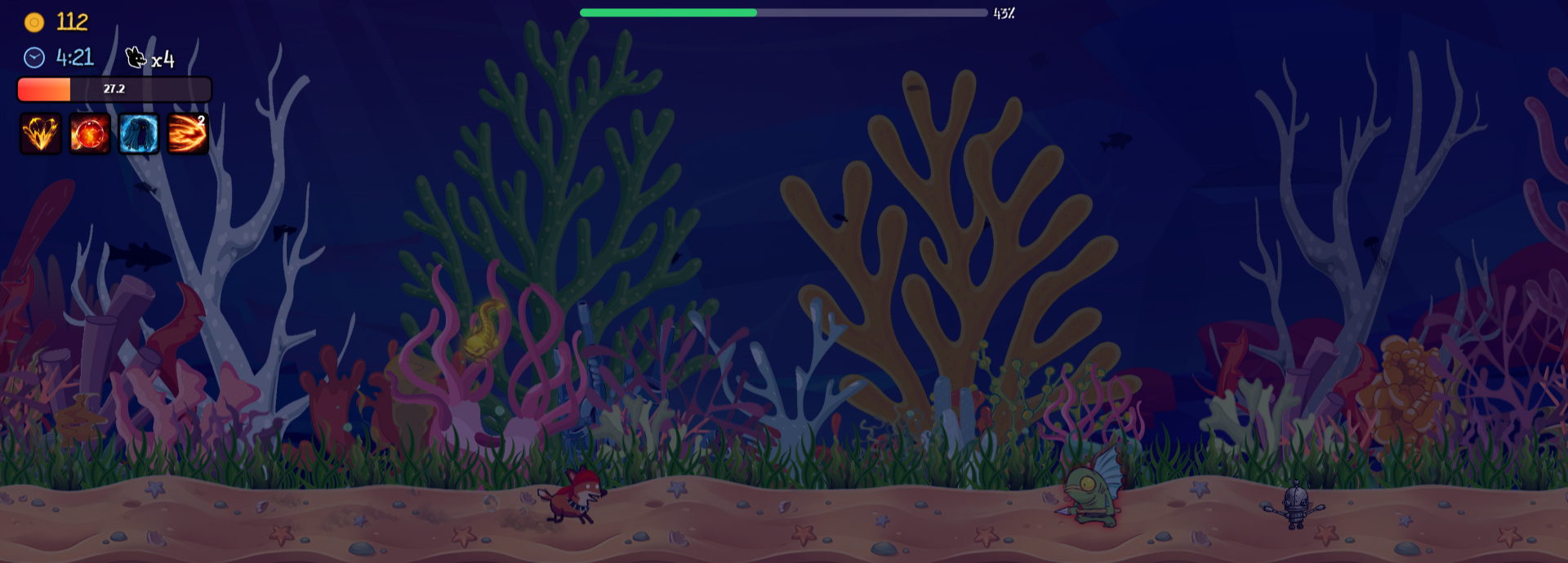
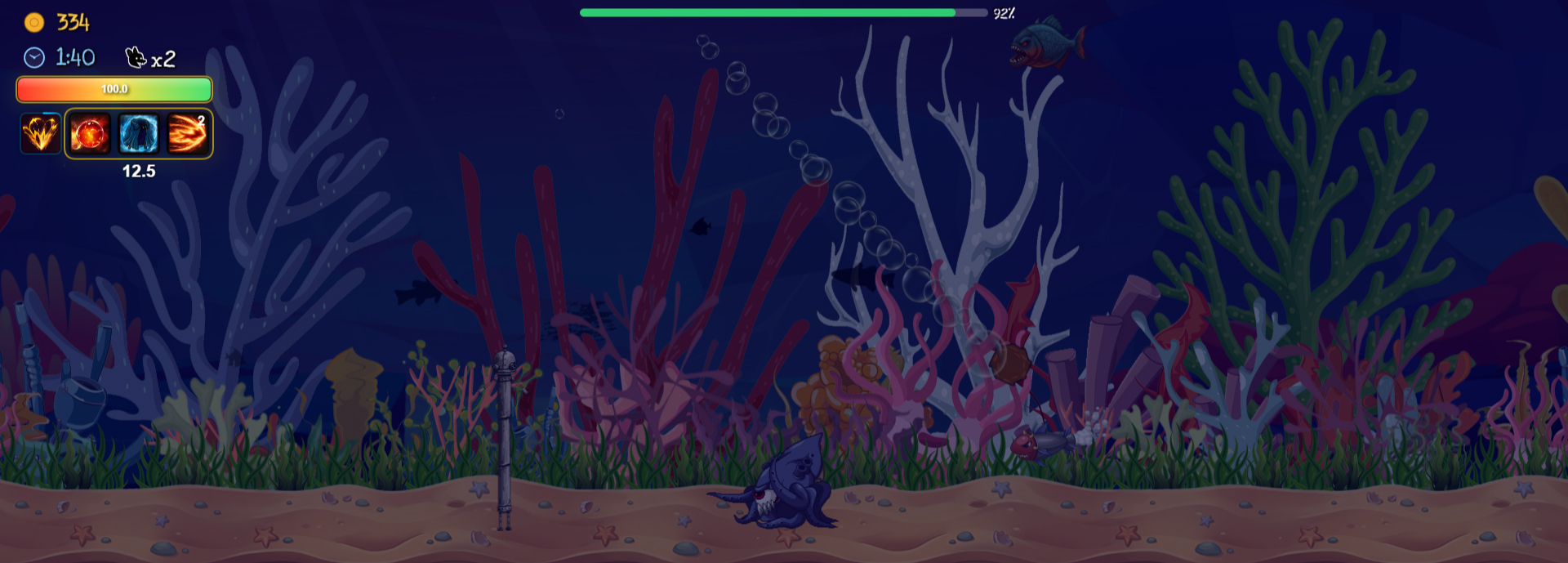
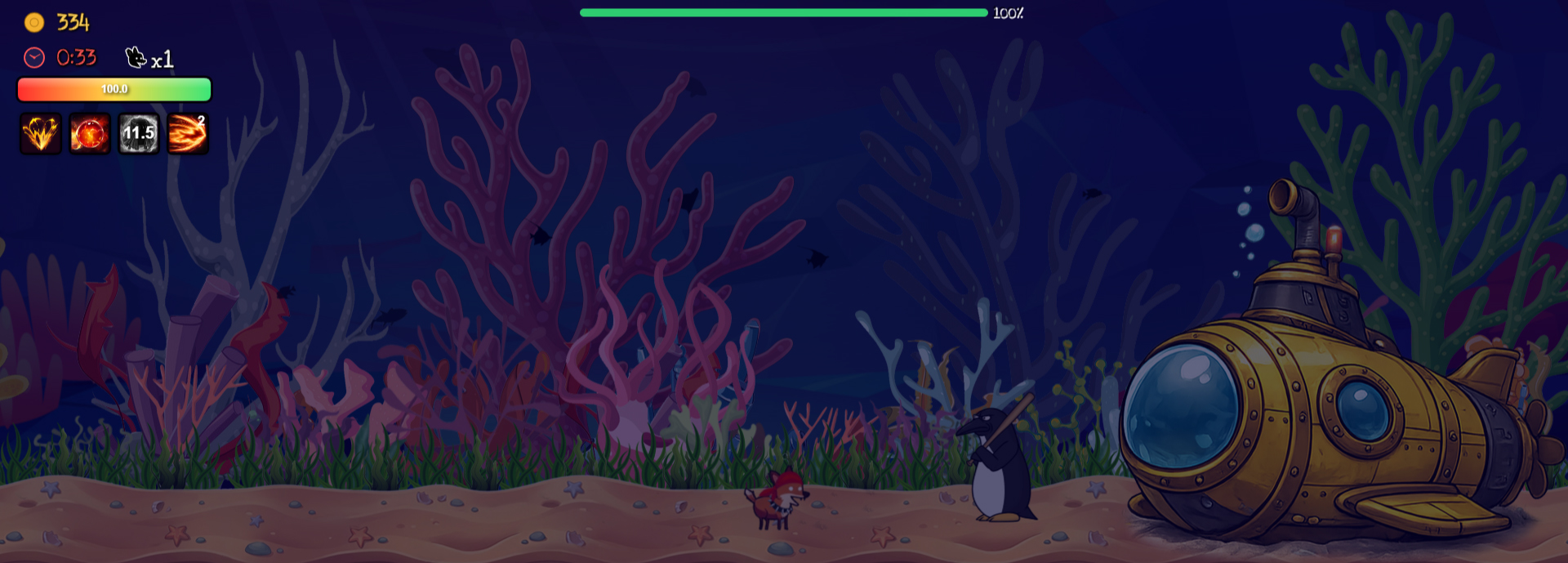
Map 4 (4)
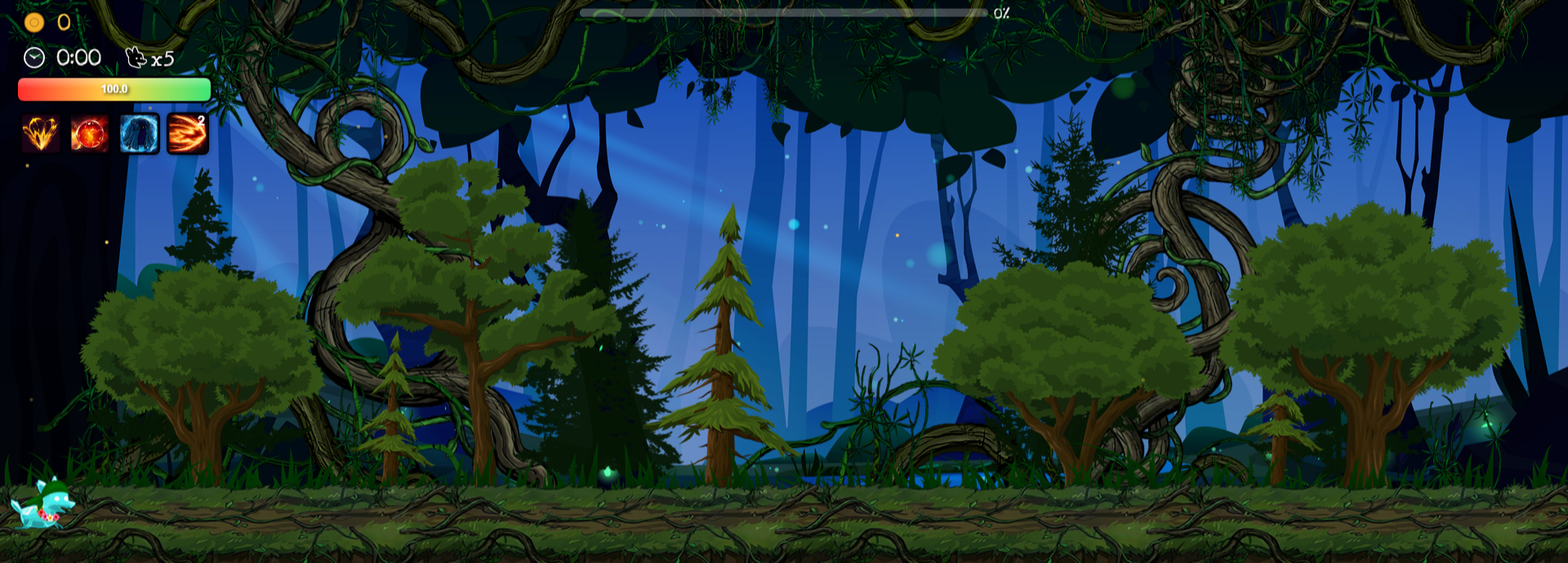
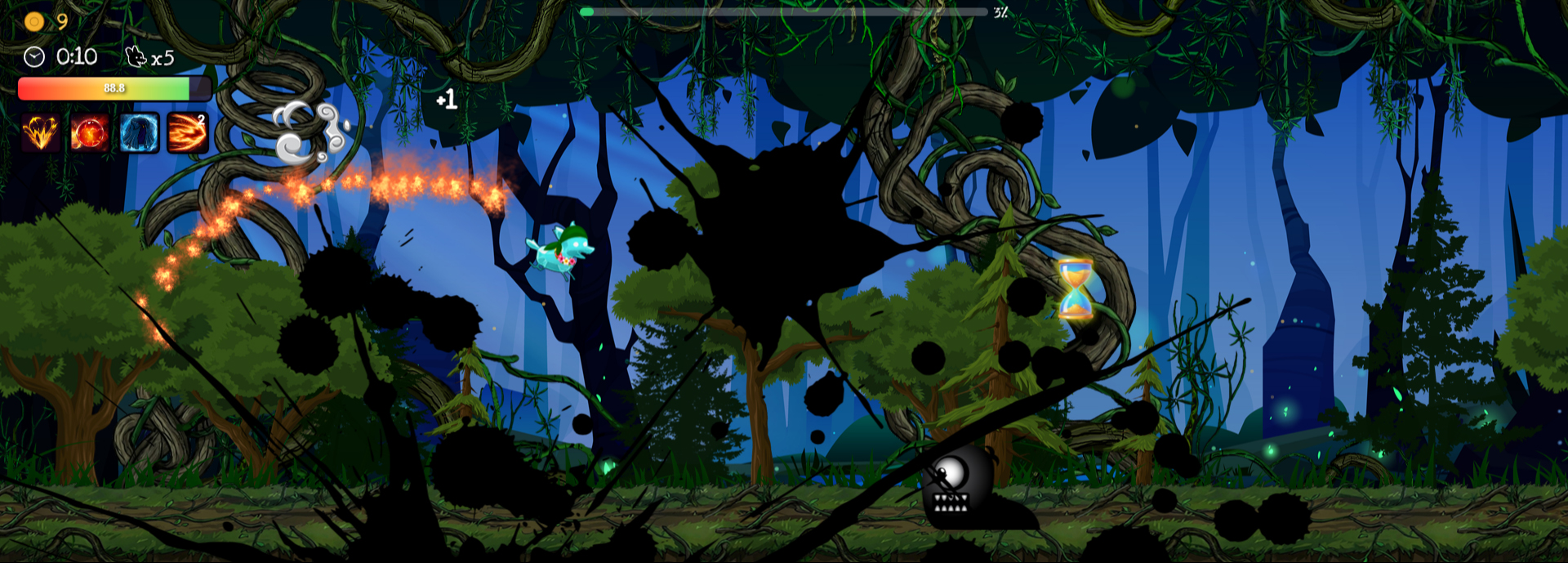
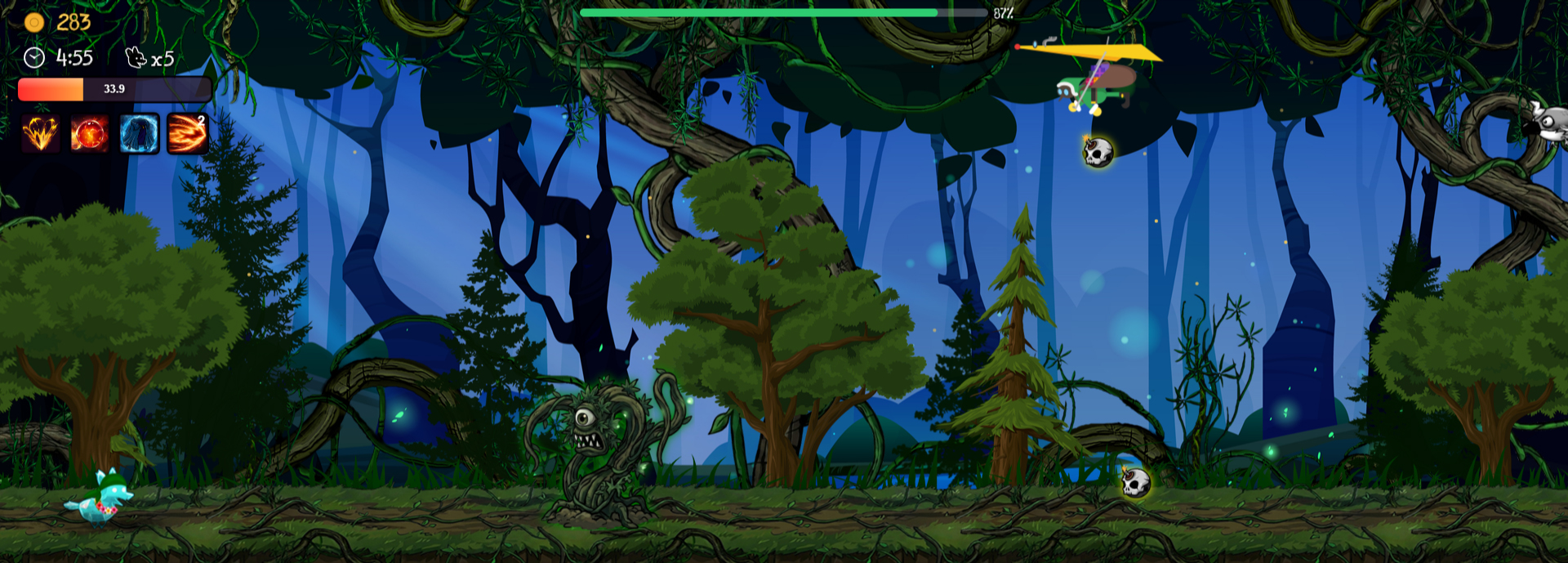
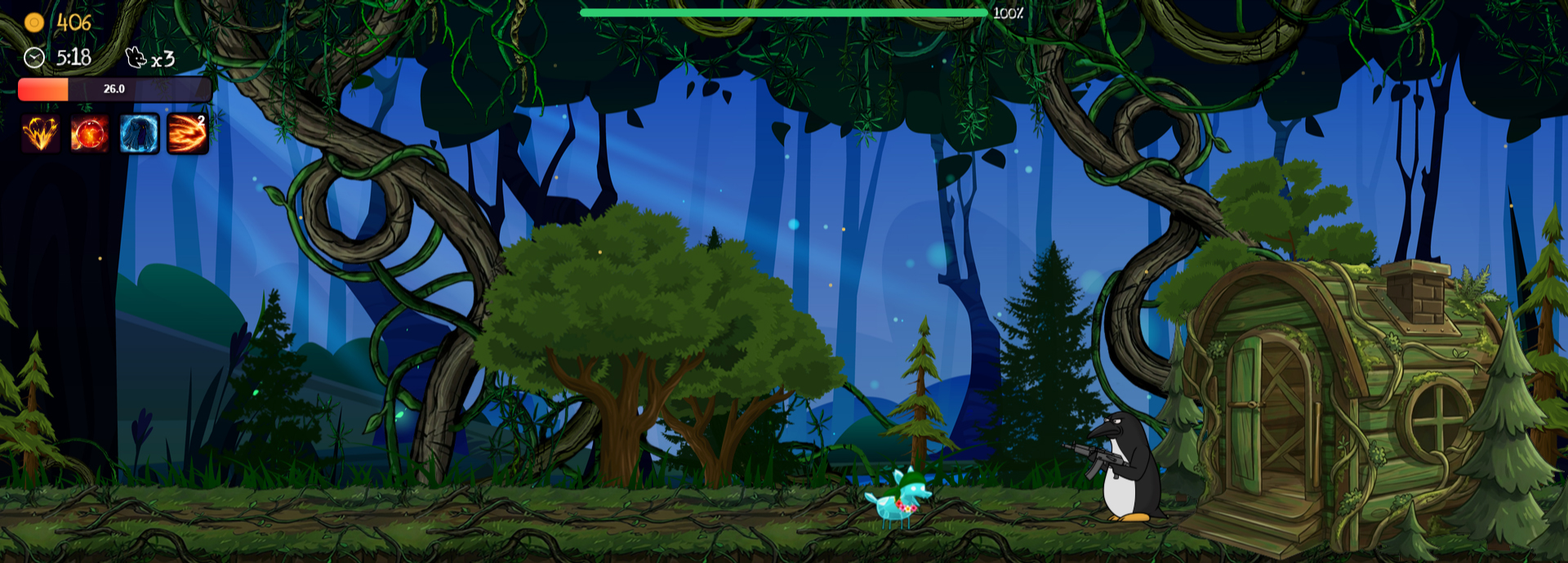
Map 5 (4)
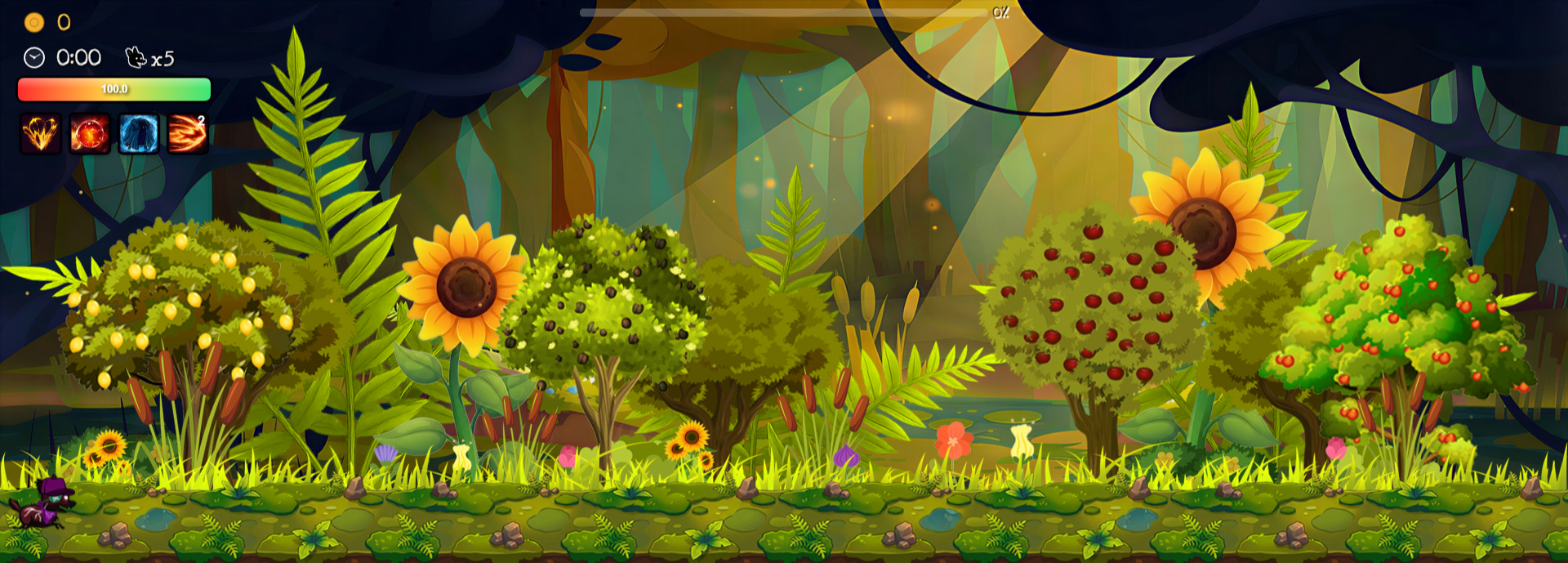
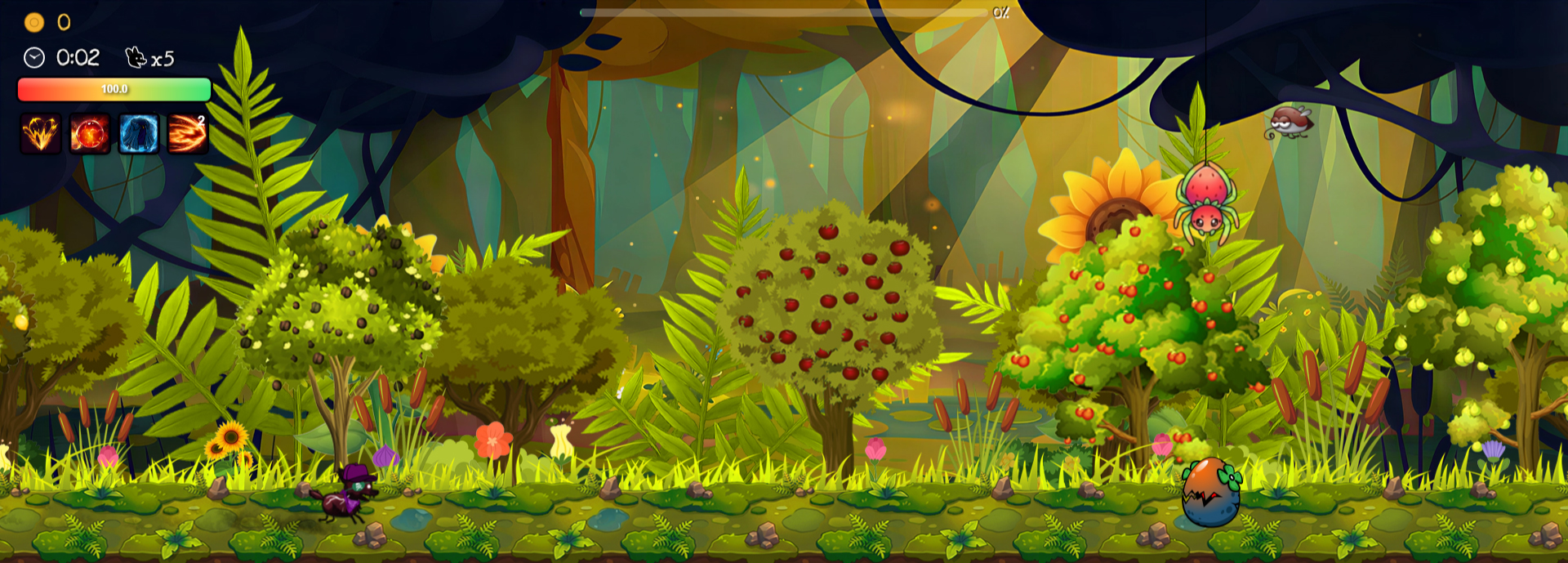
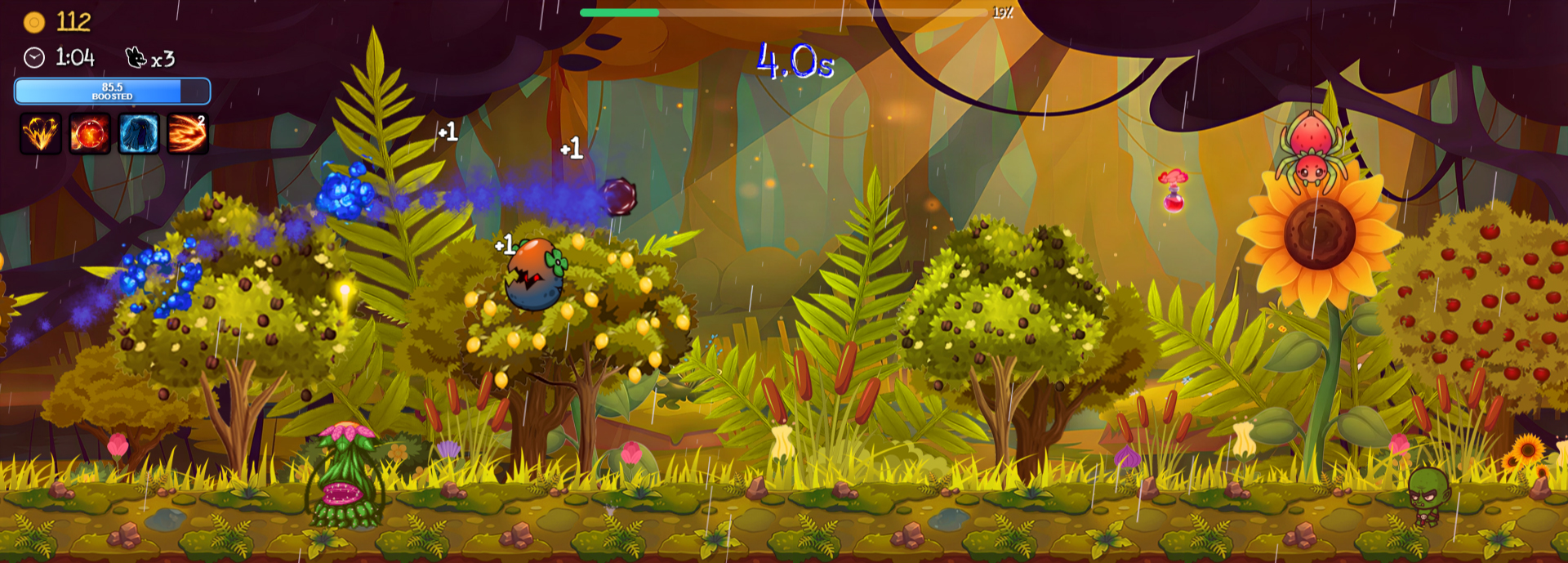
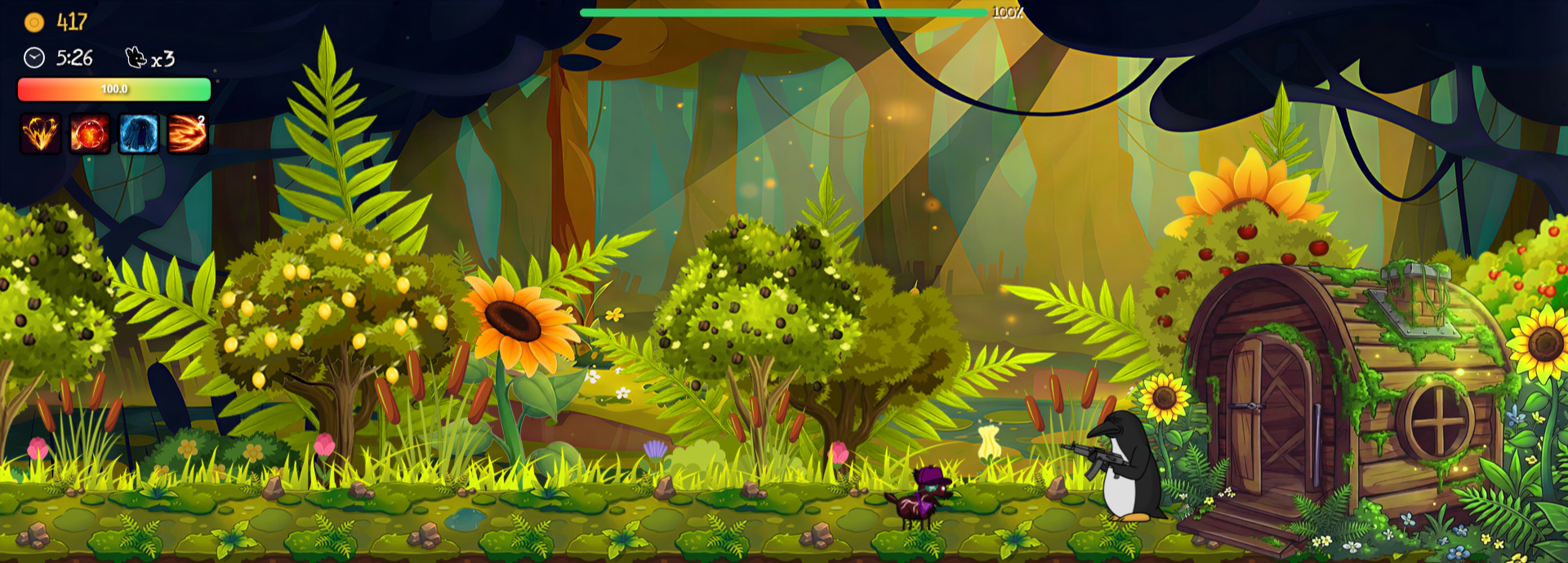
Map 6 (4)
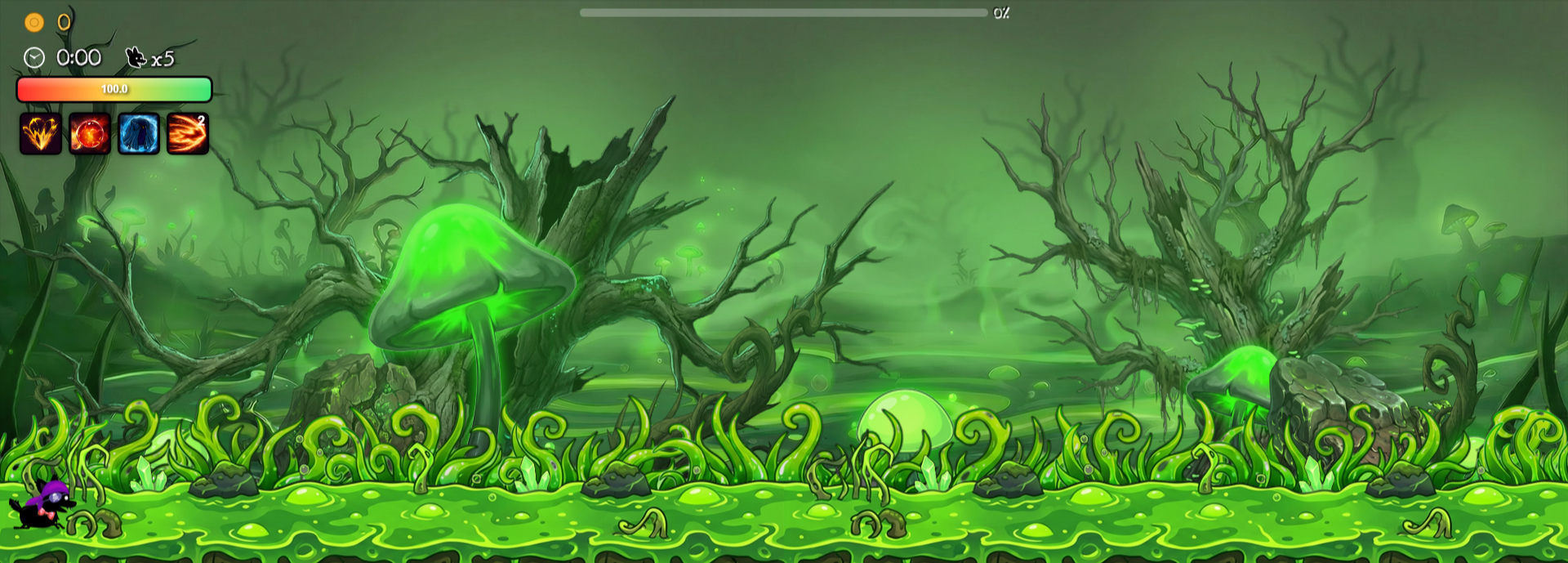
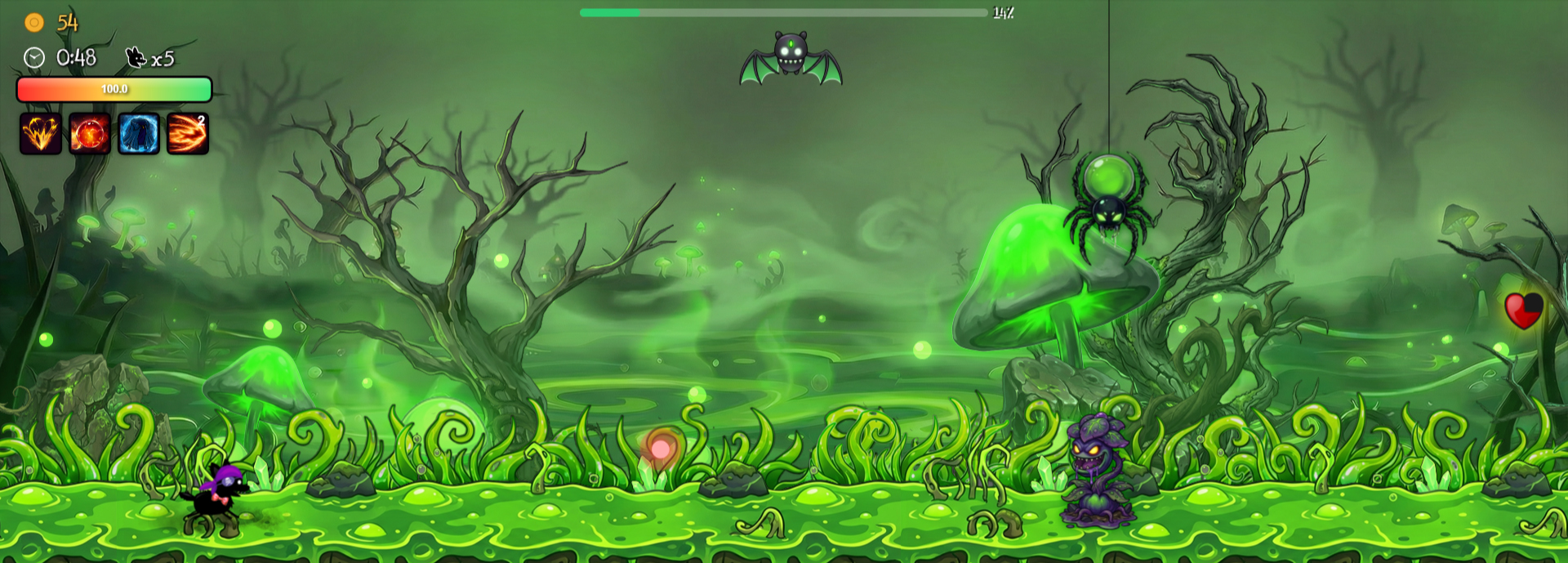
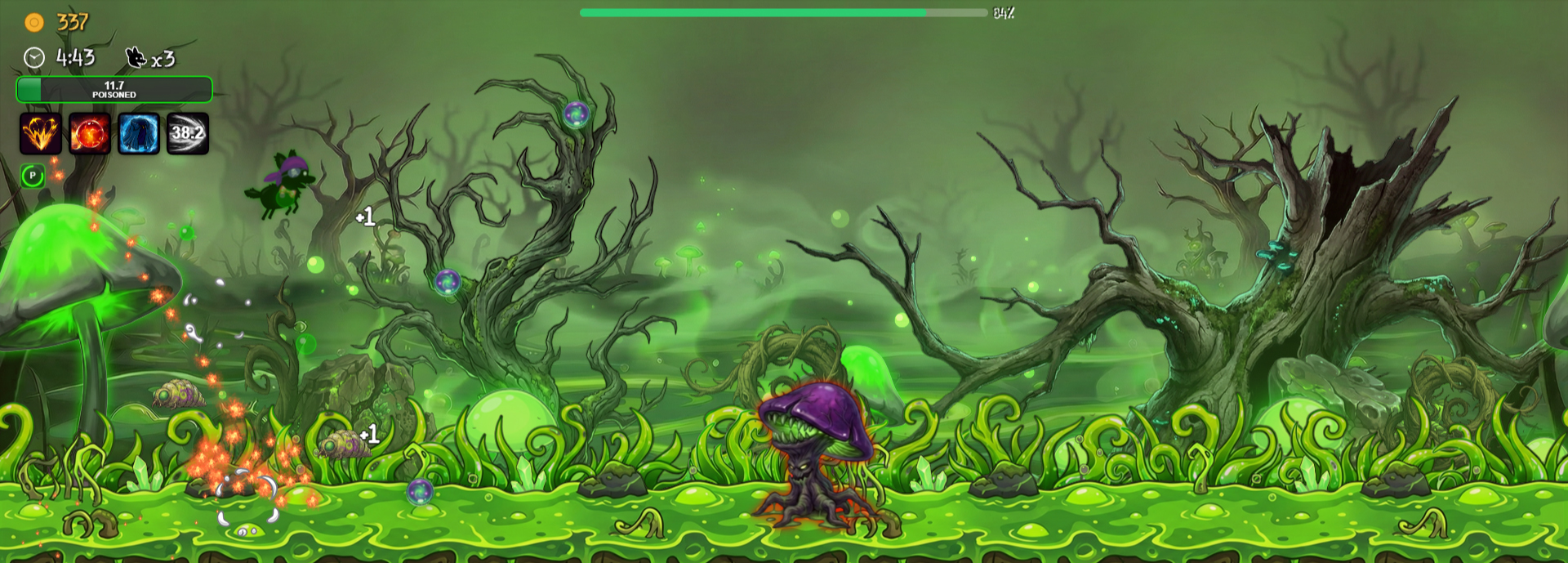
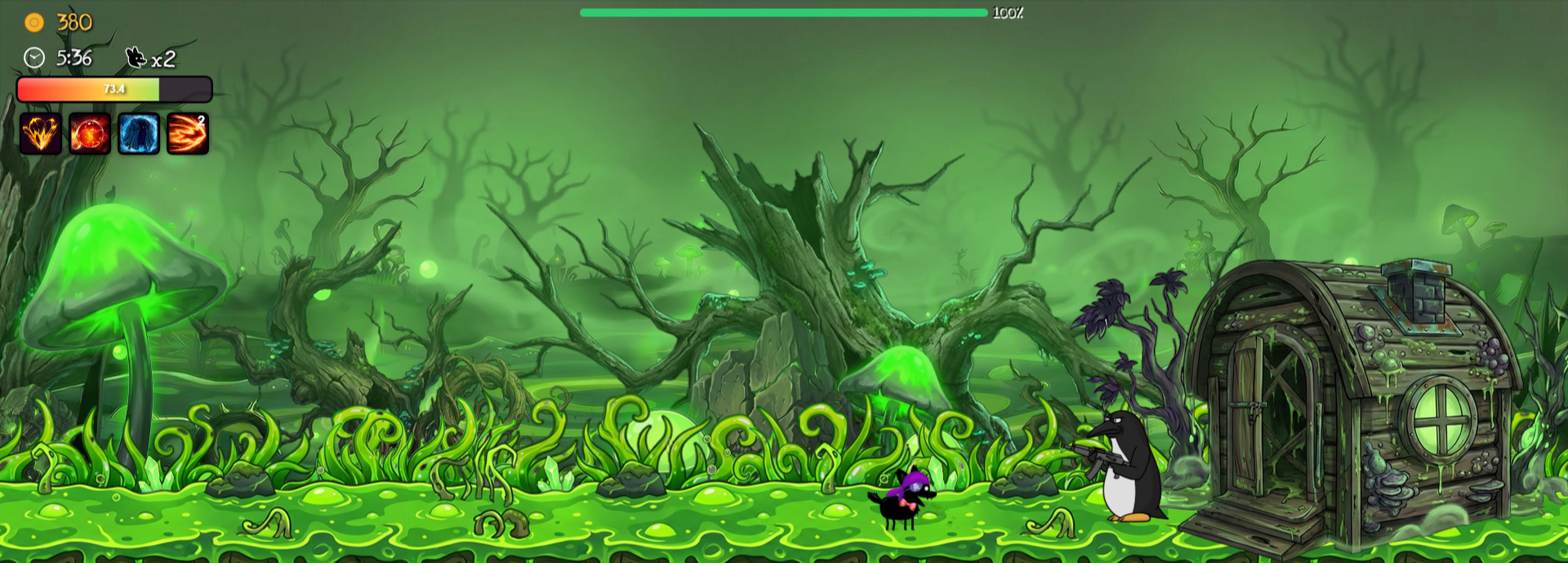
Map 7 (4)
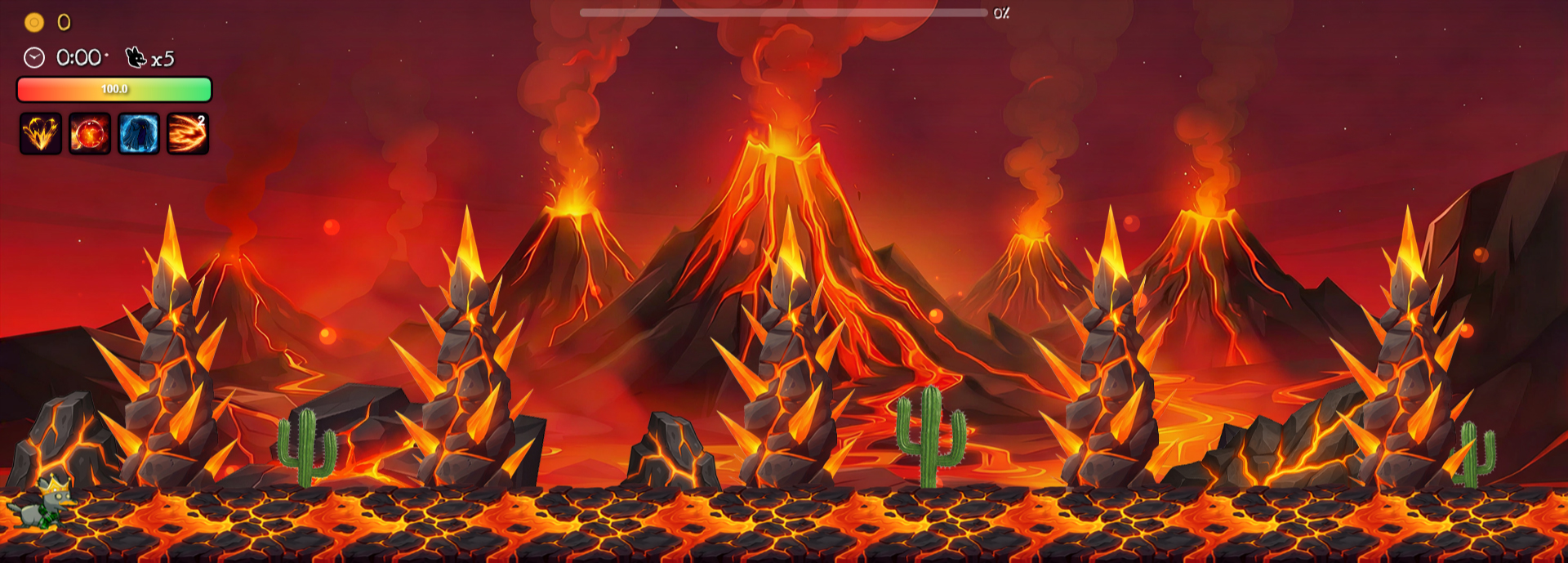
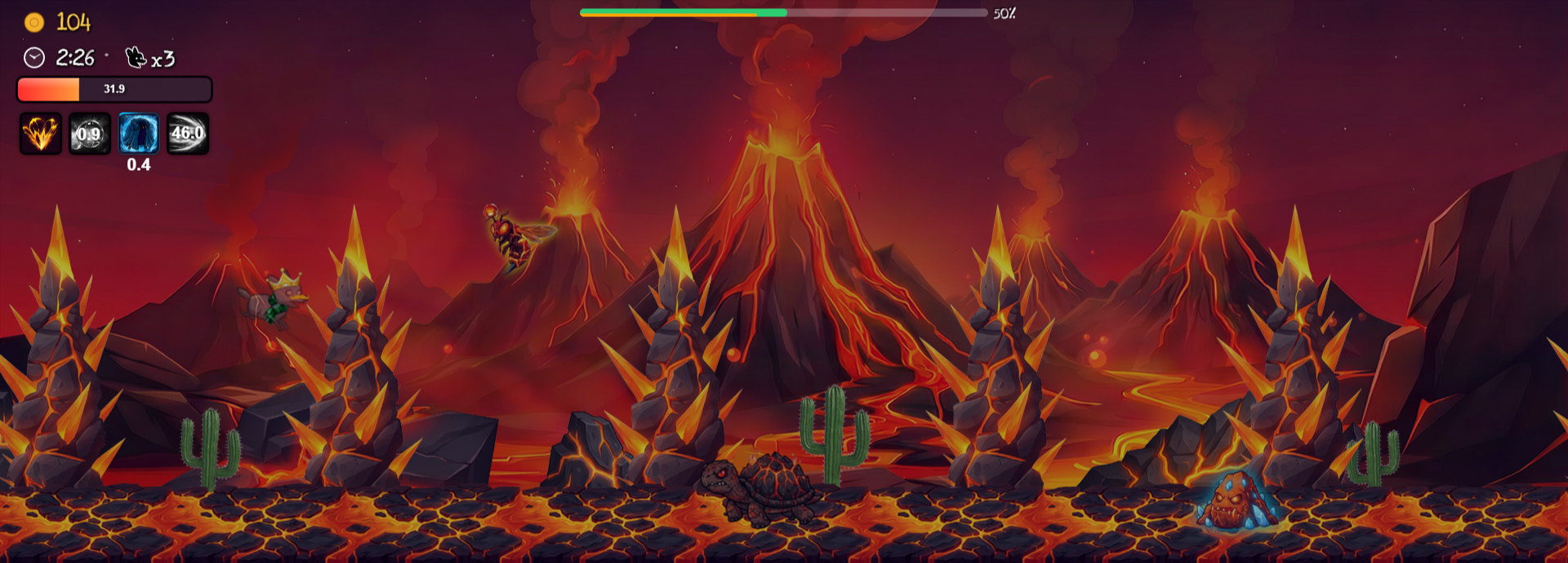
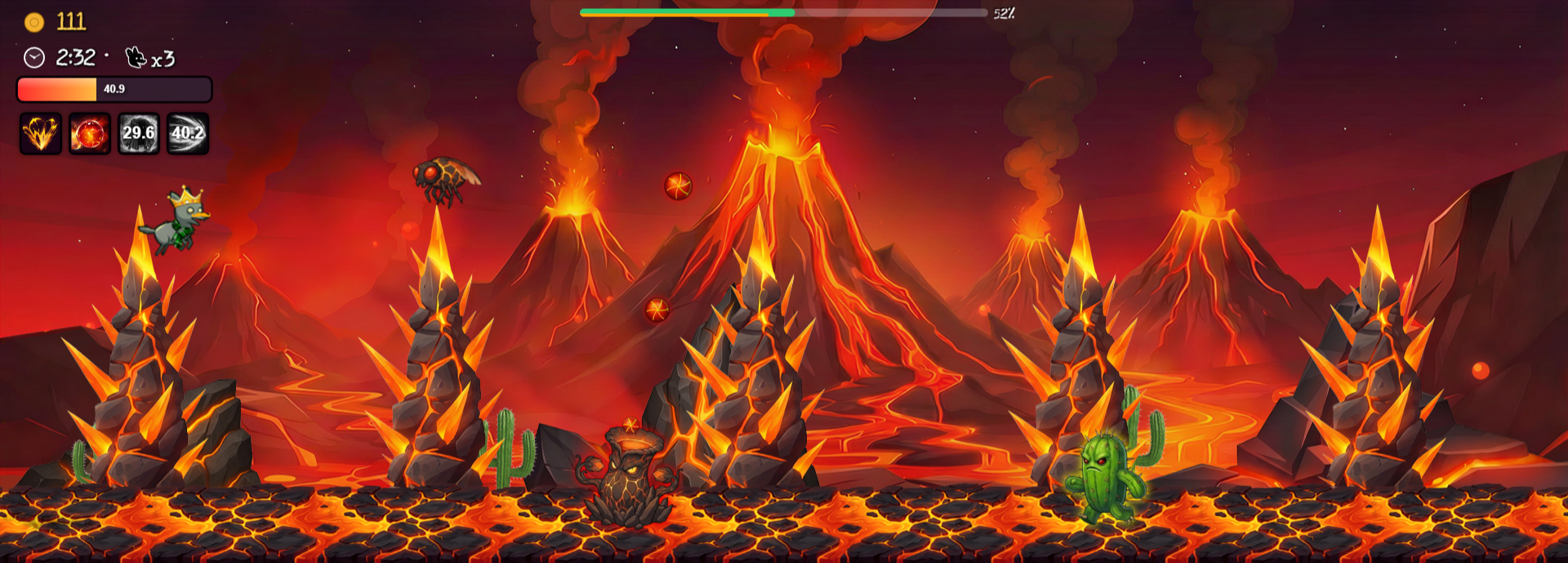
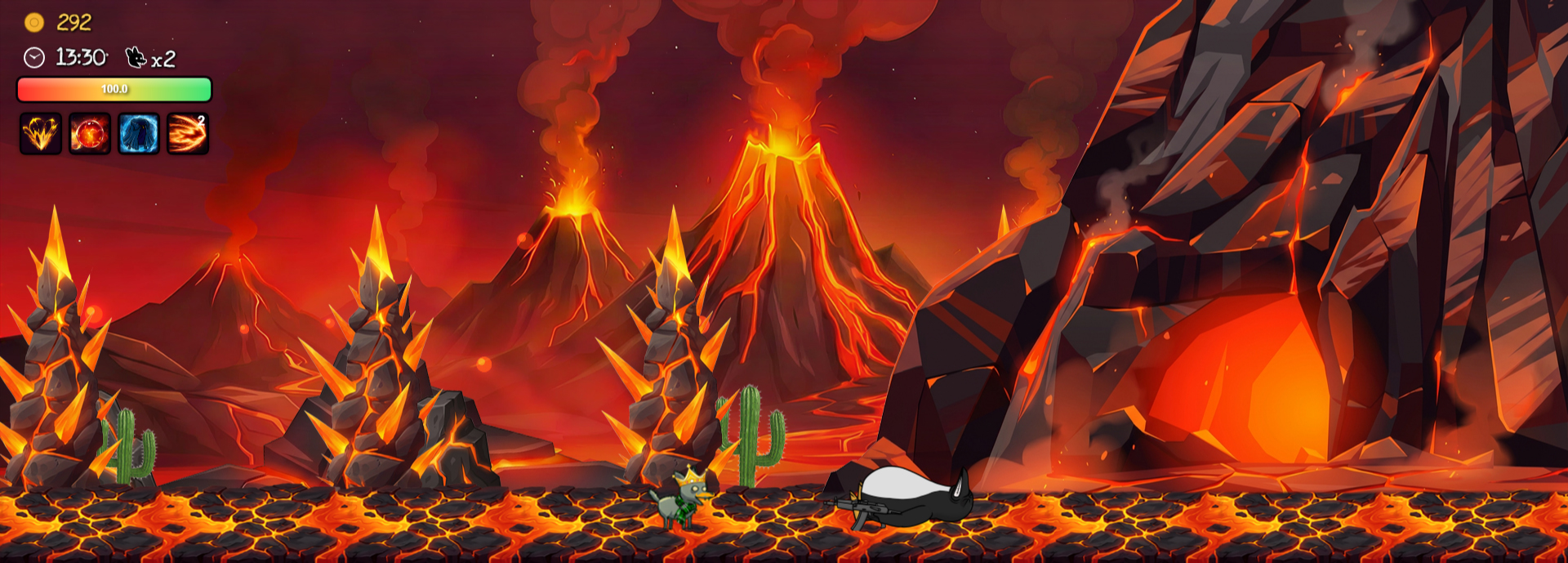
Bonus Map 1 (4)
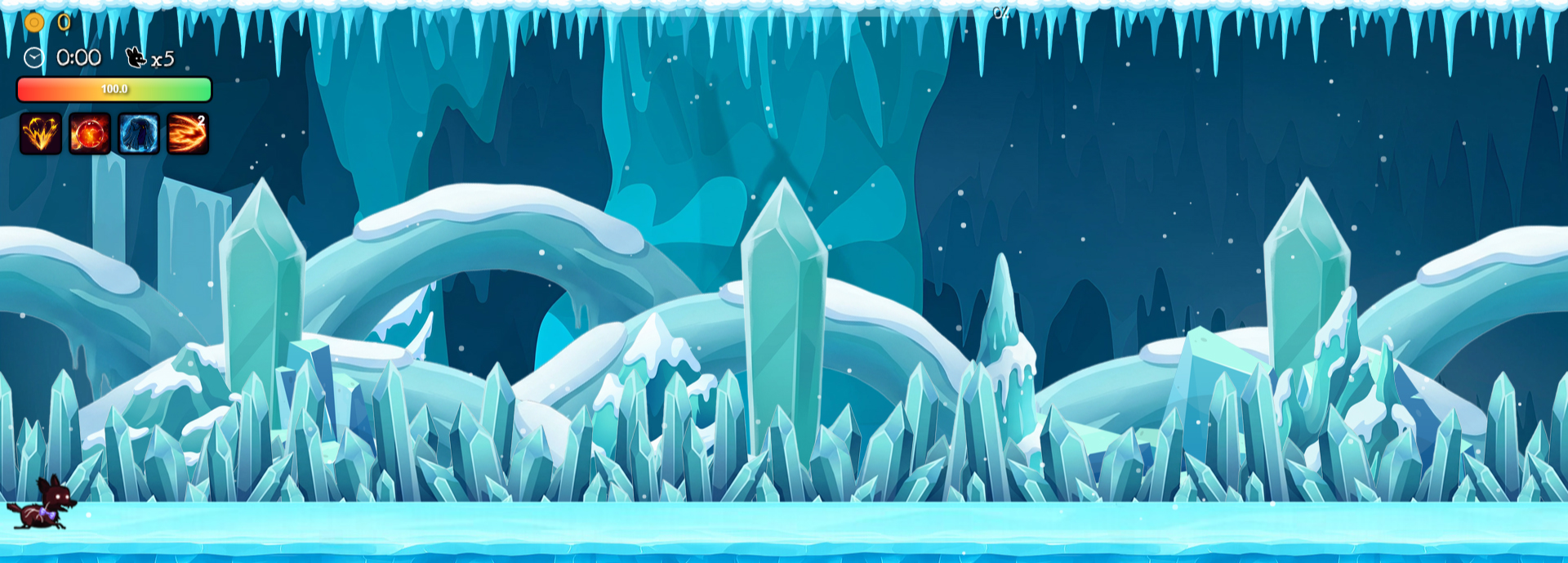
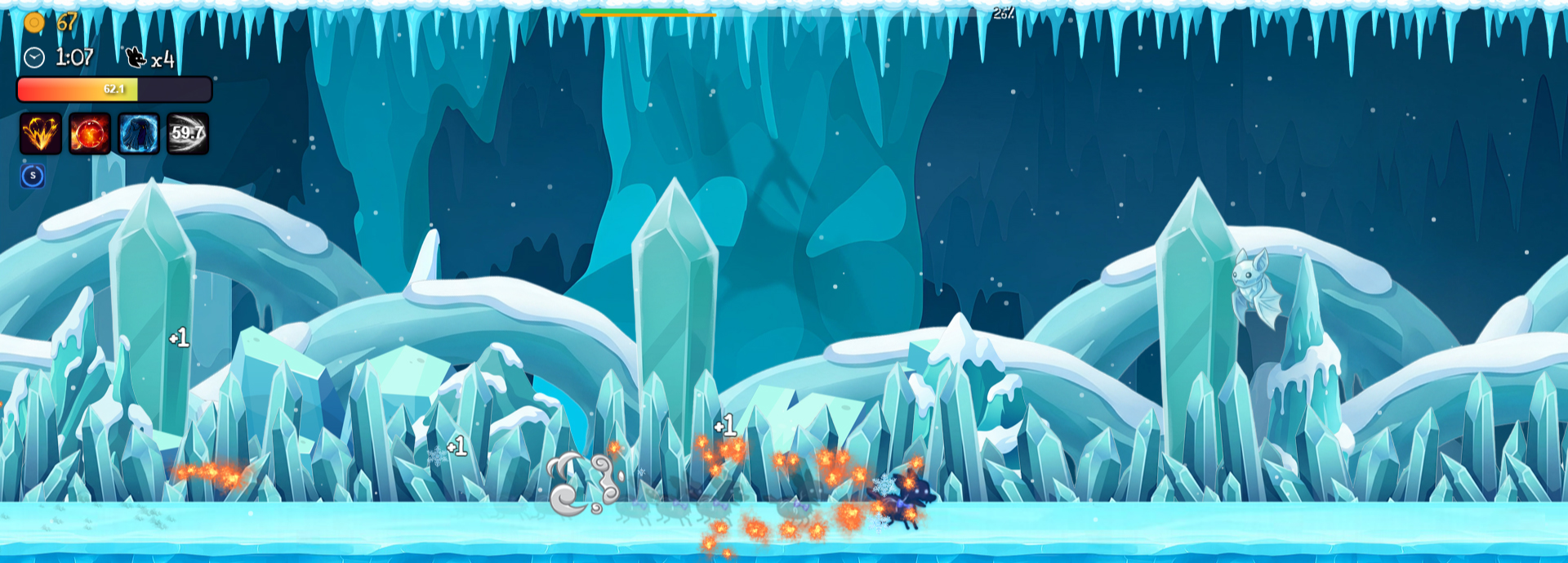
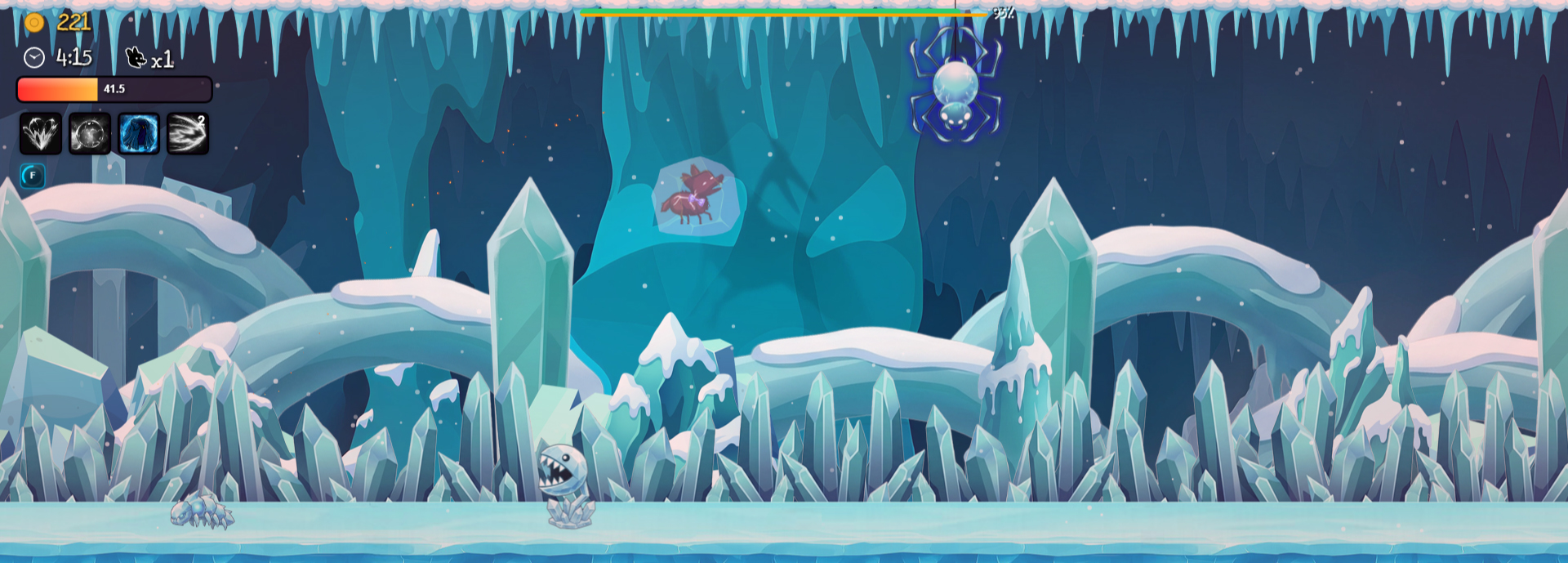
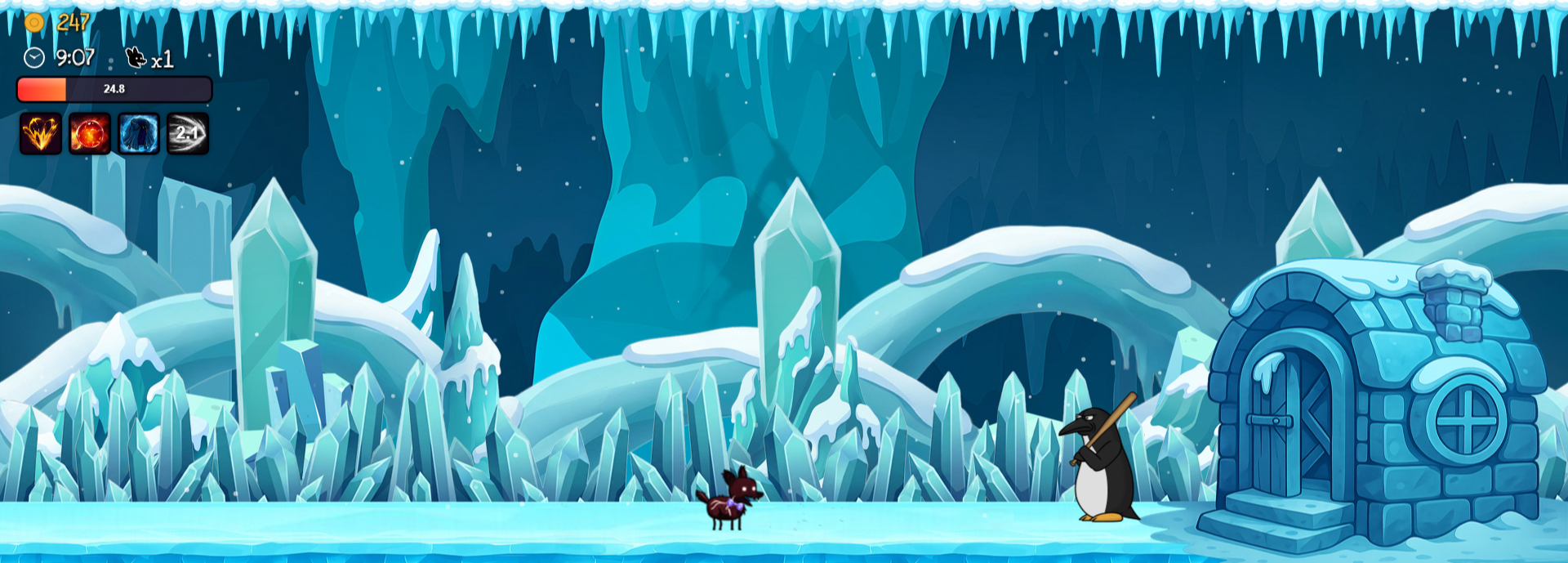
Bonus Map 2 (4)
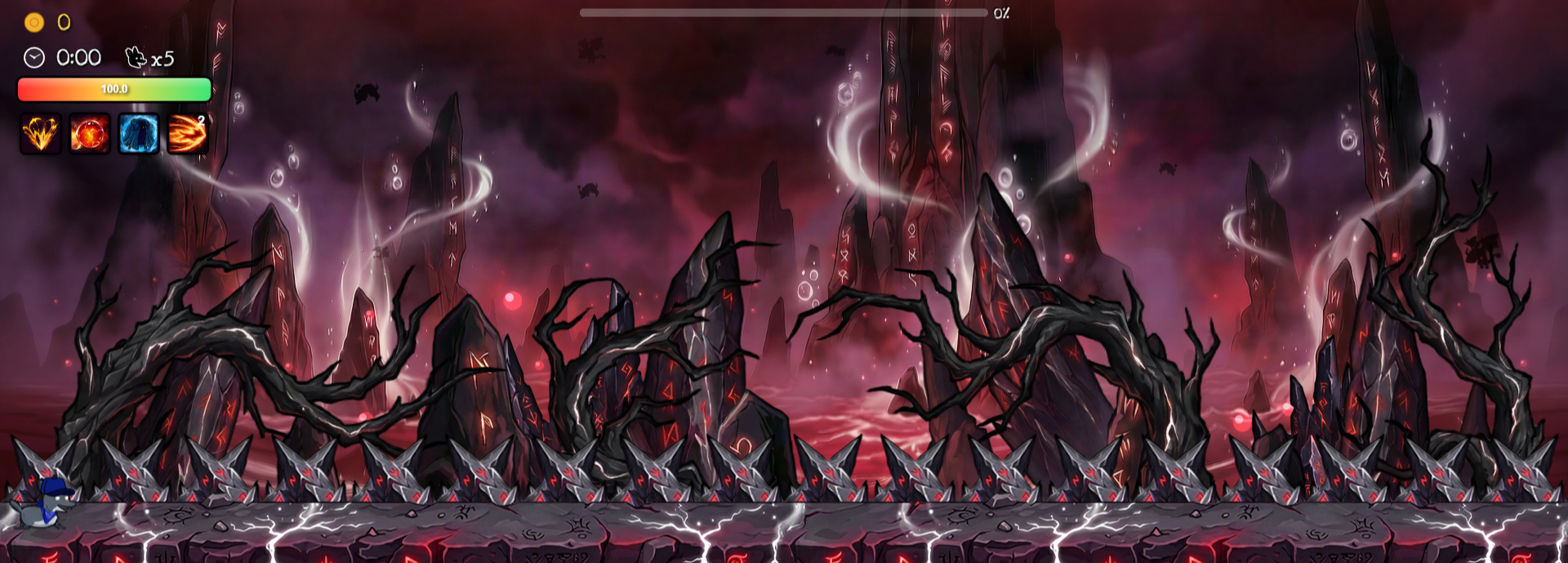
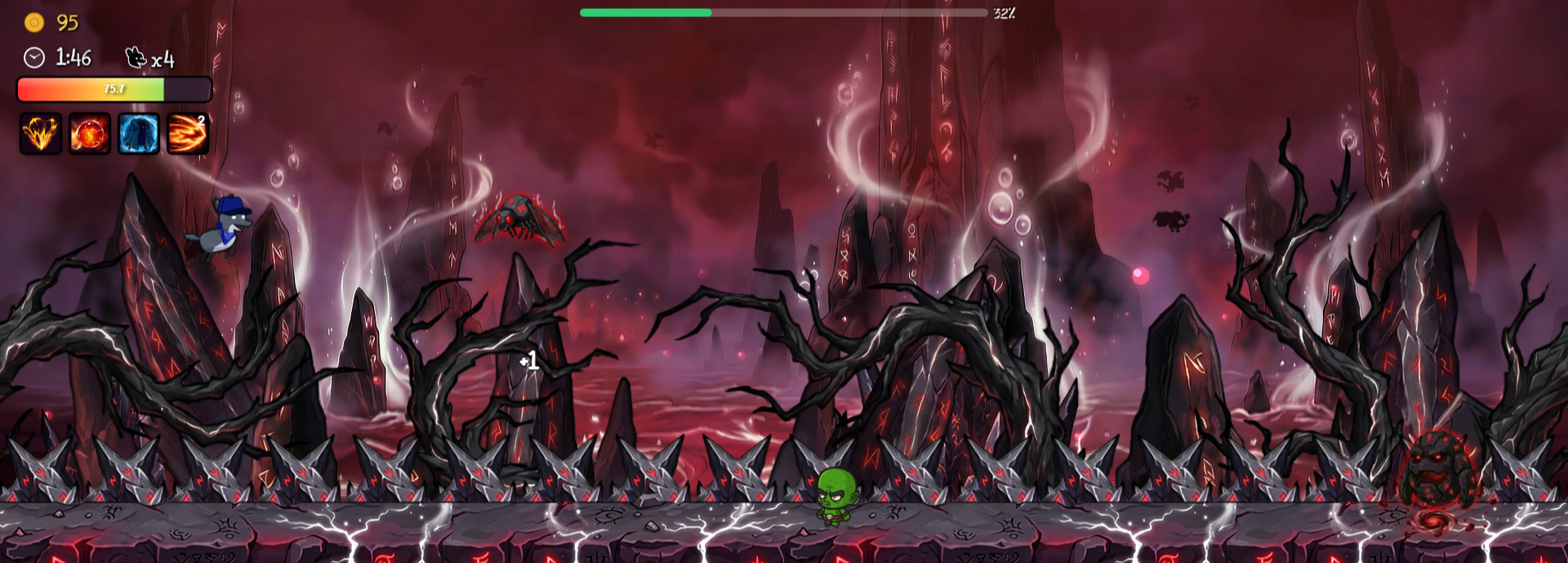
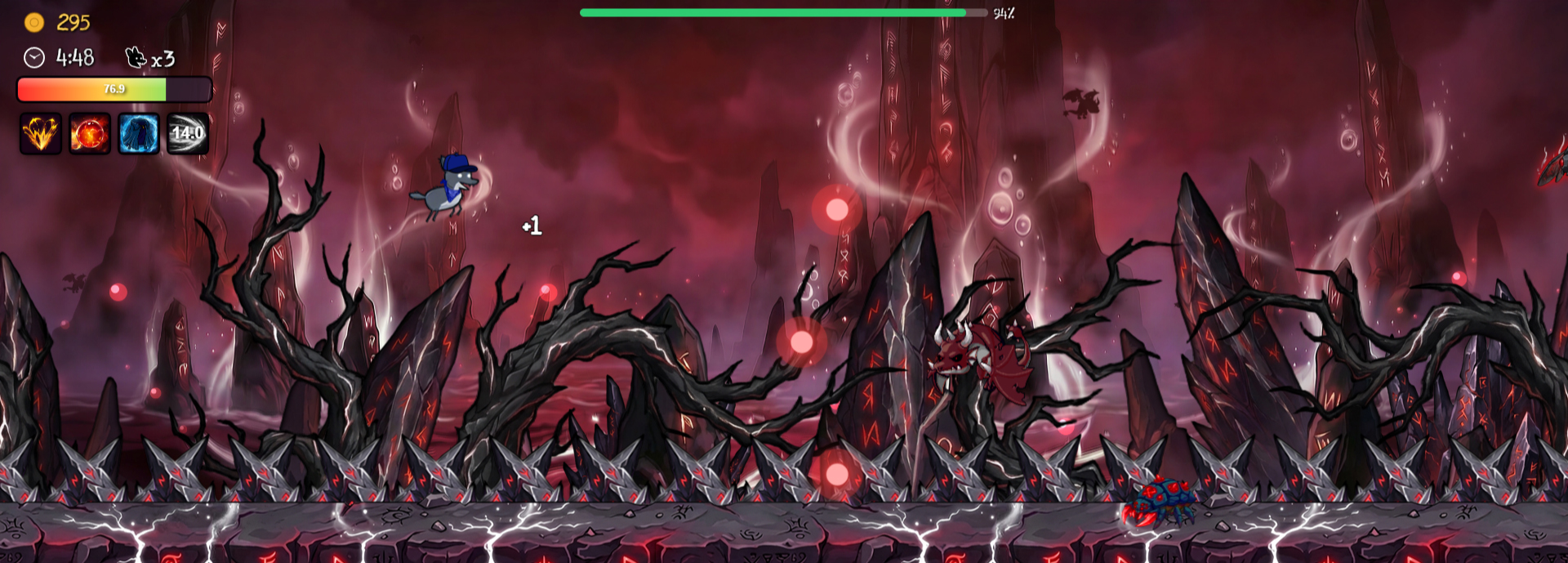
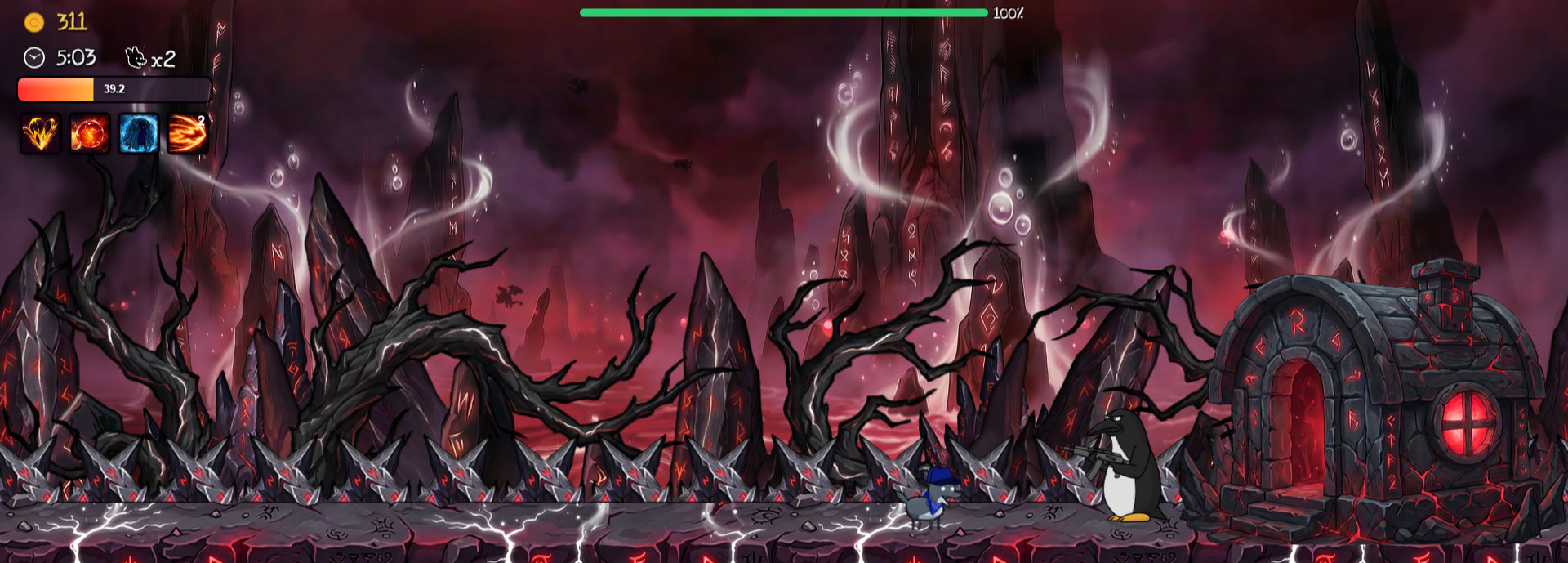
Bonus Map 3 (4)
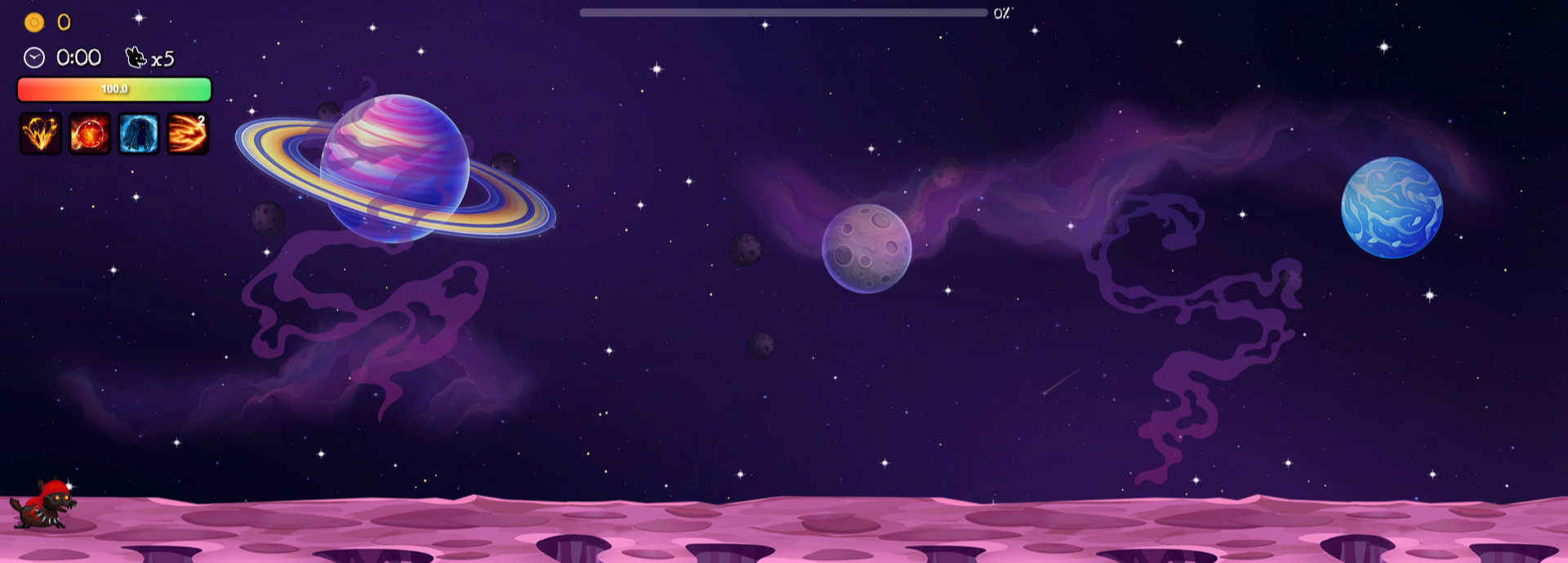
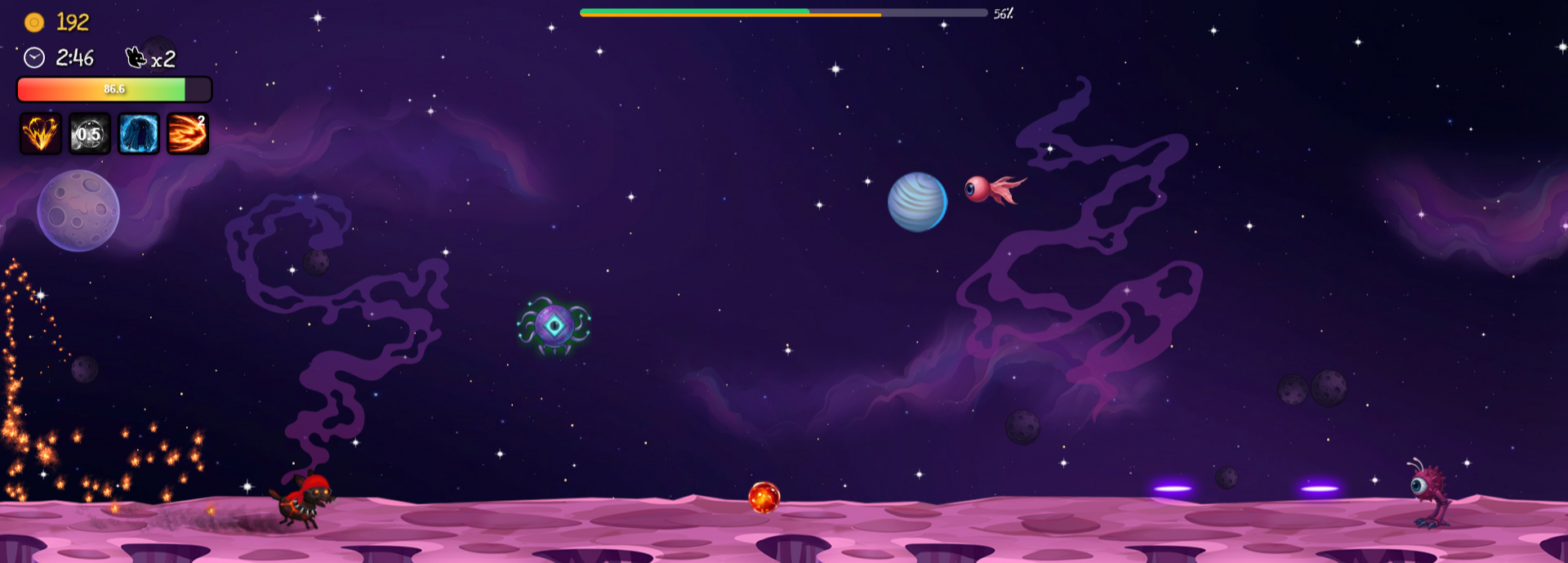
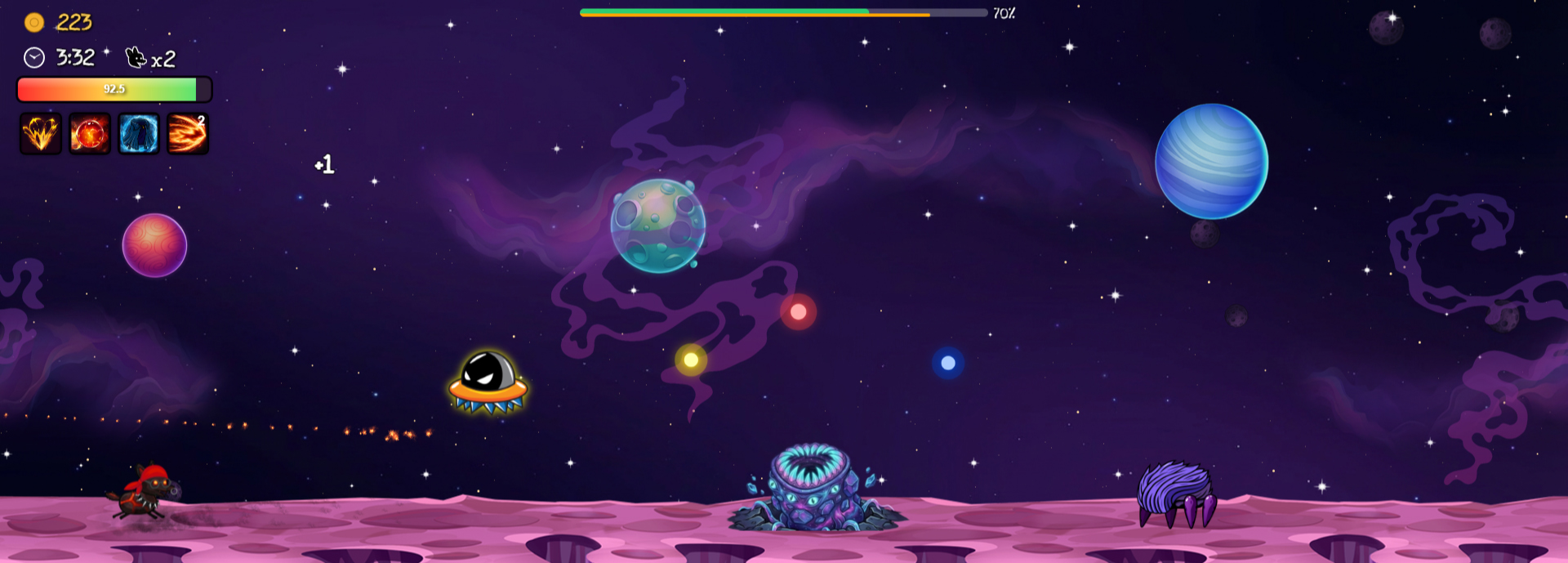
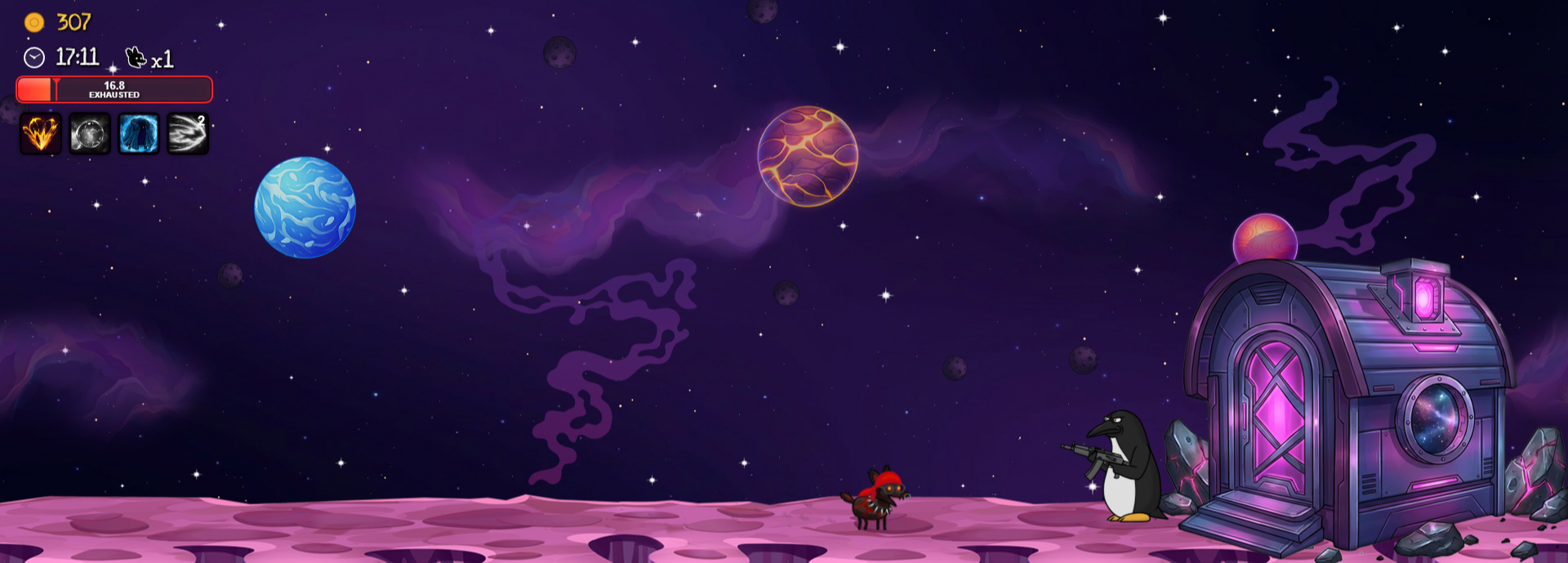
Final Bosses (17)
-
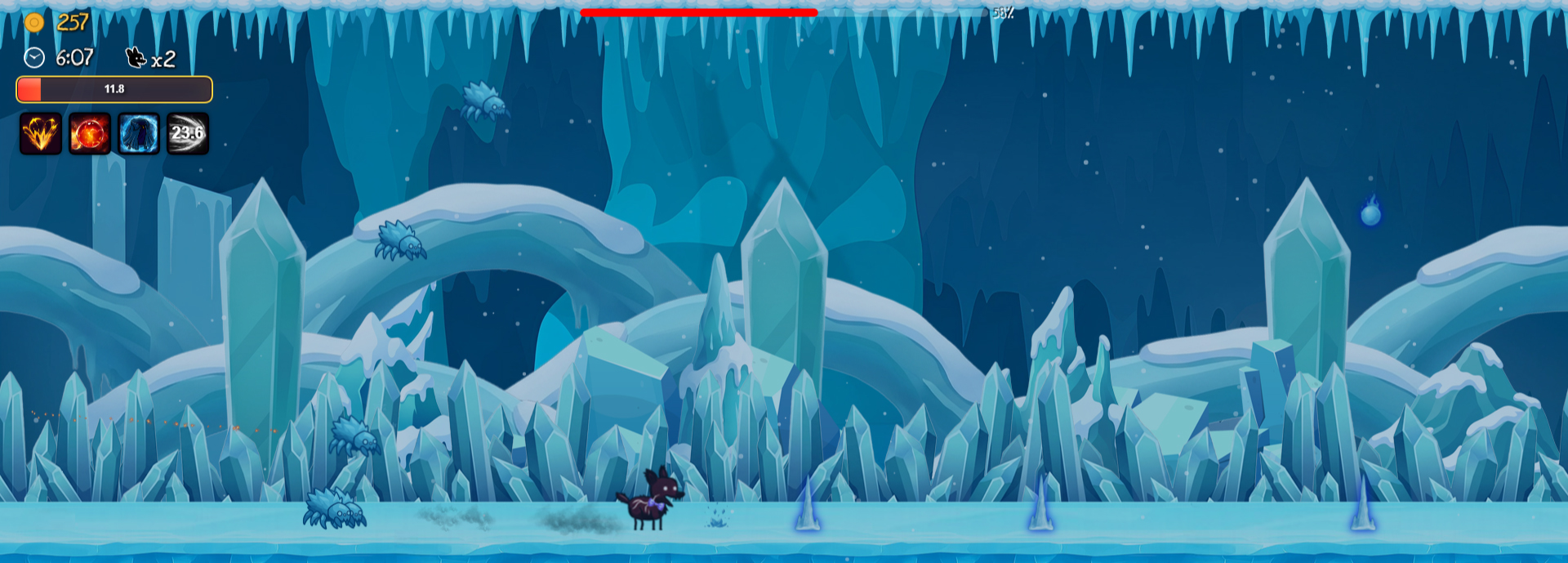
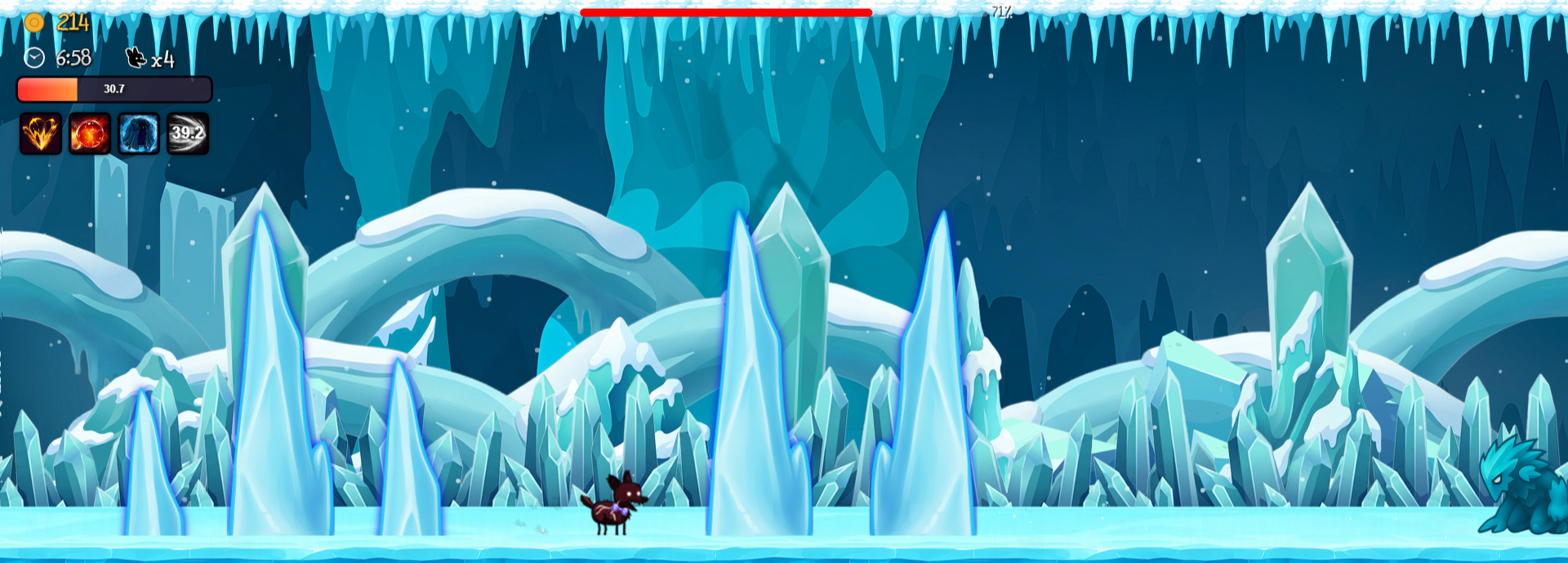
Glacikal (5)
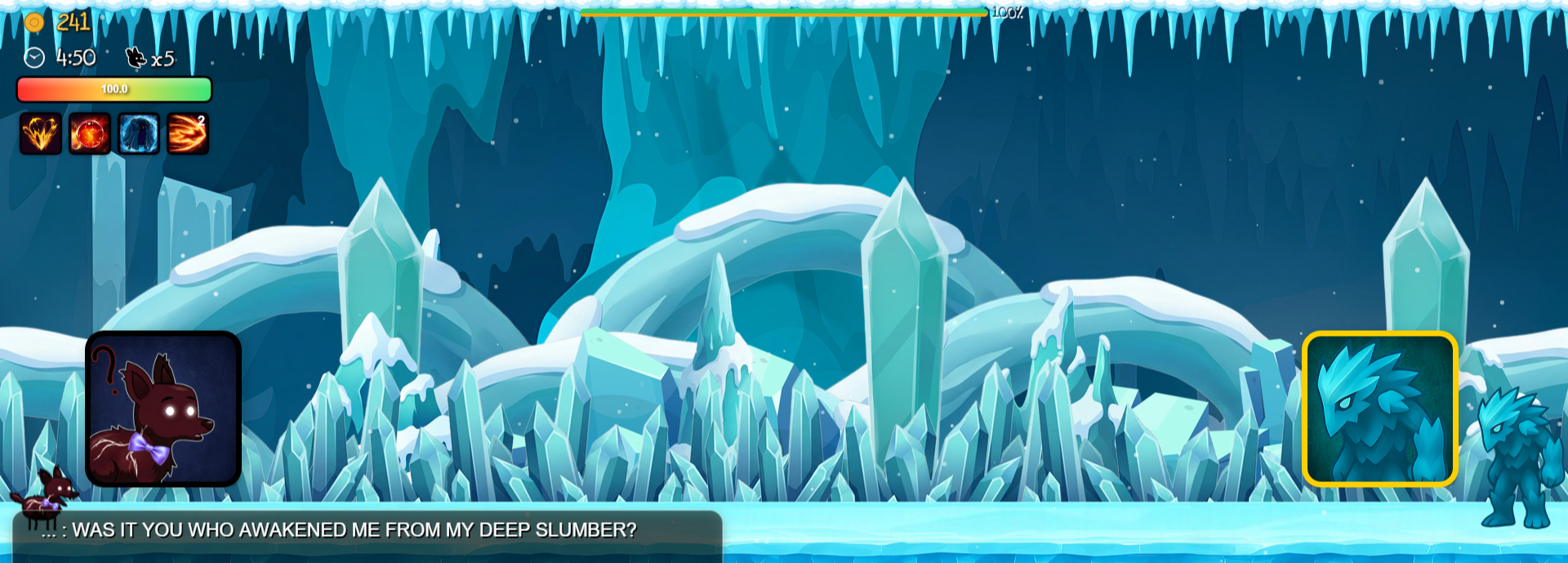
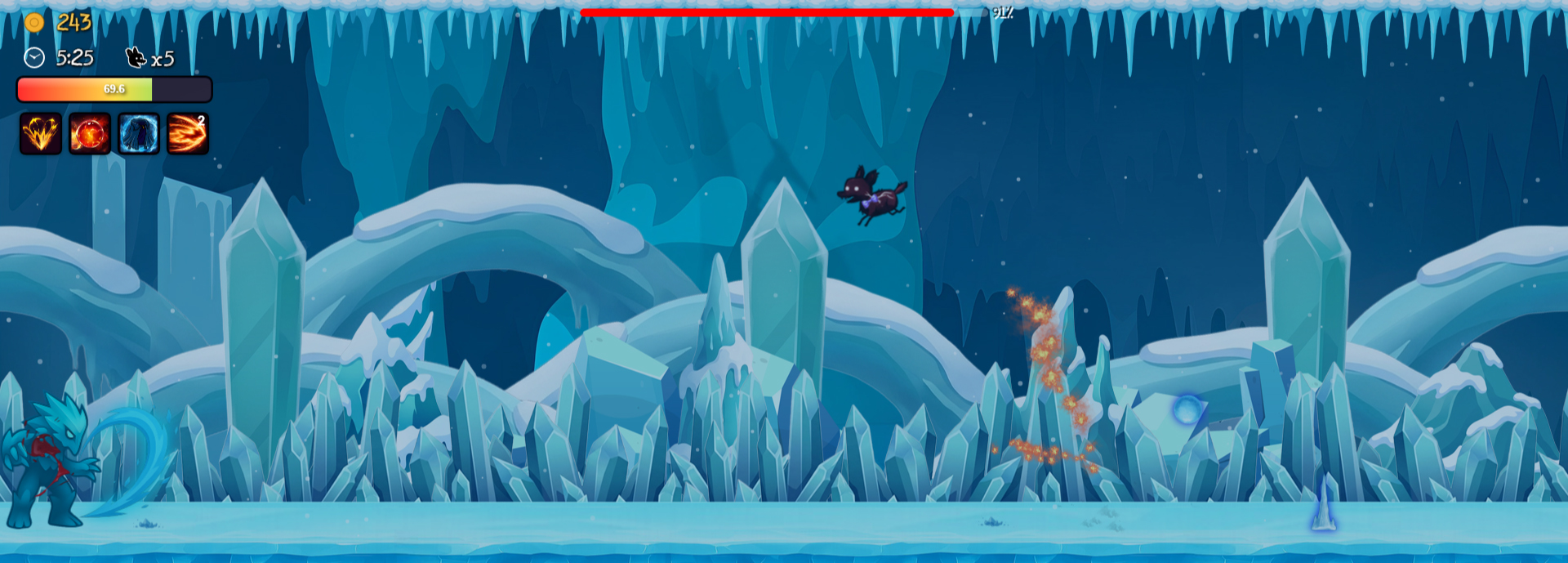
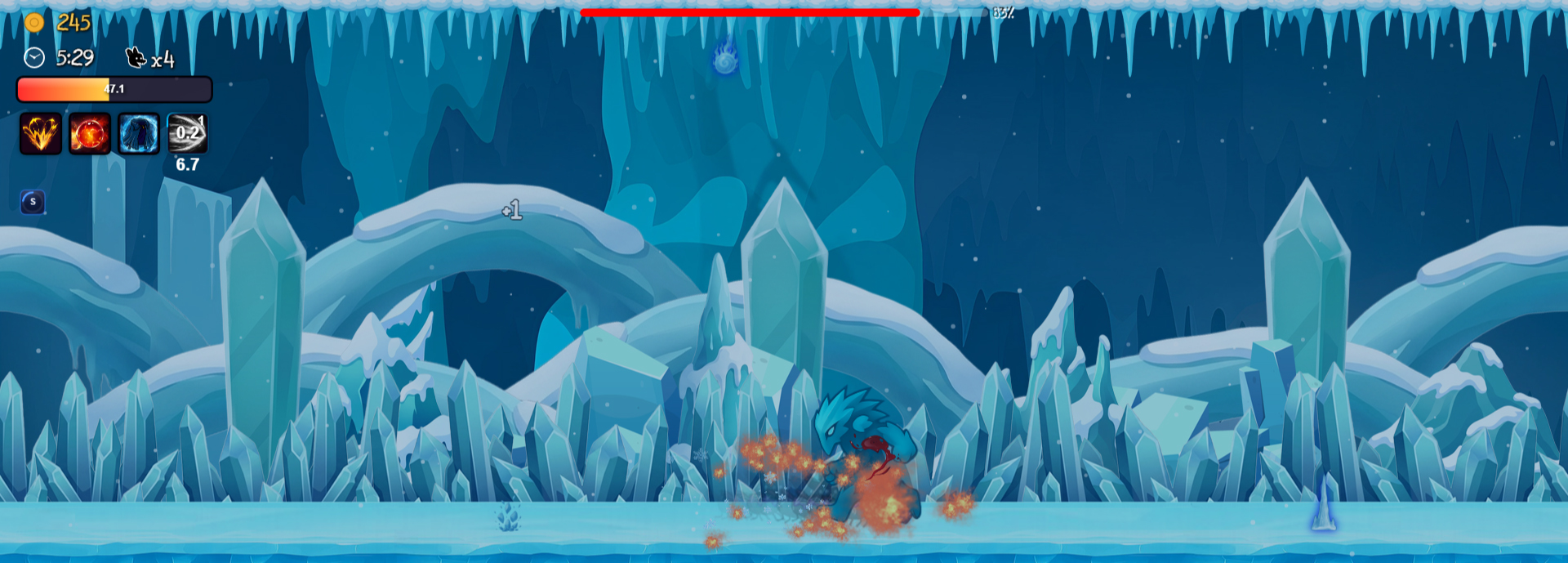
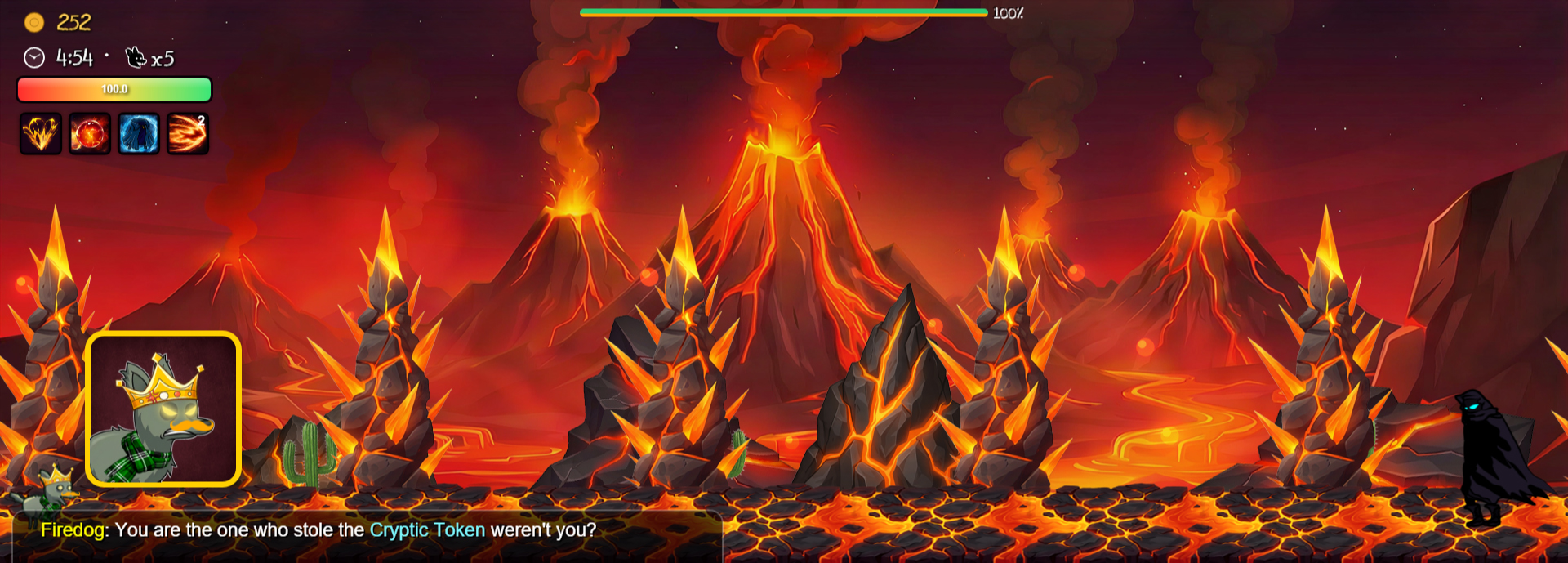
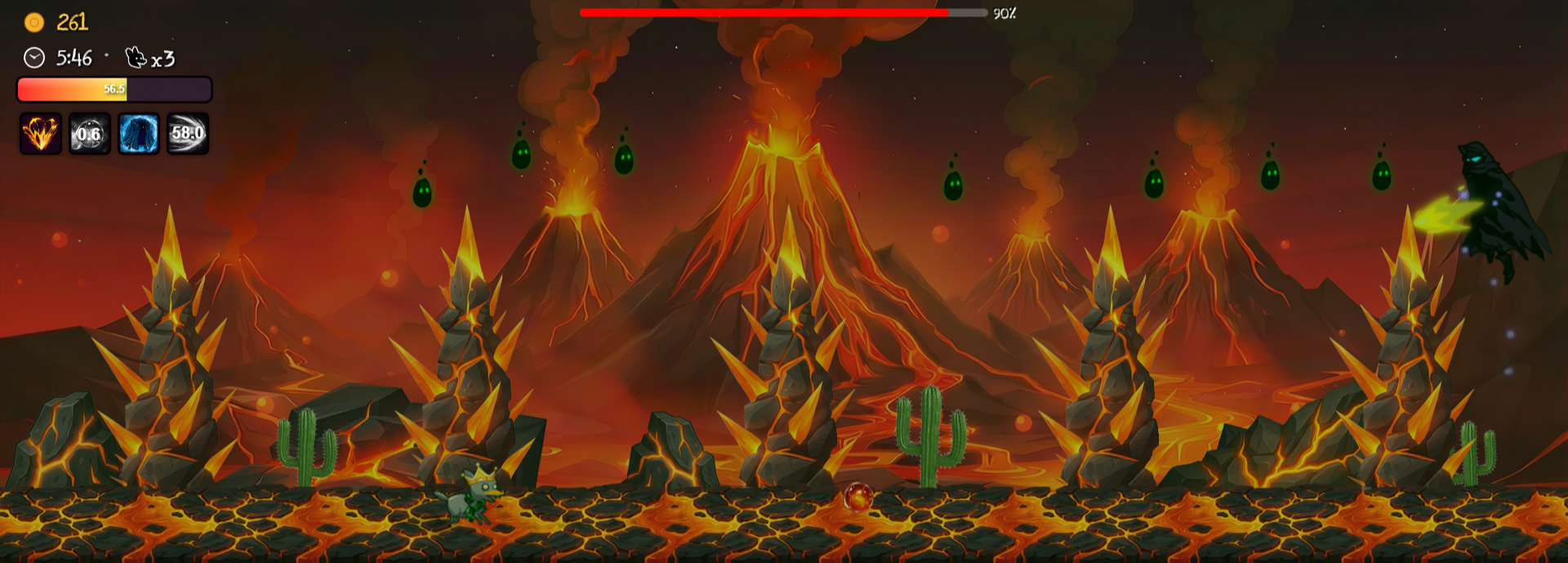
Elyvorg (5)
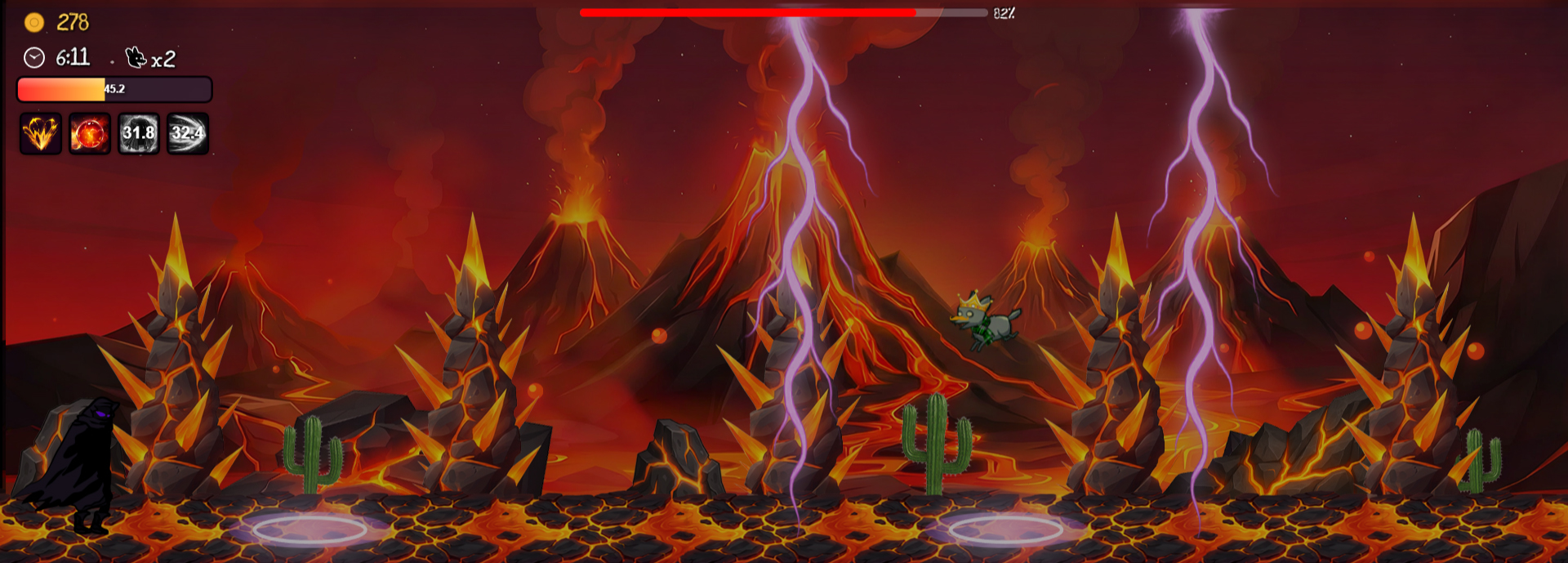
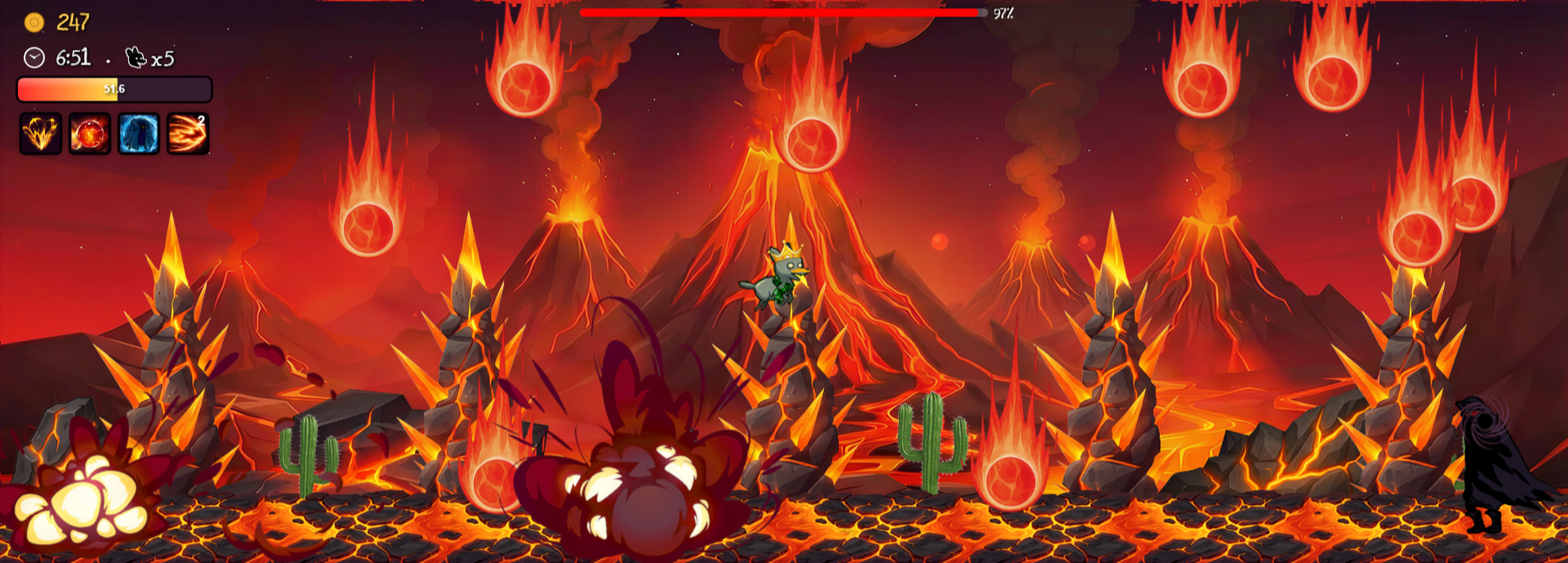
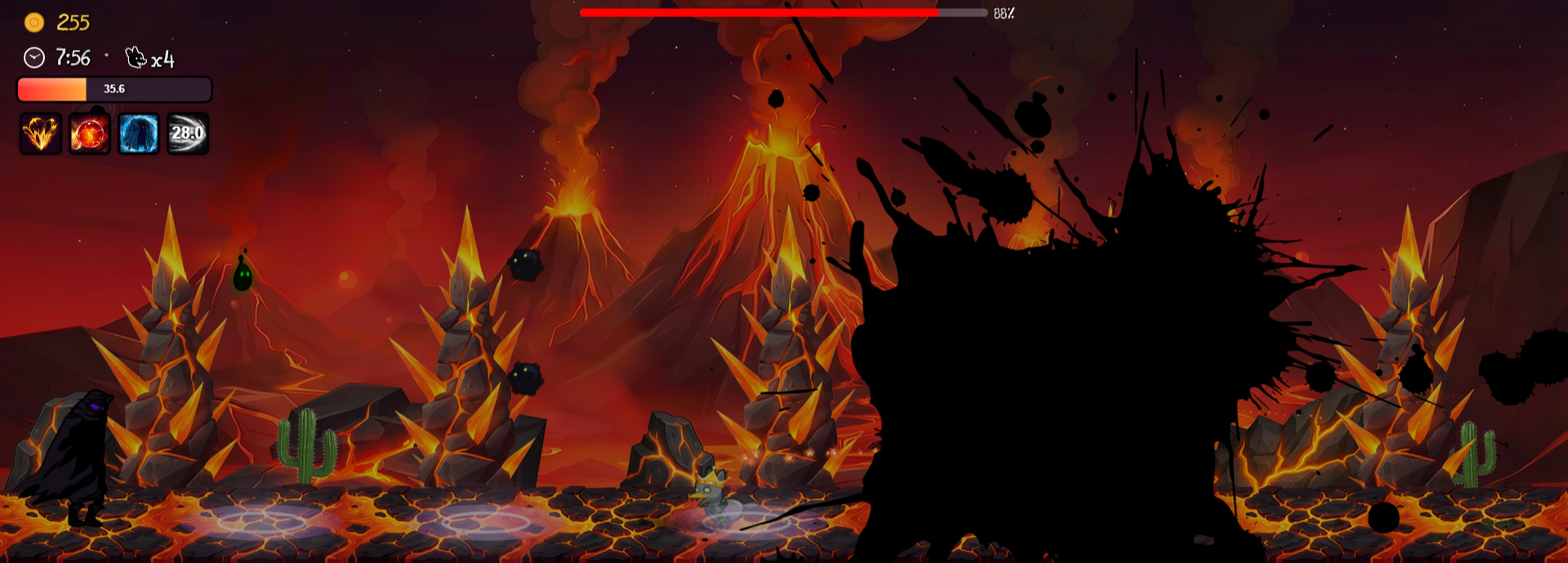
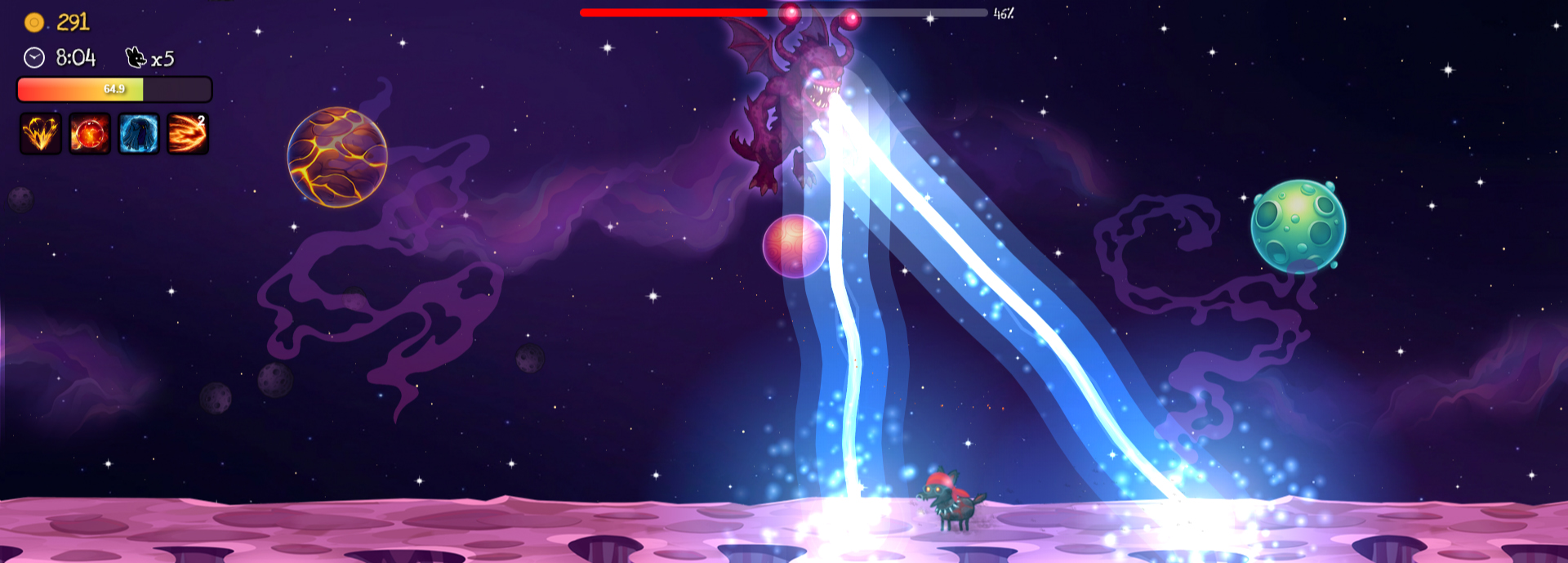
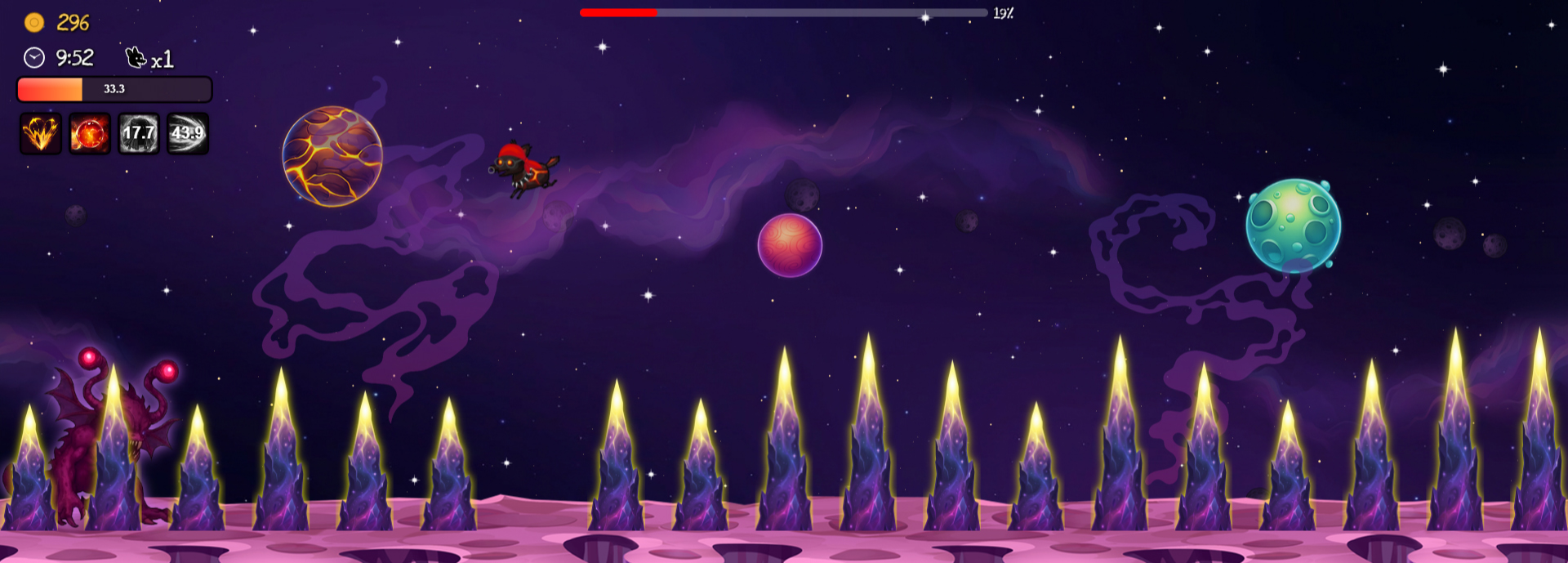
N'Tharax (7)
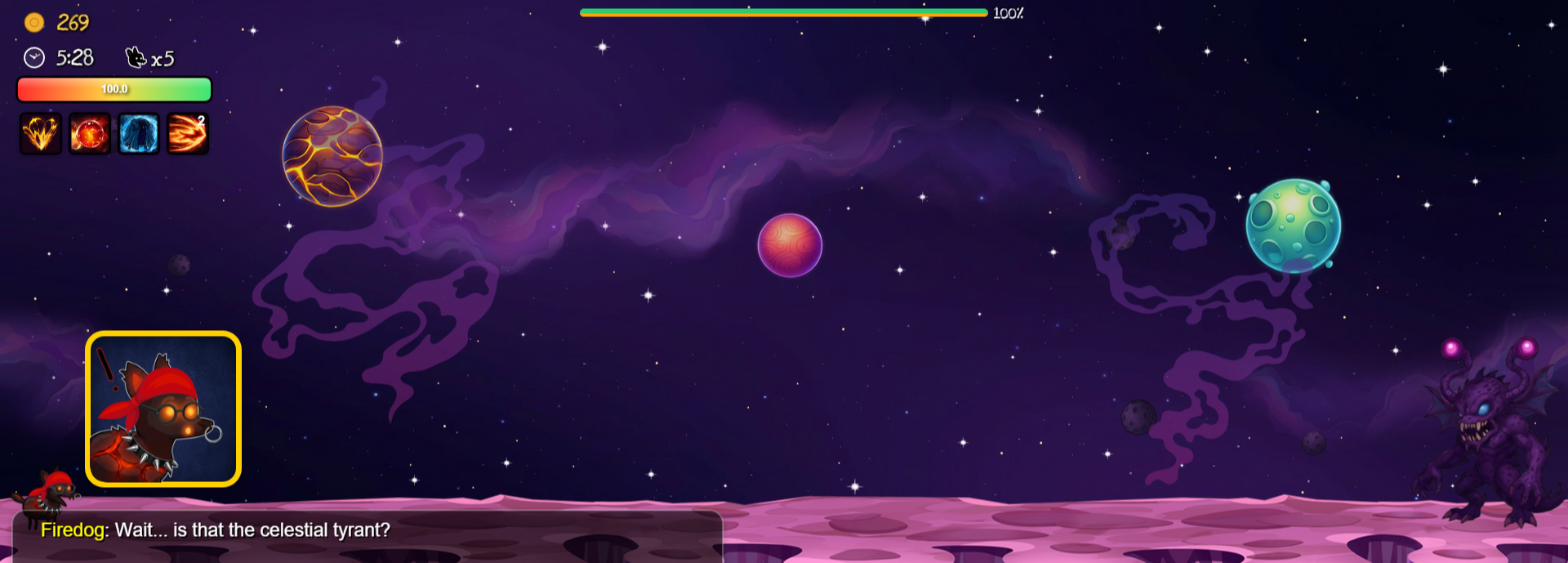
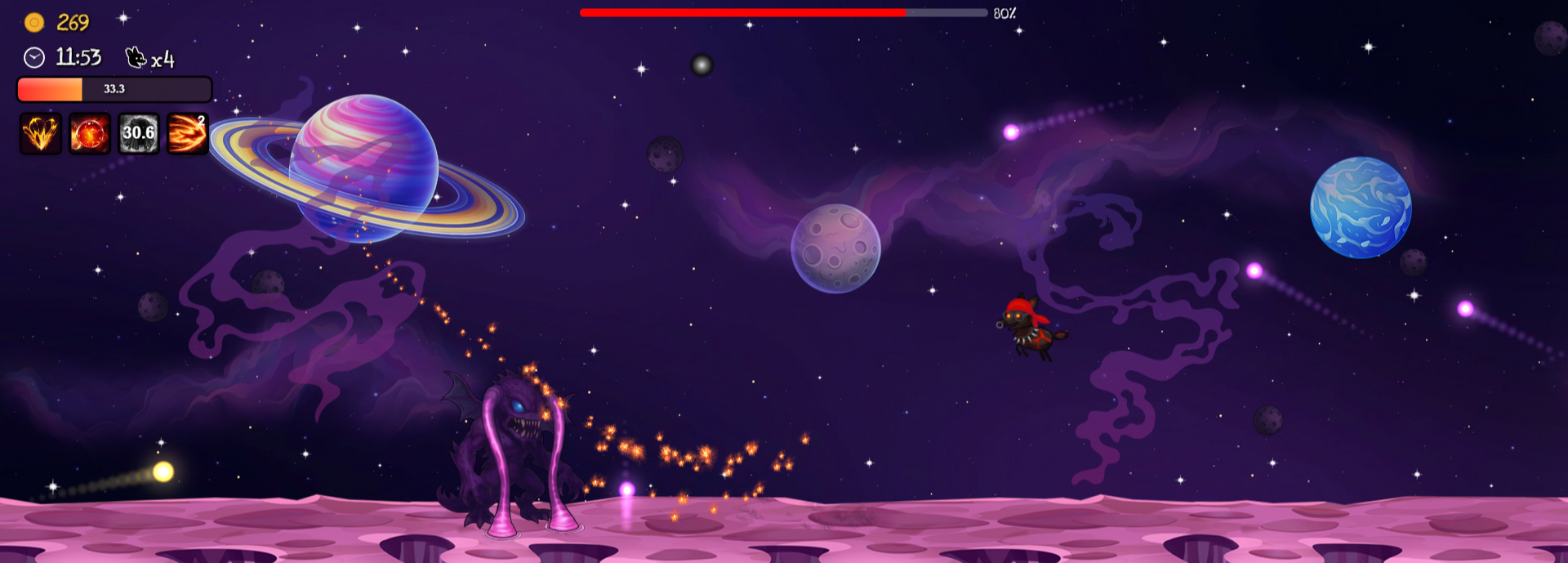
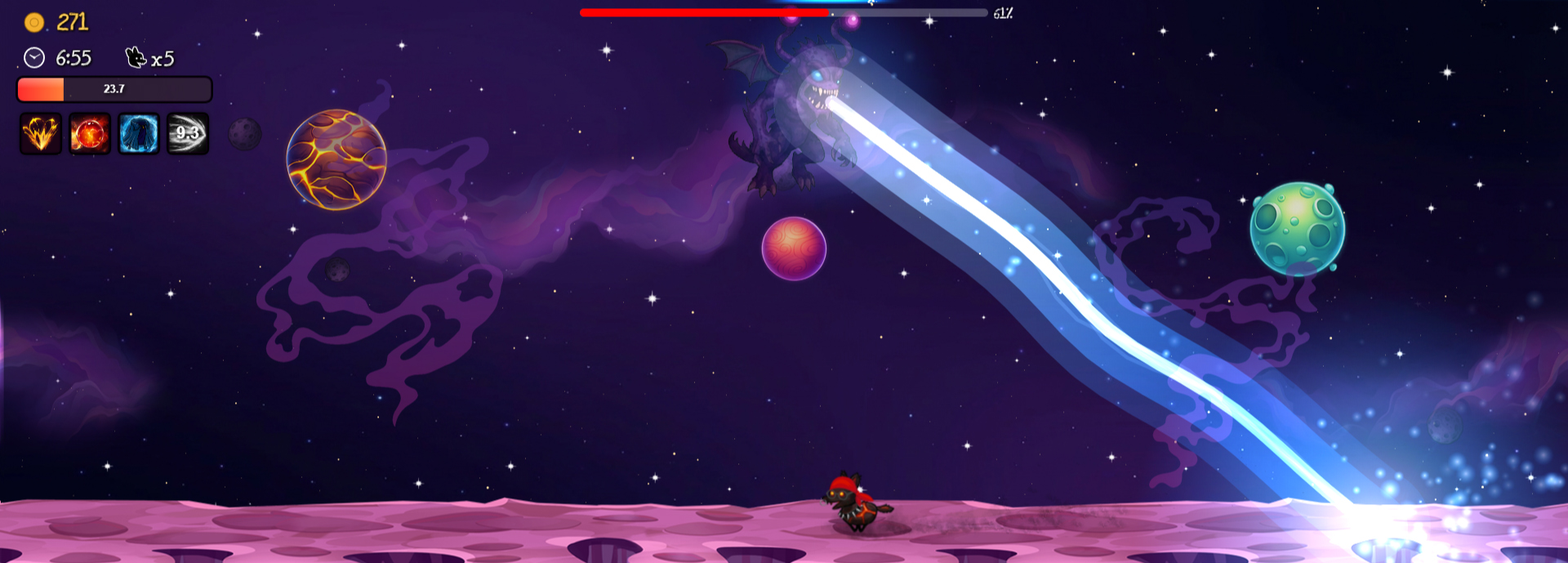
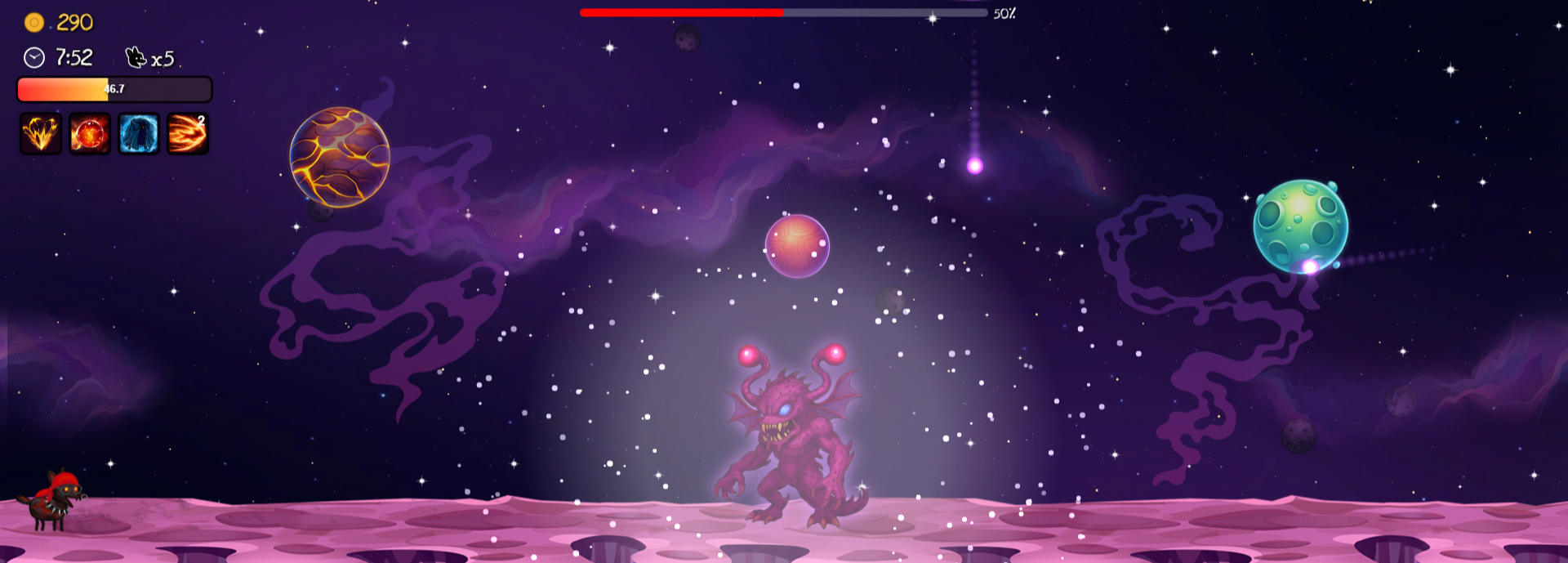
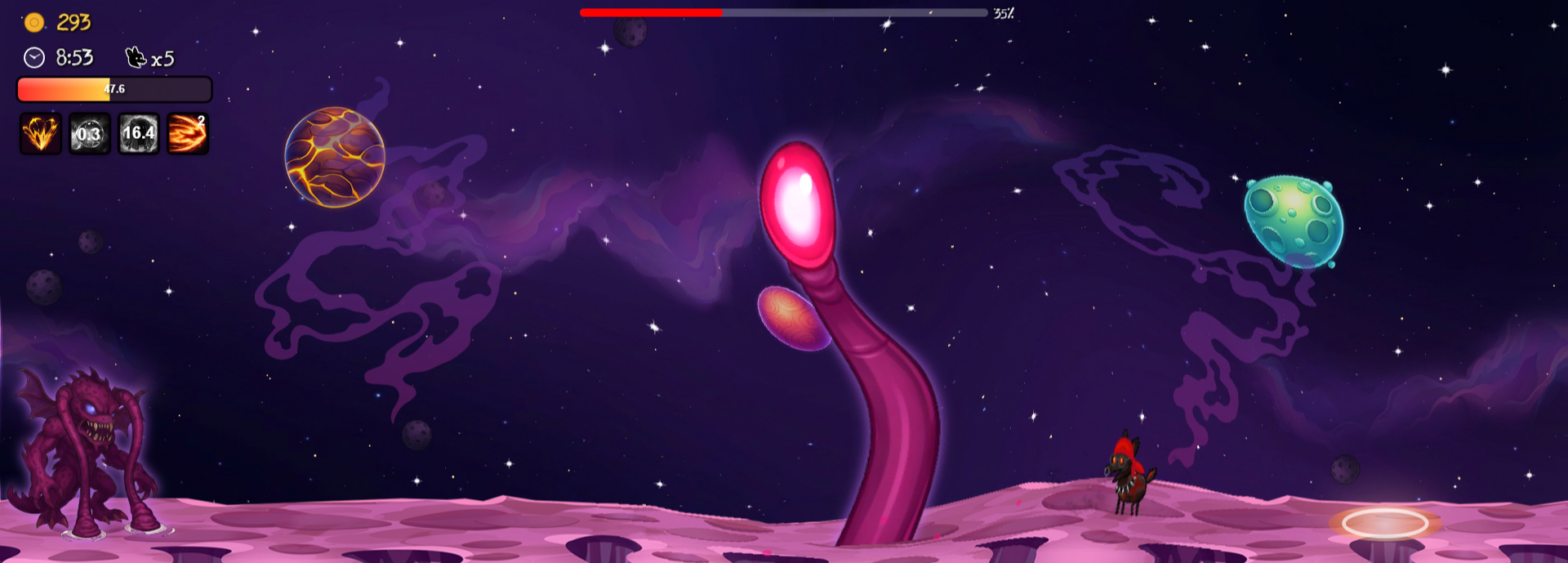
-
-
Menus
- Arrow Up / Scroll Wheel Up: Move Up
- Arrow Down / Scroll Wheel Down: Move Down
- Arrow Right: Move Right
- Arrow Left: Move Left
- Enter / Left Click: Select Option
- Tab: Open/Close Enemy Lore
- Esc / Right Click: Return to Previous Menu
-
Cutscenes
- Enter / Left Click: Advance to the next dialogue/Skip dialogue animation
- Tab: Skip entire cutscene
-
Gameplay
-
Movement:
- W: Jump
- A: Move Backward
- S: Sit
- D: Move Forward
-
Special Moves:
- Enter / Right Click: Roll Attack
- S (while in the air): Dive Attack
- Q / Left Click: Fireball Attack
- E / Scroll Wheel Click: Invisible Defense
- Shift / Mouse Button 4: Dash Attack
-
Esc: Pause/Unpause Game
-
F1: Tips
-
You can download the game by clicking one of the following links:
The game isn't code-signed, so your OS may warn you on first launch.
- Windows: on the "Windows protected your PC" popup, click More info → Run anyway.
- macOS: on the "The application 'Firedog' can't be opened", run
chmod +x /Applications/Firedog.app/Contents/MacOS/Firedogin Terminal.- Linux: if the binary won't launch, run
chmod +x Firedogin the extracted folder.
Alternatively to downloading the game, you can clone the project and run it locally.
You'll need to run the following command in the root folder:
- Electron
npm install electron
Then you can run the game by using the following prompt:
npm run start
Note: Make sure you have Node.js installed to be able to run the game locally.
The project is thoroughly tested using Jest, with over 3k+ tests and and average of 61% test coverage across all files.
You need to install the testing dependencies before being able to run all tests.
- Install all dependencies by running in the root folder:
npm install
- To run all tests use:
npm test