


This fork adds simple authentication to Perlite, designed for Docker deployments only. It also fixes compatibility with PHP 8.2+
A web based markdown viewer optimized for Obsidian Notes
Just put your whole Obsidian vault or markdown folder/file structure in your web directory. The page builds itself.
Its an open source alternative to obsidian publish.
Read more about Perlite and staging tips on my blog post: Perlite on Secure77. If you want to discuss Perlite you can join the Perlite Discord Server
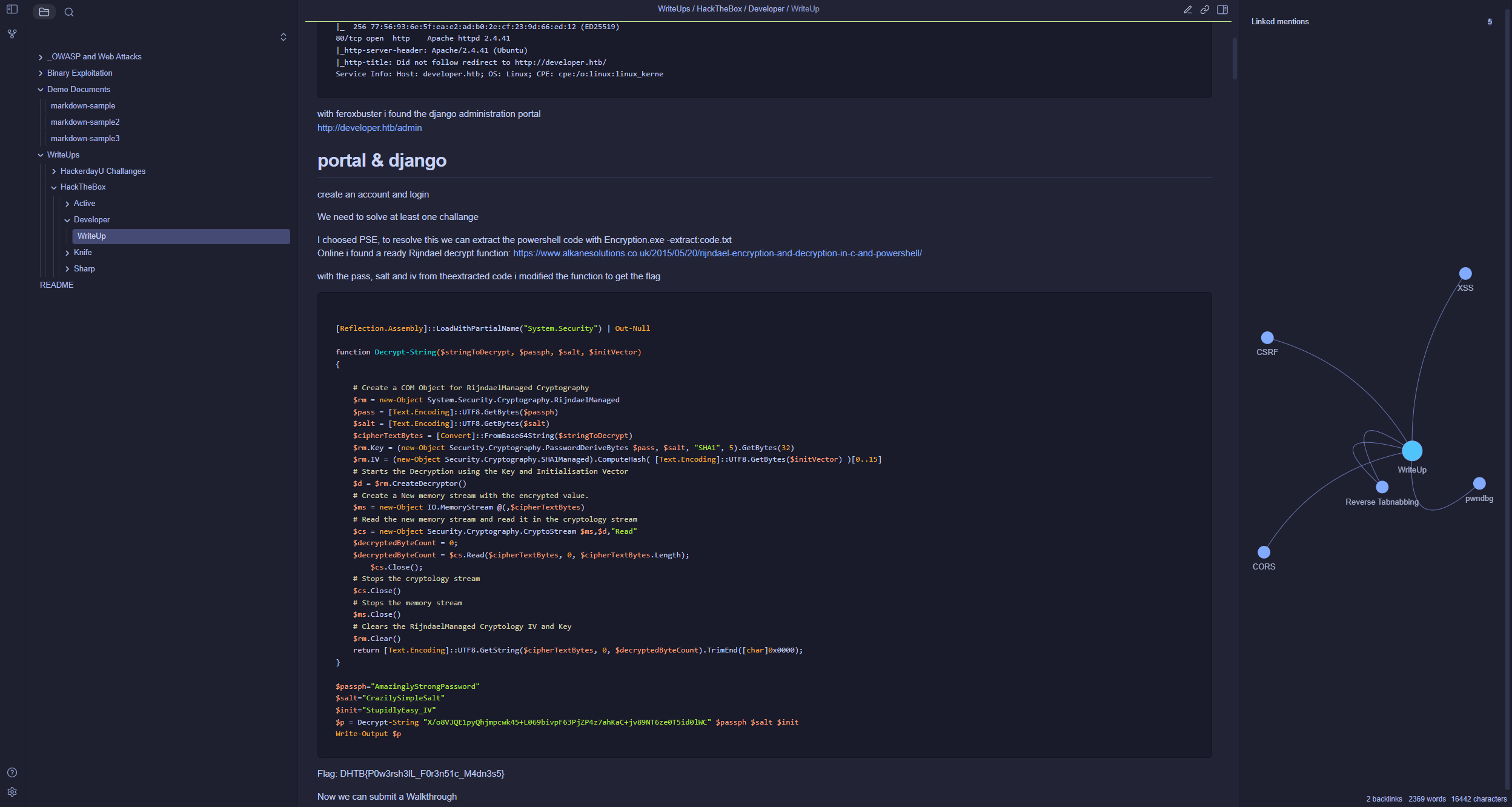
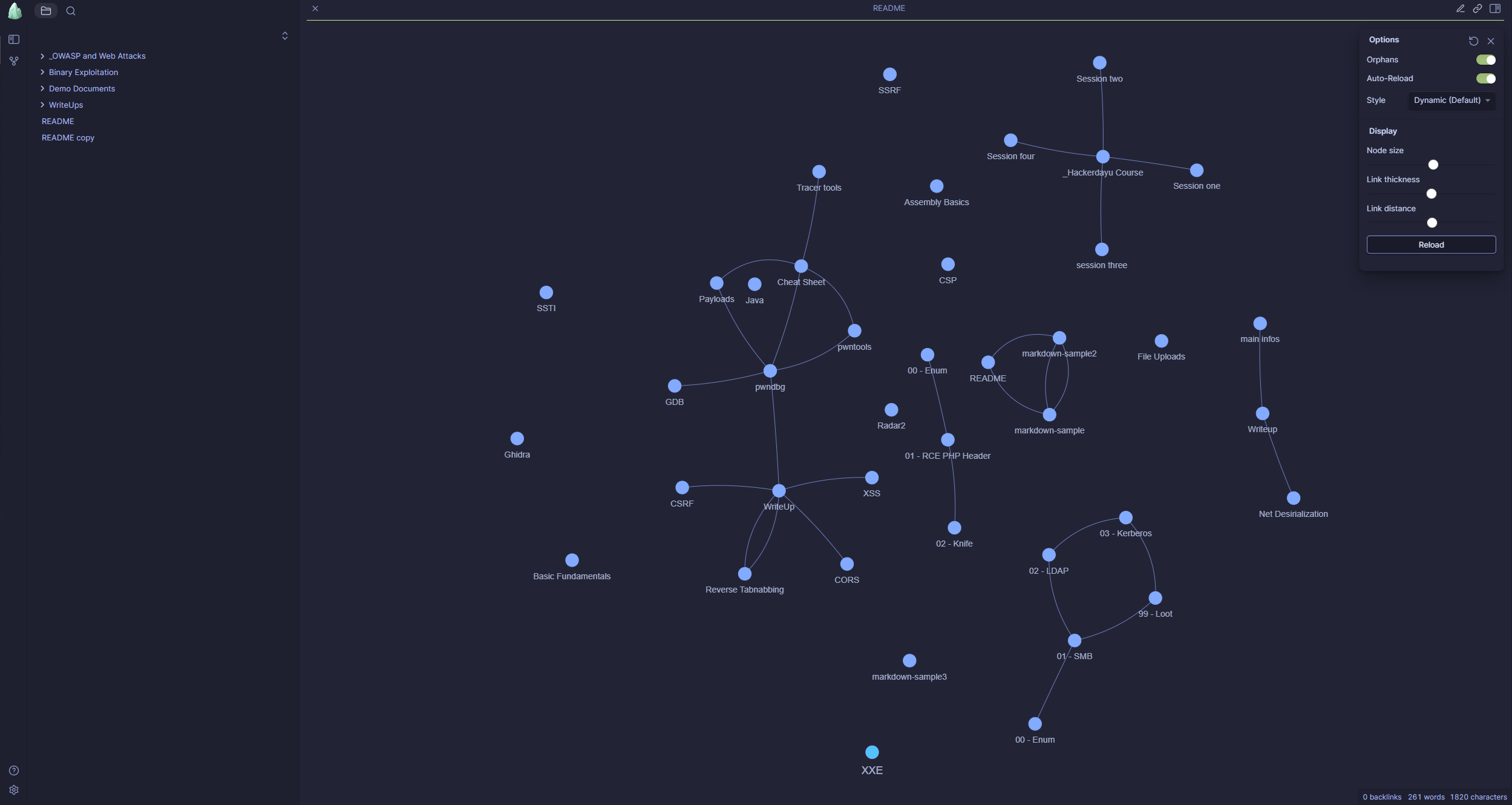
- Auto build up, based on your folder (vault) structure
- No Database required
- Obsidian Themes Support
- Fully Responsive
- No manual parsing or converting necessary
- Full interactive Graph
- LaTeX and Mermaid Support
- Link to Obsidian Vault
- Search
- Obsidian tags, links, images and preview Support
- Dark and Light Mode
This fork adds simple authentication on top of Perlite and is intended for Docker deployment only. Non-Docker setups are not tested.
-
Clone this repository:
git clone https://github.com/dewillepl/Perlite-auth.git
-
Build the Docker image:
docker build -t perlite-auth-app . -
Configure
.env(copy.env.exampleto.env, which is gitignored so real credentials never get committed):cp .env.example .env
PERLITE_USERNAME=admin
PERLITE_PASSWORD_HASH=<bcrypt hash>
VAULT=NameOfYourVaultFolder
Generate the bcrypt hash for your password and paste the output straight into
.envasPERLITE_PASSWORD_HASH:docker run --rm perlite-auth-app php -r "echo password_hash('yourpassword', PASSWORD_BCRYPT), PHP_EOL;" | sed 's/\$/$$/g'
The
seddoubles every$in the hash (e.g.$2y$10$...becomes$$2y$$10$$...) — required because docker-compose treats a single$in.envas variable interpolation and will silently corrupt the hash otherwise. Quoting the value does not prevent this; the$$escaping is the only fix.VAULTpicks which folder under./perlitegets mounted into the container as your vault (defaults toDemo, the bundled demo vault, if left unset). Set it to your own vault's folder name once you're ready to use your real notes.For the rest of the configuration, please refer to the original Docker Setup documentation.
-
Run the setup script — it creates the
./perlite/<VAULT>folder from.envif it doesn't exist yet:./setup.sh
-
Start the container:
docker compose up -d
Please check the wiki, here you will find further information, for example:
- The Safemode from Parsedown is active, but I would not recommend to allow untrusted user input.
- You should prevent that the .md files are direct accessible via the browser (only the php engine need access to it) or at least make sure that the md files will be downloaded and not be rendered by browser
- You should prevent that the metadata.json file is direct accessible via the browser (only the php engine need access to it). The extracted metadata.json contains the whole obsidian structure, so this file could be sensitive if you plan to exclude some files or folders from Perlite. However, the parsing is done by the php engine and it checks for every path if the file really exists in the provided vault, so files you excluded from the vault will also not be visible in the graph, but they are still present in the metadata.json. This is why you should prevent access to it.
Want to contribute? Awesome! Please use the dev branch for pull requests.
Wiki: Perlite is an amorphous volcanic glass ... typically formed by the hydration of obsidian.