Remove watermarks, enable high‑quality export, unlock effects and AI tools – no subscriptions.
VideoPatch is a powerful desktop tool that activates paid features in CapCut Pro, DaVinci Resolve Studio, Filmora, VideoPad, HitFilm, Movavi and more. Say goodbye to watermarks and export limits.


- Removes watermarks from all video exports in supported editors like CapCut.
- Unlocks high-quality export options including 4K, HDR, and 60fps settings.
- Enables access to premium effects, filters, and plugins without additional purchase.
- Activates AI-powered video editing tools for smart enhancements and automation.
- Removes trial version limitations to unlock full software functionality.
- Provides access to all transitions, templates, and stock media libraries.
- Unlocks advanced color correction and grading tools in editors like DaVinci Resolve.
- Enables batch processing and automated editing features for increased efficiency.
- Activates cloud storage and collaboration features where available in software.
- Supports multiple video editors including Filmora, VideoPad, HitFilm, and Movavi.
- Windows 10 or later (64-bit)
- 2 GB RAM minimum
- 200 MB free disk space
- Internet connection for initial setup (offline after patching)
- Microsoft Visual C++ Redistributable (latest version recommended)
- Download the VideoPatch ZIP archive from the official GitHub repository.
- Extract the ZIP file using the password 'videopatch' specified during extraction.
- Open the extracted folder and double-click to run 'videopatch.exe' application.
- Select your target video editor from the list of supported software.
- Click the 'Patch' button to apply the unlock and remove watermarks.
- Restart the video editor to ensure all changes take effect properly.
- Verify the premium features are unlocked and enjoy the enhanced editing experience.
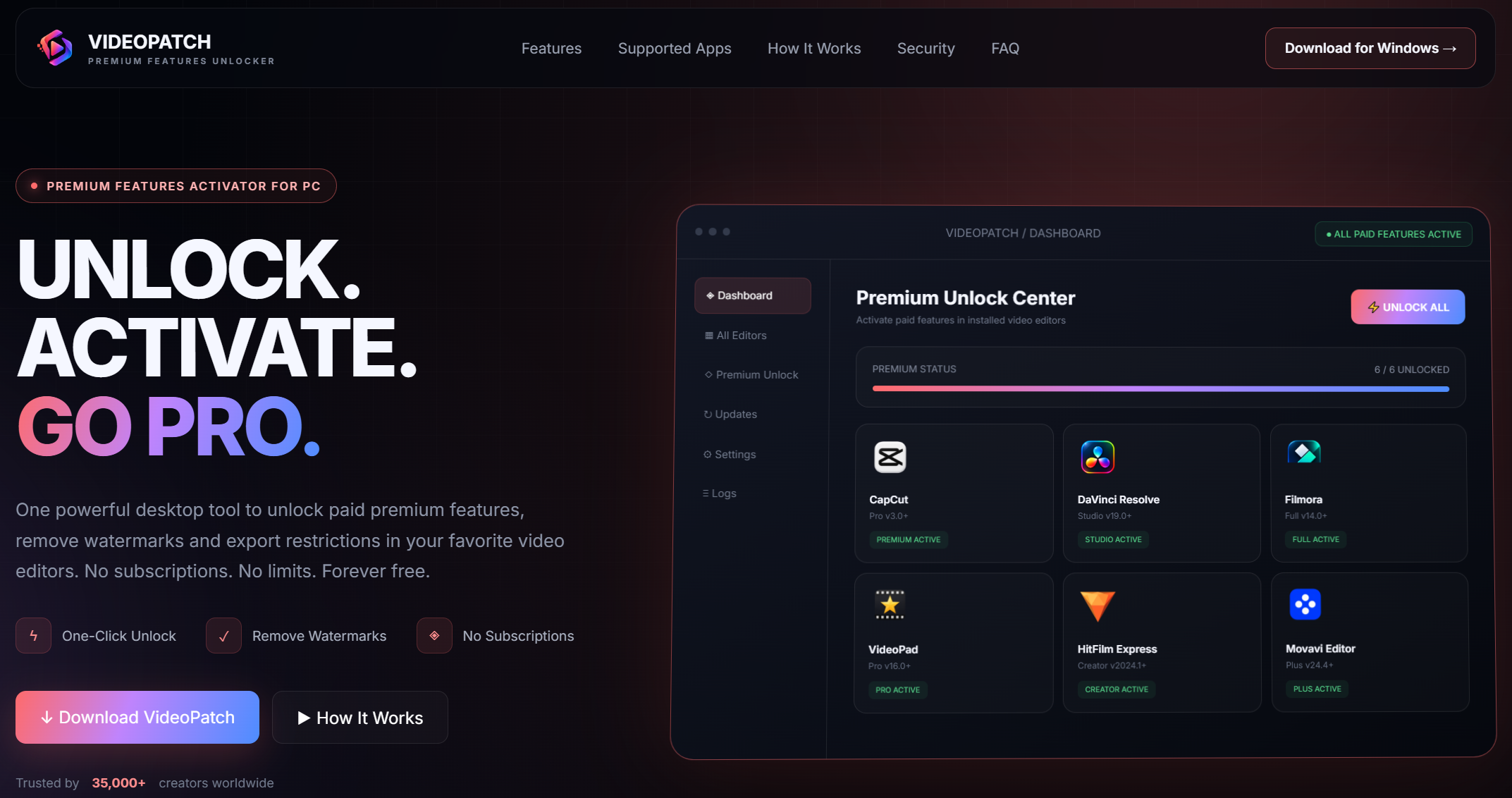
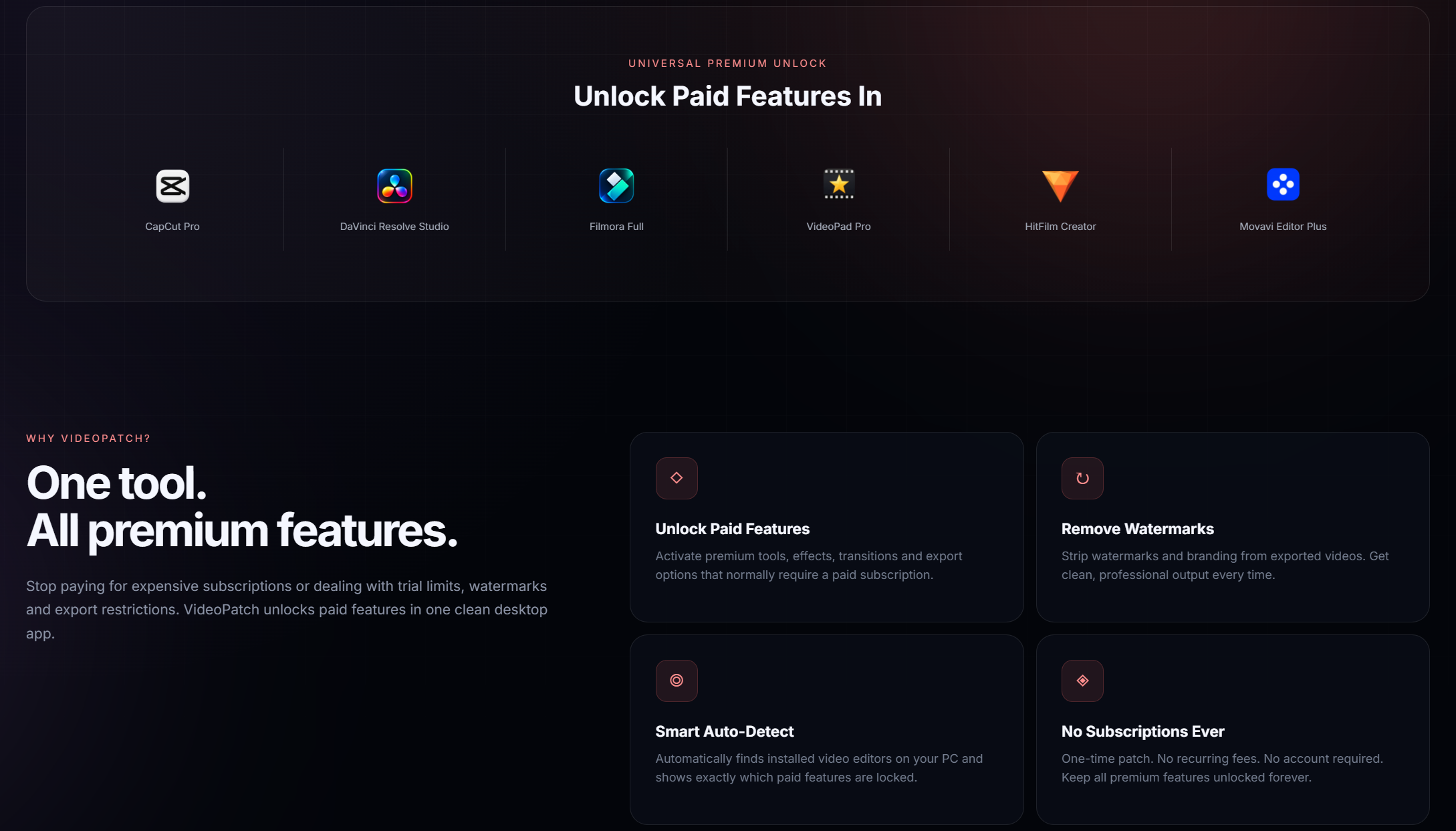
VideoPatch is a universal tool designed to unlock premium features and remove watermarks in popular video editing software.
VideoPatch supports CapCut, DaVinci Resolve, Filmora, VideoPad, HitFilm, and Movavi.
Download the ZIP, extract with password 'videopatch', run the executable, select your editor, and click 'Patch'.
Yes, VideoPatch is provided free of charge for personal use, though commercial use should adhere to software licensing.
VideoPatch is designed to be safe and does not contain tool, but always download from trusted sources like the official repository.
It removes watermarks, enables high-quality exports, unlocks effects and plugins, and activates AI-powered tools in supported editors.
VideoPatch is designed for Windows desktop applications and requires Windows 10 or later for optimal compatibility.
Ensure your video editor is up to date, follow installation steps carefully, and check for any anticomponent conflicts that might interfere.

This project is for educational purposes only. The authors are not responsible for any misuse or consequences. Use at your own risk.