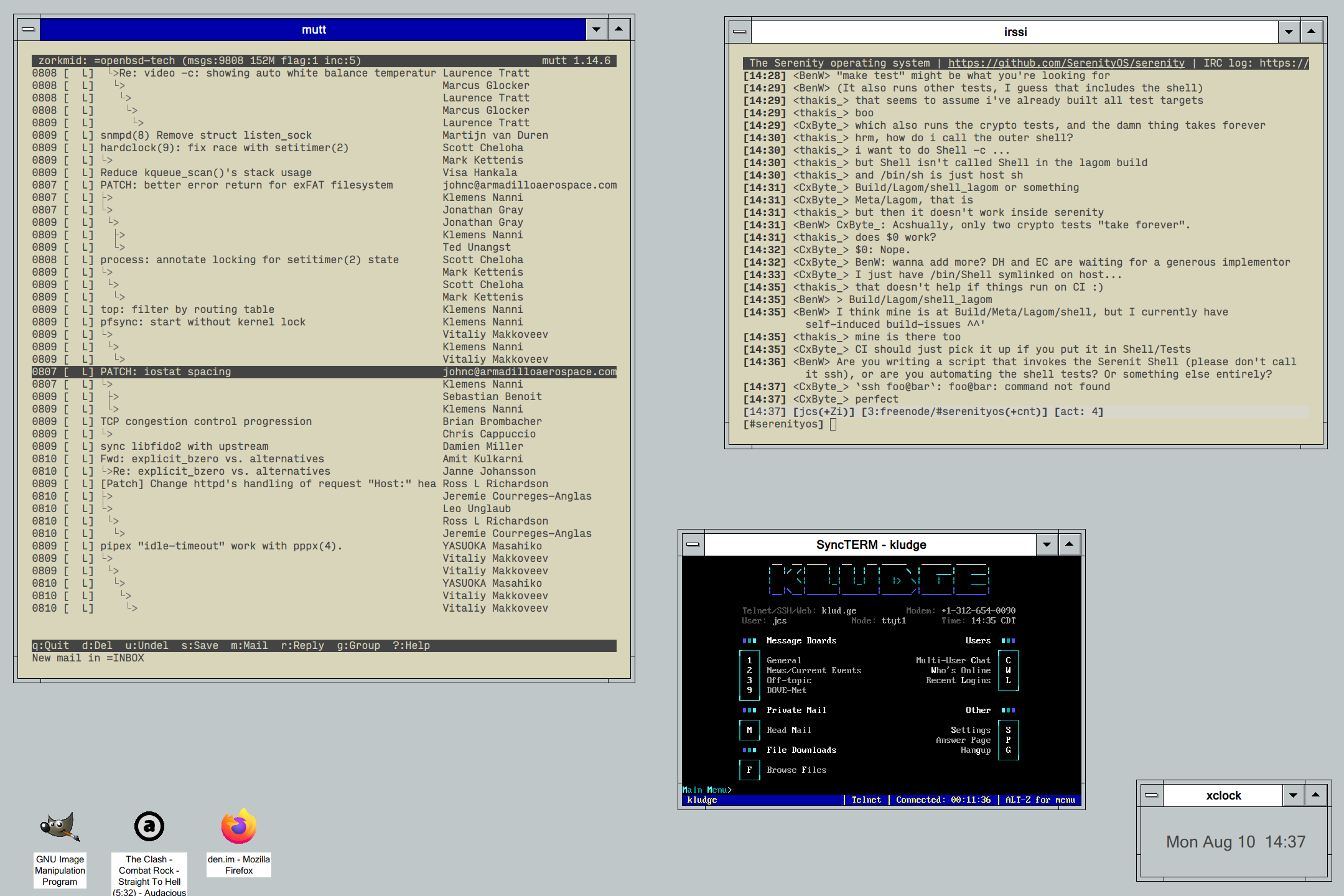
progman is a simple X11 window manager modeled after Program Manager from the Windows 3 era.
MIT
Run make to compile, and make install to install to /usr/local by
default.
- Window minimizing, drawing icons and labels on the root/desktop
- Window maximizing and full-screen support (via
_NET_WM_STATE_FULLSCREEN) - Window shading by double-clicking on a window titlebar
- Window moving by holding down
Altand clicking anywhere on a window - Built-in keyboard binding support by adding items to the
[keyboard]section of~/.config/progman/progman.inisuch asWin+L = exec xlock - Built-in mouse button binding on the desktop by adding items to the
[desktop]section of~/.config/progman/progman.inisuch asMouse3 = exec xterm, with right-click setup by default to show a configurable launcher menu containing programs listed in the[launcher]section ofprogman.ini - Virtual desktops with keyboard shortcuts for switching between them bound
to
Alt+1throughAlt+0by default, and using the mouse wheel on the desktop to scroll through virtual desktops - Window cycling with
Alt+TabandShift+Alt+Tab - Theme support
- Optional HiDPI support by defining
-DHIDPIinMakefile, to double-size images, icons, and borders