
A smart, autonomous AI companion that lives on your device. Not just a chatbot — it plans, remembers, and acts on its own.


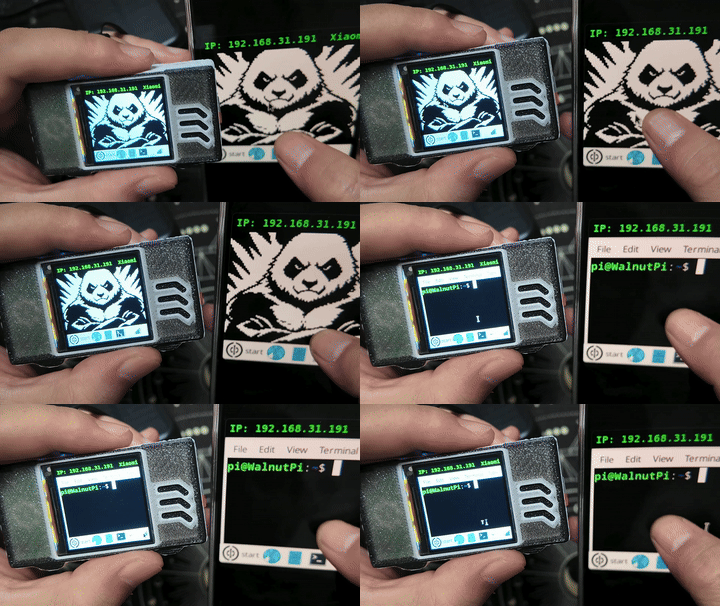
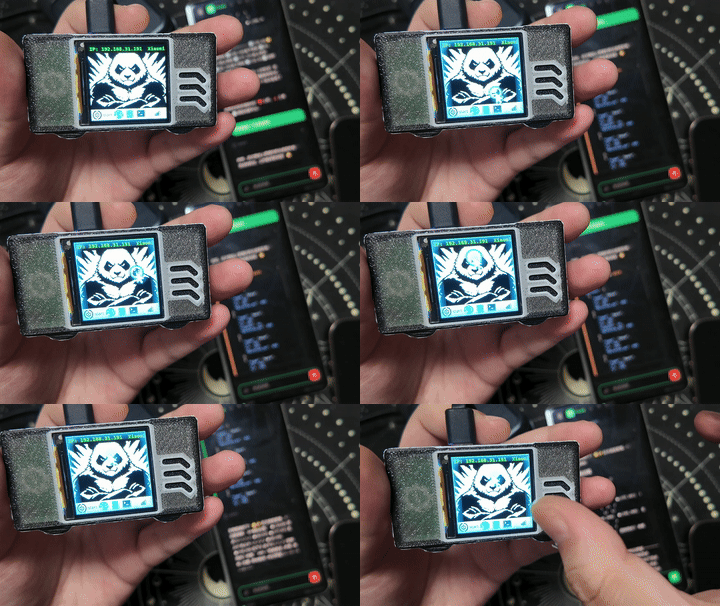
PIweb is an AI assistant platform designed for Raspberry Pi and edge devices. It turns a Raspberry Pi into a personal AI hub that you can access from any device on your local network — your phone, tablet, or laptop — via a clean Web UI.
Unlike cloud-only chatbots, PIweb runs locally on your hardware, giving you full control over your data and conversations. It supports both cloud AI providers and local models, with advanced autonomous capabilities that go far beyond simple Q&A.
- Raspberry Pi 4 / 5 (primary target)
- Raspberry Pi 400 / CM4
- Any Linux ARM64/x86 device
- Windows desktops (fully tested)
- macOS / iOS — not yet tested, community feedback welcome
Current release: v2.1.0
- Partial open source — Core agent logic is obfuscated; skills, configs, docs, and frontend are open. Full open-source release planned for a future version.
- No token authentication — The web server currently has no auth layer. This is intentional for LAN-only usage on Raspberry Pi. Do not expose to the public internet without adding your own auth.
- LAN access — After starting, access from any device on your network via
http://<pi-ip>:3000orhttp://127.0.0.1:3000on the host. Control PIweb from your phone in the same Wi-Fi. - Continuous updates — Features, stability, and platform support will improve with each release.
- Anthropic Claude — native SDK support (Sonnet / Opus / Haiku)
- OpenAI-compatible API — one protocol, 15+ providers:
- China: Alibaba Qwen (DashScope), DeepSeek, Zhipu GLM, Moonshot Kimi, Baidu ERNIE, Yi, SiliconFlow
- International: OpenAI GPT, Google Gemini, Groq, Together AI
- Local models — Ollama, vLLM, SGLang, LM Studio (no API key needed)
- Auto-detect model name from server — zero config for local deployments
| Tier | Models | Why |
|---|---|---|
| Best | Claude Sonnet 4 / Opus | Best tool-use, agentic reasoning, and multimodal understanding. PIweb is optimized for Claude. |
| Budget-friendly | Qwen 3.5 (DashScope) | Strong multimodal + tool-use at very low cost. Best price-performance ratio. |
| Local | Qwen 2.5 72B, Llama 3.3 70B | Good for privacy-first setups with capable hardware. |
Not recommended: Models without multimodal support or weak autonomous agent capabilities (e.g., small quantized models, text-only models). PIweb relies heavily on tool-use and multi-step reasoning — weaker models will produce poor results.
| Mode | Command | Use Case |
|---|---|---|
| Web | piweb --web |
Full Web UI with WebSocket streaming, multi-session management. Access from phone/tablet via LAN. |
| CLI | piweb --cli |
Terminal interaction with session switching and skill loading. |
| Daemon | piweb --daemon |
Background cron scheduler + Web server running together. |
| Category | Tools | Description |
|---|---|---|
| Files | read_file write_file list_files |
Read/write files with inline Base64 for images and documents |
| Shell | bash |
Execute shell commands (auto UTF-8 on Windows) |
| Web | web_fetch |
Fetch and extract web page content |
| Memory | memory_write memory_read memory_delete |
Cross-session persistent memory |
| Screenshot | screenshot |
Desktop capture via Python Pillow (auto-compressed) |
| Planning | grid_run grid_execute grid_list grid_delete |
Multi-step autonomous task planning and execution |
| Thinking | soul_think soul_list soul_delete |
Multi-perspective deep analysis |
| Parallel | swarm_run swarm_execute swarm_list swarm_delete |
Multi-agent parallel task decomposition |
| Scheduling | set_timer cancel_timer list_timers |
Self-scheduling, wake-up timers, cron loops |
| Skills | skill_run skill_list |
Direct skill invocation |
Automatically breaks complex goals into step-by-step plans, each bound to required skills. Supports plan-first-then-execute workflow:
User: Build me a complete CUDA project workflow
PIweb: [Planning] → 4 steps: Project Setup → Kernel Implementation → Performance Tuning → Docs
       [Skills]   → cuda-expert, coding
       [Review]   → User confirms before execution begins
Adaptively designs 1–6 analytical roles tailored to the question, runs them in parallel, then synthesizes a conclusion with a clear stance:
- Perspectives are dynamically chosen per question — not fixed templates
- Each perspective produces an independent, full analysis
- Final synthesis delivers a decisive recommendation, not fence-sitting
User: Should I pick Rust or Go for this project?
PIweb: [Designs 4 perspectives] → Performance Expert / Engineering Pragmatist / Team Lead / Ecosystem Analyst
       [Parallel analysis]      → Each argues independently
       [Synthesis]              → Clear recommendation based on your specific context
Decomposes tasks into parallelizable subtasks, each handled by an independent agent:
- Automatic dependency resolution with layered parallel execution
- Each agent has full tool access (files, shell, web)
- 2–8 configurable parallel workers
The AI can set timers to wake itself up and continue working autonomously:
User: Remind me to drink water in 5 minutes
PIweb: ✅ Timer set (ID: abc123)
       [5 minutes later, auto-triggers]
PIweb: ⏰ Time to drink water!
- One-shot timers — fire after N seconds
- Recurring tasks — cron expressions (e.g.,
*/30 * * * *= every 30 min) - Persistent — survives process restarts
- Natural language — parses "in half an hour", "tomorrow at 8am", "every 10 minutes"
- Persists across sessions — survives restarts
- Categorized storage: preferences, context, facts, summaries
- AI proactively remembers important information and recalls it in future conversations
When conversations grow very long, the system automatically compresses older messages via LLM summarization while preserving recent and key messages — enabling unlimited conversation length without losing context.
PIweb's frontend has been through multiple iterations focused on real-world usability. It delivers clear advantages in two scenarios:
- Quick tasks — Snappy response streaming, minimal UI friction, instant tool feedback. Ask a question, get an answer with file reads and web fetches already done.
- Long-chain autonomous tasks — Grids + Swarm + Timers enable multi-step workflows that run to completion without hand-holding. The AI plans, executes, checks results, and adapts — across minutes or hours if needed.
This is not a toy demo. It's built for daily use as a real productivity tool.
Skills are hot-loadable AI behavior modes defined as Markdown files:
---
name: my-skill
description: Short description
---

# Skill Title
Detailed instructions, rules, and constraints...
Drop a .md file into the skills/ directory and it's automatically loaded. Toggle skills via the Web UI sidebar or by typing /skillname in chat.
Built-in skills: Coding Assistant, CUDA Expert, Deep Research, Data Visualization, Web Browser, File Manager, Tarot Reading, Astrology, Bug Tracker, and more.
Extend PIweb with external tool servers via Model Context Protocol. Example — Playwright browser automation:
{
  "mcp": {
    "playwright": {
      "command": "npx",
      "args": ["-y", "@playwright/mcp"],
      "enabled": true
    }
  }
}
MCP servers are hot-reloaded — save in Web Settings and changes take effect immediately, no restart needed.
npm installCopy the config template:
cp piweb.config.example.json piweb.config.jsonEdit piweb.config.json:
{
  "provider": "openai",
  "baseURL": "https://dashscope.aliyuncs.com/compatible-mode/v1",
  "model": "qwen3.5-plus",
  "mcp": {}
}
Set your API key (choose one):
- Option A: Edit
.envfile —API_KEY=sk-your-key-here - Option B: Use the Web Settings panel after starting (writes to
.envautomatically)
Local models (Ollama / vLLM / SGLang / LM Studio) do not require an API key.
# Web mode (recommended)
npm start
# Open http://localhost:3000 in your browser
# Or access from phone: http://<your-ip>:3000

# CLI mode
npm run cli

# Daemon mode (background scheduler + Web)
npm run daemon
On Windows, you can also run start.cmd or start.ps1 directly.
PIweb has no authentication in this pre-release. Once running, access it from any device on the same network:
http://192.168.x.x:3000
The Web UI is fully responsive and works well on mobile browsers.
piweb/
├── dist/                   # Compiled runtime (obfuscated JS)
├── skills/                 # Skill modules (Markdown, user-extensible)
├── grids/                  # Grid / Soul / Swarm task storage
├── data/                   # Session data + long-term memory
│   └── memory.json         # Cross-session memory store
├── public/                 # Web UI frontend
│   └── index.html          # Single-page application
├── workplace/              # AI workspace (temp files)
├── docs/                   # Documentation
│   ├── configuration.md    # Full configuration guide
│   └── daemon-mode.md      # Daemon mode reference
├── piweb.config.json       # Runtime configuration
├── .env                    # API key (not version-controlled)
├── package.json
└── README.md
| Field | Type | Default | Description |
|---|---|---|---|
provider |
"anthropic" | "openai" |
"anthropic" |
All non-Anthropic providers use "openai" |
baseURL |
string |
— | API endpoint URL (not needed for Anthropic) |
model |
string |
claude-sonnet-4-5-20250929 |
Model name; leave empty for auto-detect |
maxTokens |
number |
8192 |
Max output tokens per response |
systemPrompt |
string |
— | Custom system prompt (overrides built-in) |
mcp |
object |
{} |
MCP server configurations |
compression |
object |
{} |
Context compression settings |
timers |
object |
{} |
Timer system settings |
Full configuration guide: docs/configuration.md
- Runtime: Node.js 18+
- Language: TypeScript 5.7
- AI SDK: @anthropic-ai/sdk, OpenAI-compatible API
- Protocol: Model Context Protocol (MCP)
- Browser: Playwright MCP
- Scheduling: Croner (cron engine)
- Realtime: WebSocket (ws)
| Platform | Status | Notes |
|---|---|---|
| Windows 10/11 | ✅ Fully tested | Primary development platform |
| Linux x86_64 | ✅ Supported | Server / desktop deployments |
| Linux ARM64 (Raspberry Pi) | ✅ Target platform | Pi 4 / Pi 5 recommended |
| macOS | Should work; feedback welcome | |
| iOS (Safari) | Web UI should work; native not planned |
This is a partially open-source project:
| Component | Status |
|---|---|
| Skills (Markdown) | Open |
| Configuration & Docs | Open |
| Web UI Frontend | Open |
| MCP Integration Layer | Open |
| Core Agent Engine | Obfuscated (planned open-source) |
| Task Systems (Grid/Soul/Swarm) | Obfuscated (planned open-source) |
| Memory System | Obfuscated (planned open-source) |
Full open-source release with a proper license is planned for a future version. Contributions and feedback are welcome.
- Authentication layer (token-based access control)
- iOS / macOS testing and optimization
- Raspberry Pi OS optimized install script
- Plugin marketplace for community skills
- Full open-source release
- Docker image for one-command deployment
- Grids: multi-step autonomous task planning
- Soul: multi-perspective deep thinking engine
- Swarm: parallel multi-agent execution
- Timers: autonomous self-scheduling system
- Smart context compression (unlimited conversations)
- Multi-provider support (15+ services, local + cloud)
- Web Settings panel with hot-reload
- MCP tool extensions
- Extensible skill system
- Persistent long-term memory
- Responsive Web UI (mobile-friendly, LAN access)
- Graceful shutdown (SIGINT / SIGTERM / PM2)