
A starter template for building web applications with ElementaryUI powered by Vite.
Click Use this template on GitHub or check the docs about using templates.
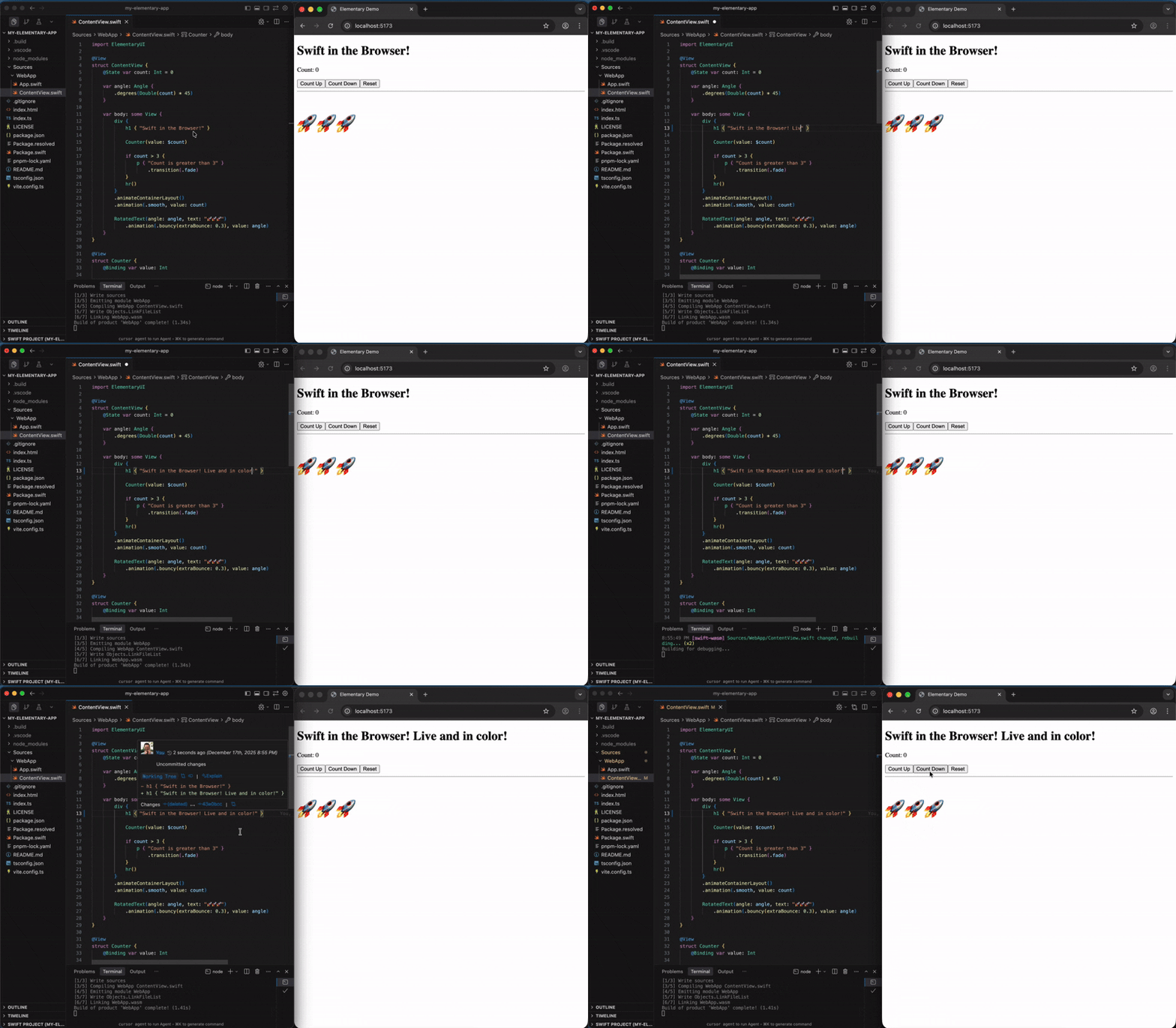
You can use degit to scaffold a local project.
npx degit elementary-swift/starter-vite my-swift-web-app
cd my-swift-web-app
or simply clone it:
git clone https://github.com/elementary-swift/starter-vite.git my-swift-web-appPrerequisites:
- Swift 6.3+ with matching Swift SDK for WebAssembly (swift.org)
- Node.js 22+ (nodejs.org)
- wasm-opt (optional, homebrew or manual)
npm installPrerequisites:
- Docker
- Dev Containers extension for VS Code or any compatible editor
Open the project folder in your editor and run the "Dev Containers: Reopen in Container" command. The initial build may take several minutes.
# Verify Swift toolchain
swift --version
# look for a compiler tag like this: (swift-6.3.1-RELEASE)

# Verify Swift SDK for WebAssembly
swift sdk list
# should contain matching entries, eg: swift-6.3.1-RELEASE_wasm and swift-6.3.1-RELEASE_wasm-embedded# Start development server with hot reload
npm run devRuns an initial debug build of the WebAssembly app in the browser. Swift files are watched and trigger an instant rebuild/reload on save.
# Build in release and bundle for deployment
npm run build

# Preview the built web app locally
npm run previewThe template comes with a Vite config that uses Embedded Swift for release builds.
// vite.config.ts
import { defineConfig } from "vite";
import swiftWasm from "@elementary-swift/vite-plugin-swift-wasm";

export default defineConfig({
  plugins: [
    swiftWasm({
      useEmbeddedSDK: true,
    }),
  ],
});
For all configuration options, visit the plugin's homepage: vite-plugin-swift-wasm.
0BSD License - use it freely with no attribution required.
