Repository navigation
Spring Security
By default, Spring Boot security is disabled. To enable it, uncomment the following in backend/pom.xml:
<!--
     <dependency>
        <groupId>org.springframework.boot</groupId>
        <artifactId>spring-boot-starter-security</artifactId>
      </dependency>
  -->
Once enabled and snail4j.jar is restarted, you get the Completed initialization in N ms message, navigate to localhost:8090 in your browser.
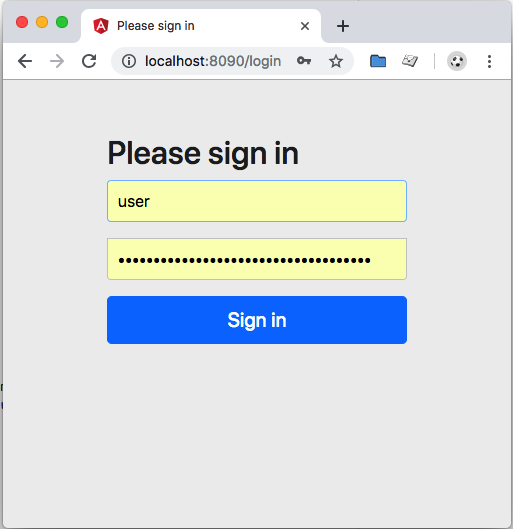
Spring Security is enable by default, so every time you stat the app you'll be presented with screenshot below. The user is just "user" and the pw is in the stdout log.
The password for 'user' will be displayed in the stdout like this:
Using generated security password: 6ba401cd-01cb-4e44-bf16-3892bfc90115
For more details, check here or here.