Releases: etra0/litcher
Releases · etra0/litcher
Release list
v0.4.0

v0.4.0-beta
update version
v0.4.0-alpha2
Updated cargo.toml version
v0.4.0-alpha
updated nightly version dependency
v0.3.8
The Litcher v0.3.8
If you enjoyed this tool, consider supporting me @

v0.3.7
fix: Use the proper function to read a pointer.

This pointer might be unaligned so we have to make sure we're reading
using the right function.
v0.3.6
- Update version
- chore: Include version in the error message.
- fix: Update the way we get some relevant pointers.
- chore: changed on/off from button to checkbox
v0.2.5
feat: Backported all features to the old gen
v0.3.5
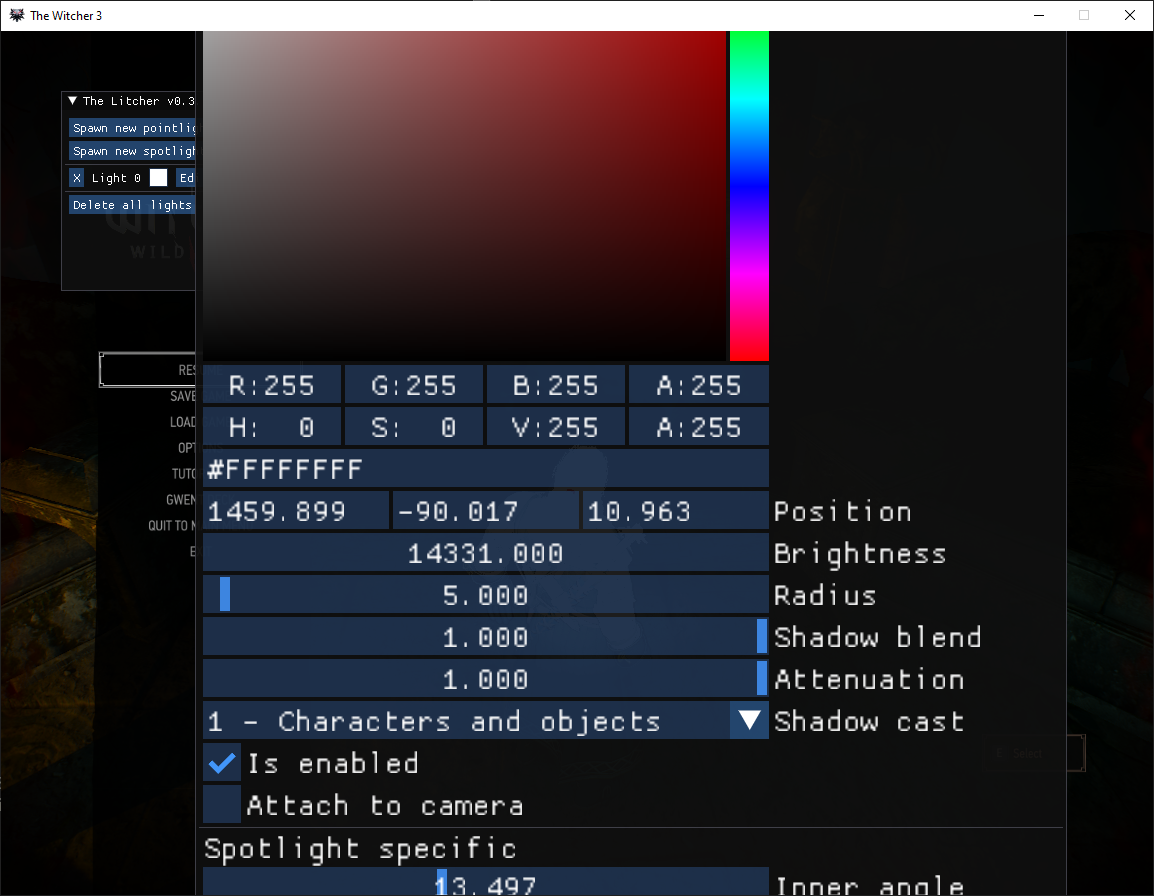
Changed InputFloat for Drag for Position
As requested for our lord and savior, Jim2Point0, The Legendary
Fortographer, it would be more convenient for the position to be
draggables.
Despite the current despair of our society, screenshots should be a top
priority of every peasant in this world, and so this commit had to be
made.
This is god's law.
v0.3.4
You can now rescale windows! and also CTRL+Click to manually input values and SHIFT+drag to change values faster in draggeables.