A simple, customizable new tab page/start page for your browser. Based on the Catppuccin Mocha color palette!
Check out the demo! :)
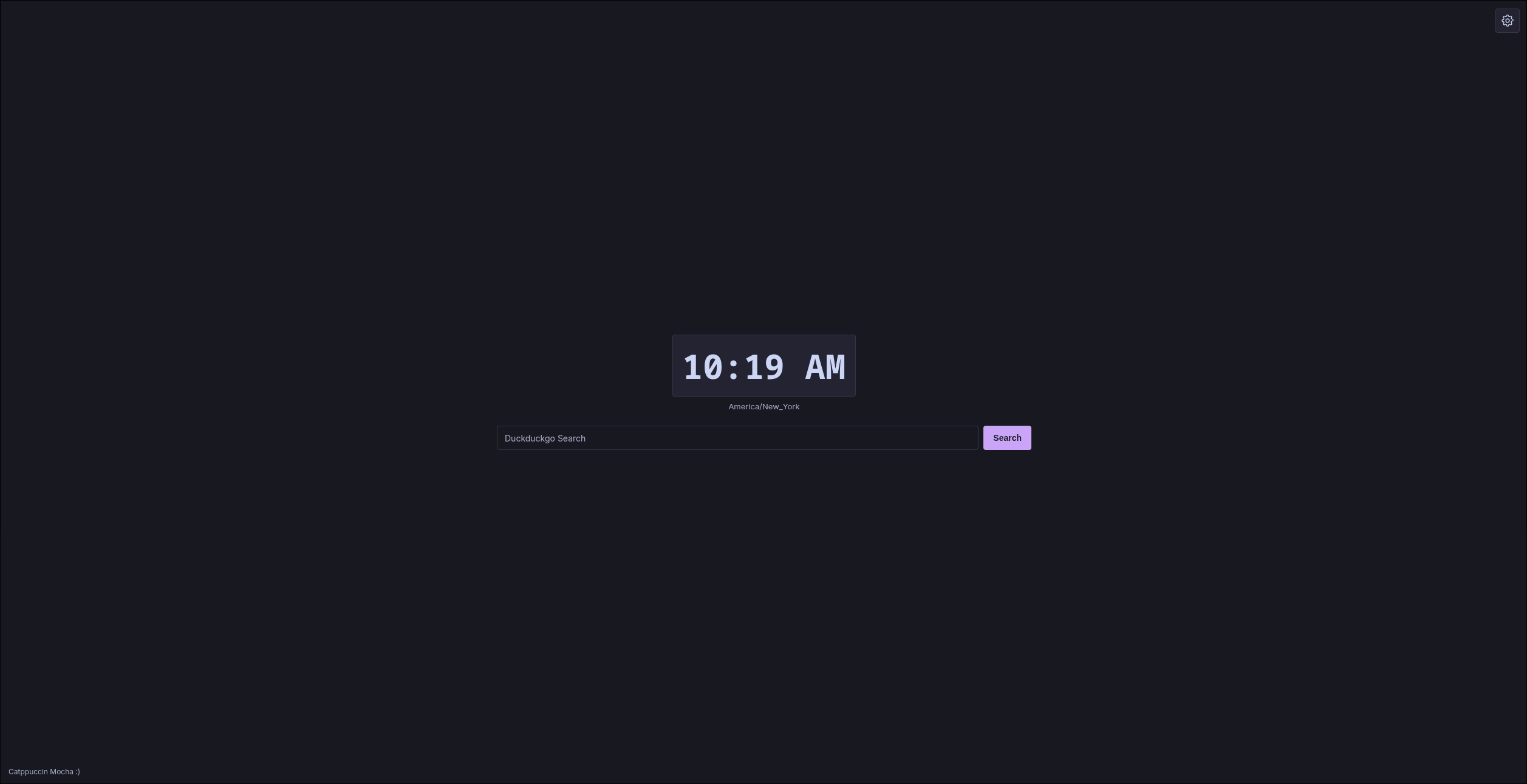
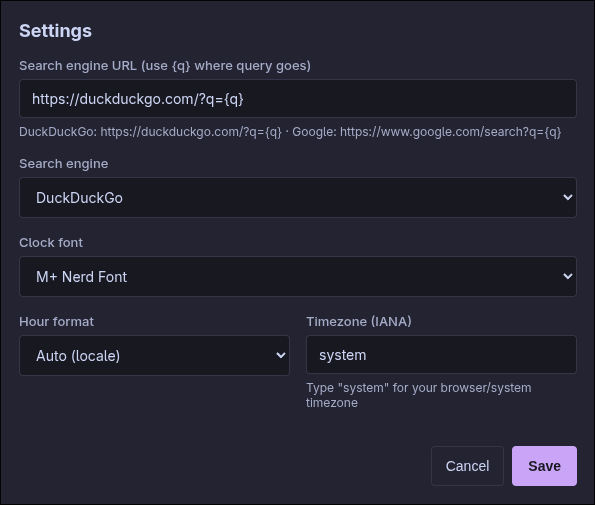
Clock, Search, Weather, Bookmarks, Notes, and Quote — add and arrange them in edit mode, configure each from its own settings sidebar.
Fork this repo.
Enable GitHub Pages:
- Go to your fork's settings tab.
- Click Pages in the left sidebar.
- Select GitHub Actions as the source (not "Deploy from a branch") and save.
- Push to
main— the included workflow builds and deploys automatically. - Save your GitHub Pages URL somewhere.
Setting as startup/homepage (Chromium):
- Click the 3 dots in the top right corner.
- Click "Settings"
- Click "On Startup".
- Click "Open a specific page, or set of pages."
- Put in the URL you got. (ex:
https://yourgithubusername.github.io/yourforksname) - Save!
Set as new tab page (Chromium):
- Add the Custom New Tab URL extension.
- Click the 3 dots in the top right corner.
- Click "Extensions"
- Click Custom New Tab URL
- Click "Extension Options"
- Check "Enabled"
- Under "URL or local file path" put in your URL. (ex:
https://yourgithubusername.github.io/yourforksname) - Save!
Setting as startup/homepage (Firefox):
- Click the hamburger menu in the top right corner (or go to
about:preferences#home). - Click "Home".
- Click "Homepage and new windows", and set to custom URLs.
- Put in the URL you got. (ex:
https://yourgithubusername.github.io/yourforksname) - Save!
Set as new tab page (Firefox):
- Add the Custom New Tab Page extension.
- Open
Add-onsfrom theMenu(or navigate toabout:addons). - Select "Extensions"
- Select the "Custom New Tab Page" extension → "Options"
- Enter your URL in the "New Tab URL" box.
- Save!
You can adjust basic settings directly within the UI.
Tip: You can customize it more by editing the files directly, but I will try to make the settings more advanced later.
Requires pnpm.
pnpm install
pnpm dev     # local dev server
pnpm build # production build to dist/HotCoffeeYT - Did a PR, and added placeholder stuff.
@foodisyum - Recommended I add a pictures section.
Add me on Discord! goybsd :)