This mobile application is a guide application. Users who want to have information about places to visit can benefit from this application.
- You can explore new places in it.
- You can read detailed articles about the places you have discovered.
- You can like discovered places or save to remember them later.
- You can make new searches and get information about the results.
- You can browse pictures of all places by clicking on them.
- All classes are isolated.
- 2 APIs were used in the whole project.
- Room database is used.
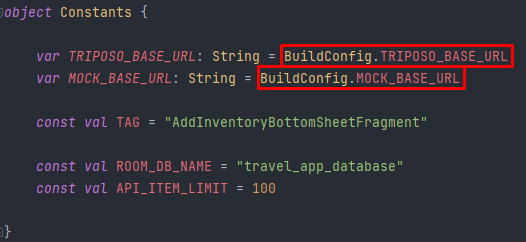
- API key and endpoint addresses are hidden.
- DependencyInject has been used literally.
- I used
Resourcein Flow. - I used
@string.xml,@dimen.xml,@colors.xml.
- Okhttp
- Retrofit
- Kotlin Coroutines
- ViewModel
- Glide
- Dagger & Hilt
- Room
- DataBinding
- Material Design

 |
 |
 |
 |
 |
 |
- Attention has been paid to the distinction between Fragment & ViewModel.
- Observe operations are done in the fragment.
private fun initializeDeals() {

        //Observer deals.
        homeViewModel.attractionsLiveData.observe(viewLifecycleOwner) {
            binding.dealsRecyclerview.adapter = HomeDealsAdapter(it)
        }

        //Observe loading.
        homeViewModel.loading.observe(viewLifecycleOwner) {
            if (it) {
                binding.dealsRecyclerview.visibility = View.GONE
                binding.dealsErrorText.visibility = View.GONE
                binding.dealsProgressBar.visibility = View.VISIBLE
            } else {
                binding.dealsRecyclerview.visibility = View.VISIBLE
                binding.dealsErrorText.visibility = View.GONE
                binding.dealsProgressBar.visibility = View.GONE
            }
        }

        //Observe error.
        homeViewModel.error.observe(viewLifecycleOwner) {
            if (it) {
                binding.dealsRecyclerview.visibility = View.GONE
                binding.dealsErrorText.visibility = View.VISIBLE
            } else {
                binding.dealsRecyclerview.visibility = View.VISIBLE
                binding.dealsErrorText.visibility = View.GONE
            }
        }
}| Image | Comment |
|---|---|
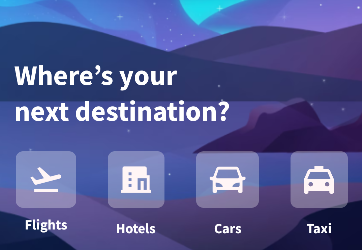 |
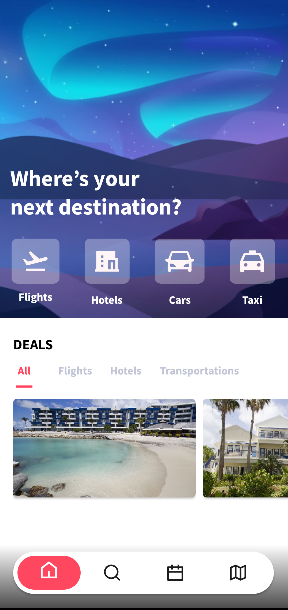
• All buttons are static. • The clicked button updates the tab layout. • Only cars button gives "In Care" error. • The incoming error message can be changed from the string.xml file.• When the button is clicked, SoundEffectConstants.CLICK sound is heard. |
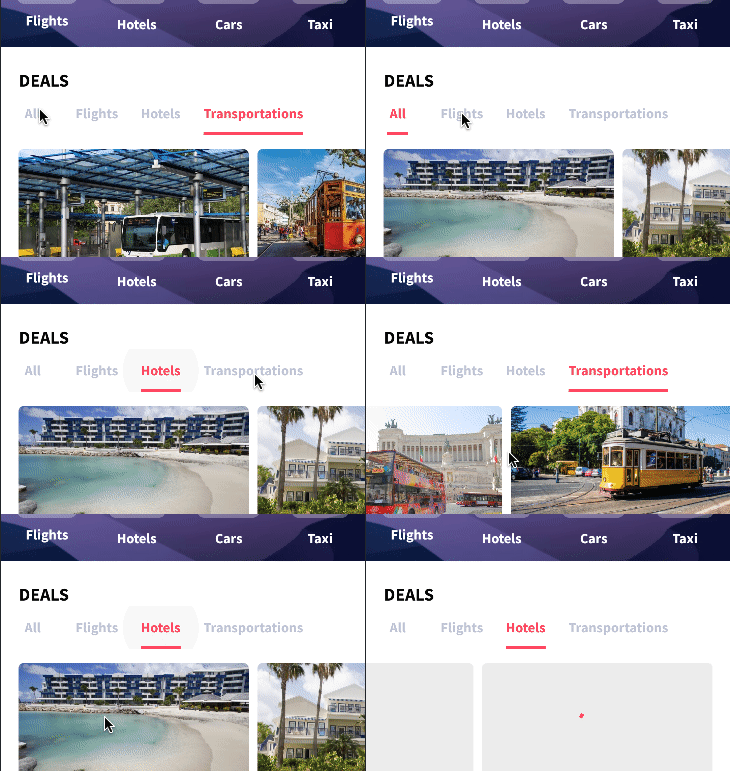 |
• TabLayout is used and texts are defined as static. • RecyclerView contents are updated when TabItem is clicked. • Without freezing the UI, all processes are running in the background thanks to Coroutine.• It uses custom progress bar while loading all images. • All images are clickable. |
 |
• Clicked items move slightly upwards. • The picture and the background are separate from each other. • It can be scrolled up or down depending on the screen size. • When the keyboard is opened, it is prevented from moving to the top. • It doesn't work in DetailFragment. |

- Updates can be made by searching for
Region, Country, Venue, etc.in this screen. - When
Destinationsis scrolled, new items will start loading. SearchViewwill transferSearchResultFragmentwhen any text is written and the written text will be transferred there.
Note: Example function in view model.
fun addBookmark(
        attraction: Attraction,
        onBookmarkAddButtonClick: (Attraction) -> Unit
    ) {
        viewModelScope.launch {
            dbRepository.insert(attraction).collect() {
                when (it) {

                    is Resource.Loading -> {
                        loading.postValue(true)
                        error.postValue(false)
                    }

                    is Resource.Error -> {
                        loading.postValue(false)
                        error.postValue(true)
                    }

                    is Resource.Success -> {
                        loading.postValue(false)
                        error.postValue(false)
                        bookmarkList.add(attraction.id)
                        onBookmarkAddButtonClick(attraction)
                    }
                }
            }
        }
}| Image | Comment |
|---|---|
 |
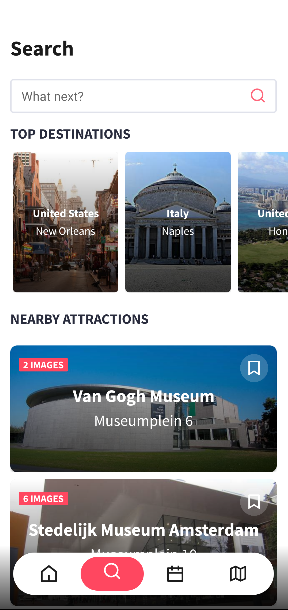
• A completely custom edit text has been created. • As soon as any button is clicked, SearchResultFragment will be transferred and the first letter in it will be transferred to the new fragment with arguments.• When clicked, it will redirect to a detail page showing information about that region. |
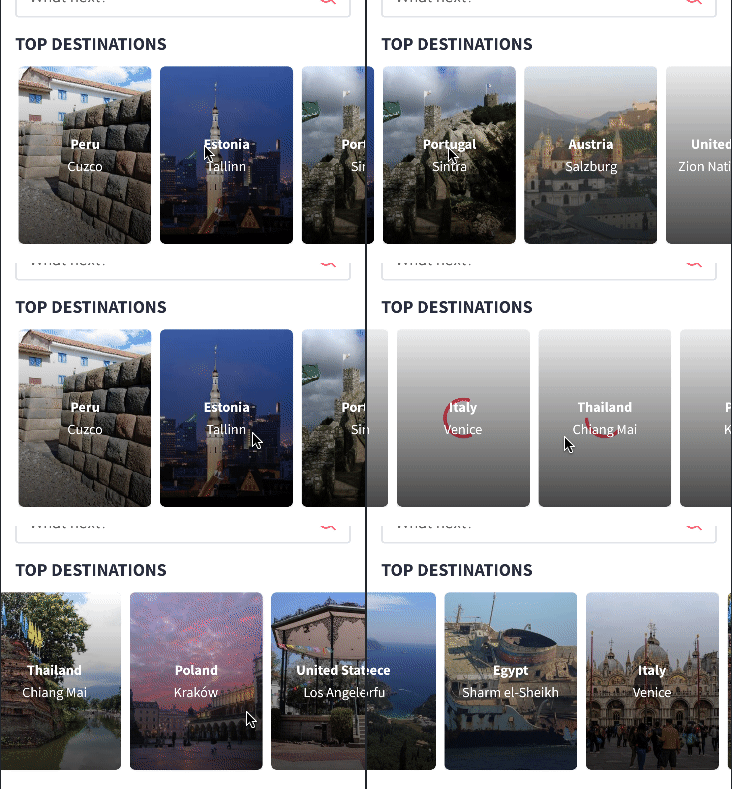 |
• It lists the important places of the countries thanks to TriposoAPI.• All items start loading when we swipe right. |
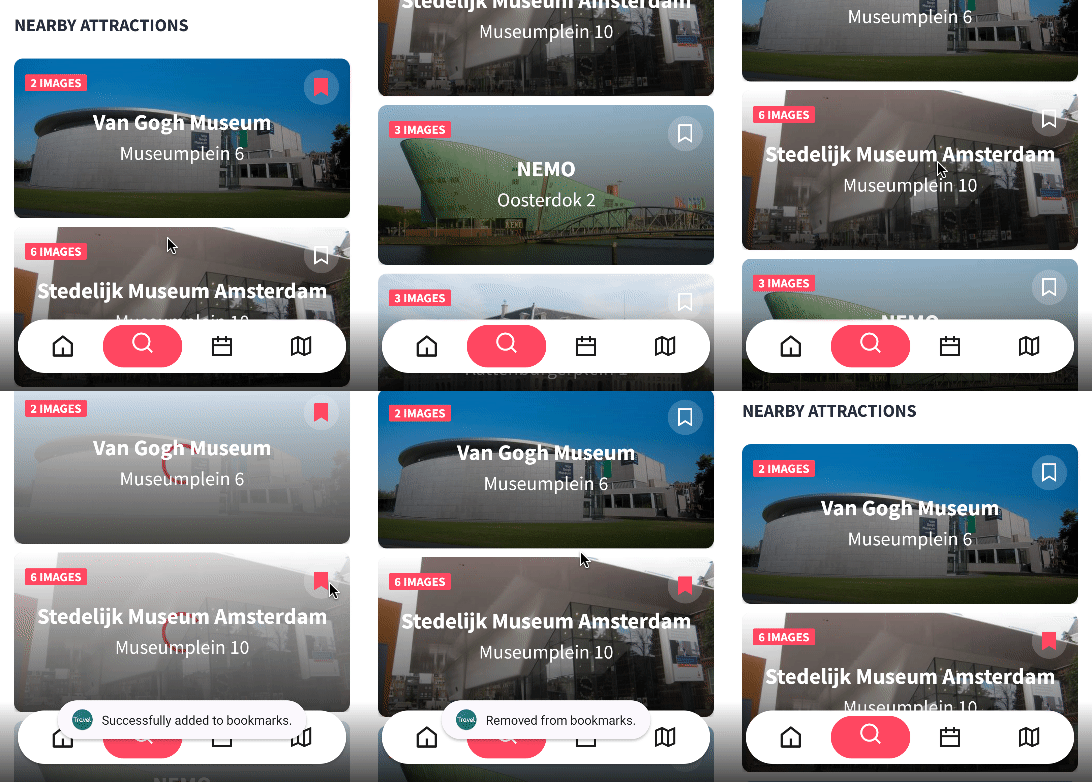 |
• The Attraction list of the last selected country is sent to the Adapter.• When the Bookmark button is clicked, the Room database is recorded and controlled.• When clicked, it sends an informational message. |
- You can add the places you want to travel and choose your round trip days.
- The
Attractionsyou have registered are listed in theBookmarksection.
| Image | Comment |
|---|---|
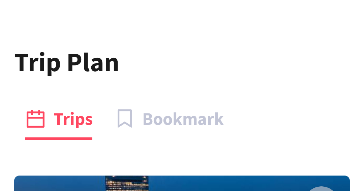 |
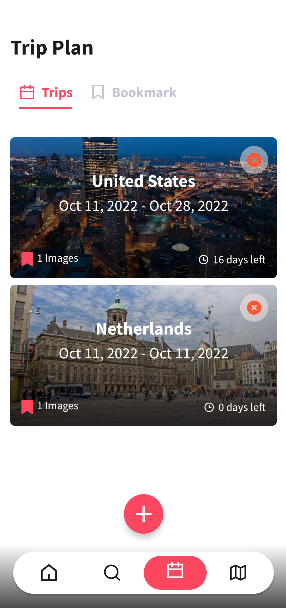
• Static tab layout. (Trips and Bookmarks) • When clicked, the recycler view adapter is updated. |
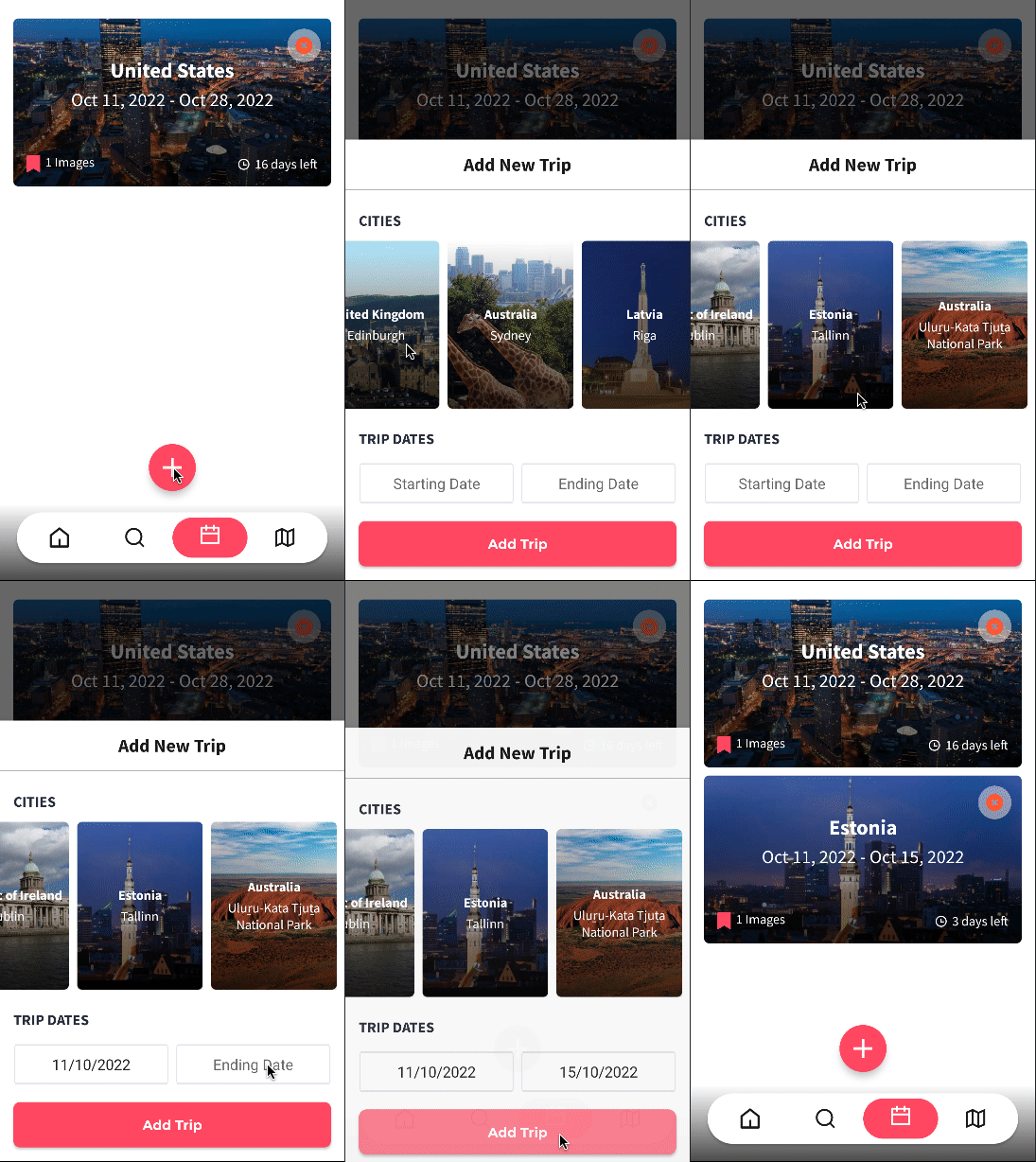 |
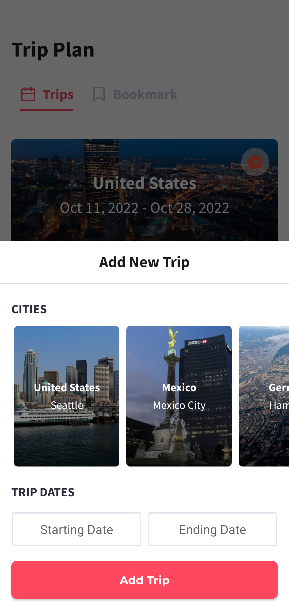
• Clicking the FloatActionButton opens a new BottomSheets. The data clicked on this pop-up screen is recorded in SharedPreferences and when Add Trip button is clicked, Room is recorded via view model. |
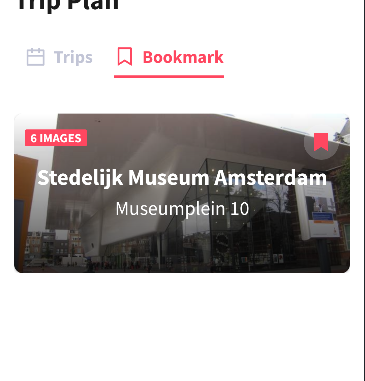 |
• The Attraction classes that have been bookmarked in other fragments are listed here.• When clicked, it redirects to the detail page. |
- You can get historical information about countries and read blog posts.
- You can select the country you want to get information from in the
TabLayoutsection.
| Image | Comment |
|---|---|
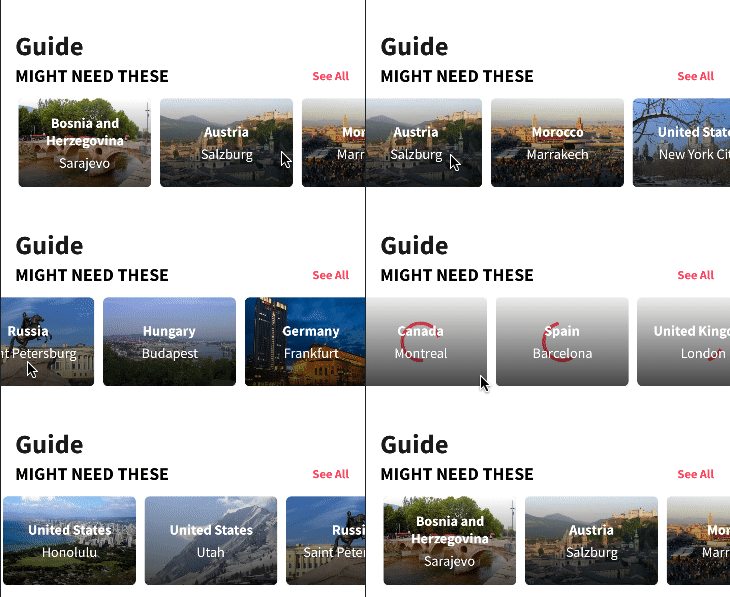 |
• It lists the important places of the countries thanks to TriposoAPI.• All items start loading when we swipe right. |
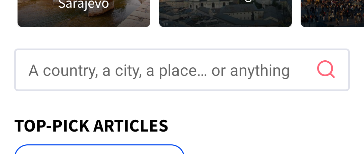 |
• A completely custom edit text has been created. • As soon as any button is clicked, SearchResultFragment will be transferred and the first letter in it will be transferred to the new fragment with arguments.• When clicked, it will redirect to a detail page showing information about that region. |
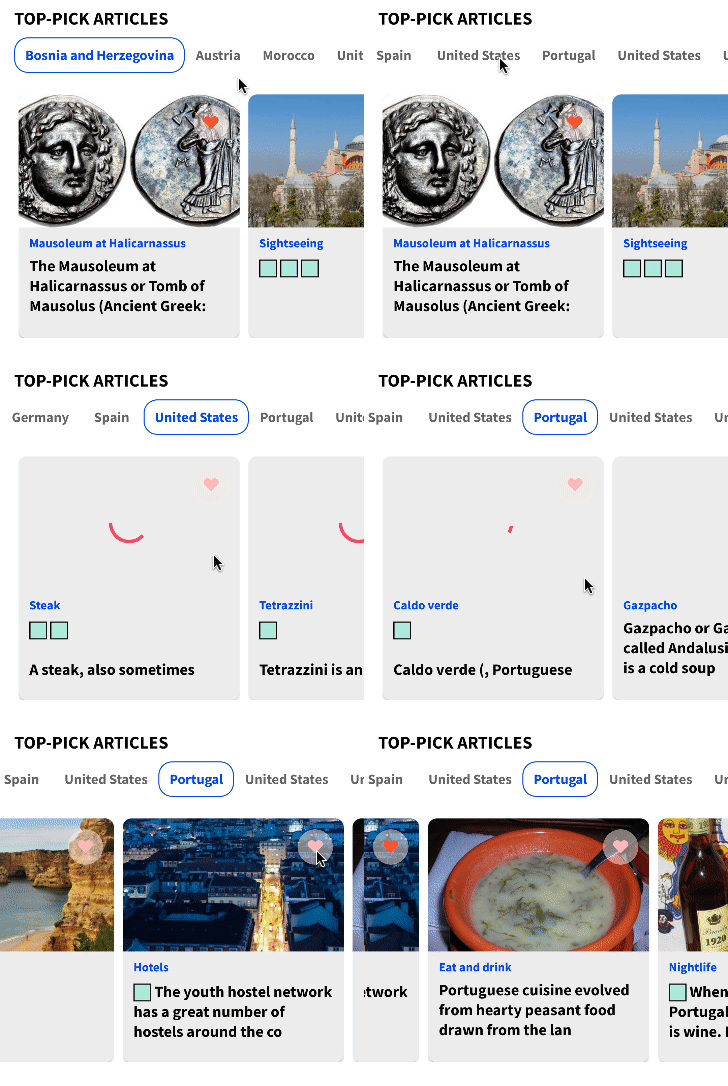 |
• A list of countries is drawn by TriposoApi.• Article is listed related to the clicked country.• When the heart button is clicked, it saves it into SharedPreferences.• UI(main) thread is not affected by the processes. |
- You can get historical information about countries and read blog posts.
- You can select the country you want to get information from in the
TabLayoutsection.
| Image | Comment |
|---|---|
 |
• When you want to search for a country or region, you need to type in the SearchView section.• The transition to this screen will be very 'smooth'. • Results related to the searched word will be listed. • It does not send continuous requests for the searched word and sends a request 1.5 seconds after the word is typed.• Click the 'Bookmark Button' for the 'Attraction' you want to save. |
- Shows the classes
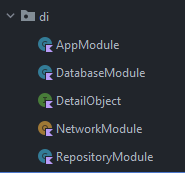
Article,Attraction,Country,Destination,MockObjectandTripin it. For this, I created an interface namedDetailObjectasDependecy Revisionand implemented it to all classes. - We send the implemented class with
DataBinding.
<data>
    <variable
        name="detailObject"
        type="com.furkanbalci.travelguide.di.DetailObject" />
</data>| Image | Comment |
|---|---|
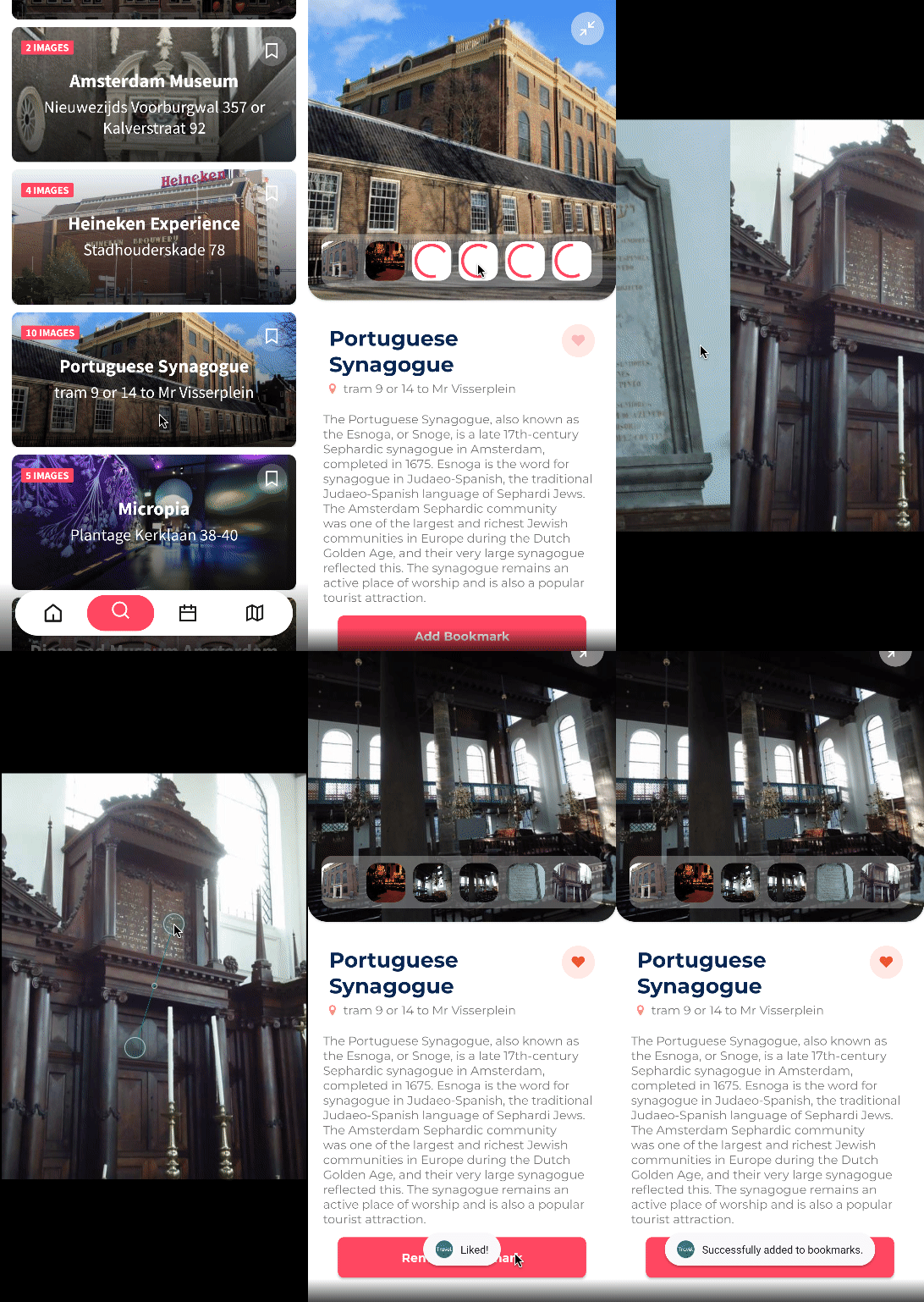 |
• It places the DetailObject class that is sent into it with DataBinding where necessary. Room Database can be saved.• Selected picture can be enlarged by clicking the enlarge button. |
I created an annotation class to return 2 Retrofit objects.
...
    @MockApi
    @Provides
    @Singleton
    fun provideMockService(@MockApi retrofit: Retrofit): MockApiService {
        return retrofit.create(MockApiService::class.java)
    }

    @TriposoApi
    @Provides
    @Singleton
    fun provideTriposoService(@TriposoApi retrofit: Retrofit): TriposoApiService {
        return retrofit.create(TriposoApiService::class.java)
    }

    @Qualifier
    @Retention(AnnotationRetention.BINARY)
    annotation class MockApi

    @Qualifier
    @Retention(AnnotationRetention.BINARY)
    annotation class TriposoApi