


A Home Assistant custom integration that links a Listapp account and exposes its lists as
todo entities, updated live as they change.
- Each selected Listapp list becomes its own
todoentity named after the list, so lists work with HA's built-in to-do card, voice assistants, and automations. - Updates arrive over a live stream; if it disconnects, the integration falls back to polling every 60 seconds until it reconnects.
- Lists you only have viewer access to show up read-only.
- Configure on the integration lets you change which lists are shown, and re-authenticate in read-only mode.
- Home Assistant 2026.3.0 or newer (see
hacs.json; CI also tests against this minimum, seedocs/testing.md). - The My Home Assistant integration enabled (it's part of
default_config, so most installs already have it; if you've removeddefault_config, addmy:toconfiguration.yaml). Signing in needs it to redirect back to your instance. - A Listapp account.

This repository is not yet in the HACS default store — add it as a custom repository:
- Use the button above, or HACS → ⋮ (top right) → Custom repositories, repository
https://github.com/garrett-livefront/listapp-ha, category Integration. - Install Listapp, then restart Home Assistant.

- Use the button above, or Settings → Devices & services → Add integration → Listapp, then sign in with Google or Apple in the browser window that opens and pick the lists to add.
The first time you sign in (or click a My Home Assistant button), my.home-assistant.io asks for your Home Assistant URL and remembers it in that browser — use one reachable from the browser you're signing in with.
A branded "Listapp list" card ships inside the integration — installing Listapp from HACS gives you both the entities and the card, with nothing else to add and no separate resource to register.
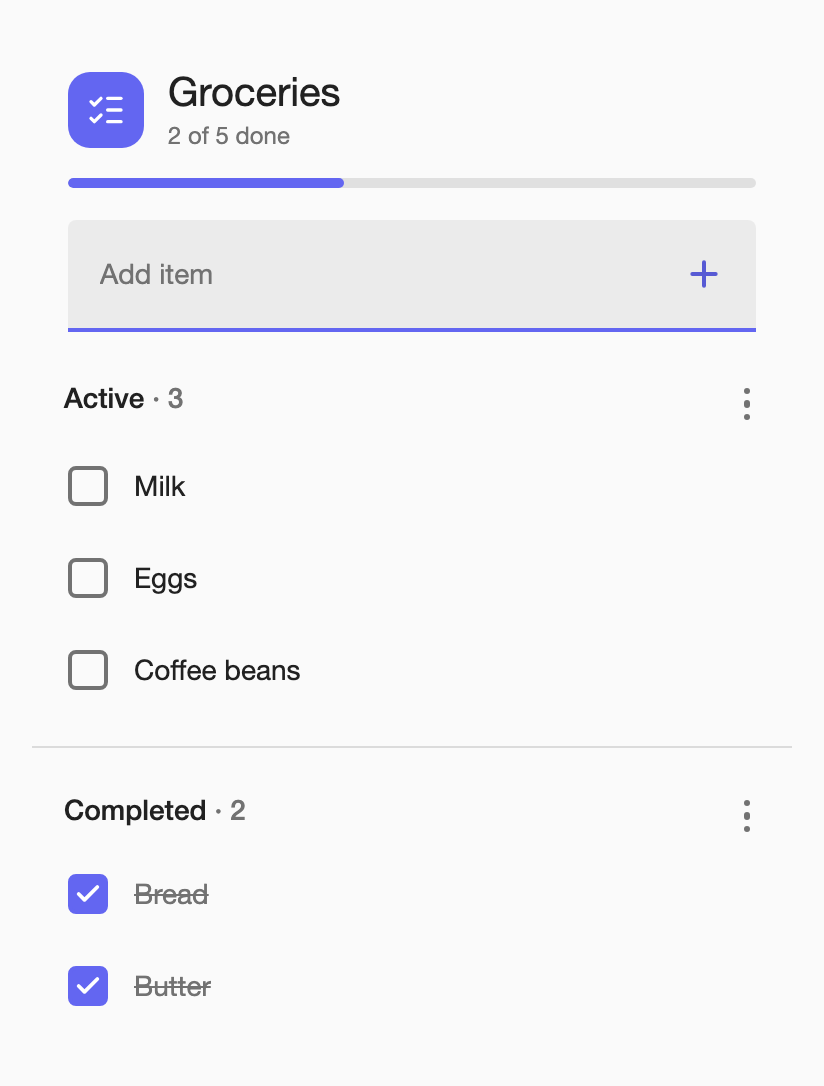
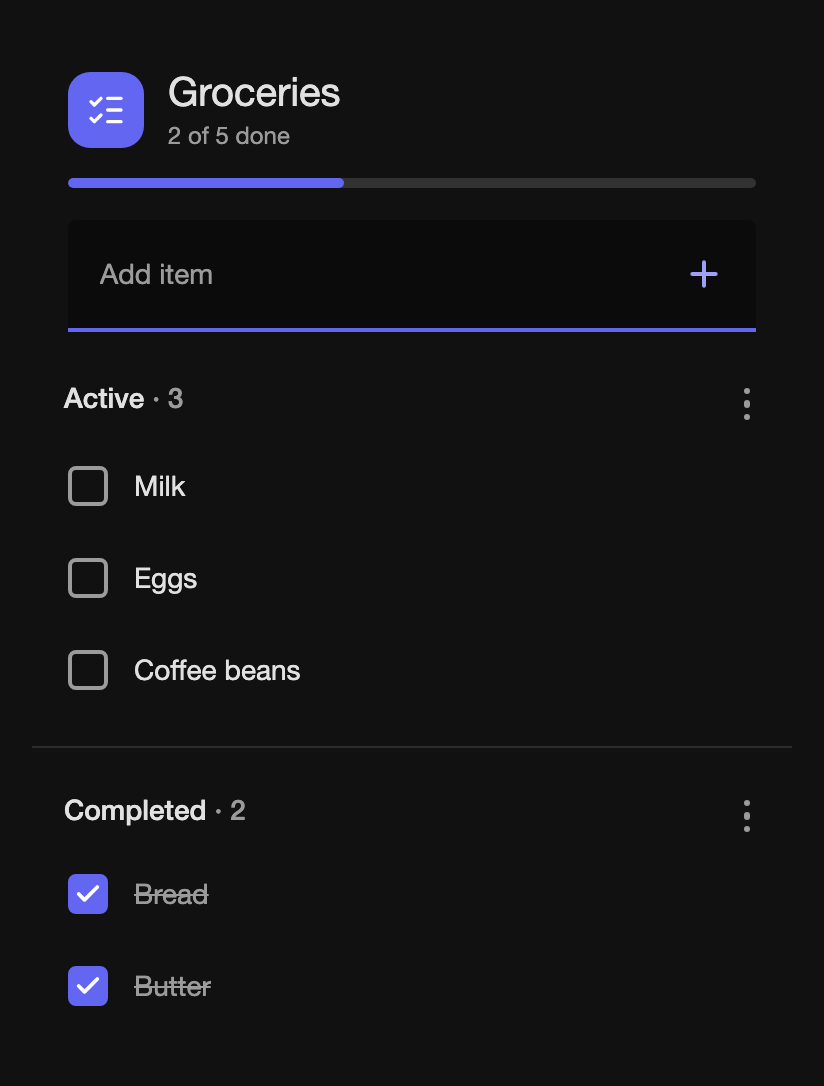
To add it: edit a dashboard, Add card, and search for "Listapp" in the card picker — it comes with a visual editor, so you can pick the entity and set options without writing YAML. To add it by hand instead:
type: custom:listapp-list-card
entity: todo.groceries
title: Groceries
item_tap_action: toggle
The options table below applies to both — whatever you set in the editor is the same YAML shown above.
| Option | Default | Description |
|---|---|---|
entity |
(required) | The todo.<entity_id> entity to show — the default id is the list's own title (e.g. todo.groceries), but a renamed entity id works too. |
title |
entity's friendly name | Overrides the card's title. |
use_list_color |
true |
false uses your theme's primary color as the accent instead of the list's own color. |
show_header |
true |
false hides the whole header block — icon tile, title and item count — and the progress bar with it. |
show_add |
true |
Shows the add-item field. Always hidden if you only have viewer access. |
show_completed |
true |
Shows the Completed section. |
show_progress |
true |
Shows the progress bar under the header. Forced off along with the header when show_header: false. |
collapse_to |
0 (off) |
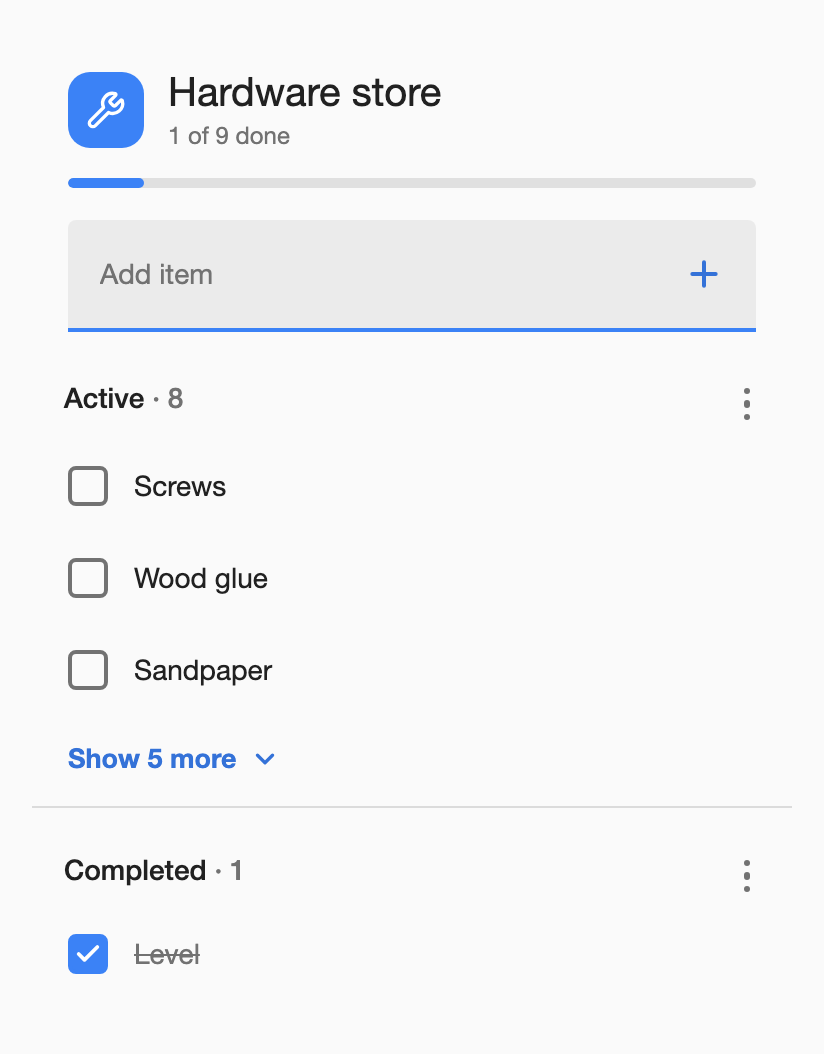
Shows only this many active items, with a "Show N more" link for the rest. |
item_tap_action |
toggle |
toggle checks/unchecks an item on tap; edit opens rename/delete instead. The checkbox itself always toggles. |
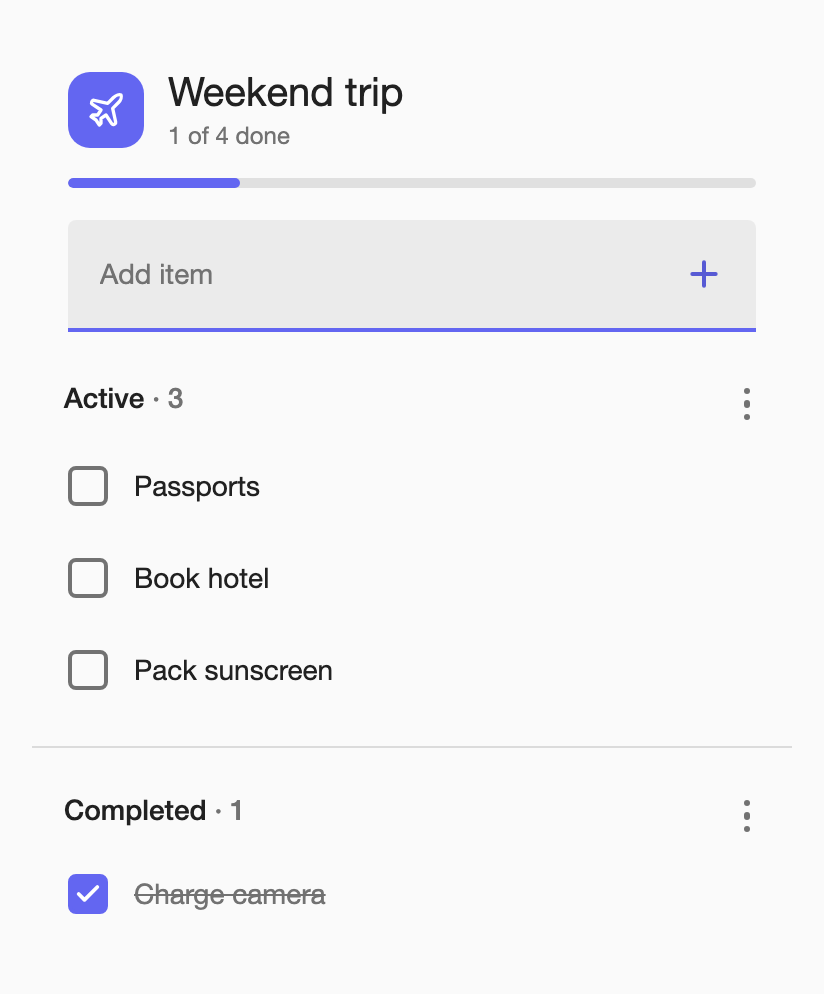
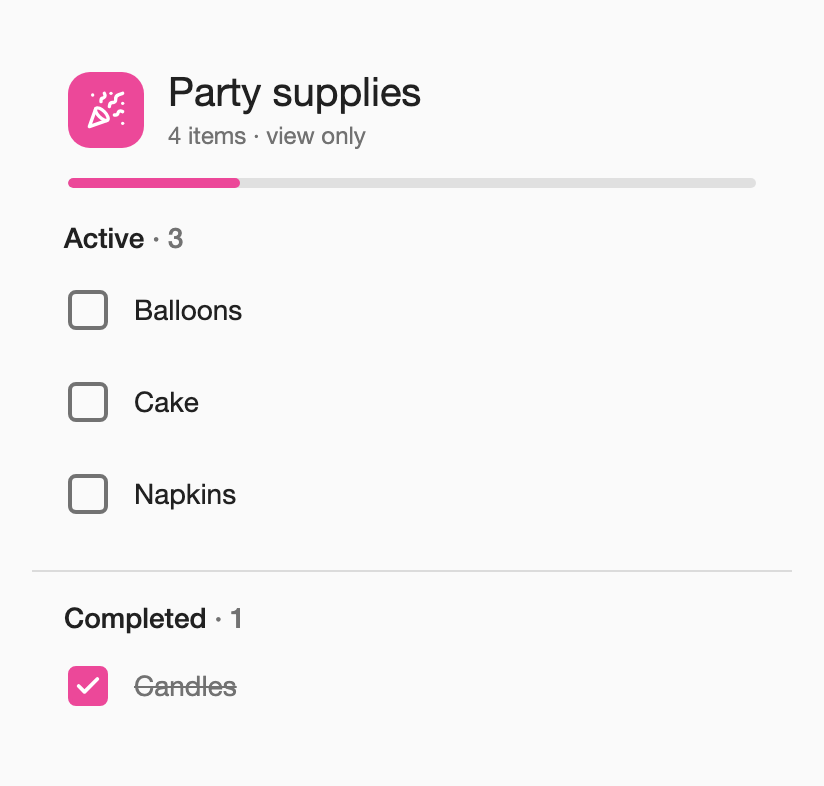
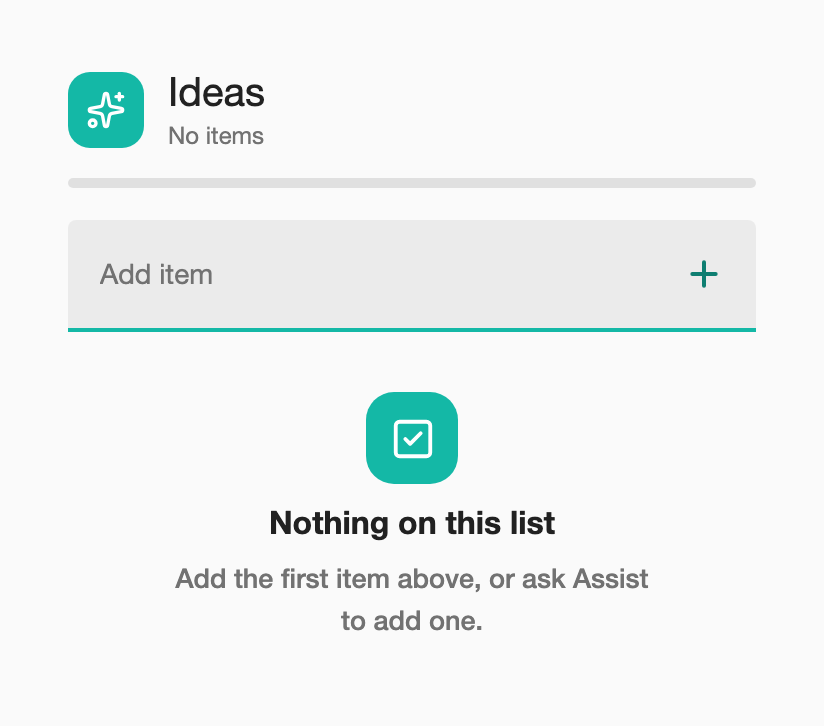
Each list keeps its own colour and icon by default (use_list_color: false switches to your theme's
accent instead), and collapse_to truncates a long list behind a "Show N more" link:
Lists you only have viewer access to show read-only — no add field, no menus, no checking items off.
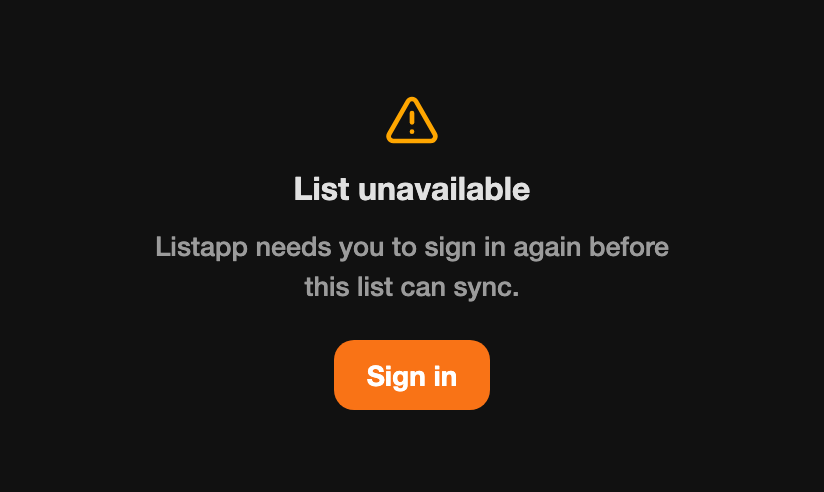
If the integration needs you to sign in again, the card shows that directly with a Sign in button instead of the list:
Signing in grants this integration OAuth scopes to read and write your Listapp lists
(lists:read, plus lists:write unless you choose read-only mode) and offline_access so it can
refresh your session without asking you to sign in again. It also reads your account ID and email
to identify the connection — no other account information.
Removing the integration from Home Assistant stops it from being used locally, but does not revoke the underlying access grant on Listapp's server. To fully revoke access, use the Listapp app's Connected apps screen (coming soon).
-
Reauthentication required: Home Assistant asks you to sign in again when Listapp refuses to refresh your session or rejects an API request as unauthenticated (your grant expired or was revoked), or when you change read-only mode in Configure — the previous grant no longer matches. Signing in again restores it. A transient network or server error on a list refresh does not trigger this — it shows the integration as unavailable and retries instead; a dropped live-updates connection falls back to polling without affecting entity availability.
-
Linking gets stuck or errors after signing in: check that the My Home Assistant integration is enabled (see Requirements) and that the URL saved for your browser at my.home-assistant.io is correct.
-
Debug logging: add to
configuration.yamland restart, then check the logs:logger: logs: custom_components.listapp: debug
Open an issue: https://github.com/garrett-livefront/listapp-ha/issues.
Want to help? See CONTRIBUTING.md.
MIT, see LICENSE.