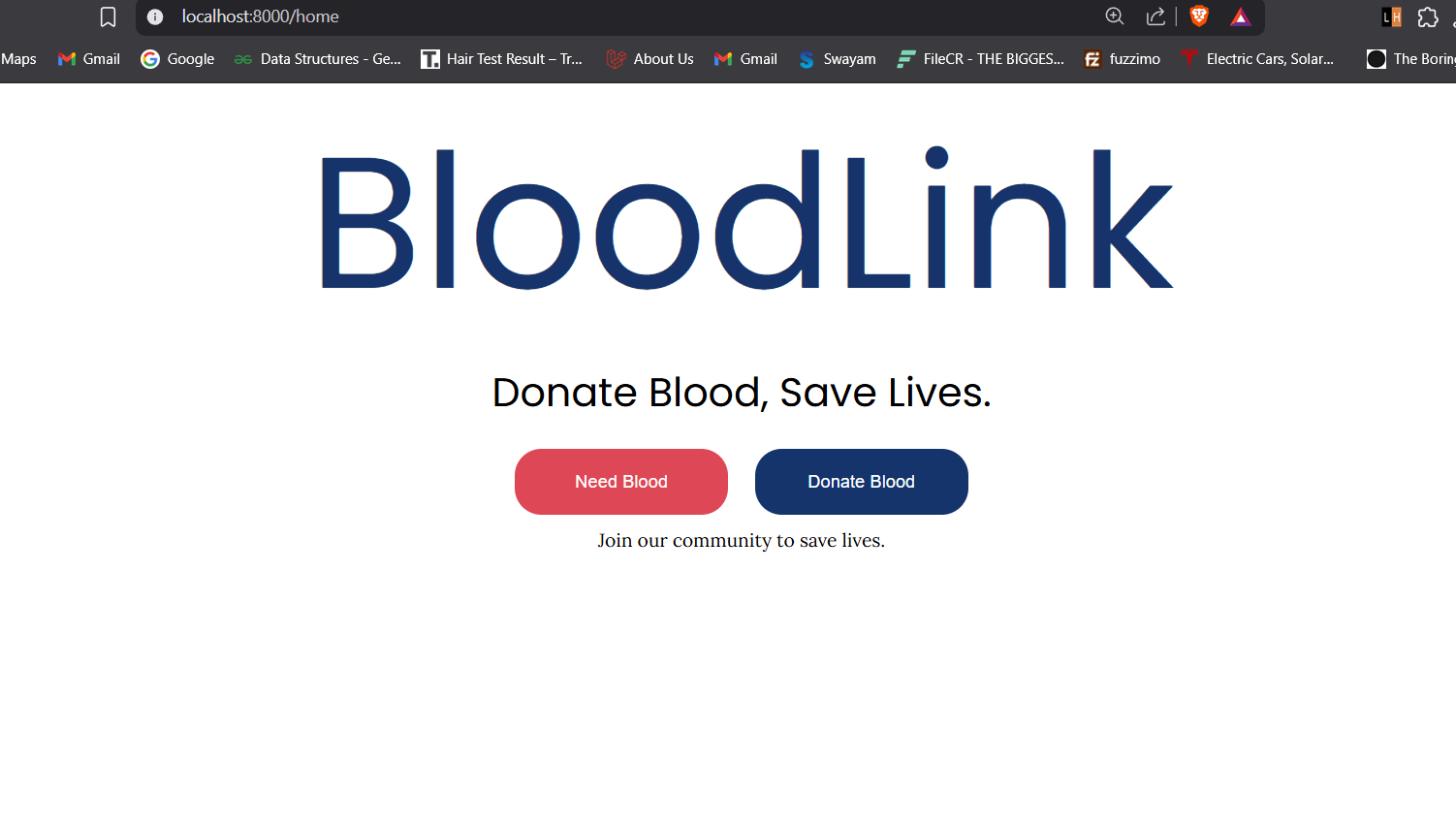
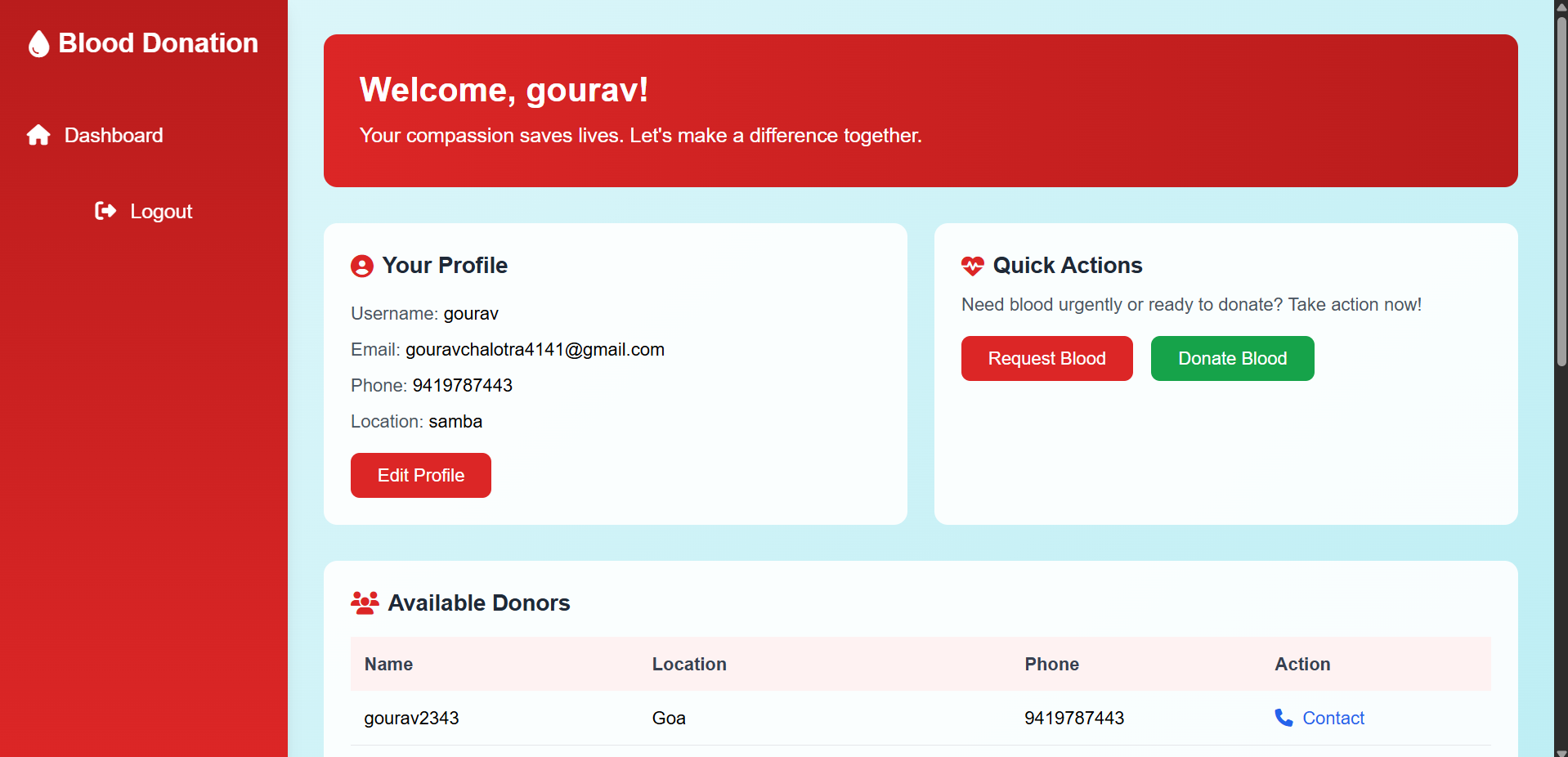
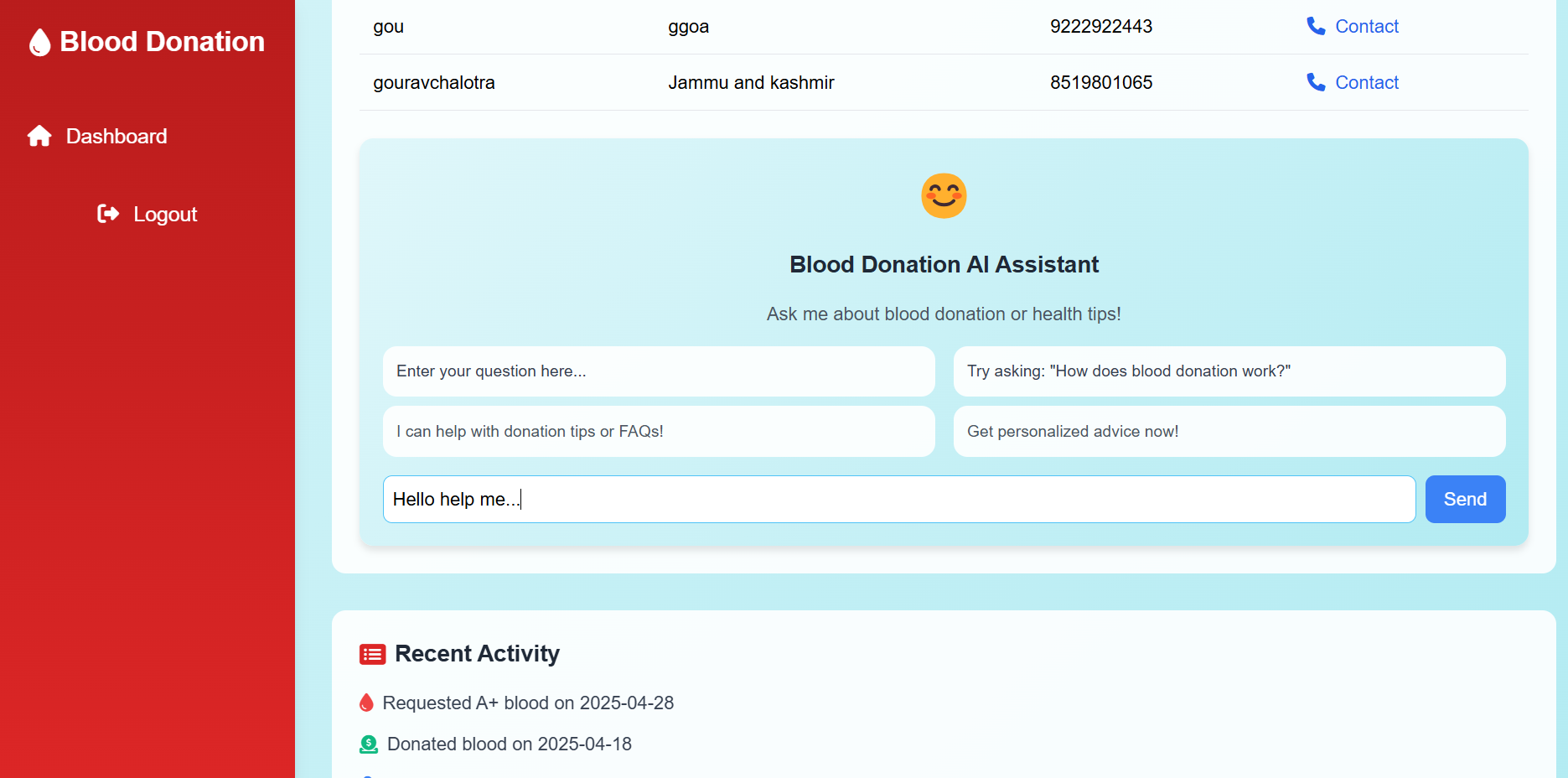
git clone https://github.com/gourav-chalotra/BloodLink.gitMove into the project directory:
cd BloodLinkInstall PHP and Composer dependencies:
composer installCopy the .env.example file to .env:
cp .env.example .envGenerate the application key:
php artisan key:generate- Create a new database in your local MySQL (example name:
bloodlink). - Open
.envfile and update these lines according to your database configuration:
DB_CONNECTION=mysql
DB_HOST=127.0.0.1
DB_PORT=3306
DB_DATABASE=bloodlink
DB_USERNAME=root
DB_PASSWORD=
Run database migrations:
php artisan migrateGo to:
resources/views/Needblood/user_home.blade.php
Find this fetch request:
try {
    const response = await fetch('https://generativelanguage.googleapis.com/v1beta/models/gemini-2.0-flash:generateContent?key=APIKEY', {
        method: 'POST',
        headers: {
            'Content-Type': 'application/json',
        },
        body: JSON.stringify({
            contents: [{
                parts: [{
                    text: Rules + prompt
                }]
            }]
        })
    });
Important: Replace
APIKEYwith your own Gemini 2.0 Flash API Key.
- Visit: Google AI Studio API Key
- Generate a key for gemini-2.0-flash.
- Replace
APIKEYin thefetchURL.
Example:
'https://generativelanguage.googleapis.com/v1beta/models/gemini-2.0-flash:generateContent?key=YOUR_ACTUAL_API_KEY'Start the local development server:
php artisan serveThe project will be available at:
http://localhost:8000
git clone https://github.com/gourav-chalotra/BloodLink.git
cd BloodLink
composer install
npm install
cp .env.example .env
php artisan key:generate
php artisan migrate
npm run dev
php artisan serve- If any migration fails, make sure your database credentials are correct and database exists.
- If you make changes in front-end (CSS/JS), remember to run: