This is the material theme for JSON Resume.
Added projects tag,responsive design.
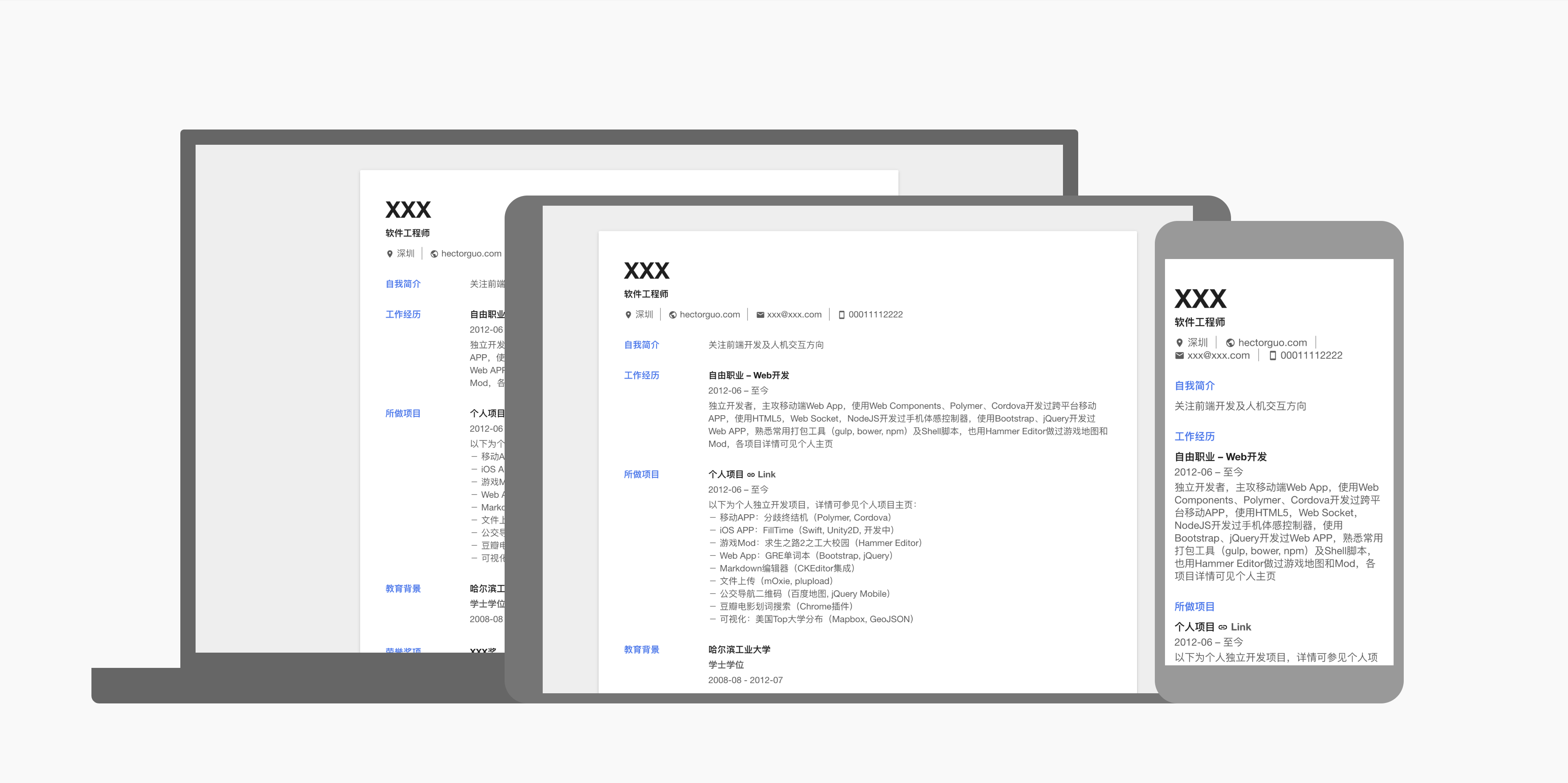
If you don't know how to install node.js and npm, see these:
Lets go ahead and download a copy of the repository.
We need to install the dependencies. cd into the theme folder we just downloaded and run:
npm installThis will read the local package.json and install the packages listed under dependencies.
While inside the theme folder, simply run:
npm start
You should now see this message:
Preview: http://localhost:4000
Press ctrl-c to stop
Congratulations, you've made it!
The theme development can now begin.
resume.json is your resume data, modify it to yourself's.
In this template, only summary can be inserted into html tag, such as
{
  "name": "Personal",
  "summary": "<a href=\"http://hectorguo.com/en/projects/\">Projects Page</a>"
}resume.hbs is the template file, its syntax is based on handlebars.
style.css defines your styles. Technically, this is completely optional, as you could just write all of your styles in the <style> tags of your resume.template. As the index.js, the contents of the style.css are put into the <style> tags of your compiled theme later, yet again, this is something can change.
Available under the MIT license.
下载依赖包:
在下载解压后的目录,输入:
npm install- 修改简历
在resume.json中修改简历数据,或者直接 在线编辑 并生成你的json版简历。
新增项目经历类目,详情可在样例中查看。
- 在当前目录运行:
npm start
此时目录中会生成一个 index.html文件,即简历。