An immersive 3D dungeon-themed exploration game where players solve interactive algorithm challenges to unlock the treasure chamber. Designed to help students learn complex algorithms through engaging visuals, real-time feedback, and intelligent gameplay.
🔗 Live at: https://gamification-7j06.onrender.com/
- Overview
- Core Features
- Screenshots / Demo
- Technology Stack
- Installation & Setup
- License
- Connect with Me
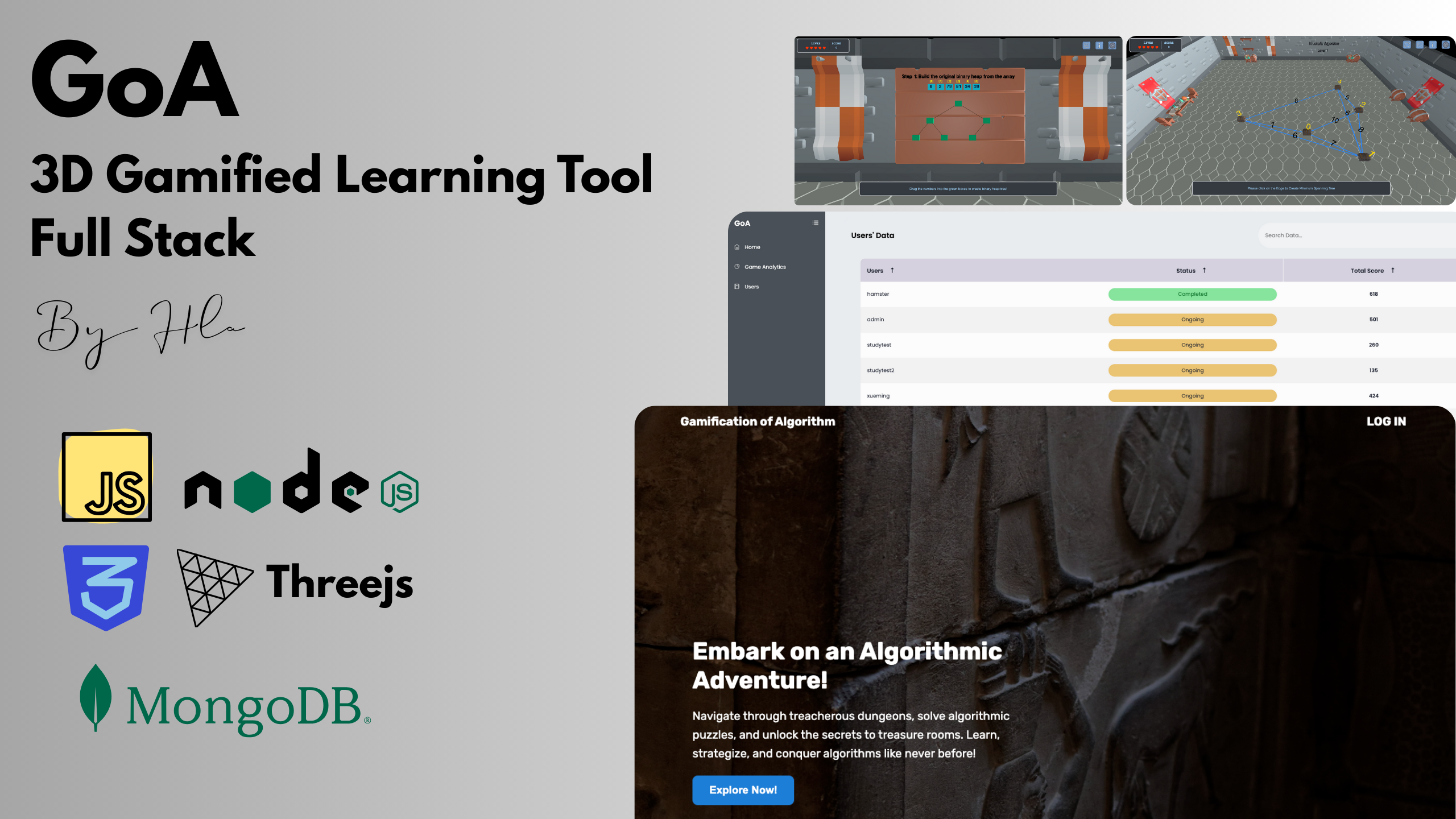
GoA combines educational content and interactive gameplay into a fully immersive 3D world. Players explore a dungeon, solve challenges based on algorithms like Heapsort, Kruskal, and Prim, and receive real-time feedback on their learning journey. Perfect for students and classrooms aiming to enhance their understanding of algorithms in a visual, hands-on way.
-
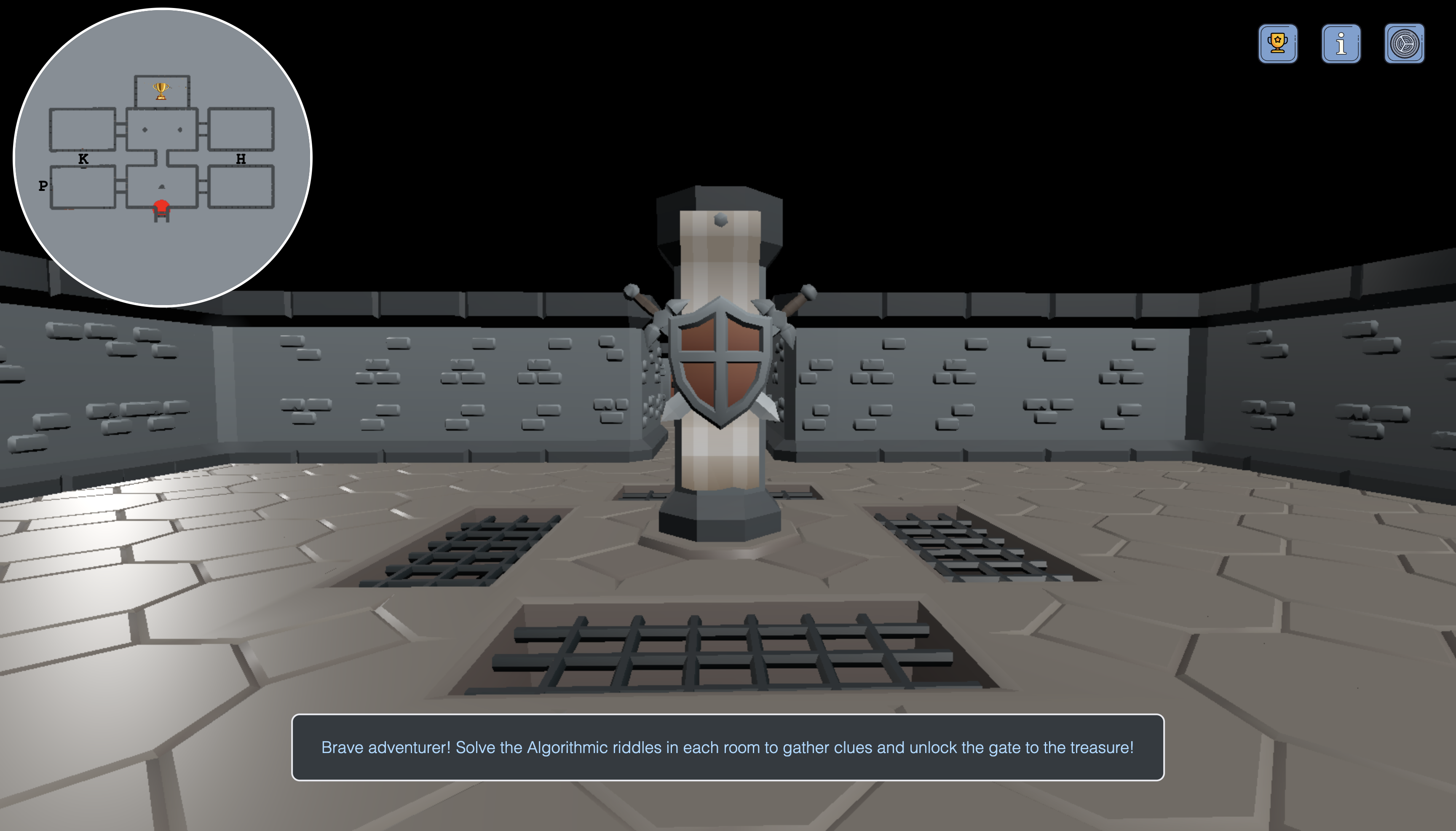
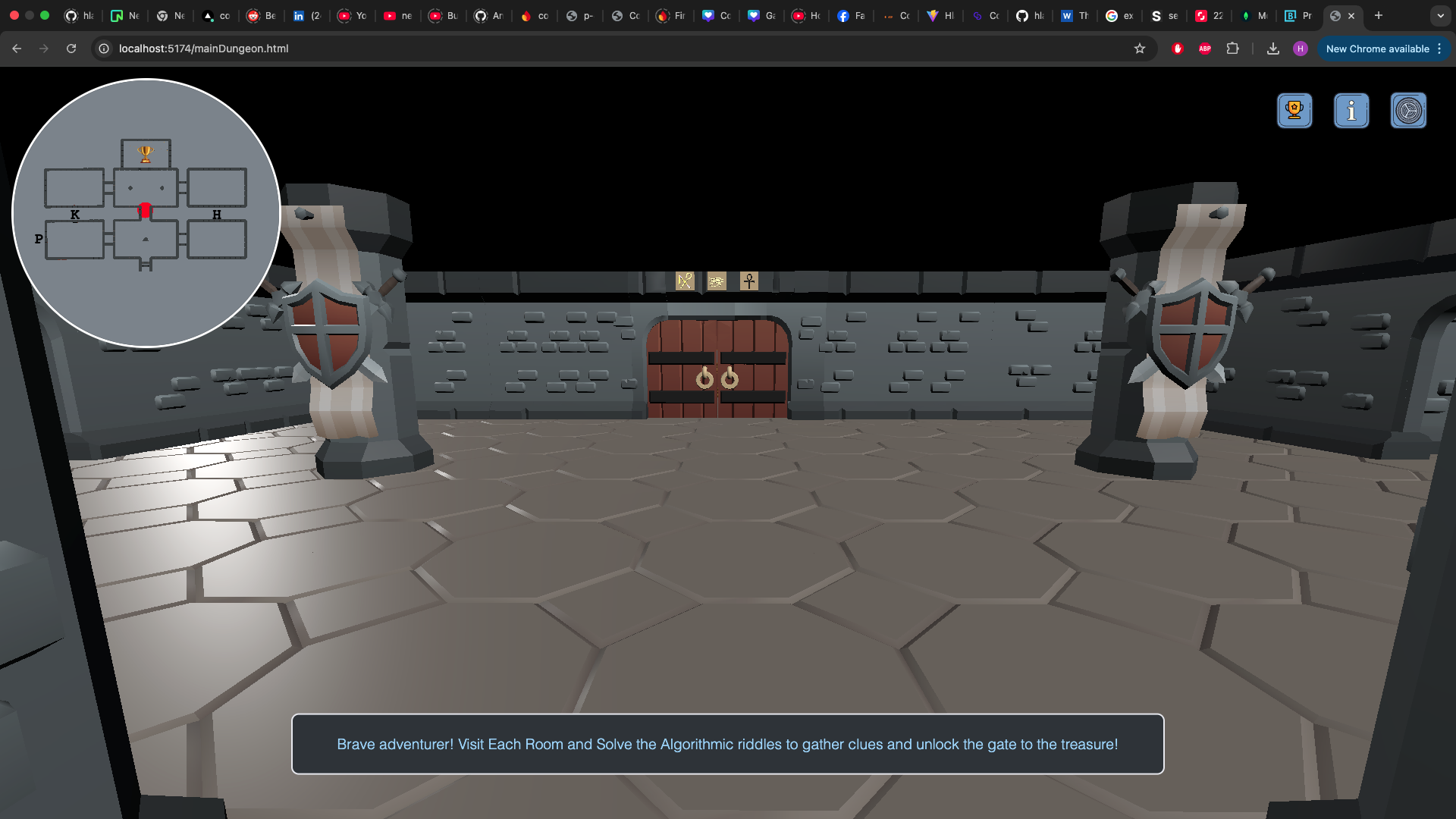
3D Dungeon Exploration Gameplay
Navigate through algorithm-based rooms and unlock the treasure by solving challenges. -
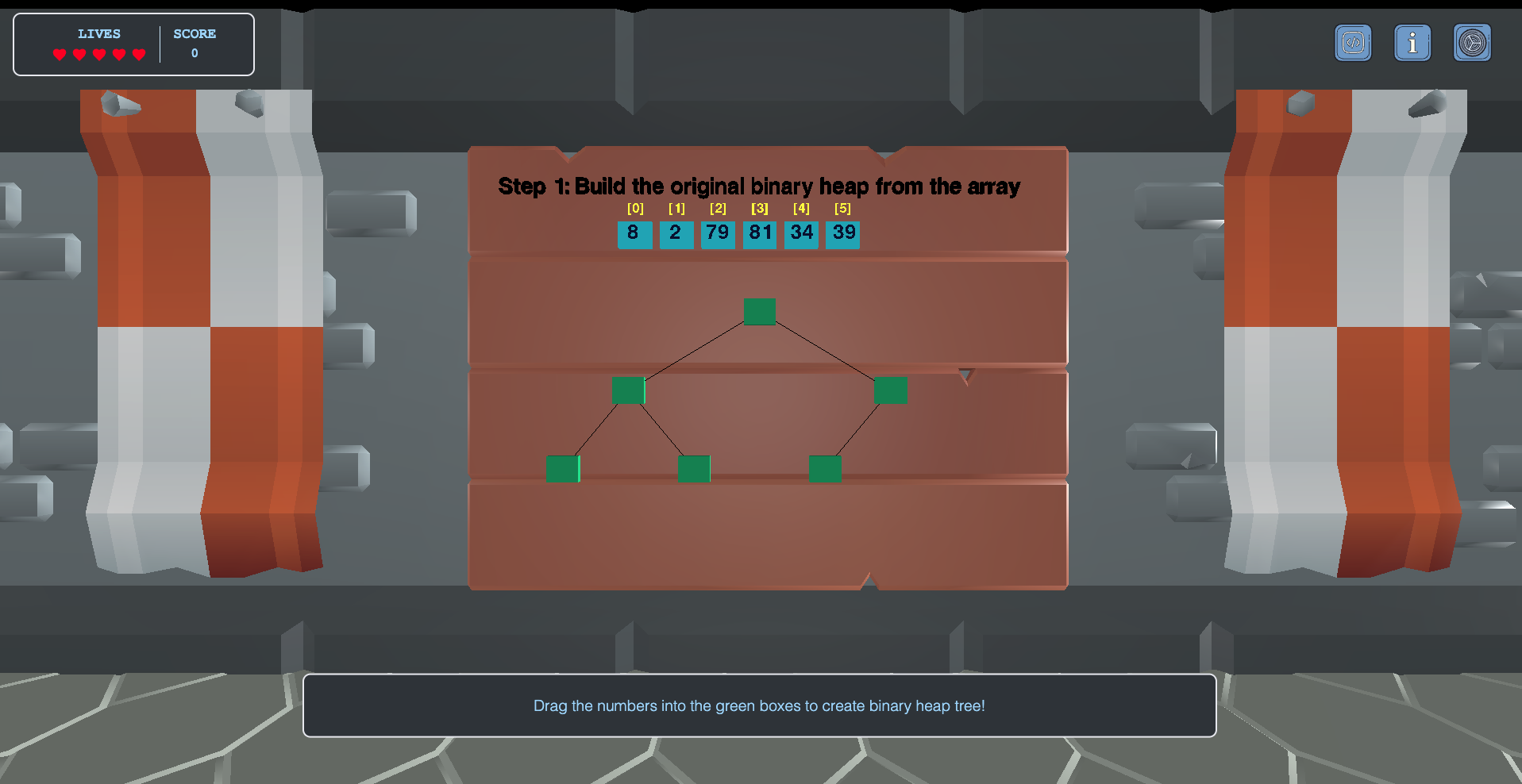
Walk-through Interactive Tutorials
Step-by-step tutorials for learning graph and sorting algorithms interactively. -
Real-Time Feedback System
Detects user mistakes and provides specific feedback based on algorithm logic. -
Scoring, Lives & Leaderboard System
Engaging game mechanics with scores, lives, and a competitive leaderboard. -
Training & Regular Modes
Practice freely in training mode or test your knowledge in regular mode. -
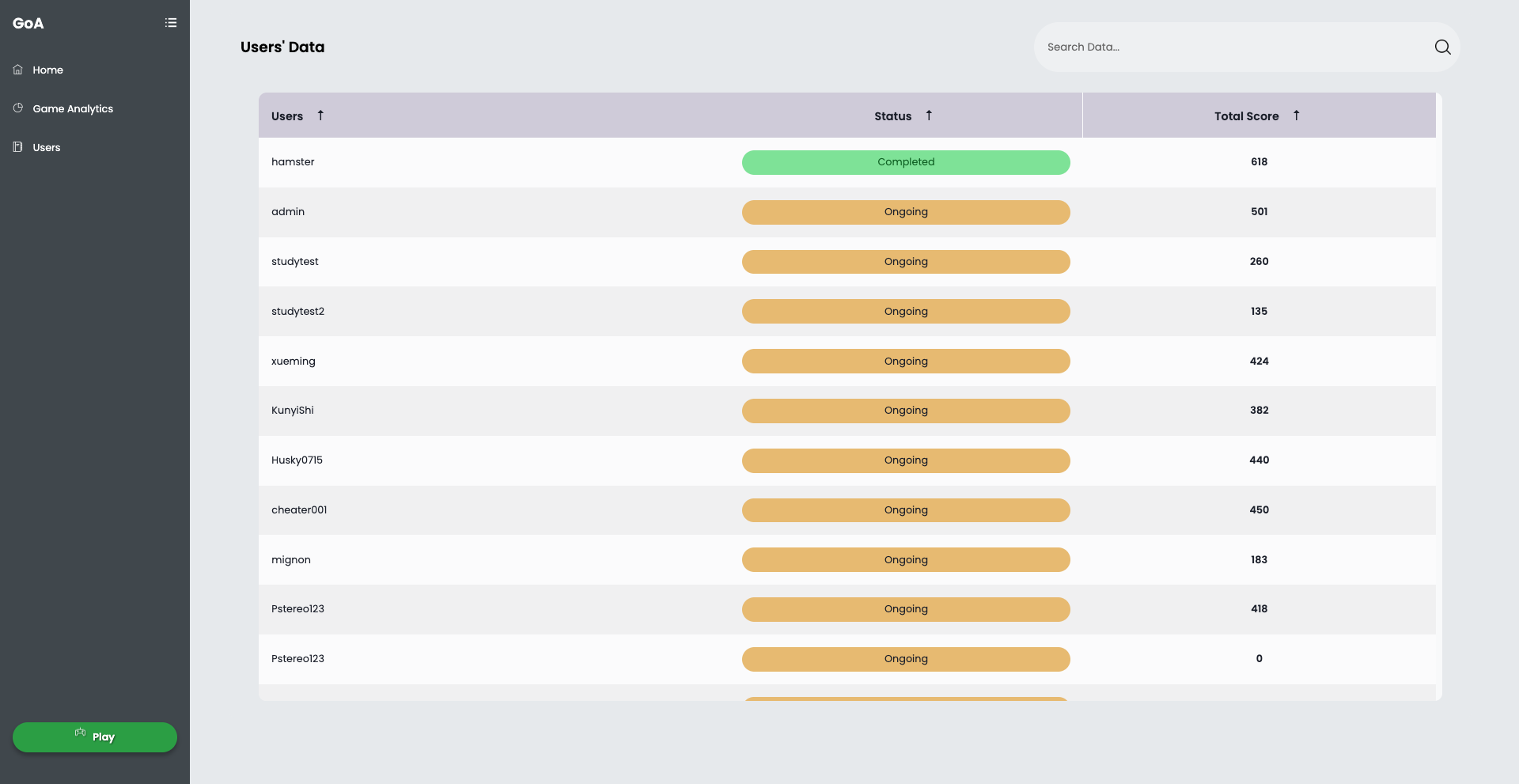
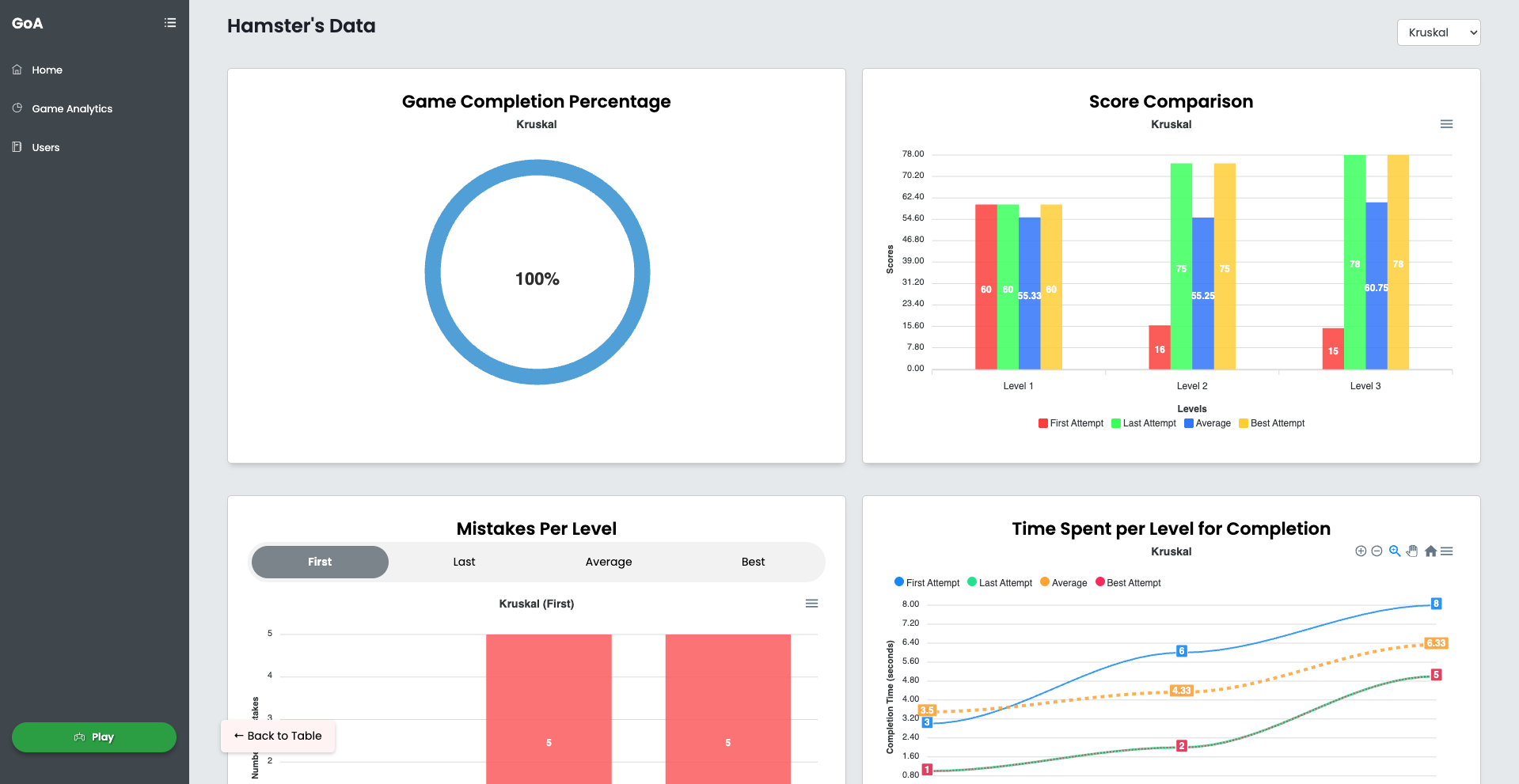
Instructor Dashboard & Analytics
View student performance per game or as a class, filterable by game or individual progress.
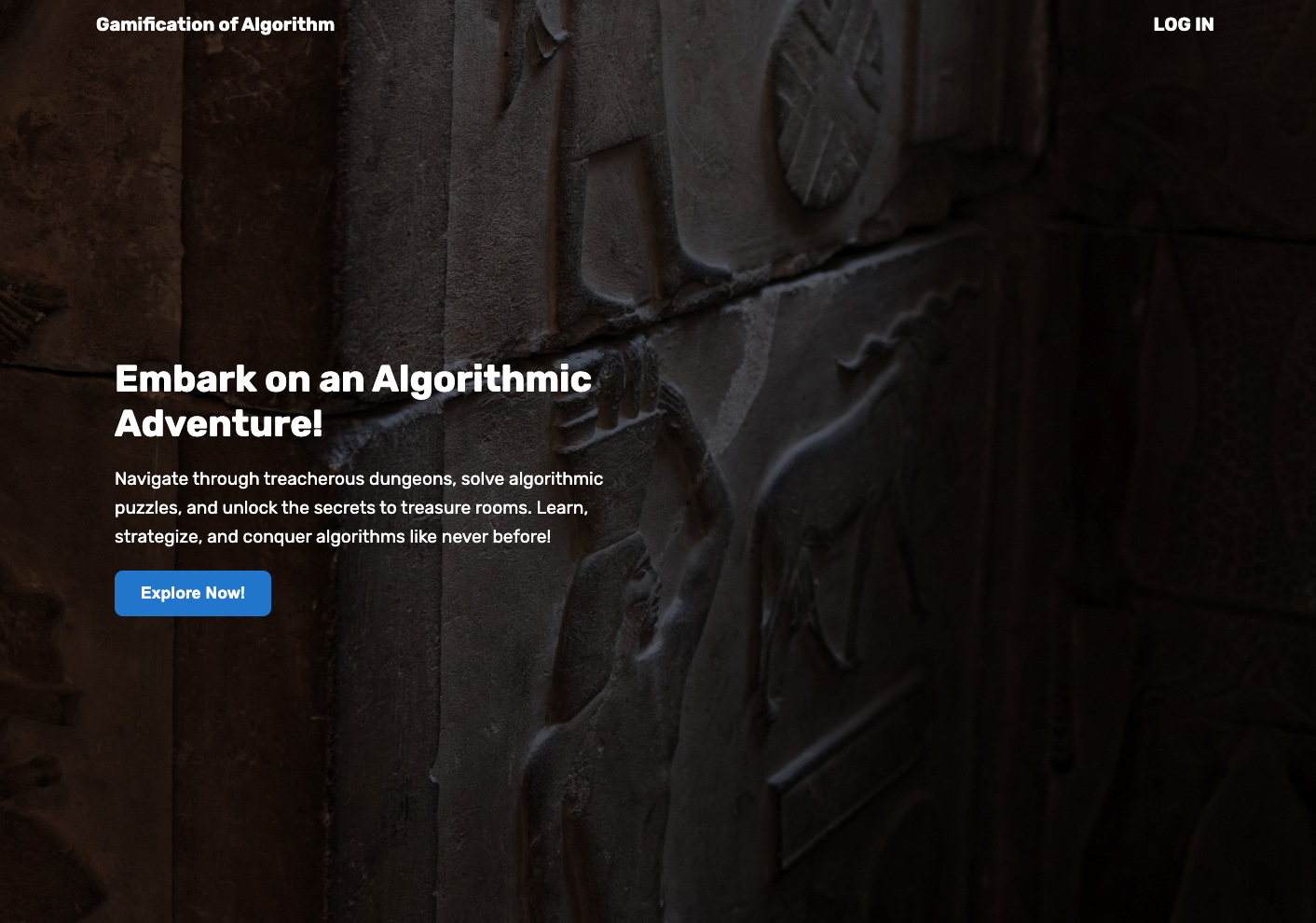
- Homepage
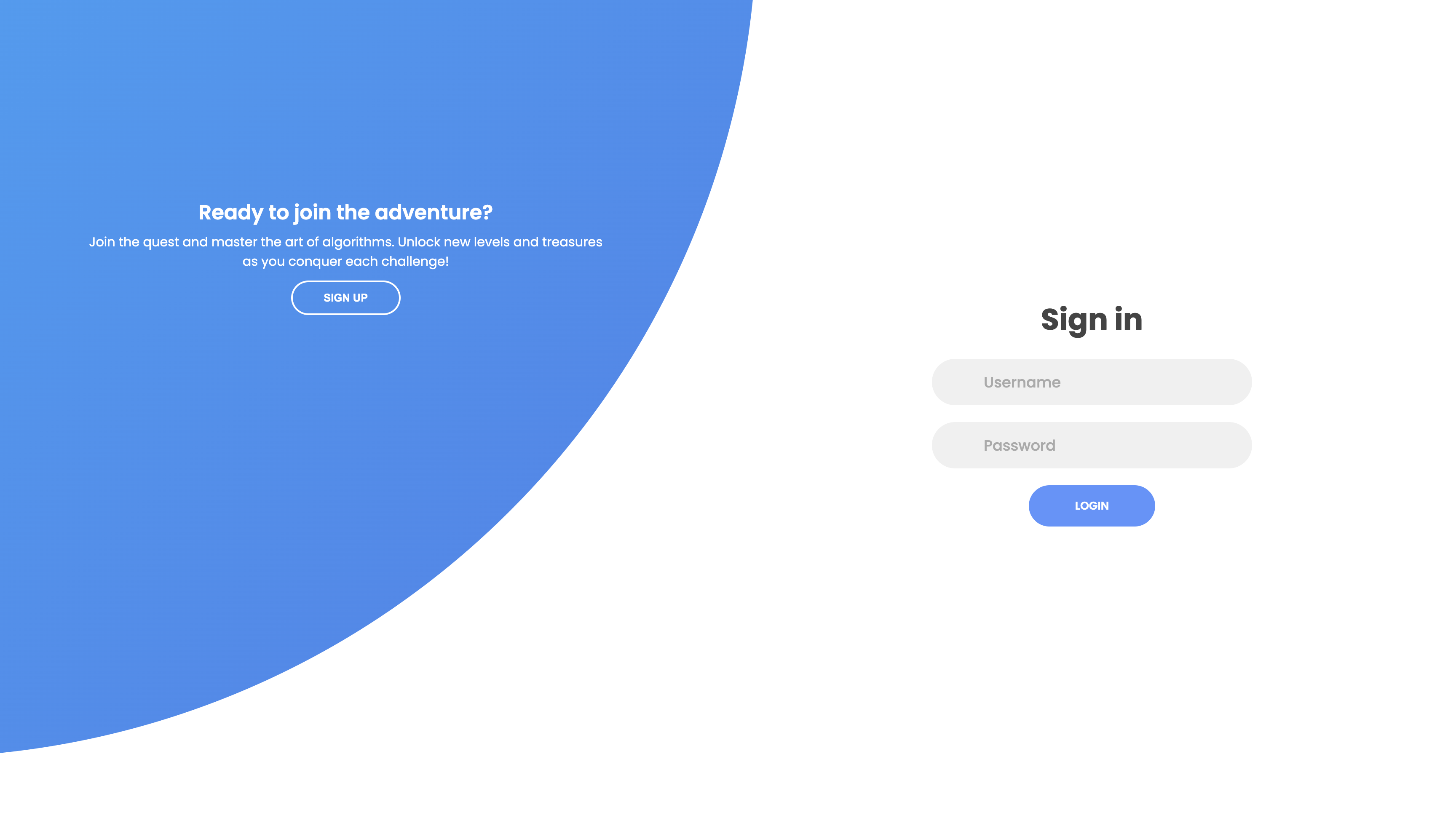
- Sign In/ Sign Up
- Instructor Dashboard 1
- Instructor Dashboard 2
- Main Entrance of 3D Dungeon Exploration
- 3D Dungeon Treasure Gate
- Heapsort Algorithm Gameplay
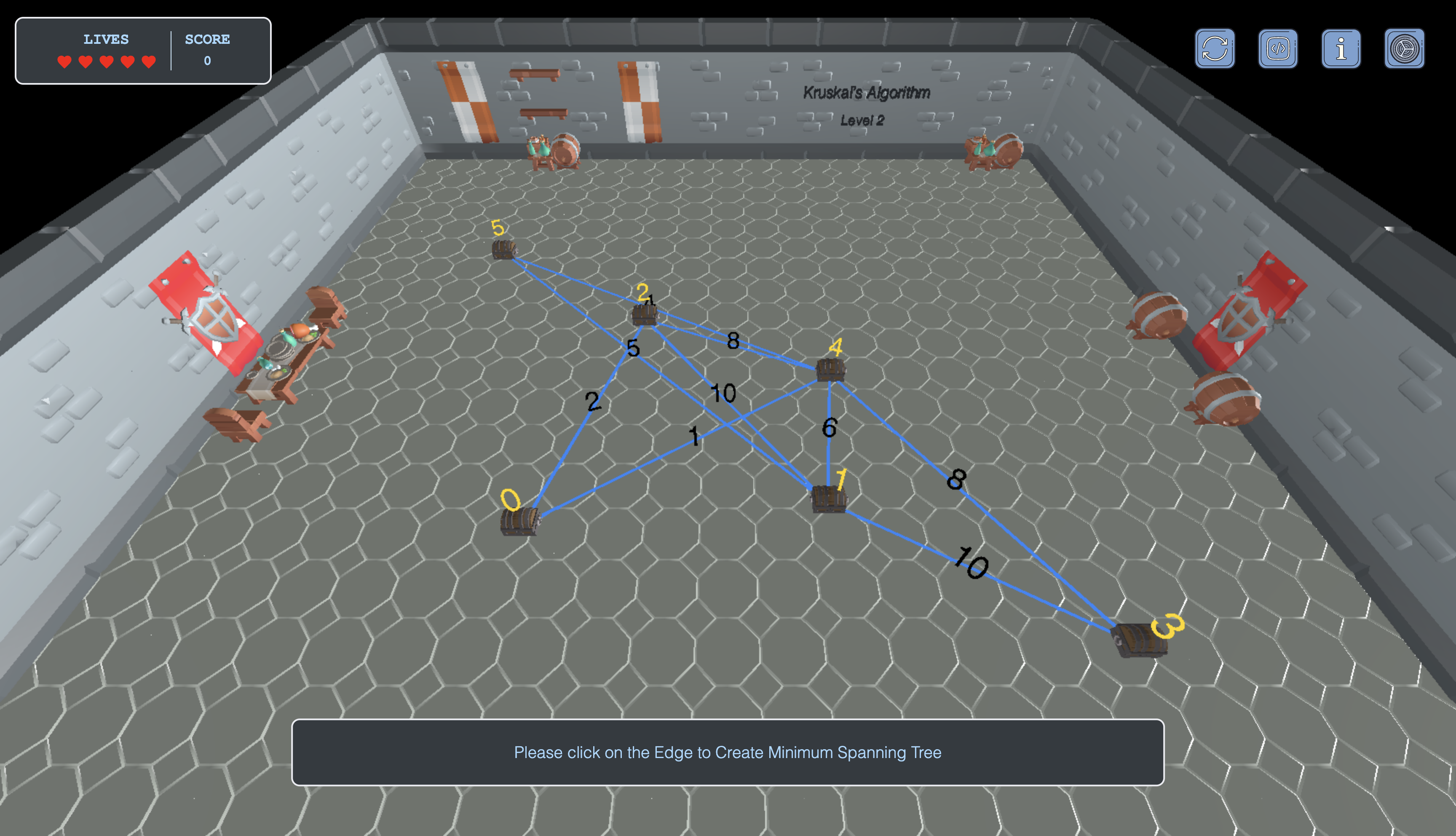
- Kruskal Algorithm Gameplay
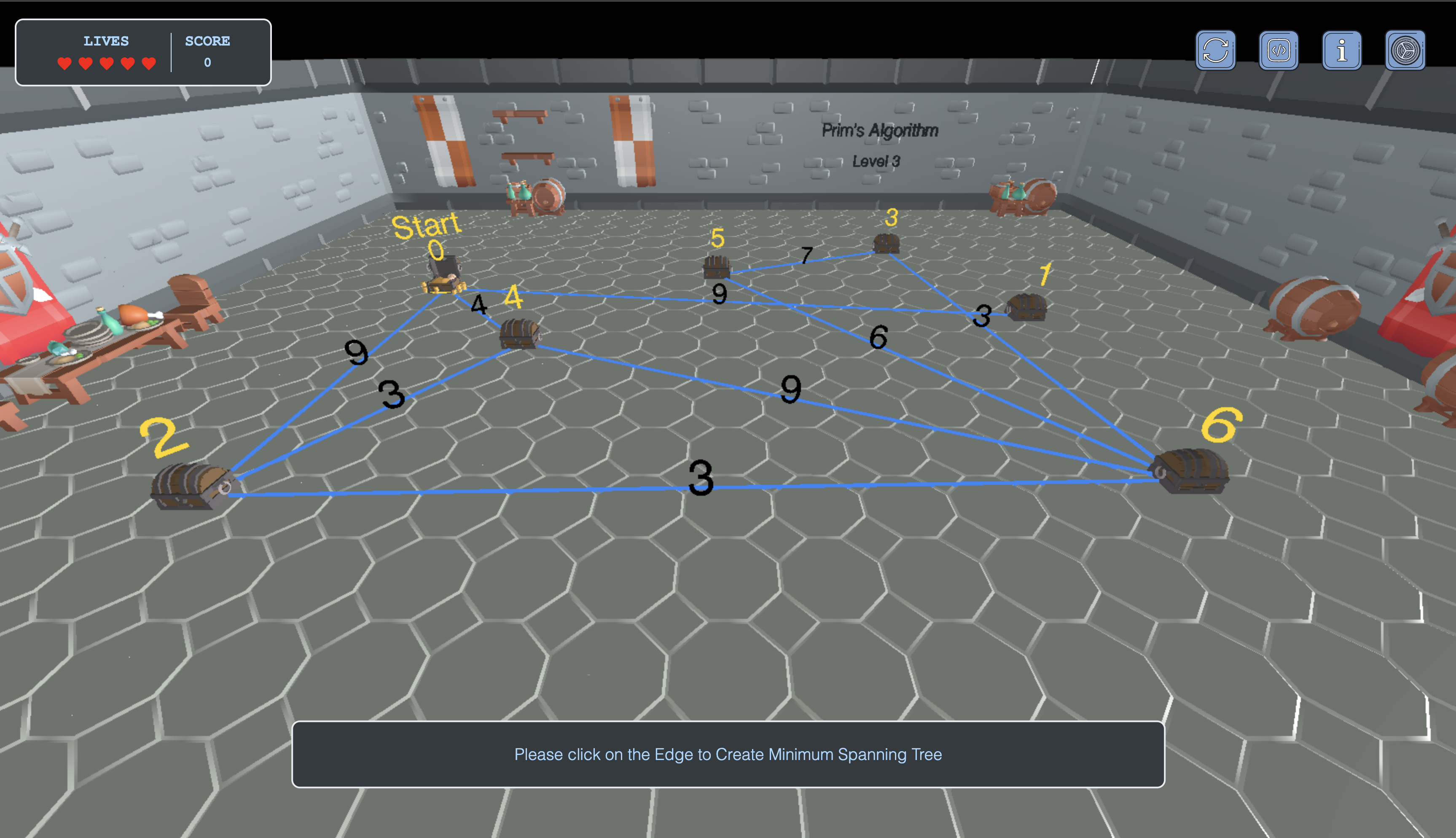
- Prim Algorithm Gameplay
| Area | Technologies |
|---|---|
| Frontend | HTML, CSS, JavaScript, Three.js |
| 3D Models | Blender |
| Backend | Node.js, Express.js |
| Database | MongoDB |
| Game Engine | Custom built with Three.js |
| Data Analysis | Custom dashboard with filtering |
git clone https://github.com/yourusername/GoA
cd Gamification/Backendnpm installCreate a .env file in the root directory and add:
DATABASE="your-mongodb-connection-string"
DATABASE_PASSWORD="your-database-password"
PORT=3000cd front
npm install
npm run build
cd ..
npm startThen navigate to http://localhost:3000 in your browser.
MIT © Hla Htoo