You signed in with another tab or window. Reload to refresh your session.You signed out in another tab or window. Reload to refresh your session.You switched accounts on another tab or window. Reload to refresh your session.Dismiss alert
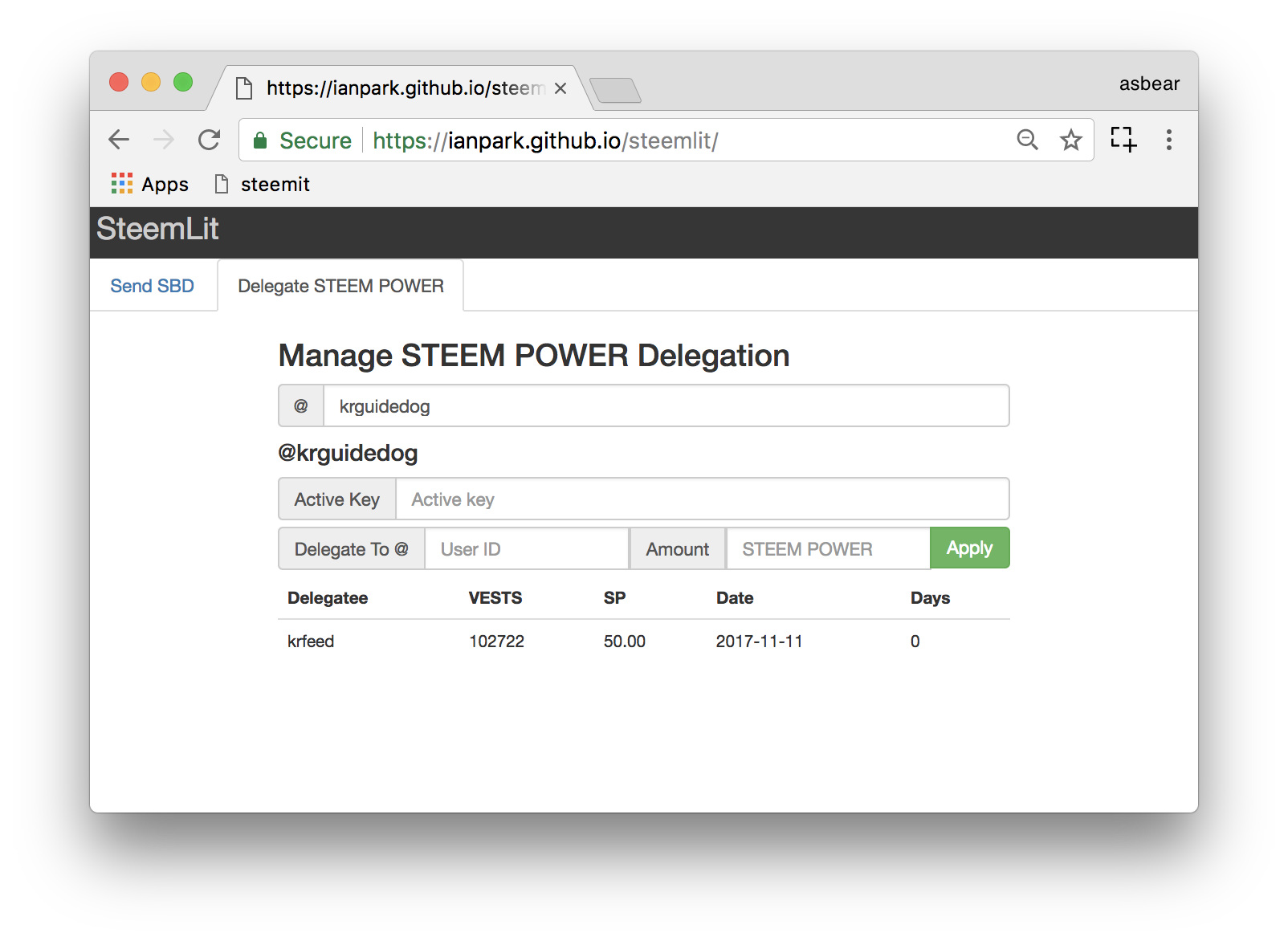
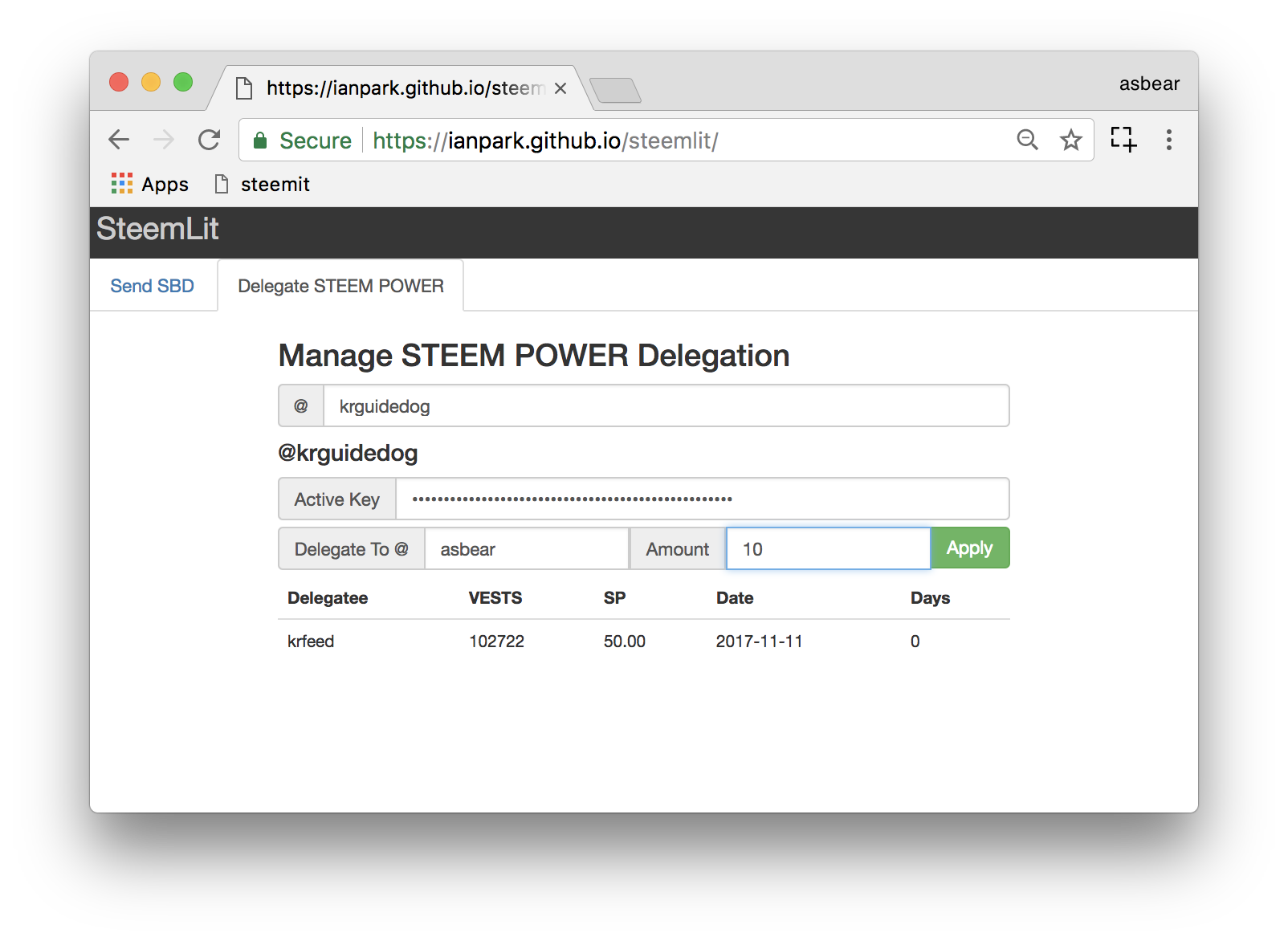
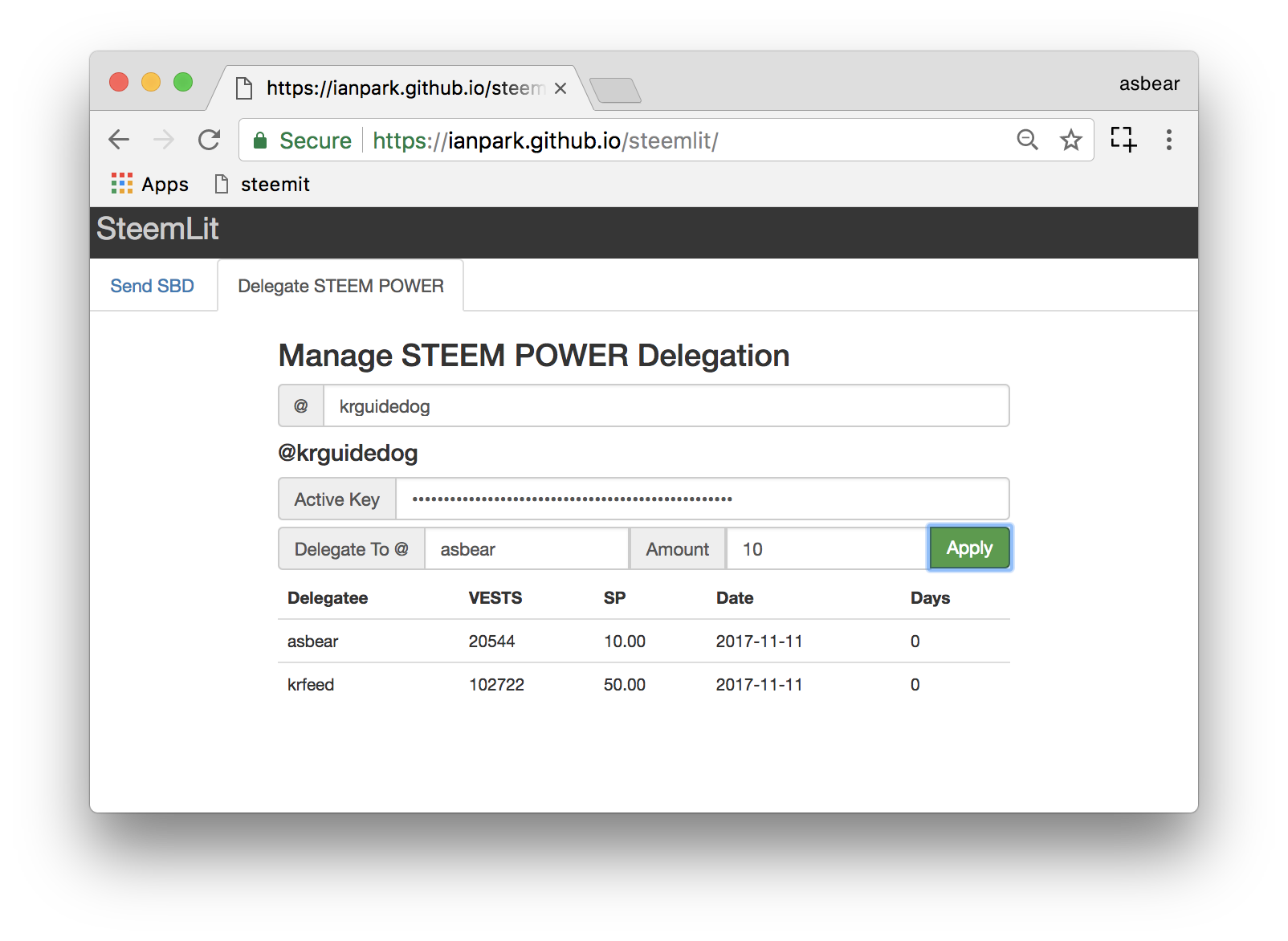
If you want to delegate more SP, put the delegatee's account into "Delegate To", the amount of STEEM POWER into "Amount" and finally insert your Active Key into "ActiveKey" then click "Apply".
The delegation will be effective immediately. You can see 10SP is delegated to @asbear. :)
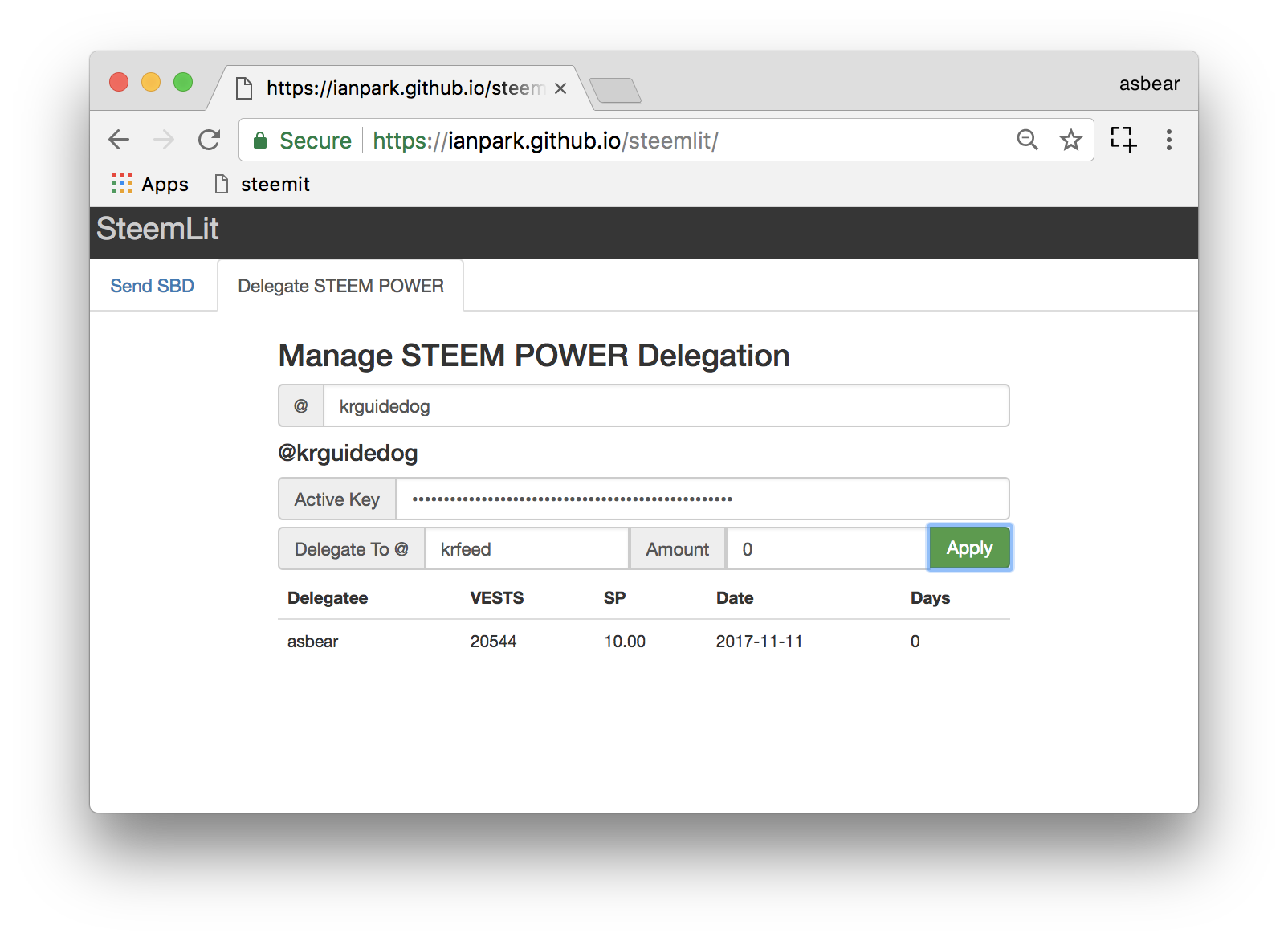
If you want to modify the amount of SP that has already been delegated, take the same process but different amount of STEEM POWER. If you put 0 into "Amount", you withdraw all the delegated STEEM POWER immediately. The screen shot shows how @krguidedog cancels his delegation of 50SP to @krfeed.
See, the delegation is cancelled.
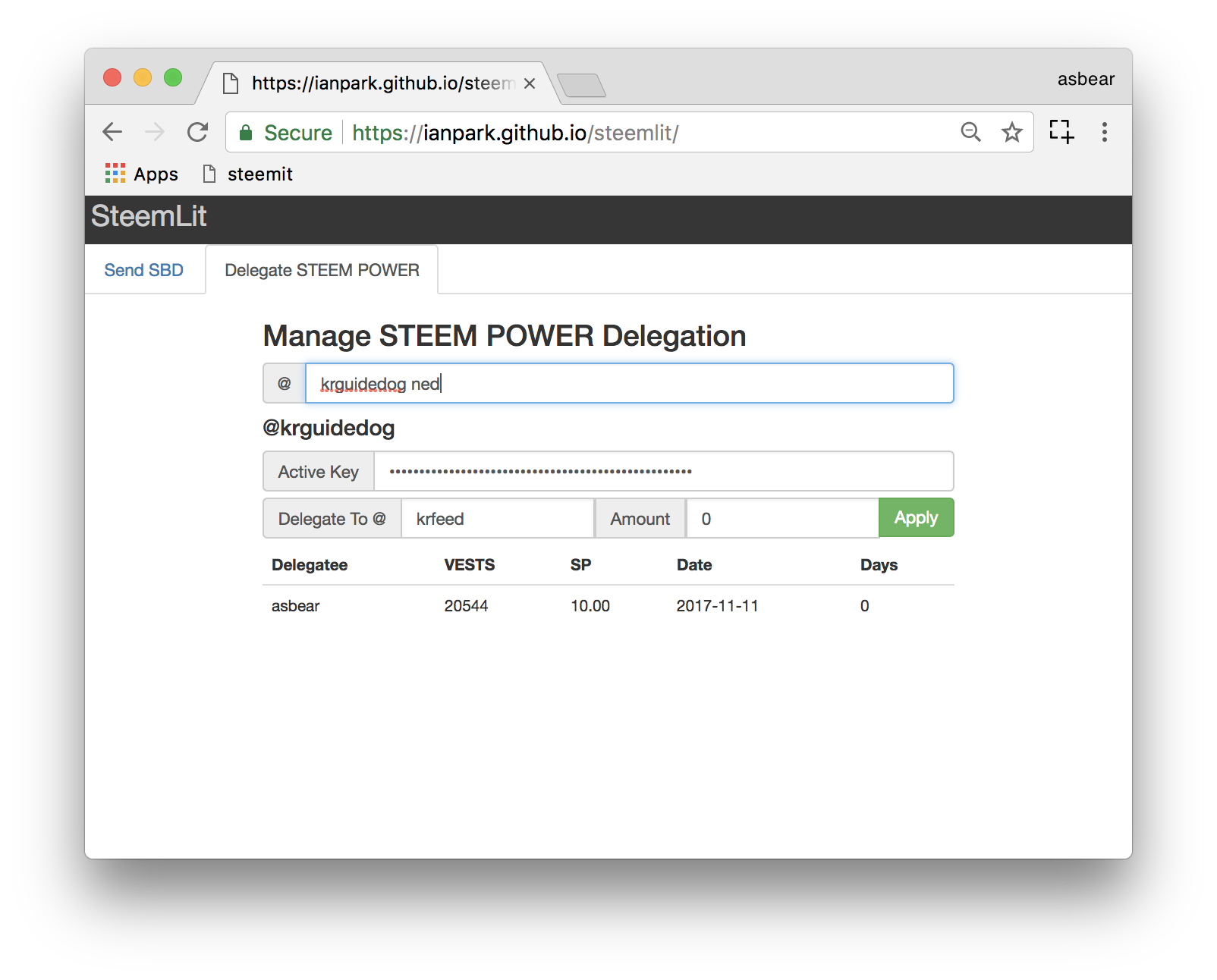
You can use this tool with multiple user IDs. Let me add @ned here.
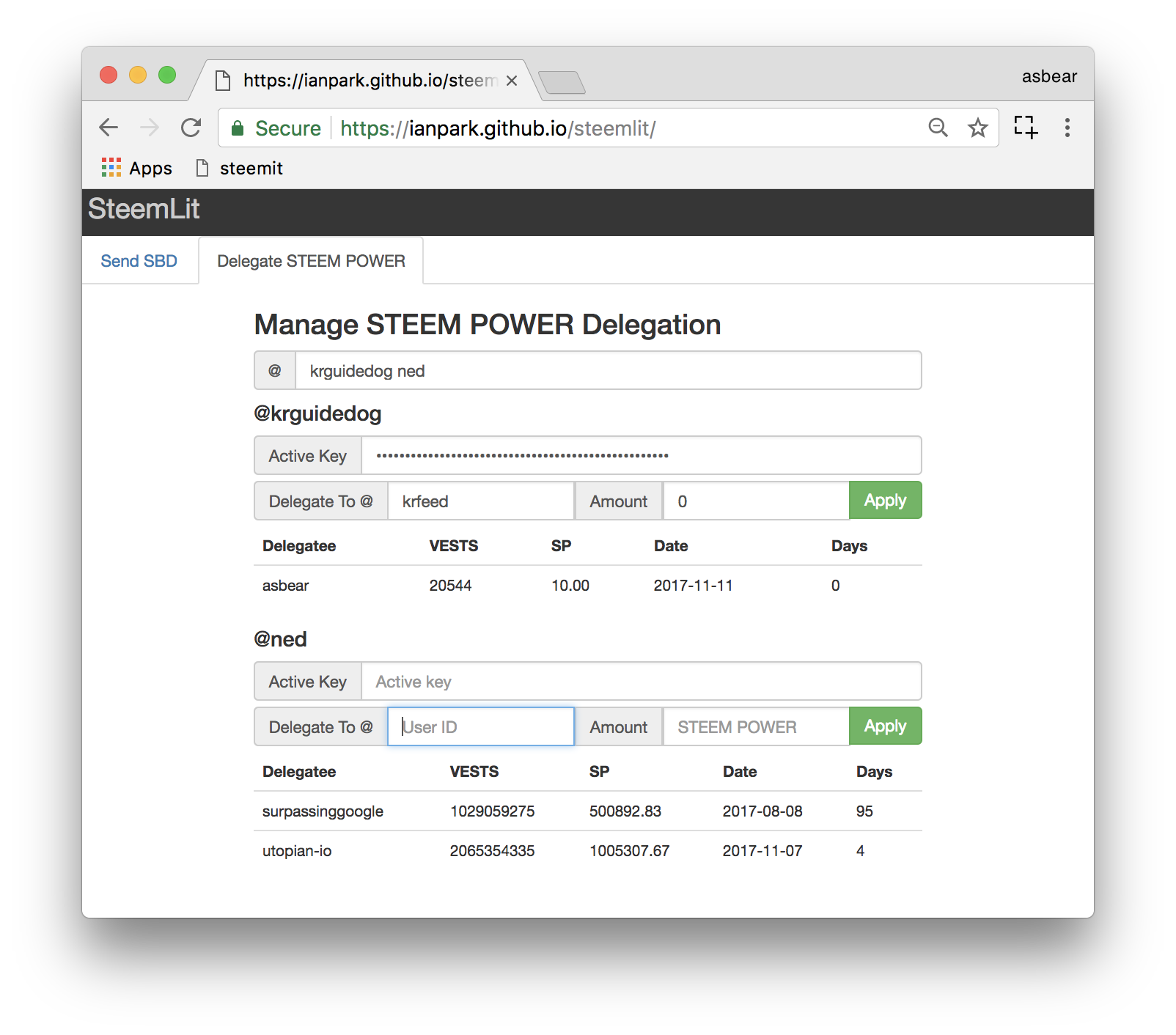
Ned's delegation status is shown. There he delegated 1M SP to @utopian-io, great! As I do not know Ned's
Active Key (I wish I did :D) I cannot do anything there. But if I have multiple accounts being used for STEEM POWER delegation, this feature can be useful.