rosetta is a ROS 2 package that standardizes the interface between ROS 2 topics and LeRobot policies using a small YAML contract. It provides:
- PolicyBridge — runs a pretrained policy live, subscribing to topics as observations and publishing topics as actions, exactly as defined by the contract.
- EpisodeRecorderServer — records raw ROS 2 topics required by the contract straight to rosbag2. Uses ROS 2 actions to start/stop recording and appends task prompts to bagfile metadata for later processing.
- bag_to_lerobot.py — converts recorded bags into a ready-to-train LeRobot v3 dataset using the same decoding/resampling logic as live inference.
This keeps train ↔ serve ↔ record aligned and minimizes data/shape skew.
Status: Early public release. Target ROS 2 distro: Humble. Python ≥ 3.10.
- rosetta — ROS 2 ⇄ LeRobot bridge
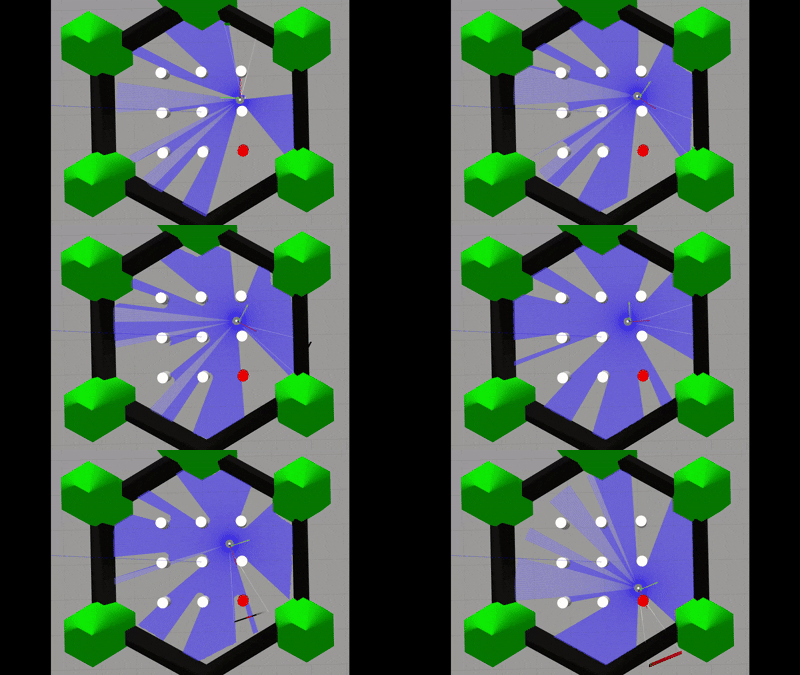 |
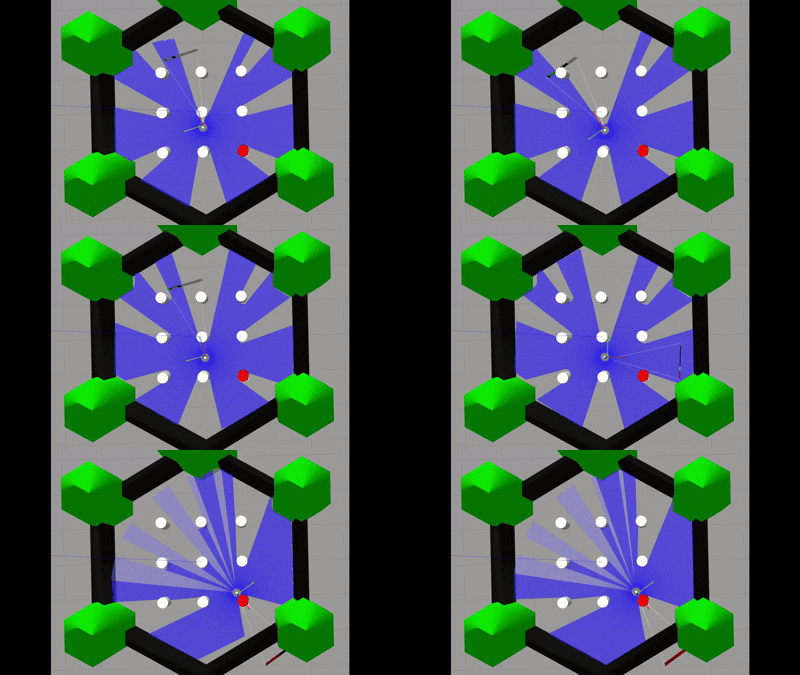 |
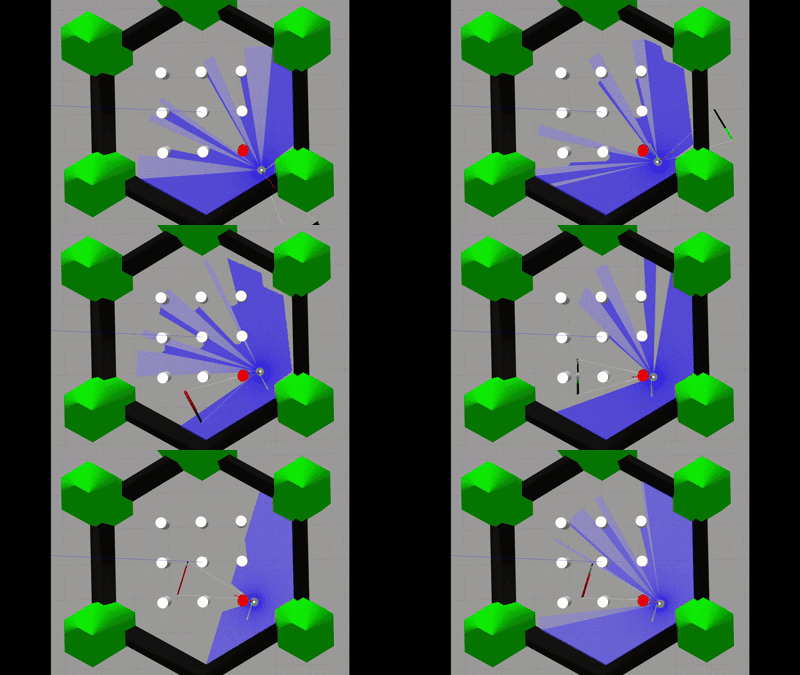 |
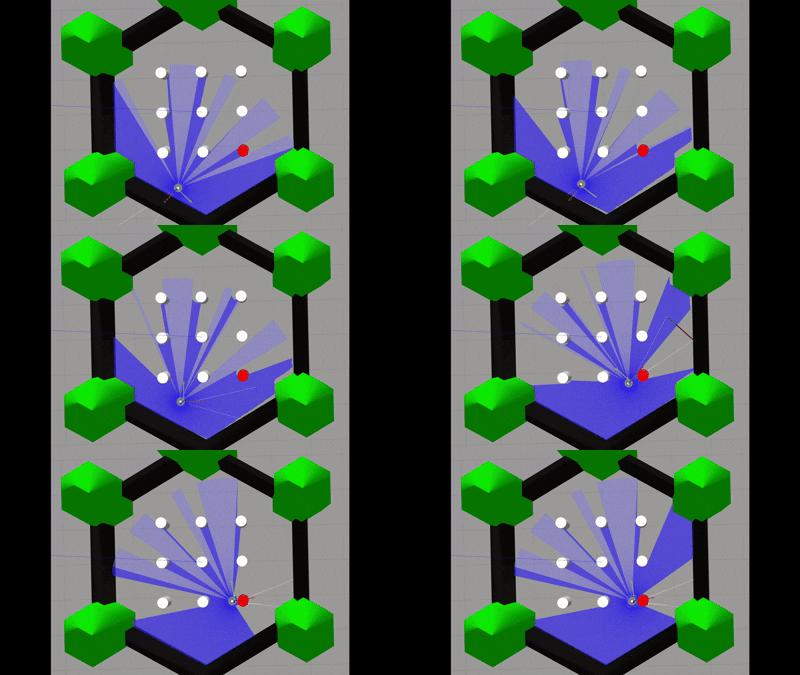 |
| ACT policy: "drive up to the red pillar" | ACT policy: "drive up to the red pillar" | ACT policy: "drive up to the red pillar" | ACT policy: "drive up to the red pillar" |
A contract is a small YAML that declares exactly which topics, message types, fields, rates, and timing rules a policy consumes and what it publishes. rosetta uses the same contract to:
- subscribe & resample observations in the bridge,
- encode actions for publishing,
- and decode & resample bag files for dataset export.
That single source of truth eliminates mismatched shapes and prevents timestamps/policies from drifting between training and serving.
- ROS 2 Humble (desktop install recommended)
- System Python 3.10 (match the system interpreter used to build ROS binaries)
- rosdep for runtime ROS deps
ROS binaries are compiled against the system Python. If you use a virtualenv, base it on the system interpreter, and don’t use conda for ROS 2 binaries. See ROS docs: “Using Python Packages with ROS 2”.
Live policies / dataset export (PyTorch + LeRobot):
LeRobot supports both PyPI and editable-from-source installs, with optional extras (e.g., [aloha], [pusht], [feetech]). See the LeRobot docs.
Note: Gazebo Classic is EOL/deprecated; we use it here because it’s still the shortest path for TB3 sim. Plan to migrate to new Gazebo.
We keep the venv ignored by colcon per ROS guidance.
# Workspace skeleton
mkdir -p ~/rosetta_ws/src ~/rosetta_ws/libs
cd ~/rosetta_ws

# venv from the system interpreter (ROS 2 binary-compatible)
python3.10 -m venv ./venv
touch ./venv/COLCON_IGNORE
source ./venv/bin/activate

# Base Python deps used by various ROS tools
python -m pip install -U pip
pip install empy catkin_pkg lxml larksudo apt update
sudo apt install -y ros-humble-gazebo-* \
ros-humble-turtlebot3-msgs \
ros-humble-turtlebot3 \
ros-humble-turtlebot3-simulations \
ffmpegcd ~/rosetta_ws/libs
git clone https://github.com/huggingface/lerobot.git
cd lerobot
pip install -e .
# (Optional) For extras, see LeRobot docs, e.g.:
# pip install -e ".[aloha,pusht]"cd ~/rosetta_ws/src
git clone https://github.com/iblnkn/rosetta.git
git clone https://github.com/iblnkn/rosetta_interfaces.git
git clone https://github.com/iblnkn/turtlebot3_simulations.git
# Back to workspace root
cd ~/rosetta_ws
# Resolve ROS dependencies
rosdep update
rosdep install --from-paths src --ignore-src -r -y
# Source ROS and build
source /opt/ros/humble/setup.bash
colcon build --packages-ignore turtlebot3_gazebo turtlebot3_fake_node
# Persist overlay
echo 'source ~/rosetta_ws/install/setup.bash' >> ~/.bashrc
source ~/.bashrcexport TURTLEBOT3_MODEL=burger
ros2 launch rosetta turtlebot3_red_pillar_world.launch.py- Python 3.10: Use the system
python3.10that matches Humble’s binaries for venv creation; avoid conda for ROS binary installs. - LeRobot verification (optional): after install,
which lerobot-train && lerobot-train --helpto confirm CLI is onPATH. - Gazebo migration: begin tracking new Gazebo migration docs; Classic is deprecating across ROS packages.
This repo ships contracts/turtlebot.yaml describing RGB, depth, state (joints/odom/imu), and a cmd_vel action. Use it as-is for the included TurtleBot contract.
# Edit policy_path to your pretrained model directory, or keep the default,
# which will pull a simple ACT model from Hugging Face.
ros2 launch rosetta turtlebot_policy_bridge.launch.py \
  log_level:=info
Send a goal to start/stop the run (fields may vary with your rosetta_interfaces version):
# Start a run with an optional prompt/task.
# (The example ACT model is trained on a single action—drive up to the red pillar—
# and does not ingest the prompt.)
ros2 action send_goal /run_policy rosetta_interfaces/action/RunPolicy \
  "{prompt: 'drive up to the red pillar'}"
# Stop the action
ros2 service call /run_policy/cancel std_srvs/srv/Trigger "{}"# Separate node that writes topics to rosbag2 (MCAP) under action control
ros2 launch rosetta turtlebot_recorder_server.launch.py log_level:=info
# Start a timed recording
ros2 action send_goal /record_episode rosetta_interfaces/action/RecordEpisode \
"{prompt: 'kitchen demo 1'}"
# Cancel
ros2 service call /record_episode/cancel std_srvs/srv/Trigger "{}"# Single bag
ros2 run rosetta bag_to_lerobot -- \
--bag /path/to/bag_dir \
--contract $(ros2 pkg prefix rosetta)/share/rosetta/contracts/turtlebot.yaml \
--out /tmp/lerobot_ds
# Or multiple bags
ros2 run rosetta bag_to_lerobot -- \
--bags /bags/epi1 /bags/epi2 \
--contract .../turtlebot.yaml \
--out /tmp/lerobot_dsOutput (videos + parquet) is written under --out with the LeRobot v3 layout.
Follow LeRobot guidance for how best to train a model.
# Example
lerobot-train \
  --dataset.repo_id=$iblnk/turtlebot3_demo \
  --policy.type=act \
  --output_dir=lerobot_models/act/ \
  --job_name=act_turtlebot3_example \
  --policy.device=cuda \
  --wandb.enable=false \
--policy.repo_id=${HF_USER}/act_turtlebot3_example_policyRuns a pretrained policy at a fixed rate_hz from the contract, sampling observations by header or receive time (also contract-controlled), and publishing actions with a safety behavior when stopping.
- Executable:
policy_bridge - Action server:
/run_policy(rosetta_interfaces/RunPolicy) - Cancel helper:
/run_policy/cancel(std_srvs/Trigger) - Publisher: as declared in the contract (e.g.,
/cmd_vel Twist)
| Param | Type | Default | Notes |
|---|---|---|---|
contract_path |
string | required | Path to YAML/JSON contract. |
policy_path |
string | required | Directory with pretrained policy artifacts (e.g., config.json, weights, stats). |
policy_device |
string | auto |
auto, cpu, cuda[:N], or mps. |
use_chunks |
bool | True |
Batch-generate actions_per_chunk actions per policy call. |
actions_per_chunk |
int | 25 |
Actions per chunk when chunking is enabled. |
chunk_size_threshold |
float | 0.5 |
Low-water mark (0..1 of chunk) before refilling the queue. |
max_queue_actions |
int | 512 |
Max buffered actions. |
use_header_time |
bool | True |
Prefer msg.header.stamp to sample observations. |
use_autocast |
bool | False |
Enable torch.autocast when supported. |
The action spec can set safety_behavior: zeros|hold. On stop/cancel/timeout, the node sends either a zero action or holds the last action.
Records a predefined set of topics directly to rosbag2 as they arrive. Recording is controlled via an action so you can start/stop programmatically and attach operator prompts for dataset export.
- Executable:
recorder_server - Action server:
/record_episode(rosetta_interfaces/RecordEpisode) - Cancel helper:
/record_episode/cancel(std_srvs/Trigger) - Storage: MCAP by default (from contract
recording.storage)
| Param | Type | Default | Notes |
|---|---|---|---|
contract_path |
string | required | Same contract used by PolicyBridge. |
bag_base_dir |
string | /tmp/episodes |
Episode directories created under this root. |
storage_preset_profile |
string | "" |
Optional rosbag2 preset (e.g., zstd_fast). |
storage_config_uri |
string | "" |
Optional storage config (file URI or path). |
On stop, the node amends the bag’s metadata.yaml to store custom_data.lerobot.operator_prompt for later export.
Converts one or more bag directories into a LeRobot v3 dataset using the same decoders and resamplers as live inference, ensuring shape and dtype parity.
ros2 run rosetta bag_to_lerobot -- --help--timestamp {contract,bag,header}— choose the time base before resampling.--no-videos— write PNG images instead of H.264 MP4.--image-threads / --image-processes— tune I/O parallelism.--chunk-size --data-mb --video-mb— size the parquet/video chunks.
Depth images are converted to normalized float in H×W×3 (for LeRobot compatibility) while preserving REP-117 special values (NaN, ±Inf).
See share/rosetta/contracts/turtlebot.yaml for a complete, documented example. Highlights:
- observations — list of streams (RGB, depth, state). Each specifies topic, type, optional
selector.namesfor extracting scalars,image.resize, and analignpolicy (hold/asof/drop) withstamp: header|receive. - actions — what to publish, e.g.,
geometry_msgs/Twistto/cmd_vel, withselector.names(e.g.,[linear.x, angular.z]),from_tensor.clamp, QoS, and a publish strategy. - rate_hz / max_duration_s — contract rate and episode timeout used across nodes.
- recording.storage — default rosbag2 backend (MCAP recommended).
rosetta exposes tiny registries to convert between ROS messages and numpy/torch tensors:
# Add a decoder for a custom message
from rosetta.common.contract_utils import register_decoder

@register_decoder("my_msgs/msg/Foo")
def _dec_foo(msg, spec):
    ...
    return np.array([...], dtype=np.float32)

# Add an encoder for a custom action type
from rosetta.common.contract_utils import register_encoder

@register_encoder("my_msgs/msg/Bar")
def _enc_bar(names, action_vec, clamp):
    ...
    return msg_instance
With a corresponding contract entry, the bridge and exporter will automatically use your converters.