
This module allows you to import a sector from the fantastic tool https://sectorswithoutnumber.com/.
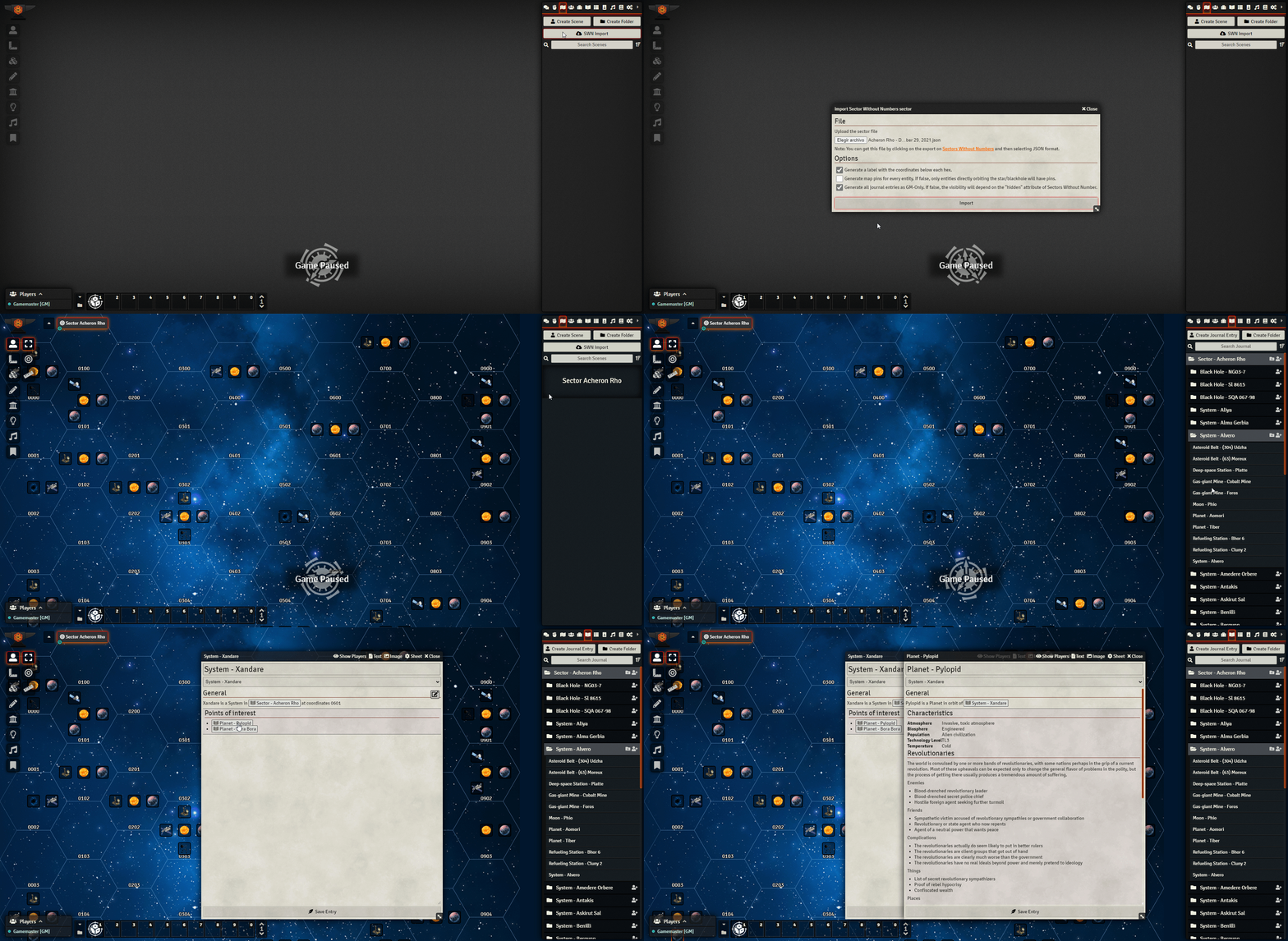
Install the module through the Foundry module list by using the manifest url:
https://github.com/iceman98/swn-importer/releases/latest/download/module.json
- Install the module
- Enable the module for your game
- Go to https://sectorswithoutnumber.com/ and export your sector as JSON:

- Go to the Scenes Directory
- Click on the import button:

- Drag and drop the sector json file onto the file chooser or click on the button to browse for it
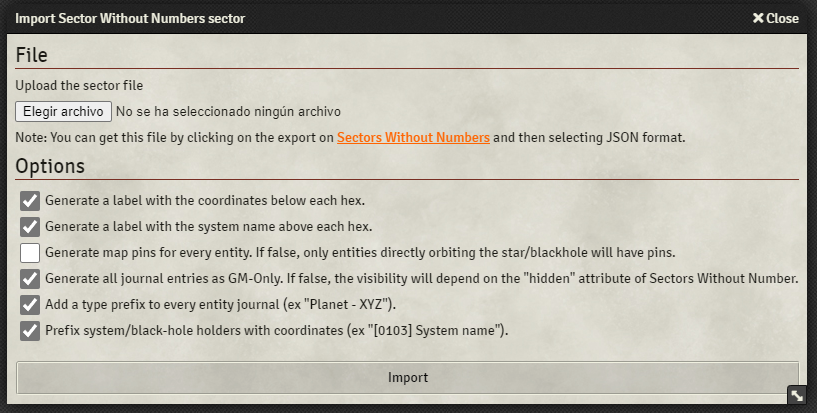
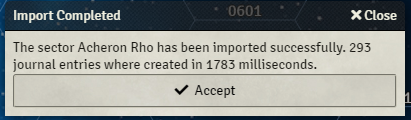
- Select your options and click "Import". A message will indicate that the sector has been successfully imported.
- Enable this option if you would like to see the scene pins always

Mitchel Pigsley for the Sectors Without Number tool https://www.patreon.com/sectorswithoutnumber
Blackcloud010 for the FoundryVTT-Module-Template-Hotswap project https://github.com/Blackcloud010/FoundryVTT-Module-Template-Hotswap
The team at Foundry Gaming for their amazing VTT https://foundryvtt.com/