
Do your eyes bleed like a Vecna victim watching Pipecat logs fly by? Do OpenTelemetry traces look impressive … yet explain nothing? If so, meet Finchvox, a local debuggability tool purpose-built for Voice AI apps.
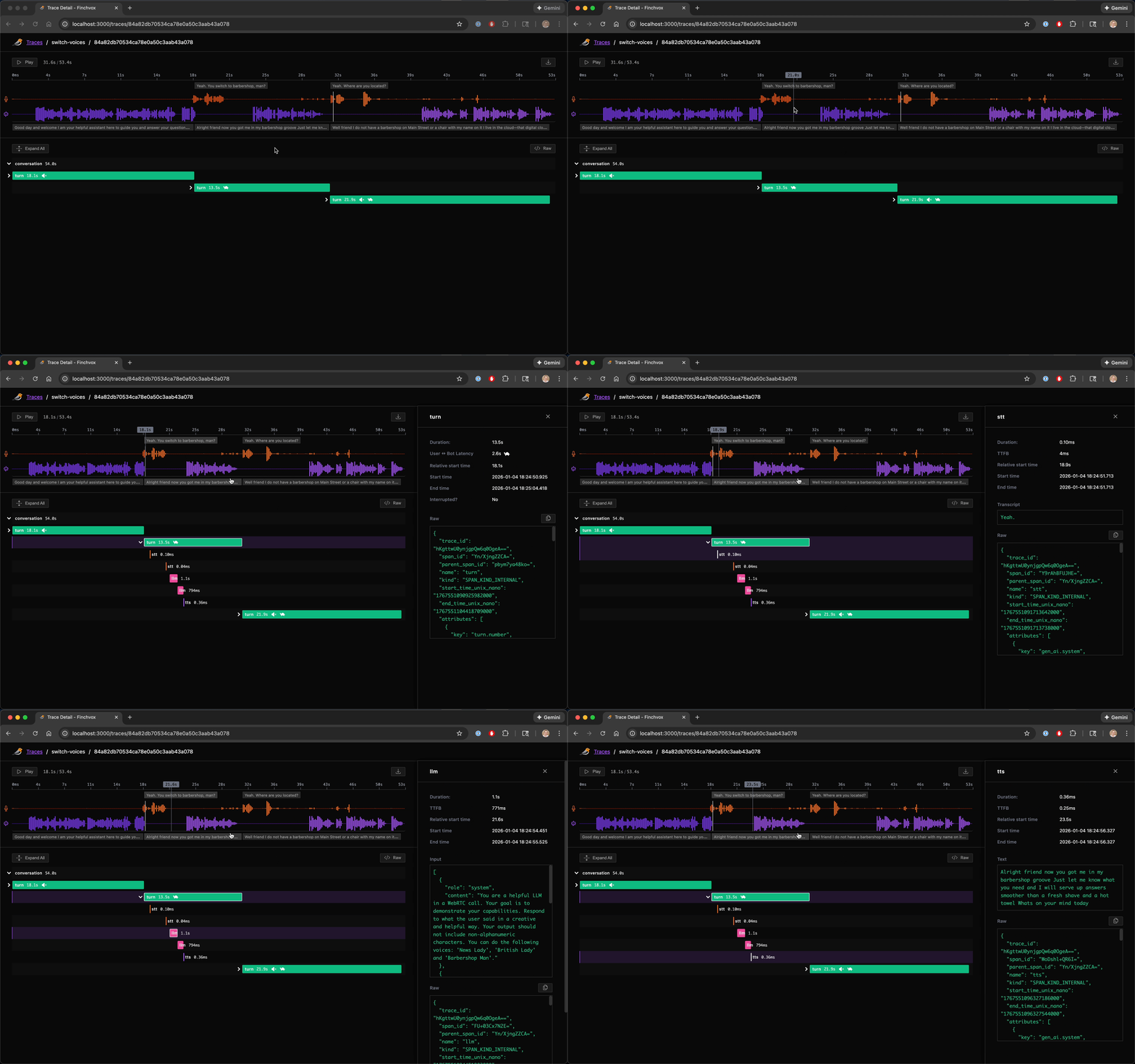
Finchvox unifies conversation audio and traces in a single UI, highlighting voice-specific problems like interruptions and high user <-> bot latency. Good luck convincing DataDog to add that!
👇 Click the image for a short video:
- Python 3.10 or higher
- A Pipecat Voice AI application
# uv
uv add finchvox "pipecat-ai[tracing]"

# Or with pip
pip install finchvox "pipecat-ai[tracing]"- Add the following to the top of your bot (e.g.,
bot.py):
import finchvox
from finchvox import FinchvoxProcessor

finchvox.init(service_name="my-voice-app")- Add
FinchvoxProcessorto your pipeline, ensuring it comes aftertransport.output():
pipeline = Pipeline([
    # SST, LLM, TTS, etc. processors
    transport.output(),
    FinchvoxProcessor(), # Must come after transport.output()
    context_aggregator.assistant(),
])- Initialize your
PipelineTaskwith metrics, tracing and turn tracking enabled:
task = PipelineTask(
    pipeline,
    params=PipelineParams(enable_metrics=True),
    enable_tracing=True,
    enable_turn_tracking=True,
)uv run finchvox startFor the list of available options, run:
uv run finchvox --helpIf port 4317 is already occupied:
# Find process using port
lsof -i :4317

# Kill the process
kill -9 <PID>- Check collector is running: Look for "OTLP collector listening on port 4317" log message
- Verify client endpoint: Ensure Pipecat is configured to send to
http://localhost:4317

