Generate HDR images (jpeg + Gain Map) optimized for SDR and HDR displays.
This project is a Python tool for generating HDR Gainmap images in JPEG format, with several workflows available:
- Combine an SDR image with a true HDR image
- Combine an SDR image with an underexposed SDR image
- Generate HDR from a tone-mapped SDR image
- Create a pseudo-HDR image from a brighter SDR source
Key features:
- Optimized rendering on both SDR and HDR displays
- Improved brightness, contrast, and visual impact on HDR screens
- Built-in presets for better compatibility with platforms such as Instagram
   git clone https://github.com/jb-jrdn/Hdr-Gainmap
   cd Hdr-Gainmap
   uv python install 3.13       # If python is >=3.14
   uv sync

   source .venv/bin/activate    # macOS / Linux
   # .venv\Scripts\activate     # Windows PowerShell
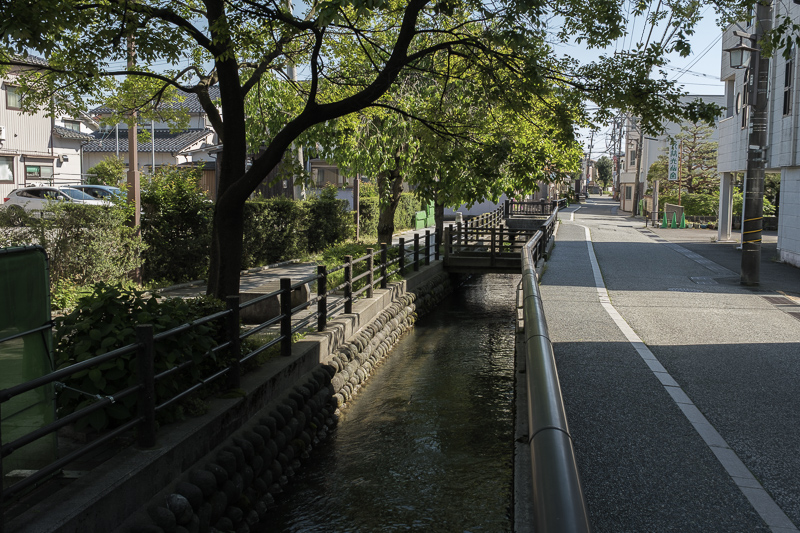
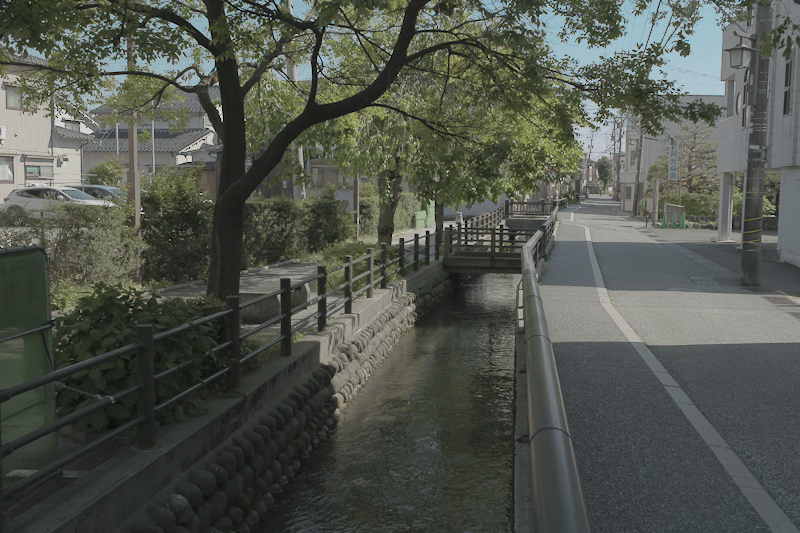
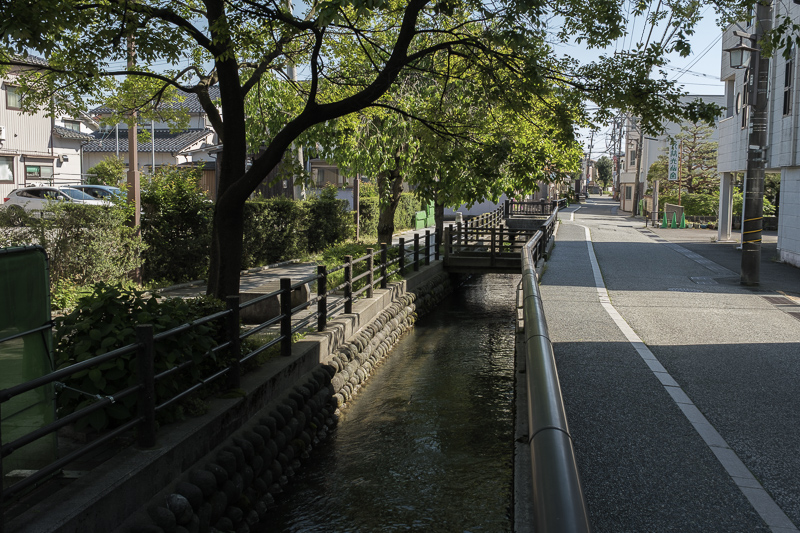
Combine SDR image (jpg) and native HDR image (avif)
hdr-gainmap --sdr input_sdr.jpg --hdr input_hdr.avif -o output_uhdr_1.jpg
| SDR image input_sdr.jpg |
HDR image input_hdr.avif |
HDR image with gain map output_uhdr_1.jpg |
 |
 |
 |
hdr-gainmap --dir path/to/images/
File naming convention type:
image.jpg
image.avif
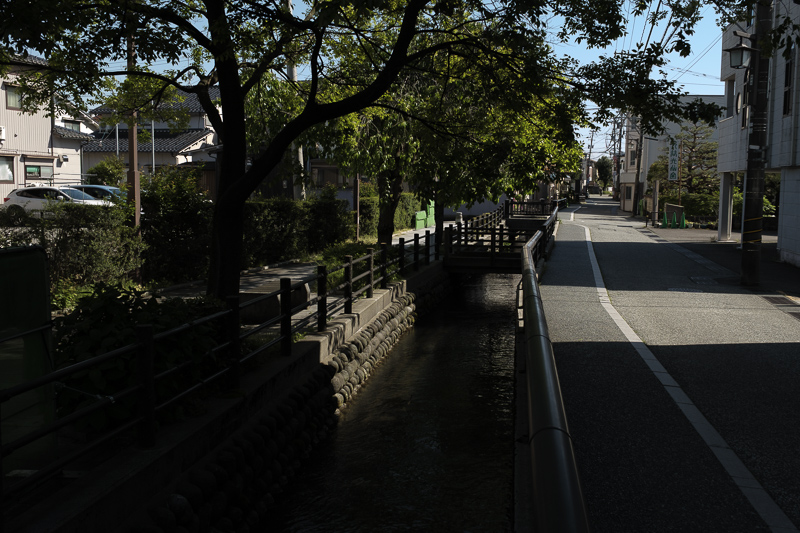
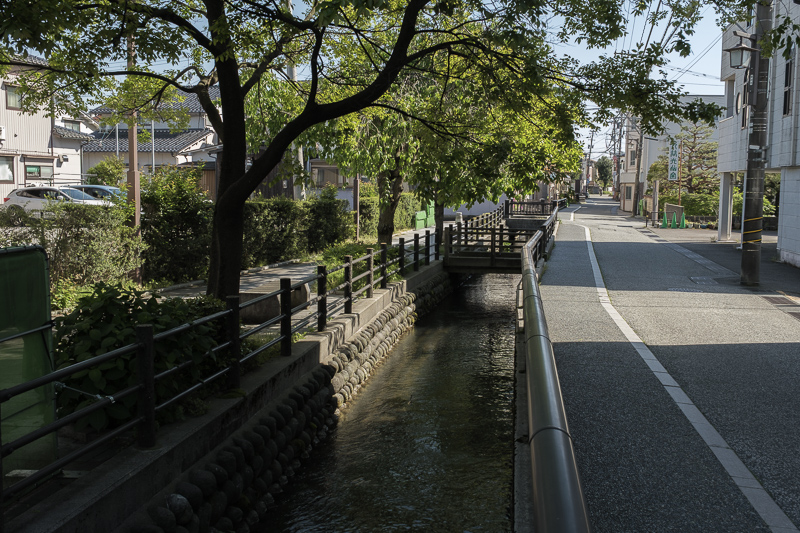
Combine SDR image and SDR underexposed image (with EV value)
hdr-gainmap --sdr input_sdr.jpg --sdrev input_sdr_2ev.avif --ev 2 -o output_uhdr_2.jpg
| SDR image input_sdr.jpg |
SDR image - 2EV input_sdr_2ev.avif |
HDR image with gain map output_uhdr_2.jpg |
|
 |
 |
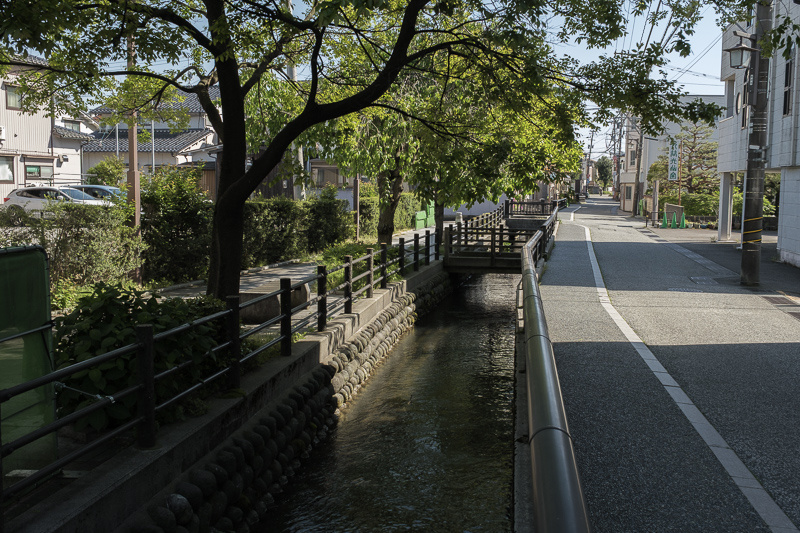
Increase brighter part of SDR image to create a HDR version
hdr-gainmap --sdr input_sdr.jpg --ev 2 -o output_uhdr_4.jpg
| SDR image input_sdr.jpg |
HDR image with gain map output_uhdr_4.jpg |
|
 |
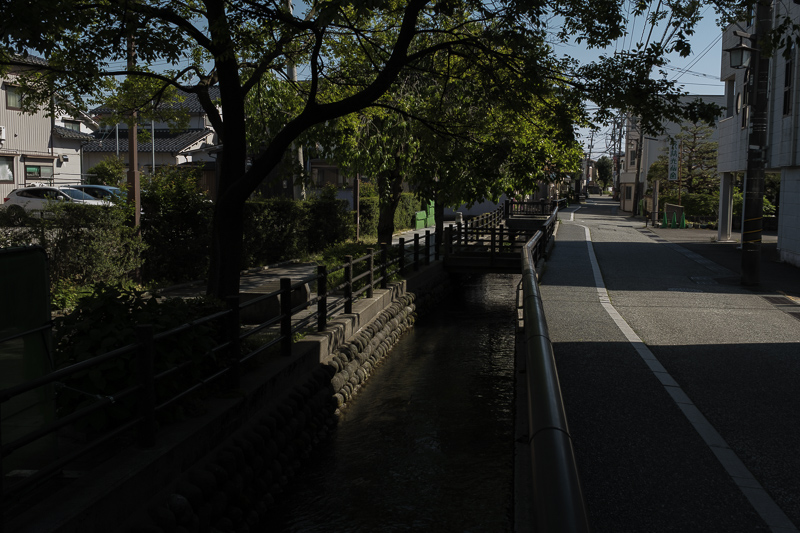
Generate HDR from one SDR image with exposure compensation
hdr-gainmap --sdr input_sdr_2ev.jpg --ev 2 -o output_uhdr_3.jpg
| SDR image input_sdr_2ev.jpg |
HDR image with gain map output_uhdr_3.jpg |
|
 |
- SDR image:
- HDR Off in Develop mode
- Export setting:
- Image Format: JPEG
- Quality: 95
- Color Space: Display P3
- HDR Output: No
- HDR image:
- HDR On in Develop mode
- Export setting:
- Image Format: AVIF
- Quality: 100
- Color Space: HDR P3
- HDR Output: Yes
- Maximize Compatibility: No
- SDR and HDR images must have the same image size
- To use batch mode of this tool, export SDR and HDR in the same folder
Apache-2.0 license