Blossomer is a project created to manage the onboarding process of a brick-and-mortar store in Nyack, NY named Squash Blossom onto a Shopify instance.
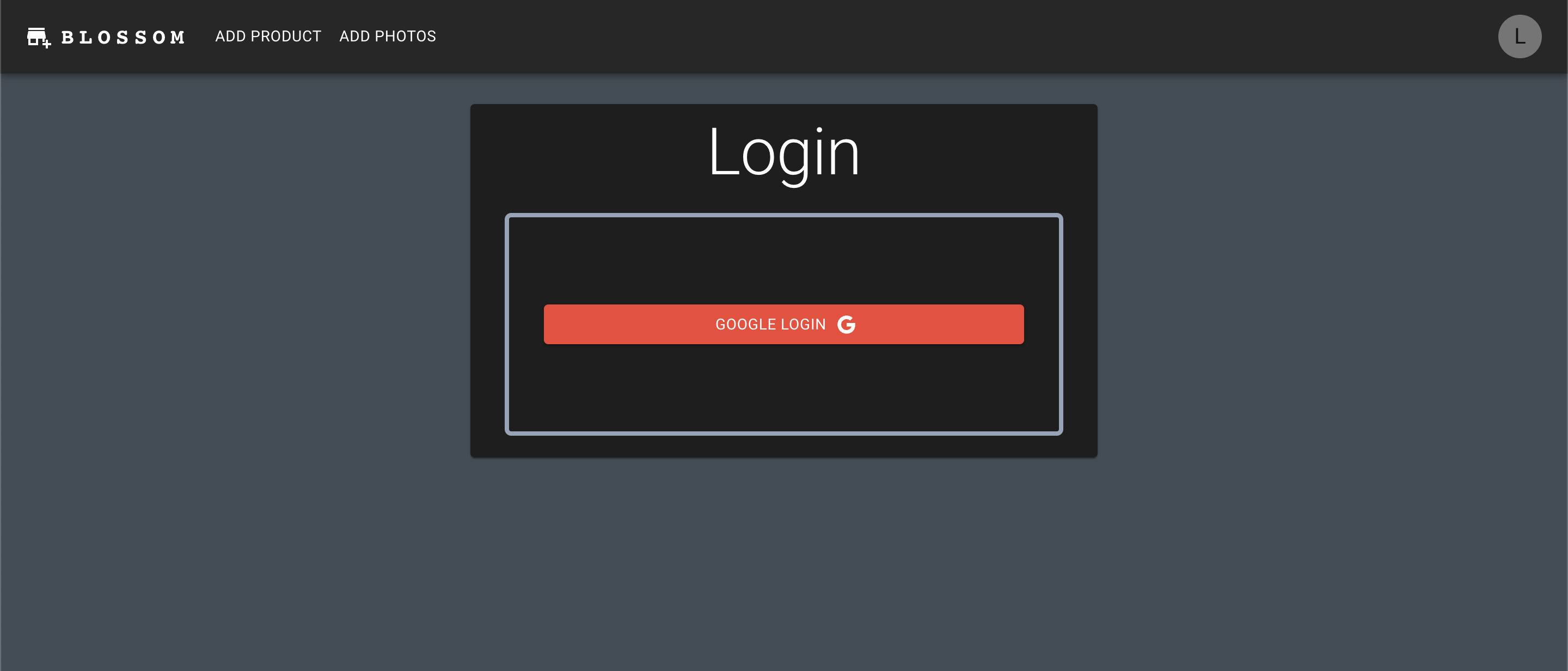
Blossomer includes a form for intaking products, automatically assigns them a SKU, creates a corresponding Shopify product and prints a DYMO label
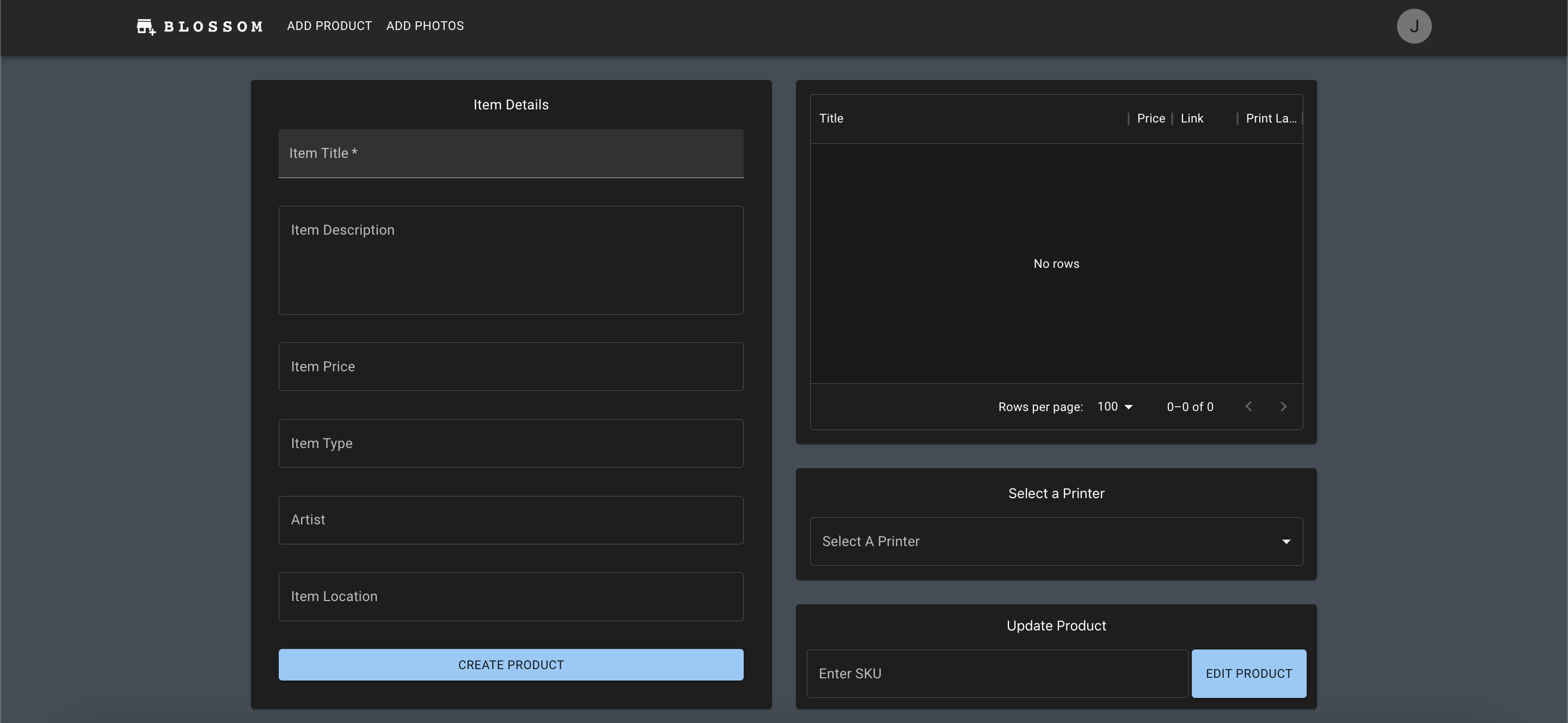
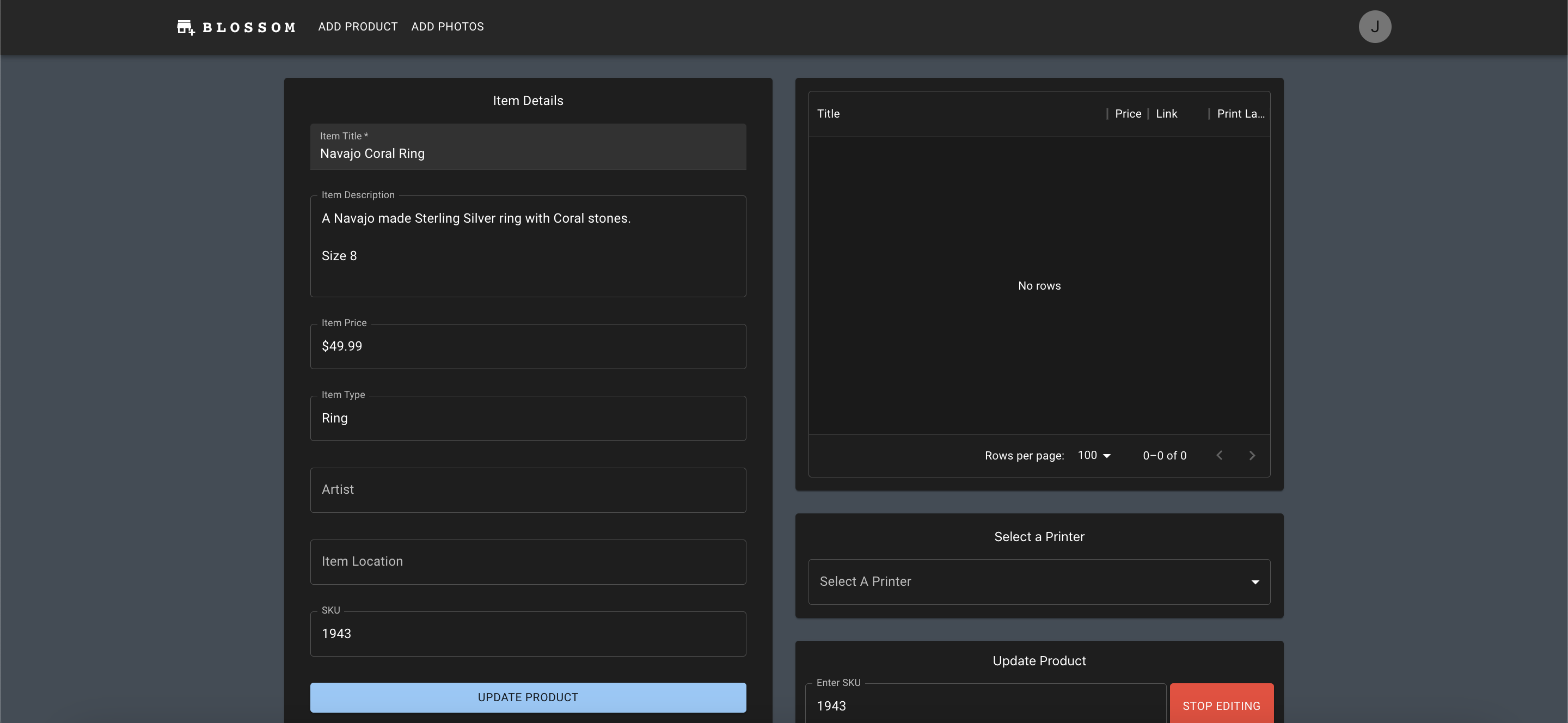
A SKU can be entered into the form on the bottom right to begin editing an existing product, a query to the GraphQL API is made and populates the form, allowing the user to submit the form and edit the product
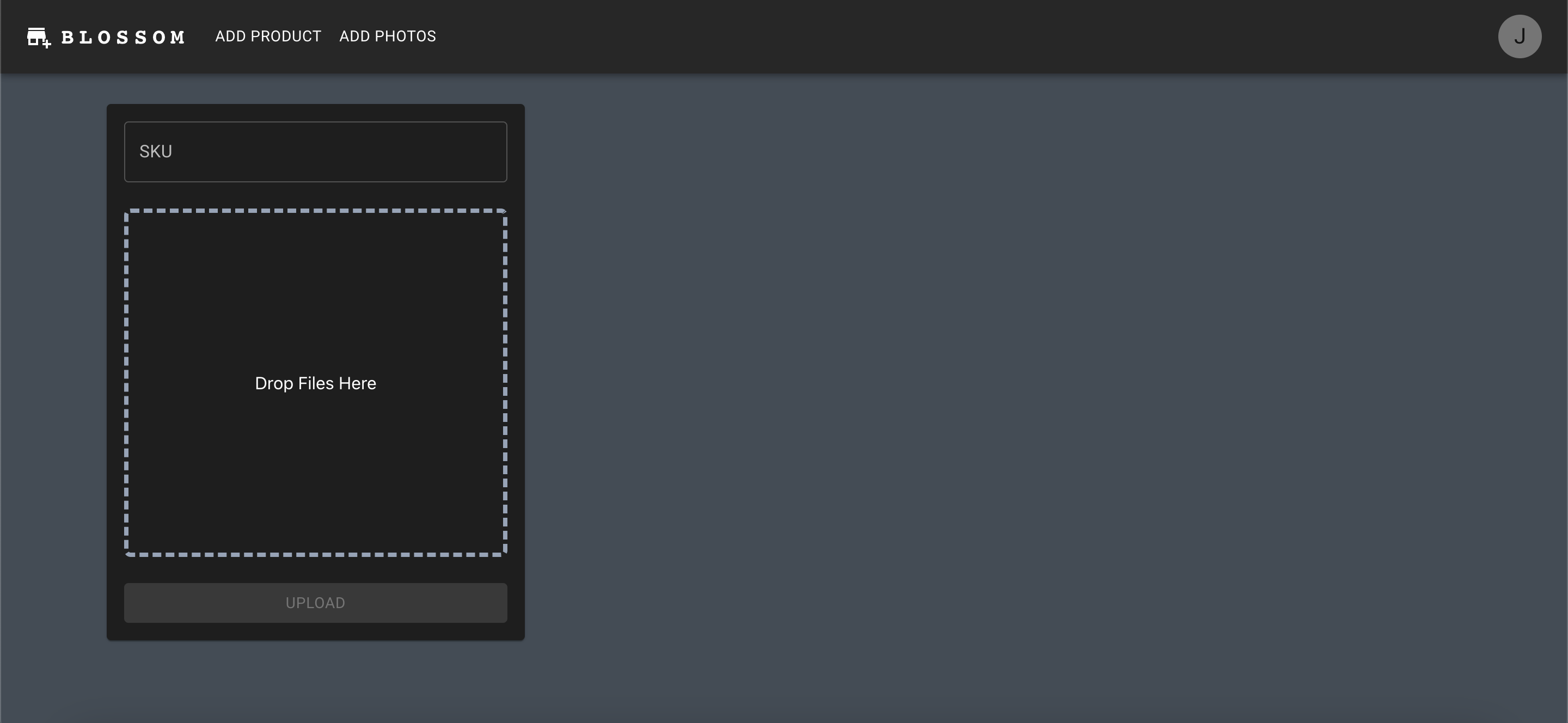
Blossomer hanldes uploading photos to Shopify by allowed the user to drag and drop photos which are then shown on the page, the user can then drag and drop the individual photos to change their order or remove a photo by clicking on it. The user can submit the photos by entering a SKU and clicking upload. This works well for my use-case because I start each photographing each product by taking a picture of the SKU on the label; meaning I can import all photos of a product, use the first photo to get the SKU, than remove it before uploading to Shopify. Blossomer then uses canvas to re-size the photos to the maximum size allowed by Shopify (20MP) while preserving aspect ratio.
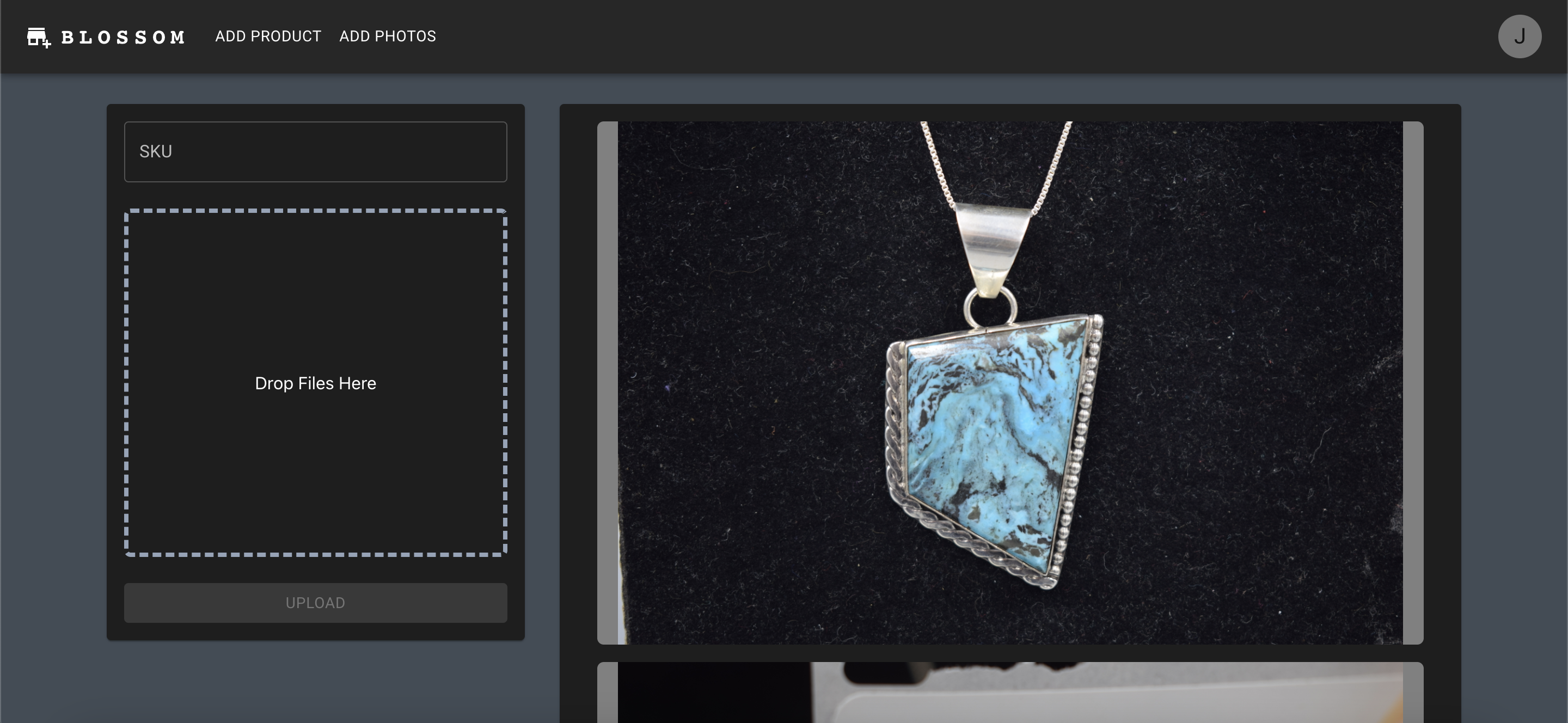
Blossomer was designed for maximum efficency in data entry and touch time for a given product. As many steps as possible are consolidated into as little as possible. As a performant single page application Blossomer is capable of fully processing around 100 items an hour.