
Skip to content

joaquinuriel/coral-theme

Repository files navigation

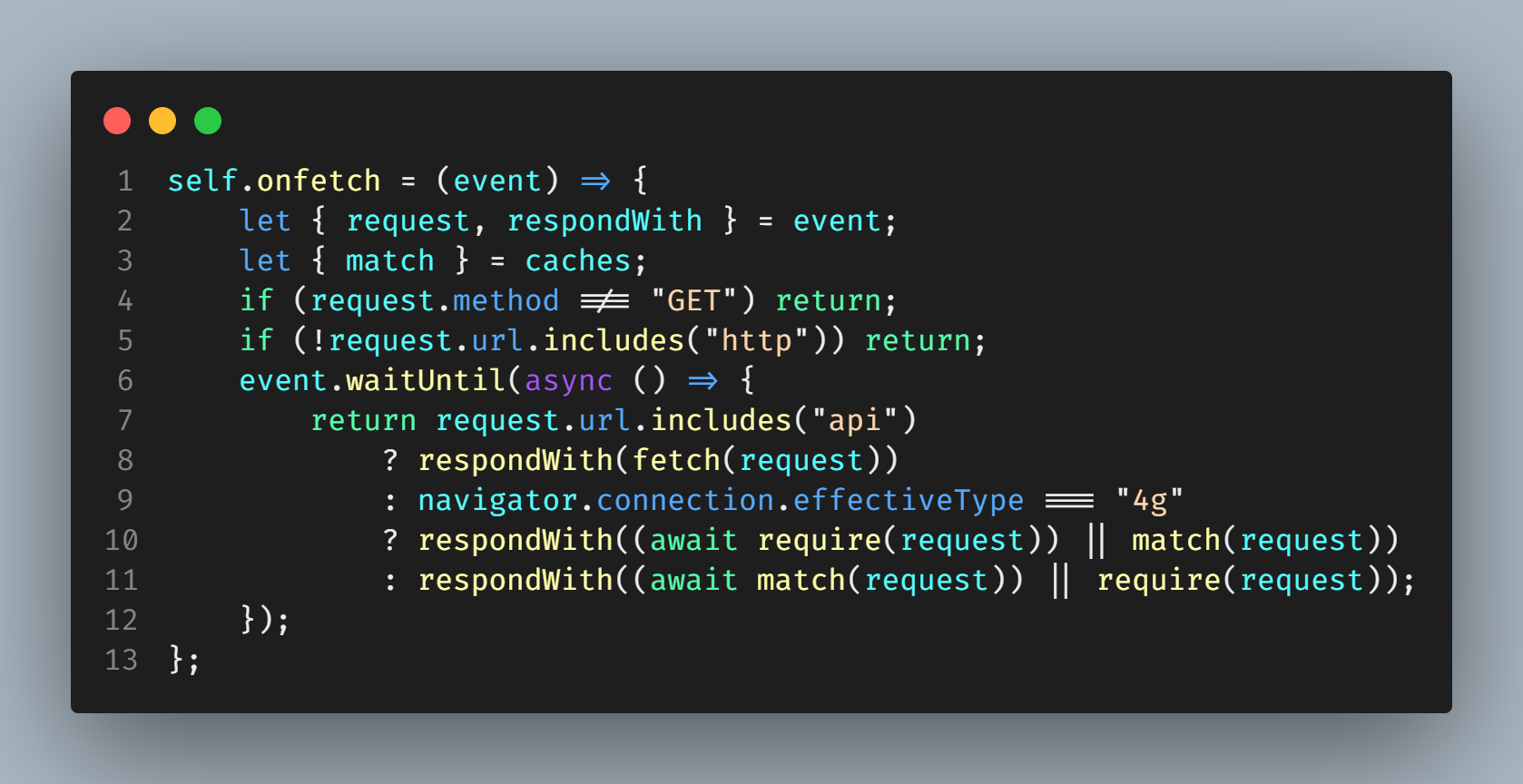
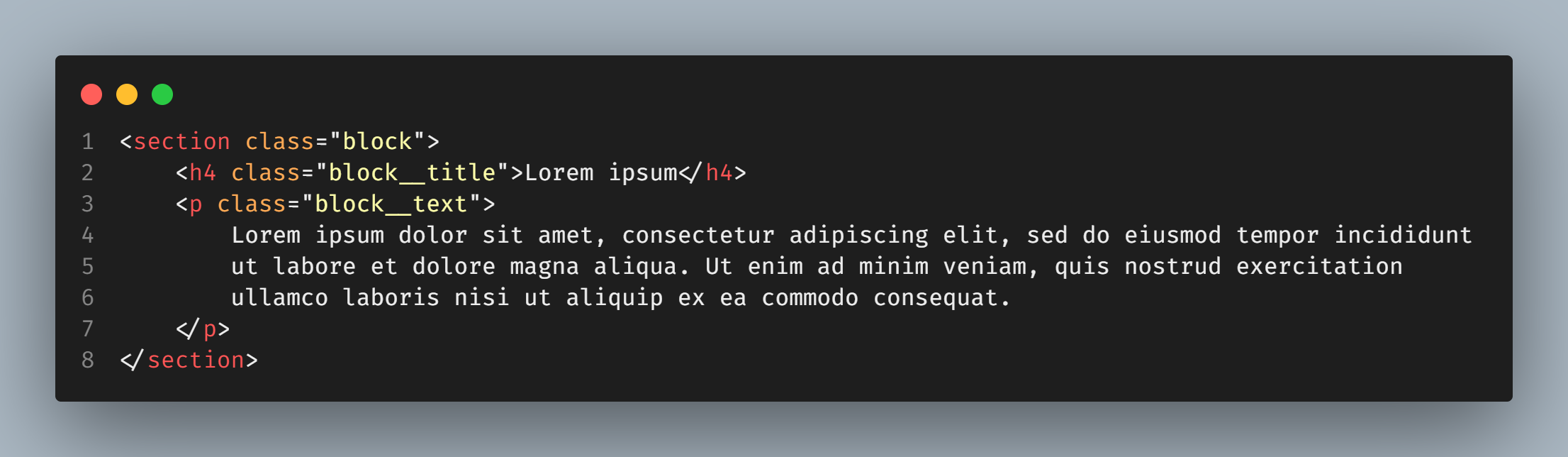
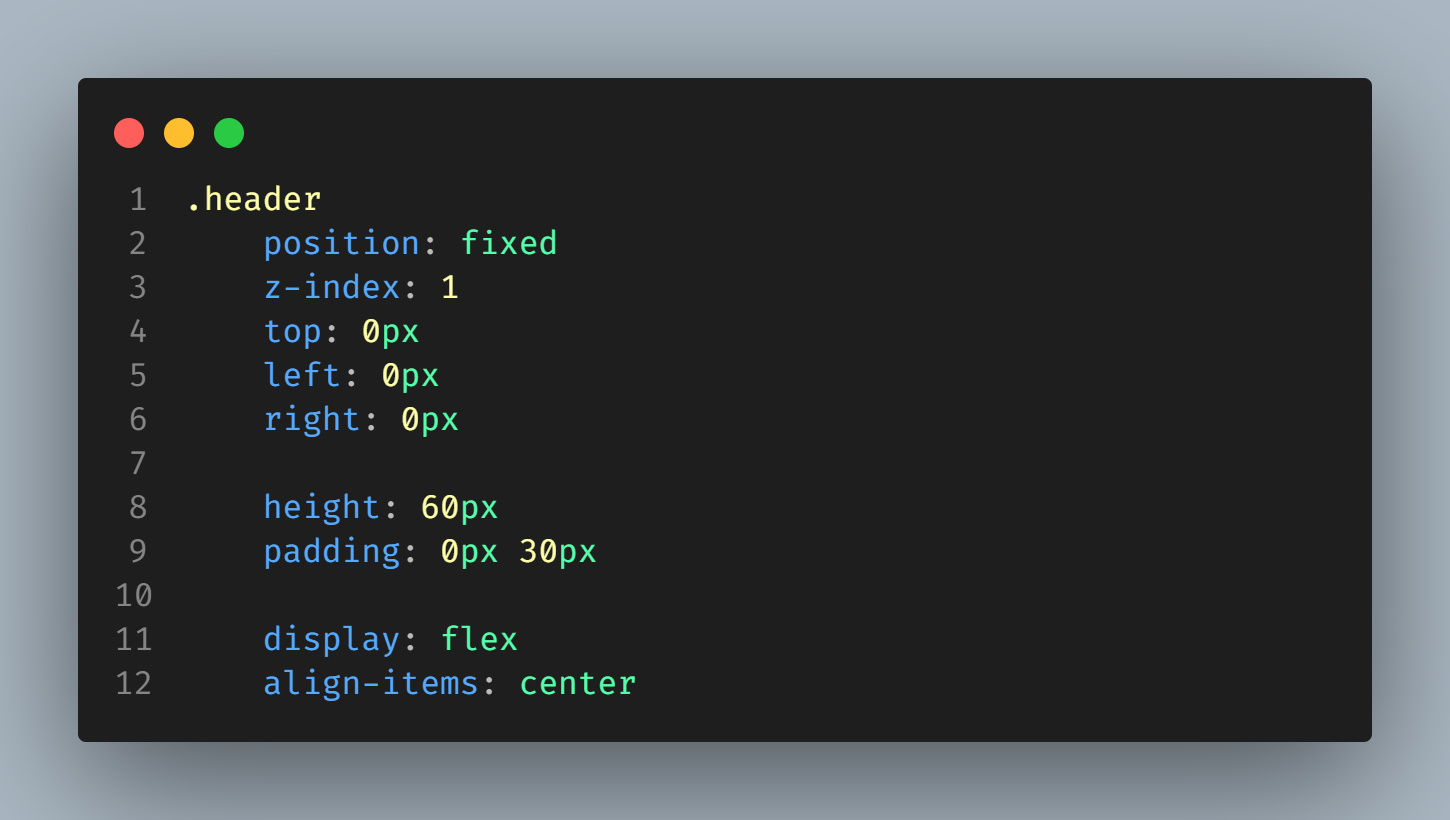
Coral like Theme

A Coral-like Color Theme for Visual Studio Code

screenshot screenshot screenshot

Features

  • // TODO highlighting
  • //#region highlighting
  • //#endregion highlighting

Installation

  1. Install the icon theme from the Marketplace
  2. Open the command palette (Ctrl/Cmd + Shift + P) and search for Preferences: Color Theme
  3. Select Corallike

Or install via CLI:

code --install-extension JoaquinMartinez.corallike

Feedback and suggestions

GitHub Issues

License

MIT License

About

A coral-like color theme for VS Code

Topics

Resources

License

Stars

Watchers

Forks

Releases

No releases published

Packages


Contributors