


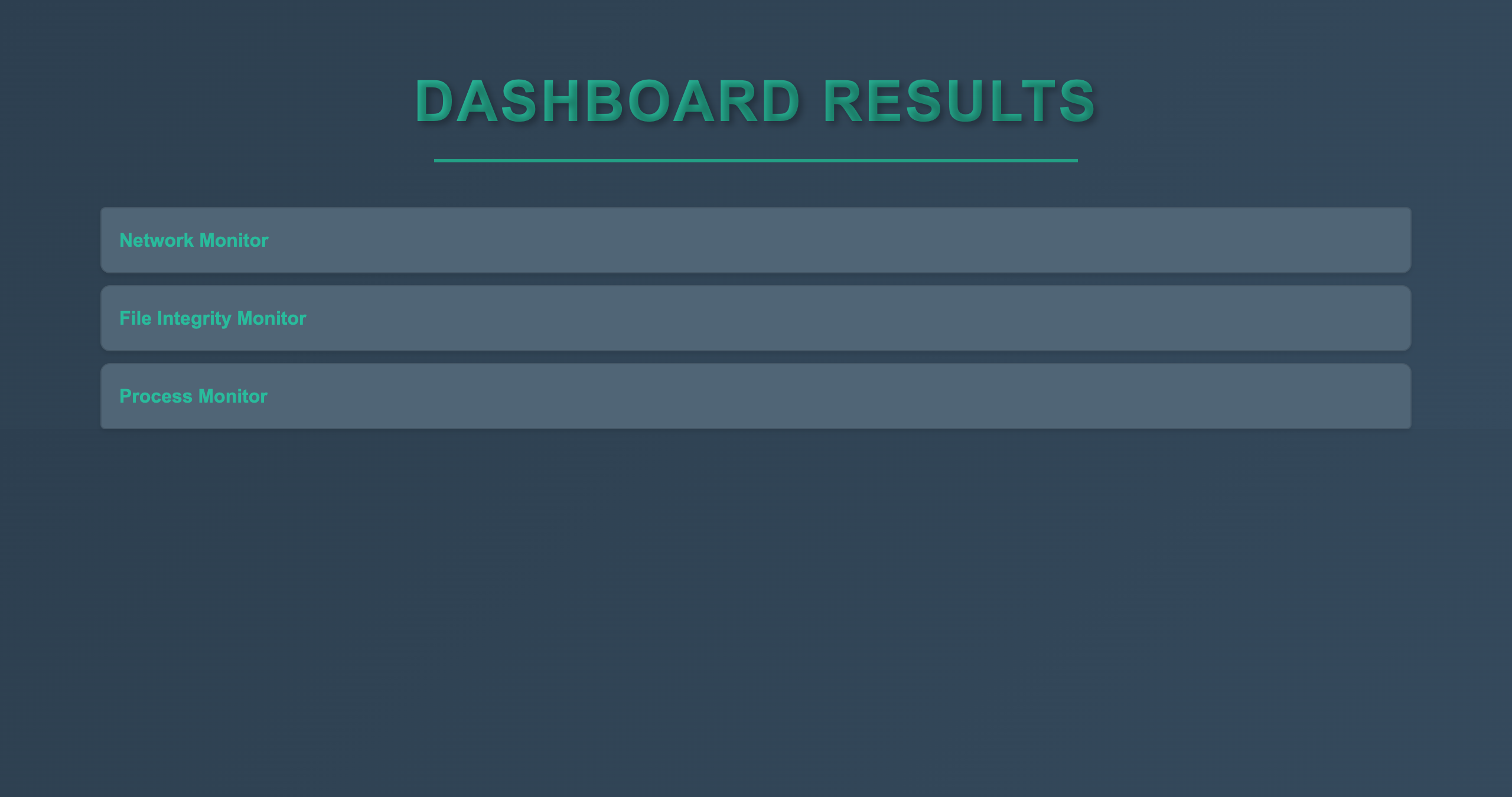
The Threat Dashboard is a proof-of-concept application designed to monitor and log potential threats on both a Windows and MacOS system using three primary modules:
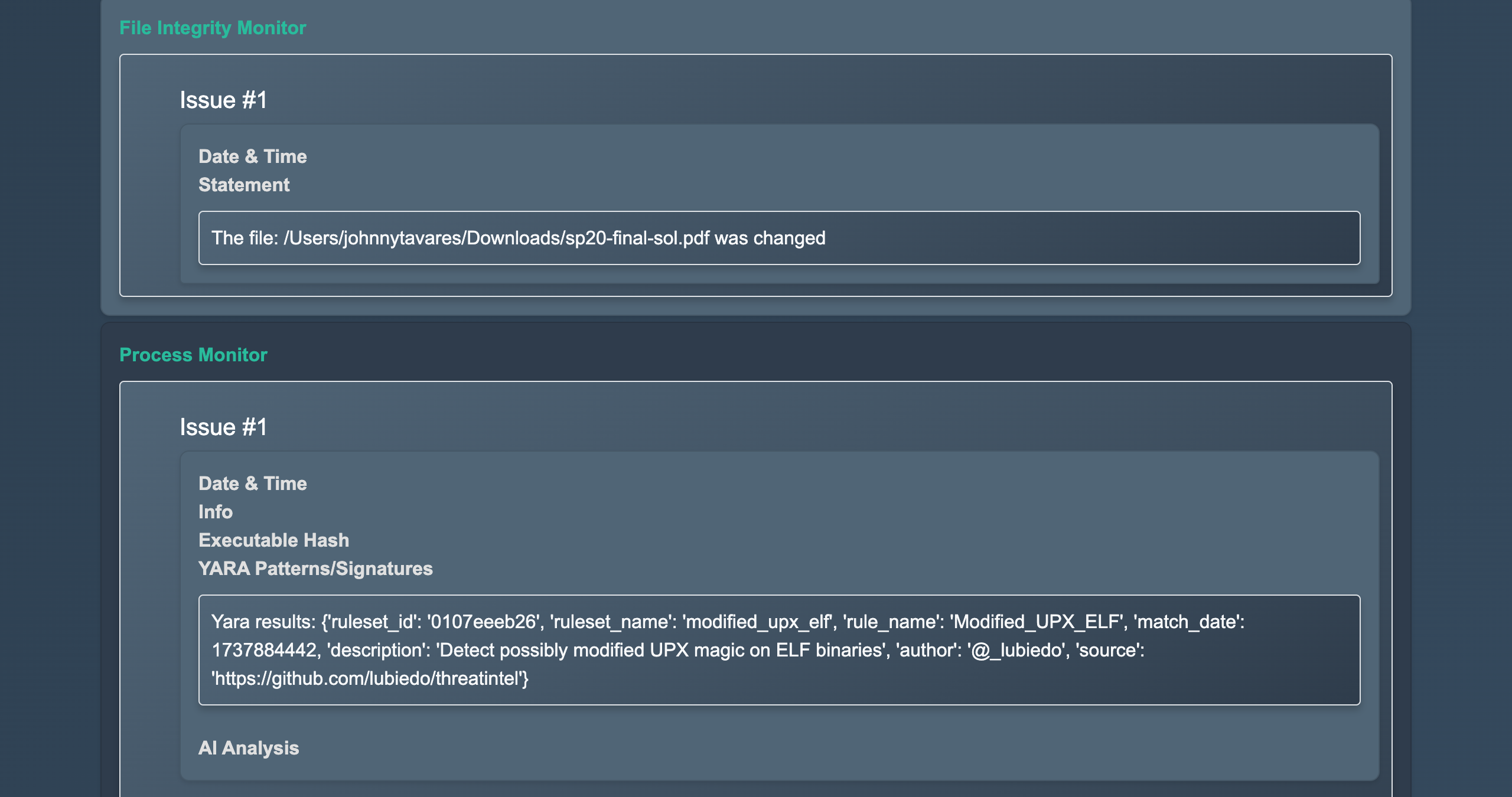
- File Integrity Monitor: Tracks changes to specified files and detects potential tampering.
- Process Monitor: Analyzes running processes, including inactive launch daemons, and verifies their authenticity.
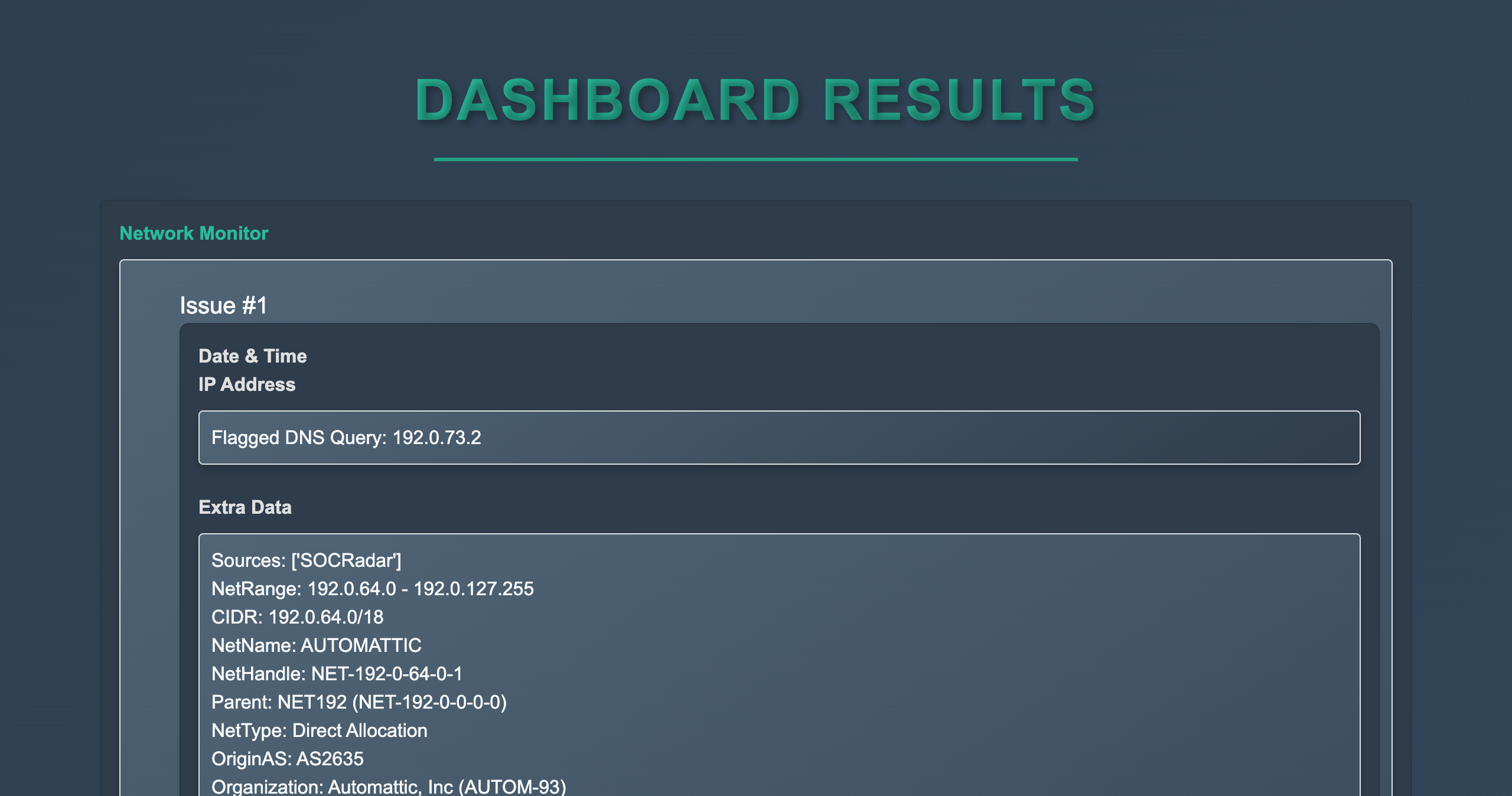
- Network Monitor: Analyzes DNS replies to identify potentially malicious activity.
This project serves as a foundational tool for threat monitoring and is built with extensibility in mind for future developments like full automation, real-time web hosting, and enhanced threat detection capabilities. Note that testing was done with MacOS Big Sur(11.7.10), and results may vary depending on the operating system versions.
- Python: Ensure you have Python 3 installed on your system.
-
Create a
.envfile to store API keys for services like VirusTotal for additional threat analysis.- Example:
API_KEY=your_api_key_here
- Example:
-
Ensure the
.envfile is securely stored and not exposed in version control.
- Install dnsmasq:
brew install dnsmasq
- Configure your system to use dnsmasq for DNS queries. Update your system DNS settings to point to the local dnsmasq instance.
- Specify the log directory for dnsmasq in the script configuration.
In order to monitor the network, the Scapy library requires npcap to be downloaded. Once installed, ensure that Npcap is running to allow Scapy to capture and send network packets.
Before running the main monitoring script, you must establish a baseline for tracking. Go into the File_Integrity_Monitor directory. Run the following command:
python3 baselines.py files_to_track...This will create a baseline of the specified files, which is critical for the File Integrity Monitor.
Run the main script with the following syntax:
sudo python3 main.py --smart files_to_track... --dns_log_path path_to_dns_log--smart: Enables smarter file tracking.files_to_track: List of files or directories to monitor.--dns_log_path: Path to the directory where dnsmasq or Windows logs DNS queries.
Ensure you run the script with elevated privileges to access system-level logs and perform advanced monitoring.
- Tracks changes to any file type (e.g., text files, images, executables) by reading them in binary format.
- Does not rely on timestamps, which can be easily modified.
- Improvements:
- Implement secure storage for the baseline JSON file and logs to prevent tampering.
- Analyzes running processes and retrieves launch daemons (including inactive ones).
- Uses Powershell's authentication (Windows) or
codesign(macOS) to verify the authenticity of executables. - Improvements:
- Enhance detection criteria to identify suspicious processes beyond threat database checks.
- Logs DNS responses that are malicious according to VirusTotal
- Addresses macOS limitations in accessing the DNS cache directly.
- Improvements:
- Implement safer storage for the IP whitelist.
- Rotate logs automatically using tools like
newsyslogto manage disk space.
- Full Automation: Extend functionality to include automated responses to detected threats.
- Persistent Storage Scanner: Expand directory scanning to identify inactive or dormant threats that might activate later. This provides insights into potential threats beyond those currently active in the system.
- Real-Time Web Hosting: Expand beyond dns queries and look at real-time url/ip connections.
- When re-running the script, delete old logs from the File Integrity and Process Monitors to avoid confusion.
- Use
newsyslogor manually rotate logs for the Network Monitor to prevent excessive disk space usage.- Example for dnsmasq log rotation with
newsyslog:/path/to/dnsmasq.log 640 7 100 * J
- Example for dnsmasq log rotation with
- Regularly update and review the whitelist for IPs and processes.
- Use secure storage solutions for baseline files, logs, and configuration files to prevent tampering.
- Threading: Runs the File Integrity, Process, and Network Monitors, with the Network Monitor being in a background thread to ensure efficient and simultaneous operation.
- File Integrity Monitor:
- Reads files in binary, bypassing unreliable timestamp-based monitoring.
- Works with any file type, providing flexibility.
- Process Monitor:
- Analyzes inactive launch daemons, offering insights into potentially malicious processes that may only run periodically.
- Network Monitoring:
- In my research, macOS doesn't make it easy to directly access or manage the DNS cache, and it doesn't store DNS queries in a log that you can easily access. By using dnsmasq, you gain more control over the DNS queries, allowing you to log and monitor them more easily, which is why it's a good choice for this project.
By following this guide, you can set up and run the Threat Dashboard effectively while laying the groundwork for future enhancements and features.