

Custom animated pie chart component
Add package dependency to the your xcode project or package file
Package.swift:
dependencies: [
    .package(url: "git@github.com:josshad/LeavesDiagram.git", "0.0.0"..."0.2.0")
 ]
Xcode project:
- Select project in Project Navigator
- Select your project in main window
- Go to
Package dependenciestab - Tap on
+and entergit@github.com:josshad/LeavesDiagram.gitinto search fiel - Make version or branch dependencies
To install LeavesDiagram using CocoaPods, please integrate it in your existing Podfile, or create a new Podfile:
target 'MyApp' do
  pod 'LeavesDiagram'
end
Then run pod install.
Add files from Sources/LeavesDiagram to your project
- radius: Maximum leaf radius. If not specified — than radius will be
min(height, width)/2 - fullAngle: Angle between first and last leaf. Default is 2π (360°) — full circle
- strokeColor: Stroke color of each leaf. If not specified — same color as for leaf
- leafSelectionStyle: Allow to change behaviour on select the snail leaf:
- scale
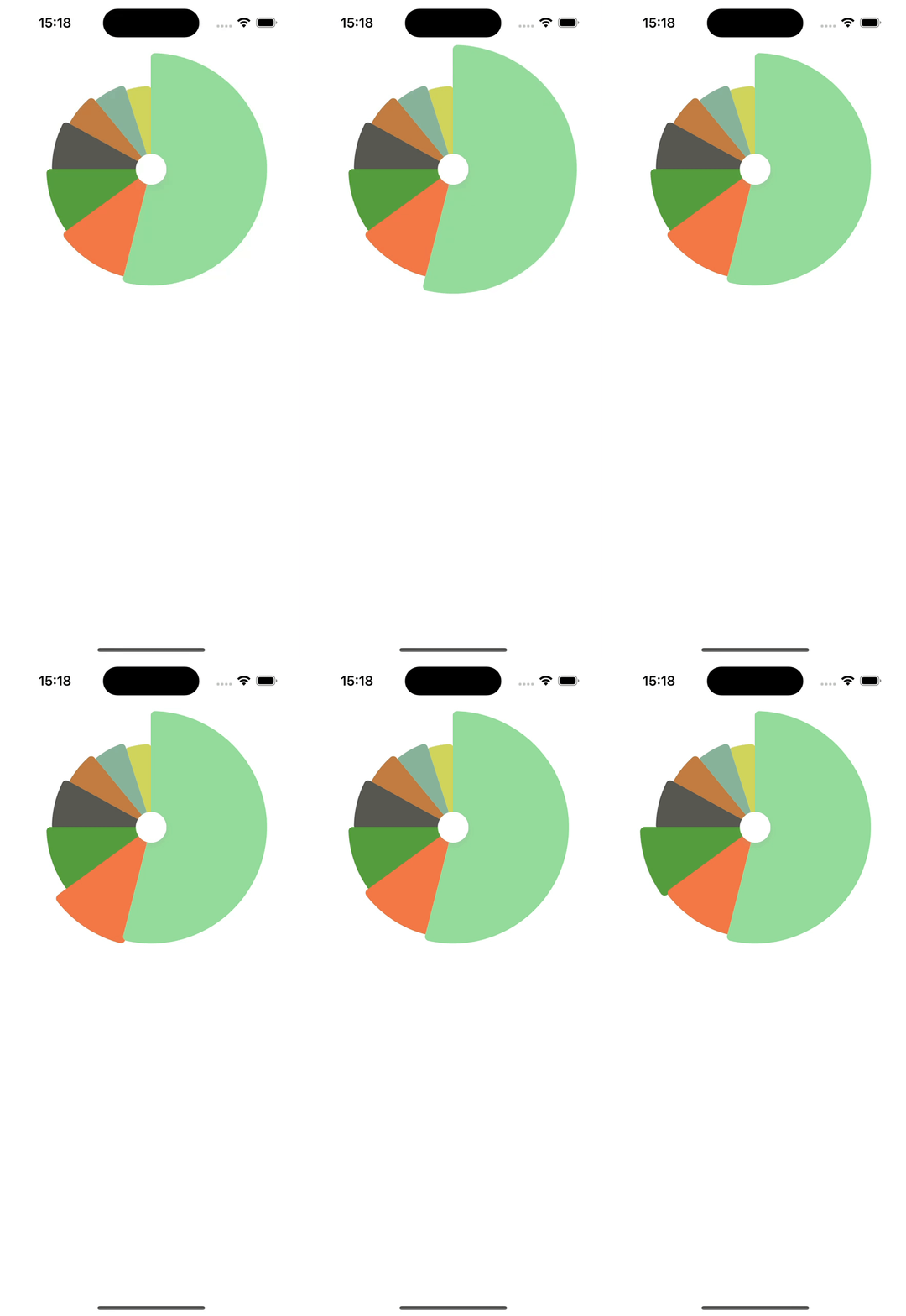
-
opacity Changes alpha of the leaf
-
none