
JournifySDK is a Swift library for integrating event tracking and analytics into your iOS application. It provides an easy-to-use interface for developers to add similar functionality to their projects.
JournifySDK is available through SPM
To add JournifySDK via Swift Package Mangaer:

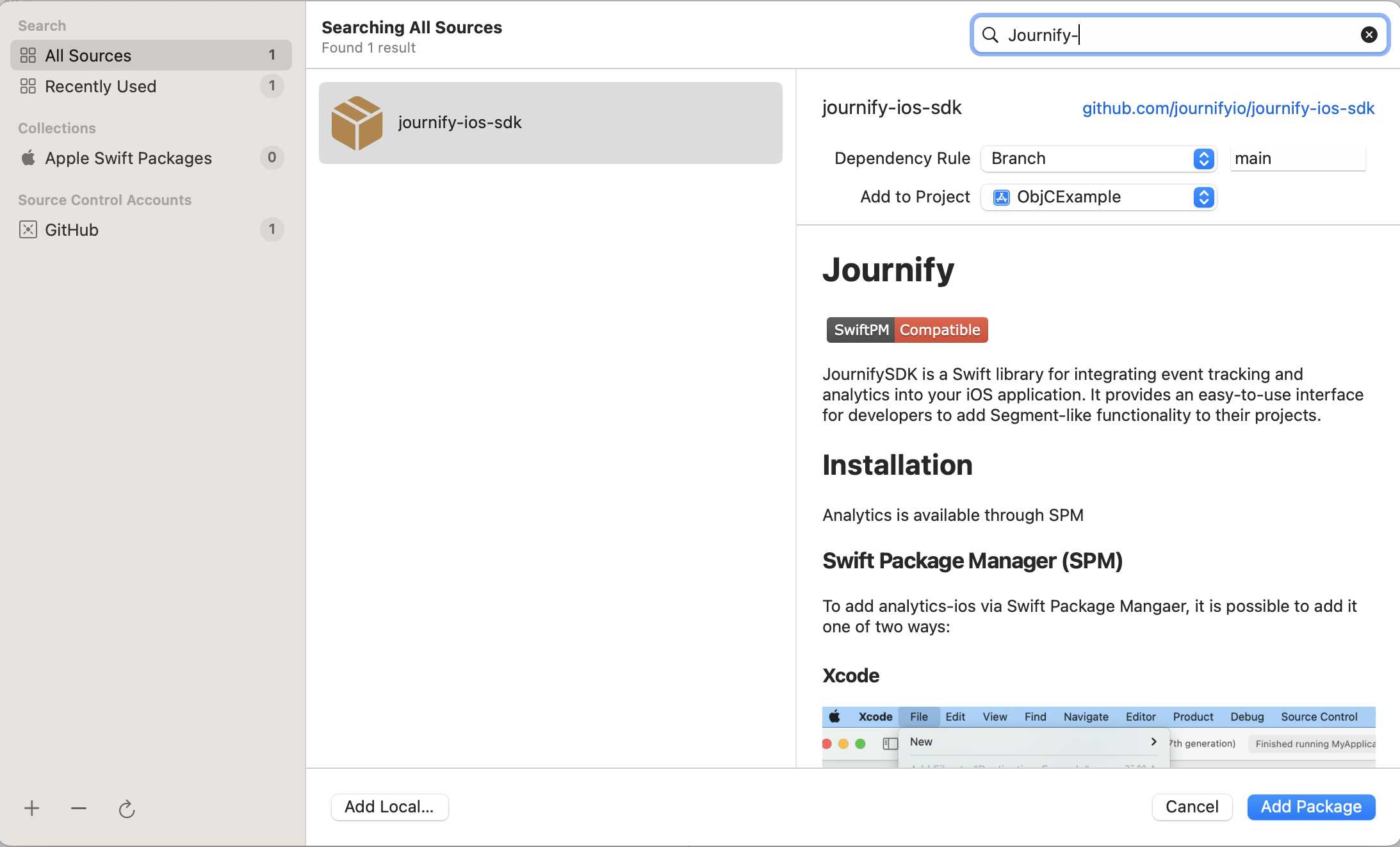
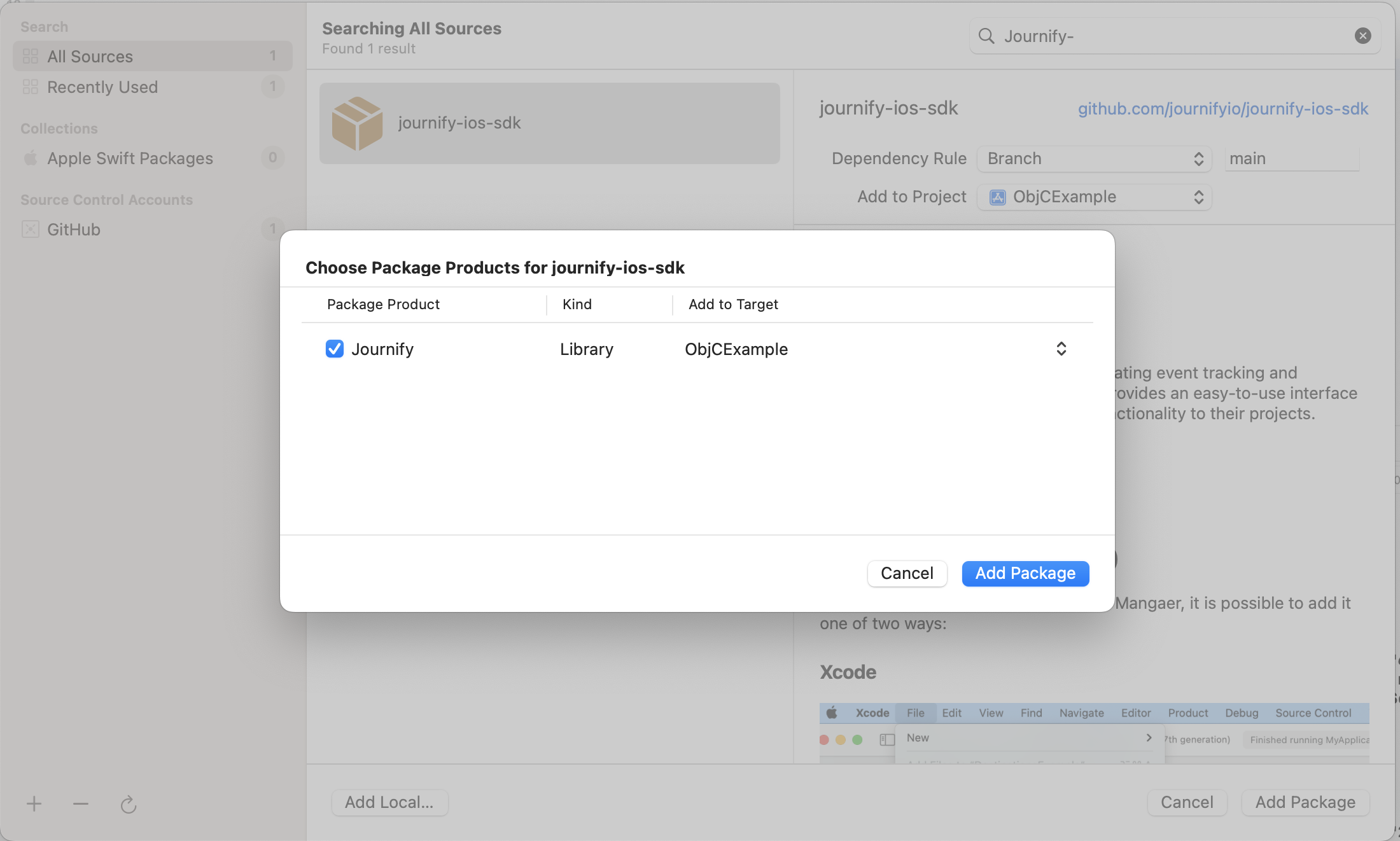
Note: Journify recommends that you use Xcode to add your package.
JournifySDK is also available through CocoaPods.
To integrate JournifySDK into your Xcode project using CocoaPods, follow these steps:
- Add the following line to your
Podfile:
pod 'JournifySDK', '~> 0.1.7'- Then run:
pod install-
Open the .xcworkspace file generated by CocoaPods.
-
Import the SDK in your code:
import JournifySDKAlternative: Install via GitHub Link
If you prefer to fetch the SDK directly from GitHub, update your Podfile:
pod 'JournifySDK', :git => 'https://github.com/journifyio/JournifySDK.git' let configuration = Configuration(writeKey: "Your Key")
.trackApplicationLifecycleEvents(true)
.flushInterval(10)
Journify.debugLogsEnabled = true //show debug logs
Journify.setup(with: configuration)
Journify.shared().track(name: "New Event", properties: ["Name": "Custom"], externalId: ["testKey": "test"])
Journify.shared().screen(title: "New Screen", properties: ["title": "Growth as a service", "url": "https://journify.io", "path": "/"])This SDK was based of Segment Swift SDK https://github.com/segmentio/analytics-swift (Thanks to the Segment team)