
Developed a real-time Hand Gesture Recognition and Control System to control games like GTA V and other software using a trained machine learning model. This project uses OpenCV and MediaPipe for hand tracking, scikit-learn for gesture classification, and pynput for keyboard/mouse emulation.
Support Me On Patreon
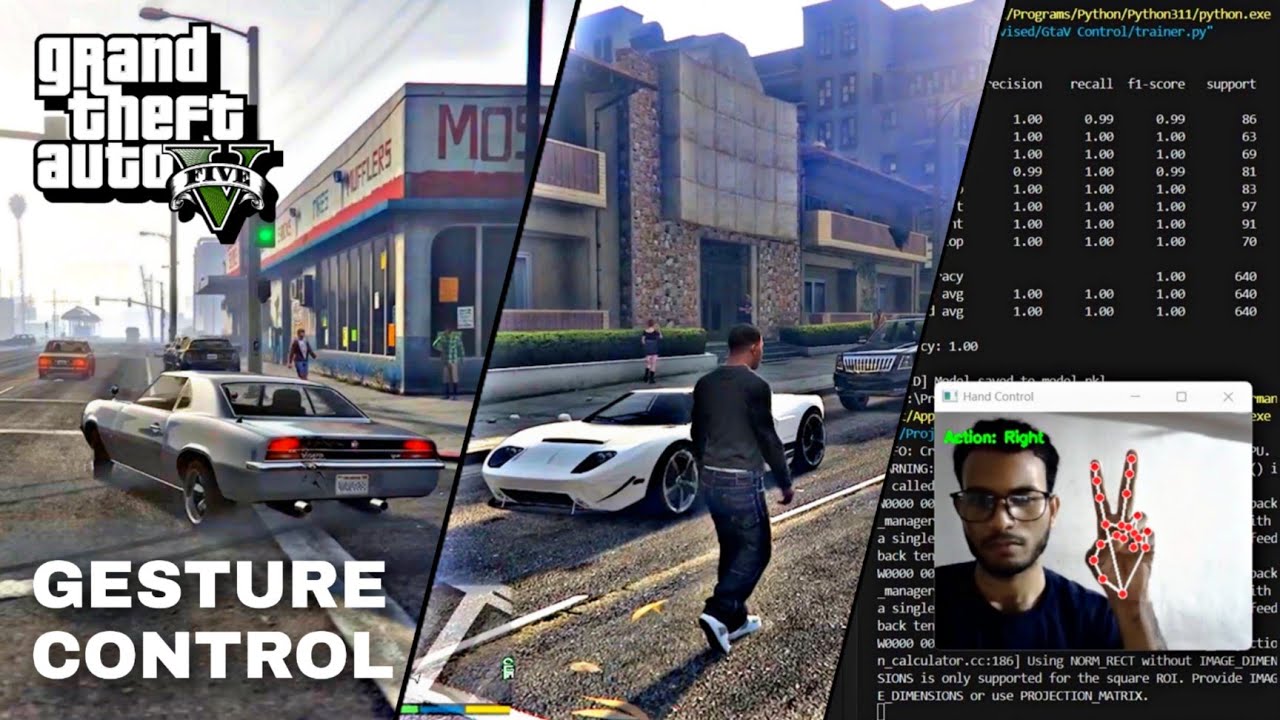
- Real-time hand gesture recognition using advanced computer vision and machine learning
- Custom gesture recording: Easily define and collect new gestures for any application
- Customizable action mapping: Easily assign gestures to any in-game or system action by editing
control.py - User-friendly workflow: Simple scripts for data collection, model training, and live control.
- Diverse applications: Extendable to other games, software, automation, and robotics
.
├── record_gesture.py           # Collects gesture samples and saves to CSV
├── dataset.csv                 # Collected gesture data
├── trainer.py                  # Trains a Random Forest model on the collected data
├── model.pkl                   # Trained gesture classification model
├── control.py # Main control scriptImportant
Set GTA V to windowed mode and lower the game resolution

    git clone https://github.com/karmaniket/GtaVControl.git
cd GtaVControlRequirements:
- Python 3.8+
pip install opencv-python mediapipe numpy scikit-learn pandas pynput joblib- Press
SPACEto start/stop collecting samples for each gesture, andESCto exit - The dataset will be saved as
dataset.csv
python record_gesture.pyTip
This project uses MediaPipe hand landmarks with normalization and a random forest model. For best results, keep your hand clearly visible in consistent lighting while collecting data, hold each gesture briefly and record around 100–200 samples with small natural variations. And with inconsistent lighting, collect additional angles and samples to reduce finger confusion.
Train a gesture classification model:
python trainer.py- The trained model will be saved as
model.pkl
- Run the main control script and make sure GTA V is running and focused
- Perform gestures in front of your webcam
python control.py Left > A | Move left
Right > D | Move right
Forward > W | Move forward
Back > S | Move backward
Jump > SPACE | Jump
Fight > L + M | Attack
Enter/Exit > F | Enter/exit vehicle
Stop > SPACE | Stop vehicleThis project is licensed under the MIT License.
You are free to use, modify, and distribute, provided that you include the original copyright notice and this license in any copies or substantial portions of the program. This ensures that credit and attribution are always given to the original author.
This project is intended for educational and demonstration purposes only. It is not affiliated with, endorsed by, or associated with Rockstar Games or any of its subsidiaries. All trademarks and copyrights related to Grand Theft Auto V are the property of Rockstar Games. This project is provided under fair use for research and learning.