


Use the amazing Simple swipe card instead.
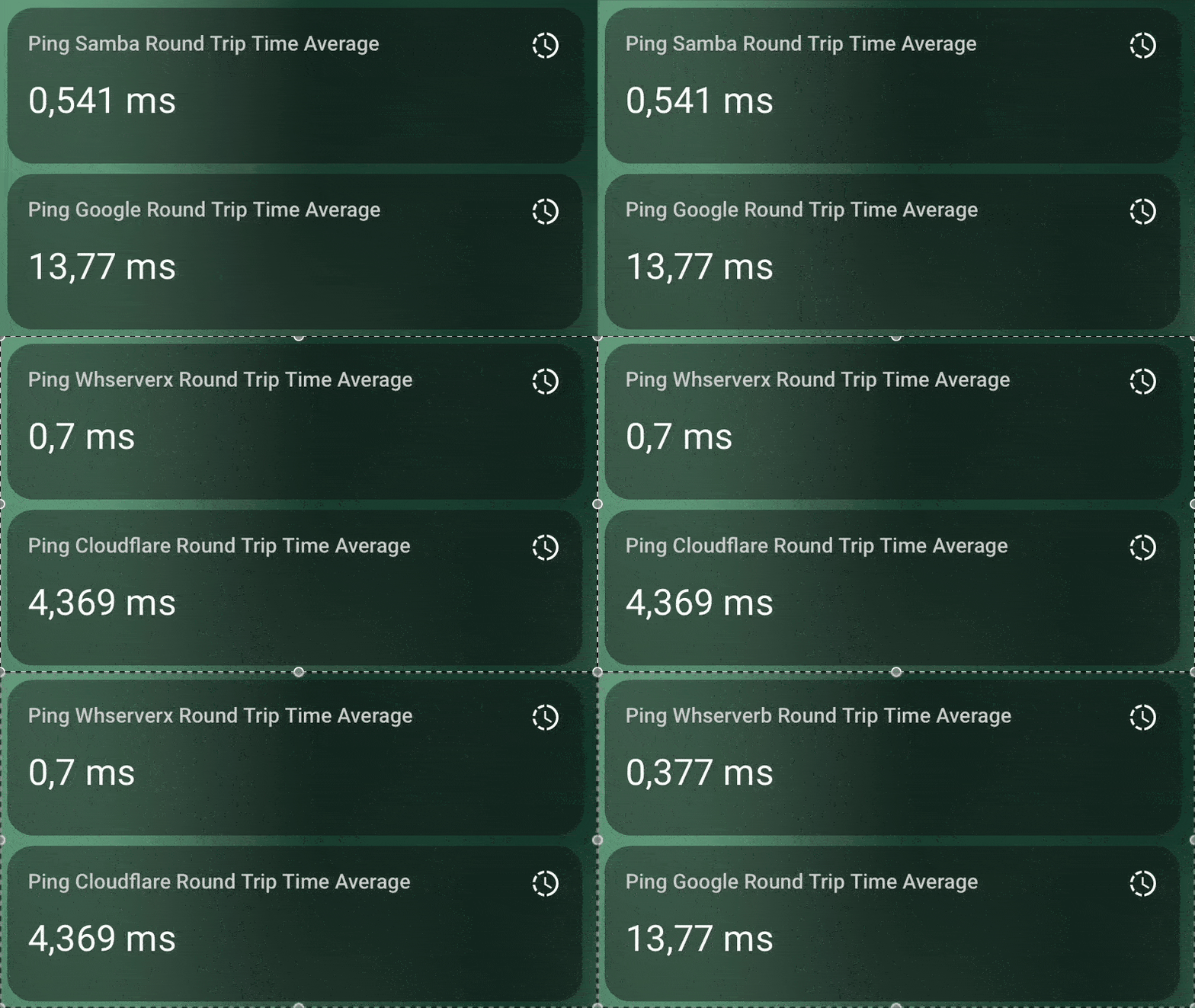
The Carousel Integration Helper lets you create a dynamic sensor or binary sensor that automatically rotates through a set of similar entities on the same card, at a time interval you choose. If your selected sensors share the same attribute, you can even use cards that display these attributes for a richer, more interactive dashboard experience. Bring your data to life and keep your interface fresh with the Carousel Integration Helper!
For installation instructions until the Carousel helper is part of HACS, see this guide.
Or click

Configuration is done through the Home Assistant UI. To add a new entry, simply go to Settings > Devices & Services > Helpers and click the add button. Next choose the Carousel helper option.
Or click

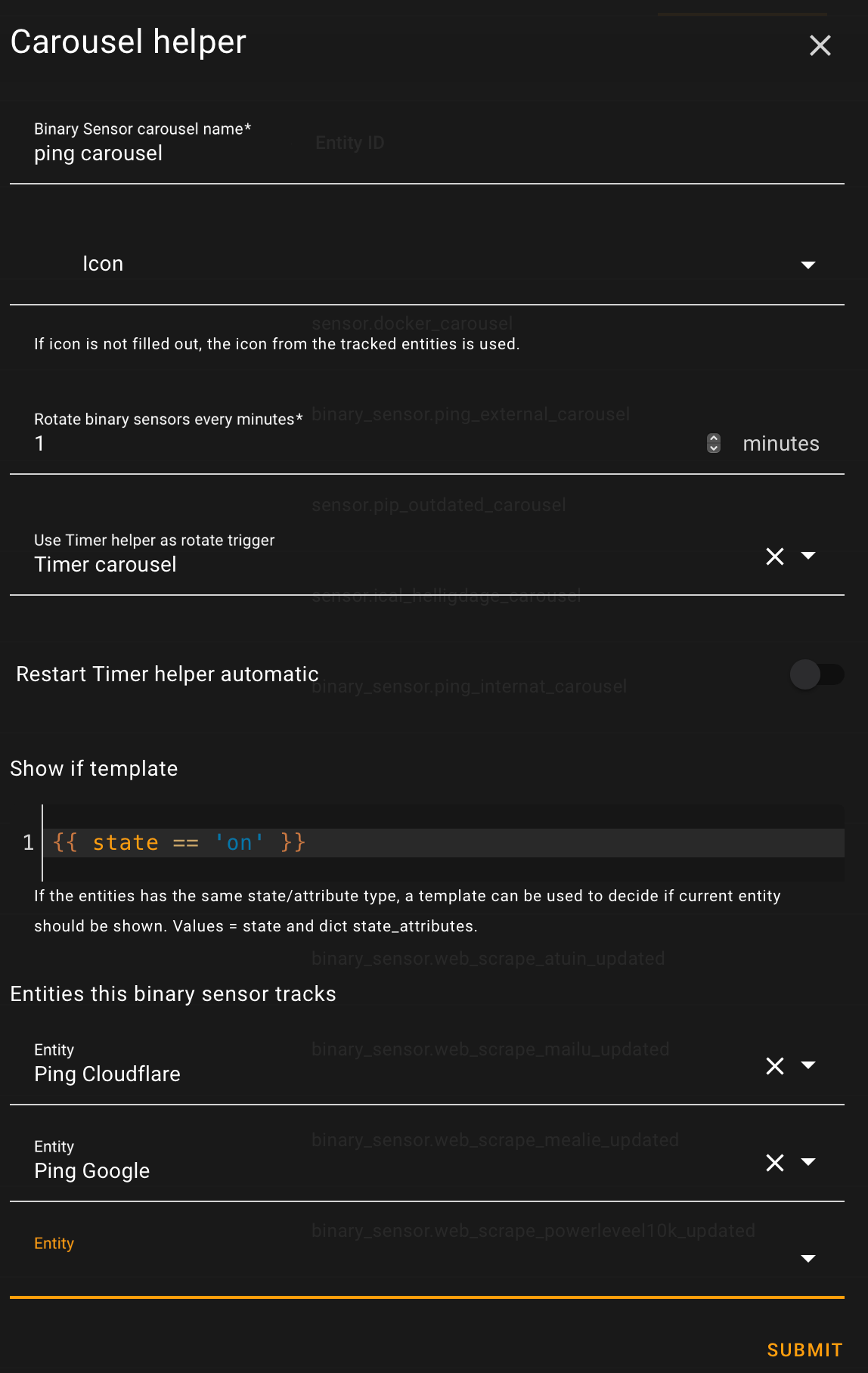
You can synchronize the rotation of multiple carousels by using the same optional Timer helper. The Timer helper can be restarted either directly from the Carousel helper or via an automation. The optional ‘show if template’ configuration lets you control whether an entity should be displayed. The template should return True for the entity to be included in the carousel rotation. The template has access to the entity’s state and state attributes. If no entities meet the criteria to be shown, the Carousel entity’s state will be set to unknown. You can use this state in a conditional card to control whether the card is displayed.
Available actions: add, remove, show_entity, show_next and show_prev
Add entity to Carousel helper.
Remove entity from Carousel helper.
Show next entity in Carousel helper.
Show previous ext entity in Carousel helper.
Trigger fired when the carousel starting over with the first entity in the set.
If you like this integration or find it useful, please consider giving it a ⭐️ on GitHub 👍 Your support is greatly appreciated!

