This will help you to setup a Graphical Environment in termux using XFCE.
Termux is an intractive application ion the android platform to run linux commands.
After setting up all these things , you will see something like this.
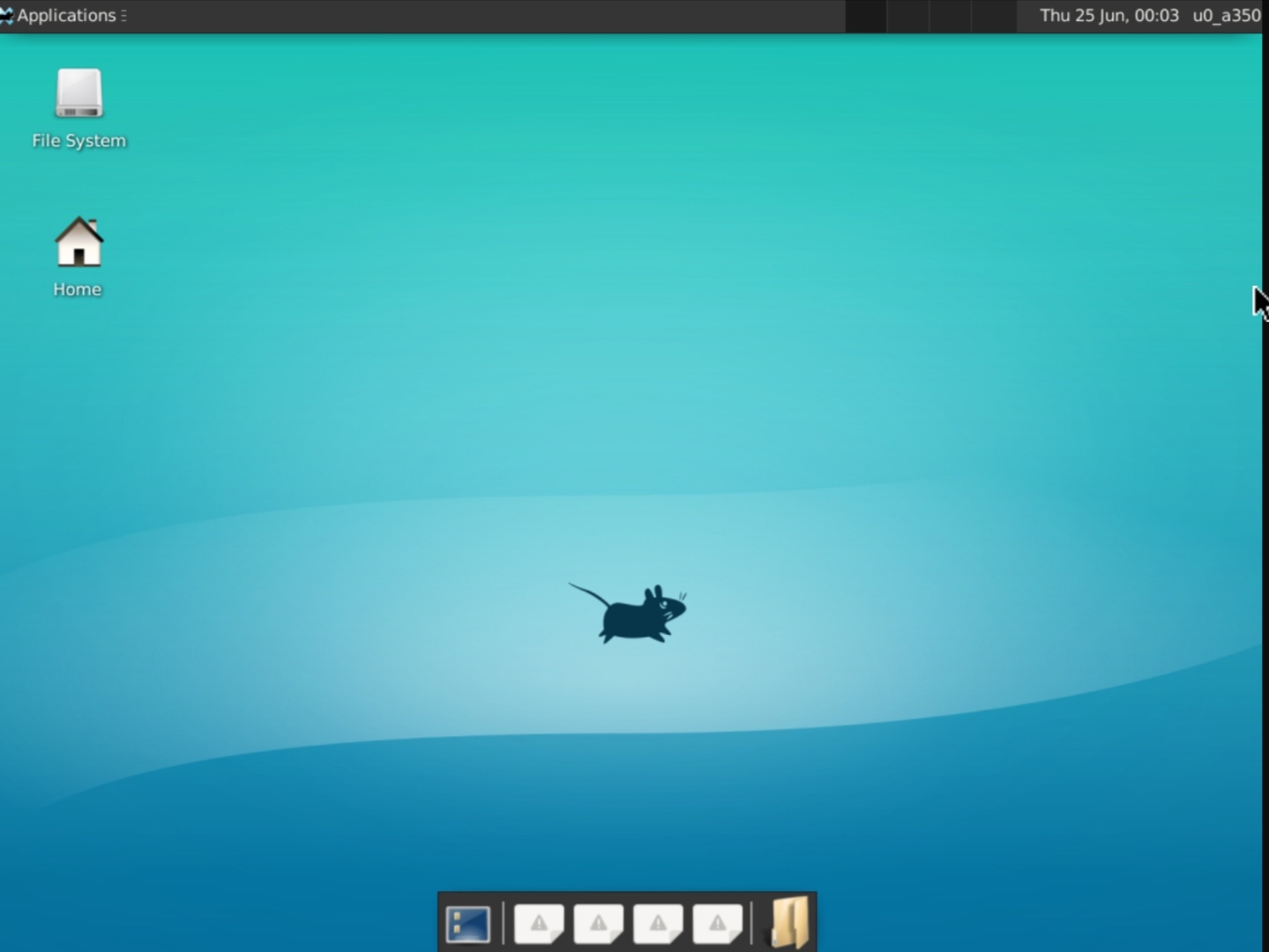
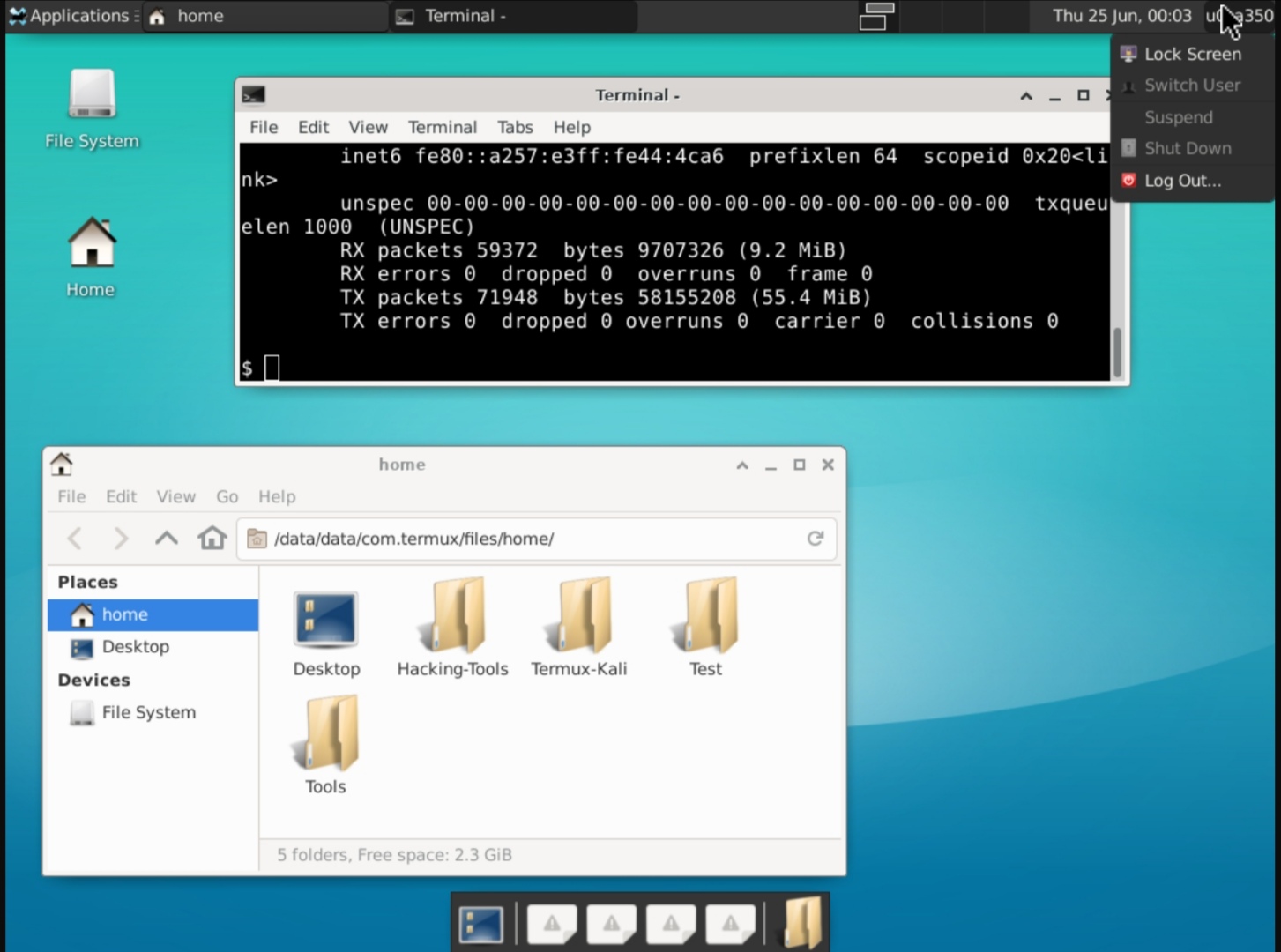
apt updateapt install git -ygit clone https://github.com/techpanther22/Termux-Desktop.gitcd Termux-Desktopchmod +x gui.sh./gui.sh
apt update && apt install git -y && git clone https://github.com/techpanther22/Termux-Desktop && cd Termux-Desktop && chmod +x gui.sh && ./gui.sh- Run
vncserverCommand. - Add a password for VNC server.
- If everything is okay, you will get a IP address something like this.
- Run
DISPLAY=:1 startxfce4 &Command. Here 1, will be your session number. - Install VNC Viewer from play store.
- Click on Add button and Enter the IP address which you get from Step 3 , Enter Name and click on Create button.
- Enter the VNC password which you enterd in the Step 2.
localhost:session_number
    i.e. localhost:1
vncserver -kill :session_number
    i.e. vncserver -kill :1
Here 1, will be your session number