

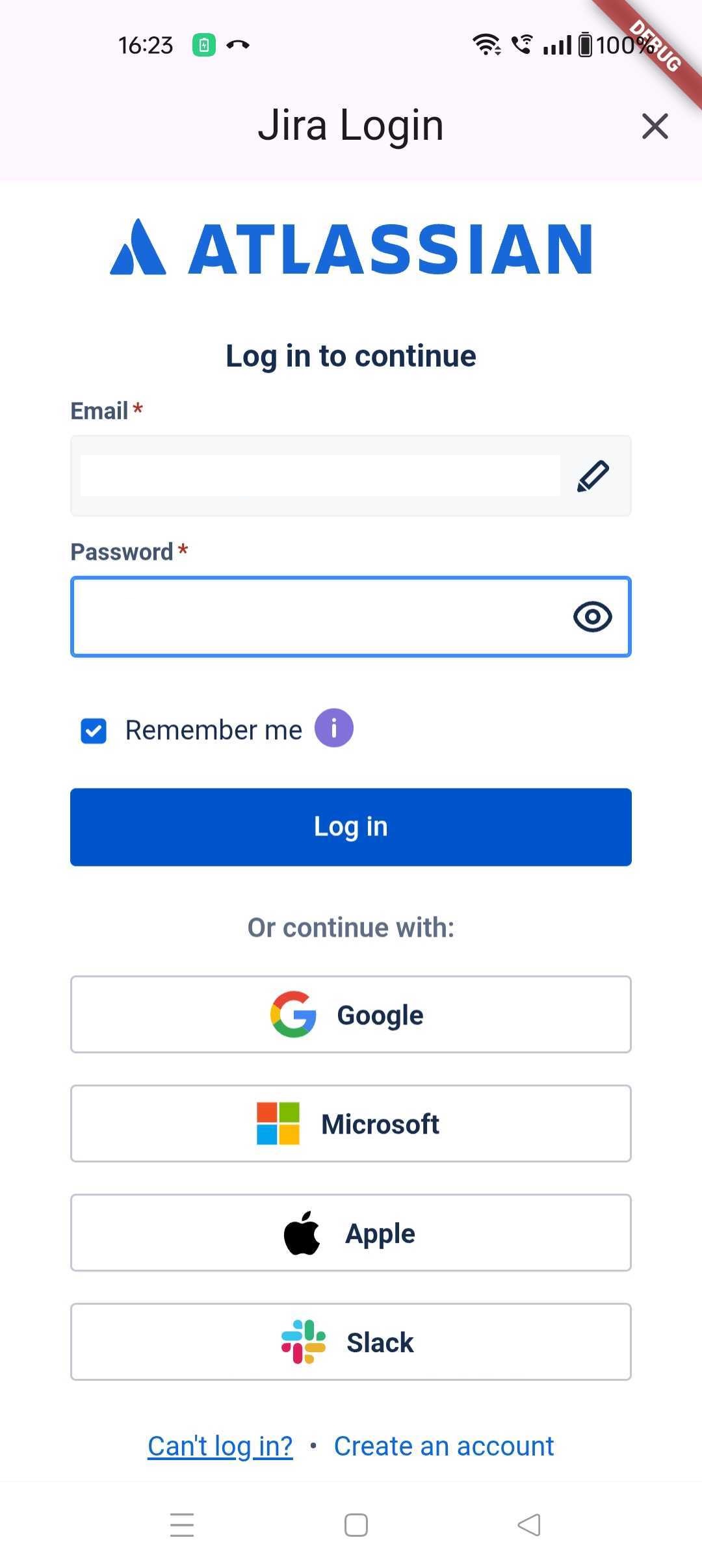
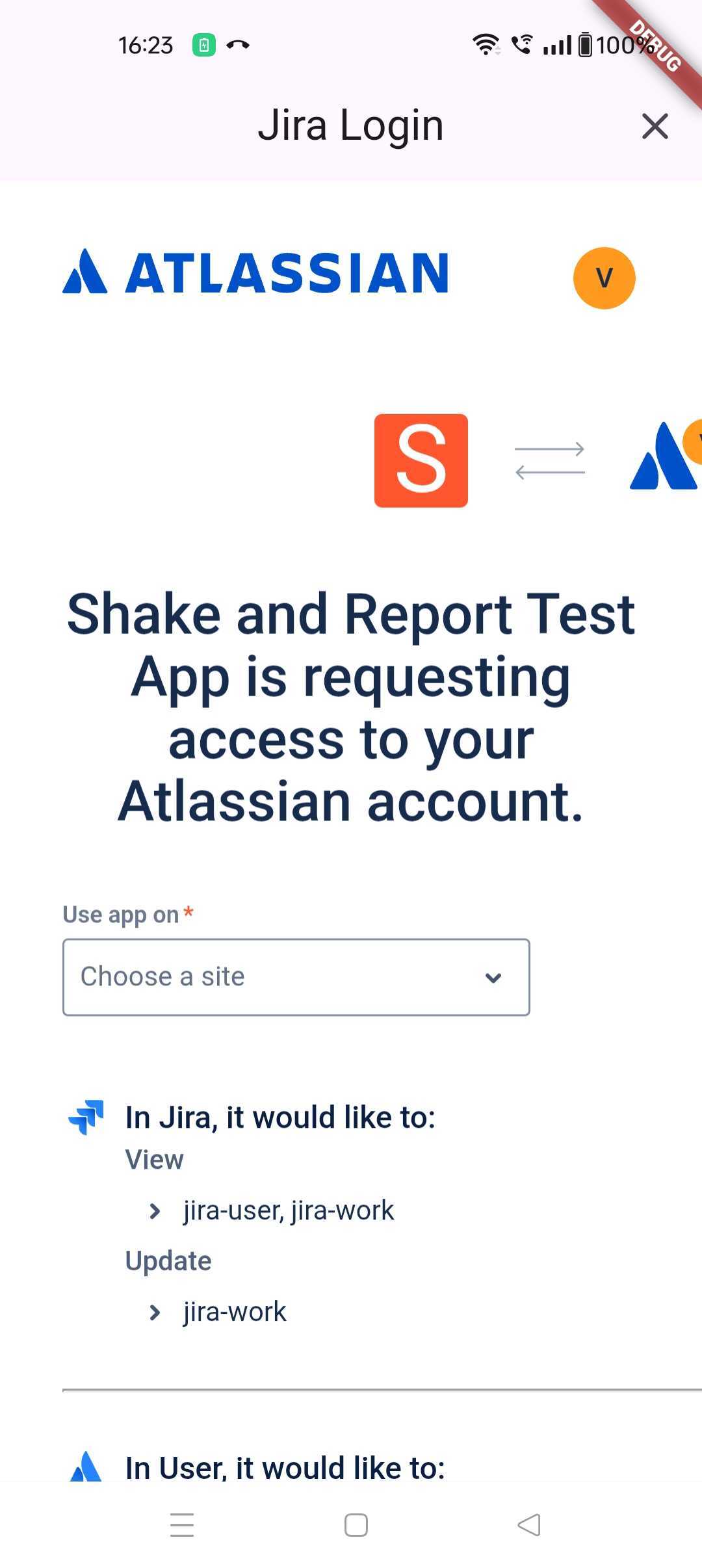
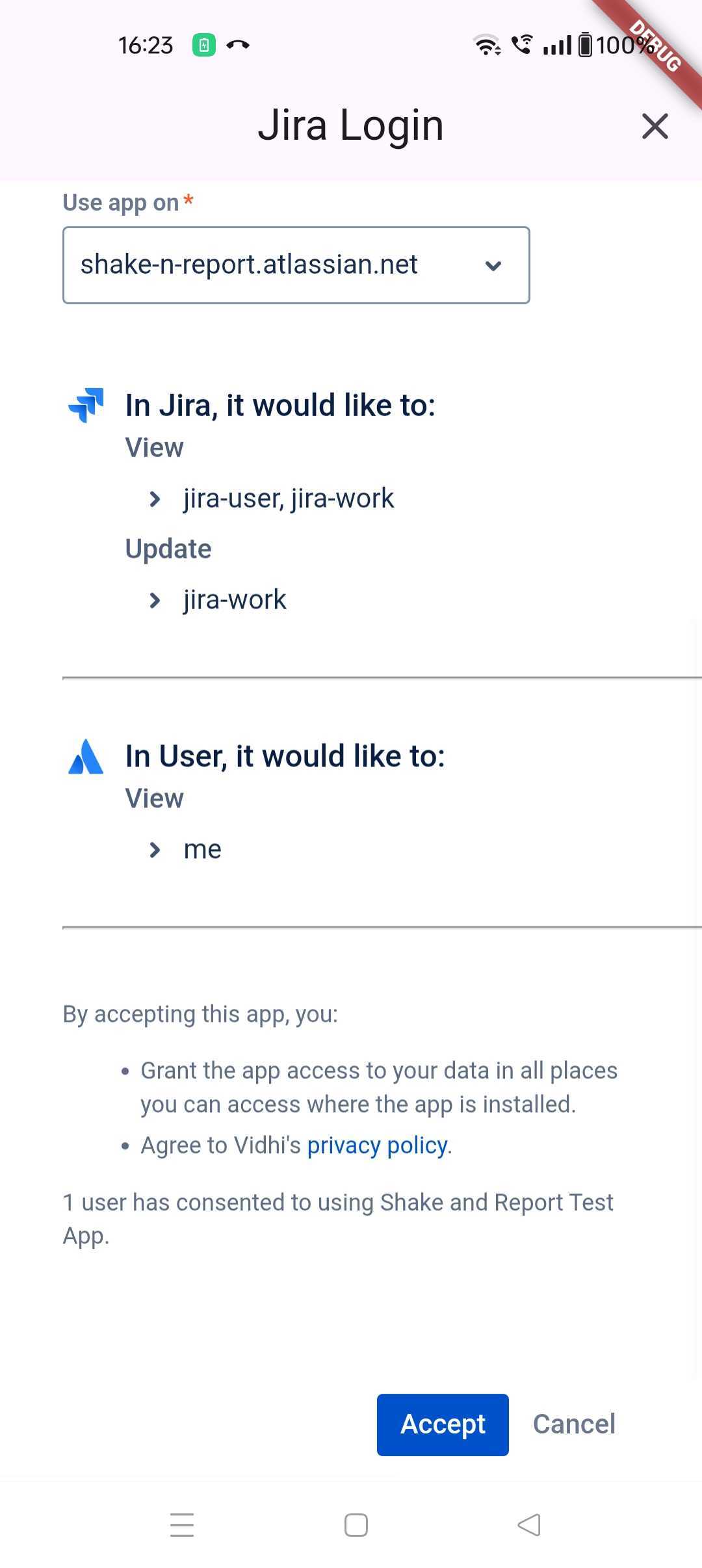
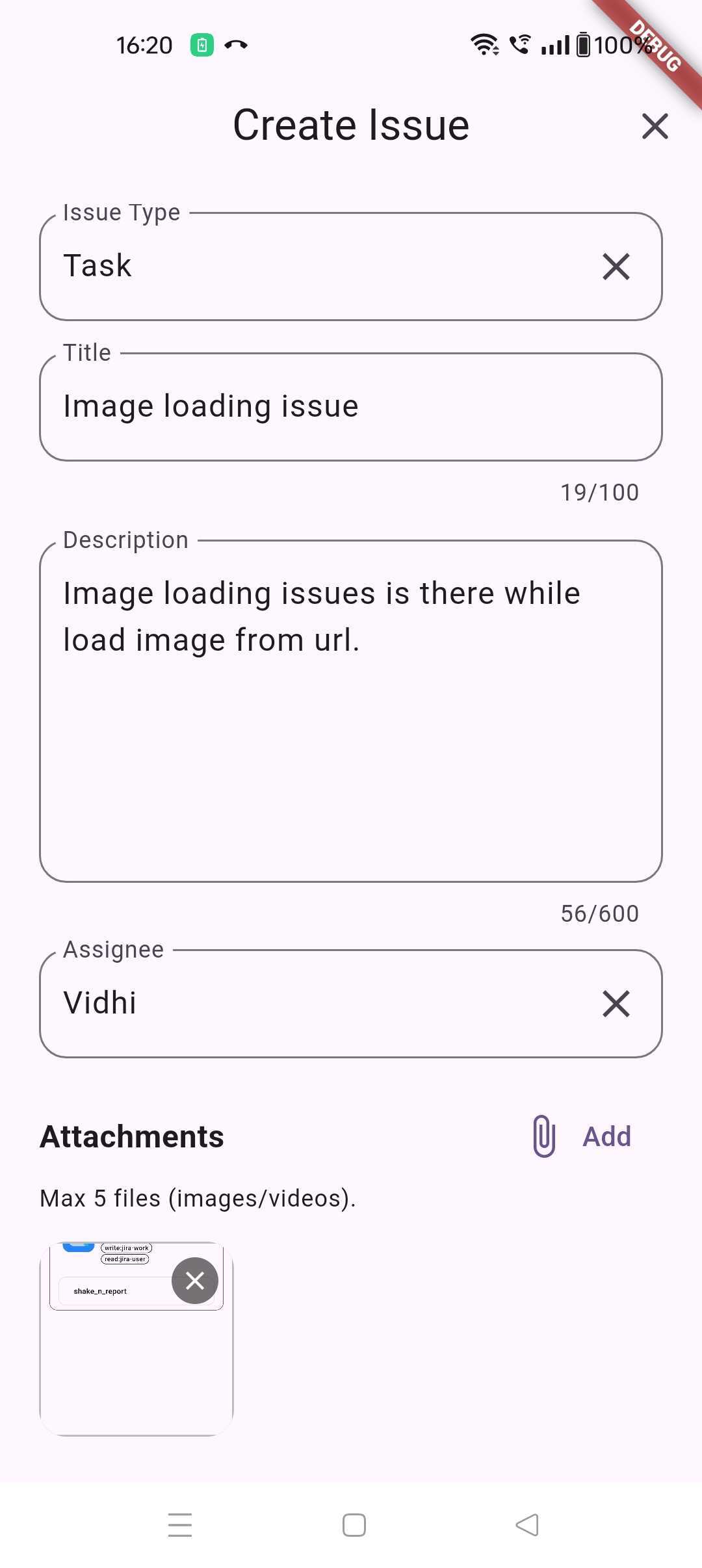
A Flutter plugin that enables users to report issues by shaking their device. This plugin integrates with various management tools like Jira to streamline the bug reporting process.
- Trigger bug report interface by shaking the device
- Customizable shake sensitivity and threshold
- Integration with Jira for issue management
- Debug mode support
|
|
|
|
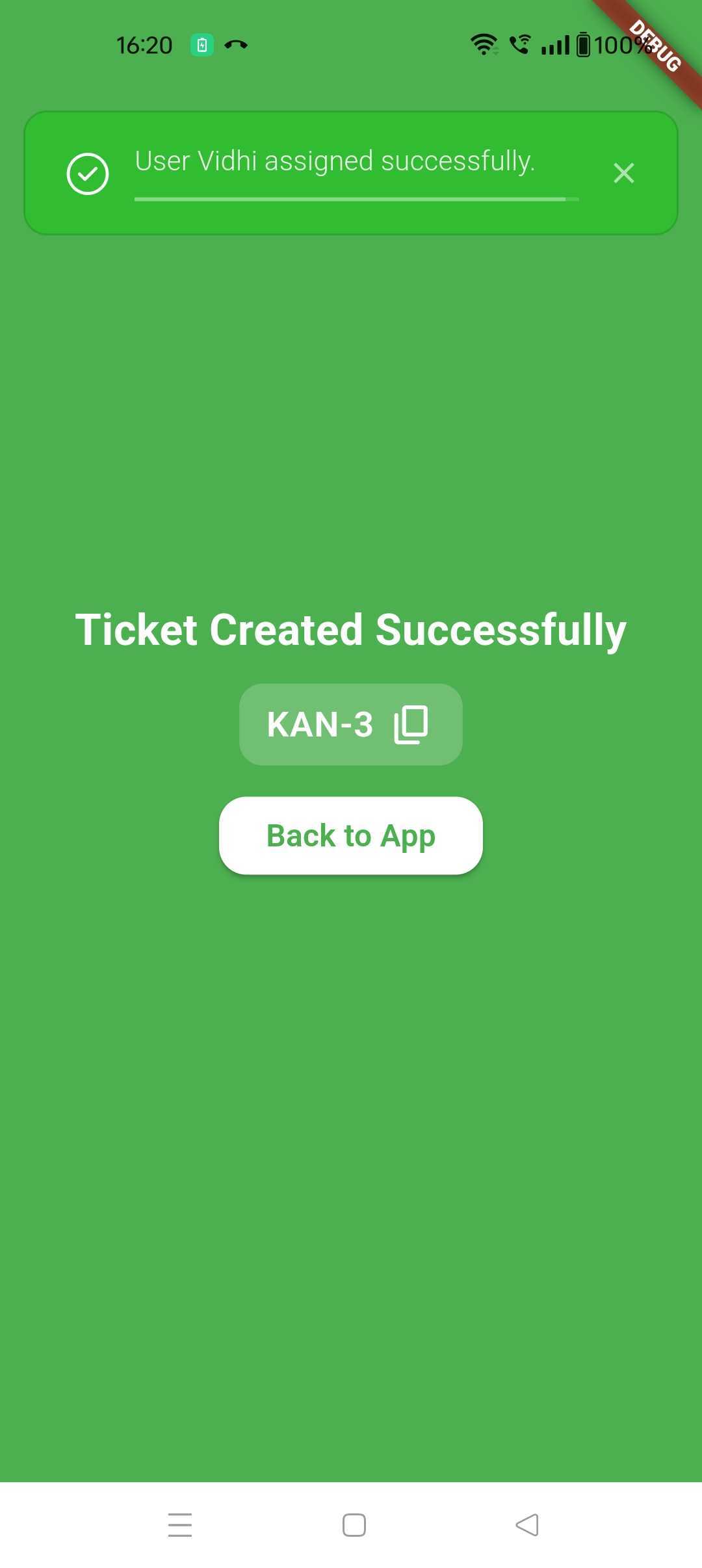
|
| Android | iOS |
|---|---|
| ✅ | ✅ |
- Flutter: 3.0.0 or higher
- Dart SDK: 3.0.0 or higher (must be < 4.0.0)
- iOS: 12.0 or higher
- Android: API level 21 (Android 5.0 Lollipop) or higher
Add the following dependency to your pubspec.yaml file:
dependencies:
  shake_n_report: ^latest_version
Run the following command to install the package:
flutter pub getImport the package in your main.dart file:
import 'package:shake_n_report/shake_n_report.dart';Create a GlobalKey for navigation:
GlobalKey<NavigatorState> navigatorKey = GlobalKey();Initialize the plugin in your main() function:
void main() {
  WidgetsFlutterBinding.ensureInitialized();

  ShakeNReportPlugin.initialize(
    // Required parameters
    navigatorKey: navigatorKey,
    managementTool: ManagementTools.jira,

    // Optional parameters
    shakeThreshold: 2, // Default: 2
    minShakeCount: 1,  // Default: 1
    isDebuggable: true, // Default: false

    // Jira specific configuration
    jiraConfig: JiraConfig(
      clientId: 'YOUR_CLIENT_ID',
      redirectUrl: 'YOUR_REDIRECT_URL',
      clientSecret: 'YOUR_CLIENT_SECRET',
    ),
  );

  runApp(const MyApp());
}Wrap your MaterialApp with the ShakeToReportWidget:
class MyApp extends StatelessWidget {
  @override
  Widget build(BuildContext context) {
    return ShakeToReportWidget(
      child: MaterialApp(
        navigatorKey: navigatorKey,
        // ... rest of your app configuration
      ),
    );
  }
}This plugin requires certain permissions to function properly. The permissions are used for:
- Media Access: To attach screenshots, images, and videos to bug reports
- Internet Access: To communicate with Jira API and perform OAuth authentication
- Device Sensors: To detect device shake (automatically handled, no explicit permission needed)
Add the following permissions to your android/app/src/main/AndroidManifest.xml:
<manifest xmlns:android="http://schemas.android.com/apk/res/android">
    <!-- Required for accessing images and videos (Android 13+) -->
    <uses-permission android:name="android.permission.READ_MEDIA_IMAGES"/>
    <uses-permission android:name="android.permission.READ_MEDIA_VIDEO"/>

    <!-- Required for accessing media files (Android 12 and below) -->
    <uses-permission
        android:name="android.permission.READ_EXTERNAL_STORAGE"
        android:maxSdkVersion="32" />

    <!-- Required for OAuth authentication and API calls -->
    <uses-permission android:name="android.permission.INTERNET"/>

    <application>
        <!-- ... rest of your application configuration -->
    </application>
</manifest>Note: The plugin automatically requests runtime permissions when users try to attach media files. No additional code is required.
Add the following usage descriptions to your ios/Runner/Info.plist:
<key>NSPhotoLibraryUsageDescription</key>
<string>This app needs access to your photo library to select images and videos for bug report attachments.</string>

<key>NSCameraUsageDescription</key>
<string>This app needs access to your camera to take photos and videos for bug report attachments.</string>

<key>NSMicrophoneUsageDescription</key>
<string>This app needs access to your microphone to record audio for video attachments.</string>Note: These descriptions will be shown to users when the app requests permission. Make sure to customize the messages to match your app's purpose.
navigatorKey: GlobalKey for navigation managementmanagementTool: The issue management tool to use (e.g., ManagementTools.jira)
shakeThreshold: (double) Sensitivity of shake detection (default: 2.0)minShakeCount: (int) Minimum number of shakes required to trigger (default: 1)isDebuggable: (bool) Enable debug mode (default: false)
When using Jira as the management tool, provide the following configuration:
clientId: Your Jira client IDredirectUrl: The redirect URL for OAuth authenticationclientSecret: Your Jira client secret
(For more information on how to obtain these credentials, refer to the Jira Plugin Documentation).
Once configured, users can trigger the bug report interface by shaking their device. The plugin will:
- Detect device shake based on configured sensitivity
- Open the bug report interface
- Allow users to submit issues to the configured management tool
When isDebuggable is set to true, additional debugging information will be available in the bug report interface. This is useful during development and testing.
We will add more project management tools in future releases.
Contributions are welcome! Please feel free to submit a Pull Request.
This project is licensed under the MIT License - see the LICENSE file for details.